For founders and ghostwriters on LinkedIn, the 3,000-character limit gets all the attention. But is that the limit that decides how a post performs? We went through 248,275 LinkedIn posts to find out. Length mattered. But the best-performing band still sat comfortably under LinkedIn's 3,000-character ceiling, so almost nobody needs more room than they already have.
The number that bites is closer to 210. That's the point where LinkedIn folds your post behind "see more" on desktop.
TL;DR:
- The LinkedIn post character limit is 3,000 characters, including spaces, emojis, and line breaks (AuthoredUp, 2026).
- The limit that decides a post is the "see more" fold, at roughly 140 characters on mobile and 210 on desktop (AuthoredUp, 2026).
- Line breaks pull the fold earlier. Composite emojis and Unicode bold quietly eat into the count.
- A Google Doc can't show where the fold lands. A founder approving in Slack is signing off on a hook they've never seen truncated.
That changes what an approval process should check. If the founder reviews the full text in a document and never sees what a phone reader actually gets, the review is pointed at the wrong thing.
LinkedIn Post Character Limit: 3,000, and Why It Rarely Matters
LinkedIn caps a standard feed post at 3,000 characters, counting spaces, emojis, and line breaks, a ceiling raised from 1,300 in June 2023 and unchanged through 2026 (AuthoredUp, 2026). Our guide on character counting details covers what counts and what doesn't.
But you shouldn't write to it. The median LinkedIn post grew from 153 words in 2024 to 161 in 2025 and 172 in 2026 (MagicPost, 2026). Translated into characters, that's still a small fraction of the full allowance.
In other words, the typical post uses about a third of its room.
Our own dataset backs this up. Posts in the 2,000-to-3,000-character range tend to see some of the strongest engagement, with very short posts under 150 characters performing nearly as well. Long works. Very short works too. And a sub-150-character post has an advantage nobody talks about: it lives almost entirely above the fold.
Your Real Limit Is the First 210 Characters
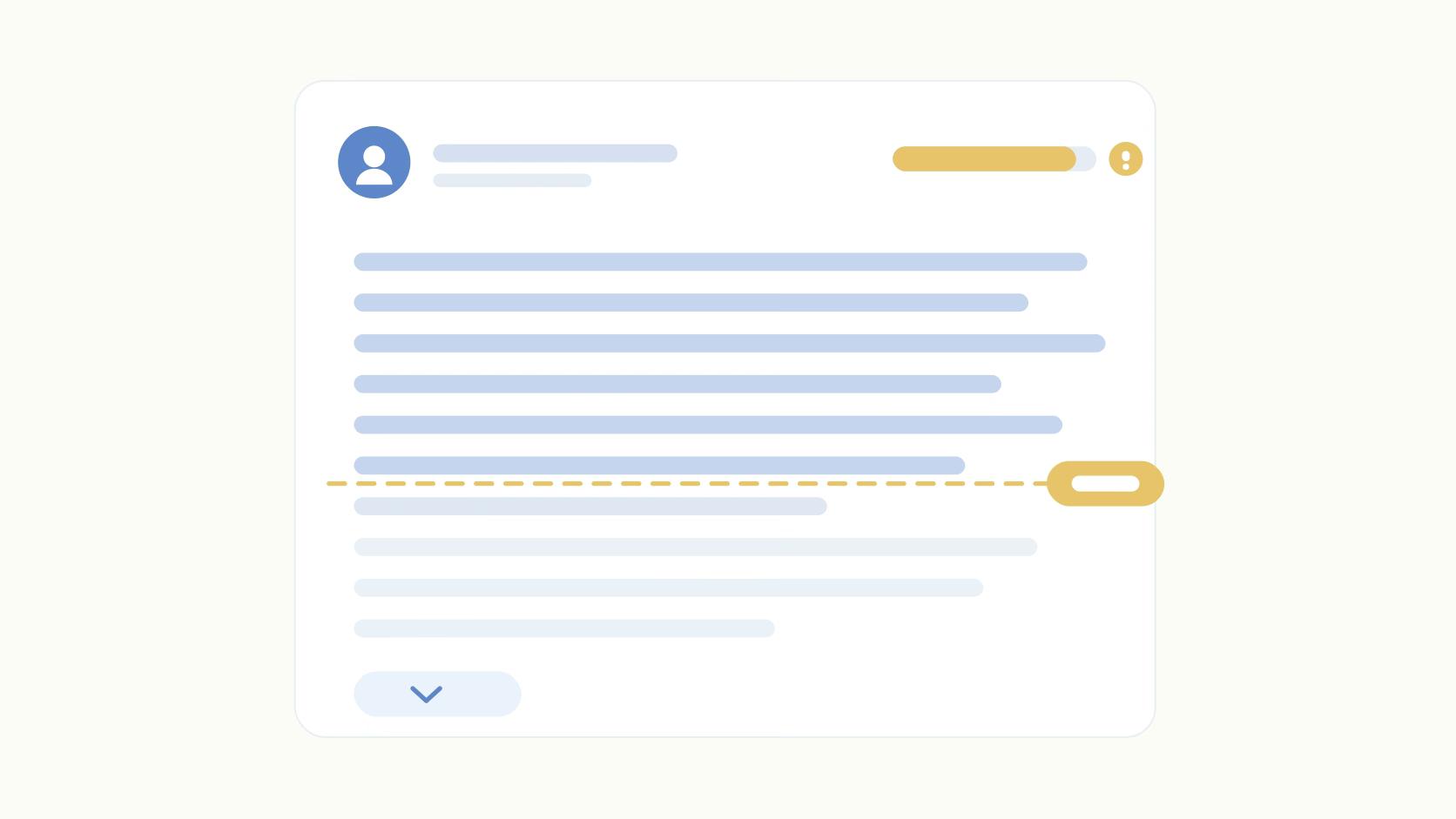
The "see more" fold is the point where LinkedIn hides the rest of a post behind a link, landing at roughly 140 characters on mobile and 210 on desktop (AuthoredUp, 2026). Everything a reader decides about your post happens above it.
Treat both numbers as approximate. The fold depends on screen layout and line breaks as much as raw character count. A hook that clears 210 on a laptop can still get chopped on a phone.
Here's a founder hook we'd happily ghostwrite:
I spent six months building a feature our biggest customer asked for, and the week we shipped it they told us they'd already bought a competitor's tool to do the same thing.
That's 173 characters. On desktop, the whole sentence shows, punchline included. On mobile, the fold lands somewhere around "already bought a." The reader gets the setup and none of the sting.
Same words. Same approval. Two different posts.
So draft against the smaller number. Here are the three limits that matter and what eats into each.
If you only fix one thing, put the payoff of your hook inside the first 140 characters. Our guide to strong opening hooks goes deeper on what belongs there.
Line Breaks Move the Fold Earlier
LinkedIn folds on lines as well as characters. The mobile feed only shows a few lines before cutting. So a hook written as three short lines with blank lines between them can hit the fold well before 140 characters.
This is where the Google Doc lies to you. A doc page at 11-point Arial fits far more characters per line than a phone feed does. A hook that reads as one tidy line in the doc wraps to three on mobile. Add the dramatic blank line your founder likes after the first sentence, and the second sentence may never make it above the fold.
We see this constantly in ghostwritten posts. The writer formats for rhythm. The founder approves the rhythm. The feed turns it into a cliffhanger nobody asked for.
Emojis and Unicode Bold Eat the Count
An emoji looks like one character. Composite emojis count as two or more. A thumbs up with a skin tone is two code points stitched together. A family emoji is several people joined by invisible connectors. One small picture at the start of a hook can quietly spend a chunk of your 140.
Unicode bold is worse. The bold letters people paste from generator sites come from the Mathematical Alphanumeric block, and each one is stored as two code units. That's why counters often tally them twice. Bold "six months" in a hook and you can spend close to double the characters on those two words.
The damage goes past the count. As we cover in our guide to Unicode bold text, screen readers announce those letters as math symbols, and LinkedIn search doesn't match them to normal words. None of this shows up in a Google Doc. The doc renders the bold perfectly.
Why the Founder Approved a Hook That Got Cut Mid-Sentence
Picture the workflow ghostwriters describe to us every week. The draft lives in a Google Doc. The writer drops a link in Slack. The founder replies between meetings: "love it, swap 'customers' for 'buyers,' ship it." Then someone on the marketing team opens the LinkedIn app at 8:40 a.m., pastes the text, bolds two phrases with a Unicode generator, and hits post.
Every person in that chain did their job. The founder checked whether it sounded like them, and it did. But nobody looked at the post in the shape a reader would see it. The hook went out folded right before its punchline, with two bolded phrases spending characters it couldn't spare.
The post stalls in its first hour. The founder blames the topic. The writer blames the timing. The real cause is a truncation nobody ever saw, because the review happened in a format that can't display one.
"We'll just preview it in the LinkedIn composer first," you say. Sure. But the composer shows the full text while you edit, the founder isn't the one in it, and by then the approval is already done. The check has to happen at approval, in a preview that renders the fold.
Here's the order we'd run it in:
- The writer drafts the hook last and counts it on its own, keeping the payoff inside roughly 140 characters including spaces.
- Any line break in the hook comes after the payoff, never before it.
- Emphasis in the first two lines comes from word choice, with no Unicode bold or decorative emoji.
- The founder approves a mobile and a desktop preview of the folded post, then reviews the body copy.
- Nothing gets reformatted after sign-off, so the post that ships matches the post that was approved.
Step four is the one teams skip. It's also the one that matters. A founder who sees their hook cut at "already bought a" will rewrite it in about ten seconds.
When You Need More Than 3,000 Characters
Most posts never need it. When you do, AuthoredUp's breakdown of the LinkedIn character limit points to LinkedIn articles for long-form pieces, which give you a full editor and headings.
A PDF document post carries a long argument as slides. A first comment can hold the overflow, though few readers open it.
Pick based on the shape of the idea. A framework belongs in a document. An essay belongs in an article. A very long post probably needs an edit more than a workaround.
Seeing the Fold Before You Publish
We built Ordinal's post editor around this problem. It renders a pixel-accurate preview on desktop and mobile, including exactly where "see more" truncates and how line breaks fall. The founder approves the post as their audience will see it.
Ordinal also supports native bold and italic in LinkedIn posts, so nobody has to paste Unicode from a generator site. Formatting goes in through the editor and shows up in the preview before anyone signs off.
Before your next draft goes to Slack, put the first 140 characters in front of the founder in a mobile preview. Ask one question: does the hook land before the fold?
Frequently Asked Questions
How Many Words Can I Put in a LinkedIn Post?
You get roughly 400 to 600 words before hitting LinkedIn's 3,000 character limit, depending on word length and spacing. The median post sits around 172 words as of 2026, according to MagicPost's analysis. The mobile "see more" fold lands after roughly 20 to 25 words.
How Do I Post a Long Text on LinkedIn?
Paste it into the post composer, which accepts up to 3,000 characters including spaces and line breaks. For anything longer, LinkedIn Articles is the better format for long-form essays.
How Do I Post More Than 3000 Characters on LinkedIn?
Publish it as a LinkedIn Article, which has a much higher length cap than a feed post. You can also split content across a post and its first comment, or turn it into a PDF document post.
How to Get Around LinkedIn Character Limit?
There's no workaround for the 3,000 character cap on standard posts, and you rarely need one. Posts in the 2,000 to 3,000 character range tend to perform among the best we've seen. That range already fits under the cap.
What Is the 4+1 Rule on LinkedIn?
The 4+1 rule is an informal engagement habit some creators use: engage with four other posts for every one you publish. It's a community heuristic with no connection to LinkedIn's official character limit or algorithm documentation.
Do Emojis and Line Breaks Count Toward the LinkedIn Character Limit?
Yes, both count. Composite emojis often count as two or more characters each. Line breaks also move the visible "see more" fold earlier, since LinkedIn truncates by lines as well as characters.
Where Does "See More" Cut Off on LinkedIn Posts?
The fold sits around 140 characters on mobile and roughly 210 on desktop, according to AuthoredUp's research. Both figures are approximate. Line breaks, emojis, and screen size shift the exact cutoff post by post.
Related Posts
Looking to learn more? The below posts may be helpful for you to learn more about social media and content marketing.