
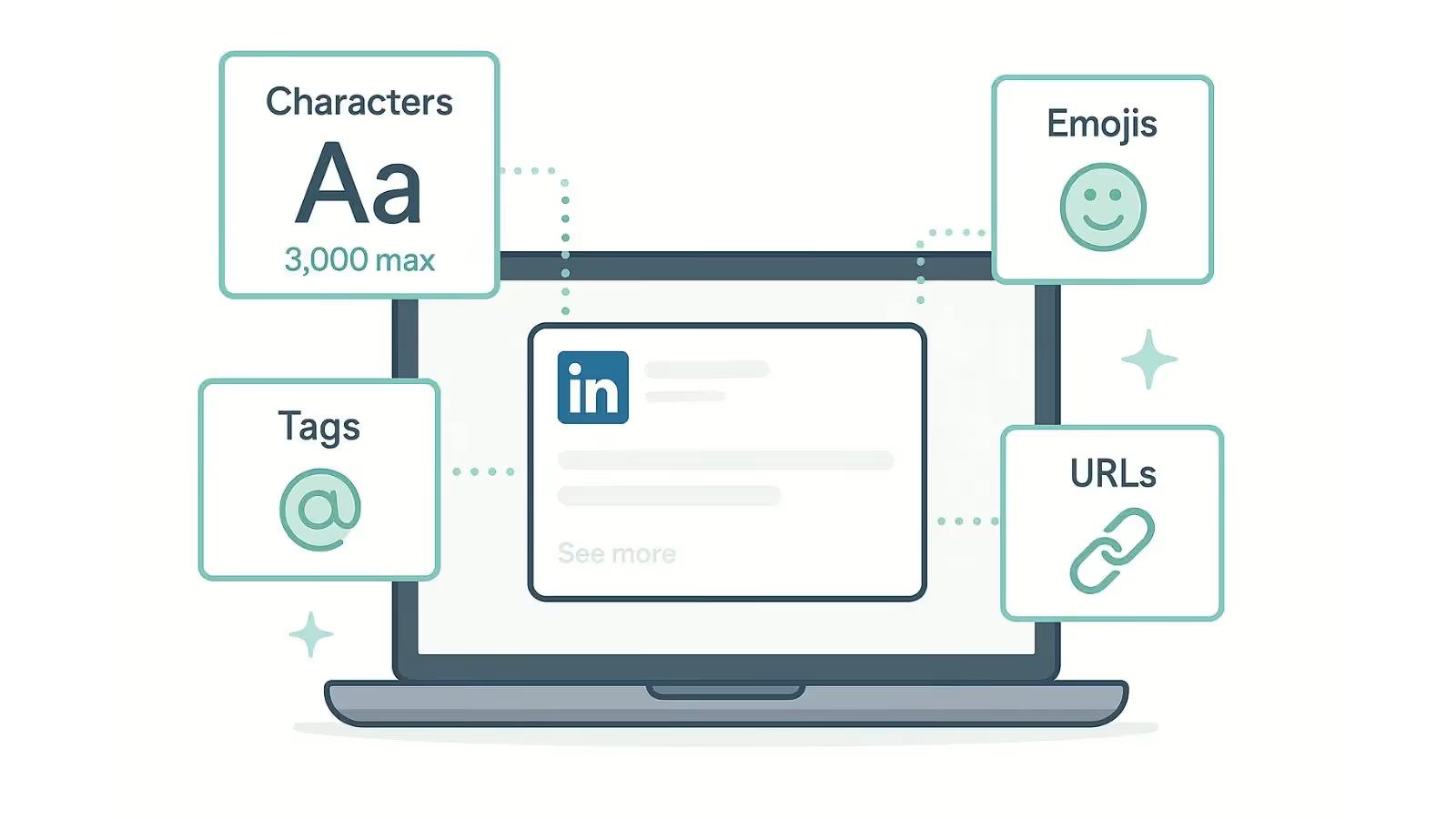
If you are an agency owner, a SaaS founder, or a startup leader, you probably have LinkedIn as your go-to platform to grow your audience. Most users would know about LinkedIn strategy, but one thing that gets overlooked is how the character limit for LinkedIn works and how small formatting choices like emojis, tags, and URLs affect your post length and its overall performance.
So if you’ve ever written a post only to get “The post is too long” prompt, or wondered why a tag seemed to use more characters than expected, then this guide will break down what you need to know about the LinkedIn character limit in 2025.
What is the Character Limit for LinkedIn Posts?
The LinkedIn post character limit is 3,000 characters. This limit goes for everything that gets typed into the post composer. So, how does LinkedIn calculate character count?
Every single element you add counts as a character. This includes letters, numbers, spaces, punctuation, line breaks, emojis, hashtags, mentions, and URLs. However, it’s also important to understand that LinkedIn counts characters based on Unicode values, not appearance.
Let’s dive into it.
How are Emojis Counted on LinkedIn?
Imagine your LinkedIn post is sitting at 2,998 characters. You add what looks like one emoji - for example, ❤️🔥 - and suddenly LinkedIn blocks the post for exceeding the 3,000-character limit.
According to the Unicode Consortium, some emojis are single Unicode code points. Others are emoji sequences, created by combining:
- Multiple emojis
- Skin tone modifiers
- Zero Width Joiners (ZWJ)
Examples from Unicode documentation:
- ❤️🔥 (heart on fire) = multiple code points joined by a ZWJ
- 👨👩👧👦 (family emoji) = several emojis + joiners
- Emojis with skin tones use modifiers that add extra code points
Because LinkedIn relies on Unicode processing:
- A simple emoji 😀 usually counts as 1 character
- A composite emoji ❤️🔥 may count as 2 or more characters
- Emojis inserted from Android or Windows keyboards may include hidden variation selectors
As documented by Emojipedia, emojis with skin tone modifiers or those joined using Zero Width Joiners (ZWJ) can increase character counts unexpectedly.
In some cases, emojis inserted from Android or Windows keyboards may also include hidden variation selectors, which add invisible characters that still count toward LinkedIn’s limit.
These nuances mean a post that looks short enough can still exceed the limit if you’re not careful, especially when formatting or adding emojis near the 3,000-character threshold.
Best practice for LinkedIn:
If your post is close to the 3,000-character limit, remove emojis one at a time to confirm the true character count before publishing. This is a reliable way to avoid LinkedIn’s “post too long” error.
For an always-up-to-date and accurate character count, we recommend using a platform like Ordinal that mimics LinkedIn's native character count rules.
How are Tags Counted On LinkedIn?
When you tag a person or a company in a LinkedIn post, the mention counts toward the 3,000-character limit as regular text. LinkedIn does not treat mentions as a single character or a special placeholder.
- Character counting: The display name that appears after tagging someone counts as characters in your post
- Mention limit: You can mention up to 40 people in a single LinkedIn post (though mentioning too many can appear as spam)
- All text counts: Spaces, punctuation, hashtags, and mentions all contribute to your total character count
Practical Example:
If you write: "Great insights from @Jane Doe on marketing strategy"
- The entire visible text counts, including "@Jane Doe"
- Even though it becomes a clickable link, those characters still count toward your 3,000 limit
Important Nuances
- Removing a tag visually doesn’t remove the characters—it must be manually deleted.
- If a tag breaks (turns into plain text), the characters still count but no notification is sent.
- Having many tags increases the odds LinkedIn collapses your post under “See more.”
Other LinkedIn Character Limit Nuances You Should Know
LinkedIn formatting has rules, and they can be subtle enough to affect your post length and visibility. Here are some other character limit nuances.
Hashtags Count One Character at a Time
Hashtags count as all characters, including the #.
Examples:
- #marketing → 10 characters
- #B2B → 4 characters
There is no separate limit for hashtags - they count as part of your 3,000 characters.
Bold/Italic Unicode Formatting Can Count as Extra Characters
LinkedIn does not support native bold or italic formatting in post text. Third-party tools that generate “bold” or “italic” text actually use Unicode characters - not real formatting. Bold/Italics uses Unicode text that uses around double the character count of the plain text.
These characters:
- May count as 2 or more characters
- Sometimes impact accessibility
- Can reduce post reach if LinkedIn flags them as non-standard characters
Because these are not formatting styles but replacement characters:
- Each “bold” letter is counted as a full Unicode character
- Some stylized characters count as 2+ UTF-16 units
- Copy-pasting formatted text can introduce:
- Hidden variation selectors
- Inconsistent character counts across devices
Carousels and LinkedIn Documents
Text inside carousel slides does NOT count toward the main post's 3,000-character limit, but:
- The post caption itself must stay under 3,000
- File names and slide titles have their own internal limits
This is why carousels are a powerful tool for longer storytelling.
Why Ordinal Makes Managing LinkedIn Character Limits Effortless
Staying within LinkedIn’s 3,000-character limit can really be a nuance, most especially if you don’t have the right social media management tool to help you with it. This is where Ordinal shines!
Inside Ordinal’s post composer on LinkedIn, you can instantly see real-time character counts as you write, so you don’t need to guess how many more characters are left.
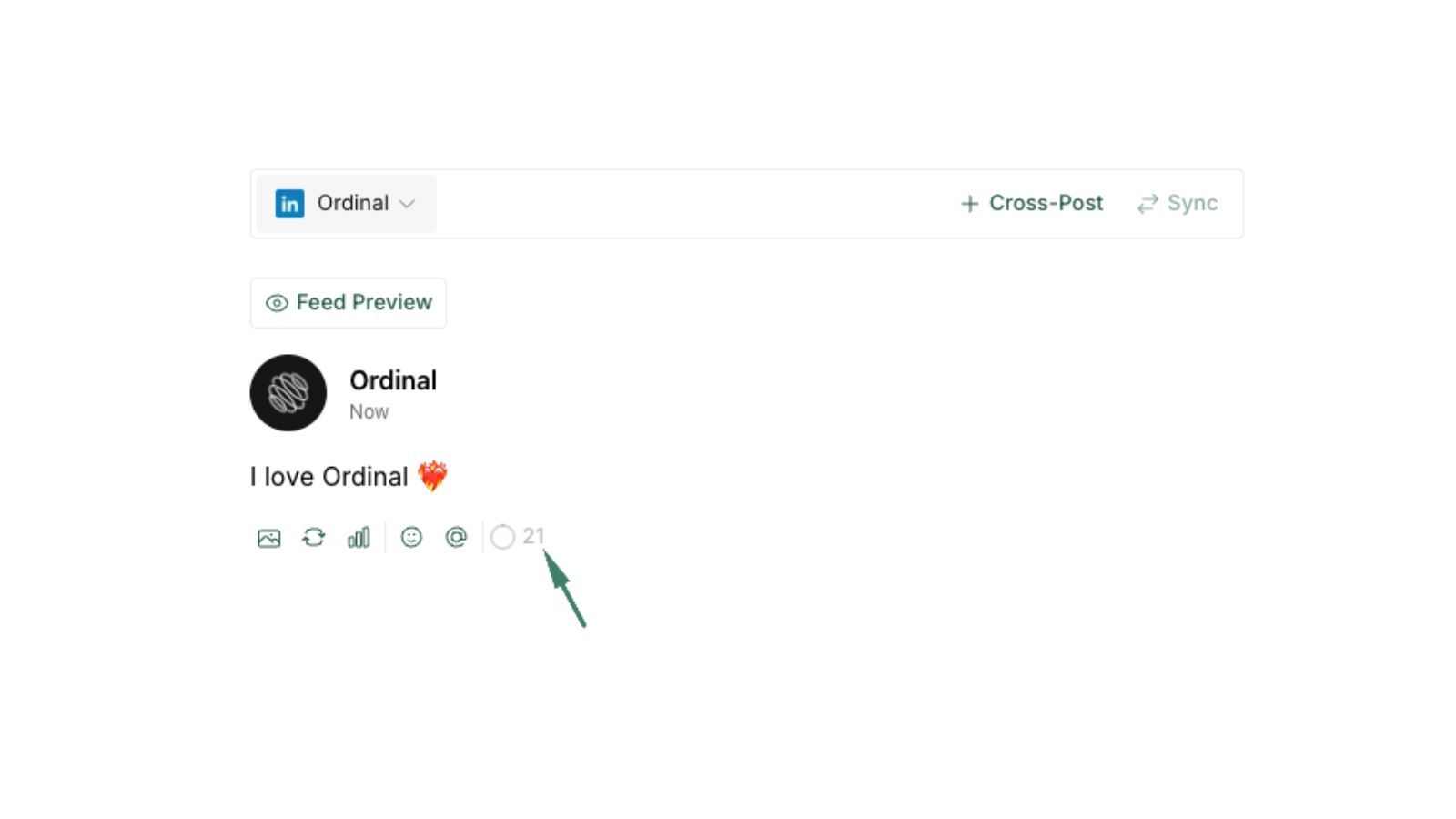
Even better, Ordinal shows you exactly where LinkedIn will insert the “See more.” fold. That way, you can optimize your hook for maximum visibility and engagement.
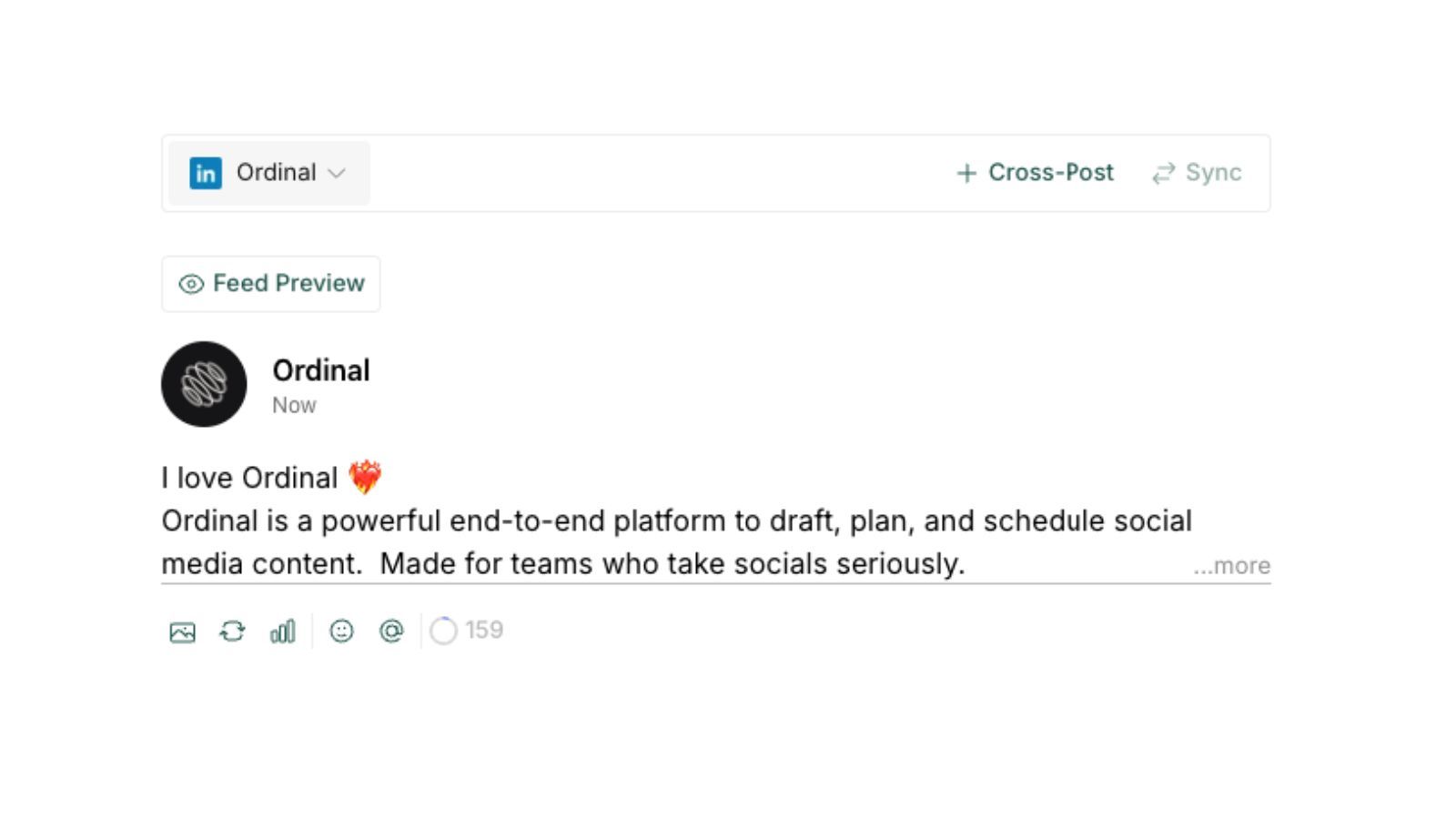
This is just one of the features that you get with Ordinal. It has LinkedIn-first features that allow you to not only draft posts. You can also add approval workflows, track analytics, do cross-platform scheduling, and auto commenting, all in one place!
Conclusion
LinkedIn’s 3,000-character limit may sound simple on the surface, but small details—like emojis, tags, URLs, hashtags, and formatting choices—can quickly push a post over the limit if you’re not careful. Knowing how LinkedIn actually counts characters helps you avoid last-minute publishing errors and gives you more control over how your posts appear in the feed.
Understanding these details not only prevents errors—it also helps you format cleaner, more effective LinkedIn posts that boost engagement.
If you want help optimizing your LinkedIn workflow, engagement tracking, or scheduling, you can explore tools like Ordinal that streamline your posting process.
FAQs
1. What is the character limit for LinkedIn posts?
LinkedIn allows 3,000 characters for all feed posts.
2. Do emojis count toward the LinkedIn character limit?
Yes. Most count as 1, but some combined emojis may count as 2.
3. Do hashtags count as characters?
Yes, including the # symbol.
4. When does the “See more” button appear?
Typically after 140–210 characters, depending on layout and line breaks.
5. What happens if I exceed the limit?
LinkedIn will block publishing until the post is shortened.
6. Do bold/italic Unicode text characters affect count?
Yes—some Unicode characters count as multiple characters and can affect reach.
Related Posts
Looking to learn more? The below posts may be helpful for you to learn more about social media and content marketing.