LinkedIn's "Who viewed your profile" panel shows you some of the people who opened your profile, and LinkedIn charges for the rest. The odd part is that paying still leaves gaps.
Premium has over 120 million paying subscribers (as we covered in our LinkedIn Private Mode guide), and every one of them still sees "Anonymous LinkedIn Member" when someone browses in private mode.
So the names were never the useful part. The most a LinkedIn profile viewer list can tell a founder is which posts sent people to their profile.
A founder posting twice a month from the LinkedIn app doesn't publish enough to answer that question, so the panel ends up showing a few recruiters and some anonymous entries, with nothing you could repeat to an investor.
TL;DR:
- Neither Premium nor "see who viewed" extensions can unmask private-mode viewers, so paying for names hits a ceiling quickly.
- Line up your post dates against your profile view chart and read the 48 hours after each post. Those spikes show which topics send buyers to your profile.
- Visitors who arrive from a post need a headline that names who you help and a Featured section with one next step.
- Cadence creates the repeated spikes worth reading. One-off profile tweaks give you a single bump and then flatten out.
What the LinkedIn Profile Viewer Panel Shows You
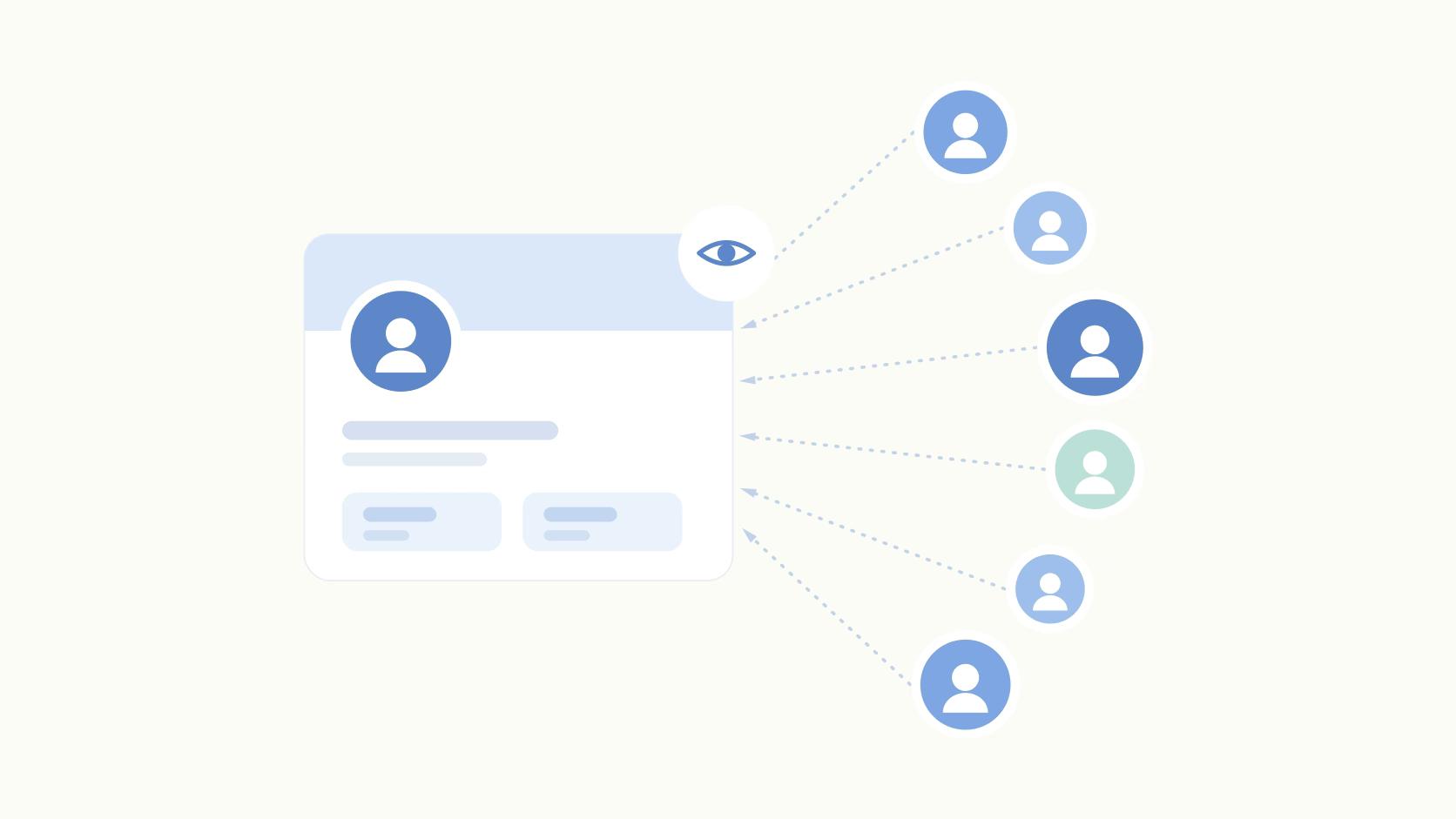
The LinkedIn profile viewer panel is a list of members who opened your profile, paired with a chart of view counts over time.
Free accounts get a limited version and Premium shows more history. Anyone browsing in private mode appears as anonymous, and semi-private browsers show up only as a job title or company.
That's the whole feature. The steps for finding it on desktop and mobile are in our guide on who viewed you.
For a seed-stage founder, the list is usually recruiters, a few teammates, and someone from a vendor you ignored last quarter. Not much there.
The chart is different. It records when people showed up. Put those dates next to your posts and the chart starts telling you which posts brought people in.
Your Viewer Spikes Map to Specific Posts
Profile visits are a better intent signal than reactions. The data backs this up. LinkedIn impressions fell 10% year over year while engagement rose 13.82%, but visible interactions dropped. Likes fell 13.39% and comments fell 16.89% (Metricool, 2026).
In other words, people are still reading and clicking. They're just reacting less. A post's like count understates the interest it created.
A profile visit is a deliberate act. Someone finished your post and wanted to know who wrote it. That matters far more than a thumbs-up from your old college roommate. Here's how we read it:
- List every post from the last 60-90 days in a Google Sheet with its publish date, topic, and format (text, image, PDF carousel, poll).
- Open your profile view chart and add a column with the view count for the 48 hours after each post went live.
- Put reactions in the next column so visits and reactions sit side by side.
- Flag the gaps. A post with 60 reactions and no change in views entertained your existing network. A post with 15 reactions and a clear jump in views sent strangers to look you up.
- After 10-12 posts, sort by view lift and read down the topic column.
The 48-hour window is a reading method we use - LinkedIn doesn't publish it as a metric. It's long enough to catch people who saw the post on day two. It's short enough that posts spaced two or three days apart don't blur together. Post two days in a row and you won't know which one caused the spike.
The patterns can be surprising. A founder might find that a candid post about pricing their first enterprise contract sends three times more visitors than a team photo with twice the likes. That tells you what buyers want from you. The names list could never show it.
What a Visitor From Your Post Needs to Find
A visitor from a post arrives with context. They already know what you think about one topic. Within a few seconds, they want to know who you help and what to do next.
Your profile is a landing page for the post. Judge it like one.
Headline
Name the buyer and the problem. "Co-founder at Acme | Building the future of work" gives a curious RevOps lead nothing to go on. "Helping RevOps teams at 50-500 person SaaS companies stop losing deals in handoff | Co-founder, Acme" tells them in one line whether to keep reading.
About Section
The first two lines show before the "see more" cutoff. Use them to restate the point of view your posts keep returning to. Follow with one piece of proof (a customer count, a named result) and then one ask.
Someone who came from a post on churn shouldn't have to read your career history to find out what you sell.
Featured Section
Pin one link that matches what your posts are about - a demo page, a teardown, or a newsletter signup. Five links spread attention thin. One link turns the view into a click you can count.
Verification is worth the few minutes too. LinkedIn says verified members get up to 60% more profile views (LinkedIn Newsroom, 2025), and more than 100 million members were verified by December 2025 (Hootsuite, 2026). Still, an unverified founder profile now looks like the exception. Our founder profile optimization guide covers the rest line by line.
Sporadic Posting Leaves You Nothing to Read
Two posts a month gives you two data points. That's too few to show a pattern.
One spike might mean the topic landed. Or it might mean a big account reposted you on a quiet Tuesday. You can't separate the two without more posts to compare.
Volume also changes the scale of what you're measuring. Accounts that post far more often each month tend to reach a much larger audience than those posting just a handful of times. Engagement rate tends to hold roughly steady across that range, so posting more puts the founder's name in front of more people without diluting engagement.
Who posts matters as much as how often. Personal profiles average a 2.60% engagement rate per post compared with 1.74% for company Pages (Metricool, 2026). If your company Page does all the posting, your own view chart has very little to respond to.
"But I don't have time to post three times a week." Fair. Almost no founder does when they draft every post from scratch in the LinkedIn app.
Founders who post consistently usually work from a system: a backlog of ideas, a teammate or ghostwriter who drafts, and an approval step so nothing goes out sounding off. Your time drops to reviewing drafts.
Rewriting your headline gives you a single lift. Then the chart goes back to where it was. Steady posting keeps producing new spikes, and those are what let you compare topics over time.
Skip the "See Who Viewed" Extensions
Browser extensions that promise to reveal anonymous viewers work by scraping LinkedIn. That breaks LinkedIn's User Agreement and puts your account at risk of restriction.
They also can't see data LinkedIn doesn't expose. If Premium subscribers can't unmask private-mode viewers, a Chrome extension can't either. You'd take on the account risk without getting the names.
Turning Post Data Into a Pipeline Answer With Ordinal
The method above only works if you know exactly when each post went out and how it performed. Ordinal handles that part.
- Post-level analytics appear right on the calendar, so publish dates and performance sit in one view you can line up against your profile view chart.
- With label analytics, you can tag posts by topic and see which categories pull their weight across months.
- Earned Media Value turns organic impressions into a dollar figure based on what the same reach would cost in LinkedIn ads, which is the number a board member tends to ask about.
- Blocking approvals with Slack notifications let a teammate draft for you while you sign off from your phone, so your cadence holds through busy weeks.
If you'd rather run the spreadsheet yourself, here's how to export LinkedIn analytics into a CSV.
Final Thoughts
This week, schedule three posts on three different topics, spaced two days apart. Check your view chart 48 hours after each one.
Do that for a month and you'll have a dozen data points and one sentence you can say to an investor: "Posts about X send buyers to my profile, and posts about Y don't."
Frequently Asked Questions
Can I See Who Viewed My LinkedIn Profile for Free?
Free accounts get a limited list of recent viewers, while LinkedIn Premium shows a fuller history. On either plan, people using private mode show up as "Anonymous LinkedIn Member." The dates of your views tell you more than the names do.
Does LinkedIn Premium Show Anonymous Profile Viewers?
No. Premium doesn't unmask people browsing in private mode. Paying for Premium specifically to identify anonymous viewers buys a feature that doesn't exist.
Are LinkedIn Profile Viewer Extensions Safe to Use?
No. Browser extensions that claim to reveal anonymous LinkedIn profile viewers scrape LinkedIn against its User Agreement and can get your account restricted. They also can't bypass LinkedIn's privacy controls, so you take on the risk for a result they can't deliver.
Why Did My LinkedIn Profile Views Suddenly Spike?
A spike in LinkedIn profile viewer activity usually traces back to a post you published in the prior 48 hours. Readers who liked it clicked through to learn who wrote it. That's a stronger signal than reactions, because many interested people never like or comment.
How Do I Get More LinkedIn Profile Views?
Post on a consistent cadence and give visitors a clear next step in your headline, About and Featured sections. In our experience, founders who post far more often each month tend to reach a much larger audience than those posting only a handful of times.
Does LinkedIn Verification Increase Profile Views?
Yes. LinkedIn says verified members get up to 60% more profile views, and more than 100 million members were verified by December 2025, per Hootsuite's statistics. It's a quick, one-time step that makes a visitor arriving from a post more likely to trust what they find.
Related Posts
Looking to learn more? The below posts may be helpful for you to learn more about social media and content marketing.