Instagram organic reach dropped 31% year over year in 2025, according to Instagram reach data from Metricool. Posting more Reels didn't fix it. Reels reach fell 35% over the same period despite a 35% jump in posting volume. Collab posts on Instagram are one of the few native features that still expand reach without paid spend, and most brand teams aren't using them strategically.
This isn't another tap-by-tap walkthrough. It's how brand marketers should approach the feature: which format to pick, how to vet partners, what the analytics gotchas are, and where scheduling tools fall short.
TL;DR
- An Instagram collab post publishes one piece of content to two accounts simultaneously, with shared likes, comments, saves, and reach across both audiences.
- Carousels lead on engagement at 0.55% vs. Reels at 0.50% (Socialinsider, Q1 2026). Use Reels for awareness, carousels for education or product content.
- Partner fit matters more than follower count. Target accounts with 1%+ engagement rates and low audience overlap with yours.
- Most scheduling tools can't natively send a collab invite, so plan for a manual step at publish time.
- The collab tag and paid partnership label are separate features. Confusing them is the most common compliance mistake brand teams make.
What Is an Instagram Collab Post?
An Instagram collab post is a single feed post or Reel that publishes simultaneously to two accounts' grids, with both accounts credited as co-authors and all engagement (likes, comments, saves, views) pooled into one unified count. That last part matters: there's no duplicate post. One post, two profiles, one engagement thread.
This is different from a regular tag, where you're mentioned in someone else's post but it doesn't appear on your grid. It's also different from the paid partnership label, which Instagram requires when money or product changed hands. You can use both features on the same post, but they serve separate purposes and brand teams mix them up constantly.
The reach lift comes from the distribution side: the post is eligible to surface in the followers' feeds of both accounts. If your account has 20,000 followers and your partner has 15,000, both audiences can see it, assuming reasonable algorithmic pickup.
Why Collab Posts Matter More in 2026
The reach math has turned ugly. Instagram post reach fell 31% year over year in 2025, dropping from an average of 9,877 impressions per post in 2024 to 6,754 in 2025 (Metricool, 2025). Reels didn't bail anyone out: reach fell 35% over the same period despite a 35% jump in posting volume, per the same Instagram reach data. More output produced less reach.
For brand teams doing content planning the real question isn't whether to post more, it's where the distribution leverage actually is.
Collab posts are one of the few native levers that expand your effective audience without ad spend. You're borrowing an existing audience through a co-authorship structure Instagram already supports, which is why co-marketing and partner-led content are getting serious budget heading into 2026.
How to Collab Post on Instagram (Step by Step)
From the Feed Post or Reel Composer
- Open the new post screen and select your content (photo, carousel, or Reel).
- On the edit screen, tap "Tag people."
- Select "Invite collaborator" rather than "Tag."
- Search for the partner's handle and send the invite.
- Publish the post normally.
The post goes live on your profile immediately. Your collaborator receives a notification in their DMs with an accept or decline prompt.
What Happens After You Hit Publish
Once the partner accepts, the post appears on their grid as if they'd published it themselves. Every like and comment from either audience shows up in the same thread. If the partner declines or ignores the invite (it expires after roughly 14 days), the post stays on your profile only, with no indication to viewers that a collab was attempted.
Limits to Know
Instagram allows up to 3 collaborators per post. For feed posts, you can only invite a collaborator before or at publish time. There's no way to add one after the post is live.
Reels have a short window after publishing where you can still send the invite. And if either account is private, the post won't reach a combined public audience, so both accounts should be public for the reach lift to work.
Which Format Should You Use for a Collab Post?
Per Instagram benchmarks from Socialinsider, carousel posts held a 0.55% engagement rate in Q1 2026 while Reels came in at 0.50%.
That gap is narrow, but carousels also generate more dwell time. Users swipe through multiple slides, sending a stronger signal to the algorithm than a Reel someone watched halfway.
Reels still win on raw reach because Instagram pushes them harder in discovery surfaces like the Explore tab and Reels feed. The right format comes down to what the collab is actually trying to achieve. Awareness collab with a new partner audience? Use a Reel.
Educational content, product walkthroughs, or anything where you want engagement depth over top-of-funnel volume? Carousel is the stronger call.
Static feed posts are the weakest of the three and should generally be the last choice unless the partner's brand aesthetic requires it.
One budget note: Instagram Reels command 20-30% higher rates than static posts for paid influencer collabs, according to Influencer Marketing Hub data cited by InfluenceFlow (2026). Format choice has a real cost premium when you're paying for the partner's side.
How to Pick the Right Collab Partner
75.9% of Instagram influencers are nano-influencers, per the Instagram influencer breakdown from SQ Magazine (2026). The partner pool skews small, which is useful for brand teams because nano and micro accounts tend to deliver stronger engagement per follower than larger creators.
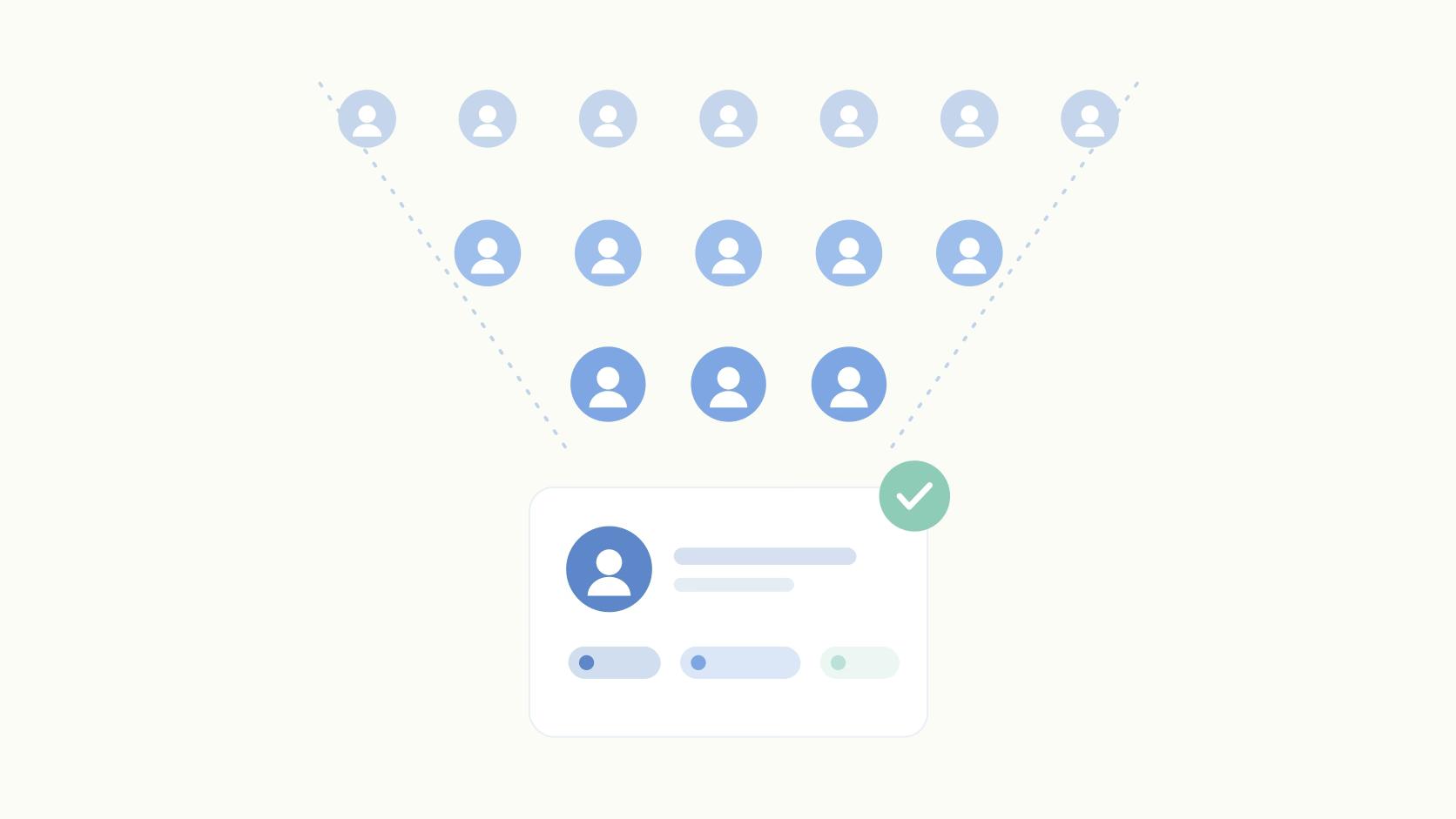
Follower count is the wrong filter. The vetting criteria that actually predict collab ROI are audience overlap, low overlap means you're actually reaching new people, which is the whole point, niche alignment, engagement rate (1%+ is a reasonable baseline for accounts under 100K), and posting consistency. An inactive partner drags algorithmic momentum down for both accounts.
For employee advocacy use cases, you can run collab posts with your own team's personal accounts, which sidesteps the partner vetting entirely. Other strong use cases include co-marketing with a complementary SaaS, event co-promotion, and customer spotlights where the customer's audience validates the product organically.
Common Mistakes Brand Teams Make
The collab tag and the paid partnership label are not the same thing. The collab tag is a co-authorship mechanic. The paid partnership label is an FTC disclosure required when compensation or free product changed hands. Using only a collab tag when money or product changed hands is an FTC disclosure violation, not just a best-practice miss.
Inviting a collaborator who never responds is more common than teams expect. The invite expires after roughly 14 days with no warning, and the post just sits on your profile as a solo post. Confirm the partner's availability before you publish, not after.
Scheduling is where most brand teams hit a wall. Most schedulers can't natively send a collab invite because Instagram's API doesn't fully expose that flow. Teams find this out at 9am on posting day when the tool publishes without the collab tag attached.
Plan for a manual step at publish time if your tool doesn't explicitly support it.
The first-hour engagement window matters for both accounts. If your partner doesn't know the post is live or forgets to engage early, you lose the algorithmic momentum that drives broader reach. Coordinate timing, confirm the partner knows when to expect the notification, and check the best time to post for your shared audience before scheduling.
Can You Schedule Instagram Collab Posts?
Most schedulers can't natively handle the collab invite flow because Instagram's API doesn't fully expose it. Instagram's built-in scheduler doesn't support adding a collaborator from a scheduled post. The practical workaround is to draft and schedule the post, then add the collaborator manually at publish time.
Some tools do support collab tagging natively. Ordinal's Instagram scheduler handles the collab invite flow and supports per-channel editing if the same content has legs on LinkedIn or Twitter. Teams like Gallery have used this to 10x content volume across channels without adding headcount. Worth checking before you build a campaign around scheduled collab posts, because discovering the gap on publish day is a bad morning.
Final Thoughts
Instagram reach is shrinking and won't recover on its own. Collab posts are a free distribution lever that most brand teams underuse. The two highest-leverage decisions are format (carousel for engagement depth, Reels for awareness) and partner fit (low audience overlap, 1%+ engagement rate, consistent posting cadence).
A practical starting point: identify 3 potential collab partners this week using the vetting framework above, then run one carousel collab in the next 30 days.
Measure reach lift against your baseline. That's a fast way to validate whether the channel works for your specific audience before building it into your social media strategy. And check whether your scheduling tool handles the collab invite before posting day, not after. That's the one operational detail that consistently burns teams.
Frequently Asked Questions
Can You Add a Collaborator to an Instagram Post After Publishing?
For feed posts, no. Once a regular post is live, the collaborator invite window is closed. Reels give you a short window after publishing to send the invite. The safest workflow is to send the collab invite before you hit publish so the post goes live on both feeds at the same time.
How Many Collaborators Can You Add to One Instagram Post?
Instagram allows up to 3 collaborators per post or Reel. Every collaborator has to accept the invite for the post to appear on their profile grid. If one person declines or ignores the request, the post stays on your profile only.
Can Private Accounts Use Instagram Collab Posts?
Private accounts can send and accept collab invites, but the reach benefit disappears if either account is private. The post only reaches both full audiences when both accounts are public. For brand marketers, private accounts generally aren't useful collab partners.
What's the Difference Between a Collab Post and a Paid Partnership Label on Instagram?
A collab tag publishes one post to two profiles simultaneously, with shared likes, comments, and saves. The paid partnership label is a separate disclosure feature required when money or product changed hands. They're often used together but serve completely different functions, and confusing them is one of the most common compliance mistakes brand teams make.
Why Didn't My Collab Invite Go Through?
The most common reasons are that the collaborator declined, the invite expired after roughly 14 days, or the account has restricted who can tag them. Before sending the invite, check whether the partner's tag settings are open. If invites keep failing, ask the partner to confirm their privacy settings directly.
Do Instagram Collab Posts Get More Reach Than Regular Posts?
On average, yes, because the post appears in both accounts' feeds and reaches both follower bases. The actual lift depends on how much the two audiences overlap. Brands see the strongest reach gains when they collab with accounts whose followers don't already follow them.
Can You Schedule a Collab Post on Instagram?
Most schedulers can't natively handle the collab invite flow because Instagram's API doesn't fully expose it. Instagram's built-in scheduler also doesn't support adding a collaborator from a scheduled post. Some third-party tools like Ordinal's Instagram scheduler do support collab tagging, which is worth checking before you build a campaign around scheduled collab posts.
Which Format Works Best for a Collab Post: Reels, Carousel, or Static?
Carousels lead on engagement at 0.55% versus Reels at 0.50% in Q1 2026, according to Socialinsider benchmarks. Reels typically win on raw reach because Instagram surfaces them more aggressively in discovery. Static feed posts are the weakest of the three for collab posts and should be avoided unless the format is specifically required.
Related Posts
Looking to learn more? The below posts may be helpful for you to learn more about social media and content marketing.