Your social team posted 40% more content this year, so why didn’t engagement move? More often than not, it’s because teams aren’t running a structured social media audit to learn what works and what’s just noise.
This guide walks through the six-step process for diagnosing what's broken, benchmarking against real data, and building the action plan that actually changes the numbers.
What Is a Social Media Audit?
A social media audit is a structured review of every channel a brand owns. It covers performance, positioning, and presence. You end up with three things: a benchmark report, a prioritized fix list, and a budget reallocation recommendation.
It's not a strategy review (that's forward-looking) or a content calendar review (that's tactical). The audit looks at what's happened and asks one question: is this working?
Run one quarterly for active programs. Always run one before a major budget conversation, after a leadership change, or when engagement flatlines despite increased volume. That last scenario happens more often than most teams admit.
Why Social Media Audits Matter More in 2026
According to DesignRush's 2026 analysis, 37% of social browsers check a brand's social presence before purchasing. Your channels are part of the buying process whether your team treats them that way or not.
The stakes are higher now. 46% of marketers are increasing social budgets this year. That's more money flowing into programs many teams haven't formally evaluated in months.
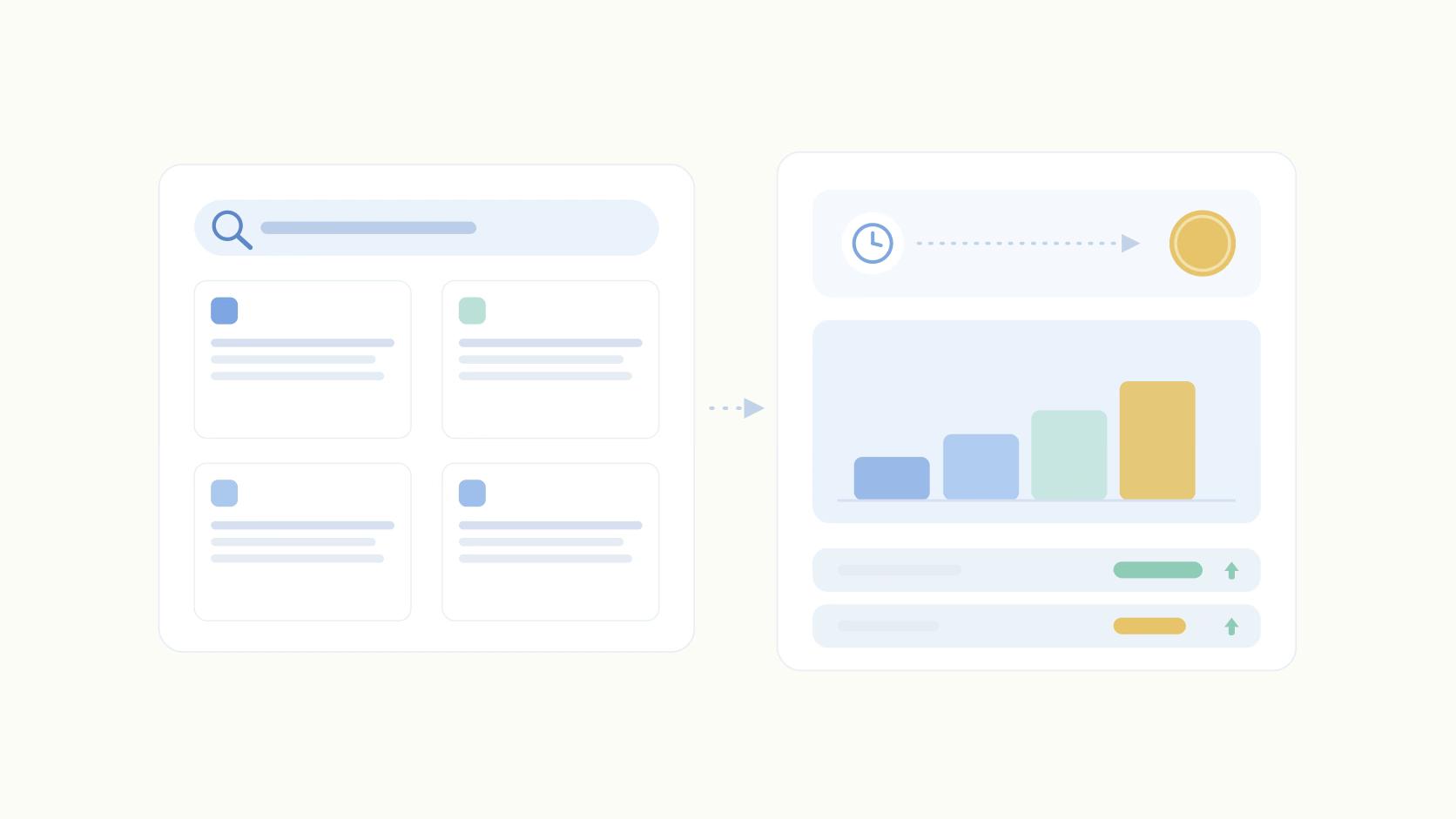
And the X engagement plateau tells the whole story. According to Improvado's 2026 benchmarks, posting volume on X rose 40% while engagement held flat at 0.12%. Teams worked harder and got nothing for it. Without an audit, there's no way to diagnose why.
How to Run a Social Media Audit
Step 1: Inventory Every Channel (Including the Ones You Forgot)
Start by listing every profile your brand owns across LinkedIn, X, Instagram, TikTok, YouTube, Threads, Bluesky, Discord, and any Slack communities. Include the ones nobody's actively managing. Dormant accounts still show up in branded search results, and a stale profile with a two-year-old post can undermine credibility before a prospect ever reaches your website.
Classify each account into three buckets: active, dormant (no posts in 30-90 days), or zombie (90+ days silent but still publicly discoverable). Then check profile completeness: bio, banner, pinned post, contact info.
These take 20 minutes to fix.
For dormant accounts, the decision is binary. Reactivate with a real content plan or formally deprecate and redirect followers to active channels. Leaving them in limbo is the worst outcome.
Step 2: Benchmark Engagement Against Real Data
Pull 90 days of post-level data per channel. Calculate engagement rate as likes + comments + shares + saves divided by impressions. Then compare against actual benchmarks, not vague industry averages.
Ordinal analyzed 242,199 LinkedIn posts across 3,696 accounts to build format-level benchmarks. Understanding how the algorithm ranks posts helps interpret these numbers, but the benchmarks themselves are worth knowing cold:
- Document/PDF: 1.64%
- Multi-image: 1.56%
- Single image: 1.04%
- Text-only: 0.86%
- Video: 0.74%
- Poll: 0.37%
If your video engagement is below 0.74%, the issue is content quality rather than the format. For the LinkedIn metrics that matter beyond format, flag any channel where engagement has declined month-over-month despite stable posting volume.
That pattern deserves its own audit finding.
Step 3: Audit Posting Cadence and Consistency
Two questions here: how often, and how consistently? They're not the same thing.
On frequency, accounts posting 1-2 times per week and accounts posting 10+ times per week both hit 1.09% engagement. The 3-5/week bucket, the range most teams target, is actually the lowest at 0.92%.
The Pearson correlation between posting frequency and engagement rate is -0.011, meaning more posts don't always produce more engagement.
Consistency is a different variable. About 67% of the accounts post consistently, defined as at least once per week for four or more consecutive weeks. Sporadic accounts show a slightly higher raw engagement rate (1.24% vs. 0.97%), though account-level averages are nearly identical. The honest case for consistency is compounding reach over time, not a direct engagement lift.
Gaps of two or more weeks are worth flagging regardless.
Step 4: Evaluate Content Mix and Format Allocation
Break down the percentage of posts by format (text, single image, multi-image, video, PDF, poll) and compare against the engagement benchmarks from Step 2. The mismatch is usually obvious.
Video represents 22.81% of LinkedIn posts but produces the lowest engagement rate at 0.74%. Document/PDF posts are just 3.09% of posts and hit 1.64%, the highest of any format.
That's the gap. Teams are over-investing in the format that performs worst and ignoring the one that performs best.
If a format is producing below-benchmark engagement after 30 or more posts, treat it as a format-fit problem instead of a one-off content problem. Shift budget and production time toward what the data supports.
Step 5: Flag AI-Generated Content Risk
This audit step didn't exist 18 months ago. Platform classifiers now flag content that reads as AI-generated, and according to Digital Applied's 2026 social data, flagged content carries roughly a 12% engagement penalty. That's a meaningful drag on distribution.
The tells are consistent: generic structures, no specific examples, no first-person voice, rule-of-three patterns, and perfect parallel construction throughout. Pull your 20 lowest-performing posts and scan them for these markers. Check whether AI was used in drafting or editing those posts.
The fix isn't to stop using AI. Using AI without the penalty means grounding drafts in specific examples, real data, and a distinctive voice, then editing aggressively enough that the classifier can't identify the origin.
Generic output at scale is the risk here, not AI itself.
Step 6: Build the Post-Audit Action Plan
Without a prioritized action plan, findings go into a slide deck, the slide deck goes into a Google Drive folder, and nothing changes. Here's how to prevent that.
P1 fixes (this week): Broken profile links. Dormant accounts awaiting a deprecation or reactivation decision. Posting gaps of two or more weeks. Any format that's been running below benchmark for 30+ posts without a documented reason.
P2 fixes (this month): Content mix rebalancing based on the format data from Step 4. Cadence adjustments informed by Step 3. And hashtags. The data is clear: posts with zero hashtags average 0.94% engagement, while posts with 6+ hashtags hit 1.74%. That's a meaningful gap that requires no new content production to capture. Pair these fixes with a content planning framework that tracks format and hashtag mix going forward.
P3 fixes (this quarter): Channel investment and divestment decisions. Employee advocacy program design. Tooling consolidation. These take longer because they involve budget or platform commitments, but they should be on the calendar before the quarter ends. Otherwise the P1 and P2 fixes happen in isolation and the program doesn't compound.
Agencies like Influent have seen a post-audit performance lift of 20% after building this kind of structured cadence.
How Ordinal Speeds Up Every Step of the Audit
Ordinal's LinkedIn analytics platform refreshes daily across LinkedIn, X, Instagram, and Facebook. You can filter by content type, label, and campaign, which are exactly the cuts the audit requires. The Earned Media Value calculation gives you a dollar figure to bring into the budget conversation. And if you want to run the audit pass programmatically, the API and MCP server support that too.
Remember, your social media audit isn't a deliverable. The action plan is. Your findings will only be as helpful as the execution plan you set against them.
Schedule the next audit within 90 days from today, and treat social as a revenue channel from the first finding forward.
Frequently Asked Questions
What is a social media audit?
A social media audit is a structured review of every social channel a brand owns, covering performance, positioning, and presence. The output is a prioritized list of decisions: what to fix, what to scale, and what to cut. A useful audit ends with a 30/60/90-day action plan, not a spreadsheet.
How often should you run a social media audit?
Quarterly for active programs, with a lighter monthly check on core metrics. Always audit before major budget conversations, after a leadership change, or when engagement plateaus despite increased posting volume.
How long does a social media audit take?
A focused audit on 3-5 channels takes 4-8 hours with the right tooling. Without a unified analytics platform, the same audit can stretch across a full week because data has to be pulled from each platform individually.
What metrics should a social media audit cover?
Engagement rate (likes + comments + shares + saves divided by impressions), reach, posting cadence, content format mix, and follower growth. For B2B teams, also audit Earned Media Value and which content categories drive pipeline-relevant engagement. Raw follower counts shouldn't anchor the audit.
What's a good engagement rate on LinkedIn?
The average engagement rate is around 1% across formats. Document/PDF posts hit 1.64%, multi-image posts 1.56%, single images 1.04%, text-only 0.86%, video 0.74%, and polls 0.37%.
Should you audit dormant social accounts?
Yes. Dormant accounts (no posts in 90+ days) still appear in branded search results and dilute your presence. Reactivate with a clear content plan or formally deprecate and redirect followers to active channels.
How do you audit AI-generated content?
Pull your 20 lowest-performing posts and check for AI tells: generic structures, no specific examples, no first-person voice, and rule-of-three patterns. Cross-reference with whether AI was used in drafting. AI-classified content carries roughly a 12% engagement penalty on most platforms.
What tools do you need for a social media audit?
Native platform analytics and a spreadsheet at a minimum. A dedicated social analytics platform speeds up the process by consolidating data across channels, surfacing top-performing content, and calculating engagement rates by format automatically. The right tool turns a week of work into an afternoon.
Related Posts
Looking to learn more? The below posts may be helpful for you to learn more about social media and content marketing.