LinkedIn Premium doesn't unlock a full, unredacted list of everyone who's ever viewed your profile. Free users see only the last 3 viewers, Premium shows more with history going back 365 days, and anyone browsing in Private mode stays permanently anonymous no matter what you pay.
So can you see who viewed your LinkedIn profile? Partly. The honest answer depends on your account type, how your visitors chose to browse, and what you plan to do with that information once you have it.
TL;DR
- Free accounts show only the 3 most recent profile viewers within a 90-day window.
- LinkedIn Premium expands that to a full list of viewers with job titles and how they found you, with history going back 365 days.
- Private mode viewers are invisible to everyone, regardless of plan.
- Company page admins see aggregated data only, no individual names.
This matters most if you're a founder or exec posting regularly on LinkedIn and wondering whether the right people are paying attention. A profile view from a prospect or investor is a warm signal worth acting on, but only if you can see it. This guide covers what each plan actually shows, which myths to ignore, and what to do once a relevant viewer shows up in your list.
The Short Answer: What Free and Premium Show You
Free LinkedIn accounts show only the 3 most recent people who viewed your profile within a rolling 90-day window, per LinkedIn's profile viewers feature. Some names may be partially hidden. LinkedIn Premium expands this to a full list of viewers, adds detail like job title, company, and how the viewer found you, and extends history back 365 days. No plan reveals Private mode viewers.
That 365-day window is a meaningful upgrade over free, but it's still not permanent. If you go a full year without checking, the oldest viewers drop off the record. Premium doesn't give you an infinite log.
Free vs. Premium: A Side-by-Side Breakdown
Free accounts give you the 3 most recent viewers, names occasionally blurred depending on the viewer's privacy settings, and no detail on how they found you. LinkedIn Premium expands the list considerably. You get job titles, companies, how the viewer discovered your profile, and history going back 365 days. Premium also adds filtering by date range, company, and industry, plus a weekly viewer trend graph that free accounts don't get.
A few more specifics worth knowing:
Free accounts see viewer count trends and a list of suggestions for increasing views, but only 3 named viewers. Premium adds filters and search so you can sort viewers by job title or company. Neither plan reveals how many times someone viewed your profile, only that they did. Viewers who restricted their own visibility settings may appear only as partial information, like industry or seniority level, regardless of your plan.
Is Premium worth it for this feature alone? Probably not. If you're already evaluating Premium for InMail credits or LinkedIn Learning access, the viewer data is a useful add-on. But upgrading purely to see your viewer list is a thin justification, especially when Private mode viewers stay invisible and the data still has a ceiling.
The Three Myths About LinkedIn Profile Views
Myth 1: Premium Reveals Everyone Who Viewed You
Reality: it doesn't. Premium shows a fuller list than free, but it has two hard limits. Anyone who browsed in Private mode is permanently invisible to you, since their visit doesn't register as a named viewer. And the history still caps at 365 days. More visibility isn't the same as full visibility, and LinkedIn's own documentation is explicit about both constraints.
Myth 2: Premium Unlocks Private Mode Viewers
Reality: false, full stop. Per LinkedIn's Help Center, when someone browses in Private mode, you see only "LinkedIn Member, this person chose to be in private mode." No name, no title, no company. That's true whether you're on a free account or paying for Premium. There's no tier that breaks Private mode anonymity. If a prospect or investor views your profile while private, you won't know it was them.
Myth 3: Searching Someone Counts as a View
Reality: searching doesn't trigger anything. Running someone's name through LinkedIn's search bar doesn't notify them and doesn't appear in their viewer list. Only visiting their full profile counts as a view, and even then, only if you're not in Private mode yourself. This one trips up a lot of people trying to research prospects discreetly.
Private Mode LinkedIn: What You See and What You Hide
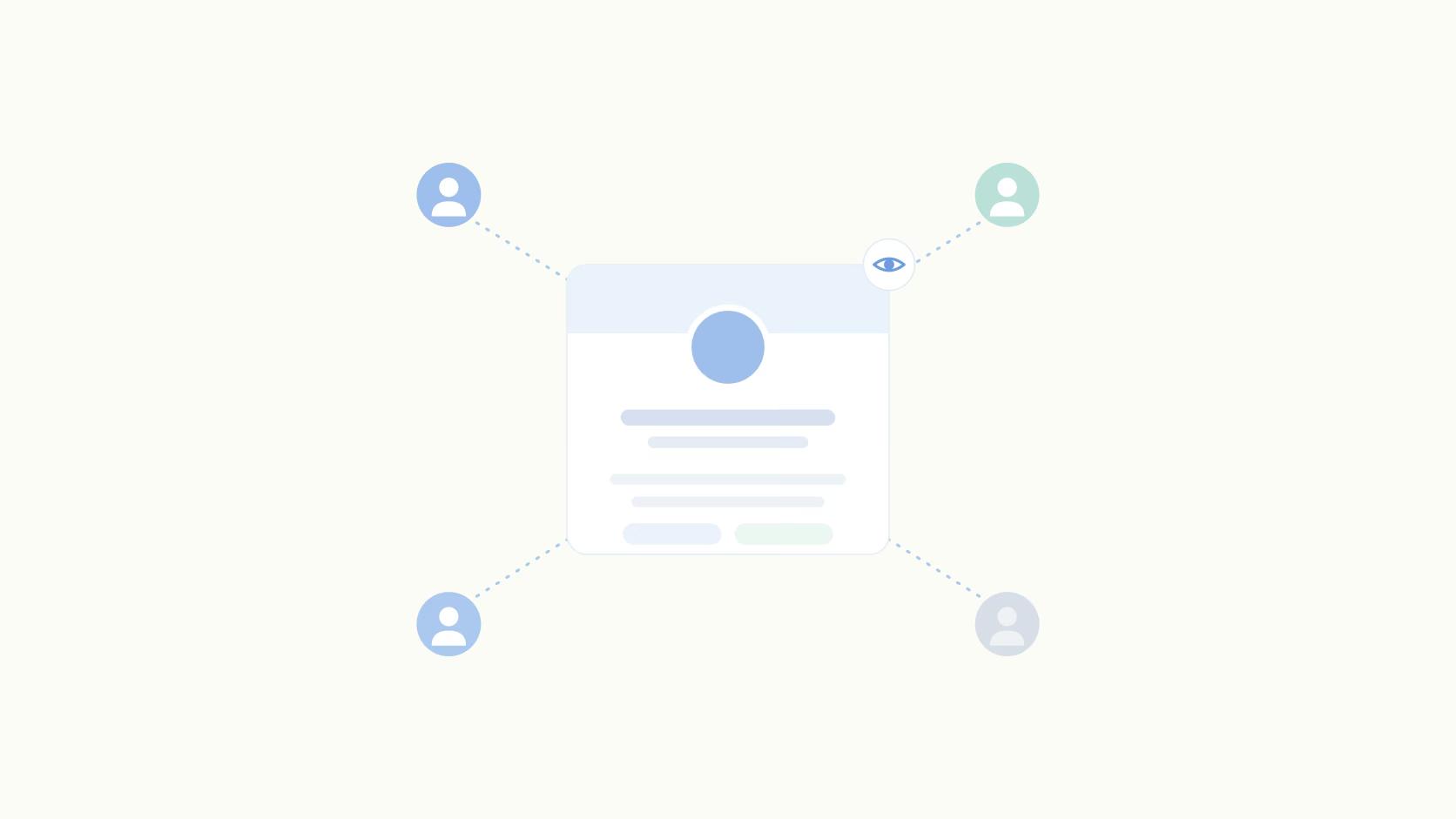
LinkedIn Private Mode lets you browse other profiles without leaving a trace in their "Who viewed your profile" list. They see the generic "LinkedIn Member" placeholder instead of your name. That makes Private mode genuinely useful for competitor research, early-stage prospecting, or scouting candidates without signaling your interest.
Here's the catch most people miss. Switching back to public mode doesn't retroactively reveal any profiles you visited while private, per LinkedIn's Private mode settings. Those past views are permanently anonymous. There's no way to recover them, no toggle that surfaces them later. If you spent three months in Private mode researching accounts, none of that history exists in their logs.
The practical tradeoff is real. In Private mode, you see other profiles anonymously, but you also lose the ability to appear in anyone else's viewer list. So you won't show up as a warm signal to people you're actually interested in. For founders and executives trying to build visibility with investors or enterprise buyers, staying public is usually worth the transparency cost.
Can You See Who Viewed Your Company Page?
No. Company Page admins cannot see which specific individuals viewed the page, only aggregated analytics. According to LinkedIn's Help Center, admins get total page views, unique visitor counts, and breakdowns by job title, industry, seniority, and geography. Useful for understanding what type of audience the page reaches, but not actionable at the individual level.
This is a meaningful limitation for B2B social managers. If you're posting on a company page and hoping to identify which prospects are paying attention, LinkedIn won't give you that data directly. You can export LinkedIn analytics to track trends over time, but individual names never appear in the export. The data tells you a VP of Sales at a mid-market SaaS company viewed your page, not which VP, and not which company.
This is one reason personal profiles matter so much for B2B teams. A founder or exec posting from their personal account generates viewer data that's actually attributable to individuals, at least for non-private viewers. Company pages generate reach. Personal profiles generate signals.
What to Do After You See a Profile Viewer
For Founders and Sales Pros
A profile view from someone in your ICP is about as warm a signal as you'll get without a direct inbound inquiry. Before anything else, optimize your profile so that when the right person lands on it, they see a clear value proposition rather than a stale job history. Then when a relevant viewer appears, the play is simple: engage with something they've posted recently, then send a connection request that references a shared context. Don't lead with a pitch.
Clay treated social signals as pipeline inputs rather than vanity data, and it turned into serious business results. Their team used consistent LinkedIn posting to turn warm engagement into revenue, growing from 8,000 to 120,000 followers in a year. The viewer data was part of a larger system, not a standalone tactic. If you want to turn signals into pipeline, that system matters as much as the signal itself.
For Content Teams
Viewer spikes after a specific post are a content signal, not just a vanity metric. If your profile views jumped 40% the week you published a post about pricing strategy, that's feedback worth acting on. Track the ICP engagement metrics, like who's viewing, what job titles appear, which companies show up, and double down on the topics that attract the right audience. Viewer data from personal profiles is one of the few signals LinkedIn surfaces at the individual level. Use it accordingly.
Conclusion
Profile viewer data is a limited window, not a surveillance system. Free users see the last 3 names. Premium users see more, with better detail and 365 days of history, but Private mode viewers stay invisible and the data isn't permanent. No plan changes that.
The more useful reframe: stop trying to see everyone, and start acting on what you can see. One relevant profile view from a target account is worth more than a full anonymous viewer list. Post consistently so the right people keep showing up, then use the viewer data to prioritize who to engage first.
If you're managing LinkedIn content for founders or executives, manage LinkedIn content with tooling that makes it easier to post at the cadence that keeps your profile visible to the right people in the first place. Viewer data follows from consistent posting, not the other way around.
Frequently Asked Questions
Can you see who viewed your LinkedIn profile for free?
Partly. Free accounts show only the 3 most recent viewers within a 90-day window, and some names may appear blurred depending on their privacy settings. To see a full list with job titles and extended history, you need LinkedIn Premium, and even then Private mode viewers stay hidden.
Does LinkedIn Premium show everyone who viewed your profile?
No. Premium expands the list and adds context like company and job title, with history going back 365 days. But it doesn't reveal everyone. Anyone browsing in Private mode stays anonymous no matter what you pay.
Does searching someone on LinkedIn count as a profile view?
No on both counts. Running a search doesn't notify the other person and doesn't register as a view. Only visiting their profile page counts, and only when you're browsing publicly rather than in Private mode.
Can someone see if I viewed their LinkedIn profile while in Private mode?
No. In Private mode, they see "LinkedIn Member, this person chose to be in private mode" instead of your name. That's true even if they have Premium. Private mode viewers are invisible to everyone.
If I switch off Private mode, will my past views become visible?
No. Switching back to public browsing doesn't retroactively expose profiles you visited while private. Per LinkedIn's Help Center, those views stay anonymous permanently. Only views made after you switch back to public become attributable.
How long does LinkedIn keep your profile view history?
Free accounts show the 3 most recent viewers within a rolling 90-day window. Premium accounts get a full list of viewers with up to 365 days of history, plus filtering by company, industry, and date range. In both cases, older views are gone once they fall outside the window.
Can company page admins see who viewed the page?
No. Admins get aggregated analytics only: total page views, unique visitor counts, and breakdowns by job title, industry, seniority, and geography. Individual names never appear, which is one reason personal profiles are more valuable for B2B teams that need to identify specific viewers.
Should I stay in public mode or switch to Private mode on LinkedIn?
It depends on your goals. If you're a founder or exec trying to build visibility with prospects and investors, staying public is usually worth it because you appear as a warm signal in their viewer list. If you're researching competitors or scouting candidates and don't want to tip your hand, Private mode is the right call. The tradeoff: Private mode means you won't show up as a viewer for anyone, which removes the organic discovery signal.
Related Posts
Looking to learn more? The below posts may be helpful for you to learn more about social media and content marketing.