You're about to click into a competitor's CEO profile. Or the VP of Marketing at an account your sales team has been chasing for six months. Do you go in public, semi-private, or fully anonymous? Most people pick at random. That choice has real consequences for both your outreach and your inbound visibility, and the right answer changes depending on what you're trying to accomplish.
This guide treats Private Mode as a tactical lever in a B2B workflow and answers the real question: when does going private help you, and what does it cost?
TL;DR
- LinkedIn has three viewing modes: Public, Semi-Private (Private Characteristics), and fully Private (Anonymous LinkedIn Member)
- Private Mode is free for everyone. LinkedIn Premium doesn't break anonymity for private viewers, but it does unlock richer data on semi-private ones
- The tactical framework: scout in Private, qualify in Semi-Private, go Public right before outreach
- Going fully private permanently costs you inbound intent signals, which matters for anyone using profile views as a buying or recruiting signal
- LinkedIn has over 120 million Premium subscribers globally, according to ConnectSafely (2025), representing 9.2% of the total user base. Most of them don't keep Private Mode on permanently, and there's a reason for that
The Three LinkedIn Viewing Modes
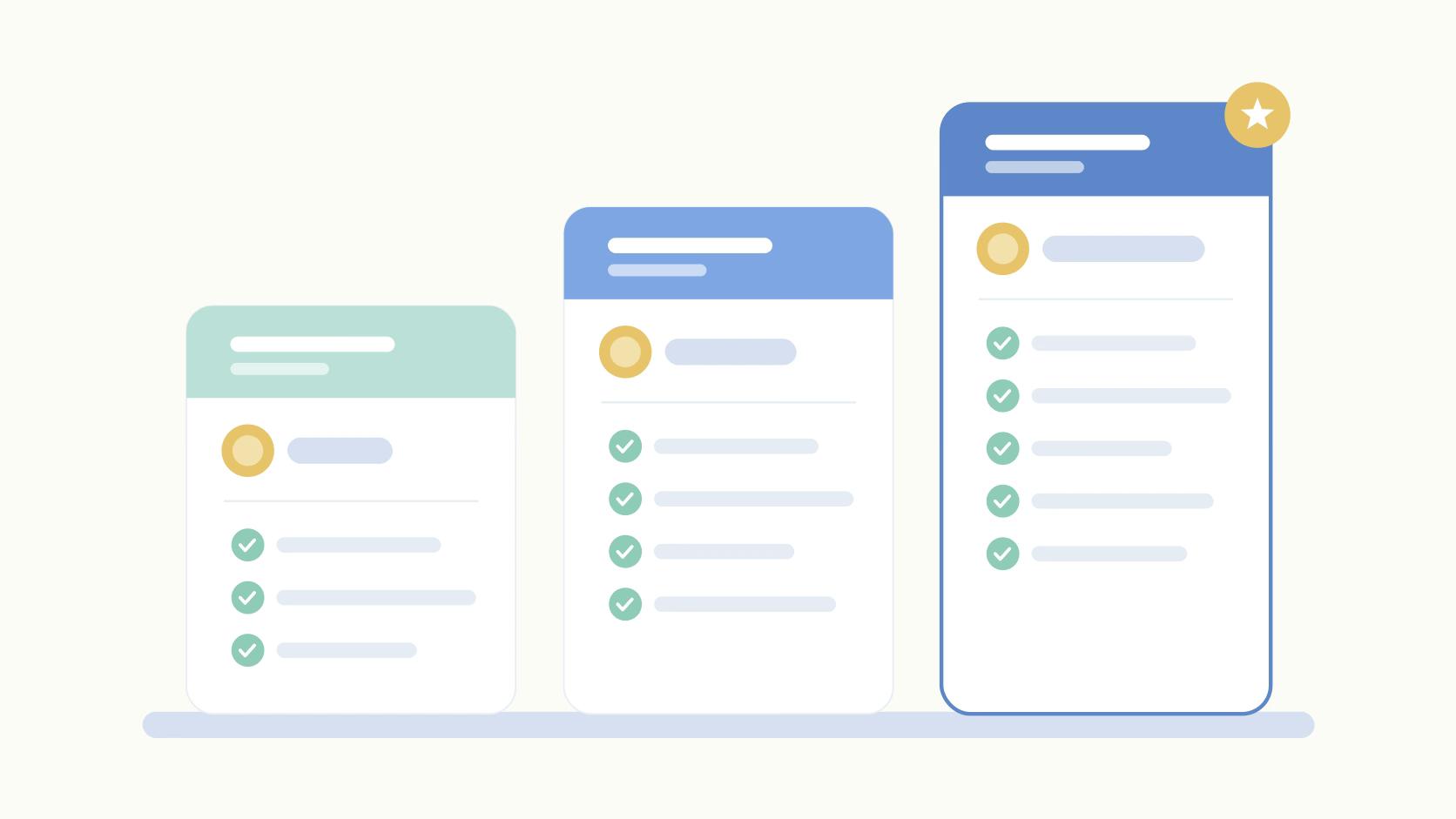
LinkedIn Private Mode is one of three profile-viewing settings that control what information the profile owner sees when you visit their page. The three modes are Public, Semi-Private (LinkedIn calls it "Private Characteristics"), and fully Private (which shows as "Anonymous LinkedIn Member").
Here's what each mode reveals to the person whose profile you visit:
- Public mode shows your full name, photo, headline, and company. The owner sees exactly who you are and gets a notification.
- Semi-Private shows your job title and company but hides your name and photo. A soft signal with limited exposure.
- Full Private mode shows nothing. The owner sees "Anonymous LinkedIn Member" and gets no usable information.
ModeWhat Profile Owner SeesWhat You Give UpBest Use CasePublicYour full name, photo, headline, companyAnonymityPre-outreach warm signal, recruiter visibilitySemi-PrivateYour job title and company onlyName and photoQualifying prospects, light signal researchFull PrivateNothing ("Anonymous LinkedIn Member")Inbound reciprocal views, "who viewed you" visibilityCompetitive research, early-stage prospect scouting
One thing worth flagging for 2026: the settings path differs slightly on mobile versus desktop. On desktop, go to Settings → Visibility → Profile viewing options. On mobile, it's Me → Settings → Visibility. The setting syncs across devices once changed. And one common misconception worth correcting: LinkedIn's algorithm for content distribution is completely separate from your viewing mode. Going private doesn't suppress your posts or hurt your search ranking. Premium users get one additional capability: richer data on semi-private viewers, including their company and role. But even Premium can't unmask a fully private viewer.
When to Use Private Mode (and When Not To)
Use Private Mode when you're in pure research mode and sending a signal would hurt you. Use Public mode when a signal would help. The mistake most people make is defaulting to one setting permanently, which means they're optimizing for the wrong thing half the time.
Private Mode is the right call for competitive intelligence, pre-outreach prospect research, passive candidate screening, and checking the executive team at a target account before a sales conversation. None of these situations benefit from alerting the other person.
But there's a real cost most people don't account for. When you switch to full Private Mode, you disappear from people's "Who viewed your profile" feed. That means you also disappear from the recommendation loops that drive inbound visibility. For founders and marketers whose profile is a brand asset generating warm inbound, losing profile impressions and views is a meaningful tradeoff, especially over weeks or months.
Don't use Private Mode when you're trying to warm up a prospect, get noticed by a recruiter, or trigger that reciprocal "they viewed me back" dynamic. A public profile view is a signal, and in outbound workflows, signals are the point. If someone sees your name in their viewer list before your connection request arrives, that request feels less cold. Skip that step and you're starting from zero.
Private Mode is a research tool, not a default setting.
The B2B Outreach Playbook: Switch Modes by Stage
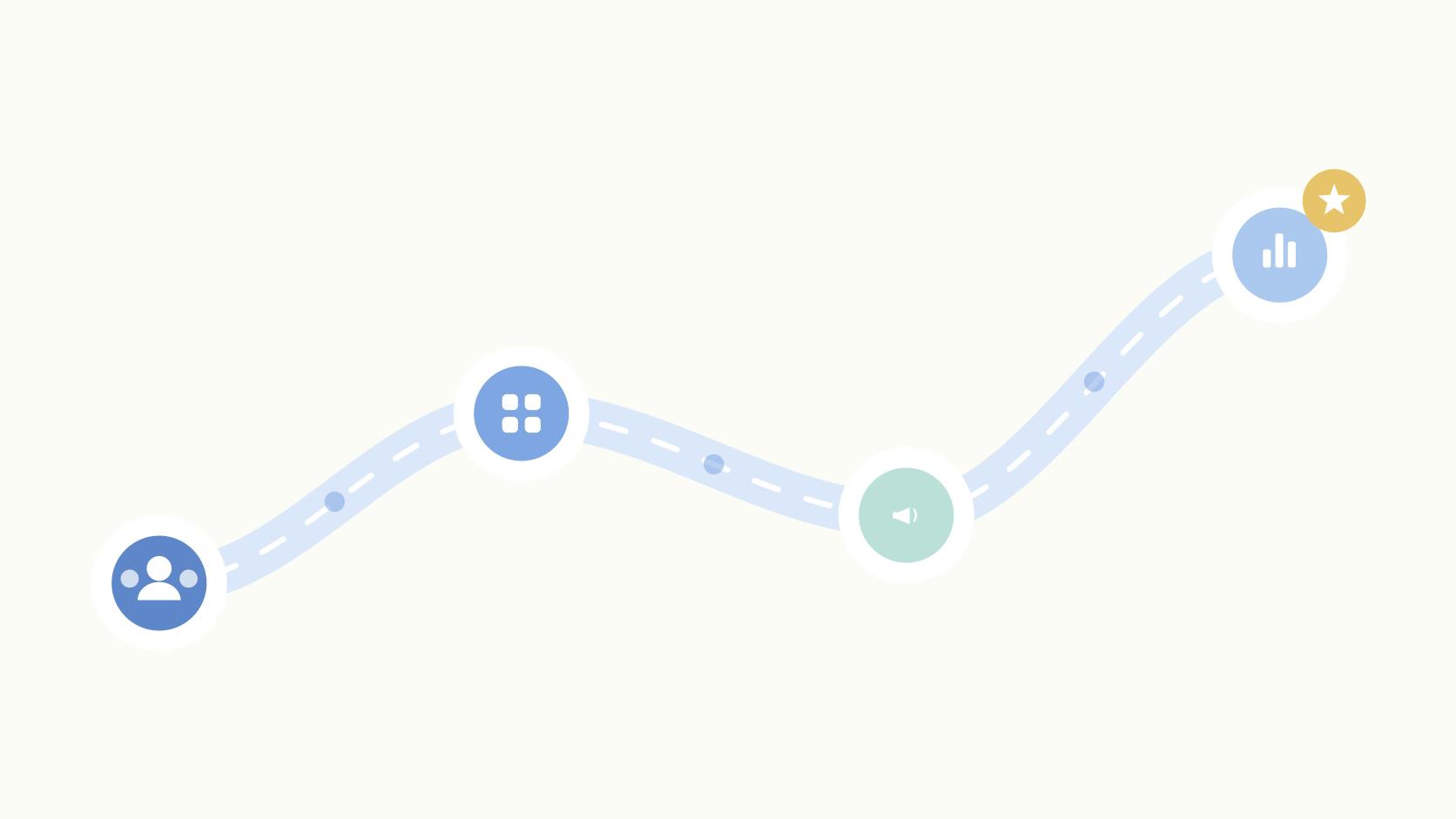
The tactical framework that separates high-performing outbound teams from average ones is simple: match your viewing mode to your workflow stage.
Stage 1 is scouting. You're building your target list, checking org charts, mapping decision-makers, or doing competitive research. Stay in Private Mode throughout. No signal, no noise, no tipping off the prospect before you're ready.
Stage 2 is qualifying. You've identified the right contact and you're validating fit. Switch to Semi-Private. You're sending a whisper of intent without full exposure. The prospect can see your company and title, which can warm the relationship before you've said anything.
Stage 3 is engaging. You're about to send the connection request or outreach message. Switch to fully Public first, then visit their profile. They see your name and face before they see your message.
This matters because the Belkins/Expandi 2025 study of over 20 million outreach attempts found that personalized connection requests (ones referencing profile details) generate a 9.36% reply rate compared to 5.44% for blank requests. Studying the profile in Private Mode is what makes that personalization possible, and switching to Public before sending is what makes the subsequent outreach feel warm rather than cold.
For ABM teams, this is worth coordinating explicitly. If three SDRs are hitting the same account in random modes, the signals cancel out or confuse the prospect. A simple rule in your outreach SOP (private for research, public for activation) can turn social into pipeline more predictably.
What to Do When You See "Anonymous LinkedIn Member"
When you see "Anonymous LinkedIn Member" in your viewer list, you're looking at someone who knows enough about you to look you up but doesn't want you to know they did. That's worth reading carefully.
Anonymous views cluster around a few behaviors: buying intent research, competitive monitoring, recruiting interest, or journalists and investors doing background checks. You can't identify the viewer, but you can identify patterns. A spike in anonymous views after you publish a high-engagement post, announce a funding round, or drop a case study often correlates with warm inbound interest. Use ICP engagement signals to track these spikes against your content calendar.
Semi-private views are more actionable. If someone visits you with "Director of Marketing at [Company]" visible, that's a soft intent signal you can act on. LinkedIn Premium expands how much company and role context you see for semi-private viewers, which is one of the more genuinely useful Premium features for ABM-focused teams.
You can track LinkedIn engagement across accounts and start to see which prospects keep circling back before ever sending a message. Track your anonymous view volume against your calendar. If you see a spike, ask what changed in the past 5 to 7 days: a post went viral, a prospect got a proposal, a competitor noticed a press mention.
Free vs. Premium: Is Private Mode Worth Paying For?
LinkedIn Private Mode is free for every user, regardless of account tier. The question isn't whether you need Premium to go private. The question is whether Premium earns back its cost through the viewing intelligence it unlocks on the other end.
Here's what Premium actually adds: a full 90-day viewer history, richer context on semi-private viewers (company, seniority, and role), and aggregate insights on who's been finding your profile through search. None of that breaks the anonymity of a fully private viewer. But for a founder doing active ABM or a sales leader running a high-volume outbound program, the semi-private viewer data alone can surface warm accounts that would otherwise stay invisible. Read more on LinkedIn Premium features to evaluate whether it fits your workflow.
For most individual contributors and casual users, the math doesn't work. LinkedIn now has over 120 million Premium subscribers according to ConnectSafely (2025), but the viewing intelligence is only valuable if you're actively running outbound or building an inbound presence. If you're not doing either, there's no data to act on regardless of what tier you're paying for.
Final Thoughts
The framework holds across almost every B2B use case: Private for scouting, Semi-Private for qualifying, Public for engaging. The worst thing you can do is set it and forget it. Private Mode left on permanently is a slow drain on inbound visibility that most people don't notice until they audit their profile view trends.
A useful next step: review your last 10 prospect touches and ask which mode you were in at each stage, and whether it matched the goal. Most teams find at least two or three mismatches. And if you want to tie those signals back to actual pipeline, optimize your LinkedIn profile so that when you do go Public, the profile doing the work is worth viewing.
Frequently Asked Questions
Can LinkedIn Premium Users See Who Viewed Their Profile in Private Mode?
No. Even Premium subscribers see "Anonymous LinkedIn Member" when someone views their profile with Private Mode enabled. Premium unlocks a 90-day viewer history and richer details on semi-private viewers, but it doesn't break the anonymity of fully private viewers.
Does LinkedIn Private Mode Work on Mobile?
Yes. Enable it under Me → Settings → Visibility → Profile viewing options in the LinkedIn mobile app. The setting syncs across devices, so toggling it on mobile applies to desktop immediately.
Will Using Private Mode Hurt My LinkedIn Reach or Algorithm Performance?
No. Private Mode only controls how your profile views appear to other users. It has no effect on how LinkedIn's algorithm distributes your posts or ranks your profile in search.
What's the Difference Between Semi-Private Mode and Full Private Mode?
Semi-private (called "Private Characteristics") shows the profile owner your job title and company but hides your name and photo. Full private mode shows nothing, appearing as "Anonymous LinkedIn Member." Semi-private is the better default for most prospecting work: you send a soft signal without fully revealing yourself.
Can I See Who Viewed My Profile if I'm in Private Mode?
No, and this is the tradeoff most people miss. When you enable Private Mode, LinkedIn disables your access to the individual viewer list too. You'll see aggregate view counts but not specific names, even with a Premium subscription.
Does Private Mode Hide Me From Sales Navigator Users?
Not entirely. Sales Navigator operates on its own visibility layer, and some activity signals may still surface to Sales Nav users depending on their settings. Private Mode reduces standard profile view tracking but doesn't make you invisible across LinkedIn's full product ecosystem.
Does Private Mode Prevent Scrapers or Third-Party Tools From Seeing My Profile?
No. Private Mode only controls how your views appear to other LinkedIn users inside the platform. It doesn't block automated scraping tools or external data aggregators that pull publicly available LinkedIn data.
How Often Should I Switch Between LinkedIn Viewing Modes?
Match the mode to the workflow stage. Use Private Mode for early competitive research and prospect intel, semi-private when you want to send a light signal of interest, and full public mode right before outreach. The personalization that research enables is where the reply rate improvement comes from, not the mode itself.
Related Posts
Looking to learn more? The below posts may be helpful for you to learn more about social media and content marketing.