Average LinkedIn post impressions fell to about 812 in 2025, down from roughly 1,057 in 2024 (Statista, 2025). That's a 23% drop in a single year, which is why a bigger list of LinkedIn post ideas won't fix your reach problem. The idea was never the bottleneck. The format you pour it into is.
Post idea lists fail because a clever text-only post is now a structurally losing move. The feed got harder to reach into, and the format you pick before writing a single word caps your ceiling more than the topic ever could. So this is a system for taking a rough thought and turning it into a live post in under five minutes.
TL;DR:
- Ideas are organized by role (social manager, founder, sales, HR), each with a fill-in-the-blank template.
- Format beats topic. Carousel and document posts lead engagement, and link posts get penalized.
- Pick the format first based on your goal (reach vs. engagement), then drop the idea into it.
- A repurposing workflow turns one asset into five posts, plus a list of post types that get suppressed.
How LinkedIn's Feed Rewards Certain Post Ideas in 2026
Format is now a bigger lever than topic. When average impressions drop 23% in a year, reach becomes the scarce resource, and the feed hands more of it to the formats it wants to keep people scrolling. Carousel and document posts sit at the top of that list.
An analysis of 1 million posts across 9,000 company pages found that carousel and document attachments generate the most engagement of any format, outperforming video, image, and link posts (Social Media Today, 2025). That's the difference between a post that dies in the first hour and one that keeps surfacing for days.
So should you only post carousels? No.
There's a "reach and engagement" trade off worth considering. Text-only posts still win on raw reach in our data, averaging around 7,737 impressions per post, because carousels ask people to stop and swipe while text asks nothing.
If your goal this week is top-of-funnel awareness, a sharp text post gets in front of more eyes. If your goal is depth and saves, a carousel wins. Pick the format based on the goal, not on whatever drafts fastest in Slack.
That last part is the trap: a text post is the fastest thing to write and the easiest thing to approve over a Slack thread, so it becomes the default. And the default quietly caps your reach before the idea has a chance.
Personal profiles vs. pages compound this further, which we'll get to in the founder section. Pick the format first. Then fill the idea into it.
LinkedIn Post Ideas by Role
Four role buckets cover most B2B LinkedIn accounts: the social manager running a brand page, the founder building a personal profile, the sales rep working a pipeline, and the recruiter filling roles. Each has a different goal, so each pulls from a different set of templates. The templates below are hook plus body plus format, ready to customize.
For Social Media Managers Running a Brand Page
Your reach ceiling is lower than a founder's, so lean on formats that punch above the page's weight.
- Customer win teaser. Hook: "A [customer type] just cut [metric] by [X%] in [timeframe]. Here's the one change that did it." Body: three sentences on the change. Best format: single image or short text.
- Behind the metric. Hook: "We looked at [X] of our own [thing] last quarter. One number surprised us." Body: the number and what it taught you. Best format: text or single image.
- Blog-to-carousel. Take an existing blog post, pull the five main points, and turn it into a document. Best format: carousel. See how-to carousel guide.
For Founders and Solopreneurs
This is where reach lives. Personal profiles average 9,265 impressions per post versus 1,386 for company pages in our analysis. A founder posting the same idea from a personal account gets roughly 6.7x the reach of the brand page. That single fact should reshape where your best ideas go.
- Origin story. Hook: "We [shipped Y / raised $X] in [Z days]. Here's what nobody tells you about that stretch." Body: three honest beats, one lesson. Best format: text at 1,300 to 1,600 characters.
- Contrarian take. Hook: "Everyone says [common advice]. In our experience, that's backwards." Body: your position, one piece of evidence, one caveat. Best format: text.
- Lesson from a hard week. Hook: "This week broke something in how I think about [topic]." Body: what happened, what changed. Best format: text.
For more, see these founder content ideas.
For Sales Reps
Sales posts work when they sound like a conversation you actually had, not a pitch.
- Question I keep getting. Hook: "Three buyers asked me the same thing this month: [question]." Body: the honest answer. Best format: text.
- Objection reframe. Hook: "'[Common objection]' isn't really about [surface reason]." Body: name it, reframe it. Best format: text.
- Customer conversation insight. Hook: "A prospect said something on a call yesterday that stuck with me." Body: the quote and why it matters. Best format: short text.
For HR and Recruiting
Open roles get ignored when they read like a job description. Lead with the team, not the JD.
- Open role with a story. Hook: "We're hiring a [role] because [specific problem the team is hitting]." Body: the story, then the link in the comments. Best format: text or single image.
- Behind the scenes. Hook: "Here's what our [team] actually did this week." Body: one real moment. Best format: single image.
- What we look for. Hook: "The thing we screen hardest for isn't on the job posting." Body: the trait and why. Best format: text.
Post Ideas by How Much Time You Have
Match the post to the time you've got, not the other way around. Each of these maps to a length range that performs in our data.
- The 2-minute post. One hook line, one observation, one question CTA. Aim for under 150 characters or the 2,000 to 3,000 range. Both are U-curve sweet spots: posts under 150 characters earn a 1.22% engagement rate and the 2,000 to 3,000 band tops out at 1.33%.
- The 10-minute post. A text post at 1,300 to 1,600 characters, single-sentence paragraphs, and a strong first line. See what performs at each post length.
- The 20-minute post. A 5 to 15 slide carousel repurposed from something you already have. This is your highest-engagement format, and it costs more time because it earns more attention.
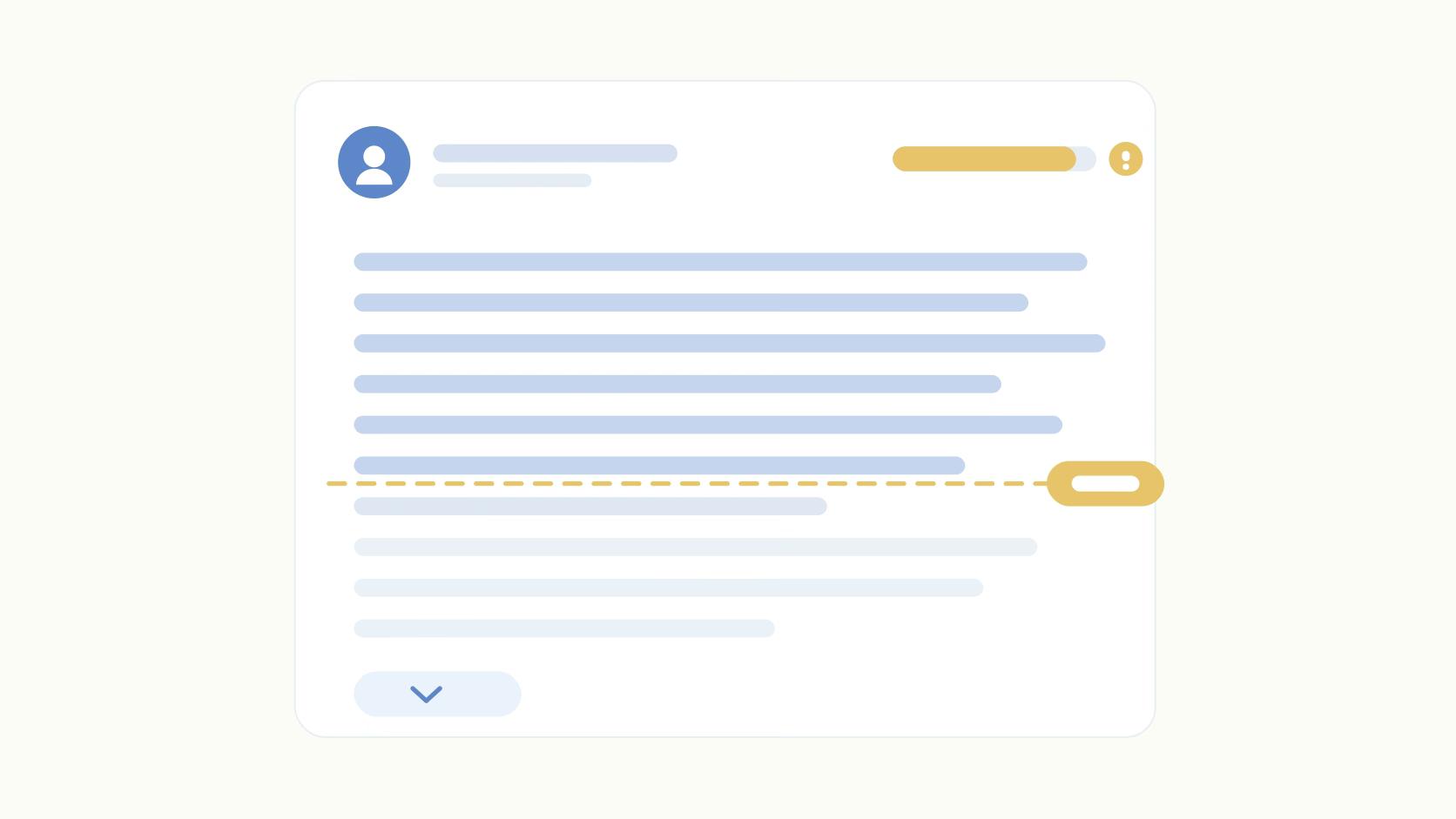
One tactic worth adding to any of these: bold your hook. It draws the eye to the first line before the "see more" cutoff decides whether anyone keeps reading.
"We found that when we bold our hooks, we see like a pretty big spike in engagement rate on those posts on LinkedIn. Little tactics like that, it's interesting to see the validation for them." — Jeffrey Zhao
Turn One Idea Into Five Posts
The fastest way to never run out of ideas is to stop generating new ones. Take one asset (a blog post, a webinar recording, a customer call) and mine it five ways.
- Pull the single sharpest stat and build a data post around it.
- Pull the strongest opinion and write a contrarian text post that takes a real position.
- Pull the how-to steps and turn them into a carousel.
- Pull one quote and build a short quote-led post around it.
- Repost the winner 2 to 6 hours later from a related account for an initial boost. Here's the reposting strategy in more detail.
One source asset covers a full week. And because each version uses a different format, you're hitting the same idea from five angles the algorithm treats as five separate posts.
Post Ideas That Get Suppressed (Skip These)
Some post types actively work against you, and no amount of clever copy fixes a format the feed penalizes. Three to cut.
External links dumped in the post body. Link posts get 26.5% less reach in our data, and that penalty has grown since 2023. Put the link in the first comment or deliver the resource as a document upload instead.
Generic AI-sounding posts. Flat voice, no point of view, structure that reads like it was generated in one prompt. LinkedIn's classifiers flag this pattern, and readers scroll past it. If a post could have been written by anyone, it gets treated like it was.
Engagement bait. "Comment YES if you agree" and its cousins. These got throttled hard, and they make a serious account look desperate. Format discipline and a real point of view beat volume every time. Posting more mediocre ideas doesn't dig you out of a reach hole. Posting fewer, better-formatted ones does.
Pick One Bucket and Post This Week
Ideas were never the bottleneck. Reach got scarcer, formats started mattering more than topics, and the fix is to match the format to your goal and fill in a template. So do the small version now: pick one role bucket, one format, one template above, and post it this week.
Then do it again next week. Weekly posters get roughly 2x higher engagement than monthly posters in our data, and consistency is the one variable you fully control. The idea list stops mattering the moment you have a cadence.
Hitting that cadence is where a tool earns its place. Ordinal handles scheduling, shows a realistic preview of where your "see more" cutoff falls, and automates the first-hour engagement that decides whether a post lives or dies. Set the format, drop in the template, and let the system keep you consistent while you focus on the idea.
Frequently Asked Questions
How Often Should I Post on LinkedIn?
Aim for at least once a week, minimum. Ordinal's data shows weekly posters get roughly 2x higher engagement than people who post monthly, and the accounts that grow fastest tend to post around five times a week from a founder or employee profile. If you're stuck between more LinkedIn post ideas and more consistency, pick consistency.
What Are the Best LinkedIn Post Ideas for Beginners?
Start with an origin story, a lesson from a recent project, or one specific tip pulled from your actual work. These read as human even with zero following, and they don't require a big content calendar to pull off. Pair whichever idea you pick with a strong first line, since that's what earns the click to "see more" in the first hour.
What Type of LinkedIn Post Gets the Most Engagement?
Carousel and document posts lead engagement across formats, according to a Social Media Today analysis of over 1 million posts. Ordinal's own data on 248,275 posts puts document and carousel content at a 1.65% engagement rate, well above the middle of the pack. Text-only posts still win on raw reach, so the right format depends on whether you're optimizing for reach or engagement.
How Long Should a LinkedIn Post Be?
Ordinal's dataset of 248,275 posts shows a U-curve, not a straight line. Posts between 2,000 and 3,000 characters earn the highest engagement rate at 1.33%, and short posts under 150 characters come in second at 1.22%. The weak spot sits in the 600 to 1,500 character range, which is exactly where most people default when they're not thinking about length.
Should I Post From My Personal Profile or My Company Page?
Post your best material from a personal profile. Ordinal's data shows personal profiles average 9,265 impressions per post compared to 1,386 for company pages, a gap wide enough to change your entire content plan. Keep the company page for brand consistency and official announcements, but route your strongest LinkedIn post ideas through a founder or employee account first.
Do Links in LinkedIn Posts Hurt Reach?
Yes, and the penalty is bigger than most people assume. Ordinal's data shows posts with outbound links get about 26.5% less reach than posts without them. Put the link in the first comment or deliver the resource as a document upload so the post keeps its reach.
Related Posts
Looking to learn more? The below posts may be helpful for you to learn more about social media and content marketing.