"YouTube automation" covers very different jobs. One tool cuts a 90-minute podcast into Shorts, another tests thumbnails, and a third makes sure the finished video goes out on schedule with the right people signed off. If your social team buys a clipping tool when the real bottleneck is approvals, you'll still be chasing sign-off in Slack threads, just with better clips.
This list covers all three layers: publishing and workflow, clip creation and AI editing, and YouTube-specific SEO.
We pulled pricing from each vendor's own pricing page and summarized the independent review material we could verify, including the billing complaints that show up across several of these tools.
At a glance
What Makes a Good top Youtube Automation Tool
Layer of the YouTube workflow
Automation here splits into distinct jobs, which are multi-channel publishing and approvals, long-form-to-clip AI editing, and YouTube-specific SEO/optimization. The right pick depends on which bottleneck you actually have, not on buying 'automation' in the abstract.
Billing and cancellation record
Across nearly every tool in this list, the loudest complaints are about cards charged after cancellation, surprise annual plans, and slow refunds rather than product quality. Check review platforms for this pattern before committing, since it shows up regardless of which tool you're evaluating.
Credit system economics
Several AI editors meter usage through credits that can burn fast on 'thinking' steps, failed renders, or upsells, with little transparency into what triggers a charge. Look at how predictable the cost is for your actual volume, not just the sticker price.
Approvals and collaboration
Tools differ in whether sign-off and teamwork are built into the flow or left to outside threads. Features like shared workspaces, multiplayer editing, and formal approval steps matter most for teams, not solo creators.
Output reliability
Reviewers repeatedly flag broken workflows, glitchy AI output, inconsistent clip selection, and rendering failures. These issues that only surface after regular, high-volume use rather than a one-off demo. This is worth weighing against the polish of the first few outputs.
Depth of SEO and growth tooling
For channel-growth-focused tools, the differentiator is how far the keyword research, thumbnail testing, and analytics go versus just publishing. This matters more on established channels trying to optimize than for teams just trying to get content out the door.
The YouTube Automation Tools Worth Shortlisting
1. Ordinal
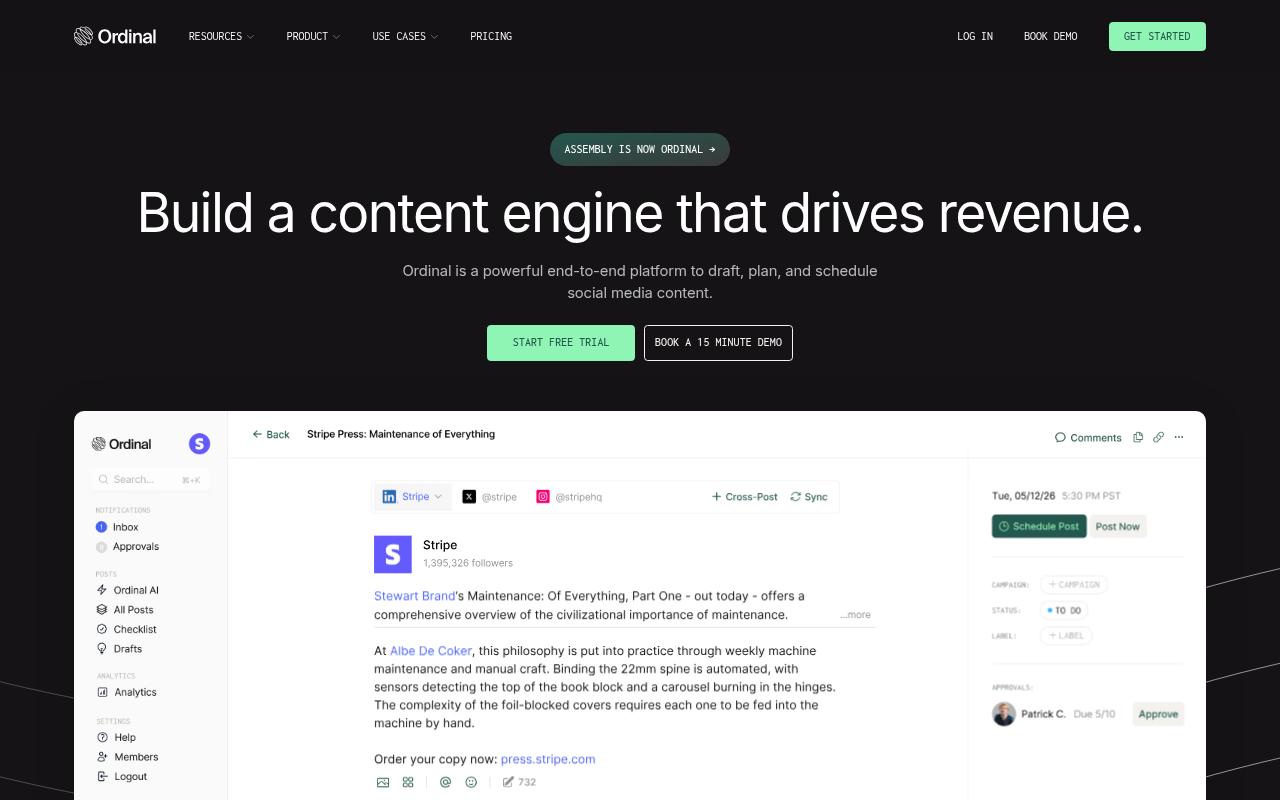
Ordinal is an end-to-end platform for drafting, planning, and scheduling social media content, built for content agencies, founders and execs, social media managers, content marketers, and growth teams.
It schedules and cross-posts to YouTube Shorts alongside LinkedIn, X, Instagram, and other major channels from one calendar, with collaboration and approvals built into the flow. It also offers MCP and API access, so teams can draft posts and analyze performance through their own AI tools.
Price: Starter is $95/mo (up to 3 seats, 4 social profiles), Pro is $265/mo (unlimited seats, team engagements, API and MCP access), Growth is $695/mo, and Enterprise is custom, according to Ordinal's pricing page. Annual billing brings those down to $85, $235, and $625 per month.
For a social team, YouTube rarely lives on its own. The same Short usually goes out on LinkedIn, Instagram, and TikTok too, and Ordinal handles that whole schedule in one place with a content calendar, campaigns, labels, and recurring posts. Approvals let teammates or clients finalize posts before they go live, which replaces the Google Doc and Slack DM version of review.
Slack Boost Channels ping the team when a post goes live on any channel, so the people who should engage don't miss it. As Ordinal's YouTube Shorts guide notes, analytics already cover Facebook, LinkedIn, X, and Instagram, with YouTube Shorts analytics listed as coming soon.
If your job is getting finished video out the door on time across a multi-channel calendar, this is the tool built for it, and Ordinal's MCP and API guide walks through what AI can run end to end on the agent side.
Verdict: The best pick for teams whose YouTube Shorts are one channel in a larger, approval-driven social calendar.
2. Repurpose.io
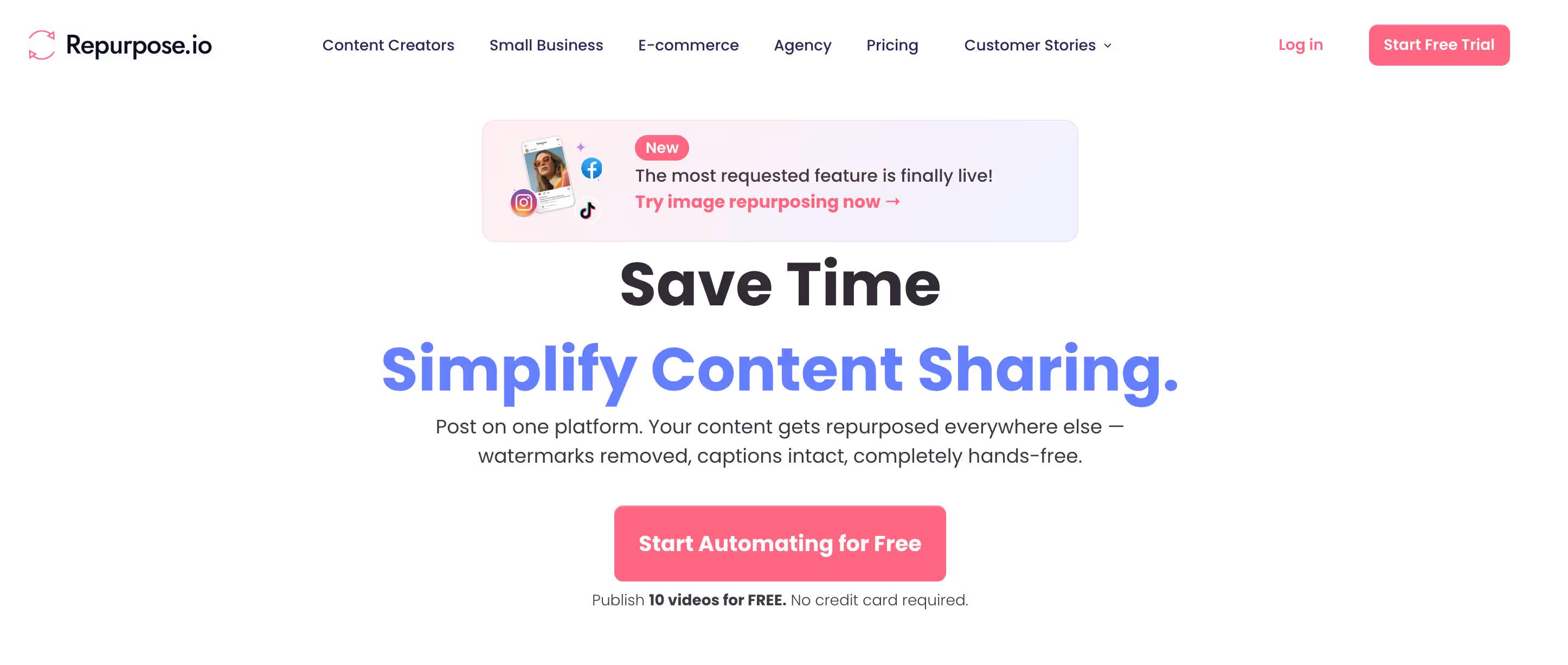
Repurpose.io is an automated content repurposing and distribution platform built around posting once and showing up everywhere. You publish on one platform, and its workflows republish to others (including YouTube, TikTok, Instagram, LinkedIn, and X) with auto-resizing and watermark removal. It also backs up videos to Google Drive or Dropbox and supports scheduling.
Pros:
- Reliable 'set and forget' automation that republishes content across platforms without manual work
- Users report real growth in followers and views after adopting it
- Responsive, helpful onboarding/support experiences (e.g. staff named 'Logan')
- Deep customization options for workflows
- Saves significant time versus manual cross-posting
Cons:
- Reliability/bugs during high-traffic periods (e.g. Q4/Black Friday)
- Workflows can be disabled or broken without warning
- Support can be unhelpful when resolving billing or cancellation issues
- Being pushed into annual subscriptions and difficulty getting refunds
- Some feature limits (e.g. capped daily Instagram Trial Reels) reduce value for heavy users
Price: Starter is $35/month, Pro is $79/month, and Agency is $179/month, with yearly plans saving 17% and a 14-day free trial, according to Repurpose.io's pricing page.
On TrustPilot, Repurpose.io holds 4/5 from 92 reviews. Reviewers praise its "set and forget" automation ("I can genuinely set it and walk away") and report follower and view growth, and some name the support staff who helped with setup. The complaints center on reliability during high-traffic periods like Black Friday and workflows breaking without warning. There's also pushback on annual subscriptions and refunds.
Verdict: A cheap, strong fit for creators who want hands-off cross-posting, as long as someone checks that the workflows are still running.
3. OpusClip
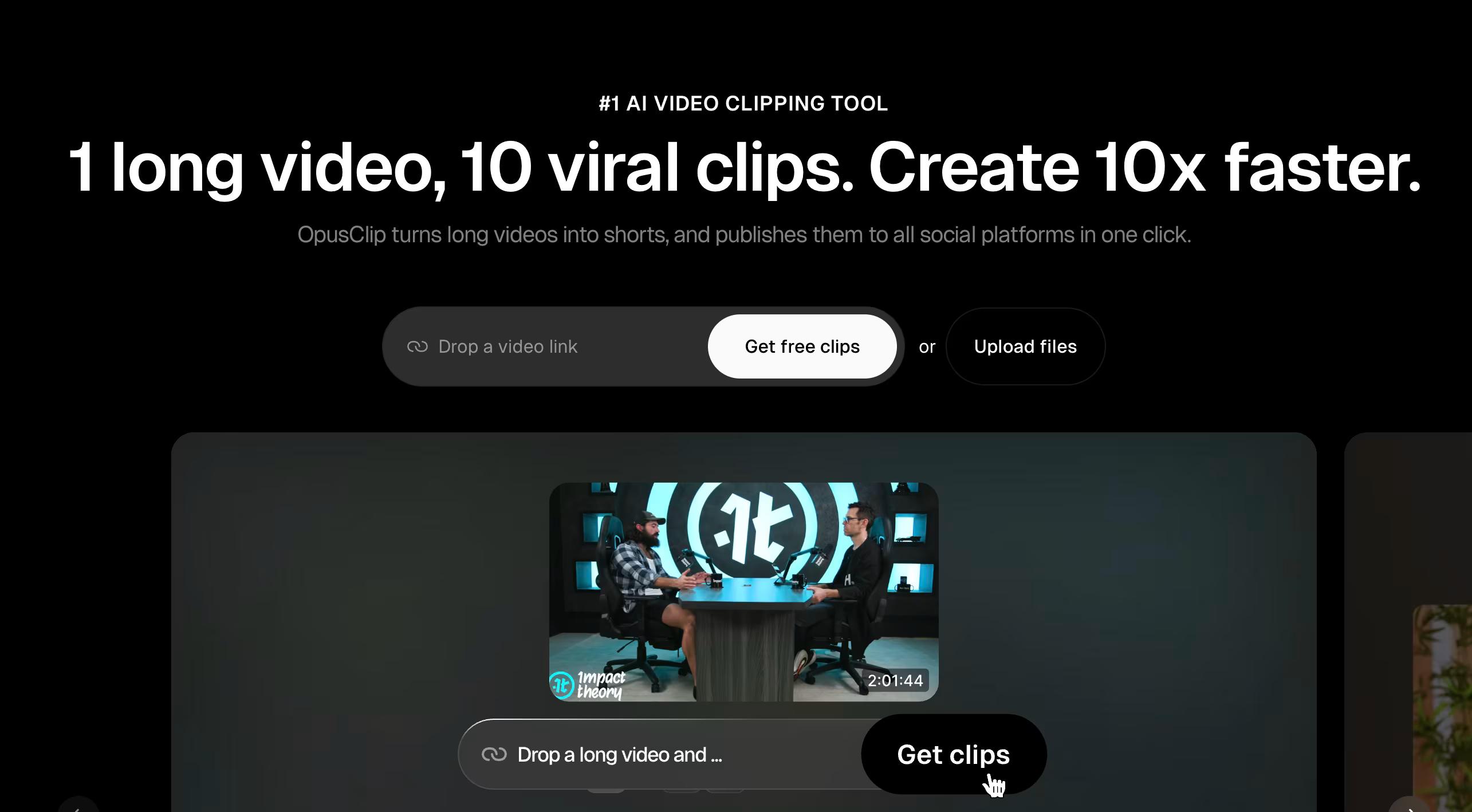
OpusClip uses AI editing models to turn long-form video like podcasts, vlogs, interviews, and explainers into short clips, then reframes them for each platform with object tracking. It's aimed at creators and businesses scaling short-form output, and the site says it's used by 20M+ creators and businesses. Teams get brand templates, a shared workspace, and API integration.
Pros:
- Easy to use and affordable
- Saves significant time editing/clipping compared to traditional editors like Premiere Pro
- Responsive customer support, including issuing refunds
- Effective at turning long-form content (podcasts, streams) into short, shareable clips
- New AI features (e.g. Agent Opus) praised as major improvements
Cons:
- Billing/cancellation issues: customers report being charged after cancelling and needing many support emails to resolve
- Aggressive upselling and expensive credit system for extra features like social publishing
- Bugs reported, particularly with AI B-roll generation
- Free version deletes saved project progress after 3 days, not restored even after upgrading
- Occasional accuracy issues such as spelling errors in AI-generated content
- Support can be slow or unhelpful for some billing/technical issues
Price: Free at $0 (watermarked), Starter at $15/mo, Pro at $29/mo with team workspace and API access, and Business at custom pricing, per OpusClip's pricing page.
On TrustPilot, OpusClip sits at 4/5 from 510 reviews. Reviewers call it easy and affordable, and one said it "saves us a lot of time editing our clips and is simpler to use than premiere pro." Long-time users describe it as their go-to for turning long-form into short clips. On the negative side, reviewers flag billing and cancellation problems and aggressive upselling on credits for features like social publishing, and bugs in AI B-roll come up as well.
On Capterra, OpusClip holds 3.6/5. Reviewers commonly praise ease of use, attractive interface, and efficient AI-powered clipping and note watermarks during the free trial, limited caption customization, generic clip recommendations, and inconsistent output quality.
On G2, OpusClip holds 4.6/5 across 123 reviews. Reviewers commonly praise ease of use, time savings, AI clip generation, and dynamic captions and note inconsistent clip selection, slow rendering, limited editing flexibility, and incompatible video formats. See the G2 reviews and pros and cons pages.
Verdict: The clipping tool to start with if you're sitting on hours of long-form footage, but watch the credit costs.
4. InVideo AI
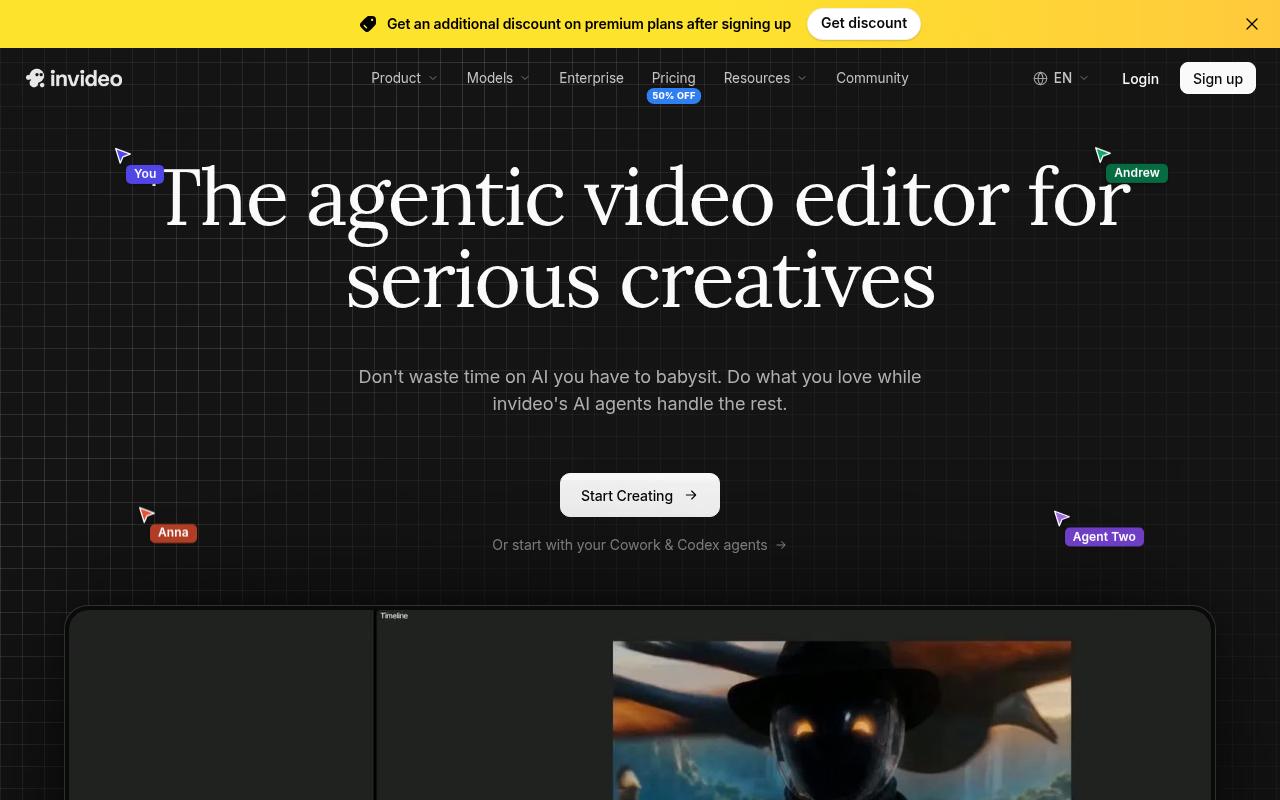
InVideo AI is an agentic video editor that pairs a multitrack timeline with AI agents that carry out edits from plain-language instructions. It targets everyone from solo creatives to enterprises, including advertisers and social content creators. Features include storyboarding, an AI script co-writer, real-time multiplayer editing, and connections for outside agents like Claude and ChatGPT.
Pros:
- Easy to use / beginner-friendly interface for generating videos from text prompts
- Can produce a full video pipeline (script, voiceover, scenes) quickly
- Output quality can be good for simple use cases when it works as intended
Cons:
- Credit system consumes credits extremely fast, often with no usable output
- No refunds even when the product fails to deliver
- AI frequently ignores instructions or produces glitchy/incorrect results (wrong visuals, mispronunciations)
- Slow video generation
- Unclear/opaque credit costs for agent 'thinking' steps before any export
- Billing issues: surprise annual charges, legacy plans cancelled without reinstatement
- Unhelpful or bot-like customer support
- Pricing model impractical for regular/high-volume content creation (e.g. YouTube channels)
Price: Starter is $20/seat/mo monthly ($10 annually on promo), Plus is $60/seat/mo ($30 annually), Max is $150/seat/mo ($75 annually), and Enterprise is custom, according to InVideo's pricing page.
TrustPilot reviews are harsh, at 1.8/5 from 1023 reviews. Reviewers say the credit system burns through allotments without producing a usable video ("2500 credits and still nothing") and that refunds aren't given when the tool fails. They also say the AI ignores instructions or produces the wrong visuals, with one reviewer reporting it "gave one of the dogs 6 legs," and slow generation comes up repeatedly too.
On Capterra, InVideo AI holds 4.5/5. Reviewers commonly praise ease of use, fast video generation, and useful marketing content creation and note limited editing control, inconsistent output quality, expensive pricing, and customer-service problems.
On G2, InVideo AI holds 4.2/5 across 183 reviews. Reviewers commonly praise ease of use, intuitive video creation, and extensive templates and media resources and note credit limitations, expensive pricing, performance issues, and weak customer support. See the G2 reviews and pros and cons pages.
Verdict: An ambitious editor, but the review record makes it a risky buy for regular, high-volume YouTube output.
5. TubeBuddy
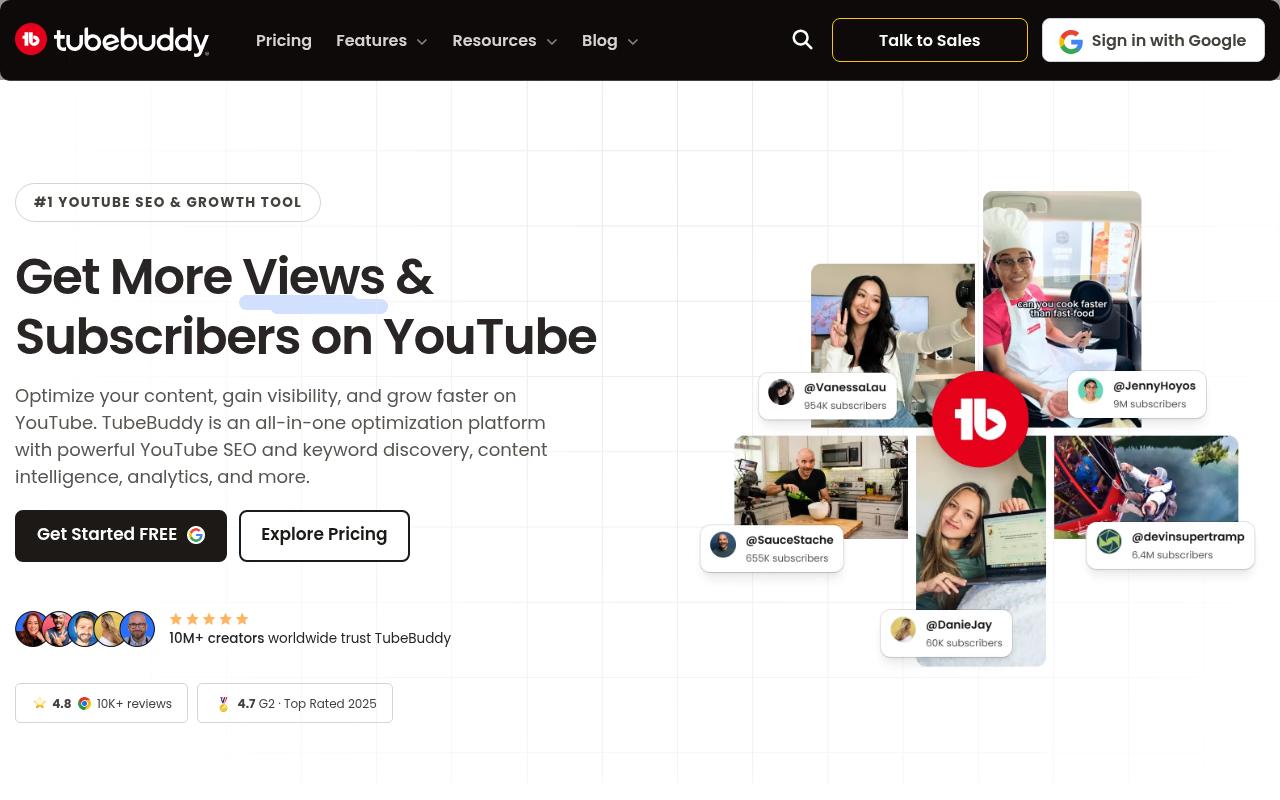
TubeBuddy is a YouTube optimization platform that runs inside YouTube as a browser extension and mobile app. It covers keyword research, a real-time SEO Studio, thumbnail A/B testing, and bulk tools for scheduling, end screens, cards, and description updates. It serves creators of every size, plus teams, brands, and agencies managing several channels.
Pros:
- Helps with channel growth and time savings via keyword/SEO tools (Tag Explorer, SEO Studio)
- Useful 'Best Time to Publish' and thumbnail A/B testing features
- Responsive, helpful customer support reported by several reviewers
- Easy, effortless integration directly inside YouTube
Cons:
- Billing complaints: cards charged after cancellation or without clear notice/invoices
- Difficult to cancel subscriptions
- Some reviewers report no tangible ROI/benefit despite paying for Pro
- Extension does not work on Firefox
- One report of account security concerns when logging in with Google
Price: Free, Pro at $4.50/mo ($3.60 annually), Legend at $28.99/mo ($23.19 annually), and custom Enterprise bundle pricing for brands with 3+ channels, per TubeBuddy's pricing page.
On TrustPilot, TubeBuddy has 2.5/5 from 26 reviews, and opinion is sharply split. Fans cite Tag Explorer, SEO Studio, and Best Time to Publish, and a couple praise fast support. The dominant complaint is billing, with cards charged after cancellation and subscriptions that are hard to cancel. Some users also saw no return from Pro, and one reviewer noted the extension doesn't work on Firefox.
On G2, TubeBuddy holds 4.6/5 across 44 reviews. Reviewers commonly praise ease of use, SEO tools, keyword research, and channel analytics and note a learning curve, limited free-plan features, and occasional extension issues. See the G2 reviews and pros and cons pages.
Verdict: Worth it for bulk editing and thumbnail tests on established channels, as long as you keep a close eye on billing.
6. Pictory
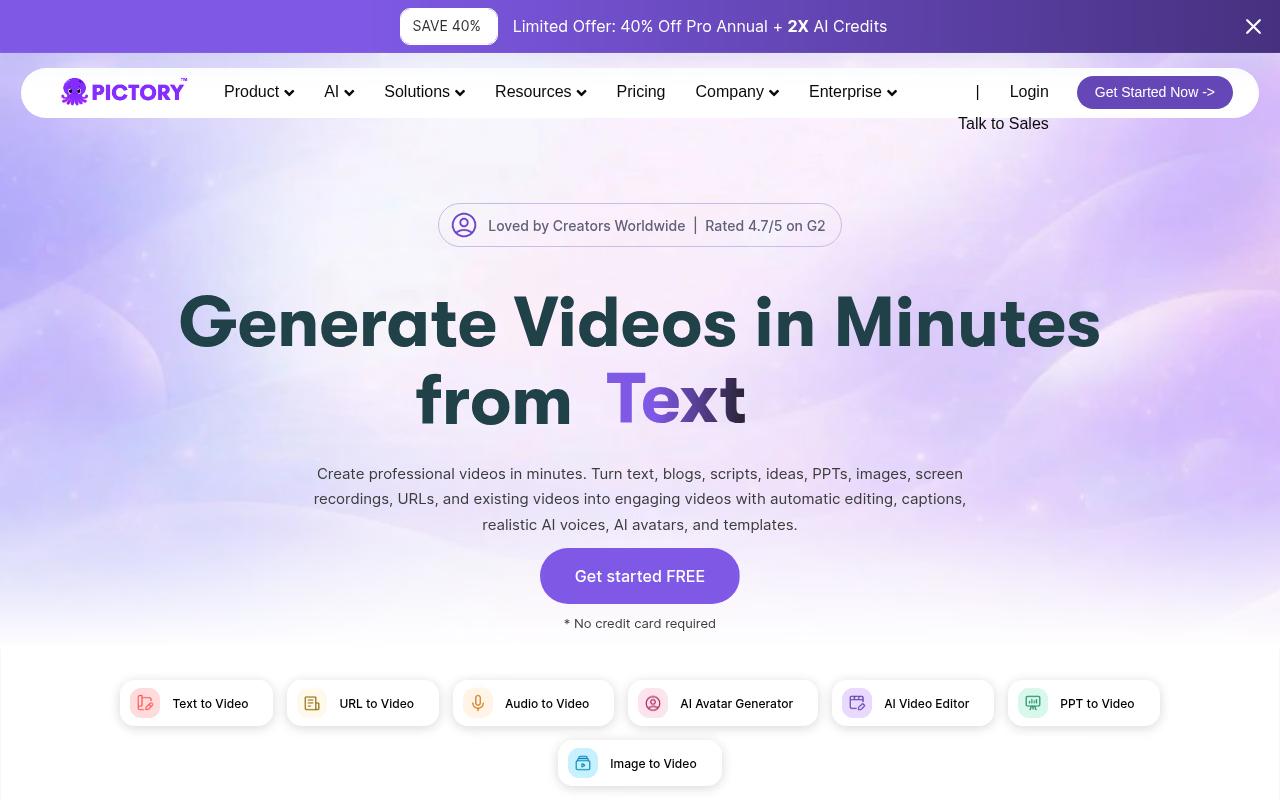
Pictory turns existing content (scripts, blog posts, URLs, slide decks, audio, and screen recordings) into publish-ready videos with captions, AI voices, and AI avatars. It's built for marketers, educators, and teams that need video without editing skills or cameras, and brand kits and a team workspace come on higher tiers.
Pros:
- Easy to use and intuitive, even for beginners with no editing skills
- Fast turnaround (turns scripts/blog posts into videos in minutes)
- Good for creating faceless AI videos via an efficient script-to-video workflow
- Responsive, helpful customer support and training/webinars called out by name
- Smooth refund/cancellation experience reported in at least one case
Cons:
- Billing/cancellation issues (subscriptions not cancelling and auto-billing continuing)
- Rendering failures on some video projects with slow support resolution
- Live support can be slow to respond despite a helpful chatbot
- Payment/credit issues, e.g. purchased premium voice minutes not being added
- AI Avatar feature needs refinement (lip sync, facial expressions, natural delivery)
Price: Starter is $25/month billed annually ($29 monthly), Professional is $35 ($59 monthly), Team is $119 ($199 monthly), and Enterprise is custom, with a 14-day free trial, per Pictory's pricing page.
Pictory scores 4.2/5 from 668 reviews on TrustPilot. Reviewers like how quickly it turns scripts and blog posts into video and recommend it for faceless video, and they call out support reps and webinars by name. On the downside, subscriptions keep billing after cancellation and rendering failures get slow fixes. Reviewers also say the AI avatars still need work on lip sync and expressions.
On G2, Pictory holds 4.6/5 across 81 reviews. Reviewers commonly praise ease of use, efficient video creation, and high-quality output and note limited editing flexibility, inconsistent audio synchronization, and limited avatar and voice options. See the G2 reviews and pros and cons pages.
Verdict: A solid way for teams to turn blog and webinar content into YouTube video without an editor on staff.
7. Descript
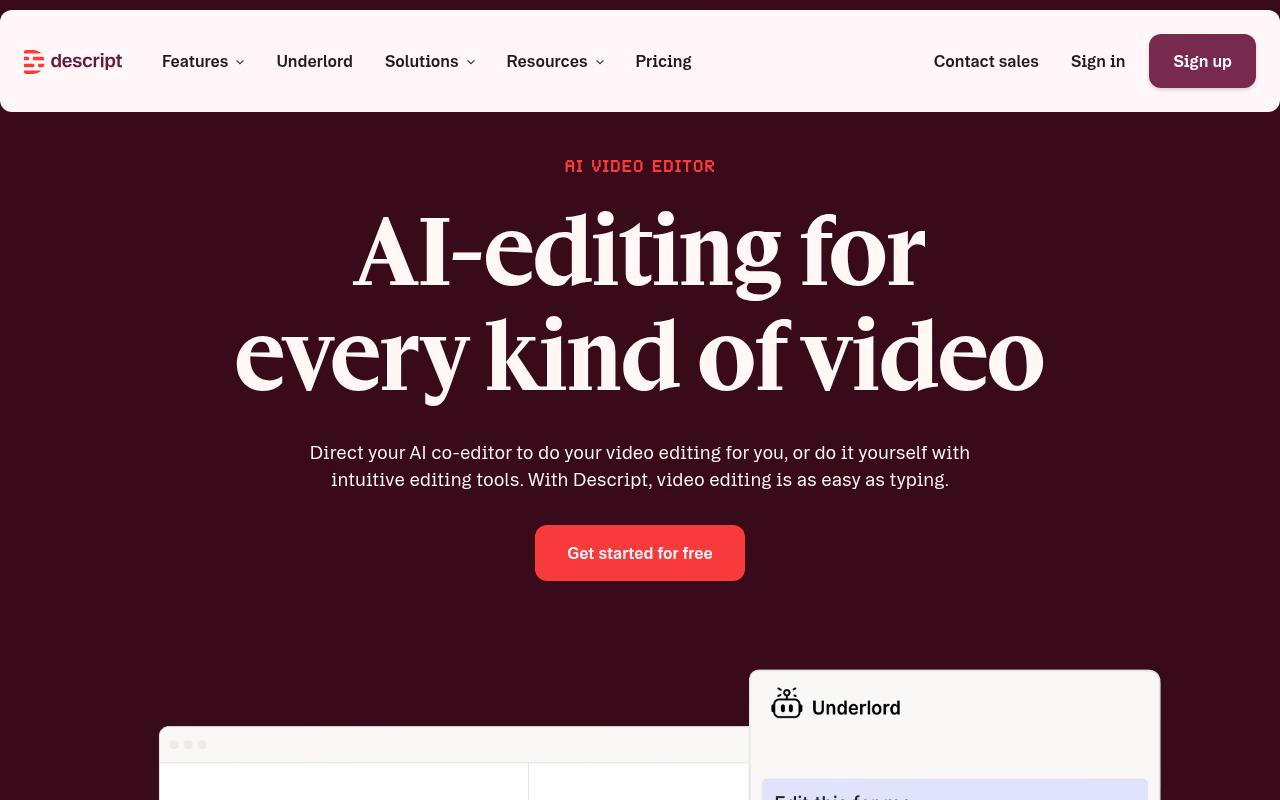
Descript lets you edit video and audio by editing the transcript, with one-click filler word and retake removal. Its AI co-editor, Underlord, turns raw recordings into tighter cuts, and it can generate YouTube thumbnails, descriptions, captions, and short clips for YouTube, TikTok, and LinkedIn. It's used by marketing teams, podcasters, and enterprise teams at companies like Amazon, Canva, and Salesforce.
Pros:
- Core concept of AI/text-based editing is appealing to users (even critics acknowledge the idea is promising)
Cons:
- Very difficult to cancel subscriptions; cancellation guide reportedly doesn't work
- AI edit credits get burned quickly on edits that don't match instructions or produce poor results
- AI editing quality criticized as inconsistent or poor for the price
- Customer support described as slow, automated, or unhelpful, sometimes requiring a bank chargeback threat to get a refund
- App stability issues including crashes while rendering
- Steep learning curve / poor UX reported by some users
Price: Free, Hobbyist at $16/mo billed annually ($24 monthly), Creator at $24 ($35 monthly), Business at $50 ($65 monthly), and custom Enterprise, according to Descript's pricing page.
TrustPilot puts Descript at 2.6/5 from 290 reviews. Reviewers report trouble canceling (they say the cancellation guide doesn't work) and frustration with credits, including one who "burned through 800 credits" cleaning up filler pauses while the tool deleted real words and desynced the audio. Others call the AI quality "shockingly poor" and describe slow, automated support.
On Capterra, Descript holds 4.6/5. Reviewers commonly praise easy-to-use transcription, text-based editing, and time-saving production tools and note slow performance, confusing file management, and limited support.
On G2, Descript holds 4.6/5 across 928 reviews. Reviewers commonly praise easy, script-based editing with helpful AI features and note learning difficulty, complicated updates, and slow performance. See the G2 reviews and pros and cons pages.
Verdict: The text-based editing idea is strong, but test the AI features on real footage before committing to a team plan.
8. vidIQ
vidIQ is a YouTube growth toolkit available as a web app, Chrome extension, and mobile app. It covers keyword research, channel audits, competitor tracking, trend alerts, and an AI Coach, plus an MCP for Claude and ChatGPT on the free plan. Its Enterprise tier targets brands, agencies, and networks managing multiple channels.
Pros:
- Helps with feedback, clipping, and thumbnail improvement for content creation
- ChatGPT plugin integration helps audit channels and identify improvements
- Coaching program gets positive feedback from users who found their coach helpful and practical
- Option to switch coaches if one isn't the right fit
Cons:
- Many users describe billing/subscription practices as deceptive or scam-like, with cancellation being hard to complete or confirm
- AI-generated video and thumbnail features often produce low-quality output while still consuming paid credits
- Perceived decline in feature quality and value over time ('shrinkflation')
- Keyword tags, titles, and thumbnail ratings described by some as inaccurate or low-value
- Described by some as a 'subscription harvesting platform' with poor customer support and no refunds
Price: Free, Boost at $16.58/month billed yearly ($19 monthly), Max at $39/month billed yearly ($49 monthly), and custom Enterprise, per vidIQ's pricing page.
vidIQ sits at 3.7/5 from 1,375 reviews on TrustPilot, with plenty of negative recent reviews alongside loyal long-term users. Fans use it for clipping, thumbnails, and channel audits through the ChatGPT plugin, and the coaching gets praise. Critics describe cancellations that are hard to confirm and AI thumbnails and video that eat credits while producing low-quality output. Some also feel the product has declined in value over time.
On Capterra, vidIQ holds 4.3/5. Reviewers commonly praise keyword research, competitor analysis, SEO suggestions, and ease of use and note expensive paid plans, generic AI suggestions, feature limitations, and a learning curve.
On G2, vidIQ holds 4.5/5 across 34 reviews. Reviewers commonly praise keyword research, data insights, ease of use, and YouTube integration and note limited free-version features, premium pricing, and weaker AI thumbnail design. See the G2 reviews and pros and cons pages.
Verdict: Useful for research and competitor tracking, especially on the free tier, but weigh the billing complaints before upgrading.
FAQ
What's the Best YouTube Automation Tool for a Social Media Team?
It depends on where your bottleneck sits. If it's scheduling and approvals across YouTube Shorts and other channels, Ordinal fits. OpusClip is built for turning long videos into clips, and Repurpose.io automates republishing between platforms if you want hands-off cross-posting.
Can I Schedule YouTube Shorts Alongside LinkedIn and Instagram Posts?
Yes. Ordinal schedules and cross-posts to YouTube Shorts, LinkedIn, Instagram, X, and other channels from one calendar, and Repurpose.io offers scheduling and auto-publishing across platforms including YouTube. TubeBuddy also includes video scheduling, but only for YouTube.
Are AI Video Tools Like InVideo AI and Descript Worth It for YouTube?
Proceed carefully. InVideo AI holds 1.8/5 on TrustPilot from 1023 reviews and Descript holds 2.6/5 on TrustPilot from 290 reviews, with recurring complaints about credits burning on poor output and difficult cancellations. Try the free tiers or trials on your own footage before paying.
Related Posts
Looking to learn more? The below posts may be helpful for you to learn more about social media and content marketing.