
Supergrow earned its spot on a lot of shortlists by being cheap and simple. It's a LinkedIn-focused tool with AI writing help, built for individual users who want basic AI features on a budget. That's a fine starting point, but problems start when a solo founder becomes a team of five executives who all need to post, get approved, and engage with each other's content. At that stage, the question becomes which tool can run a program.
The alternatives below fall into two camps. Some are personal-brand tools that do what Supergrow does with a different twist, like voice training, trend alerts, or video. Others are built for teams that need approvals and engagement workflows, with reporting on top. We've pulled pricing from each vendor's own pricing page and summarized independent reviews where verified ones exist. The side-by-side table below gives you the quick version before the details.
At a glance
Ordinal is our own product. Its row uses the same sourced facts as every other tool, and it carries no rating we issued ourselves.
What Makes a Good Supergrow Alternative
Solo vs. team design
Some tools are built for one person drafting their own posts, while others assume multiple people need to post, approve, and engage together. This single difference determines whether you'll outgrow the tool the moment your team grows past one.
Approval and engagement workflows
For anything beyond a solo account, check whether the tool has real approval chains and ways for teammates to like, comment, or repost from their own accounts, rather than relying on manual slack pings.
Voice-matching quality
Most of these tools promise drafts that sound like you, trained on a profile, onboarding interview, or past posts, but reviewers differ sharply on whether the output is genuinely usable or needs heavy editing.
Format and media range
Tools vary in whether they stop at text posts or extend into carousels, slide decks, video, and image studios, which matters if your content strategy leans visual.
Reliability and support track record
Independent reviews surface real differences in day-to-day stability and how vendors handle billing, cancellations, and support response times, issues that only show up once you're a paying customer.
The Supergrow Alternatives Worth Shortlisting
1. Ordinal
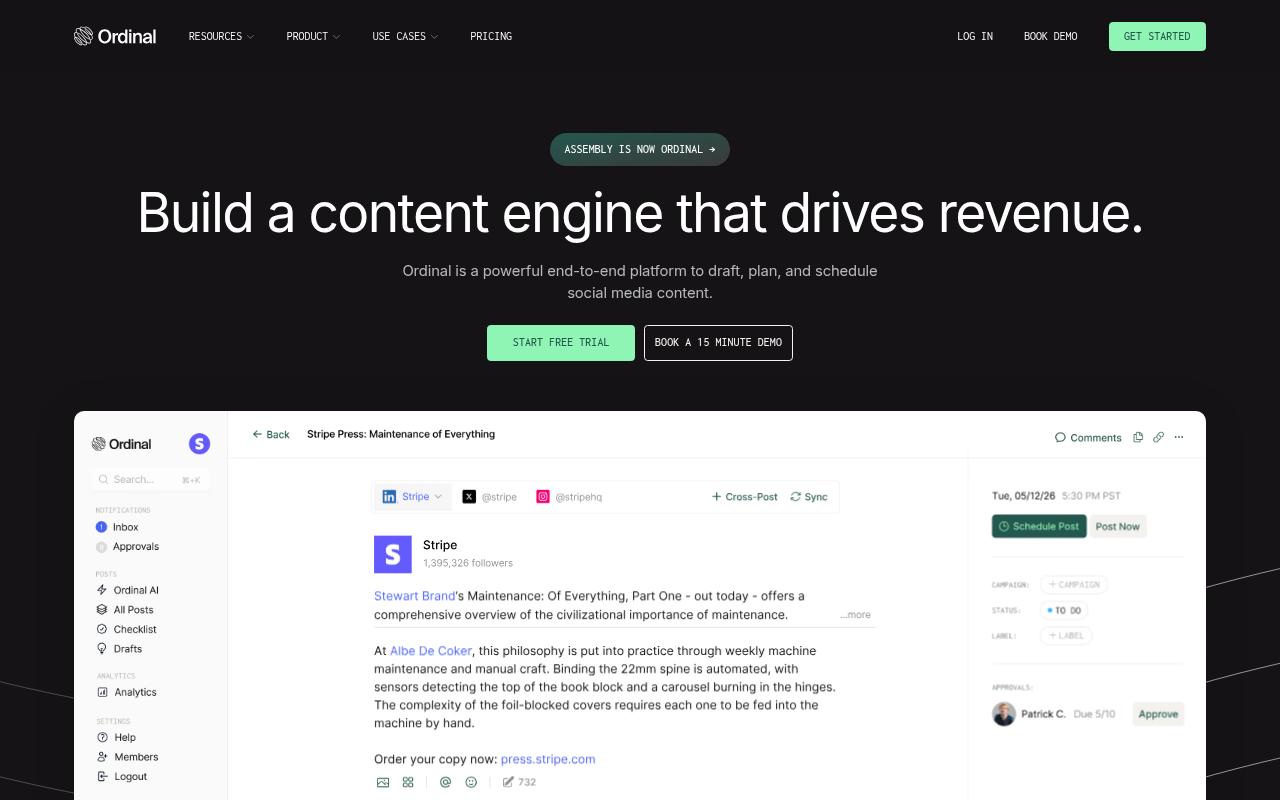
Ordinal is an end-to-end platform for drafting, planning, and scheduling social content, built for teams that want their content to drive revenue. It's aimed at content agencies, founders and execs, social media managers, content marketers, and growth teams. LinkedIn is the centerpiece, with personal profile tagging, team engagement, and approvals, but you can also cross-post to X, Instagram, YouTube Shorts, and other major channels from the same calendar.
Price: According to Ordinal's pricing page, Starter is $95/month (up to 3 seats, 4 social profiles), Pro is $265/month with unlimited seats, team engagements, and API and MCP access, and Growth is $695/month with webhooks, custom permissions, and amplification links. Enterprise is custom priced and adds advanced employee advocacy, CRM lead connection, and SAML/SSO. Annual billing brings those down to $85, $235, and $625 a month.
Ordinal is the pick here for teams that have outgrown a single-user writing assistant. Where Supergrow helps one person write posts, Ordinal is built to run an executive thought leadership or employee advocacy program, where 5 to 10 people post and everyone else needs to show up in the comments.
Team Likes, Team Comments, and Team Reposts let teammates engage from their own accounts (on LinkedIn and X, up to 12 hours after a post goes live), and Slack Boost Channels ping the team the moment something publishes. That replaces the ad-hoc "please like this" Slack messages that most advocacy efforts run on. And if you're a Head of Marketing who needs to tie social to pipeline, the API, MCP server, and webhooks keep the data from getting locked in the tool, so AI assistants like Claude can read posting history, draft in a user's voice, and schedule directly.
Verdict: The strongest option if you're moving from one person posting to a team-wide LinkedIn program with approvals and coordinated engagement.
2. ContentIn
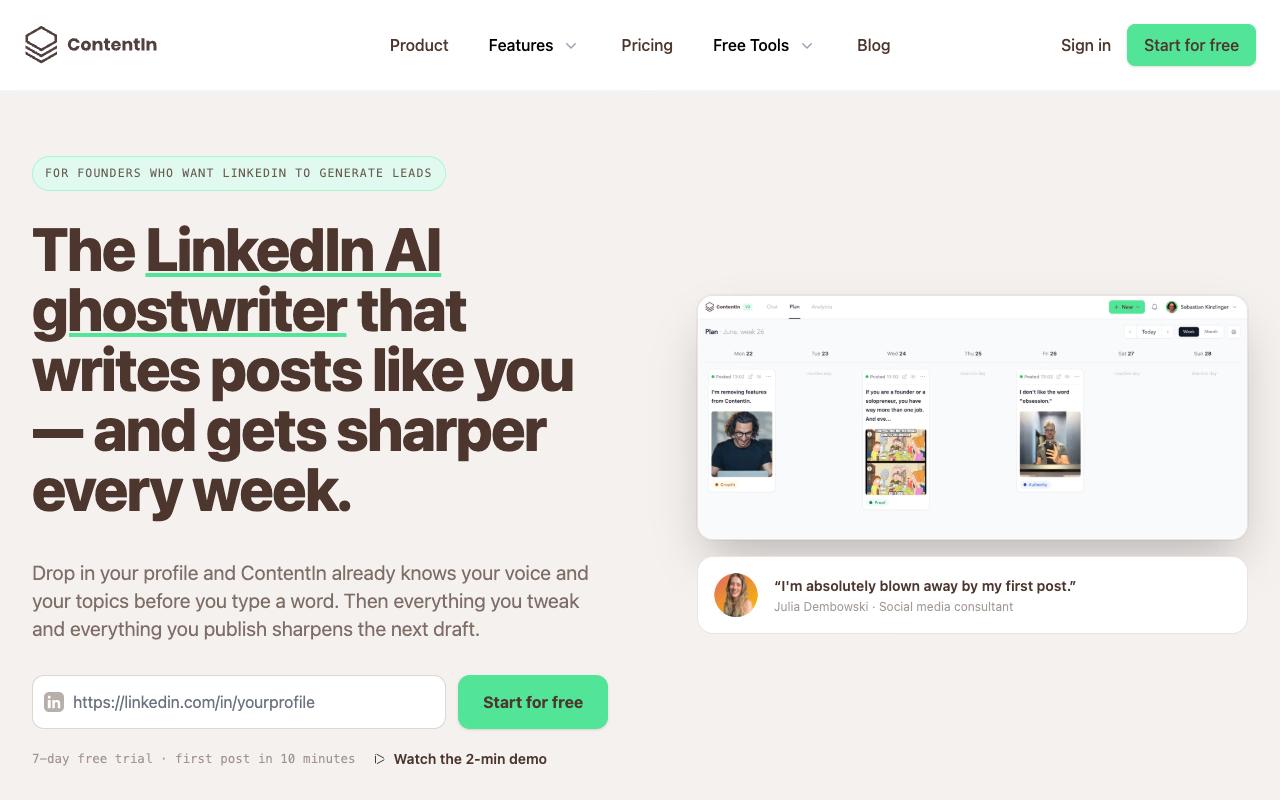
ContentIn is an AI ghostwriter for LinkedIn that learns your "Voice DNA" (sentence length, vocabulary, how you open a post) from your profile and past posts. A roughly 10-minute onboarding interview fills a knowledge base, and then the tool drafts a planned week of posts from your own material. It's built for founders, coaches, and consultants who want LinkedIn to generate leads without paying for a human ghostwriter.
Price: According to ContentIn's pricing page, Growth is $39/month ($31/month billed annually) and Pro, which adds company pages and leads analytics, is $59/month ($48/month annually). There's a 7-day free trial, though it requires a credit card.
On Capterra, ContentIn holds 4.7/5. Reviewers commonly praise ease of use, content creation, engagement tracking, and content ideas and note limited integrations, pricing, navigation, and inconsistent AI usefulness. See the Capterra reviews page.
Verdict: A close like-for-like Supergrow replacement for solo founders who care most about drafts sounding like them.
3. Socialsonic
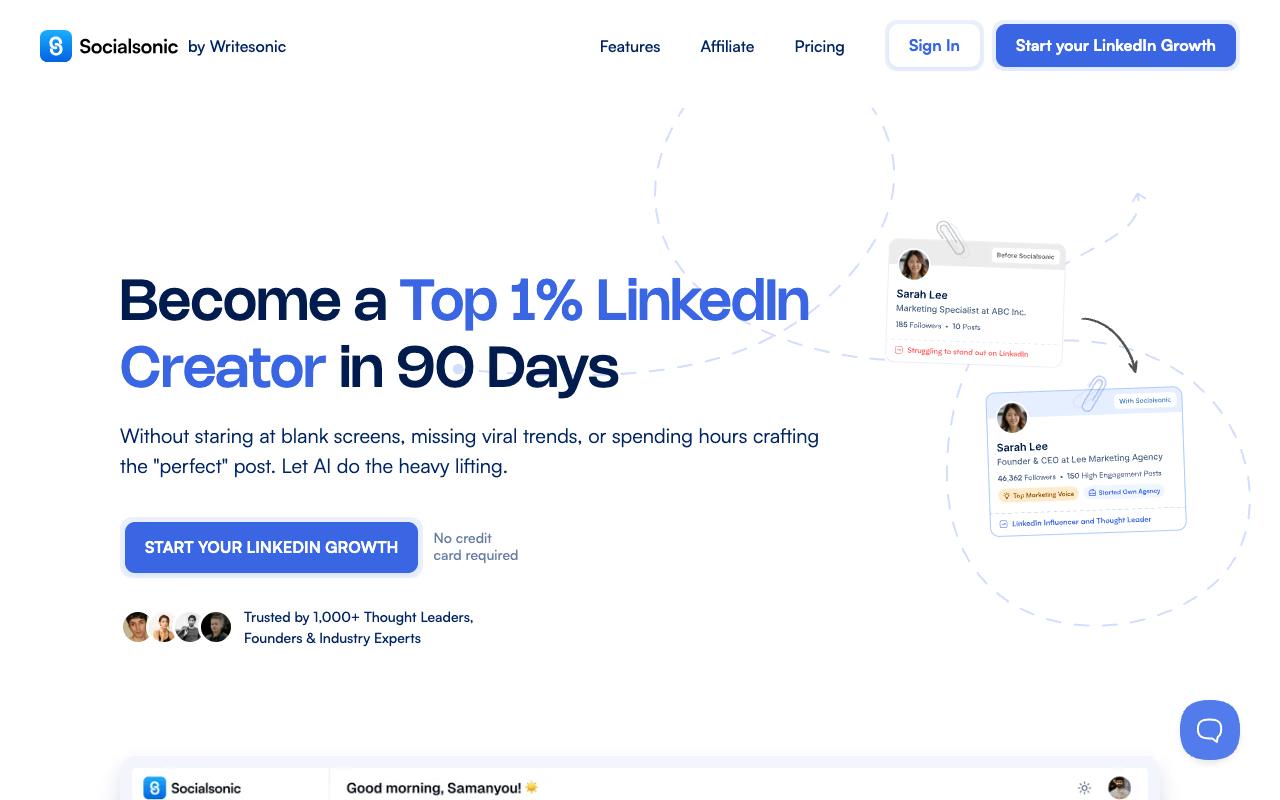
Socialsonic is an AI-powered LinkedIn growth platform from Writesonic that covers ideation, writing, scheduling, networking, and analytics. Its trend discovery feature scores topics on viral potential, and a gamified XP system is designed to keep you posting. It targets startup founders, CXOs, consultants, sales professionals, and aspiring influencers building a personal brand.
Price: According to Socialsonic's pricing page, Pro is $20/month ($13.33/month billed annually) for one user. The Team Accelerator ($75/month) and Agency Powerhouse ($200/month) plans are both marked "Coming Soon," and there's a 7-day free trial with no card required.
Independent reviews weren't available from verified sources at the time of research.
Verdict: The cheapest way to get trend-driven AI writing for one person, though team features haven't shipped yet.
4. FeedBoss
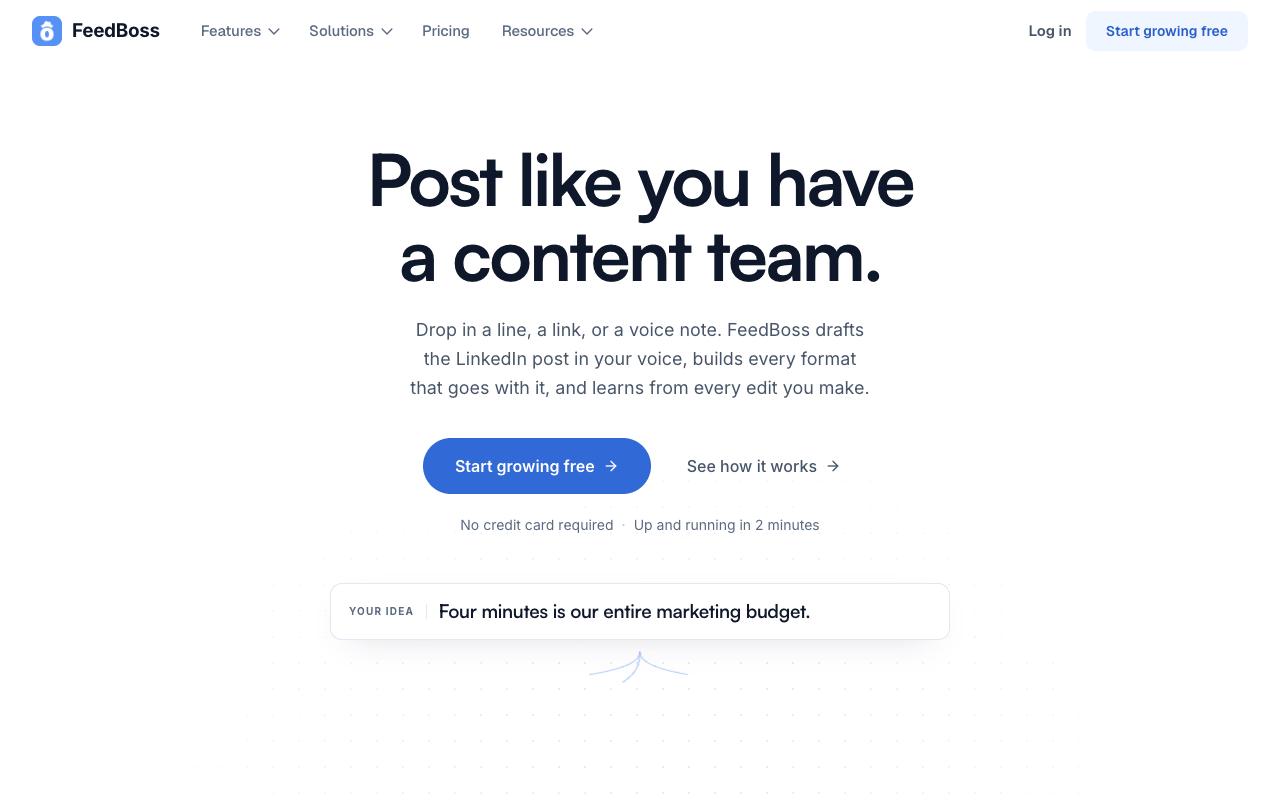
FeedBoss drafts LinkedIn posts in your voice from a line of text, a link, or a voice note, then builds matching carousels, slide decks, and AI video. It also includes a content calendar, an Authority Map for spotting topic gaps, and multi-workspace support. It's built for creators, founders, and agencies managing several client or brand workspaces.
Pros:
- AI-generated LinkedIn content actually delivers on its promise
- Writing quality is genuinely good
- Scheduling calendar is clean and posting is reliable
- Managing multiple accounts from one dashboard saves time
- Strong value as an AppSumo lifetime deal vs. monthly Buffer/Hootsuite pricing
Cons:
- No true one-click bulk month planning when posts include images/carousels (each must be added manually)
- AI writes out link text but doesn't hyperlink it, requiring manual fixes
- AI describes images instead of creating or attaching them
Price: According to FeedBoss's pricing page, Creator is $29/month, Pro is $59/month (5 LinkedIn accounts, AI Video Studio), and Studio is $149/month with approval workflows, white label, and API access. There's a 7-day free trial with no card required.
On TrustPilot, FeedBoss sits at 3.7/5, but that's based on a single review, so take it lightly. That reviewer, who bought an AppSumo lifetime deal, said the writing quality is "genuinely good," posting is reliable, and managing multiple accounts from one dashboard "saves real time every week." They also ran into friction. You can't plan a full month in one click when posts include images or carousels, and the AI writes out link text without hyperlinking it. It also sometimes describes images when it should be creating them.
On Capterra, FeedBoss holds 5/5. Reviewers commonly praise AI-generated content quality, straightforward workflow, reliable scheduling, and multi-account management and note limited one-click monthly planning capabilities. See the Capterra reviews page.
Verdict: Worth a look if you want visual formats and video in the same tool as your post writer.
5. Kleo

Kleo positions itself as a complete LinkedIn growth system for consultants, coaches, creators, and founders. Alongside AI post creation and one-click scheduling, it bundles a training library with 400+ templates, live weekly calls with the Kleo team, and a private community called Kleo HQ.
Pros:
- Content idea suggestions provide a solid foundation for posts, with some genuinely good outputs
Cons:
- Chrome extension frequently doesn't work
- App described as extremely buggy (cursor jumps, posts auto-save unexpectedly)
- Language-setting bug mixes languages in output
- Slow, unpolished UI that feels like an early beta
- Perceived as overpriced for the value delivered
- Onboarding and customer support reported as slow/unavailable (weeks-long response times)
Price: According to Kleo's pricing page, there's a single Standard plan at $99/month, plus $49/month per additional profile. There's no free trial.
On TrustPilot, Kleo holds 3/5 across 3 reviews, and the visible reviews are critical. One reviewer said the content ideas "provide a solid foundation for posts," but described the Chrome extension as rarely working and the app as "extremely buggy," with posts auto-saving mid-typing and the cursor jumping elsewhere. Other complaints include a bug that mixes languages in output, a UI that feels like an early beta, slow support, and a price reviewers felt wasn't justified.
Verdict: The coaching and community bundle is unusual, but at $99/month with no trial, the reliability complaints are hard to ignore.
6. Taplio
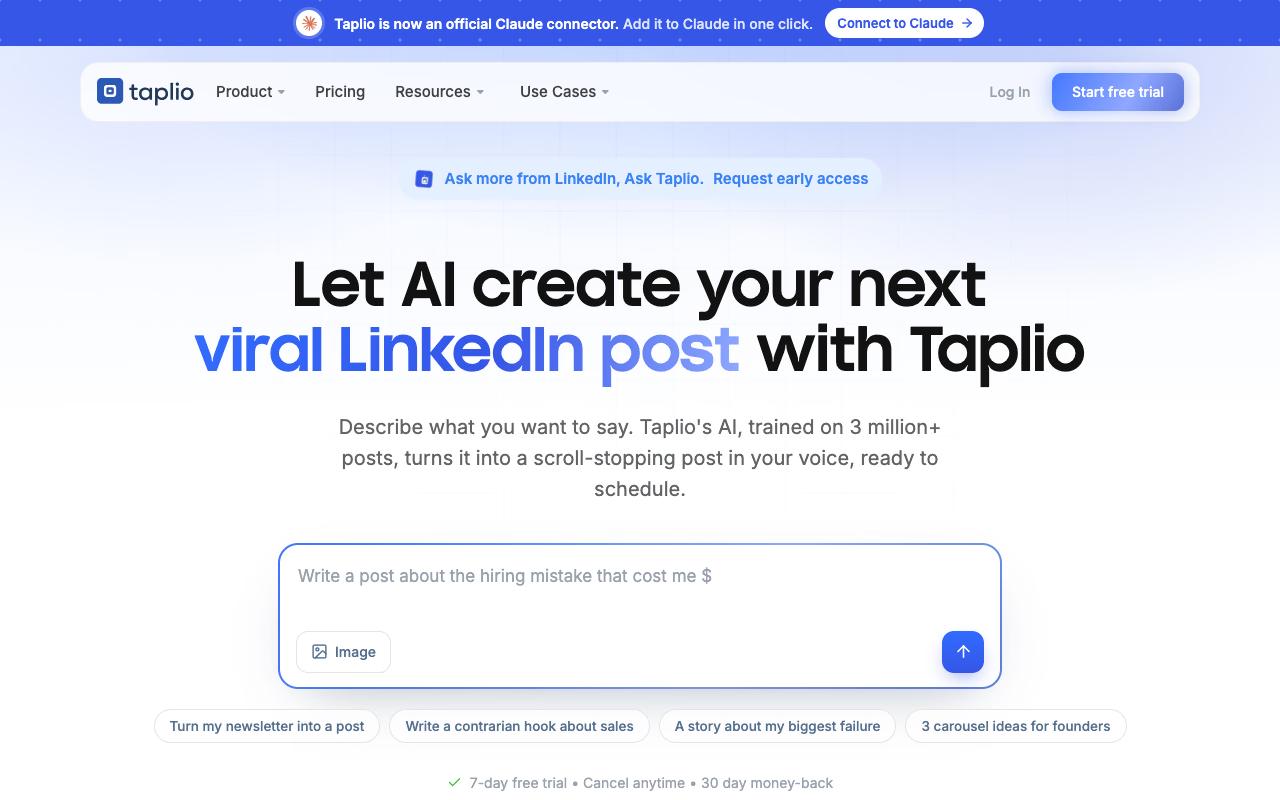
Taplio is an all-in-one LinkedIn growth tool built around four areas: create, schedule, engage, and connect. It surfaces trending ideas for your niche, predicts reach before you publish, gives you a curated feed of prospects to engage with, and can automate connection requests and follow-up DMs. It fits creators, founders, and sales or marketing leaders building pipeline on LinkedIn.
Pros:
- Effective for LinkedIn content strategy and growth (gives a roadmap for content and networking)
- AI content generation and post scheduling are genuinely useful
- Responsive, professional customer support (when reached)
- Provides scheduled-post overview and detailed per-post analytics
- Supports rich text formatting (bold/italics) for posts
- New MCP/AI integrations praised by recent reviewers
- Popular with ghostwriters/agencies managing multiple client accounts
Cons:
- Billing/renewal transparency issues (users report being charged after free trials without clear notice)
- Difficult cancellation process and slow refunds in some cases
- Considered expensive, especially the higher-tier plans
- Buggy/glitchy UI and missing basic features (e.g., sorting by recency)
- No weekend customer support
- Tagging people on LinkedIn requires a separate, sometimes unreliable Chrome extension
- AI content-inspiration suggestions not useful for smaller/niche audiences
- Risk of LinkedIn account being flagged if automation activity limits aren't well understood
Price: According to Taplio's pricing page, Starter is $39/month, Growth is $69/month (adding team collaboration and unlimited AI credits), and Pro is $199/month with automated lead outreach. Every plan comes with a 7-day free trial and a 30-day money-back guarantee, and yearly billing saves about 25%.
A Reddit user said Taplio "makes finding inspiration for my content and people to engage with a lot easier." A LinkedIn post discussing the tool also singled out its "Viral Content" tab, the feed that surfaces high-performing posts for inspiration.
On TrustPilot, Taplio scores 3.6/5 from 20 reviews, and opinions are sharply split. Five-star reviewers praise customer support ("The customer service team at Taplio is amazing"), credit it with real follower growth, and say agencies ghostwriting for multiple clients rely on it. One-star reviewers focus on billing, citing charges after free trials without clear notice, hard cancellations, and slow refunds. Others mention a glitchy UI and no weekend support, plus tagging that depends on a separate Chrome extension.
On G2, Taplio holds 4.1/5 across 9 reviews. Reviewers commonly praise ease of use, LinkedIn content creation, post scheduling, and responsive support and note high pricing, limited design options, and feature accuracy concerns. See the G2 reviews and pros and cons pages.
Verdict: The most complete Supergrow upgrade for individual growth and lead generation, as long as you keep an eye on your trial end date.
7. AuthoredUp
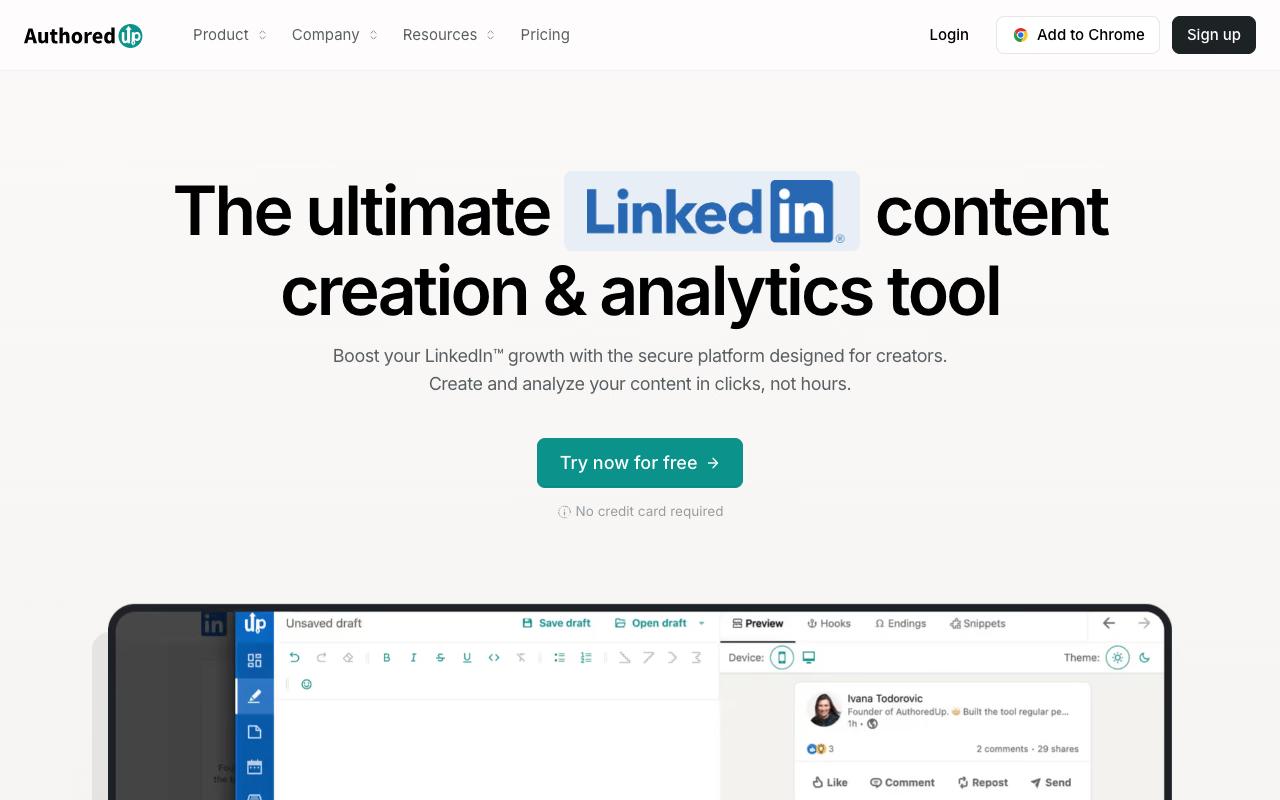
AuthoredUp is a LinkedIn content creation and analytics tool that works as both a web platform and a Chrome extension. Its editor handles bold, italic, and bullets, shows a readability grade, and includes a library of hooks and CTA templates. On the analytics side, it tracks impressions, engagement, and per-post performance. It's aimed at creators, founders, and professionals who publish on LinkedIn regularly.
Price: According to AuthoredUp's pricing page, Individual is $19.95/month ($16.63/month billed annually). Business is $14.95 per profile per month with a 3-profile minimum, and a Custom Growth Plan for teams of 10+ profiles is quote-based. There's a free trial with no card required.
In an organic LinkedIn post, Stéphane Hamel wrote that "after testing dozens of LinkedIn tools… this is the one I kept." He praised the editor for covering formatting basics "LinkedIn still doesn't offer natively," said drafts and scheduling let him "publish intentionally," and liked that analytics show what resonates "without chasing the data."
Verdict: The best value if you write your own posts and mainly want better formatting and analytics, with less AI.
8. Hypefury
Hypefury is a scheduling and automation platform for creators that works across X, LinkedIn, Instagram, Bluesky, Threads, and TikTok. It's known for Autoplugs, which auto-comment a promo under posts that perform well, along with Auto DMs, auto reposts, and one-click repurposing of a post into carousels or short video. It suits creators who want to grow an email list and sell across several platforms.
Price: According to Hypefury's pricing page, Flexible is $6/month for one channel (+$6/month per extra channel), and Full is $19/month with all channels, advanced analytics, and AI trained on your posts. There's a 7-day free trial but no free plan.
On Capterra, Hypefury holds 4.8/5. Reviewers commonly praise easy scheduling, automated cross-platform posting, content management, and time savings and note premium pricing and occasional support limitations. See the Capterra reviews page.
On G2, Hypefury holds 4.7/5 across 21 reviews. Reviewers commonly praise intuitive scheduling, cross-platform publishing, evergreen content automation, and responsive customer support and note limited multi-account support, content organization constraints, occasional billing or device issues, and premium pricing. See the G2 reviews and pros and cons pages.
Verdict: A good fit if LinkedIn is one of several channels and monetization automation matters more to you than LinkedIn depth.
9. Hootsuite Amplify
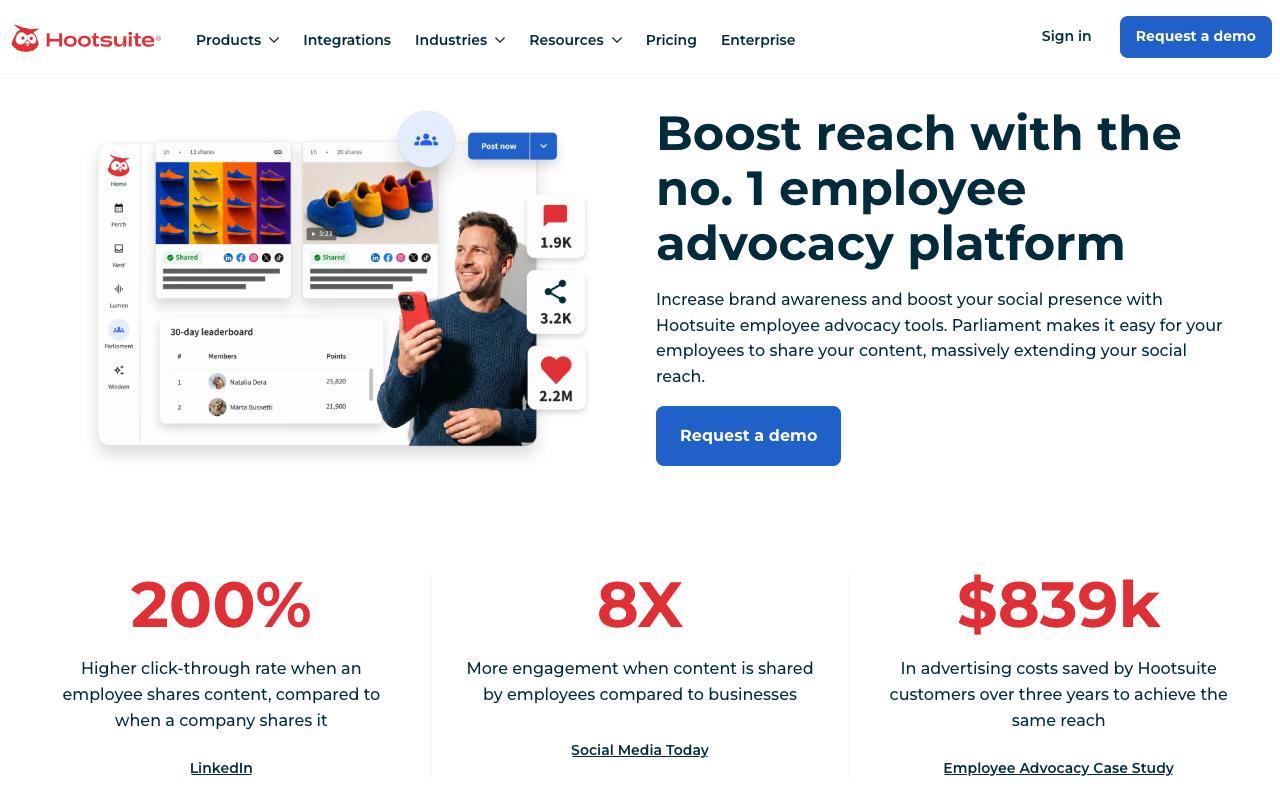
Hootsuite Amplify, which Hootsuite says has evolved into "Parliament," is an employee advocacy platform. Admins publish pre-approved, on-brand content to a library, employees share it to their own networks in a few taps, and admins track post impact and adoption, with a leaderboard to gamify participation. It's built for marketing, social, and HR teams running formal advocacy programs.
Cons:
- Frequent billing/subscription complaints, including being charged after cancellation or unauthorized charges
- Poor, slow customer support, often routed through an unhelpful AI chatbot
- Reports of platform bugs and reliability issues (e.g., video upload errors, system errors)
- Considered pricey relative to the experience delivered
- Confusing or hidden renewal/contract terms cited by multiple reviewers
Price: There's no public pricing, and the product page only offers a demo request. According to Hootsuite's pricing page, the core platform plans start at $99/month (Standard), $199/month (Professional), and $399/month (Advanced), but Amplify/Parliament isn't priced there.
On TrustPilot, Hootsuite scores 1.3/5 across 554 reviews. That page covers Hootsuite as a whole (Amplify has no dedicated page), so it reflects the company more than this specific product. Recent reviews center on billing complaints like charges after cancellation and confusing renewal terms. Reviewers also mention slow support routed through an AI chatbot and bugs such as video upload errors, and one called it "Pricey, but leaves customers stranded."
On G2, Hootsuite Amplify holds 4.4/5 across 203 reviews. Reviewers commonly praise employee content sharing and brand advocacy and note high subscription cost and slow customer support. See the G2 reviews and pros and cons pages.
Verdict: Only worth evaluating if you already run Hootsuite and want a share-from-library advocacy model.
FAQ
What's the Best Supergrow Alternative for a Team?
For teams, Ordinal is the strongest fit on this list. Its Pro plan ($265/month) includes unlimited seats, team likes, comments, and reposts, and API and MCP access, while approvals and Slack Boost Channels help coordinate several people posting. By comparison, Socialsonic's team plans are still marked "Coming Soon," and Kleo charges $49/month per extra profile.
What's the Cheapest Alternative to Supergrow?
Hypefury's Flexible plan starts at $6/month for one channel, and its Full plan with LinkedIn included is $19/month. If you want a LinkedIn-only option, AuthoredUp starts at $19.95/month and Socialsonic's Pro plan is $20/month, or $13.33/month billed annually.
Which LinkedIn Tool Writes Posts in My Own Voice?
ContentIn trains on your profile and past posts to build a "Voice DNA," and FeedBoss drafts in your voice from text, links, or voice notes. Taplio and Hypefury both offer AI that learns from your previous posts, and Ordinal's MCP lets AI tools like Claude read your posting history and draft in your style.
Related Posts
Looking to learn more? The below posts may be helpful for you to learn more about social media and content marketing.