Most AI agents can generate drafts, but getting them to actually reference your LinkedIn performance history, read brand docs from Notion, and push posts into your social calendar requires custom engineering work to integrate with the API for each tool. With the rise of MCPs for content marketing, your agents can access all of those data sources and actions through one protocol. No separate integrations for each platform. No developer bottleneck every time you want to connect a new tool.
TLDR:
- MCP connects content tools to your favorite AI agents and tools through one protocol vs building separate integrations
- Your agents pull analytics data, reference brand docs, and push drafts to your calendar automatically
- AI agents make real-time decisions based on context vs simple automation that follows fixed rules
- Ordinal offers REST API and MCP server so agents can create posts, pull analytics, and set auto-engagements
What is an MCP and Why Content Marketers Should Care
Model Context Protocol (MCP) is an open standard that connects AI agents to your content tools and data without custom coding. It works like a universal adapter: one protocol links your CMS, social tools, analytics, and internal docs.
Before MCPs, connecting an AI agent to pull data from your content library or push drafts to a scheduling tool required building separate API integrations for each service. That meant developer time and ongoing maintenance as APIs changed.
MCP creates a standardized way for AI agents to request context from any connected source and take actions across your stack. An agent can read your past performance data on social media platforms, reference brand guidelines in Notion, and draft posts directly into your social calendar through one protocol.
How MCPs Work for Marketing Automation
Think of MCPs as translators between your AI agent and the tools you already use. Instead of building custom integrations for every platform, an MCP connection lets your AI talk directly to services like LinkedIn, your CMS, or your analytics dashboard.
The difference from traditional integrations? You can ask your AI agent for "Q4 LinkedIn performance data" in plain English, and it knows how to pull the right numbers. No engineering team required, no custom code to maintain.
For marketing teams, this means your AI can pull analytics, draft posts, and publish content across platforms - all through a single, standardized connection.
AI Agents vs Simple Automation: Understanding the Difference
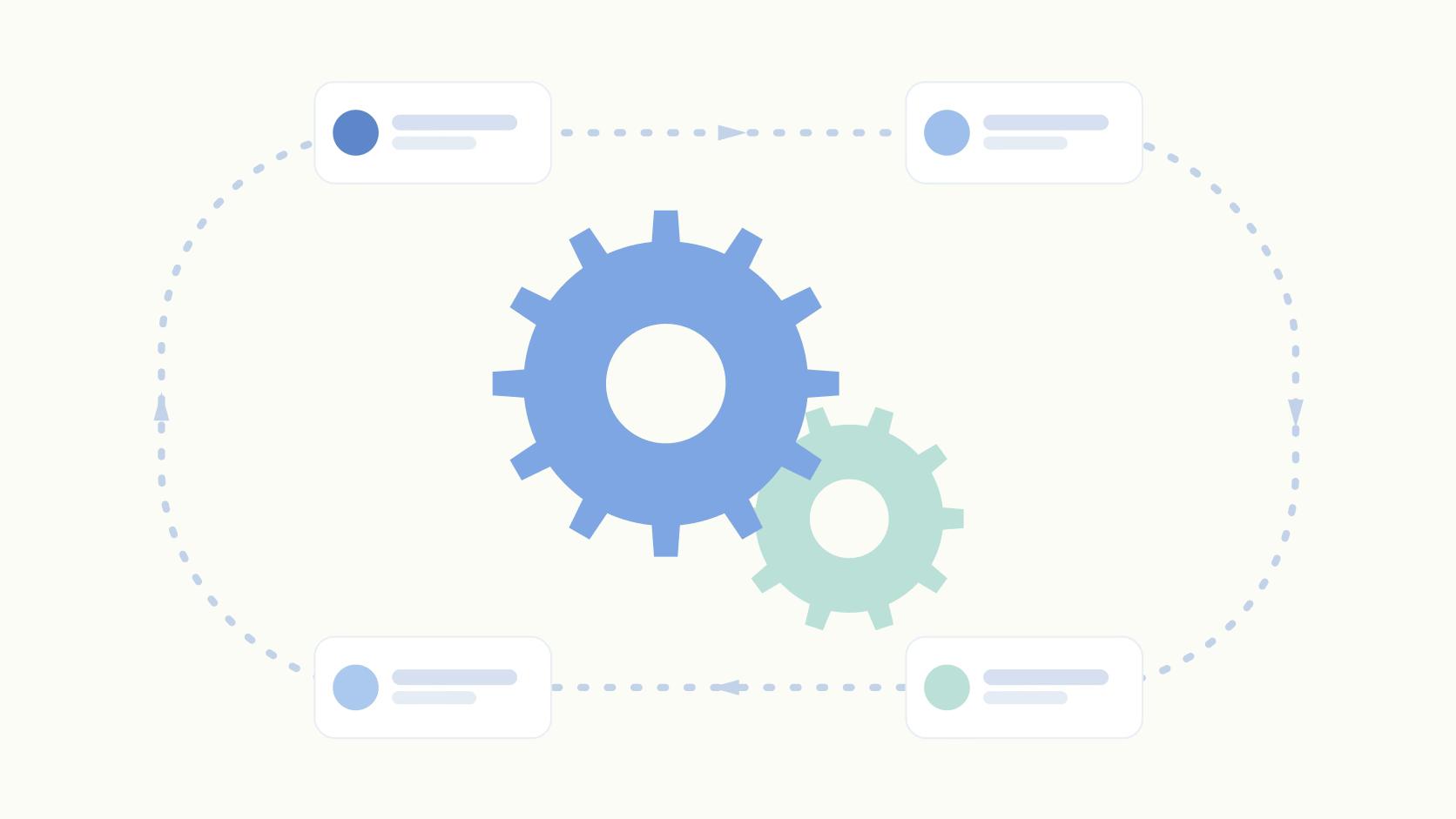
Traditional automation tools execute predetermined if-then rules. When X happens, do Y. These workflows are brittle: if your input format changes or an unexpected scenario arises, the automation breaks until someone manually fixes it.
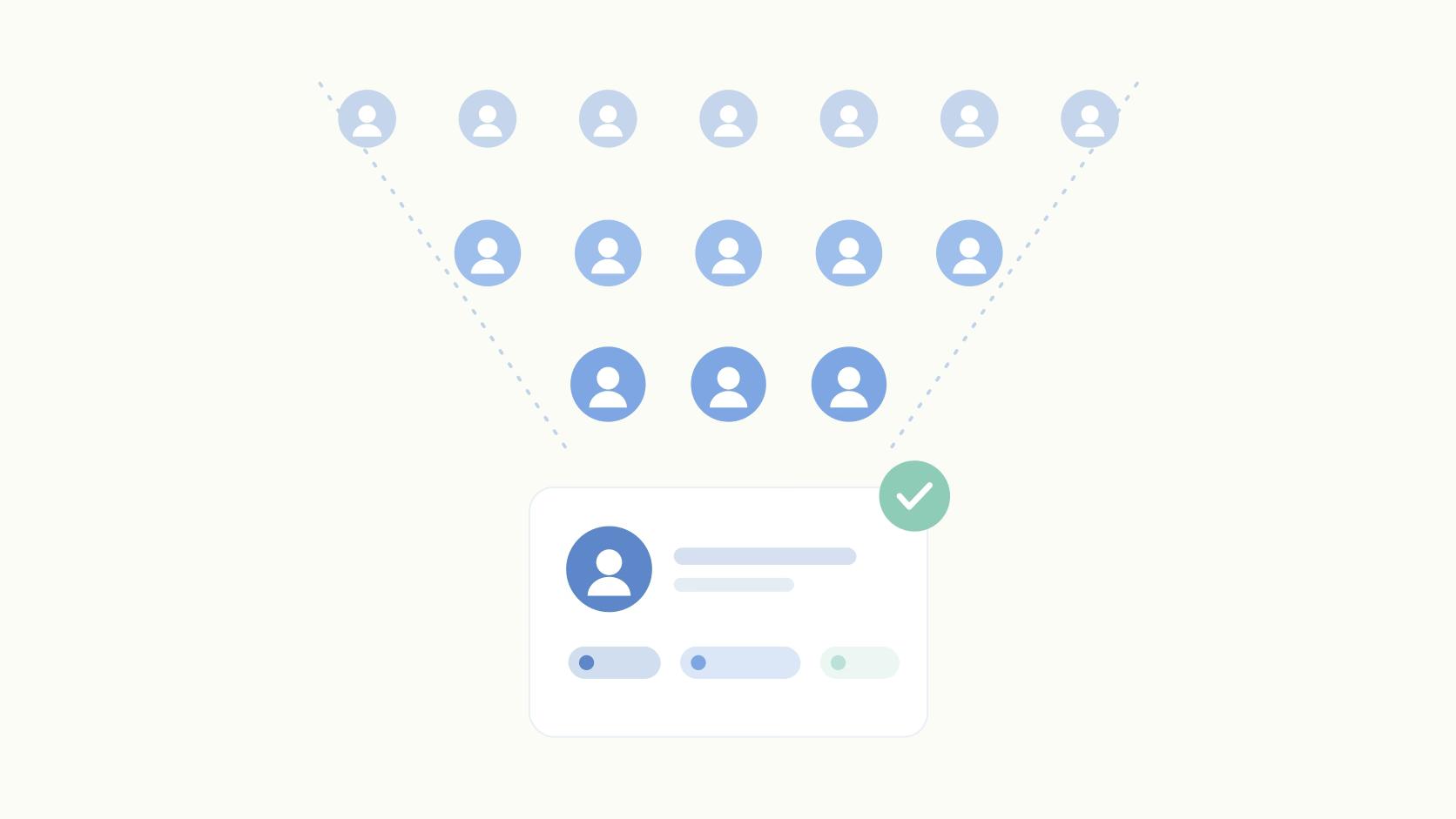
AI agents make decisions in real time based on context. Instead of following a script, an agent evaluates available data and chooses the right action based on your social media marketing strategy. If your last Instagram Stories or three LinkedIn posts underperformed, an agent can analyze which hooks failed and adjust the tone of the next draft.
Simple automation chains tasks together. AI agents solve problems autonomously.
Social Media Workflows That AI Agents Can Automate
AI agents can handle repeating social media tasks that typically consume hours each week. Here are the workflows where automation delivers the most value:
- Content planning from product updates or internal docs: Agents pull context from Linear tickets, Notion wikis, or product roadmaps and generate social posts that match your brand voice based on your past post history.
- Scheduling optimization based on historical engagement: Rather than guessing when to post, agents analyze your past performance data to identify optimal windows for each network and auto-schedule drafts accordingly.
- Engagement automation across accounts: Agents trigger auto-likes from team profiles, post pre-written first comments to boost visibility, or coordinate reposts from executive accounts through employee advocacy platforms to amplify reach.
- Analytics retrieval and reporting: Instead of manually logging into each network to export metrics, agents compile performance data across channels and surface actionable insights.
Gartner predicts 40% of enterprise applications will include task-specific AI agents by end of 2026.
Connecting AI Agents to Social Platforms via MCP
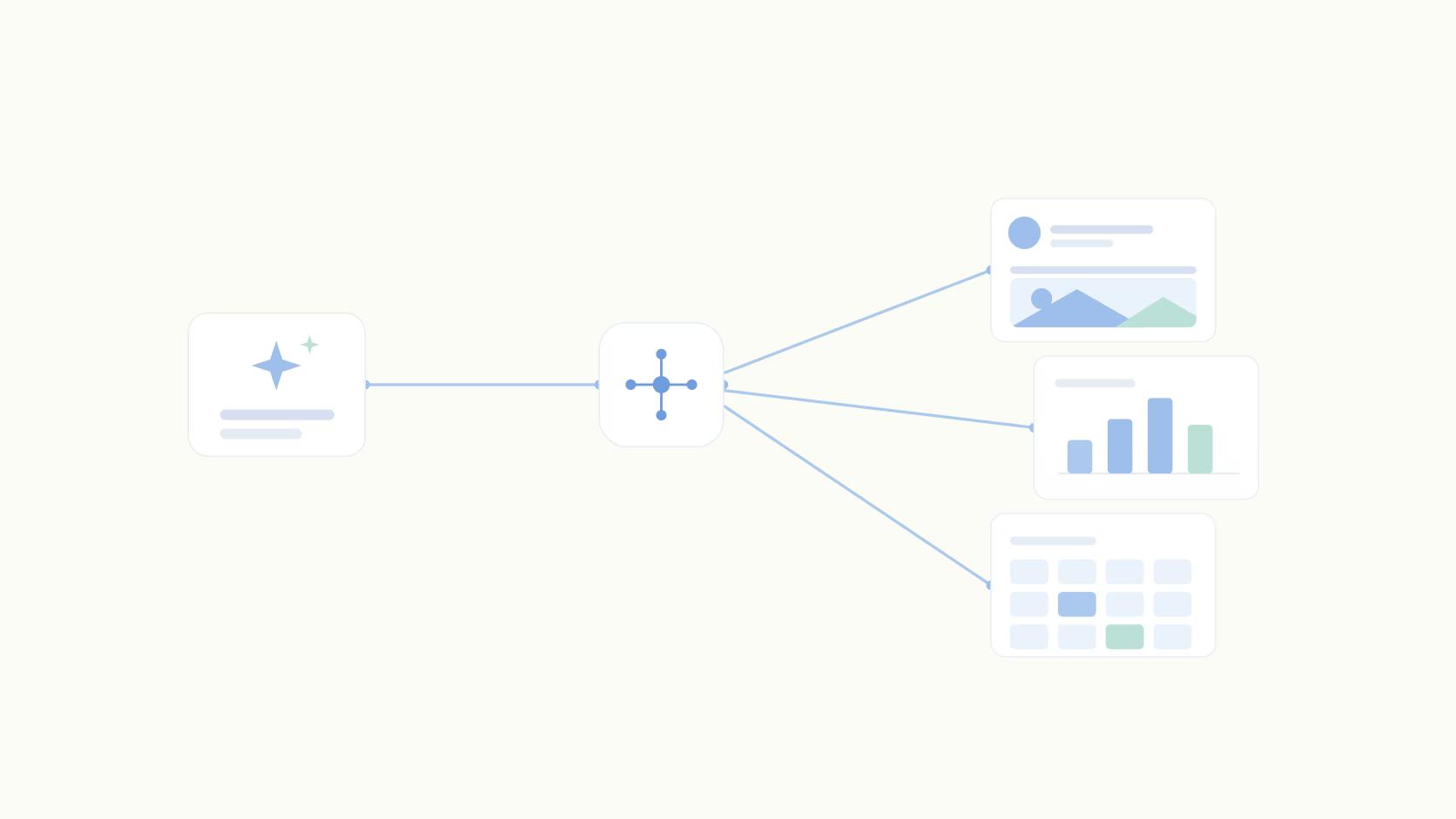
MCP servers sit between your AI agent and each social network's API. When your agent needs to post to LinkedIn or retrieve analytics, for example, it sends a request to the relevant MCP server rather than calling the social network directly.
The server handles authentication tokens, API rate limits, and data formatting. Your agent doesn't need to know that LinkedIn requires OAuth 2.0 or that different networks return engagement data in different structures.
Authentication happens at the server level. You authorize the server to access your social accounts once, and any connected agent inherits those permissions. This separation means you can revoke access centrally without reconfiguring individual agents.
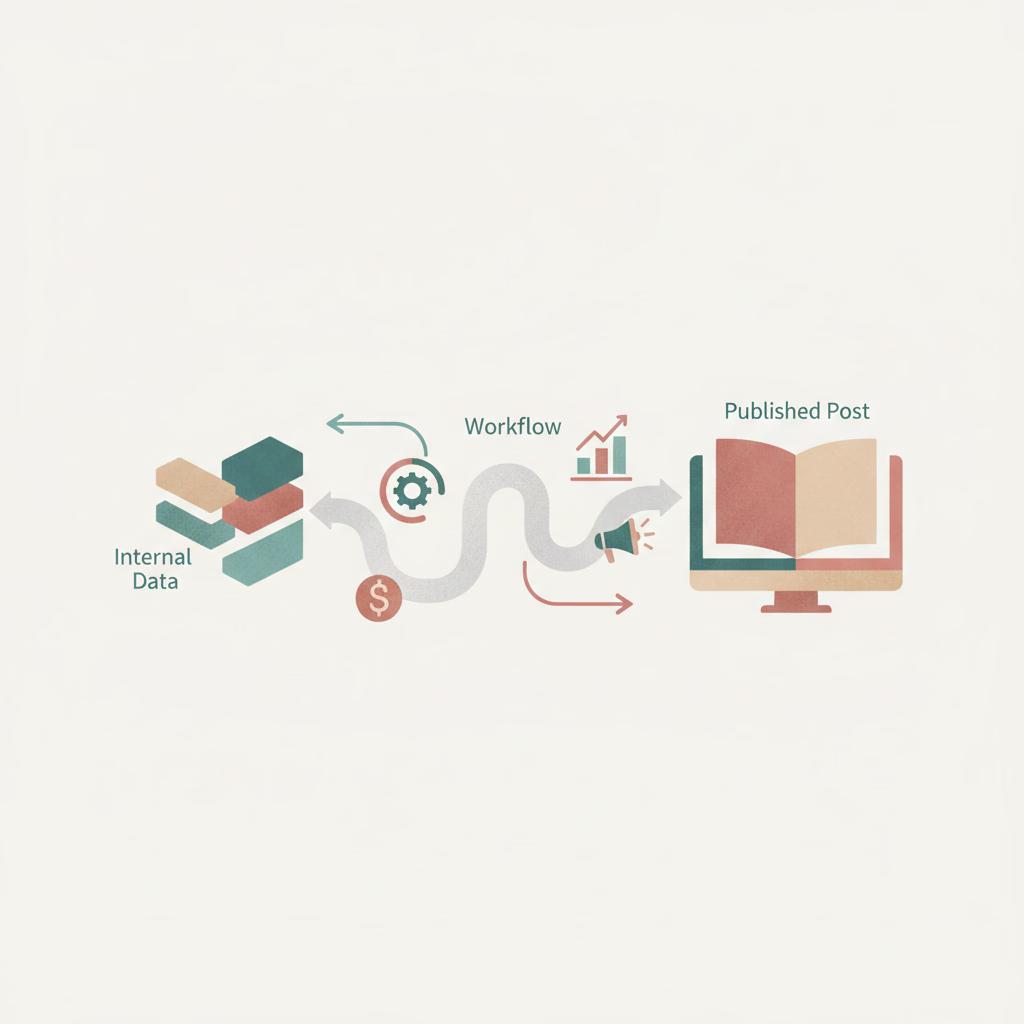
Example Workflow: From Internal Data to Published Post
Here's a real-world workflow showing how MCP connects your internal data to published social content:
Step 1: Your AI agent monitors a Linear project for new feature releases. When a ticket moves to "Shipped," the agent triggers and queries your Notion workspace for the feature's customer-facing description and value props.
Step 2: Next, the agent retrieves your analytics via MCP to see which post formats drove engagement in the past 30 days. Using that context, it drafts three variations of an announcement post optimized for your audience.
Step 3: You choose the best draft, and the agent pushes it into your social media tool through MCP. Each variation appears in your content calendar as a scheduled draft with preview formatting intact. If you're using a tool like Ordinal, the agent can also add in likes and comments from teammembers and schedule the post for you.
Step 4: Your team reviews the options, selects the strongest version, and approves for publication.
MCP Servers for Content and Marketing Tools
The MCP server ecosystem covers many content marketing tools. Servers exist for CMS solutions like Notion and WordPress, letting AI agents read brand guidelines or publish blog content. Analytics servers pull performance data from social insights and web traffic, joining AI tools for marketers that automate reporting. Marketing automation servers connect to email tools and CRM systems. File storage and communication services have MCP servers too.
Still, gaps exist. Most social management tools lack official MCP servers, leaving you with direct API access or custom builds. 72% of content marketing teams plan to increase AI tool investment this year, pushing more vendors toward MCP adoption.
Code-Free vs Developer Approaches to MCP Implementation
Your implementation path depends on who's executing the workflow. Non-technical teams can use visual agent builders that connect MCP servers through drag-and-drop interfaces, requiring zero code to link data sources and actions.
Low-code tools like n8n sit in the middle: a built-in MCP Client node, an MCP Server Trigger, and a registry of MCP servers you can connect to an agent without writing integration code. You configure connections and logic visually but can inject custom code when needed.
Developer approaches using Python or TypeScript SDKs give full control, similar to how Ordinal's API provides programmatic access. You write scripts that call MCP client libraries, handle error states, and build custom logic around agent behavior. This path requires engineering resources but supports complex workflows that visual tools can't match.
Choose based on iteration speed and customization needs, not team size.
ROI and Efficiency Gains from AI Agent Automation
AI agent automation delivers measurable business impact. Organizations deploying agentic systems report 171% average ROI, with U.S. companies reaching 192%.
Most gains come from three areas:
- Labor reallocation: Content teams redirect hours from repetitive drafting toward strategy.
- Output volume: Agents produce more variations without proportional headcount increases.
- Performance lifts: Context-aware agents reference your best-performing content history, producing drafts statistically more likely to drive engagement.
For social content, ROI compounds when you connect engagement data back to pipeline and revenue attribution, which is why agencies managing multiple clients see the most value.
Security and Governance Considerations for Marketing AI Agents
Guardrails start with permissions. Scope the agent at the API key or token level so it can only reach the accounts and actions you granted it, then keep publish actions behind human approval while drafting and scheduling stay automated. Log every agent action so you can trace what was created and which tool created it.
AI agents that connect to your social accounts and internal data need clear guardrails. Without proper access controls and approval workflows, an agent could publish off-brand content or expose sensitive information across your marketing stack.
- Access boundaries: AI agents that publish content need strict access boundaries. Grant read-only permissions for data retrieval and write access only to draft creation, not direct publishing. This keeps agents from posting live content without human review.
- Approval gates: Build approval gates into your workflows. Even when agents generate drafts automatically, route them through your existing approval process before publication. Most organizations require at least one human checkpoint for brand-sensitive content.
- Audit trails: Audit trails matter for accountability. Log every action your agents take: which data sources they accessed, what drafts they created, and when. If an agent produces off-brand content, logs help you identify where context went wrong.
- Capability limits: Set hard limits on agent capabilities. Restrict which accounts agents can post to and define approved content types.
Human oversight stays necessary for brand reputation.
How Ordinal's MCP Support Powers AI-Driven Social Workflows
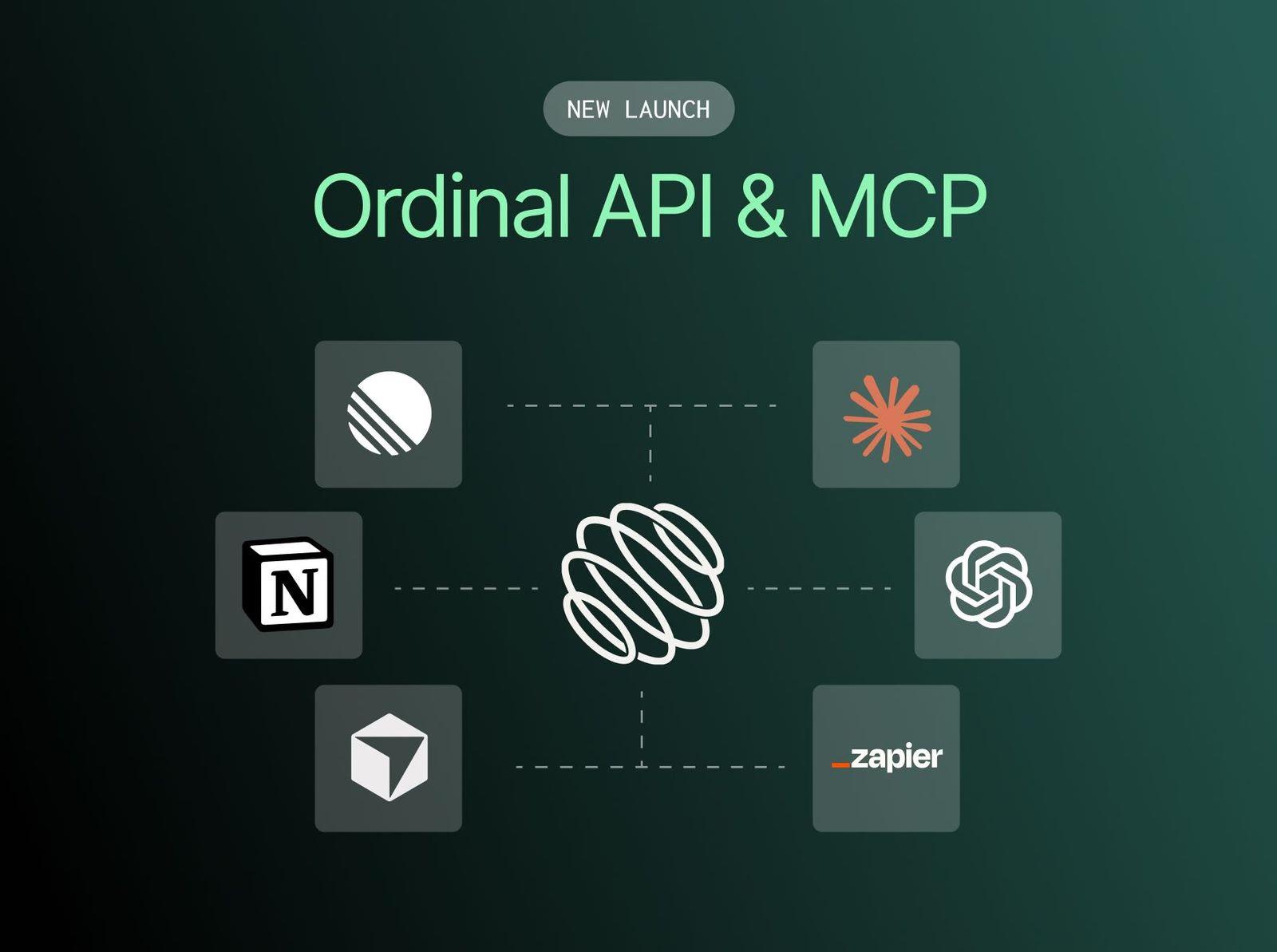
Ordinal is a social content management tool built for B2B marketing teams and consumer brands that take social media seriously. We help teams plan, draft, schedule, and publish content across LinkedIn, X, Facebook, Instagram, and other networks while coordinating employee advocacy and auto-engagement across team accounts. Our focus is on giving you control over your social content calendar with analytics that show what actually drives performance. To connect your AI agents to Ordinal, we offer both a REST API and MCP server.
The API gives you programmatic access to everything - posts, scheduling, analytics, approvals, auto-engagements, and more.
The MCP server connects Ordinal directly to AI tools like Claude, Cursor, Codex, VS Code, and other MCP-compatible platforms.
Here's what your AI agents can do:
- Create and manage posts: Agents can create, update, schedule, and manage posts directly in your content calendar with proper formatting intact.
- Pull analytics data: Query follower growth and post performance metrics to understand which hooks worked, what formats drove engagement, and optimal posting times per network.
- Configure auto-engagements: Set up likes, comments, and reposts that fire automatically when posts go live across team accounts.
- Manage approvals: Create approval requests, manage subscribers, and organize content with labels through the approvals system.
- Control team settings: Invite users, manage profiles, and adjust workspace settings programmatically.
Here's where it gets interesting:
Content pipelines: Feed a brief into Claude, have it draft a post, schedule it through Ordinal, and set up auto-engagements. All without touching the UI.
Custom reporting: Pull analytics from the API into your own dashboards. Pipe them into Notion, Google Sheets, or your CRM.
Internal tools: Build a Slack bot that creates draft posts from a channel message. Or a script that auto-schedules your team's social content for the week.
Final Thoughts on MCP APIs in Content Marketing
The shift from building custom integrations to connecting AI agents through MCP API for content marketing changes your timeline from months to days. Your team gets context-aware drafts that reference brand guidelines and past performance without manual data gathering. You can start automating one social workflow this week, add another next month, and gradually build a system where your agents handle the drafting while you focus on the decisions that move metrics.
At Ordinal, we built both REST API and MCP server support because we know consumer and modern B2B teams need their social content tools to work with AI agents. When your agents can pull your historical analytics, push drafts directly into your content calendar, and configure auto-engagements across team accounts, you spend less time copying data between tools and more time on strategy.
Ready to connect your AI agents to your social content workflow? Try Ordinal free for 14 days and see how MCP-powered automation works with your existing stack.
FAQ
How do MCP APIs differ from traditional REST APIs for marketing automation?
MCP servers translate natural language requests into API calls automatically, while REST APIs require you to manually parse and format data structures. Your AI agent can ask for "last month's LinkedIn analytics" through MCP and receive structured context, whereas REST APIs return raw JSON that needs conditional logic to process.
Can non-technical marketing teams implement MCP-powered AI agents without developers?
Yes, visual agent builders and low-code tools like n8n let you connect MCP servers through drag-and-drop interfaces with zero coding required. You'll need developer resources only if you want custom logic that visual tools can't support or complex error handling for advanced workflows.
What permissions should I grant AI agents that create social media drafts?
Grant read-only access for analytics and data retrieval, and write access limited to draft creation only—never direct publishing. Route every agent-generated draft through your existing approval workflow before it goes live, and log all agent actions so you can audit what data sources were accessed and what content was created.
How long does it take to see ROI from AI agent automation in content marketing?
Most teams reclaim 10-15 hours per week within the first month by automating repetitive drafting and scheduling tasks. Organizations deploying agentic systems report 171% average ROI, with the biggest gains coming from reallocating labor toward strategy, increasing output volume without adding headcount, and improving engagement through context-aware content.
Does Ordinal's MCP API work with local AI agents or only cloud-based tools?
Our MCP API connects with both local AI agents running on your infrastructure and cloud-based tools. External agents query our analytics endpoints for historical performance data, then push formatted drafts directly into your Ordinal content calendar where your team can review and approve them before scheduling.
Does Ordinal Have an API?
Yes. Ordinal offers both a REST API and an MCP server. The MCP server connects to Claude, Cursor, Codex, VS Code, and other MCP-compatible platforms, and agents can create posts, pull analytics, and set auto-engagements through it.
Related Posts
Looking to learn more? The below posts may be helpful for you to learn more about social media and content marketing.