Planable earned its place on a lot of social teams by making content review painless. You drop a post into a visual feed, a stakeholder leaves a comment, and someone clicks approve. That workflow works well until the team needs more than approvals. Maybe the CMO wants social tied to pipeline, or leadership wants five executives posting on LinkedIn every week, or the community manager is drowning in comments across ten profiles with no inbox to catch them.
That's usually when the search for an alternative starts, and the right pick depends on which of those gaps hurts most. The seven tools below fall roughly into three camps. There are LinkedIn-heavy B2B platforms built for executive and employee programs, all-in-one suites with inboxes and listening, and lighter calendar-first tools that stay close to Planable's simplicity at a different price. We pulled pricing from each vendor's own pages and summarized independent reviews where verified ones exist.
At a glance
What Makes a Good Planable Alternative
Approval workflow depth
Planable's whole reputation rests on painless review, so any alternative should be judged on how it handles comments, calendar-based approve/request-changes buttons, external approver access, and Slack or Teams alerts for pending items. Some tools replicate this closely while others treat it as a minor add-on to a bigger suite.
LinkedIn and advocacy depth
Several tools are built specifically around executive and employee presence on LinkedIn rather than generic multi-network posting, with features like personal tagging, auto-engagements, advocacy agents, and leaderboards. Buyers whose strategy centers on LinkedIn thought leadership should weigh this over general-purpose scheduling.
Inbox and listening
Beyond scheduling, tools differ on whether they offer a unified inbox for comments and DMs across profiles plus social listening, which matters most to community managers drowning in engagement across many accounts. Not every planable-adjacent tool includes this.
Pricing structure and scaling
Starting prices and what they include (seats, profiles, posts per month) vary enormously, from budget per-account plans to quote-based enterprise tiers, and several vendors have drawn backlash for steep price hikes after adoption. It's worth checking not just the entry price but what happens to cost as a team or client list grows.
Data and pipeline connection
Some platforms stop at publishing and reporting, while others expose APIs, webhooks, or CRM/analytics linkage so social activity can be tied to pipeline or pulled into other dashboards. This distinction separates tools built for standalone content teams from those built for revenue-accountable marketing orgs.
Review-verified reliability
Independent reviews surface recurring operational issues — failed scheduled posts from broken authentication tokens, UI freezes, inconsistent support response times — that don't show up on a features list but affect day-to-day trust in the tool. Reading G2, Capterra, and Trustpilot pros/cons is as useful as comparing feature tables.
The Planable Alternatives Worth Shortlisting
1. Ordinal

Ordinal is an end-to-end platform for drafting, planning and scheduling social content, with engagement automations and analytics layered on top. It's built for content agencies, founders and executives, social media managers and growth teams who take social seriously, and it's especially strong on LinkedIn. It supports personal and company tagging, PDF carousels, and a realistic preview that shows exactly where your hook gets cut off by "see more."
Price: Starter is $95/mo ($85/mo billed annually) for up to 3 seats, 4 social profiles and 50 scheduled posts a month. Pro is $265/mo ($235/mo annually) and adds unlimited seats, unlimited scheduled posts, automated engagement, approval workflows and API/MCP/webhooks. Enterprise is custom and adds employee advocacy, leads data and SAML/SSO, according to Ordinal's pricing page. Both paid plans come with a 14-day free trial.
For a team leaving Planable, Ordinal keeps what made Planable appealing and builds on it. You still get a visual content calendar, a Notion-like editor with inline comments and public share links, and built-in approvals with Slack alerts for anything pending.
The bigger difference shows up after a post goes live. Auto-engagements can leave likes, comments or reposts from any connected LinkedIn account, which solves the familiar problem of executives forgetting to engage with the company's posts. And the Pro plan's API, MCP server and webhooks let teams pull social data into their own dashboards or AI tools.
That makes it a good fit for a B2B marketing lead running an executive thought leadership program for 5 to 10 people who needs one system for ghostwriting, approvals and publishing (instead of a patchwork of Slack pings). If you're weighing the planning side specifically, our guide to content planning for social media walks through how that workflow fits together.
Verdict: The strongest Planable replacement for B2B teams whose social strategy runs through LinkedIn and the people posting there, on top of the brand page.
2. Oktopost
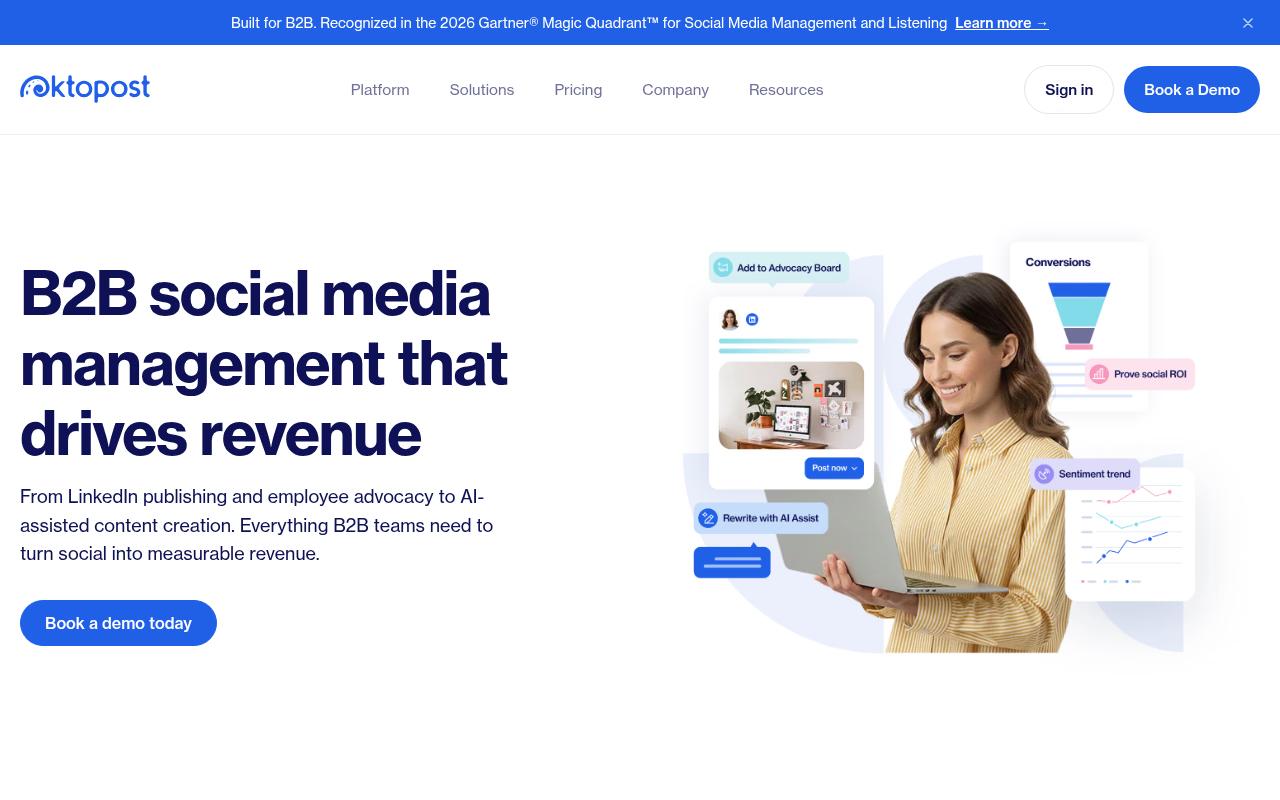
Oktopost is a B2B social platform built around four pillars: publishing, measurement, listening and employee advocacy. Its pitch centers on connecting social activity to pipeline and revenue, with LinkedIn-first publishing and funnel-focused analytics. The advocacy module is extensive and includes AI-personalized posts through its Advocacy Agent, keyword controls, gamification and CRM sync.
Price: Professional starts at $499/mo and Advanced at $799/mo, both billed annually and quote-based depending on team size and add-ons, according to Oktopost's pricing page.
On Reddit, a user in r/marketing described running an employee advocacy program on Oktopost. They said the app lists pre-curated posts created by marketing, so employees can pick what to share and post it in a click, and they pointed to the in-app leaderboard as part of how the program stays visible to everyone.
On Capterra, Oktopost holds 4.5/5. Reviewers commonly praise comprehensive b2b-focused social media management and strong employee advocacy capabilities and note learning curve and configuration complexity for advanced features and integrations. See the Capterra reviews page.
On G2, Oktopost holds 4.4/5 across 203 reviews. Reviewers commonly praise intuitive user interface and ease of navigation, with strong support and ease of setup and note additional admin-related costs and pricing for certain advocacy features. See the G2 reviews and pros and cons pages.
Verdict: A serious option for enterprise B2B teams with a real advocacy budget, though the starting price puts it well out of reach for smaller teams coming from Planable.
3. Agorapulse
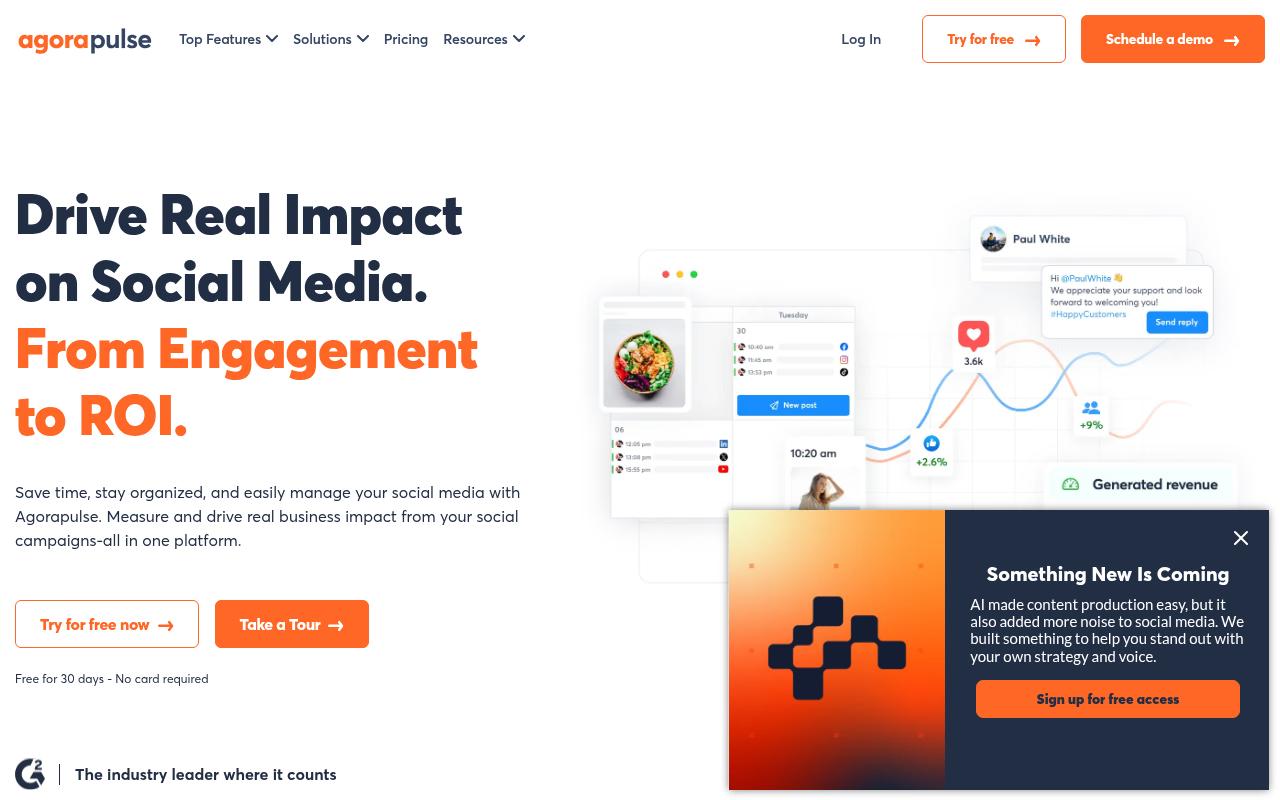
Agorapulse is a full social media management suite covering a unified inbox, publishing, listening, reporting and social ROI measurement that pulls from Google Analytics. It targets social media managers, agencies and businesses of all sizes. Its client approval workflow, which uses a calendar view with approve and request-changes buttons, is the feature that tends to win over agencies used to Planable.
Pros:
- Easy to use with little to no training required
- Strong scheduling and publishing features across multiple social accounts
- Unified social inbox makes community management and client comment/message handling easier
- Robust reporting with Google Analytics integration for showing ROI
- Client approval workflow (calendar view, approve/request changes) is popular with agencies
- Highly rated, responsive customer support (per most reviewers)
Cons:
- Some users report reliability issues, e.g. authentication 'tokens' failing and causing scheduled posts to not publish
- Occasional upload/UI freezes (e.g. stuck at 99%/0%, thumbnail selection freezing)
- Support can involve long wait times to reach a human (one user cited a 6 hour wait) and generic chatbot answers
- Customers of the acquired 'Mention' product reported losing scheduling functionality and being pushed to a new subscription
Price: Standard is $99/mo per user ($79/mo annually), Professional is $149/mo ($119/mo annually) and Advanced is $199/mo ($149/mo annually), each with 10 social profiles. A custom tier adds SSO and API access, according to Agorapulse's pricing page. There's a 30-day free trial.
In r/socialmedia, a user who'd worked with Agorapulse at two companies said it "does all the normal posting and scheduling very well." They liked being able to select multiple profiles and tweak copy per platform without duplicating content. They also ran into a region-locking bug and said support "were very prompt with answering, admitted a fault and fixed it withing a week."
On Trustpilot, Agorapulse holds 4/5 from 57 reviews. Longtime users and agencies praise the reporting and customer service, and one reviewer who's used it since 2015 called the support "top-notch." A smaller set of recent negative reviews cite scheduled posts failing when authentication tokens break, long waits to reach a human, and customers of the acquired Mention product losing scheduling features.
On Capterra, Agorapulse holds 4.6/5. Reviewers commonly praise easy usability and responsive customer support and note higher pricing and limited feature depth. See the Capterra reviews page.
On G2, Agorapulse holds 4.5/5 across 974 reviews. Reviewers commonly praise intuitive interface and scheduling workflow and note high pricing and limited customization. See the G2 reviews and pros and cons pages.
Verdict: The best fit for agencies that need Planable-style client approvals plus a real inbox and reporting.
4. ContentStudio
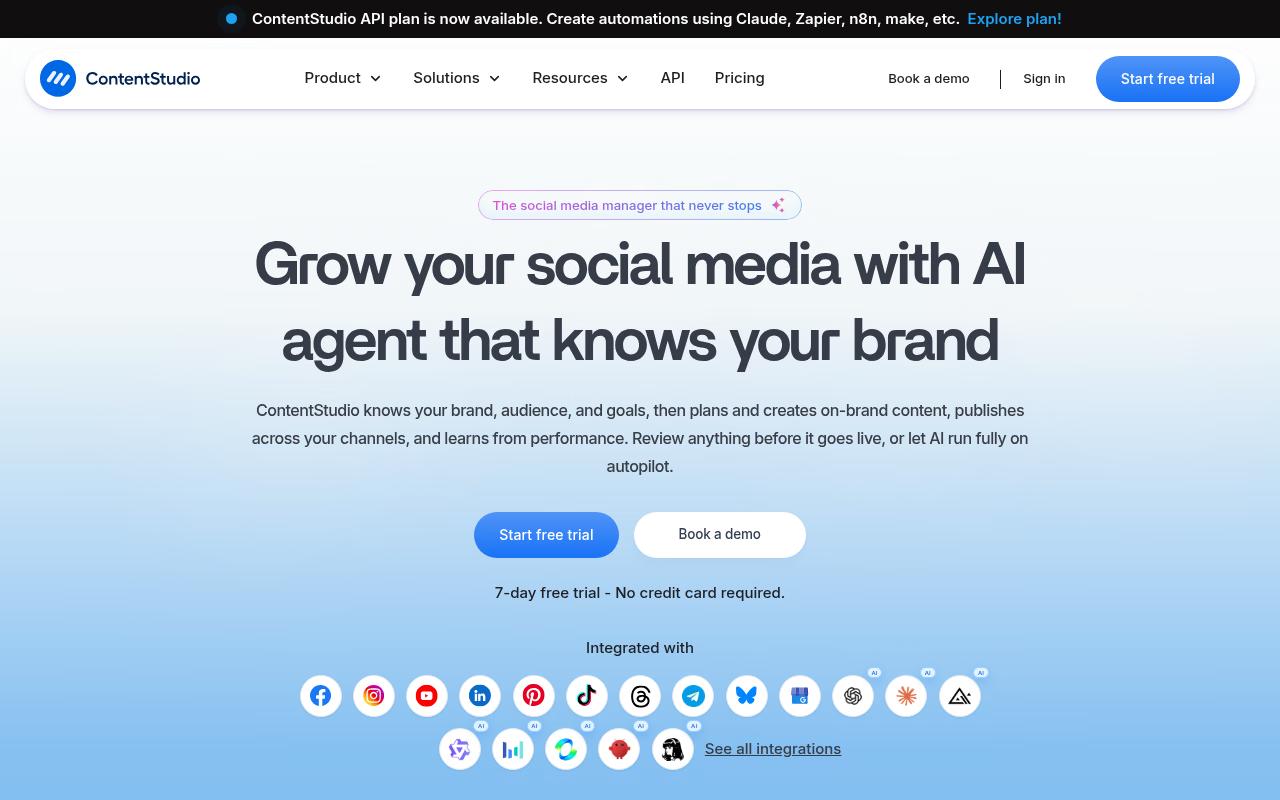
ContentStudio is a unified platform for planning, creating and publishing content, built around an AI agent that learns a brand's voice and can run with human review or on autopilot. It serves solo creators, small businesses, agencies and enterprises. Features include bulk CSV scheduling, evergreen recycling campaigns, and external calendar sharing with approvers who don't need a login.
Pros:
- Reliable and powerful platform with a consistently growing feature set
- Good value / fair pricing compared to alternatives like Hootsuite
- Free trial does not require credit card details
- Helpful, knowledgeable support team
- Considered one of the most impressive social media management platforms by long-time users
Cons:
- Support can be slow to respond during busy periods
Price: Standard is $29/mo, or $19/mo billed annually, for 5 social accounts and 1 user. Advanced is $49/mo, Agency Unlimited is $99/mo, and Enterprise is custom, according to ContentStudio's pricing page.
On Trustpilot, ContentStudio has 4.2/5 from just 6 reviews, so treat that as thin evidence. Reviewers describe long-term, satisfied use, and one appreciated that the free trial didn't require a credit card, while another said support is great but can "take awhile to get back to you" during busy stretches.
On Capterra, ContentStudio holds 4.7/5. Reviewers commonly praise efficient social media scheduling, strong content management, and helpful automation tools and note learning curve for some features and limitations or quirks in certain workflows. See the Capterra reviews page.
On G2, ContentStudio holds 4.6/5 across 355 reviews. Reviewers commonly praise ease of use, content discovery features, and efficient social media scheduling and note interface complexity for new users and occasional usability or ui ux issues. See the G2 reviews and pros and cons pages.
Verdict: The budget pick, and the Agency Unlimited plan is hard to beat on price for teams juggling lots of client accounts.
5. Loomly
Loomly is an all-in-one social app covering ideation, creation, approval, publishing and analytics. Its collaboration tools sit closest to Planable's model, with custom approval workflows, post mockups, version history and notifications through Slack and Microsoft Teams. It's aimed at marketing teams with stakeholders who need to review content together.
Pros:
- Easy to use / user-friendly, quick to get started
- Responsive, helpful customer support (fast responses, resolved billing and connection issues)
- Useful AI assistant for generating post ideas, captions, and campaign planning
- Good for global/distributed teams managing multiple time zones and languages
- Simple, efficient content calendar and multi-channel publishing
Cons:
- Backlash over steep price increases (some users reported 315% or 20X hikes)
- Interface can feel glitchy, slow, or unintuitive, especially after redesigns
- Missing feature support such as tagging LinkedIn handles, pasting hyperlinks in stories, or combining video and image in one post
- Removed native Twitter/X support without a good manual/Zapier workaround, and limited API access (no Zapier/n8n)
- Support quality can be inconsistent when real problems arise
Price: Starter is $65/mo ($49/mo billed yearly) for 12 social accounts and 3 users. Beyond is $332/mo ($249/mo yearly) for 60 accounts and unlimited users, and Enterprise is custom, according to Loomly's pricing page. There's a 7-day free trial with no card required.
Reddit threads in r/SocialMediaMarketing are dominated by reaction to a 2025 price increase, with one poster calling it "like a 400% price increase." An agency user said his team switched to SocialPilot after being on the Advanced plan at $180/mo. He added that Loomly's tools and analytics are "extremely basic," even though they met his team's needs.
On LinkedIn, marketer Lilach Bullock called Loomly "a gem," praising its calendar, post ideas and analytics. It's a single promotional-style testimonial, though, so it carries less weight than a detailed critique.
On Trustpilot, Loomly sits at 3.8/5 from 108 reviews. Positive reviews credit responsive support and ease of use, and a nonprofit working across multiple time zones found it useful. The recent 1-star cluster is about pricing, while other complaints mention a glitchy interface and missing support for tagging LinkedIn handles.
On Capterra, Loomly holds 4.7/5. Reviewers commonly praise easy-to-use social media scheduling with a clear dashboard that helps teams plan and manage content efficiently and note inconsistent tagging and social network support plus gaps in advanced features such as analytics and automation. See the Capterra reviews page.
On G2, Loomly holds 4.6/5 across 1,796 reviews. Reviewers commonly praise intuitive interface and visual content calendar that simplify multi-account scheduling and collaboration and note limited or basic analytics, occasional technical glitches, and constraints around integrations and certain posting workflows. See the G2 reviews and pros and cons pages.
Verdict: Closest to Planable in feel, but check current pricing carefully and look elsewhere if LinkedIn tagging matters to you.
6. Statusbrew
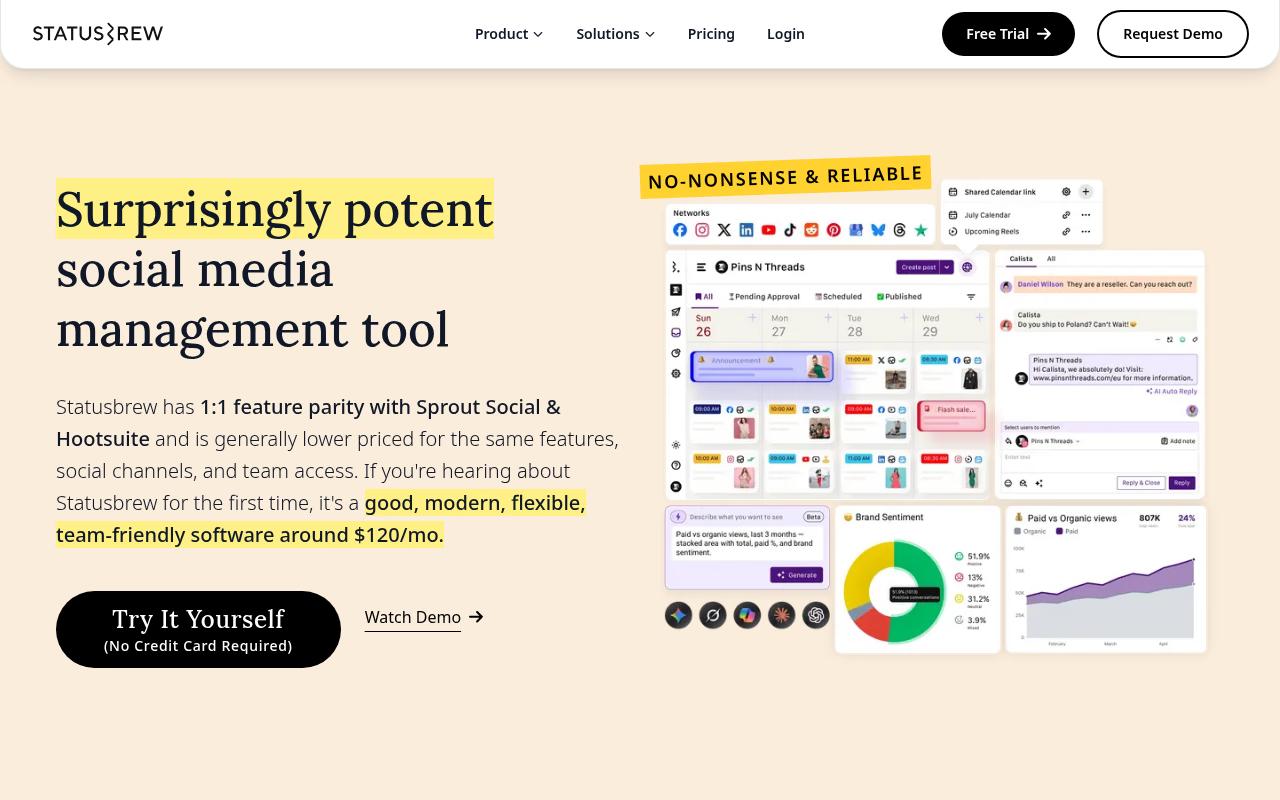
Statusbrew covers publishing, a unified engagement inbox with auto-moderation, and custom reporting built from 270+ metrics with 18 months of data backfill. It positions itself as offering feature parity with bigger suites like Hootsuite at a lower price, and its shareable calendars let outside users view, comment on and suggest edits to scheduled posts.
Pros:
- Responsive, helpful customer support that assists with setup
- Strong collaboration and approval workflow tools for teams
- Useful cross-platform analytics that help improve strategy
- Automation features save time on scheduling and logistics
- Scheduling feature saves users hours each week
Cons:
- At least one reviewer felt the product did not meet expectations for the price paid
Price: Lite is $69/mo billed annually ($89/mo monthly) for 1 user. Standard is $129/mo annually ($179/mo monthly), Premium is $229/mo annually ($299/mo monthly) with approval workflows and listening, and Enterprise is custom, according to Statusbrew's pricing page. Approval workflows only arrive on Premium, which matters if that's why you used Planable in the first place.
On Trustpilot, Statusbrew holds 4.2/5 from 6 reviews. Reviewers praise support that walked them through a tricky setup and say the approval process kept a growing team aligned. One reviewer felt the product didn't meet expectations for the price.
On Capterra, Statusbrew holds 4.8/5. Reviewers commonly praise centralized scheduling and publishing across multiple social networks and note limitations for highly complex workflows and some missing niche features. See the Capterra reviews page.
On G2, Statusbrew holds 4.8/5 across 258 reviews. Reviewers commonly praise responsive support and easy-to-use social media management for teams and note initial learning curve and desire for additional advanced features. See the G2 reviews and pros and cons pages.
Verdict: A strong middle-market choice for teams that care most about moderation and deep reporting.
7. Hootsuite
Hootsuite is one of the best-known all-in-one platforms, combining scheduling, an inbox, analytics, competitive analysis and advanced social listening through its Talkwalker integration. It's aimed at brand and enterprise social teams managing many accounts. Its bulk composer and OwlyWriter AI assistant speed up high-volume scheduling.
Pros:
- Unified inbox centralizes messages/comments across multiple social platforms
- Bulk composer speeds up scheduling large volumes of content
- AI writing assistant (OwlyWriter) helps draft captions
- Best-time-to-publish analytics uses account-specific audience data
Cons:
- Customer support is slow and hard to reach, with days-long email delays
- Billing/renewal disputes, including being charged after cancellation
- Platform reliability issues and recurring bugs (e.g., video upload/posting errors)
- Reports of lost or disconnected social account connections
- Interface feels dated in places
Price: Standard is $99/user/month and Professional is $199/user/month. Advanced, the first tier with content approval workflows, is $399/user/month, and Enterprise is custom, all billed annually, according to Hootsuite's plans page.
In Reddit, r/SocialMediaMarketing thread with 69 comments, a commenter who runs a competing tool said the "price tag is big" and that Hootsuite trails on features like scheduling stories. Others agreed it suits larger budgets but is pricey for small agencies and startups.
On Trustpilot, Hootsuite has 1.3/5 from 555 reviews, and the complaints are pointed. One reviewer says they closed their account in 2021 and are still charged £1200 a year, and another says "everything is buggy." Slow support and lost account connections also come up repeatedly.
On Capterra, Hootsuite holds 4.4/5. Reviewers commonly praise easy-to-use social media management and scheduling across platforms, seen as a secure and reliable tool with solid core features and note cost relative to feature depth, learning curve for advanced capabilities, and some limitations or friction in specific workflows. See the Capterra reviews page.
On G2, Hootsuite holds 4.3/5 across 7,462 reviews. Reviewers commonly praise centralized scheduling and management of multiple social media accounts, with an intuitive calendar view and helpful reporting and note high pricing for smaller organizations, limited or missing features and integrations, and occasional scheduling or posting issues. See the G2 reviews and pros and cons pages.
Verdict: Powerful for enterprises that need listening at scale, but per-user pricing and approvals locked to the $399 tier make it a poor swap for most Planable teams.
FAQ
What's the Best Planable Alternative for LinkedIn?
Ordinal is built around LinkedIn, with personal and company tagging, PDF carousels, a realistic "see more" preview and auto-engagements from connected accounts. Oktopost is also LinkedIn-first, but its plans start at $499/mo billed annually.
Which Planable Alternative Is Cheapest?
ContentStudio's Standard plan is $19/mo billed annually ($29/mo monthly) for 5 social accounts and 1 user. Loomly's Starter plan at $49/mo billed yearly includes 3 users and approval workflows.
Which Planable Alternatives Include Approval Workflows?
Ordinal includes approvals on Starter and full approval workflows on Pro, Loomly includes them from Starter, and Agorapulse offers a client approval calendar. Statusbrew adds approval workflows on its Premium plan, while Hootsuite only includes them from its $399/user/month Advanced tier.
Related Posts
Looking to learn more? The below posts may be helpful for you to learn more about social media and content marketing.