AuthoredUp earns its place on a lot of LinkedIn creators' toolbars for one reason. Its editor shows you exactly how a post will look before it goes live, with bold, italics, spacing and hook templates handled properly. It does a narrow job well, and that narrowness is usually why people start looking elsewhere.
There's no AI writing help, no engagement automation, no support for platforms beyond LinkedIn, and no team collaboration or approval workflow.
So the right alternative depends on which of those gaps is hurting you. A solo creator who wants AI drafting needs a different tool than a marketing lead trying to get five executives posting every week with sign-off before anything publishes.
We've grouped the options below by that kind of fit, and the comparison table that follows gives you a side-by-side view before you get into the individual entries.
At a glance
What Makes a Good Authoredup Alternative
Formatting & Preview Fidelity
AuthoredUp’s whole appeal is showing exactly how a post renders before publishing, so any alternative gets judged on whether it meets that bar. That means native bold and italic, the correct “see more” cutoff, and pixel-perfect mobile and desktop previews.
AI Drafting Approach
Several tools fill the gap AuthoredUp leaves open by generating drafts for you, but they get there differently, whether through guided voice interviews, repurposing one idea into many posts, or generic AI assistance. It’s worth checking whether the output sounds like you or like a chatbot.
Approvals & Team Workflow
For anyone managing more than one poster, the question shifts from writing to governance: can drafts be reviewed, commented on, and routed for sign-off before they go live, with notifications to keep a team or executive program moving.
Engagement Automation
Beyond scheduling, some tools try to manufacture the first wave of traction automatically, through team likes and comments that fire after a post publishes, automated first comments, or automated connection requests. This matters if distribution is your real bottleneck.
Platform Breadth vs. LinkedIn Depth
AuthoredUp is LinkedIn-only, while some alternatives trade that focus for reach across X, Threads, Bluesky, or Mastodon. The tradeoff is that the broader a tool’s cross-posting gets, the weaker its LinkedIn-specific features, like analytics, tend to be.
Pricing Structure & Scaling
Entry price alone hides how plans actually scale, whether by seats, by connected accounts, or by a jump from a cheap starter tier to enterprise-only quotes. It’s worth mapping the pricing page against how many people or accounts you’ll actually run.
The Best AuthoredUp Alternatives for LinkedIn Creators
1. Ordinal
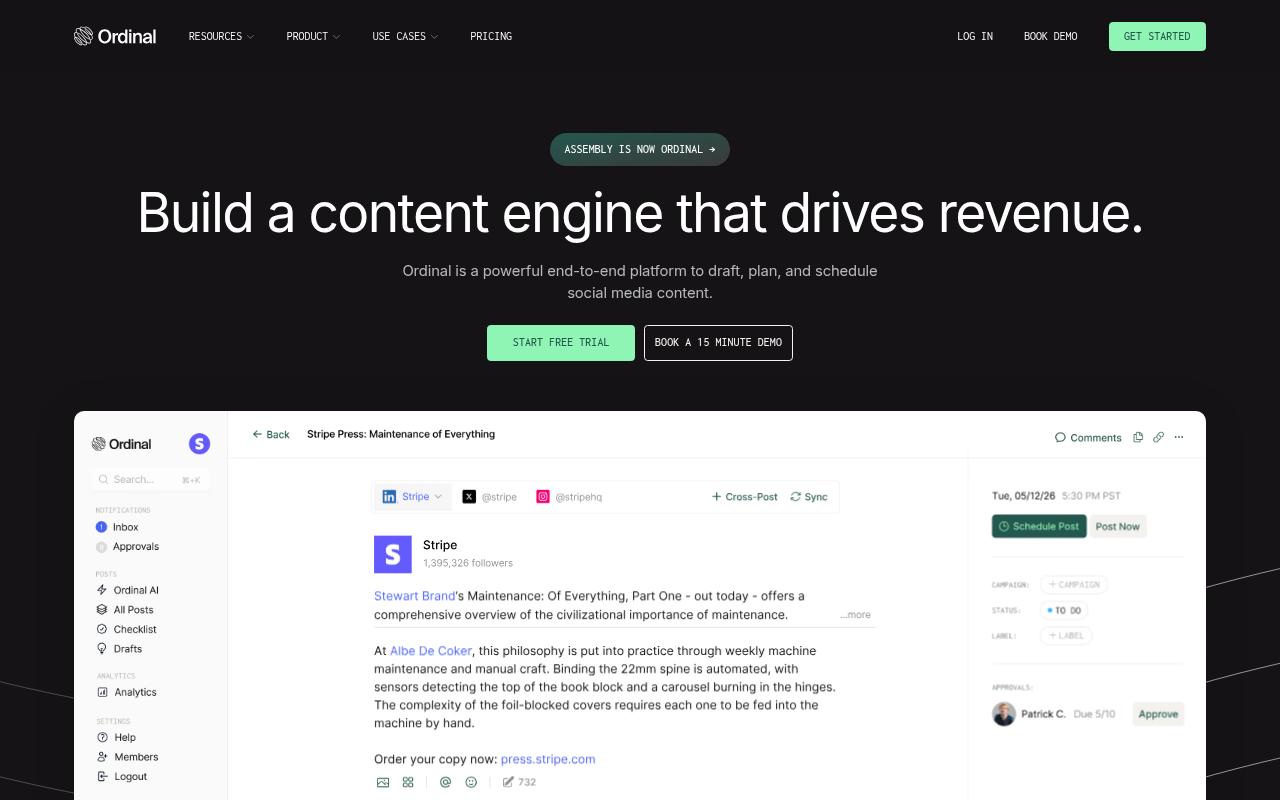
Ordinal is an end-to-end platform for drafting, planning and scheduling social content, built for teams that want social to drive revenue. It's aimed at content agencies, founders and execs, social media managers, content marketers and growth teams. Scheduling, a content calendar with campaigns, collaboration and approvals, AI post drafting and post previews all live in one place, alongside team engagement features for LinkedIn and X.
Price: Starter is $95/month (or $85/month billed annually), Pro is $265/month, Growth is $695/month, and Enterprise is custom.
Ordinal makes the most sense for creators who've outgrown working alone. AuthoredUp handles formatting and previews for one person, while Ordinal keeps realistic previews (including the exact "see more" cutoff) and native bold and italic formatting, then adds what AuthoredUp leaves out.
Teammates can draft in a shared editor, leave inline comments and route posts through approvals with Slack notifications, so an executive's post doesn't go live without sign-off. On the Pro plan and up, team likes, comments and reposts can fire from teammates' own accounts after a post goes live, and Slack Boost Channels ping the team the moment it publishes.
It also supports personal profile tagging, LinkedIn polls and PDF carousel uploads, and its MCP and API access let you draft and analyze posts from AI tools like Claude. For a marketing lead trying to get several execs posting regularly, it replaces both the formatting tool and the ad-hoc Slack messages asking people to engage.
Verdict: The strongest pick if you're moving from solo LinkedIn writing to a team or executive program that needs approvals and coordinated engagement.
2. Publer

Publer is an all-in-one social media management platform for scheduling, publishing and analyzing content across multiple networks. It's built for small business owners, content creators, marketers and agencies juggling several accounts or brands. Features include a drag-and-drop calendar, bulk scheduling, AI Assist for content and images, approval workflows, Canva integration and a Publer MCP for working with AI agents.
Pros:
- Easy to use / quick setup ("It's a breeze to setup")
- Affordable pricing, especially for managing multiple social accounts
- Good customer/chat support, described as patient and responsive
- Ability to post the same content across multiple platforms at once
- Saves significant time on social media management
Cons:
- Subscription management is inconsistent between the mobile app and web version
Price: There's a free plan, Professional starts at $5/month and Business starts at $10/month, with both scaling by accounts and team members, according to Publer's pricing page. Enterprise is a custom quote.
On TrustPilot, Publer holds 4.9/5 across 1,051 reviews, most of them five stars. Reviewers keep coming back to how easy it is to set up, with one calling it "a breeze to setup, user friendly and affordable for my small-business needs." They also like posting the same video across several platforms at once and getting patient help from chat support. The one recurring friction point is that subscription management doesn't behave the same way in the mobile app and the web version.
On Capterra, Publer holds 4.8/5. Reviewers commonly praise easy multi-platform scheduling, time savings, broad features, and value for money and note pricing increases with additional accounts, plan-based feature limits, and a learning curve for advanced tools.
On G2, Publer holds 4.7/5 across 546 reviews. Reviewers commonly praise easy post scheduling, intuitive usability, and time-saving multi-account management and note limited advanced analytics, plan restrictions, and comparatively high pricing. See the G2 reviews and pros and cons pages.
Verdict: A cheap, broad scheduler for multi-platform posting, though it's less LinkedIn-specific than AuthoredUp.
3. Supergrow
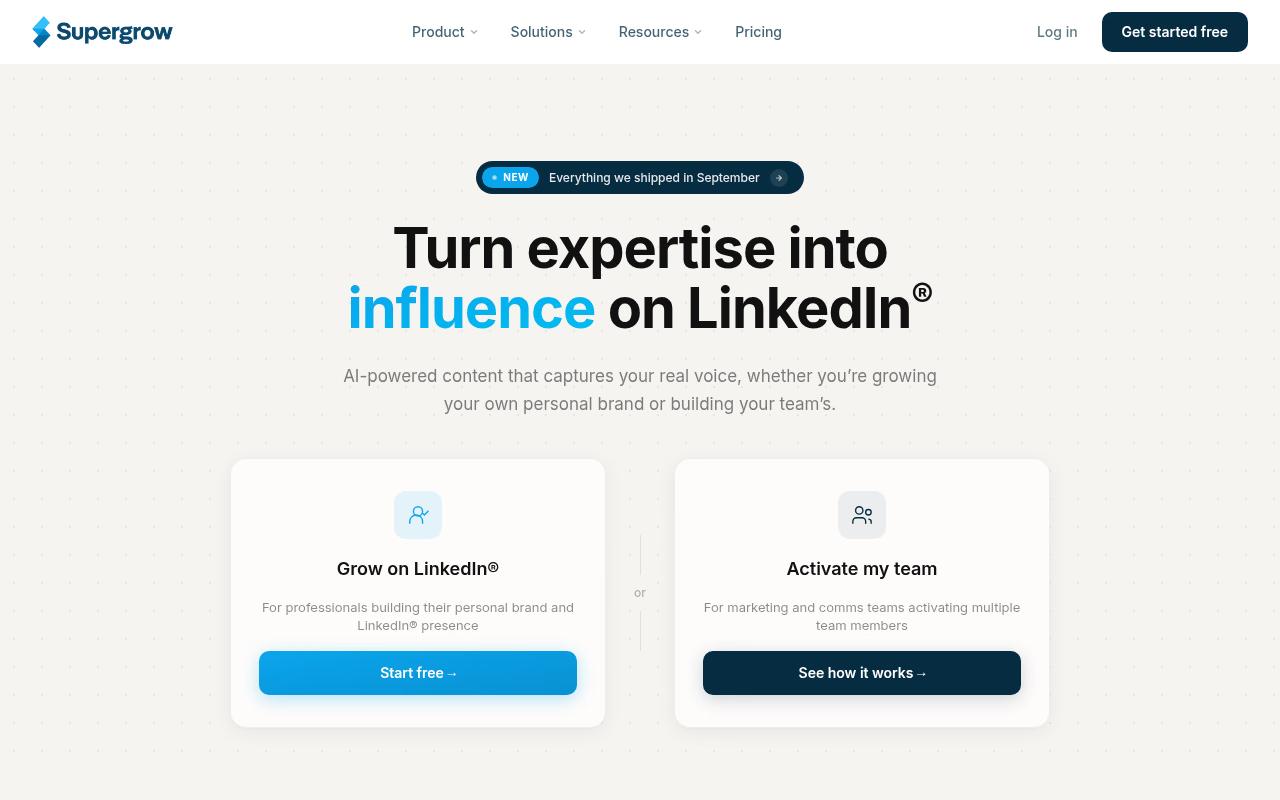
Supergrow uses AI to turn your expertise into LinkedIn posts, mainly through a 10 to 15 minute guided interview that produces several drafts per session. It's for professionals building a personal brand and for comms teams activating multiple people on LinkedIn, and it rounds things out with a voice profile (Content DNA), content repurposing from videos, blogs and PDFs, a Kanban board, scheduled first comments and a Supergrow MCP.
Price: Pro is $39/month ($31/month billed annually), Teams is $199/month for five accounts, and Enterprise is custom, according to Supergrow's pricing page. Every plan comes with a 7-day free trial.
On G2, Supergrow holds 4.4/5 across 14 reviews. Reviewers commonly praise ease of use and content creation and note limited analytics capabilities. See the G2 reviews and pros and cons pages.
Verdict: Worth a look if your bottleneck is generating ideas in your own voice rather than polishing formatting.
4. Postwise
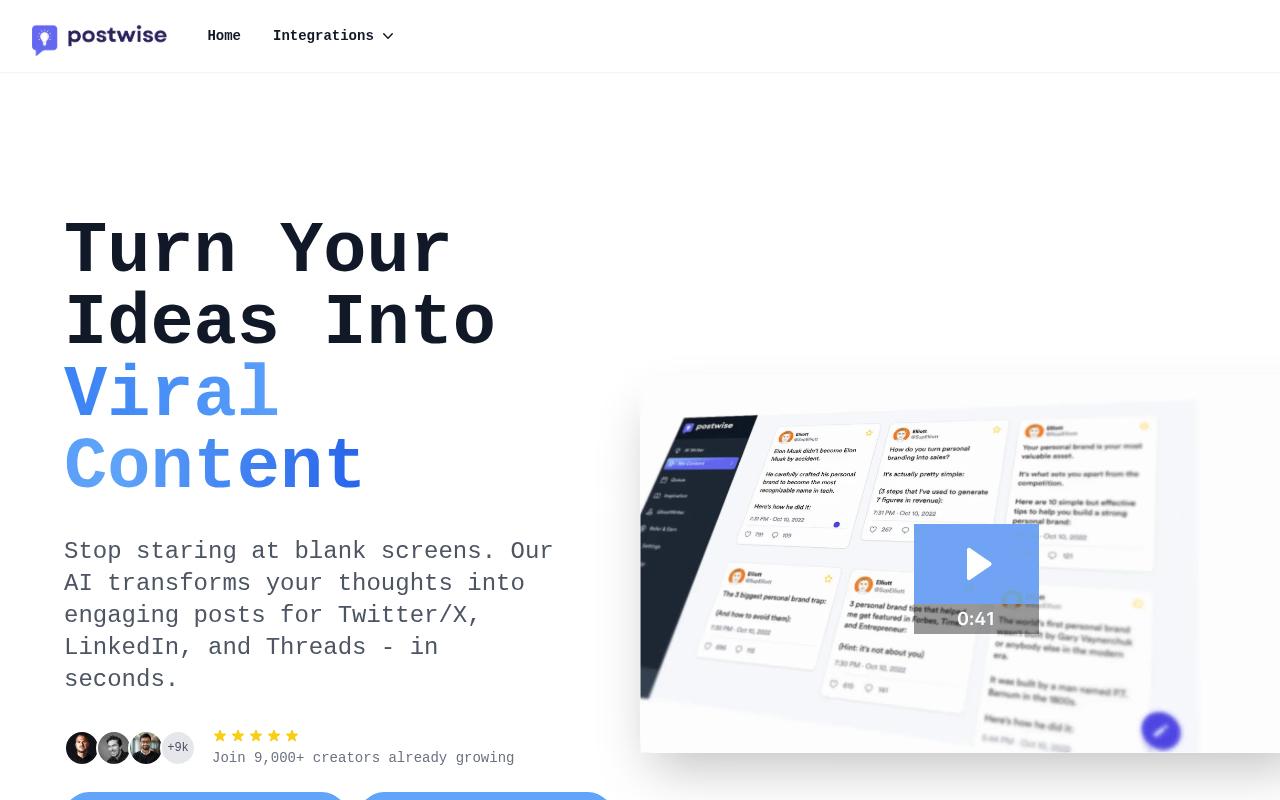
Postwise is an AI writer and scheduler that turns one idea into several posts for X, LinkedIn and Threads. It targets creators and entrepreneurs who want to get past writer's block and batch a few weeks of content in one sitting, with viral post repurposing and engagement tracking built in.
Pros:
- Easy to use, user-friendly interface
- AI writer produces high-quality, engaging tweets
- Saves significant time on content scheduling (e.g. a week of tweets in about an hour)
- Helps grow follower count / boost profile on X/Twitter
- Good customer support
- Affordable pricing
- Expanding beyond Twitter into LinkedIn
Cons:
- UI feels a bit stodgy / less clean than competitors like Typefully
- @ tag autocomplete for accounts doesn't always populate correctly
- Many features locked behind a paywall
- One user reported unresponsive support and spam (isolated complaint)
Price: Basic is $37/month, Boss is $59/month and Unlimited is $97/month, according to Postwise's pricing page. There's no free plan, but every tier includes a 7-day trial and a 30-day money-back guarantee.
On TrustPilot, Postwise sits at 4.5/5 from 29 reviews, which is a small sample worth keeping in mind. Reviewers praise the AI writing quality and the time savings, and one said they can "wrap up a weeks worth of tweets in an hour." The complaints center on a UI some find stodgy and @ tag autocomplete that doesn't always populate correctly. A few reviewers also point out that a fair amount is locked behind higher tiers, and much of the praise focuses on X, with LinkedIn support described as an expansion.
On G2, Postwise holds 4.6/5 across 4 reviews. Reviewers commonly praise easy-to-use AI writing and social post creation and note character limits, pricing, and limited trial period. See the G2 reviews and pros and cons pages.
Verdict: Good for AI-first creators who post heavily on X, but less proven as a LinkedIn-focused replacement.
5. Hootsuite

Hootsuite is an enterprise-leaning social management and social intelligence platform covering publishing, a unified inbox, analytics, competitive analysis and social listening powered by Talkwalker. It's built for social and digital comms teams at brands and large organizations managing many accounts across networks. For an individual LinkedIn creator coming from AuthoredUp, that's a big jump in scope.
Pros:
- Centralizes management of multiple social accounts in one place (noted even by critical reviewers as the core value prop)
- Supports scheduling and posting across many connected accounts
Cons:
- Billing disputes: customers report being charged after cancellation or without clear authorization
- Slow, impersonal, or unresponsive customer support (days to get a reply, AI chatbot seen as unhelpful)
- Difficulty cancelling subscriptions and getting refunds
- Reliability issues: connected accounts disappearing, bugs with video uploads and other basic functionality
- High price relative to experience (e.g. annual contracts costing thousands of dollars)
Price: Standard is $99/month, Professional is $199/month and Advanced is $399/month (billed annually, per user), with custom Enterprise pricing, according to Hootsuite's pricing page.
In an r/SocialMediaMarketing thread on Reddit, one commenter who runs a competing tool said "the price tag is big" and that Hootsuite lags on some features, like scheduling stories. Others in the thread agreed it suits larger budgets but feels pricey for small agencies and startups.
TrustPilot is much harsher, with 1.3/5 across 556 reviews. Billing complaints dominate, including reports of charges after cancellation, and reviewers describe support replies that take days and feel impersonal. Some also mention connected accounts disappearing and bugs with video uploads.
On Capterra, Hootsuite holds 4.4/5. Reviewers commonly praise all-in-one social media management, cross-platform scheduling, and campaign efficiency and note high cost, a complex interface, and inconsistent support.
On G2, Hootsuite holds 4.3/5 across 7,518 reviews. Reviewers commonly praise advanced post scheduling, ease of use, and centralized social media management and note high pricing, posting issues, and limited features. See the G2 reviews and pros and cons pages.
Verdict: Overkill and expensive for a solo LinkedIn creator, so only consider it if you need listening and a unified inbox at enterprise scale.
6. Typefully
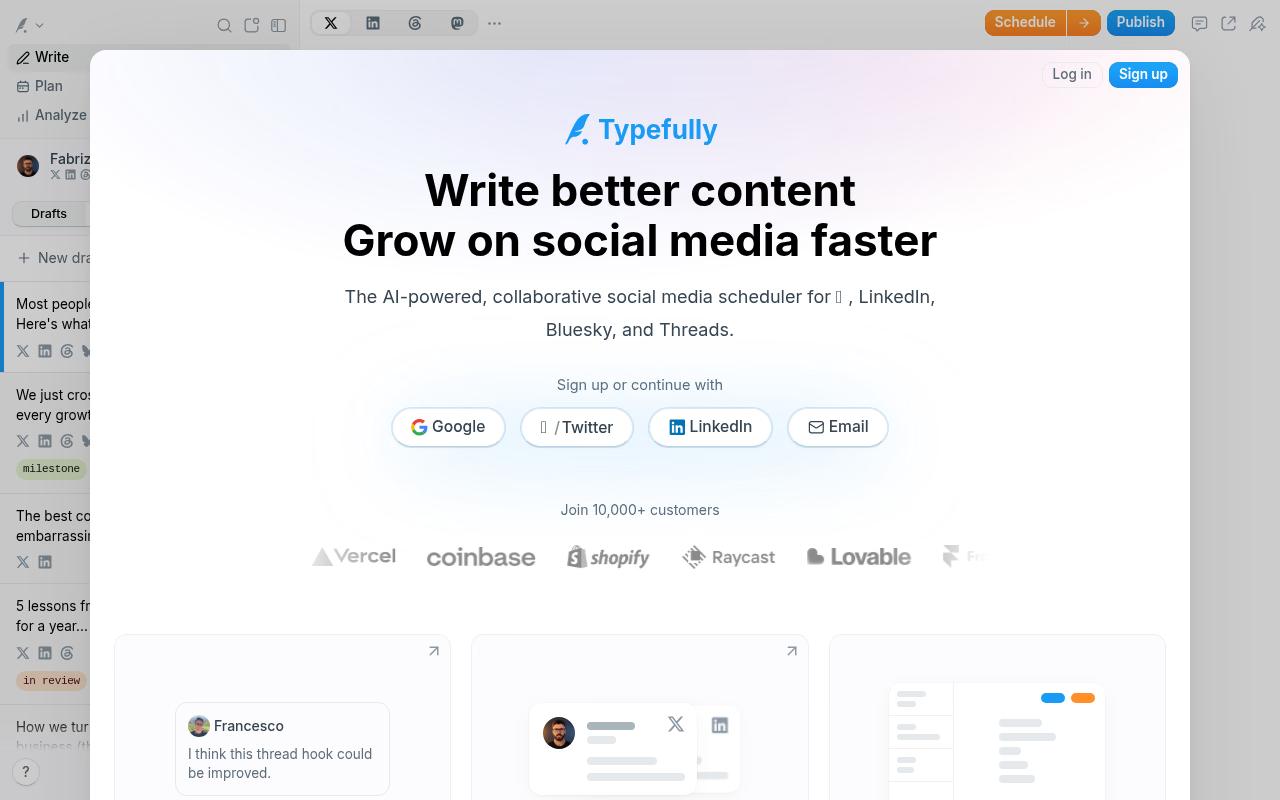
Typefully is a collaborative, AI-assisted scheduler with a focused writing editor that cross-posts to X, LinkedIn, Bluesky, Threads and Mastodon. It's for creators and teams who want a clean drafting space with shared drafts, comments and pixel-perfect previews. LinkedIn PDF carousels, polls, team launches with Slack pings and an MCP API are included.
Price: There's a free plan, Creator is $99/year (about $8.25/month, billed annually only), Business is $18/month per social set billed yearly, and Enterprise is custom, according to Typefully's pricing as reported by a pricing-page analysis source.
On G2, Typefully holds 0.5/5 across 1 reviews. Reviewers commonly praise a familiar, user-friendly interface and note immature tooling, limited controls, and unreliable AI output. See the G2 reviews and pros and cons pages.
Verdict: The closest match to AuthoredUp's writing-first feel, with cross-posting added, but check LinkedIn analytics before committing.
7. Taplio
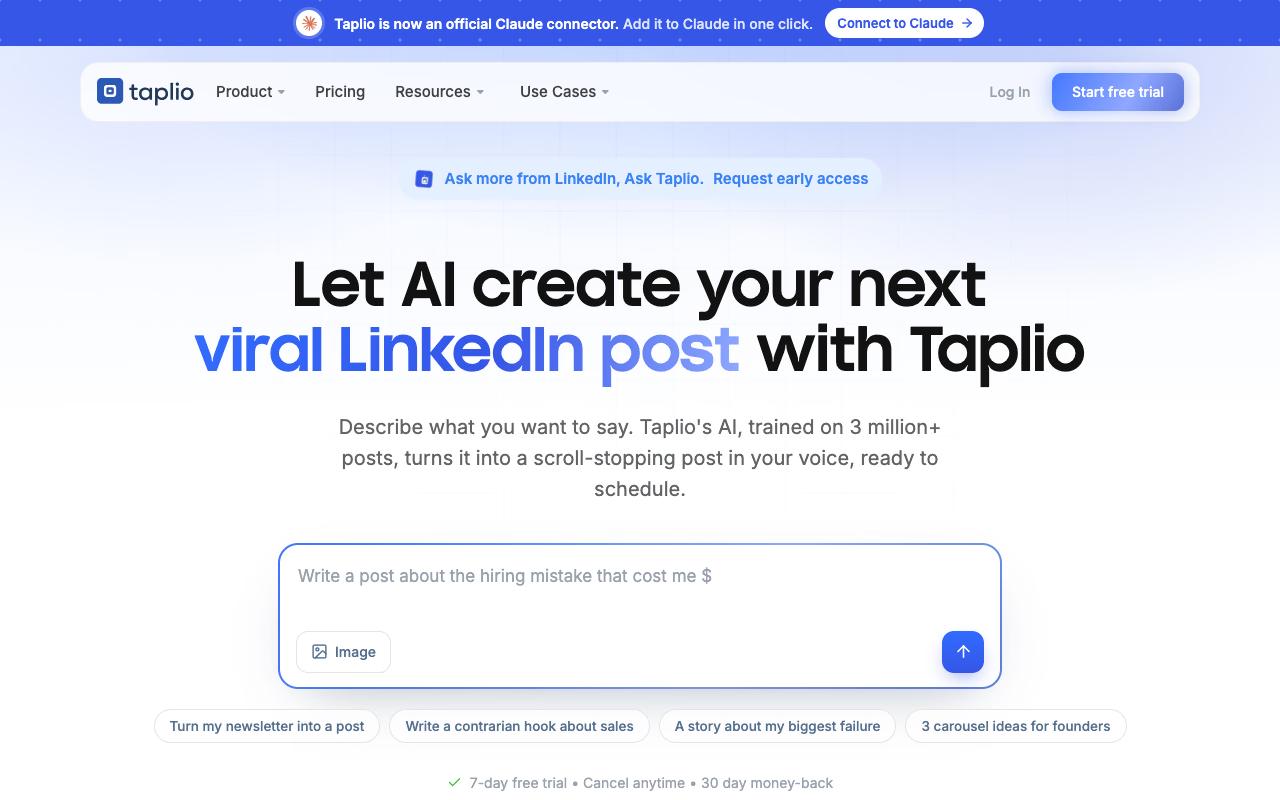
Taplio is an AI-powered LinkedIn growth tool organized around creating, scheduling, engaging and connecting. It suits creators, founders and sales or marketing pros who want daily idea suggestions and drafts in their own voice, plus a way to turn engagement into warm leads. Automated connection requests with follow-up DMs, "Ask Taplio" and an MCP for drafting comments are part of the package.
Pros:
- Effective for LinkedIn content strategy and growth (gives a roadmap for content and networking)
- AI content generation and post scheduling are genuinely useful
- Responsive, professional customer support (when reached)
- Provides scheduled-post overview and detailed per-post analytics
- Supports rich text formatting (bold/italics) for posts
- New MCP/AI integrations praised by recent reviewers
- Popular with ghostwriters/agencies managing multiple client accounts
Cons:
- Billing/renewal transparency issues (users report being charged after free trials without clear notice)
- Difficult cancellation process and slow refunds in some cases
- Considered expensive, especially the higher-tier plans
- Buggy/glitchy UI and missing basic features (e.g., sorting by recency)
- No weekend customer support
- Tagging people on LinkedIn requires a separate, sometimes unreliable Chrome extension
- AI content-inspiration suggestions not useful for smaller/niche audiences
- Risk of LinkedIn account being flagged if automation activity limits aren't well understood
Price: Starter is $39/month, Growth is $69/month and Pro is $199/month, according to Taplio's pricing page. There's a 7-day trial and no permanent free plan.
A Reddit user said Taplio "makes finding inspiration for my content and people to engage with a lot easier," which fits its focus on ideation and engagement.
TrustPilot puts Taplio at 3.6/5 from 20 reviews, and opinion is sharply split. Five-star reviewers praise the support team and credit it with real follower growth, while one-star reviews focus on charges after free trials, hard cancellations and slow refunds. Others mention a glitchy UI and tagging that depends on a separate Chrome extension, and some warn about account flags if you don't understand the automation limits.
On G2, Taplio holds 4.1/5 across 9 reviews. Reviewers commonly praise ease of use, LinkedIn content creation, post scheduling, and responsive support and note high pricing, limited design options, and feature accuracy concerns. See the G2 reviews and pros and cons pages.
Verdict: Strong for LinkedIn growth and lead outreach, as long as you're comfortable with its automation and keep an eye on the billing terms.
8. Hypefury
Hypefury is a scheduling and automation platform for creators across X, LinkedIn, Instagram, Bluesky, Threads and TikTok. It's built for online business builders who want to grow an audience and an email list, with AI posts trained on your past content, one-click repurposing into LinkedIn carousels, auto-plugs and auto-DMs, plus evergreen and recurring posts that keep your strongest content in circulation.
Price: Flexible is $6/month for one channel (plus $6/month per extra channel) and Full is $19/month with all channels included.
On Capterra, Hypefury holds 4.8/5. Reviewers commonly praise easy scheduling, automated cross-platform posting, content management, and time savings and note premium pricing and occasional support limitations.
On G2, Hypefury holds 4.7/5 across 21 reviews. Reviewers commonly praise intuitive scheduling, cross-platform publishing, evergreen content automation, and responsive customer support and note limited multi-account support, content organization constraints, occasional billing or device issues, and premium pricing. See the G2 reviews and pros and cons pages.
Verdict: A low-cost pick for monetization-minded creators who post across many platforms, with LinkedIn as one channel among several.
FAQ
What's the Best AuthoredUp Alternative for a Team?
If several people need to draft, review and approve LinkedIn posts, Ordinal is built for that, with inline comments, approval workflows and team engagement from teammates' own accounts. Supergrow's Teams plan ($199/month for five accounts) and Typefully's Business plan also add shared drafts and collaboration.
Is There a Cheaper Alternative to AuthoredUp With AI Writing?
Typefully's Creator plan runs $99/year and includes AI writing, and Hypefury's Full plan is $19/month with AI trained on your posts. Publer offers a free plan, with AI prompts on its Business tier starting at $10/month.
Which AuthoredUp Alternative Has the Best LinkedIn Post Previews?
Ordinal and Typefully both offer realistic previews. Ordinal shows the exact "see more" cutoff point, and Typefully advertises pixel-perfect previews, which one LinkedIn reviewer noted cover both desktop and mobile.
Related Posts
Looking to learn more? The below posts may be helpful for you to learn more about social media and content marketing.