A content marketing stack in 2026 can easily run to six or seven subscriptions: one tool to research keywords, another to score drafts, a third to write them, a fourth to design the visuals, and a fifth to get everything published and in front of people. Each vendor pitches itself as the center of that stack, but few of them are.
This guide covers twelve tools across research, writing, design, planning and distribution, drawing on each vendor's own pricing and feature pages alongside what reviewers say on independent platforms.
Several of the best-known names carry heavy billing complaints that their feature lists won't mention. If you want the side-by-side view first, the comparison table below lines up every tool before the individual breakdowns.
At a glance
What Makes a Good Content Marketing Tool
Billing and cancellation practices
Several entries in this space carry heavy complaints about auto-renewals, surprise price hikes between tiers, difficulty removing a card, and disputes over refunding unused credits after cancellation. This is worth weighing separately from the feature list, since it rarely shows up there but shows up constantly in reviews.
Depth on your core channel
Some tools spread thin across every platform while others go deep on one, like a scheduler with dedicated linkedin features (tagging, pdf carousels, preview cutoffs) versus a general cms or workspace. Check whether a tool's 'deepest feature set' actually matches the channel your content lives or dies on.
Pricing structure across tiers
How a plan scales matters as much as the starting price. Look at whether seats are unlimited or per-seat, and whether there's a smooth path up or a steep jump (like one reviewer's leap from $12/mo to $800/mo with no middle ground).
Editing burden on ai output
AI drafting and content-scoring tools differ in how much human cleanup they demand afterward. Some are praised for solid first drafts while others are flagged for generic output, weak originality on niche topics, or requiring heavy editing before publishing.
The Content Marketing Tools Worth Shortlisting
1. Ordinal

Ordinal is an end-to-end platform for drafting, planning and scheduling social content, with automations that drive engagement and analytics built to show what drives revenue. It's aimed at content agencies, founders and executives, social media managers, content marketers and growth teams. It schedules across LinkedIn, Twitter/X, Instagram, Facebook, Threads, TikTok, YouTube Shorts and more, and its deepest feature set is on LinkedIn: personal and company tagging, PDF carousels, and a realistic preview that shows exactly where "see more" cuts off your hook.
Price: Starter is $95/month ($85/month billed annually) for up to 3 seats, 4 social profiles and 50 scheduled posts a month. Pro is $265/month ($235/month annually) with unlimited seats, unlimited scheduled posts, automated engagement and API/MCP/webhook access. Enterprise is custom and adds employee advocacy, leads data and SAML/SSO, according to Ordinal's pricing page. Starter and Pro both come with a 14-day free trial.
Content marketing tends to break at distribution, and that's where Ordinal is built to help. Once a post is written, Pro's auto-engagement feature can leave likes, comments and reposts from any connected teammate's account on a configurable delay, so you can retire the ad-hoc Slack message asking everyone to go engage. And with the API, MCP server and webhooks, an AI assistant like Claude can read your posting history, draft in your voice and schedule posts without anyone opening the app.
That's a good fit for a marketing lead running an executive thought leadership program for 5 to 10 people who wants approvals and quality control in one place. Seats are unlimited on Pro, so adding a new exec doesn't change the bill. If you're weighing it against a general scheduler, our guide to social media management tools walks through the tradeoffs.
Verdict: The strongest pick here if LinkedIn and team-driven distribution are where your content lives or dies.
2. HubSpot Content Hub
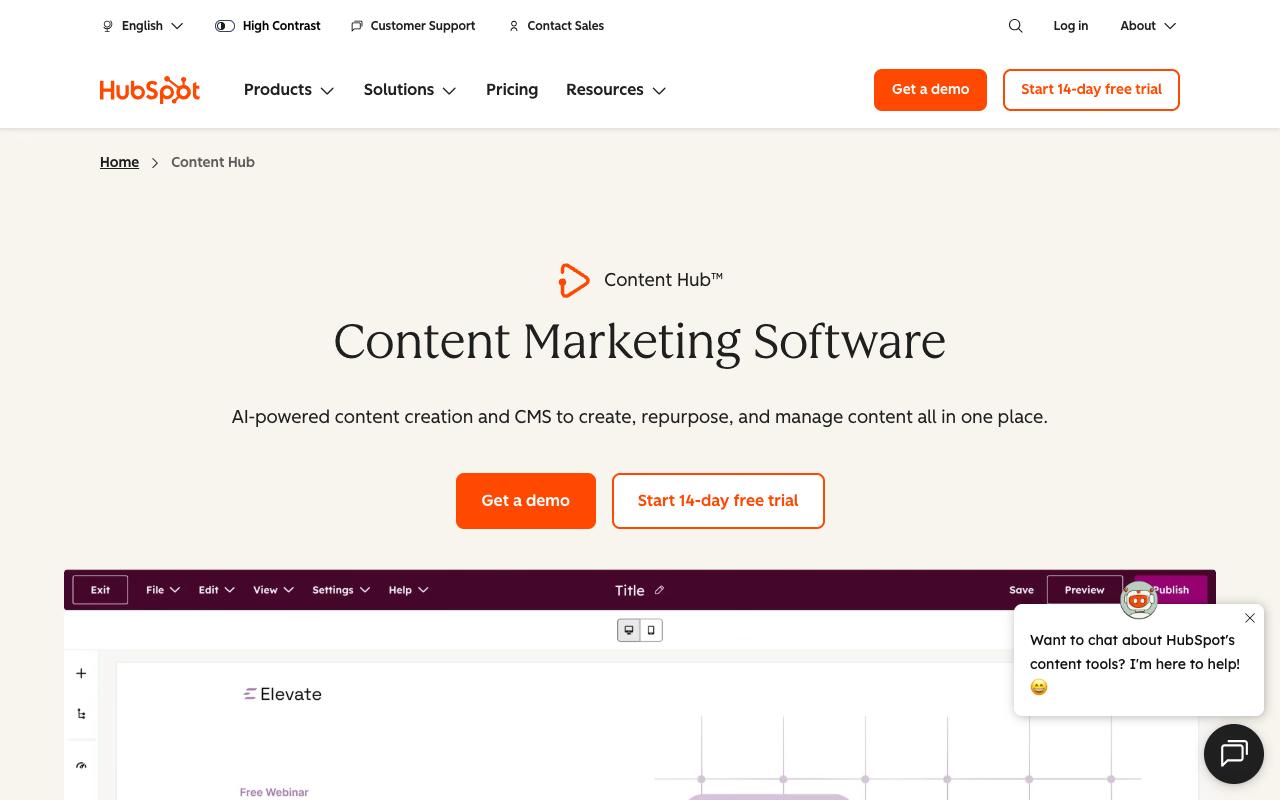
Content Hub is HubSpot's AI-powered CMS and content suite, built to create, repurpose and manage content in one place. It includes a scalable CMS, an AI blog writer, Content Remix for turning one asset into many, podcast and video tools, and HubSpot AEO for tracking how your brand shows up in AI answers. It's pitched at businesses of every size, though it makes the most sense for teams already running on HubSpot.
Pros:
- Core software/functionality works fine even when customers are frustrated with billing (one reviewer leaving over billing said "Software is fine")
- All-in-one platform with deep customization options for workflows
Cons:
- Steep, uneven pricing jumps between tiers (e.g. one reviewer cited going from $12/mo to $800/mo with no middle ground)
- Platform can feel clunky and less intuitive after HubSpot-driven changes to workflows/customizations
- Difficult, slow customer support and complaint resolution, with customers bounced between departments/countries
- Billing practices criticized: unwanted auto-renewals and reluctance to adjust or refund contracts
Price: Free for up to 2 users. Starter begins at $20/month per seat, Professional at $500/month with 3 core seats, and Enterprise at $1,500/month with 5 core seats, per HubSpot's pricing page.
On TrustPilot, HubSpot scores 1.5/5 across 1,169 reviews, though that page covers HubSpot's full suite and doesn't split out Content Hub. The complaints mostly concern billing and contracts. One reviewer described a company that's "incredibly quick to sell and upsell" and then makes "unilateral changes" that break the customizations customers paid for. Others cite unwanted auto-renewals, slow support that bounces people between departments, and steep price jumps between tiers. Even so, one reviewer leaving over billing admitted the "software is fine."
On Capterra, HubSpot Content Hub holds 4.6/5. Reviewers commonly praise easy content management with strong organization and useful integrations and note pricing, quirks in the platform, and some limitations in advanced editing or customization. See the Capterra reviews page.
On G2, HubSpot Content Hub holds 4.5/5 across 2,087 reviews. Reviewers commonly praise easy-to-use content management and personalization with strong crm integration and note high pricing, steep learning curve for advanced features, and occasional seo or customization limitations. See the G2 reviews and pros and cons pages.
Verdict: A capable all-in-one CMS for HubSpot shops, as long as you read the contract carefully before jumping to Professional.
3. Surfer SEO
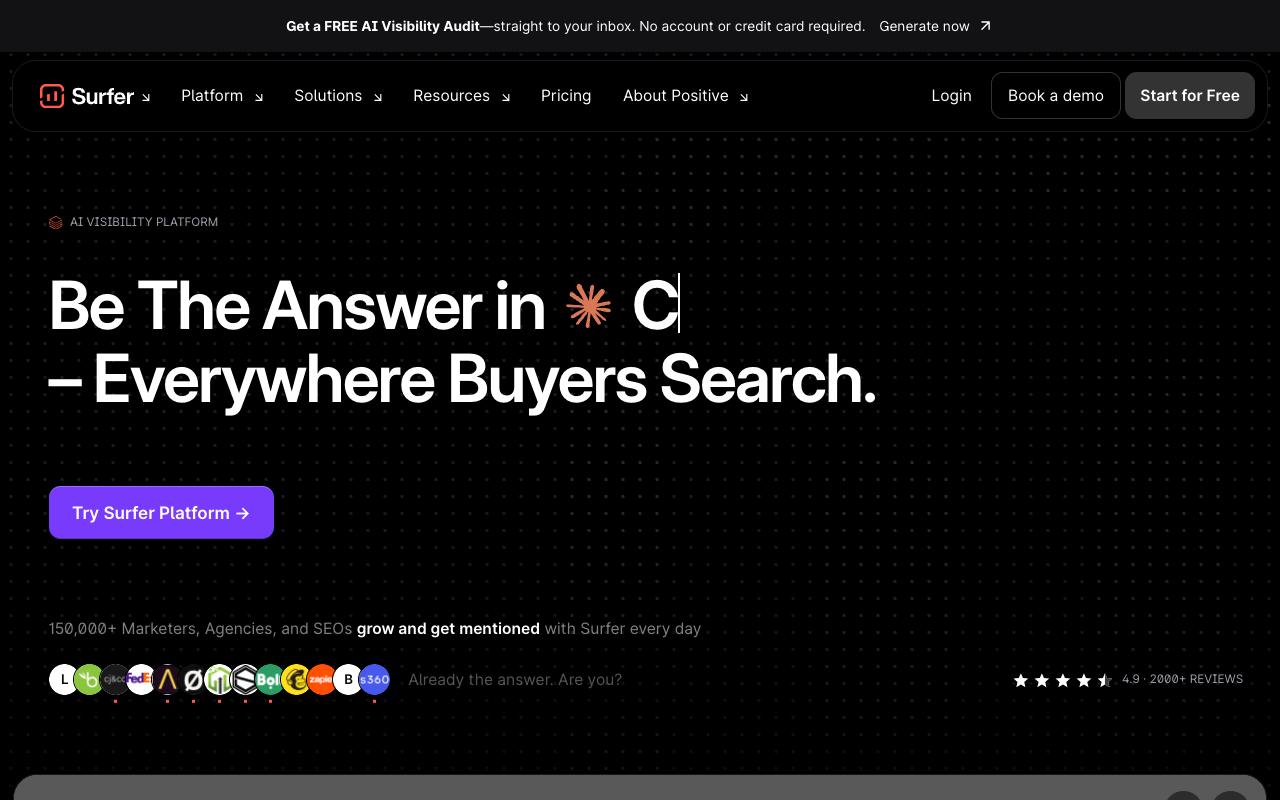
Surfer is a content optimization platform that helps marketers, agencies and SEOs write pages that rank in Google and get cited in AI search engines like ChatGPT, Gemini and Perplexity. Its Content Editor scores drafts in real time against 500+ ranking factors, and it adds an outline builder, the Surfy writing assistant, auto-optimization, automatic internal linking and a humanizer on top.
Pros:
- Content Editor gives clear, real-time SEO scoring and actionable guidance for structuring content
- Intuitive, user-friendly interface
- Helps improve organic traffic, rankings and internal linking
- Useful for agencies and freelancers producing SEO content at scale
Cons:
- Billing complaints: charged after cancellation or price raised post-signup
- Difficult to remove credit card / fully cancel subscription
- Disputes over refunding unused AI writing credits
- Considered expensive versus newer AI-based alternatives
- Inconsistent customer support quality
- Some content/keyword suggestions felt irrelevant or of declining value as AI search evolves
Price: Discovery starts at $49/month billed yearly, with Standard at $99, Pro at $182 and Peace of Mind at $299 (all billed yearly), plus a standalone AI Search Analytics plan at $82, according to Surfer's pricing page. Enterprise is custom.
On LinkedIn, agency owner Dennis Lazard shared a four-month review scoring Surfer 8/10. He praised its "strong content and SERP analysis" and "fast and solid competitor research," and called the AI articles "decent." His gripes were the lack of "proper content refresh (which is critical for GEO)" and that output "still requires human proofreading."
On TrustPilot, Surfer holds 4.2/5 from 221 reviews. Happy reviewers single out the Content Editor ("it makes it much easier to structure content, identify gaps, and optimise without guessing") and credit Surfer with improving their internal linking and rankings. The negative reviews cluster around billing, including charges after cancellation, trouble removing a card, and disputes over unused AI credits.
On Capterra, Surfer SEO holds 4.9/5. Reviewers commonly praise effective content optimization, ease of use, and helpful SEO recommendations and note high pricing and a learning curve for new users. See the Capterra reviews page.
On G2, Surfer SEO holds 4.8/5 across 546 reviews. Reviewers commonly praise AI-powered SEO recommendations, intuitive content optimization, and time savings and note high pricing, limited credits on lower plans, and occasional software or recommendation limitations. See the G2 reviews and pros and cons pages.
Verdict: The best writer-facing SEO optimizer on this list, as long as you keep an eye on the cancellation terms.
4. Notion
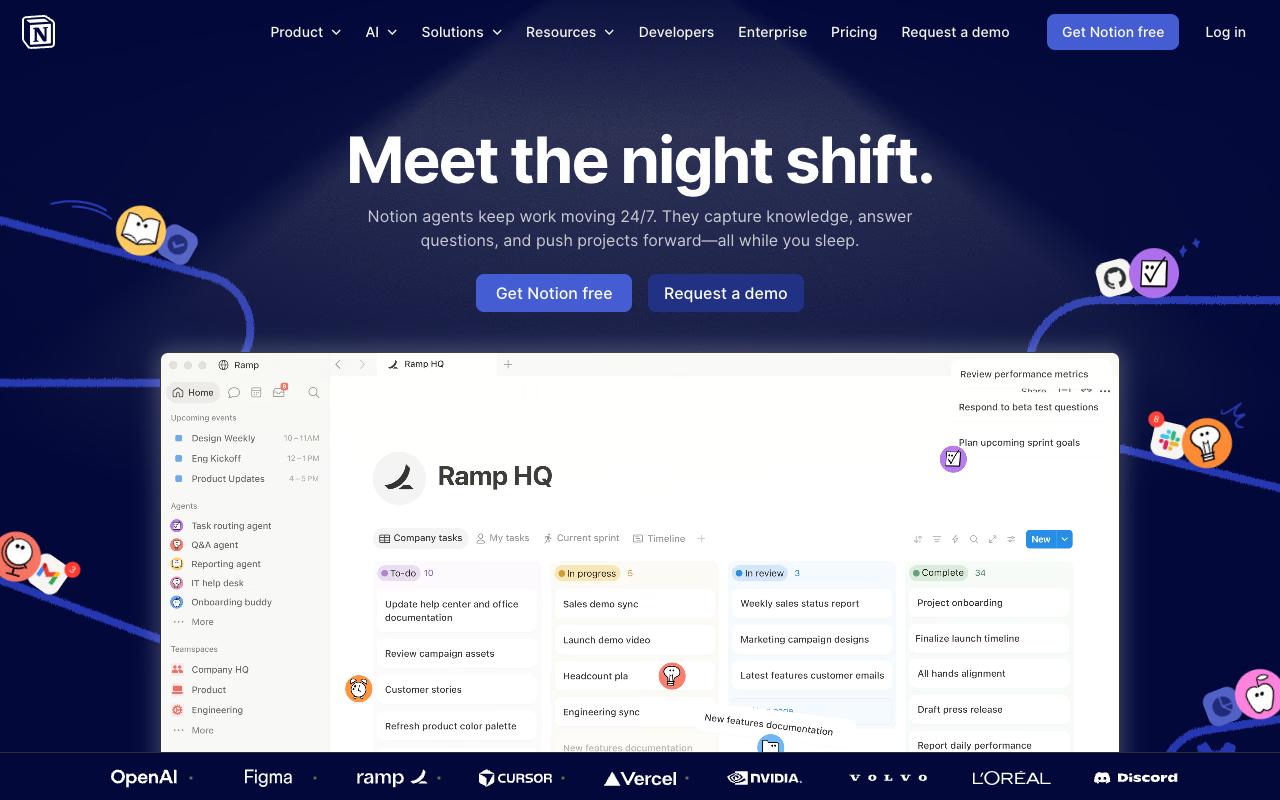
Notion is a connected workspace that combines docs, wikis and project databases with built-in AI. For content teams it usually becomes the planning layer, with editorial calendars as database views, briefs as docs and brand guidelines in a wiki. Its customer references lean toward product, design and operations teams at tech companies.
Pros:
- Highly praised UI/UX and design, described as enjoyable to use
- Long-term users become strong advocates, citing performance, convenience, and adaptability
- Flexible, template-based workspace useful for notes, tasks, projects, and collaboration in one place
- Frequently described as reviewers' most-used business tool
Cons:
- Slow, hard-to-reach customer support (no live chat, 1-3 day email response times) and unresolved escalation tickets
- Billing/subscription complaints: surprise price increases, forced plan upgrades, and disputes after cancellation
- Reliability issues, including AI feature freezes/crashes
- Data privacy concerns raised about business data being sent to OpenAI
- Confusing onboarding with duplicate accounts/workspaces
- Steep learning curve for non-technical users; weak offline functionality and a limited mobile app
Price: Free for individuals, Plus at $10 per member/month, Business at $20 per member/month, and custom Enterprise pricing, per Notion's pricing page. Custom AI agents cost $10 per 1,000 monthly Notion credits after a free trial.
On Reddit, users in r/Notion and r/productivity praise its versatility as one place for notes, tasks, databases and wikis, along with a template marketplace that gets you started fast. Some long-term users call it the best all-in-one docs experience available.
On LinkedIn, David Giller's review called the offline functionality "weak" and the mobile app "limited," and said Notion is "built for tech people who love databases and customization." He still concluded it "might be worth the pain of transition" for anyone drowning in disconnected tools.
On TrustPilot, Notion sits at 2.2/5 across 436 reviews. The recurring complaints are surprise price hikes, forced moves to the Business plan, support with "no live chat" and "1-3 days per email response," and AI features that freeze or crash.
On Capterra, Notion holds 4.7/5. Reviewers commonly praise ease of use, flexible organization, collaboration, and broad productivity features and note performance limitations, learning complexity, and occasional navigation or customization difficulties. See the Capterra reviews page.
On G2, Notion holds 4.6/5 across 12,147 reviews. Reviewers commonly praise ease of use, flexible organization, all-in-one functionality, and integrated AI assistance and note performance slowdowns on large databases and heavily loaded pages, plus clunky app behavior. See the G2 reviews and pros and cons pages.
Verdict: A flexible home for your editorial calendar and briefs if your team is comfortable building its own system.
5. Jasper
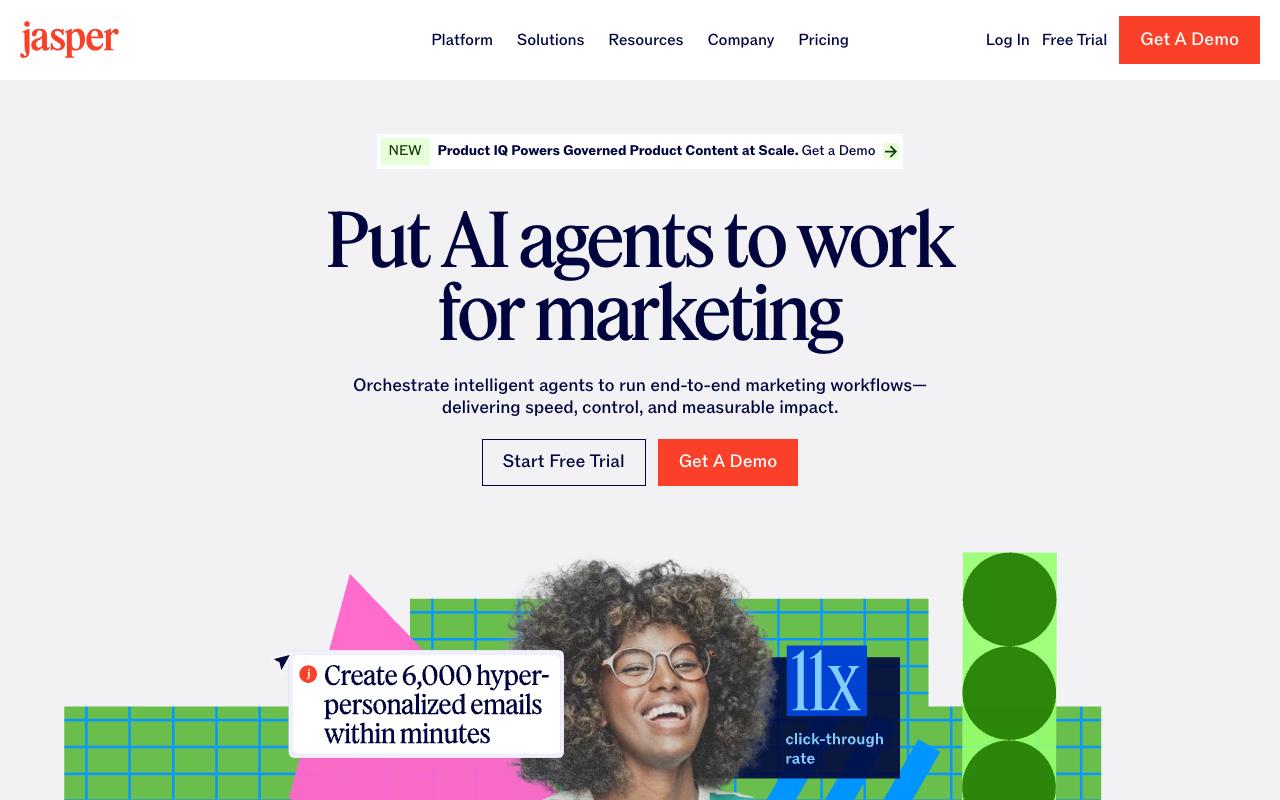
Jasper is an AI agent workspace for marketing teams, built around agents for research, creation, optimization and translation, plus content pipelines that move work from planning through activation. It's aimed at product, content, performance, brand and PR marketers across industries, and it uses brand voices and knowledge assets to keep output on-message.
Pros:
- Easy, user-friendly interface even for non-technical users
- Speeds up first-draft content creation for blogs, ads, and social posts
- Useful marketing-focused templates that streamline workflows for specific industries
- Helpful for quick drafts and marketing automation tasks
Cons:
- Output often feels generic and requires heavy editing
- Struggles with creativity/originality for nuanced or niche topics
- Perceived quality decline over time per long-time users
- Subscription pricing seen as expensive versus competitors like ChatGPT and Copy.ai
- Numerous complaints about difficult cancellation and surprise auto-renewal charges
- Customer support described as slow or unresponsive to billing disputes
Price: Pro is $59/month per seat billed yearly ($69 billed monthly), including 2 brand voices and 5 knowledge assets. Business is custom and adds GEO and deep-research agents, a no-code agent builder and API access, according to Jasper's pricing page.
On Reddit, an r/SaaS user who tried Jasper for website content said the output "often lacked structure, readability, and keyword focus." The top reply said Jasper "used to be good like two years ago but it feels like it's been going downhill," and several commenters said they'd moved to custom workflows built on ChatGPT, Claude and SurferSEO.
On LinkedIn, one post noted that "teams report real time saved on drafting and first-pass editing, especially on repetitive formats like ad copy and email sequences."
On TrustPilot, Jasper scores 3.2/5 from 4,141 reviews, with a heavy cluster of 1-star complaints about cancellation. One reviewer said Jasper imposed a three-month suspension instead of cancelling, then "secretly auto-renewed and billed our credit card for over $500." Others say their card details were kept long after they stopped using the service.
On Capterra, Jasper holds 4.8/5. Reviewers commonly praise ease of use, efficient content creation, useful templates, and responsive customer service and note high pricing, output requiring editing, and limitations for some use cases. See the Capterra reviews page.
On G2, Jasper holds 4.7/5 across 1,270 reviews. Reviewers commonly praise fast marketing-content generation, customizable templates, brand-voice controls, and ease of use and note high pricing, generic or repetitive output, editing requirements, and limited access to advanced features. See the G2 reviews and pros and cons pages.
Verdict: Useful for fast first drafts of repetitive formats, but expect heavy editing and be careful with renewals.
6. Canva
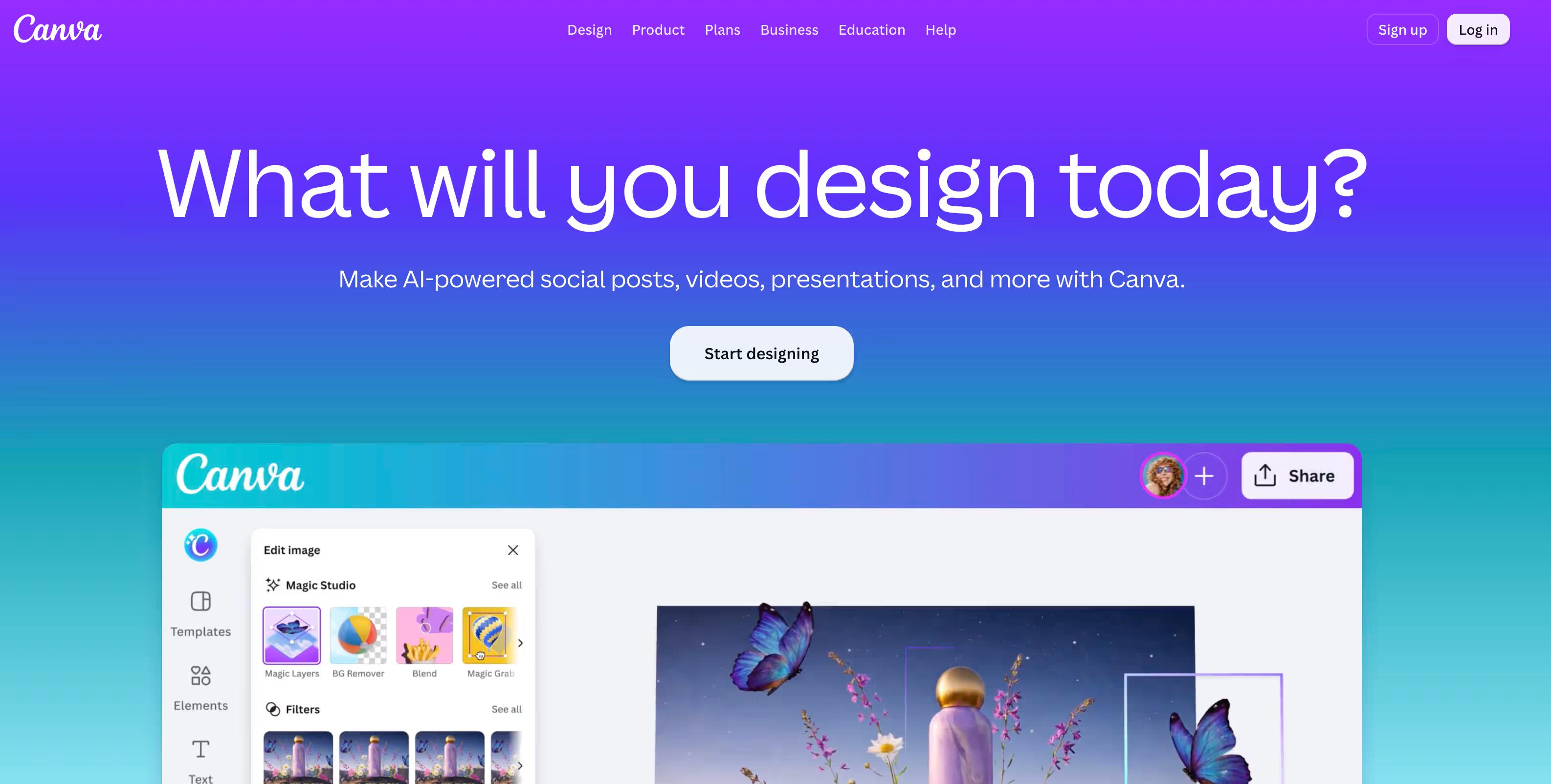
Canva is an online design platform with photo and video editing, AI creative tools, captioning, PDF editing and a very large template library. For content marketers it handles social graphics, short-form video and on-brand visuals without needing a designer for every asset.
Pros:
- Easy to use, drag-and-drop interface accessible to non-designers
- Large template library speeds up creating professional-looking visuals
- Helpful for school, personal, and marketing projects
- Responsive customer support praised by multiple reviewers
- Canva Pro offers deep feature set (Magic Eraser, Brand Kits, video tools, AI creator)
Cons:
- Billing/refund complaints: users report being charged after cancelling or without renewal reminders, with difficulty getting refunds
- Free version is limited in functionality
- Occasional usability frustrations with finding/doing specific tasks
- A polished design in Canva doesn't guarantee effective marketing communication - strategy still required
Price: Free for one person, Pro at $180/year, Business at $250/year per person, and custom Enterprise pricing, per Canva's pricing page.
On Reddit, a graphic designer with 19 years of experience called Canva a great companion to other design programs, particularly for social content, though poor for logos. Another user praised its low learning curve and huge media library for putting designs together quickly.
On LinkedIn, a digital marketing learner reviewing a month of use said the templates and drag-and-drop interface "save valuable time when creating content," while warning that "a beautiful design does not automatically make effective marketing."
On TrustPilot, Canva holds 4/5 across 7,434 reviews. Reviewers praise the ease of use, the AI creator and responsive support, while a vocal minority leave 1-star reviews over charges after cancelling and trouble getting refunds.
On Capterra, Canva holds 4.7/5. Reviewers commonly praise ease of use, professional templates, and broad design capabilities and note premium pricing, limitations on the free plan, and restricted customization. See the Capterra reviews page.
On G2, Canva holds 4.7/5 across 7,713 reviews. Reviewers commonly praise ease of use, extensive templates, and versatile design options and note expensive premium plans, limited customization, and restricted free-plan features. See the G2 reviews and pros and cons pages.
Verdict: The default visual tool for content teams without a dedicated designer.
7. Grammarly
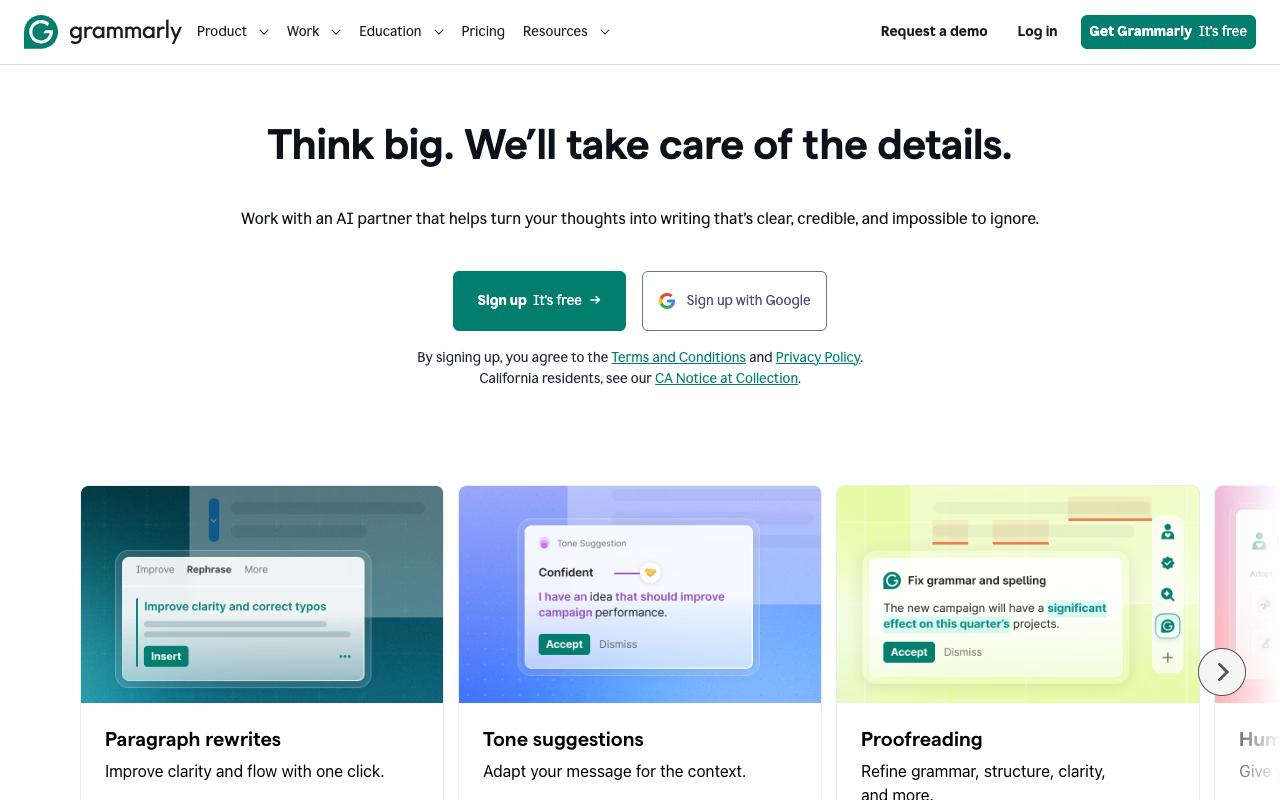
Grammarly is an AI writing assistant that handles proofreading, clarity edits, tone suggestions and full-paragraph rewrites across more than 20 languages. Teams can upload style guides for custom suggestions, which is the main draw for content teams trying to keep lots of writers consistent.
Pros:
- Effective at catching basic grammar, spelling, and punctuation errors (commas, homonyms, curly vs. straight quotes)
- Free tier is genuinely useful on its own, not just a trial
- Customer support is frequently praised as helpful, fast, and empathetic
- Easy to use / easy to work with, especially for non-native or student writers
- Long-time users report suggestion quality has improved noticeably over the years (fewer nonsensical suggestions than in the past)
Cons:
- Frequent billing complaints: being charged after cancellation, difficulty getting refunds, no phone-based customer service for disputes
- Sudden/steep subscription renewal price increases (e.g., users reporting annual price roughly doubling)
- Recent rollout of new 'Superhuman Go' AI features disrupted familiar workflows and removed liked features like one-click 'tap to fix'
- AI detector and AI rewrite/humanizer tools seen as unreliable or inaccurate by some users
- Style/tone suggestions can feel generic or 'same-y' and may miss context (e.g., over-flagging passive voice, weak grasp of literary/creative writing styles)
- Occasional bugs, e.g. difficulty exporting multiple documents correctly
Price: Free with 100 AI prompts a month. Pro is $12 per member/month billed annually ($30 monthly) with 2,000 prompts per member, and Enterprise is custom, according to Grammarly's plans page.
On Reddit, writers in r/writing skewed skeptical. The top comment said Grammarly drove them away "with its ever-more-desperate attempts to get money out of me and its love of being wrong in new ways."
On LinkedIn, Richard Green said he agrees with "2/3 to 3/4 of its suggestions" and compared its value to human editing, since "outside eyes see things that writers don't see." A commenter added that suggestion quality has improved noticeably over the years.
On TrustPilot, Grammarly scores 3.1/5 across 10,469 reviews. Fans praise the free checker and fast, helpful support, while critics cite charges after cancellation, steep renewal increases, and a recent AI rollout that removed features they liked.
On G2, Grammarly holds 4.7/5 across 14,074 reviews. Reviewers commonly praise writing clarity and professionalism, ease of use, grammar and spelling correction and note incorrect or irrelevant suggestions, limited contextual accuracy, premium pricing. See the G2 reviews and pros and cons pages.
Verdict: A cheap, reliable final-pass editor, though a weak fit for voice-driven creative copy.
8. Ahrefs
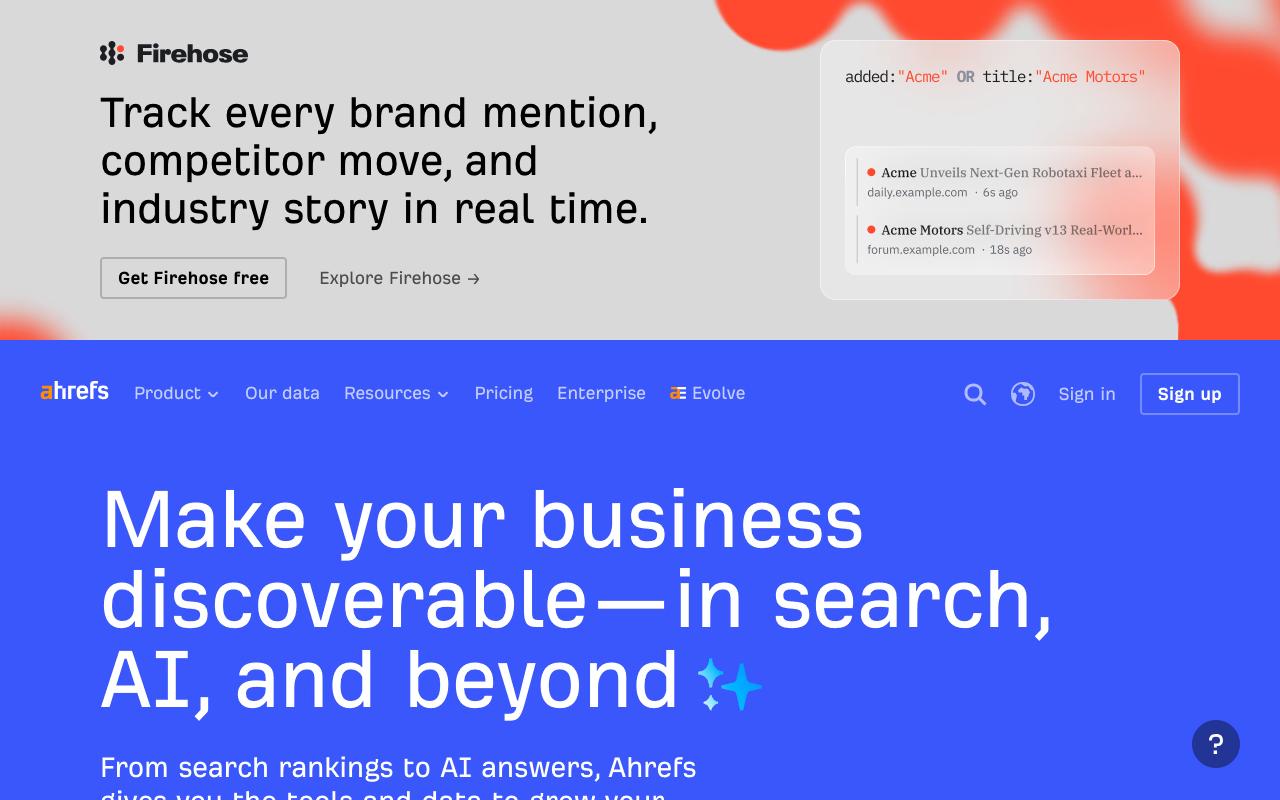
Ahrefs is an all-in-one SEO platform built on a large proprietary web index, covering keyword research, competitor analysis, backlinks, content discovery, site audits and rank tracking. It's since added AI content tools, Brand Radar for AI search visibility, and even a social media manager. It serves content marketers, SEOs and product marketers.
Pros:
- Powerful, comprehensive SEO toolset praised by long-time users as a category leader ("the gold standard")
- Strong core functionality for keyword research, competitor analysis, and backlink data
- Support has issued refunds in some cases when the tool didn't fit a customer's use case
- Actively evolving product, adding new AI-related features over time
Cons:
- Frequent complaints of accounts being locked for "suspicious activity" with little explanation and slow/unhelpful support
- Credit-based plans can leave users blocked from meaningful use once credits are spent, even on expensive tiers
- Perceived as overpriced relative to value, especially after recent pricing changes
- Some reports of unreliable or outdated data (keyword data, SERP data issues)
- Difficulty exporting/printing reports cleanly
Price: Free for limited access to your own site. Paid plans run from Starter at $29/month through Lite ($129), Standard ($249) and Advanced ($449), with Enterprise at $1,499/month on an annual commitment, per Ahrefs' pricing page.
On Reddit, a roughly 100-comment r/SEO thread focused on accuracy complaints about keyword and traffic data. One commenter argued that neither Ahrefs nor Semrush "can produce anything much better than GSC."
On LinkedIn, one user said they "don't see the value in paying for all the others."
On TrustPilot, Ahrefs sits at 2.1/5 from 321 reviews. Positive reviewers call it a tool they'd "genuinely struggle to replace," while admitting it's "not cheap, and the credit limits can be annoying." The negative reviews mention accounts locked for "suspicious activity" and credit-based plans that block meaningful use once credits run out.
On Capterra, Ahrefs holds 4.7/5. Reviewers commonly praise reliable seo platform with strong rank tracking and easy-to-use interface and note expensive pricing and value-for-money concerns for smaller teams. See the Capterra reviews page.
On G2, Ahrefs holds 4.5/5 across 714 reviews. Reviewers commonly praise accurate backlink data and comprehensive keyword and competitor research and note high pricing and limited flexibility of rank tracking and usage credits. See the G2 reviews and pros and cons pages.
Verdict: Still a heavyweight for content research, if you can live with the credit limits and the price.
9. Semrush
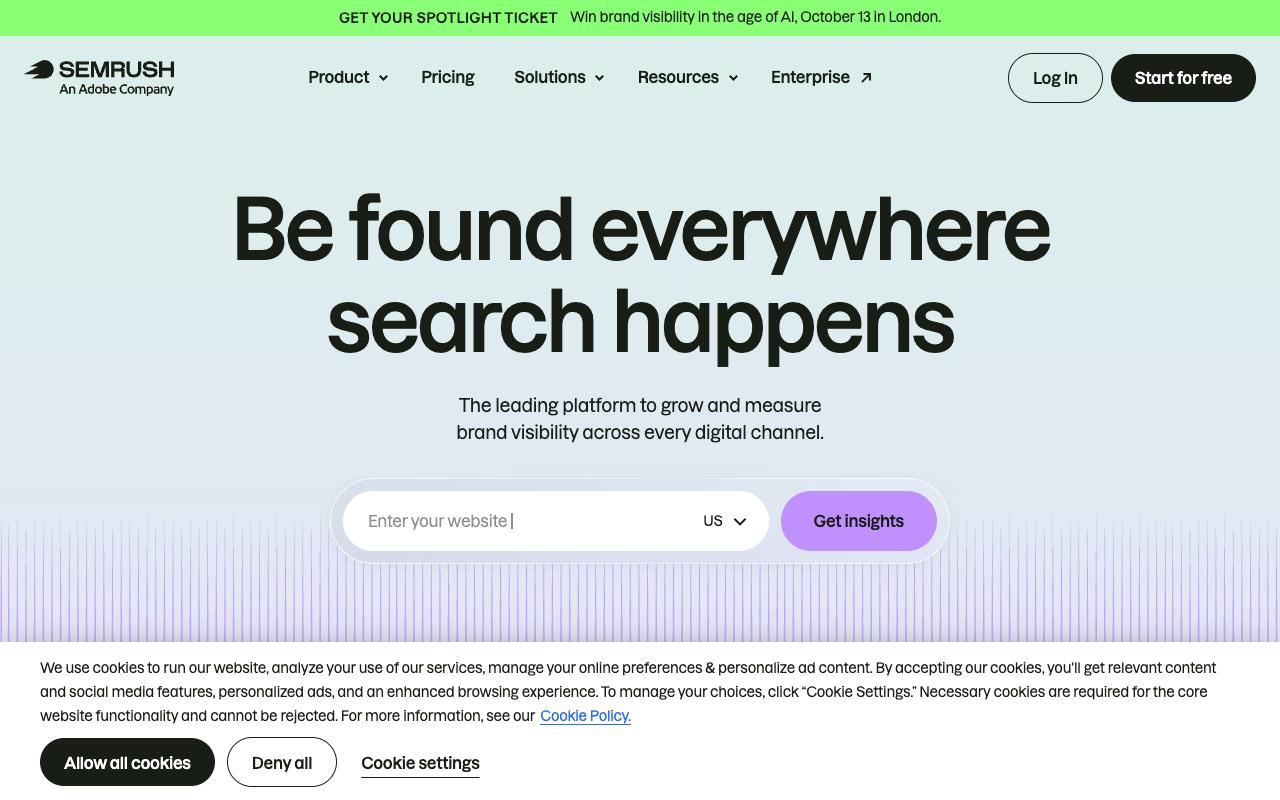
Semrush is a visibility platform covering keyword research, competitor analysis, backlinks, local SEO, AI visibility and brand sentiment in LLMs, plus content creation that generates SEO-ready articles from a brief. It targets everyone from solopreneurs to enterprises, with SaaS companies and agencies front and center.
Pros:
- Comprehensive all-in-one toolset (technical audits, rank tracking, keyword research) valued by long-time SEO professionals
- Product itself described as "excellent" even by dissatisfied billing customers
- Long-term users report it stays central to their SEO/agency workflow for years
Cons:
- Frequent complaints about trial-to-paid billing traps and unexpected charges
- Cancellation process described as confusing, with charges continuing after cancellation
- Refunds often refused even when cancellation is attempted quickly
- Customer support described as unresponsive or dismissive, especially for smaller businesses
- Reports of unexpected upsells/overcharges (e.g. one user overcharged by $1,800)
- Key features (like log file analysis) being moved to higher-cost Enterprise tiers
Price: The SEO plan is $139/month, with SEO + AI Search tiers at $199 (Starter), $299 (Pro+) and $549 (Advanced), roughly 17% less billed annually, according to Semrush's pricing page. Enterprise is custom.
On Reddit, an eight-year customer paying almost $400 a month quit after being asked to pay more to export monthly PDF reports. Commenters agreed that "Semrush is so dang expensive" and flagged pitfalls around cancelling trials.
On LinkedIn, commenters under a Semrush rebrand post described "constant upcharges" and trials that "roll into massive bills." One said support told them agents were unwilling to help because they were a smaller business.
On TrustPilot, Semrush scores 1.7/5 across 1,391 reviews, and billing complaints dominate. One review is titled "Free trial is a trap," and another says charges continued after cancellation appeared successful.
On Capterra, Semrush holds 4.6/5. Reviewers commonly praise powerful all-in-one platform for daily seo tasks, keyword strategy, and competitor tracking with rich features and note expensive for freelancers and small teams, with pricing and add-ons making overall cost and plans harder to manage. See the Capterra reviews page.
On G2, Semrush holds 4.4/5 across 4,035 reviews. Reviewers commonly praise comprehensive seo toolkit with intuitive interface and strong keyword and competitor analysis features and note high pricing and add-on costs, especially for small businesses and solo users, plus a steep learning curve for new users. See the G2 reviews and pros and cons pages.
Verdict: Broad and powerful, but its billing record makes it a tool to buy with calendar reminders set.
10. CoSchedule
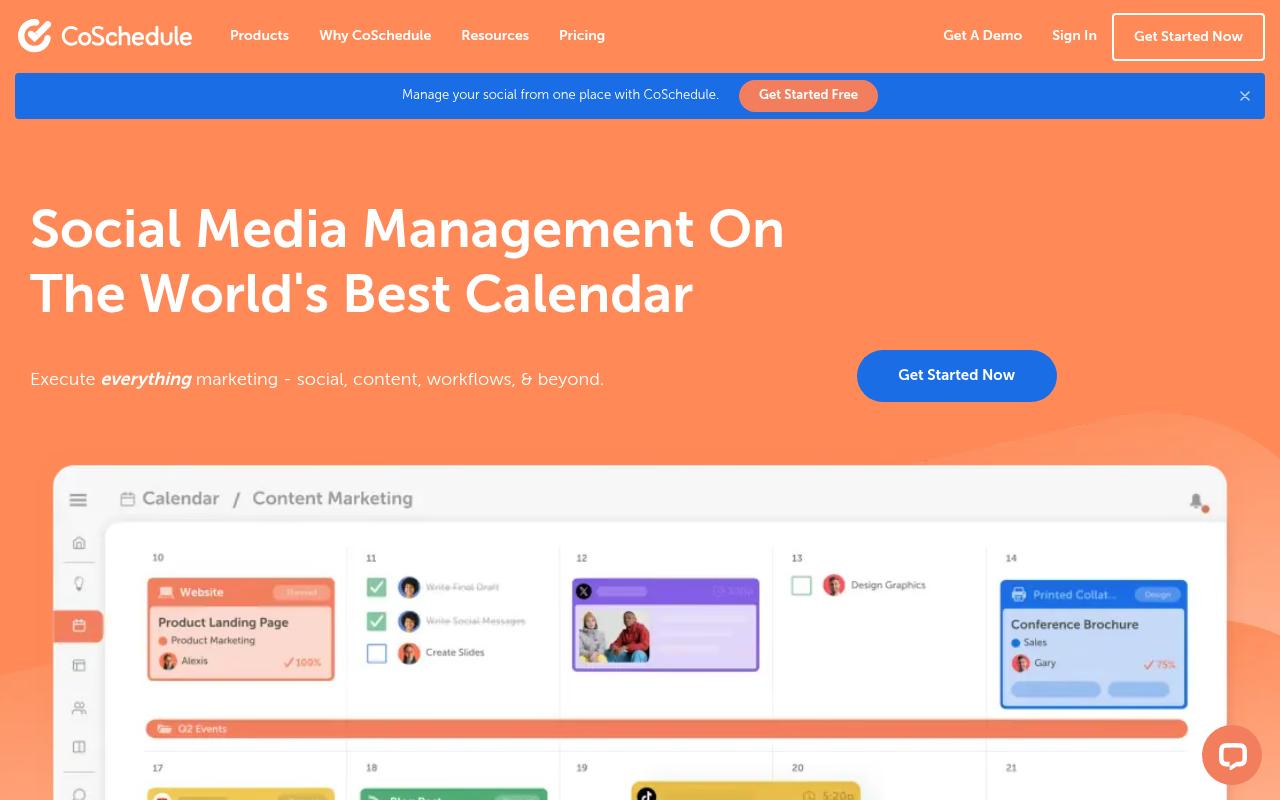
CoSchedule is a marketing calendar and work management suite that pulls social media, content projects and campaigns into a single calendar. It includes social publishing, ReQueue for recycling top posts, a social inbox, approvals and integrations with WordPress and email tools. It's built for marketing teams, agencies and small business owners.
Pros:
- Works well across multiple use cases: social media management, content management, marketing calendar, project management and reporting
- Scales from small teams (1-2 people) up to larger departments/organizations
Cons:
- Customer support described as unresponsive, especially when integrations (e.g. Meta) break
- Difficult to cancel/remove billing card; complaints of being repeatedly charged
- Features reportedly reduced over time while pushing customers to pricier subscription tiers
- Concerns about personal data handling and difficulty unsubscribing or deleting an account
- Marketing site uses signup walls and intrusive exit-intent popups
Price: A free calendar covers up to 15 posts per profile. Starter is $29/month billed annually, Professional is $49/month billed annually, and Suite is custom from $69/month, per CoSchedule's pricing page.
On Reddit, one r/socialmedia commenter called CoSchedule "solid for multi-platform, but feels a bit heavy."
On LinkedIn, a MarketersClique roundup of user feedback praised the "clean calendar & drag-and-drop scheduling" and approvals that "cut down back-and-forth," while flagging a learning curve and a price that "can add up for small teams."
On TrustPilot, CoSchedule has 2.7/5 from just 6 reviews, so treat it as a small sample. The complaints cover support after Meta integrations broke, difficulty removing a card, and features being reduced to push upgrades.
On Capterra, CoSchedule holds 4.4/5. Reviewers commonly praise intuitive interface and straightforward campaign planning that offers good value and note learning curve for complex workflows and constraints in customization and automation options. See the Capterra reviews page.
On G2, CoSchedule holds 4.3/5 across 152 reviews. Reviewers commonly praise centralized marketing calendar and scheduling that is easy to use and note outdated user experience, limited advanced features, and weak integrations with inconsistent support. See the G2 reviews and pros and cons pages.
Verdict: A good fit for teams that want one calendar covering blog and social work.
11. Sked Social
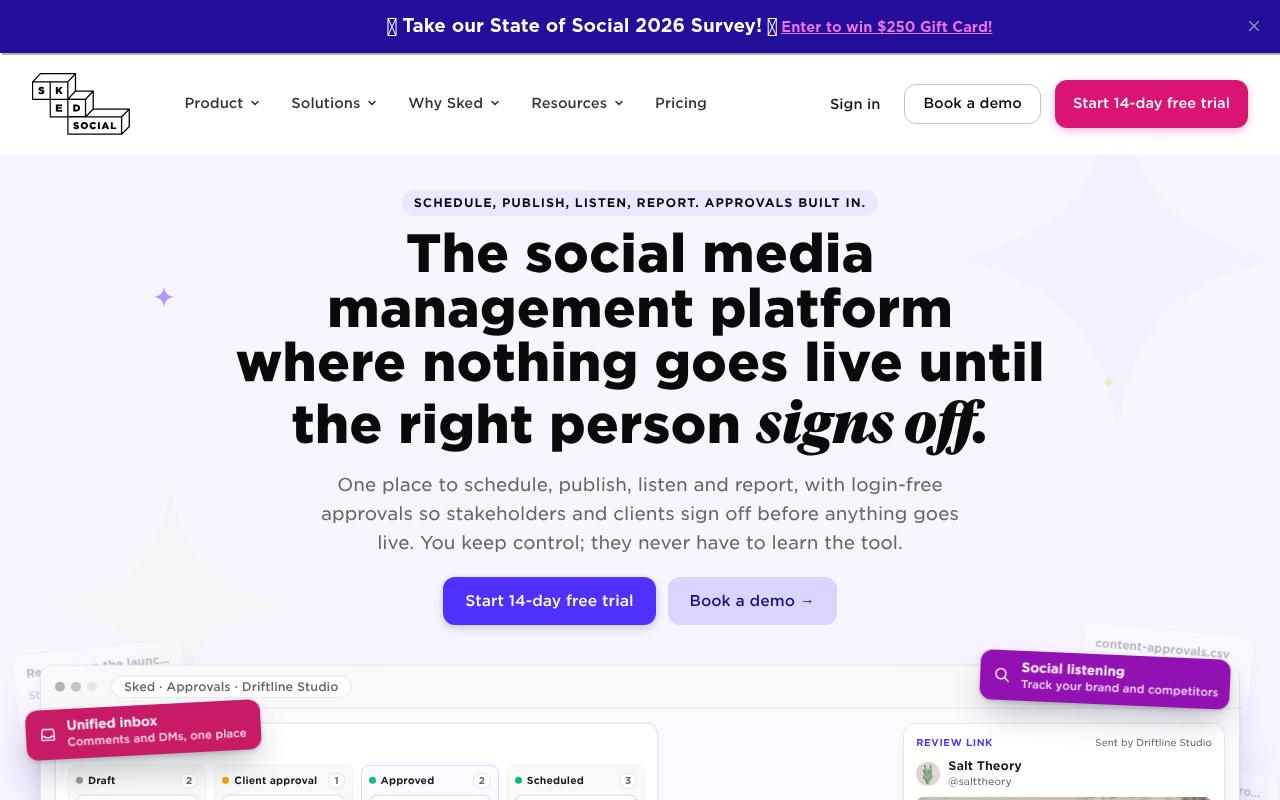
Sked Social combines scheduling, publishing, listening and reporting, with login-free approvals so clients and stakeholders can sign off on posts without learning the tool. It's built for marketers and agencies juggling several brands, and it adds a unified inbox, media library, video editing and AI caption drafts.
Price: Basic is about $29/month, Grow is $58/month billed annually, Accelerate is $166/month billed annually with the approvals portal included, and Custom starts at $249/month, according to Sked Social's pricing page. There's a 14-day free trial with no card required.
On Capterra, Sked Social holds 4.4/5. Reviewers commonly praise ease of use, customer support, and social media scheduling features and note technical issues, occasional reliability problems, and limitations in analytics and platform coverage. See the Capterra reviews page.
On G2, Sked Social holds 4.3/5 across 80 reviews. Reviewers commonly praise bulk scheduling, ease of use, and social media publishing capabilities and note bugs and technical glitches, a learning curve, and limited analytics coverage. See the G2 reviews and pros and cons pages.
Verdict: A strong choice for agencies whose biggest headache is client sign-off, though approvals only arrive at the Accelerate tier.
12. ContentStudio
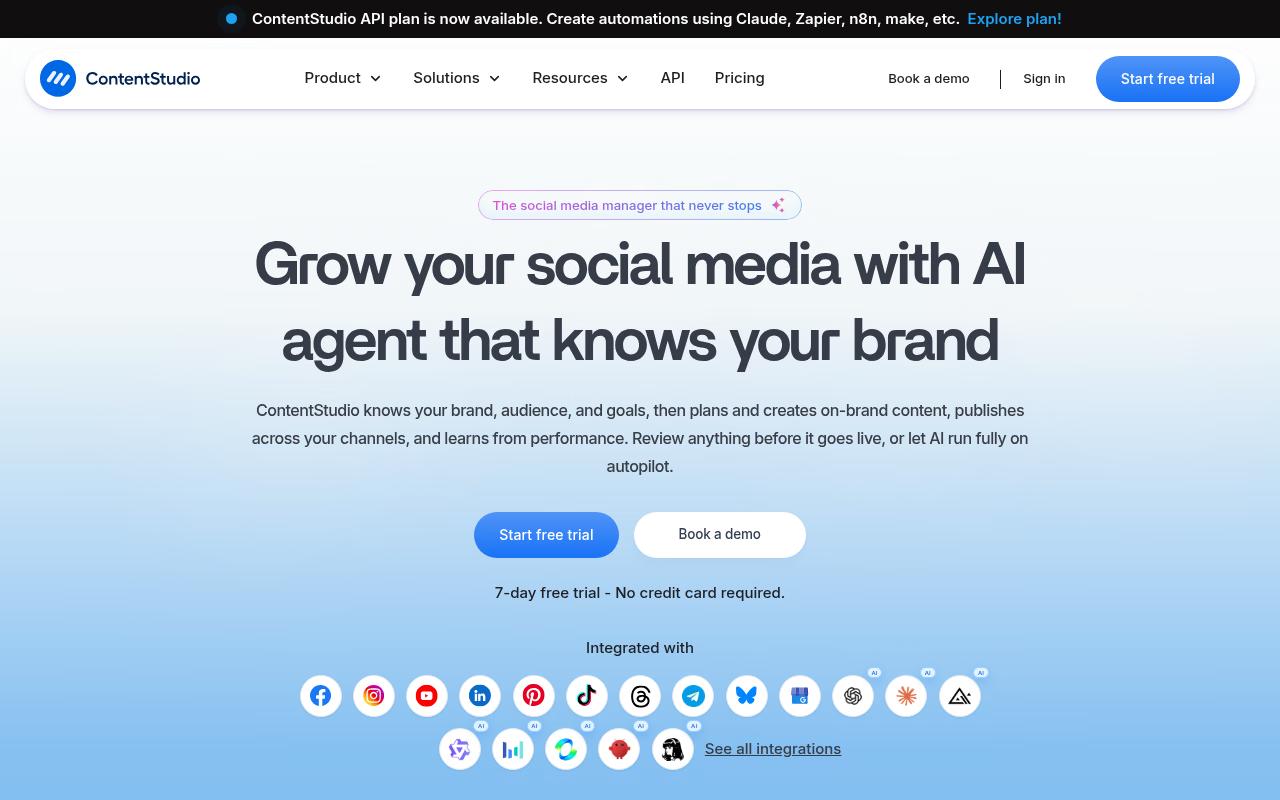
ContentStudio is a social media management platform built around an AI agent that learns your brand voice, then plans, creates and publishes content across channels. It offers bulk CSV scheduling, evergreen recycling, a social inbox, competitor analytics and approvals for reviewers without a login. It fits everyone from solo creators and small businesses up to agencies.
Pros:
- Reliable and powerful platform with a consistently growing feature set
- Good value / fair pricing compared to alternatives like Hootsuite
- Free trial does not require credit card details
- Helpful, knowledgeable support team
- Considered one of the most impressive social media management platforms by long-time users
Cons:
- Support can be slow to respond during busy periods
Price: Standard is $19/month billed annually ($29 monthly), Advanced is $49/month, Agency Unlimited is $99/month, and Enterprise is custom, per ContentStudio's pricing page. An API add-on costs $15/month.
On TrustPilot, ContentStudio holds 4.2/5 from only 6 reviews, so the sample is thin. Reviewers call it "one of the most impressive social media management platforms around," like that the free trial didn't require a card, and praise the support, though one noted it can "take awhile to get back to you" when busy.
On Capterra, ContentStudio holds 4.7/5. Reviewers commonly praise efficient social media scheduling, strong content management, and helpful automation tools and note learning curve for some features and limitations or quirks in certain workflows. See the Capterra reviews page.
On G2, ContentStudio holds 4.6/5 across 355 reviews. Reviewers commonly praise ease of use, content discovery features, and efficient social media scheduling and note interface complexity for new users and occasional usability or ui ux issues. See the G2 reviews and pros and cons pages.
Verdict: The best value option here for small teams that want AI-assisted scheduling on a budget.
FAQ
What Are the Best Content Marketing Tools for B2B Teams in 2026?
It depends on where your process breaks. For research and SEO, Surfer, Ahrefs and Semrush cover keyword and content optimization. For writing and editing, Jasper and Grammarly help with drafts and polish. And for distribution, Ordinal is built for LinkedIn-heavy B2B teams that need scheduling, approvals and automated team engagement in one place.
Which Content Marketing Tool Has a Free Plan?
HubSpot Content Hub (up to 2 users), Notion, Canva, Grammarly, Ahrefs (limited to your own verified site) and CoSchedule (a calendar with up to 15 posts per profile) all list free tiers on their pricing pages. Ordinal and Sked Social offer 14-day free trials instead.
Why Do So Many Content Marketing Tools Have Bad TrustPilot Reviews?
Across this list, the lowest TrustPilot scores come down mainly to billing rather than features. Reviewers of Semrush, HubSpot, Jasper, Notion and Grammarly repeatedly describe charges after cancellation, surprise renewals and slow refund handling. So before committing, check how cancellation works and set a reminder before any trial converts.
Related Posts
Looking to learn more? The below posts may be helpful for you to learn more about social media and content marketing.