The typical founder calendar has the ideas column and nothing else. There's no owner on each slot, no approved version, and nothing that publishes the post when the date arrives, so the posts never appear.
So when founders ask us what is a content calendar worth keeping, our answer is a shared system where every slot holds a topic, a date, one owner, the single approved draft, and a status that confirms the post went live. Anything less is a wish list. With founder-led LinkedIn programs, they rarely die at the idea stage. They die in the handoff between draft, sign-off, and live.
TLDR:
- A content calendar only works when each slot carries an owner, one current draft, and a publish status, along with the topic and date.
- Topic lists are cheap to make. Posts stall between the draft, the founder's review, and the moment someone has to hit "post."
- Founders should approve with inline comments and a clear approved state, so they're no longer rewriting drafts at 11pm.
- A scheduled post only counts once it's confirmed live, and failed posts should surface the same day.
What Is a Content Calendar?
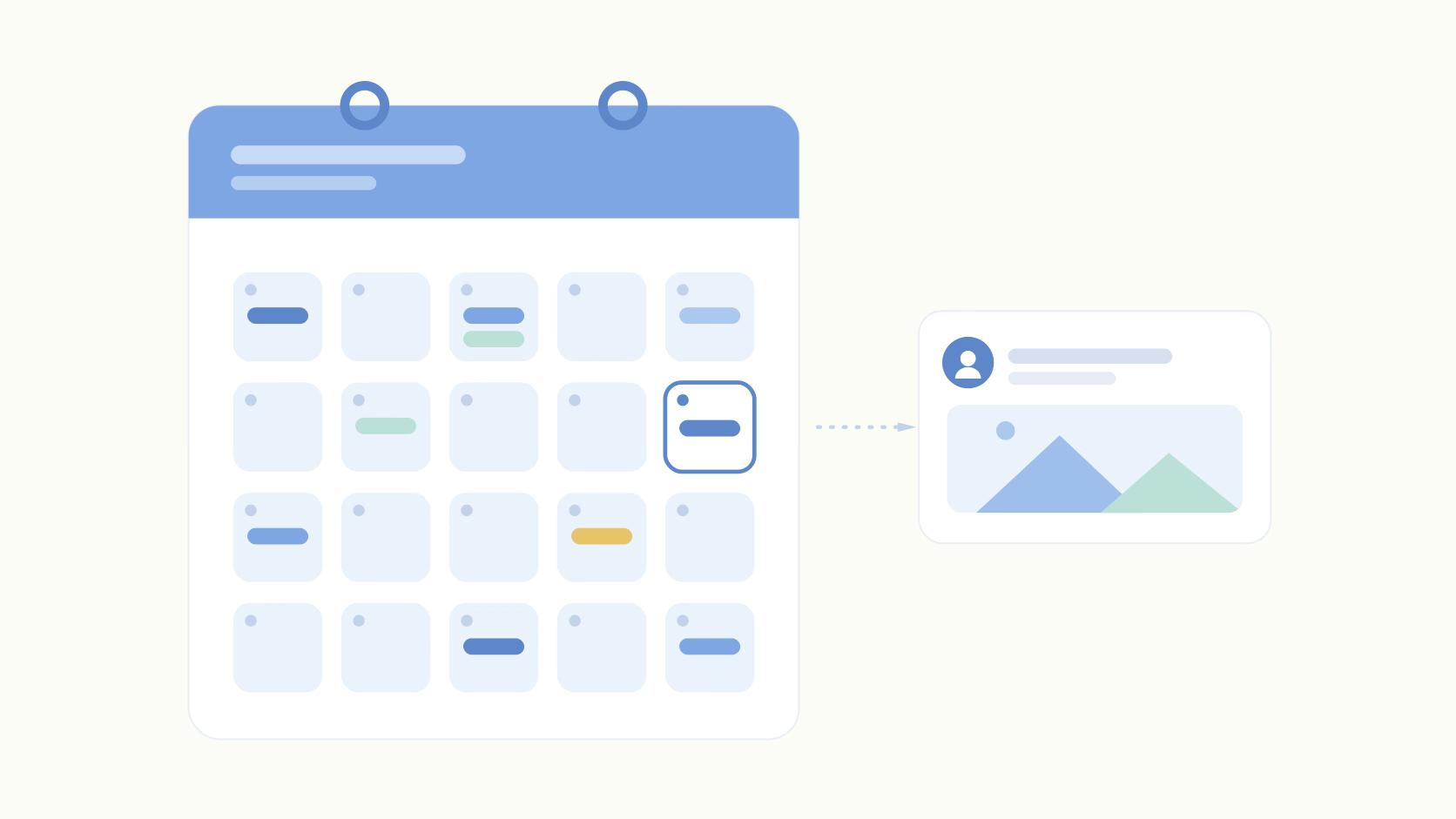
A content calendar is a shared schedule where each slot holds a topic, a publish date, a named owner, the single approved draft, and a status showing whether the post went live.
For a founder's LinkedIn, that last field matters most. It's the only one that tells you whether the plan turned into something people could read.
An editorial calendar sits one level up. It plans themes and campaigns by month or quarter.
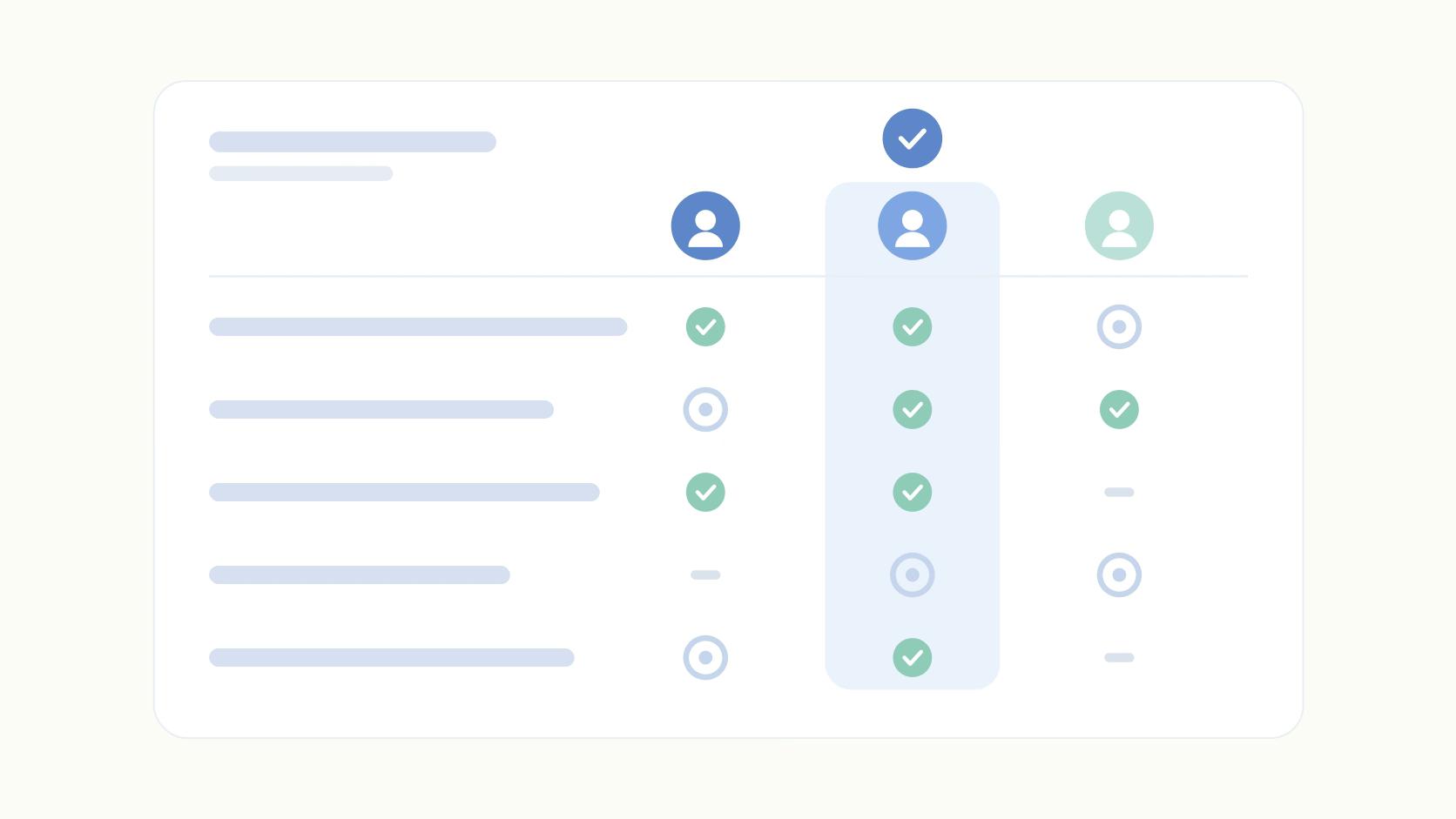
The usual benefits, consistency and alignment, follow on their own once slots are owned and posts ship. Our social content planning guide covers the strategy that feeds the calendar. Here's how the three types people mix up compare:
The Ideas Column Is the Easy Part
Here's a setup we see constantly. A founder hires a first marketer to ghostwrite their LinkedIn. Within two weeks there's a beautiful Notion board with forty topics, color-coded by pillar, each one dated. It looks like a program.
Then the first draft goes into a Google Doc. The link gets pasted into Slack on a Tuesday. The founder replies "will look tonight" on Thursday and finally opens it at 11pm Sunday.
They rewrite half of it in the LinkedIn app, get pulled into email, and the post sits in a draft box nobody else can see. The board still says "Monday." By week six, the founder is wondering whether they're the problem.
They aren't. Coming up with topics took an afternoon. The work that decides whether anything ships has no home on that board.
A founder calendar template fixes the planning layer quickly. Posting frequency is a choice you make in one meeting. Neither touches the handoff.
Every Slot Needs One Owner and One Current Draft
Follow one post from idea to live and count the places it lives.
The marketer pulls the idea from a voice memo. Draft one goes into a Google Doc, and the link goes into a Slack thread where the founder replies with three edits. Meanwhile the founder DMs a rewritten opening line. The marketer merges two of the three edits.
By the end there are four versions across three tools. Nobody can say which one the founder signed off on.
That's a version problem with an ownership problem underneath. When nobody owns a slot end to end, every handoff becomes a coin flip about who moves next.
The fix is boring, and it works. One named person owns each slot from draft to live. The only current draft lives inside the calendar slot itself. Slack threads and DMs stop counting.
How the Founder Signs Off Without Rewriting Everything
The founder approves by commenting on specific lines and clicking one button. The marketer makes the edits.
That one rule moves the founder from co-writer to editor. It's the only role a CEO has time for.
Slack approval fails for a simple reason: nothing in Slack means "approved." A thumbs-up could mean "looks good," "saw it," or "I'll get to it."
So the marketer either chases for days or publishes on an ambiguous signal. Both outcomes push the founder toward rewriting, because rewriting is the only way they feel sure the post sounds like them.
A blocking approval removes the guesswork. The post can't move to scheduled until the founder marks it approved. Inline comments let them flag "I'd never say 'excited to announce'" on the exact line instead of retyping the paragraph.
If the founder keeps rewriting more than a sentence or two per draft, we'd usually treat that as a briefing problem. The marketer needs a short voice doc: phrases the founder uses, words they never use, and a few past posts they loved.
We also recommend a fixed review window. Say two 20-minute blocks a week, with drafts due the day before. The founder stops getting pinged at random, and the marketer knows exactly when feedback lands.
A Scheduled Post Only Counts Once It's Live
"Scheduled" describes an intention. The calendar should show what happened. That means publishing has to be automatic and confirmed, with failures flagged the same day.
LinkedIn's native scheduler handles basic timing. But as our guide to scheduled LinkedIn posts lays out, it has no approval step and no way for a marketer and founder to collaborate on a draft.
So the approved version lives in one tool and the scheduled version in another, with a human copying between them. Every copy-paste is a chance to ship draft three instead of draft four.
Third-party schedulers bring a different risk. APIs reject posts for mundane reasons: an oversized video, an expired login token, a revoked permission. Some tools surface that clearly.
Others leave the post marked "scheduled" while nothing goes out. The marketer finds out when the founder asks why last Tuesday's post never ran.
Manual exceptions are the other leak. If your tool can't tag a personal profile, posts mentioning a customer or co-founder (often the best ones) get bumped to "I'll post this one by hand." Those are the posts that get forgotten.
A calendar earns trust when every slot ends one of two ways: live with a link, or failed with an alert. The founder should never have to check LinkedIn to find out which.
How to Create a Content Calendar That Publishes
- List the next four weeks of slots with a topic and publish date. Keep it fast. It's the cheap part.
- Put one owner's name on every slot, plus a draft-due date at least two days before the founder's review window.
- Draft inside the slot. Retire "link to the Doc in Slack" entirely.
- Require a blocking founder approval, with inline comments, before anything can be scheduled.
- Publish from the same place the approval happened, with a status column (Draft, In Review, Approved, Live, Failed) the system updates for you.
Google Sheets or Excel handles steps one and two, and a dropdown keeps the status column clean. But a spreadsheet can't publish anything.
Notion handles drafting better, though you're still copying approved text into a scheduler. Dedicated platforms close the loop from draft to live. Our roundup of marketing calendar tools compares the options.
Where Ordinal Fits
We built Ordinal around this handoff.
Each post lives in one place on the calendar, with version history showing diffs between drafts. "Which version did the founder approve?" has one answer. Founders leave inline comments on specific lines and sign off through blocking approvals with Slack notifications. A post can't be scheduled until it's approved.
The editor shows a realistic LinkedIn preview, including where the "see more" cutoff falls, so the founder approves what readers will see. Personal profile tagging works from the editor, which keeps customer and co-founder mentions out of the manual pile.
Videos are compressed automatically to stay within API limits, so they don't quietly error out. And dragging a post to a new date keeps its original post time.
Final Thoughts
Open your current calendar and look at the last ten slots. For each one, write down three things: who owned it, where the approved draft lives right now, and whether it went live on the date shown.
If you can't answer all three for every slot in under a minute, the ideas column was never the problem. The fix starts with giving the handoff a home.
Frequently Asked Questions
What Is the Difference Between an Editorial Calendar and a Content Calendar?
An editorial calendar plans themes and cadence across all content types, from blog posts to email. A content calendar is the execution layer underneath. It tracks each piece from idea to draft, approval, and live, so you know exactly what's shipping and when.
How to Use Excel for a Content Calendar?
Add columns beyond date and topic: owner, draft link, approval status, and publish confirmation. The catch is that Excel won't notify anyone when a draft is late or a post fails. Past a team of about five, you'll want a content calendar tool that confirms live status automatically.
What Are the Four Main Types of Calendars?
In content marketing, they're the editorial calendar, the content calendar, the social media calendar, and the campaign calendar. Teams often run two or three at once. That's how founder posts get lost between the editorial plan and the scheduler.
How to Make a Posting Schedule?
Pick a cadence you can sustain, whether two posts a week or five. Assign one owner to draft, review, and publish each slot. Build in a buffer day between founder sign-off and the publish date so last-minute rewrites don't sink the week.
How Do I Create a Content Calendar?
Start with five columns: date, topic, owner, draft status, and publish status. Add an approval column if an executive signs off. A good content calendar shows at a glance which posts are stuck and why.
Is There a Free Template for a Social Media Calendar?
Yes. Google Sheets, Notion, and Ordinal all offer free content calendar templates, and Ordinal's is built for founder LinkedIn posting. Free templates work well until you need reminders, version tracking, or confirmation that a post went live.
Who Should Own a Founder's LinkedIn Content Calendar?
The marketer or content lead owns the calendar's structure and deadlines. The founder owns final approval on every post bearing their name. That split keeps drafts moving without forcing the founder to write from scratch.
Related Posts
Looking to learn more? The below posts may be helpful for you to learn more about social media and content marketing.