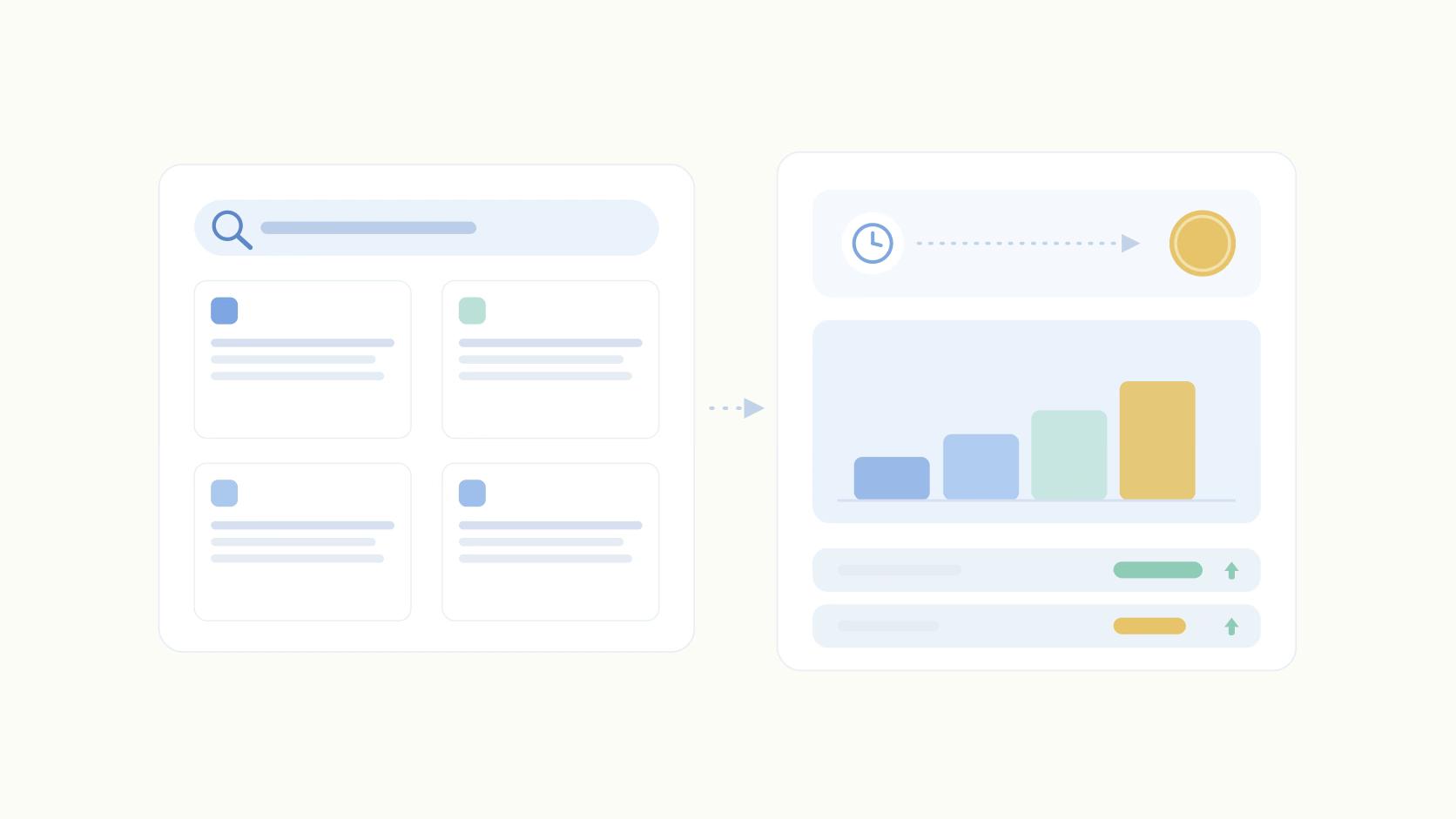
Here's a number that should change how you run an executive's LinkedIn account: content from direct connections fell from 72% of the feed in 2024 to 31% in 2026 (DemandBird, 2026).
Roughly 2 out of 3 posts a user sees now come from outside their network. That reframes how you should think about follow vs connect on LinkedIn, because if most of what people see isn't coming from their connections, growing your connection count is optimizing for a shrinking slice of the feed.
Connecting creates a two-way relationship with messaging rights and counts toward your 30,000-connection cap. Following is one-way, unlimited, and needs no approval. For content-driven growth in 2026, lean Follow. For relationship-driven outreach where you'll message and transact, use Connect.
The inherited playbook says maximize connections. That advice is wrong for anyone whose actual goal is content distribution. Connections are a depreciating asset for reach, and Follow is the scalable lever sitting ignored because it doesn't feel like networking.
What's the Difference Between Following and Connecting on LinkedIn?
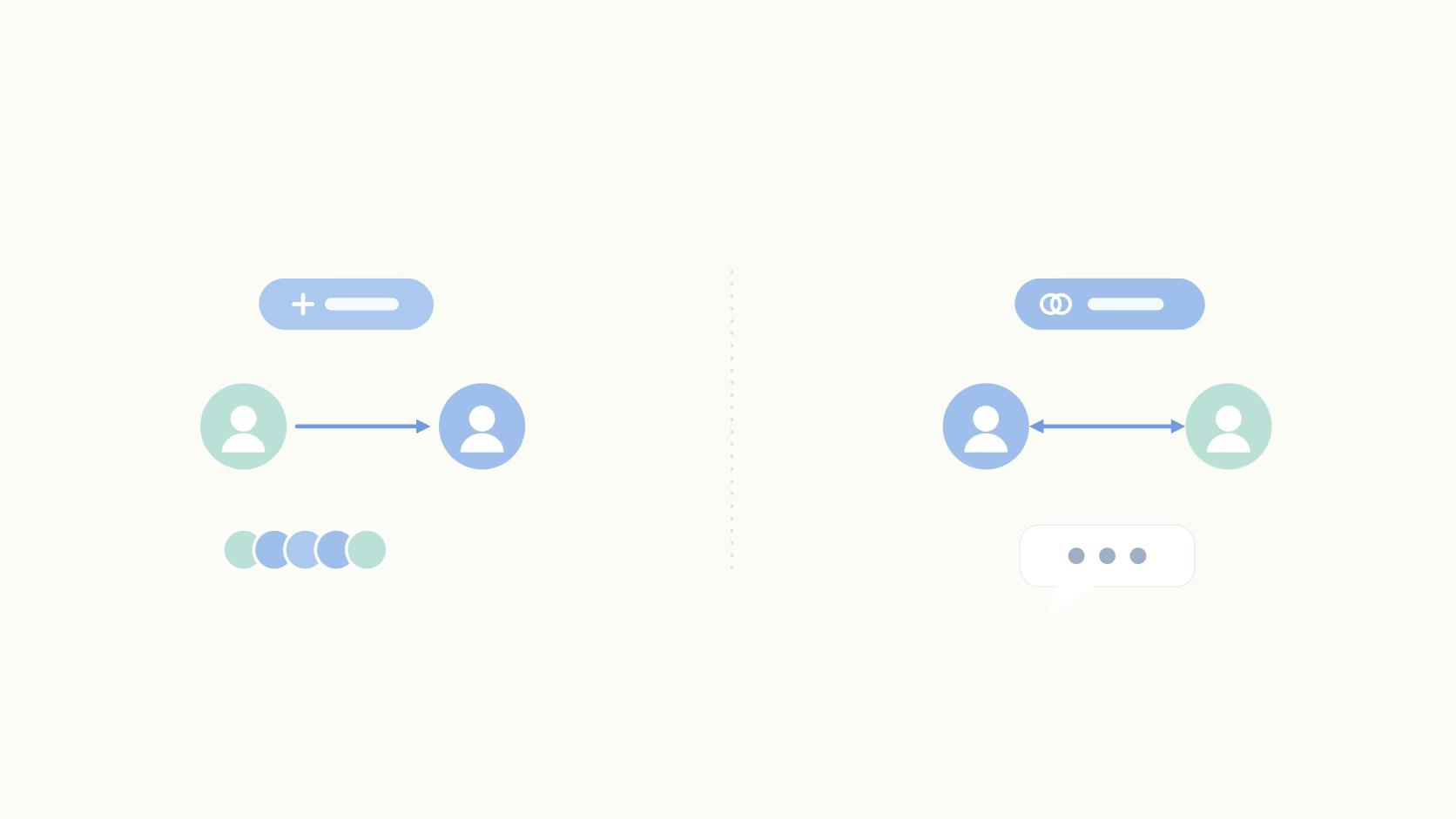
Connecting is a mutual, two-way relationship that requires the other person to accept your request. Following is one-way and needs no approval. Every connection automatically follows you, but not every follower is a connection.
That last point is the mechanic most people miss. When someone accepts your connection request, they start following you by default.
But plenty of people can follow you without ever being connected, which means your audience and your network are two different sizes.
Messaging rights are where the two diverge most. Connections can DM each other freely. Followers can't message you unless they connect or pay for InMail through LinkedIn Premium. If your goal is a conversation, Connect is the door. If your goal is distribution, that door doesn't matter nearly as much.
Then there are the caps. As of 2026, LinkedIn lets you have unlimited followers but limits you to 30,000 first-degree connections. Once you hit that ceiling, you can't accept new connection requests, and Follow becomes the only growth action left.
Both connections and followers can see your public posts, so the visibility floor is the same. The scale ceiling is not.
Follow vs Connect vs Subscribe vs Company Page
Four different actions build four different relationships on LinkedIn. Connect is two-way and messaging-eligible. Follow is one-way and unlimited. Newsletter Subscribe notifies someone of new editions. Company Page Follow ties a person to a brand rather than an individual, and behaves differently in the algorithm.
Here's how they compare across the things that matter:
- Connect: requires approval, grants two-way messaging, appears in the feed, capped at 30,000. Best for people you'll actually talk to.
- Follow: no approval, no messaging on its own, appears in the feed, unlimited. Best for audience growth.
- Newsletter Subscribe: no approval, no messaging, delivers a notification each time you publish a new edition. Best for capturing an audience that wants your long-form content specifically.
- Company Page Follow: no approval, no personal messaging, unlimited, but company content gets far less feed reach than personal posts. Best for brand presence, not personal reach.
The newsletter distinction trips people up, too, because a subscriber isn't the same as a follower. Subscribers get pinged when a new edition drops, which is a stronger signal than a passive follow, but it's a separate action tied to your newsletter rather than your profile.
And company page follows live in a different distribution bucket entirely, which is why a founder's personal account almost always outruns the brand page.
Why Follow Is the More Scalable Lever in 2026
For audience growth, Follow beats Connect, and this isn't close once you look at the constraints. Start with the ceiling. On a basic profile you can send only about 200 connection request limits per week (LinkedHelper, 2025), while following has no comparable weekly cap.
Then there's the feed itself. Direct-connection content collapsed to 31% of what users see in 2026, down from 72% in 2024 (DemandBird, 2026). That number is the whole argument. A user's connections used to fill their feed.
Now they fill a third of it. Growing your connection count is buying more shares of a channel that keeps shrinking.
Reach comes from content distribution, not network size.
Our own posting data shows personal profiles outperform company pages by 2.75x on impressions and 5x on engagement. If you want to understand why, it's worth reading how the 2026 algorithm works. The short version: LinkedIn rewards content that holds attention, and a follower who came for your posts is a better distribution bet than a connection you cold-added.
The obvious objection is that connections engage more, and first-degree engagement still carries weight in distribution. True. A connection who comments in the first ten minutes helps a post more than a stranger who scrolls past.
But a large follower base compounds reach across a feed that no longer prioritizes connections, so the smart play is a hybrid: a small, high-signal connection base that engages early, layered under a much larger follower base that scales distribution. The mechanics that move that needle are often small ones.
"We found that when we bold our hooks, we see like a pretty big spike in engagement rate on those posts on LinkedIn. Little tactics like that, it's interesting to see the validation for them." Jeffrey Zhao
When You Should Still Connect, Not Follow
Connect is the right tool the moment your goal is a relationship instead of reach. If you want two-way DMs, warm outreach, or a network you'll actually transact with, Follow doesn't get you there.
A follower can read your posts forever and still have no way to message you.
For sales and SDR teams, the caution is real. Over-connecting trips LinkedIn's Professional Community Policies and can get your account restricted, so blasting the weekly 200-request ceiling with cold prospects is a fast way to earn a timeout. Connect selectively with decision-makers who actually fit, and Follow the accounts you're nurturing but not ready to pitch.
Remember that the 30,000 cap makes connections a finite resource. Every connection you spend on audience-building is one you can't spend on someone you'll close. Treat the connection slot like budget, not like a vanity counter. If your broader question is whether to invest here or in paid, our take on organic content strategy covers where the returns actually land.
Follow or Connect? Playbooks by Use Case
The right action depends on who you are and what you're trying to get. Here's the call for four common situations.
- Job seeker approaching a recruiter: Connect with a short personalized note that says why you're reaching out, since you want the DM channel open. Follow the target company's page to catch role postings and news. The note matters more than the button here.
- B2B sales or SDR prospecting: Connect selectively with the decision-makers you've researched, staying well under the 200-per-week cap to avoid restriction. Follow the accounts you're warming up but not yet pitching, so their activity shows in your feed without burning a connection slot.
- Content creator or thought leader: Make Follow your primary call to action. You want reach and you don't want a messaging obligation to every person who likes your work. A follower-first setup lets your audience grow past 30,000 without hitting a wall.
- Casual networker: Connect with people you genuinely know and would grab coffee with. Follow the people whose content you enjoy but don't need a relationship with. This keeps your feed useful and your connection list meaningful.
How to Switch Your Primary Button to Follow (or Connect)
If you're running an executive's account for reach, making Follow the primary profile button is a two-minute change that quietly reshapes how strangers interact with the profile.
To set Follow as your primary CTA:
- Open Settings & Privacy from your profile menu.
- Go to Visibility, then Visibility of your LinkedIn activity.
- Open Followers and turn on the option to make Follow primary.
- Save. New visitors now see Follow as the main button, with Connect tucked under the More menu.
To revert to Connect-first, return to the same Followers setting and switch the primary action back to Connect. The change takes effect immediately for anyone viewing your profile afterward.
One more distinction worth knowing. Unfollowing a connection hides their posts from your feed but keeps you connected, so you can still message each other. Removing a connection is different and silent: the other person gets no notification, and it drops both the connection and the follow at once.
Set Your Button Before Your Next Post Goes Out
Reach in 2026 lives outside your direct network. That makes Follow the growth lever and Connect the relationship lever, and running them as if they were the same thing is the mistake most inherited LinkedIn playbooks still make.
So here's the concrete move. If your goal is content distribution, set Follow as your primary CTA today and stop treating 30,000 connections as a target to chase. If your goal is outreach, spend your weekly connection requests deliberately on people you'll actually talk to, and let everyone else follow.
The harder part is running this across a bench of executives and employees who each have their own profiles, voices, and approval needs. That's where a system beats a spreadsheet.
Ordinal helps teams draft, approve, and scale this across your team without every post routing through a Slack thread. Pick the button that matches the goal, then build the engine that keeps content flowing to the followers you're about to earn.
Frequently Asked Questions
What's the Difference Between Follow and Connect on LinkedIn?
Connecting is a two-way relationship. Both people agree to it, and once they do, they can message each other directly. Following is one-way and needs no approval, so it just lets you see someone's public posts. Every connection automatically follows you, but plenty of followers never become connections.
Is It Better to Follow or Connect on LinkedIn?
It depends on what you want from the platform. If you're building audience reach for your content, Follow wins because it's unlimited and requires zero approval friction. If you want messaging rights and a real relationship, Connect is the better call, but you're capped at roughly 200 requests a week and 30,000 connections total.
Does Unfollowing Someone Remove Them as a Connection?
No. Unfollowing a connection just hides their posts from your feed while keeping you connected, so you can still message each other. Removing the connection entirely is a separate action that drops both the connection and the follow at once.
Can You Connect With Someone After Following Them?
Yes, following first doesn't block a later connection request. This is a common sequence: follow someone whose content you like, engage with a few posts, then send a connection request once there's real context behind it instead of a cold ask.
Why Do Some LinkedIn Profiles Only Show a Follow Button?
Either the person set Follow as their primary action, which is standard for creators and execs focused on growing an audience rather than their network. Or they've hit the 30,000 connection cap, at which point LinkedIn only offers Follow because there's no room left to connect.
Does the Other Person Get Notified When I Remove a Connection?
No. Removing a connection is silent, with no notification sent. They might eventually notice if they try to message you and can't, or if they check your profile and see you're no longer connected.
How Many Connection Requests Can You Send on LinkedIn per Week?
On a basic profile you can send roughly 200 connection requests per week (LinkedHelper, 2025). Following has no comparable weekly cap, which is one reason Follow scales better for outbound audience building.
Related Posts
Looking to learn more? The below posts may be helpful for you to learn more about social media and content marketing.