
Marketing approval software splits into two camps that don't look much alike. One camp is built for proofing artwork: packaging labels, print files, video cuts, anything where a reviewer needs to point at pixel coordinates and say "move this." The other camp handles published content, where the bottleneck is sign-off speed rather than markup. A LinkedIn post waiting four days for legal review has already missed its window. Pick the wrong camp and you'll fight the tool every week.
The seven tools below cover both, and the at-a-glance table right underneath sorts them by who they're built for.
At a glance
What Makes a Good Marketing Approval Software
1. Proofing vs. publishing fit
The article splits the category into tools built for pixel-level markup on artwork and files versus tools built for fast sign-off on published content like social posts. Picking the wrong camp means fighting the tool every week, so the first question is which bottleneck you actually have: precision markup or approval speed.
2. AI review layer
Several entries lean on an AI layer to catch problems before a human reviewer does — brand compliance, spelling, missing disclaimers, or markup suggestions. Where this feature lives in the pricing tier matters as much as whether it exists.
3. File type and reviewer range
Tools differ in what they can actually open for review (packaging labels, live websites, video, Figma prototypes, audio) and in how easy it is for outside reviewers like legal or clients to participate without an account.
4. Pricing structure
Per-seat pricing punishes adding stakeholders, while flat-rate plans don't. Worth checking whether the price scales with reviewers, seats, or projects, since that shapes cost far more than the sticker price alone.
5. Approval workflow control
The mechanics of the approval chain vary: blocking versus non-blocking approvers, decision thresholds for how many sign-offs are needed, audit trails, and electronic signatures for regulated review. This is where compliance-heavy teams and fast-moving marketing teams need different things.
6. Standalone tool vs. embedded feature
Some products are dedicated approval/proofing tools, while others (like Wrike and monday.com) bury proofing inside a much larger work-management system. That changes whether approvals feel native to the work or bolted onto a bigger platform.
Marketing Approval Software: Your Options
1. Ordinal

Disclosure: Ordinal is our own product (this guide is published by Ordinal). Its entry sticks to what's verifiable on our site, and the competitors below get the same verified treatment.
Ordinal is an end-to-end platform for drafting, planning, and scheduling social content. Approvals live in the same editor where the content gets written, so review isn't a separate step bolted on afterward. Approvals can be blocking or non-blocking, reviewers get Slack notifications with a direct link to the draft, and feedback lives as inline comments attached to specific text in a Notion-like editor.
Version history shows a tracked diff of what changed between drafts, and public share links let external stakeholders review without an account. It's aimed at content agencies, founders and executives, social media managers, and growth teams, and the company says it's trusted by 1,000+ modern marketing teams.
The founder-and-ghostwriter workflow is where this earns its keep. If a marketing hire drafts on behalf of a CEO, the exec becomes a blocking approver who reviews in Slack instead of micromanaging drafts over DM, and the audit trail answers "what changed and when" if compliance asks later. Ordinal also covers the publishing details that matter after approval, including personal profile tagging on LinkedIn, PDF carousels, and a realistic preview that shows exactly where the hook cuts off before "see more."
Pricing: As shown on Ordinal's pricing page, Starter is $95/mo ($85/mo billed annually) for up to 3 seats, 4 social profiles, 50 scheduled posts per month, and approvals. Pro is $265/mo ($235/mo annually) and adds unlimited seats, unlimited scheduled posts, approval workflows, automated engagement, and API/MCP/webhook access. Enterprise is custom and adds employee advocacy, custom user permissions, and SAML/SSO. Both paid plans include a 14-day free trial.
Verdict: the strongest pick if the thing you're approving is social content and the approval chain runs through busy executives who live in Slack.
2. GoVisually
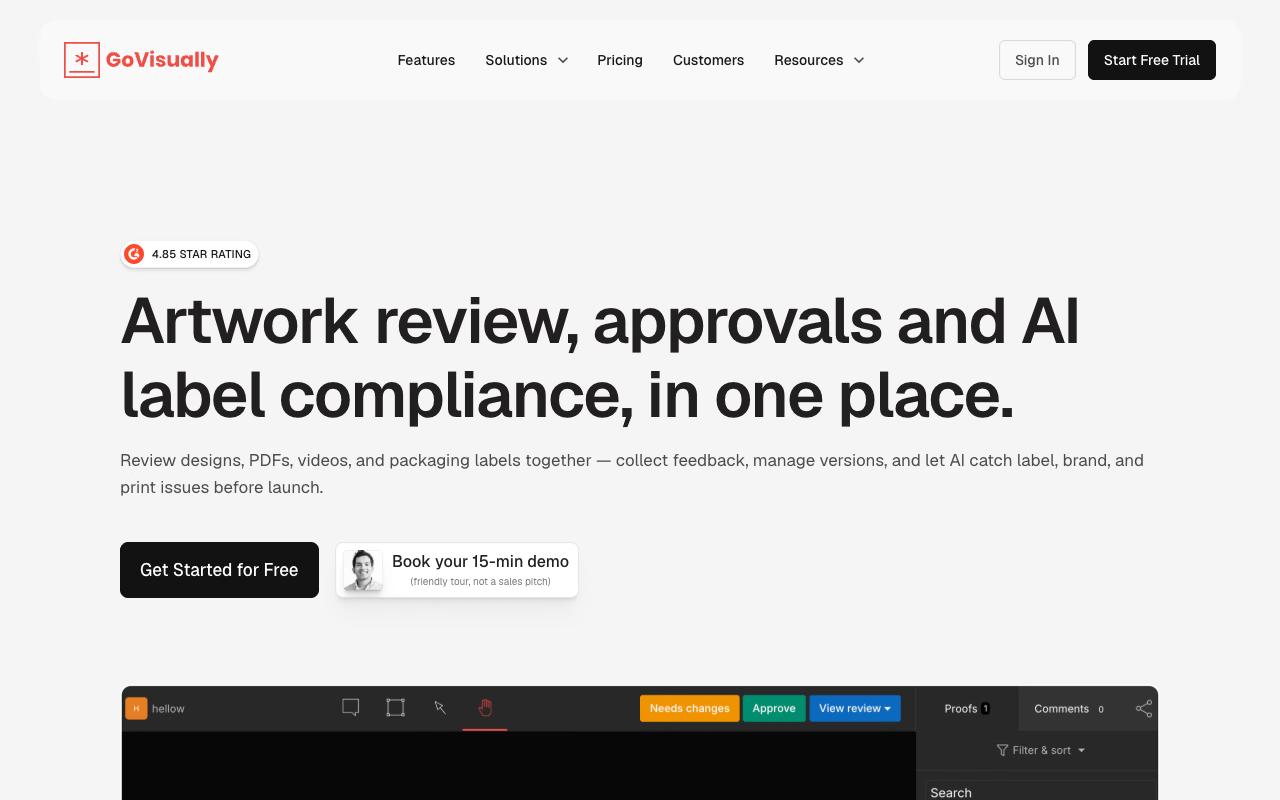
GoVisually is a proofing platform for designs, PDFs, videos, and packaging labels, with point-and-click feedback, @mentions, one-click approvals, and version control that lets you compare revisions side by side or revert with a click. Its distinguishing move is compliance: an AI engine checks creative against brand consistency rules, plus smart playbooks for brand guidelines, fonts, and keyword requirements.
Custom fields let teams track SKU numbers, product categories, market regions, or batch codes against each piece of artwork, which is a CPG problem more than a marketing-team problem.
Pricing: per GoVisually's pricing page, Lite is $16/user/month for 1–5 users (15 active projects, 15 external reviewers, 50 GB storage, email-only support, no video or GIF support). Pro is $33/user/month with a three-user minimum and adds 250 projects, unlimited external reviewers, 150 GB storage, video and GIF review, templates, and Zapier/Slack/Adobe integrations. The CPG Compliance AI Suite starts at $499/month and adds label compliance checks across 20+ regulatory frameworks, marketing claims review, and barcode verification. Annual billing saves 20%.
Independent reviews weren't available from verified sources at the time of research.
On Capterra, GoVisually holds 4.6/5. Reviewers commonly praise ease of use, affordable pricing, and responsive customer support that streamlines client approvals and note limited feature depth and occasional issues with zooming and handling complex proofing needs. See the Capterra reviews page.
On G2, GoVisually holds 4.4/5 across 67 reviews. Reviewers commonly praise simple online proofing and visual feedback workflow that speeds up approvals and note pricing and billing issues combined with limited advanced features and occasional usability frustrations. See the G2 reviews and pros and cons pages.
Verdict: best for packaging and label teams who need regulatory checks alongside proofing, and it's the cheapest entry point on this list if you only need a handful of seats.
3. Ziflow
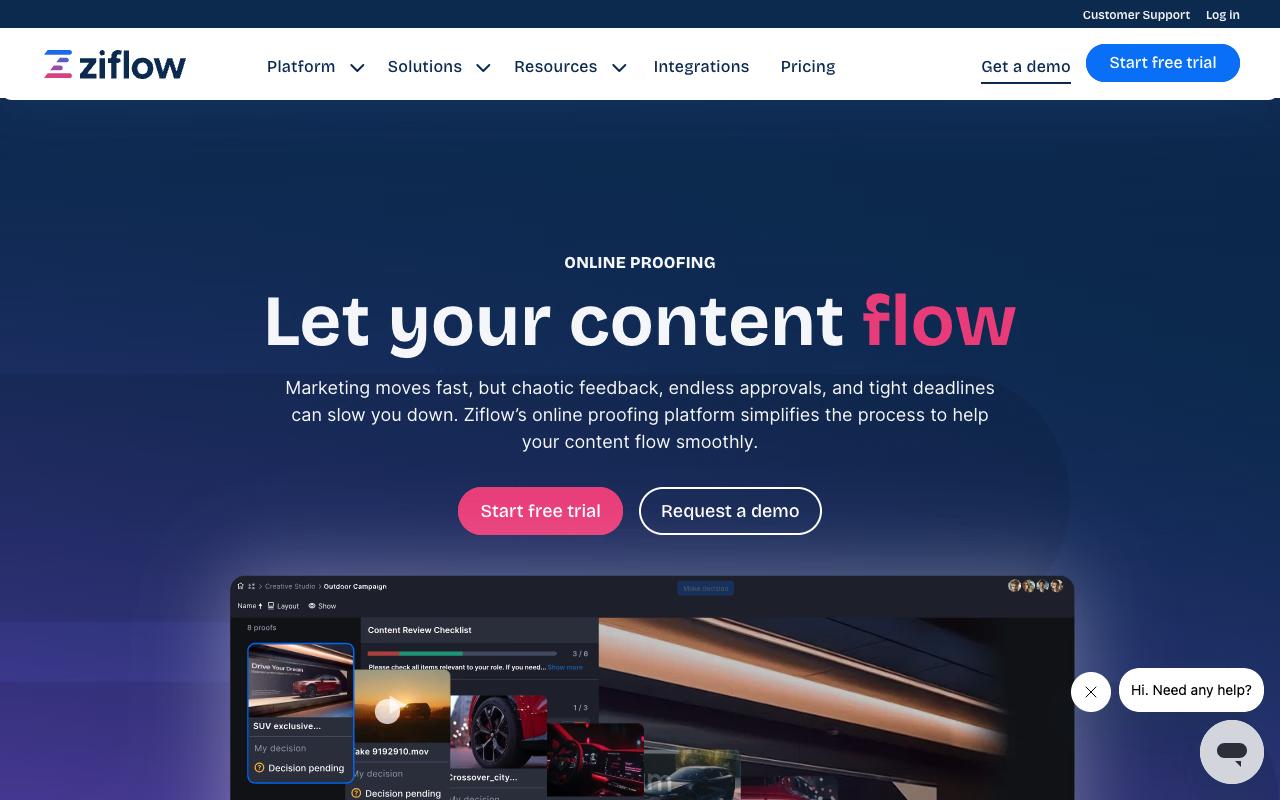
Ziflow is enterprise online proofing built for high-volume creative review, supporting 1,200+ file types including documents, images, video, audio, and live websites. The campaign-level review is the standout: you can approve every element of a cross-channel campaign in a single workflow instead of running five parallel review threads. ReviewAI automatically checks proofs for spelling and grammar errors, brand compliance problems, and missing legal disclaimers, and the platform includes electronic signatures and audit-trail records for regulated review.
Ziflow says it's used by 90% of Fortune 100 companies.
Pricing: according to Ziflow's pricing page, there's a free Personal plan at $0 forever with 2 users, 2 GB storage, one workflow stage, and unlimited proofs and reviewers. Standard is $199/month billed annually with 15 free users, 1 TB storage, and two workflow stages. Pro is $329/month annually with 20 free users, 2 TB storage, three workflow stages, and advanced integrations for Asana, monday.com, Dropbox, Slack, and Teams. Enterprise is custom and is where ReviewAI, SSO, IP allowlisting, and unlimited workflow stages live.
On Capterra, Ziflow holds 4.8/5. Reviewers commonly praise ease of use and customer service and note feature limitations and occasional workflow friction. See the Capterra reviews page.
On G2, Ziflow holds 4.5/5 across 941 reviews. Reviewers commonly praise ease of use and collaboration features and note limited project organization and commenting issues. See the G2 reviews and pros and cons pages.
Verdict: the enterprise proofing default, though note that the AI review layer requires the custom-priced Enterprise tier.
4. PageProof
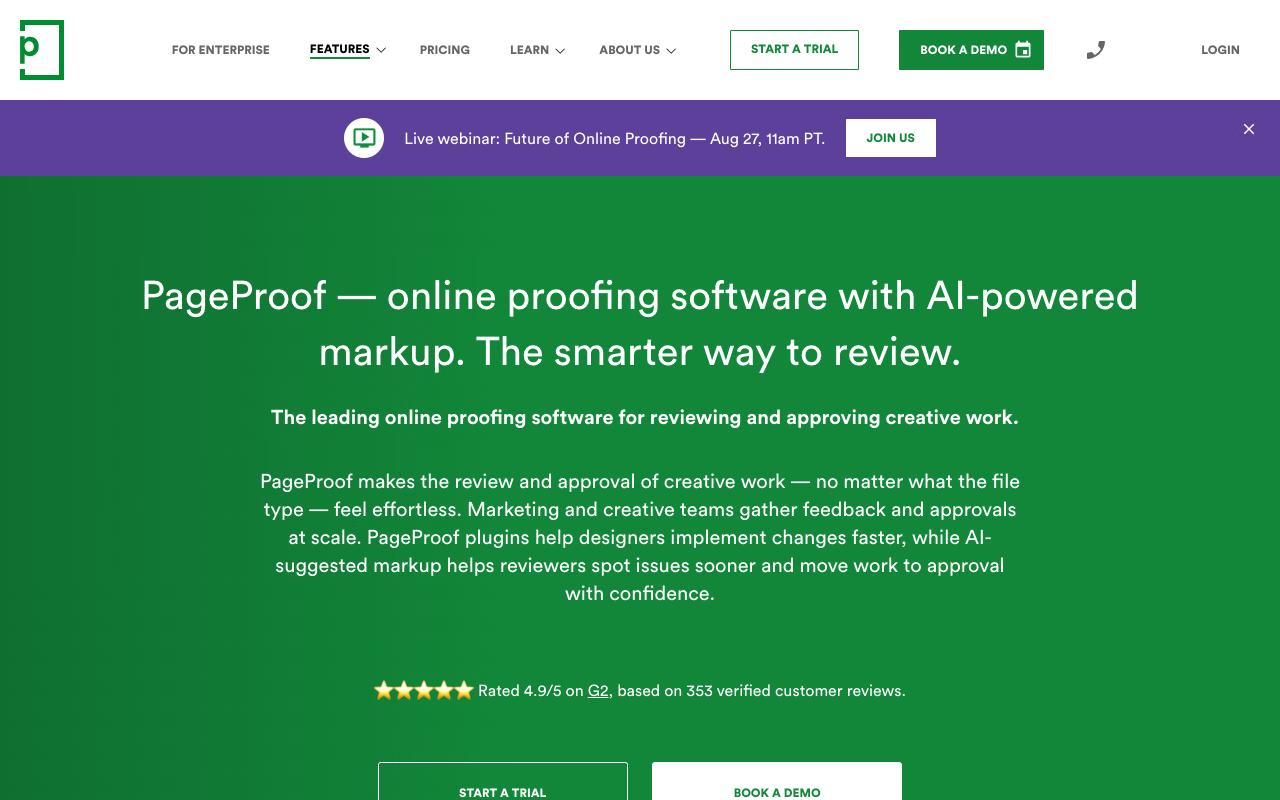
PageProof reviews and approves any file type: packaging, catalogs, HTML emails, live and staging websites, Figma prototypes, video, animation, and audio. Reviewers open a proof straight from an email invitation in their browser with no account and no install, which removes the usual friction of getting a client or a legal reviewer to participate.
PageProof Intelligence suggests markup directly on the proof, and teams can build custom AI agents that check work against brand guidelines, packaging specs, or accessibility rules. Automated reminders chase feedback, decision thresholds set how many approvals are required before a proof advances, and ColorSep® previews color separation plates and ink coverage for print work.
Pricing: flat-rate rather than per-seat, per PageProof's pricing page. Team is $249/month ($2,499/year) with unlimited proofs, versions, reviewers, and storage, plus two checklist and two proof templates. Team Plus is $499/month ($4,999/year) and raises that to ten templates each with more integrations and admin controls. Enterprise is a custom quote covering SSO, SCIM, data residency, SLA, and concierge support.
On G2, PageProof holds 4.8/5 across 388 reviews. Reviewers commonly praise ease of use and streamlined proofing workflows and note integration issues and occasional performance slowness. See the G2 reviews and pros and cons pages.
Verdict: the best value if you have many reviewers and few power users, since flat pricing means adding stakeholders costs nothing.
5. Wrike
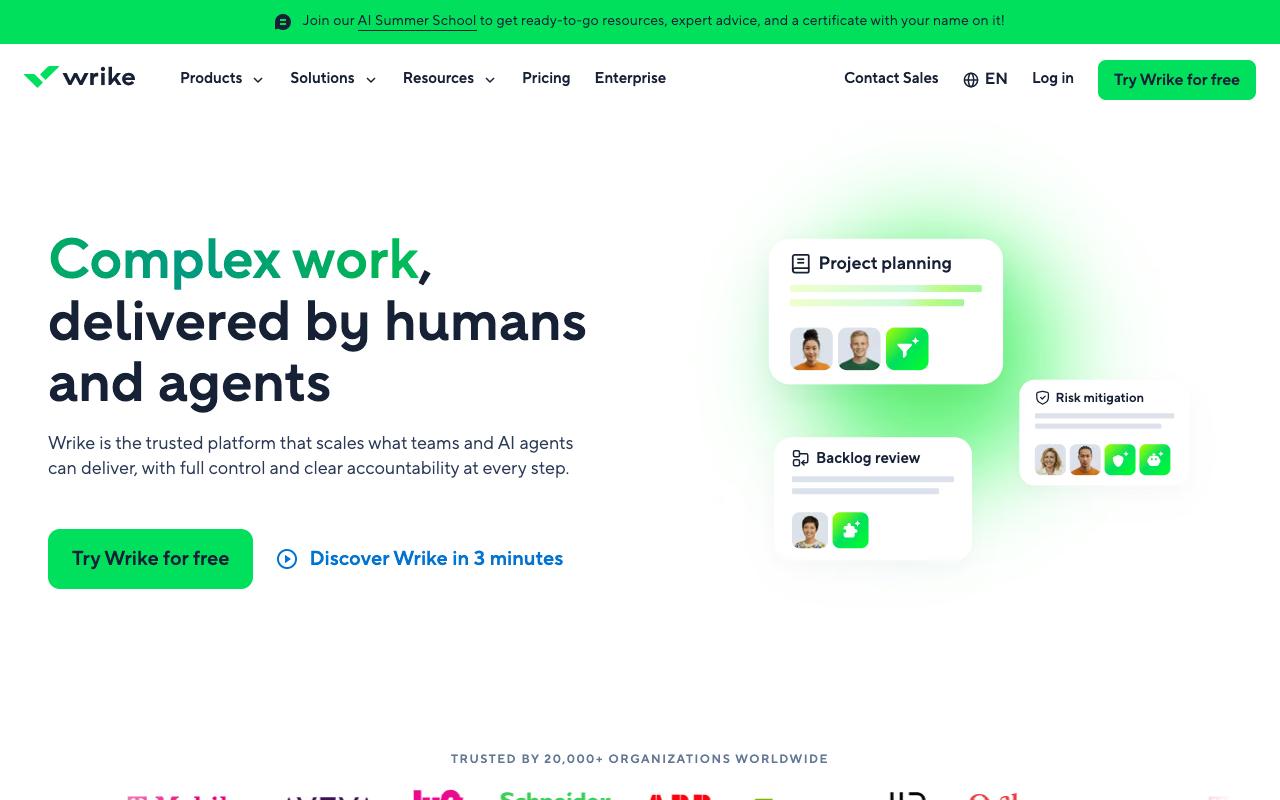
Wrike is enterprise work management, and proofing is one feature inside a much larger system. You get visual feedback directly on assets and file version comparison, but the surrounding machinery is the real product: dynamic request forms that route work intake to one place, Gantt and workload charts, budgeting with planned versus actual costs, blueprints for recurring projects, and automations.
It's built for cross-functional enterprise teams, so marketing and creative sit alongside operations, professional services, and IT in the same system.
Pros:
- Intuitive and versatile project management tool praised by long-time users
- Improves cross-department visibility into who is working on what
- Flexible workflows that can be made as simple or as detailed as needed
- Strong automation capabilities for workflow and workload management
Cons:
- Customer service frequently described as slow and unhelpful, with weeks between replies
- Rigid, transactional renewal/cancellation process with little flexibility for long-time customers
- Paid plans reportedly lose functionality that was available in trial, causing disappointment
- Can feel overly complex for smaller teams or simpler use cases
Pricing: per Wrike's pricing page, Free is $0/user/month for essential task management. Team is $10/user/month billed annually for 2 to 15 users and adds AI Essentials, shareable dashboards, and interactive Gantt charts. Business is $25/user/month for 5 to 200 users and adds AI Elite starter actions, templates, and standard integrations. Pinnacle and Apex are custom-priced. Wrike Whiteboard is a $15/user/month add-on.
Wrike's review picture is genuinely split. It holds 3.6/5 on TrustPilot 3.6/5 from 218 reviews. The TrustPilot reviews explain the gap. Positive reviewers call it the most intuitive PM tool they've used in 20+ years of marketing communications and credit it with improving cross-department visibility and workflow automation. Negative reviews from 2025 and 2026 cluster hard on the commercial experience rather than the product itself, citing slow and unhelpful customer service with weeks between replies, rigid renewal and cancellation handling, and paid plans that reportedly lose functionality reviewers had during the trial.
On Capterra, Wrike holds 4.4/5. Reviewers commonly praise project management depth, collaboration tools, customization, and reporting and note steep learning curve, cluttered interface, pricing concerns, and occasional usability issues. See the Capterra reviews page.
On G2, Wrike holds 4.2/5 across 4,539 reviews. Reviewers commonly praise flexible workflows, task management, collaboration, and customizable dashboards and note steep learning curve, complex interface, limited customization, and navigation difficulties. See the G2 reviews and pros and cons pages.
Verdict: a fit if you want approvals inside a full work management system, provided you go in with clear eyes about the support and renewal complaints.
6. monday.com
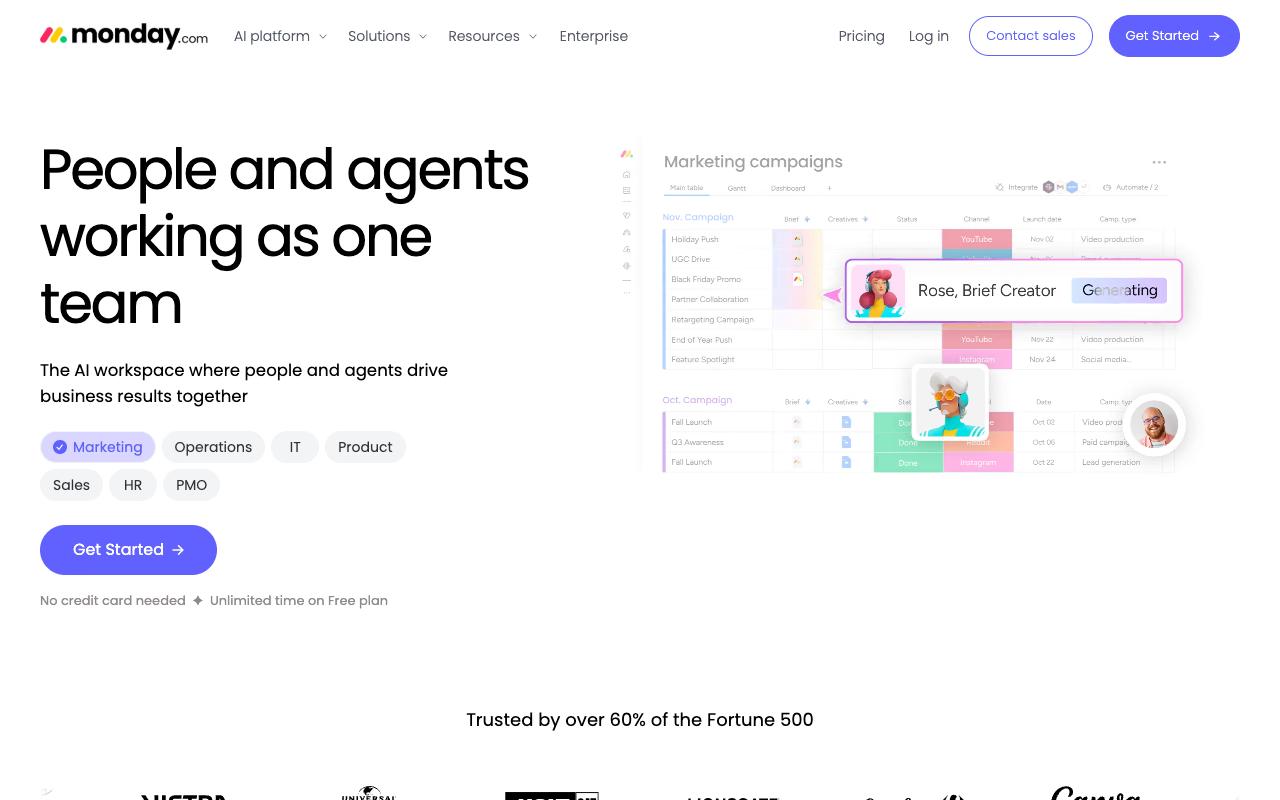
monday.com is a flexible work platform where you build the approval process yourself. Customizable boards and column types, automations, multiple views (Timeline, Calendar, Kanban, Files), and AI agents with an Agent Builder let teams construct review stages, ownership, and triage to fit their own workflow. It spans PMO, Marketing, Operations, IT, HR, and Sales use cases, and the company notes it's trusted by over 60% of the Fortune 500.
Pricing: according to monday.com's pricing page (per seat, billed annually), Free is $0 for up to 2 seats with 3 boards and 3 docs. Basic is $9/seat/month with unlimited items and 1,000 AI credits monthly. Standard is $12/seat/month and adds automations and integrations at 250 actions each per month, timeline and Gantt views, calendar view, and guest access. Pro is $19/seat/month and raises automations and integrations to 25,000 actions per month.
On Capterra, Monday.com holds 4.6/5. Reviewers commonly praise task and project tracking, customization, and collaboration and note pricing, notification overload, and setup complexity. See the Capterra reviews page.
On G2, Monday.com holds 4.7/5 across 17,087 reviews. Reviewers commonly praise ease of use, visual workflow management, and automation and note pricing, learning curve, and feature complexity. See the G2 reviews and pros and cons pages.
Verdict: pick it when your approval process is unusual enough that a purpose-built proofing tool would fight you, and you'd rather assemble it from boards and automations.
7. Planable
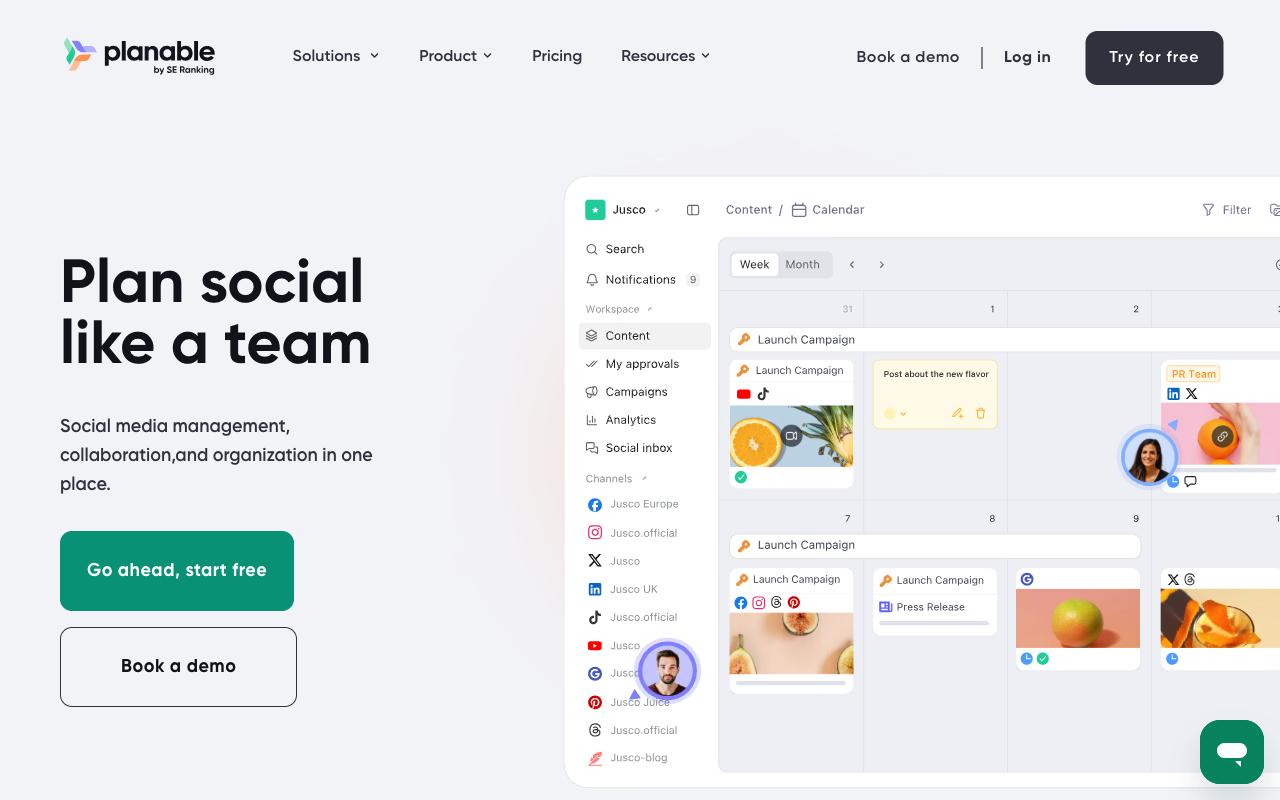
Planable is a collaboration-first social media platform where content gets created, discussed, approved, published, and analyzed in one place. It covers nine networks plus blogs, newsletters, and campaign briefs through Universal Content, with grouped posts for creating across platforms at once and version history showing who changed what. The approval model is tiered by plan: None and Optional on Basic, Required on Pro, and multi-level approvals on Enterprise. Agencies and multi-brand companies are the core audience, with separate workspaces per brand or client.
Pros:
- Easy to set up and use, clean/intuitive interface
- Strong collaboration and approval workflow that replaces email back-and-forth
- Drag-and-drop content calendar saves planning time
- Good for agencies/teams managing client approvals
Cons:
- Limited storage on the basic plan
- Spotty platform integrations (e.g. Instagram Stories, Pinterest aspect ratios)
- Occasional failed/missed scheduled publishes
- Some features moved behind paid add-ons over time
- UI and mobile app bugginess reported by some users
Pricing: Planable charges per workspace with unlimited users rather than per seat, per its pricing page. Basic is $33/workspace/month with 60 posts per month, 4 social pages, and None/Optional approvals. Pro is $49/workspace/month with 150 posts, 10 social pages, Required approvals, and public API access. Enterprise is custom with unlimited posts, multi-level approvals, and SSO. The first 50 posts are free with no time limit or credit card.
Reviews land mixed-to-positive. Planable holds TrustPilot 4.4/5 from 71 reviews, and reviewers repeatedly single out the approval workflow itself, one calling it "very handy" for taking out the back and forth on email trails. Praise also concentrates on the clean interface and the drag-and-drop calendar.
The complaints are practical: limited storage on Basic, spotty platform integrations including Instagram Stories and Pinterest aspect ratios, occasional failed or missed scheduled publishes, features that moved behind paid add-ons over time, and UI and mobile bugginess. Reddit users in r/SocialMediaMarketing echoed the split, praising visual planning and approvals while flagging cross-platform tagging limits and slow support responses. The LinkedIn product page positions it around per-client workspaces, annotation-based feedback, and customizable multi-level approvals.
On Capterra, Planable holds 4.5/5. Reviewers commonly praise ease of use and collaborative content planning and note missing advanced analytics and occasional feature limitations. See the Capterra reviews page.
On G2, Planable holds 4.6/5 across 1,085 reviews. Reviewers commonly praise collaboration and content approval workflow and note limited functionality for deeper analytics and advanced features. See the G2 reviews and pros and cons pages.
Verdict: good value for agencies with many stakeholders thanks to per-workspace pricing, but check that Required approvals on the Pro tier is enough before you commit, since multi-level routing only arrives at Enterprise.
FAQ
What's the Difference Between Marketing Approval Software and Online Proofing Software?
Proofing tools like GoVisually, Ziflow, and PageProof are built around markup on a file: you point at a spot in a design, PDF, or video and leave a comment, then track versions and sign-offs. Approval features inside content and work platforms like Ordinal, Planable, monday.com, and Wrike are built around routing and publishing, so the emphasis falls on who has to sign off, whether that approval blocks publishing, and how fast the reviewer gets notified. If your bottleneck is precise visual feedback on artwork, go proofing. If it's chasing a busy approver before a scheduled post goes out, go content platform.
Which of These Tools Handle Regulated or Compliance-Heavy Approvals?
Three stand out. GoVisually's CPG Compliance AI Suite starts at $499/month and checks labels against 20+ regulatory frameworks including FDA, EU, UK, and Canada, plus marketing claims review and barcode verification. Ziflow's ReviewAI flags missing legal disclaimers and brand compliance issues and pairs with electronic signatures and audit-trail records, though it sits on the custom-priced Enterprise plan. PageProof supports custom AI agents checking against brand guidelines, packaging specs, and accessibility rules, with a full audit trail of decisions. For social content specifically, Ordinal's blocking approvals and version history with tracked diffs cover the "what changed and when" question compliance tends to ask.
How Does Pricing Compare if I Have Lots of Reviewers but Few Editors?
Per-seat pricing punishes you here, so look at the flat and per-workspace models. PageProof charges $249/month for Team with unlimited reviewers, proofs, versions, and storage. Planable charges $33/workspace/month on Basic with unlimited users. Ordinal's Pro plan at $265/mo includes unlimited seats. GoVisually gives unlimited external reviewers on Pro at $33/user/month, and Ziflow's Standard plan at $199/month includes 15 free users with unlimited reviewers. By contrast, Wrike at $25/user/month on Business and monday.com at $19/seat/month on Pro both scale with headcount.
Related Posts
Looking to learn more? The below posts may be helpful for you to learn more about social media and content marketing.