If your team publishes threads, your scheduler has to split a post into connected parts that each read cleanly, then get the whole sequence out on time without anyone babysitting it.
Plenty of tools advertise Threads or X support and then only cover single posts, or they lock cross-posted content so you can't adjust it per channel. The gaps between tools show up once three or four people are drafting and approving on the same calendar and handling engagement on top of that.
We compared eight schedulers on thread and multi-channel publishing, team workflow, pricing, and what reviewers on independent platforms report. The quick comparison below gives you the overview, and the full entries follow.
At a glance
What Makes a Good Threads Scheduler
Thread-specific publishing depth
Some tools genuinely handle multi-part threads with clean formatting, reordering, and pixel-perfect previews, while others advertise thread or X support but really only cover single posts. Check whether the tool treats threads as a first-class format or bolts it on.
Cross-channel content flexibility
Look at whether a draft can move between LinkedIn, X, Threads, and other channels in one click, or whether cross-posted content gets locked so you can't adjust it per channel. This matters most once the same content needs to flex across platforms without a copy-paste session.
Team approval workflows
Once three or four people are drafting and approving on the same calendar, the presence (or absence) of real approval flows and permission separation becomes the difference between a smooth process and Slack pings and spreadsheet trackers. Some tools gate this behind higher-tier plans or skip granular permissions entirely.
Post-publish engagement automation
Scheduling is only half the job on threads-style platforms; some tools keep a post alive afterward with auto-likes, auto-comments, auto-reposts, or advocacy distribution, while others leave that entirely manual.
Billing and reliability track record
Independent reviews surface recurring patterns around auto-renewal charges, refund disputes, account disconnections, and posting bugs that don't show up in a feature list but shape day-to-day trust in the tool. It's worth weighing what reviewers on Trustpilot, G2, and Capterra flag as recurring complaints against what they praise.
Pricing versus feature depth
Starting prices vary widely across this category, and reviewers frequently note when a tool's cost doesn't match its feature depth or when advocacy/analytics features get gated behind expensive add-ons. Comparing the listed starting price against what's actually unlocked at that tier matters more than the sticker price alone.
The Thread Schedulers Worth Shortlisting in 2026
1. Ordinal

Ordinal is an end-to-end platform for drafting, planning, and scheduling social content across LinkedIn, X, Instagram, Facebook, Threads, TikTok, YouTube Shorts, and more. It's built for social media managers, content marketers, agencies, and founders who run social as a function, and according to Ordinal's homepage it's used by 1,000+ modern marketing teams.
The editor is Notion-like, with inline comments and public share links, and the calendar covers campaigns across multiple brand accounts.
Price: Starter is $95/mo ($85/mo billed annually) for up to 3 seats and 50 scheduled posts a month, and Pro is $265/mo ($235/mo annually) with unlimited seats, unlimited posts, automated engagement, and API/MCP/webhooks, according to Ordinal's pricing page. Enterprise is custom, and both Starter and Pro come with a 14-day free trial.
For thread-heavy teams, the big advantage is how much of the workflow lives in one place. Ordinal added automatic scheduling and posting to Threads in October 2024, so you can cross-post existing content there and drag and drop to reorder carousel assets on every channel. Content also syncs across channels in one click, so the draft you wrote for LinkedIn can go to Threads and X without a copy-paste session.
On Pro, approvals, auto-likes, auto-comments, and auto-reposts sit inside the post flow. That replaces the Slack pings and spreadsheet trackers a social manager usually stitches together to keep a post alive after it publishes.
Verdict: The strongest pick for B2B teams that want thread scheduling, approvals, and engagement automation in a single tool.
2. Oktopost
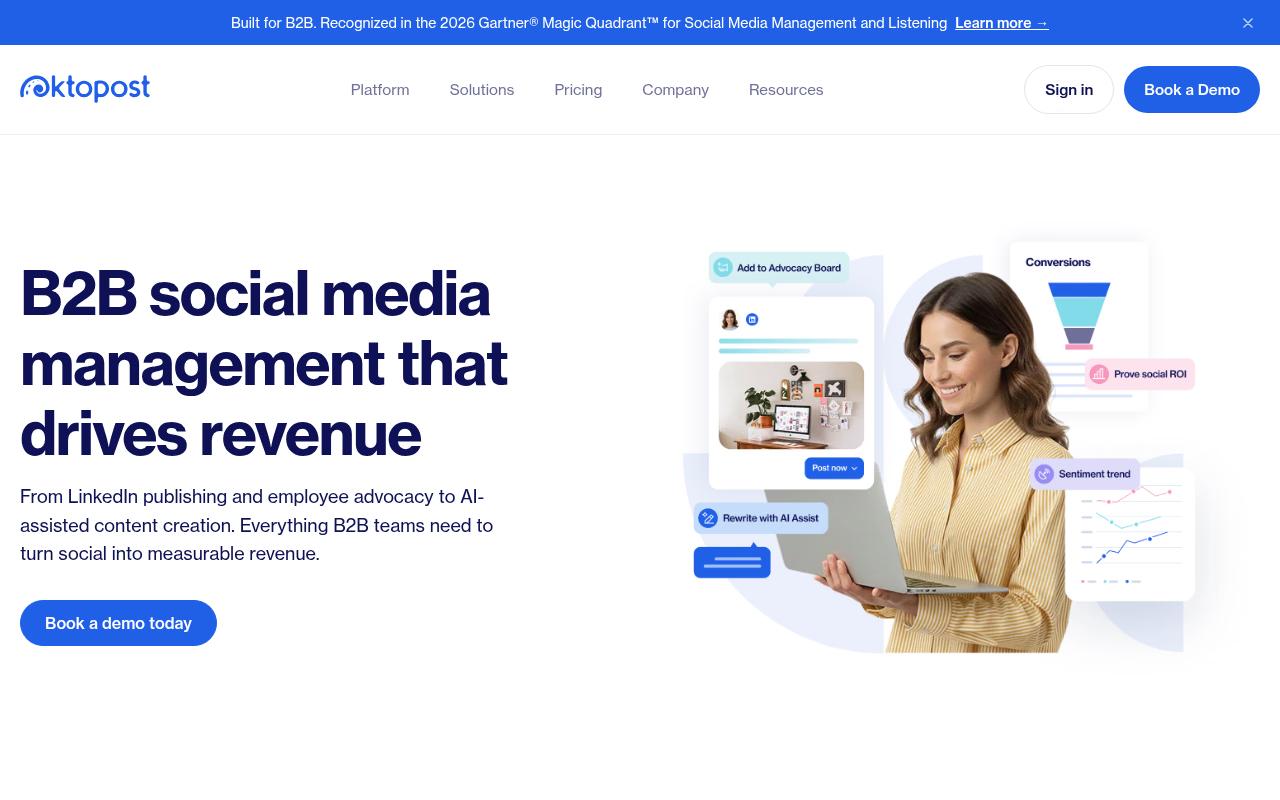
Oktopost is a B2B social media management platform built around publishing, measurement, listening, and employee advocacy. It's aimed at B2B marketing leaders who want LinkedIn-first publishing and funnel-focused analytics that tie social activity to pipeline and revenue. On the advocacy side, it includes an AI copilot for each advocate, pre-approved content distribution, gamification, and CRM sync.
Price: Professional starts at $499/mo and Advanced at $799/mo, both billed annually and quote-based, according to Oktopost's pricing page.
On Reddit, a user in r/marketing described using Oktopost's employee advocacy app, where marketing curates posts and employees pick what to share, sometimes with a single click. They credited the in-app leaderboard with helping keep people participating.
On Capterra, Oktopost holds 4.5/5. Reviewers commonly praise comprehensive b2b-focused social media management and strong employee advocacy capabilities and note learning curve and configuration complexity for advanced features and integrations. See the Capterra reviews page.
On G2, Oktopost holds 4.4/5 across 204 reviews. Reviewers commonly praise intuitive user interface and ease of navigation, with strong support and ease of setup and note additional admin-related costs and pricing for certain advocacy features. See the G2 reviews and pros and cons pages.
Verdict: A fit for enterprise B2B teams running formal advocacy programs, though it's a lot of platform if threads are your main job.
3. Hootsuite
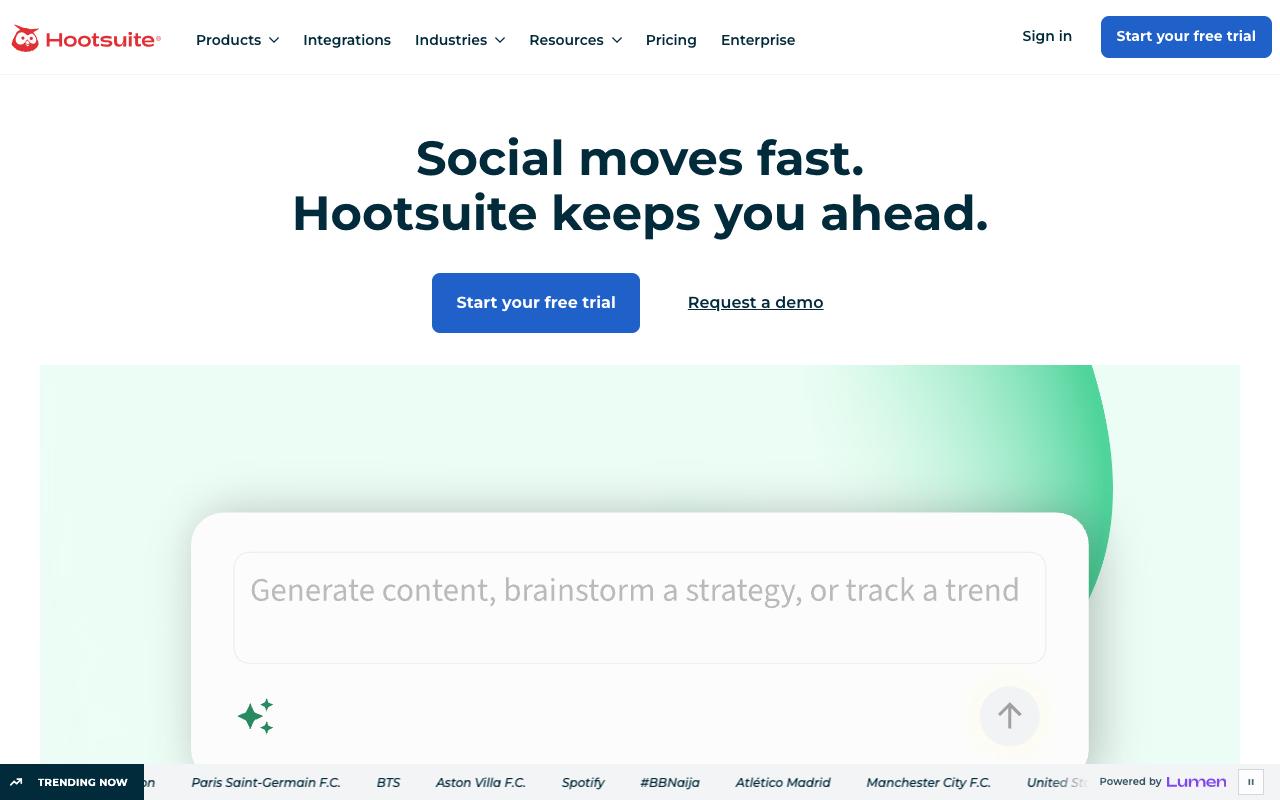
Hootsuite combines scheduling, a unified inbox, analytics, competitive analysis, and social listening in one dashboard. It targets social teams at brands and enterprises managing many accounts, with bulk scheduling, approval workflows, and an AI content generator.
Pros:
- Unified inbox centralizes messages/comments across multiple social platforms
- Bulk composer speeds up scheduling large volumes of content
- AI writing assistant (OwlyWriter) helps draft captions
- Best-time-to-publish analytics uses account-specific audience data
Cons:
- Customer support is slow and hard to reach, with days-long email delays
- Billing/renewal disputes, including being charged after cancellation
- Platform reliability issues and recurring bugs (e.g., video upload/posting errors)
- Reports of lost or disconnected social account connections
- Interface feels dated in places
Price: Standard is $99/user/month, Professional $199, Advanced $399, and Enterprise is custom, all billed annually, according to Hootsuite's plans page. Content approval workflows start on Advanced.
In Reddit, a commenter who runs a competing tool said the price tag is big and that Hootsuite is behind on some features, like scheduling stories. Others agreed it suits larger budgets but gets pricey for small agencies and startups.
A LinkedIn Pulse article by Chris Lamay described an overall positive experience, naming the content library for planning posts ahead as his favorite feature. He also liked how the platform keeps up with network changes, though he found manual Instagram posting "kind of obnoxious."
On Trustpilot, Hootsuite sits at 1.3/5 from 556 reviews, and the complaints are blunt. One reviewer said they closed their account in 2021 and still get charged £1200 every year, while another wrote simply, "Everything is buggy."
On Capterra, Hootsuite holds 4.4/5. Reviewers commonly praise easy-to-use social media management and scheduling across platforms, seen as a secure and reliable tool with solid core features and note cost relative to feature depth, learning curve for advanced capabilities, and some limitations or friction in specific workflows.
On G2, Hootsuite holds 4.3/5 across 7,467 reviews. Reviewers commonly praise centralized scheduling and management of multiple social media accounts, with an intuitive calendar view and helpful reporting and note high pricing for smaller organizations, limited or missing features and integrations, and occasional scheduling or posting issues. See the G2 reviews and pros and cons pages.
Verdict: Capable for large teams that need listening and inbox tools, but the billing and reliability complaints deserve a close look before you sign.
4. Metricool
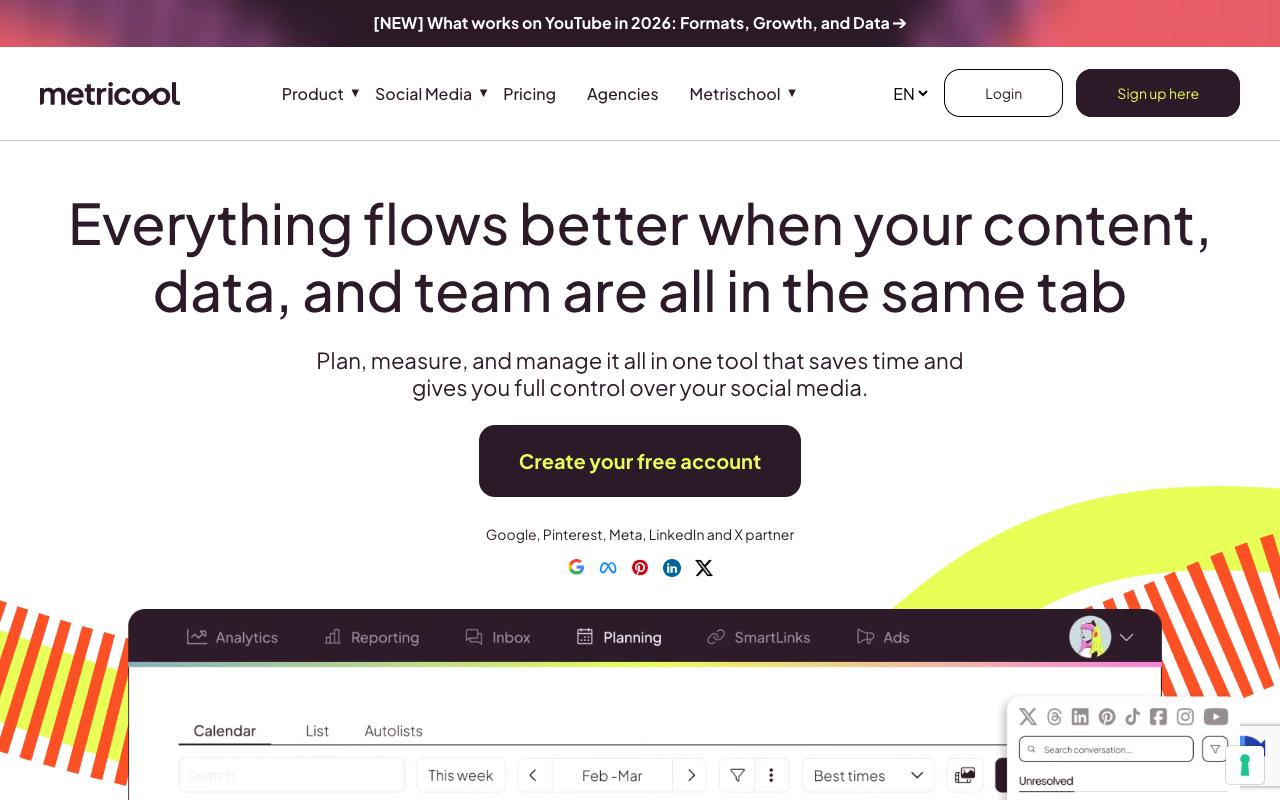
Metricool is an all-in-one tool for planning, measuring, and managing social content, and it connects to Google, Pinterest, Meta, LinkedIn, and X. It serves social media managers and agencies with a drag-and-drop planner, analytics, automated reporting, a unified inbox, and ad campaign management.
Pros:
- Responsive, friendly customer support frequently praised by name (TrustPilot)
- Affordable and easy to set up across multiple clients/channels (LinkedIn)
- Generous free plan compared to competitors like Later, Hootsuite, and Buffer (TrustPilot)
- Combines scheduling and analytics in one tool (LinkedIn)
Cons:
- Support can fall back on generic troubleshooting instead of escalating technical issues (TrustPilot)
- Occasional platform bugs: videos not loading or approvals not showing properly (TrustPilot)
- No workflow/permission separation (any team member with login can access everything (LinkedIn))
- Not ideal for larger agencies needing tiered workflow controls (LinkedIn)
Price: There's a free plan with 20 scheduled posts a month, Starter from $20/mo annually, and Advanced from $53/mo annually with post approval and team management, according to Metricool's pricing page.
Reddit threads in r/socialmedia are mixed. Users call it user-friendly and affordable next to enterprise tools, and some find it handy for managing calendars across accounts, but analytics inconsistency comes up as a major complaint.
Megan Lieu, a freelance social media manager on LinkedIn, said she loved how affordable and easy Metricool was after two years on other tools. Her criticism was that "anyone in the team with the logins can access everything," which makes it a better fit for solo freelancers than bigger agencies.
On Trustpilot, Metricool holds 4/5 from 669 reviews, and most recent five-star reviews praise support agents by name. The negative ones mention generic troubleshooting where they wanted escalation, plus occasional bugs with videos and approvals.
On Capterra, Metricool holds 4.4/5. Reviewers commonly praise intuitive setup, social media scheduling, centralized account management, helpful support, and reporting and note limited free-plan features, higher pricing, restricted analytics, scheduling limitations, and renewal policies.
On G2, Metricool holds 4.4/5 across 102 reviews. Reviewers commonly praise ease of use, cross-platform scheduling, analytics, and centralized social media management and note auto-renewal charges, missing features, plan limitations, account disconnections, and inadequate support. See the G2 reviews and pros and cons pages.
Verdict: Good value for freelancers and small teams, though its workflow controls are thinner than larger teams will want.
5. Typefully
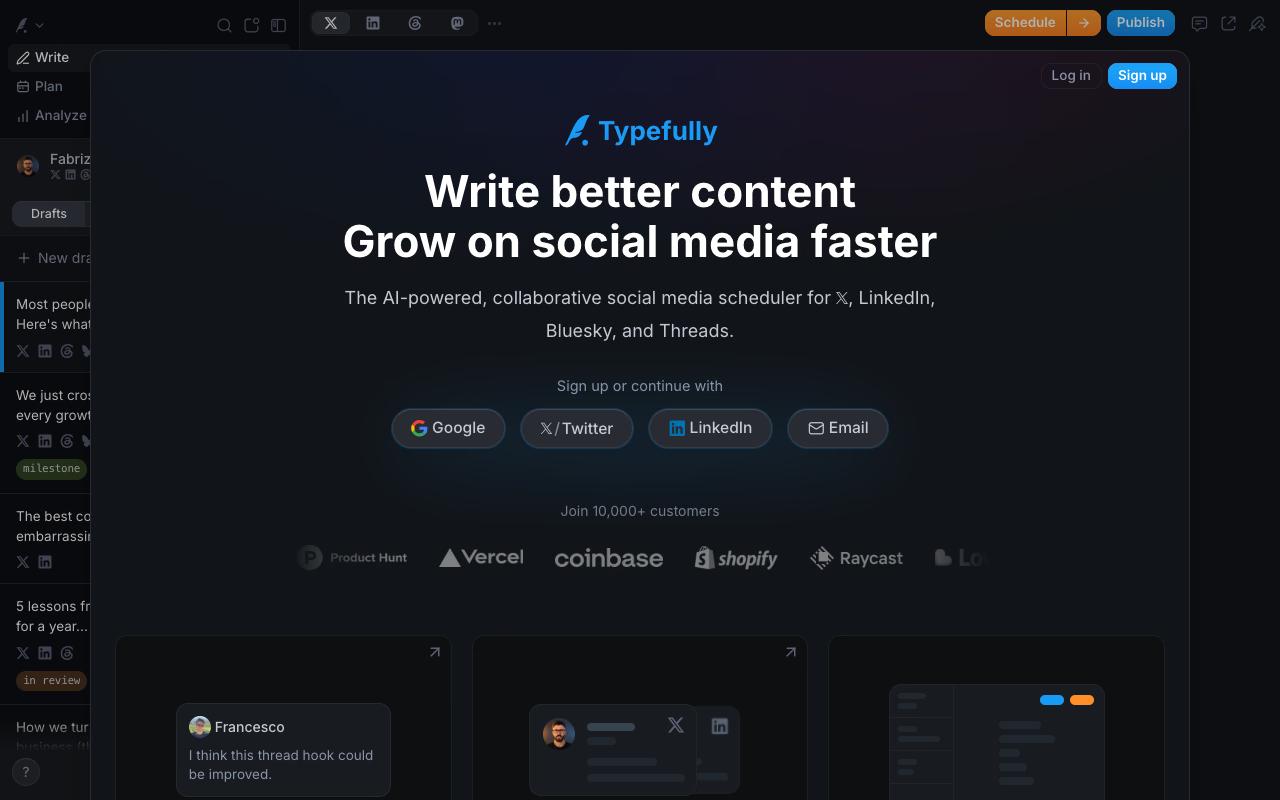
Typefully is an AI-powered, collaborative scheduler for X, LinkedIn, Bluesky, Threads, and Mastodon. It's built for creators and teams who write a lot, with a focused editor, pixel-perfect previews that include threads, a Thread Finisher, Auto-Plug, and Auto-RT. Teams can also schedule posts to go live together with Slack pings.
Price: There's a free plan, and Business runs $18/mo per social set billed yearly, with collaborative writing, comments, and team permissions. The official page renders prices through an animated counter, so these figures come from secondary sources quoting the Typefully pricing page.
On G2, Typefully holds 0.5/5 across 1 reviews. Reviewers commonly praise a familiar, easy-to-use interface and note immature tooling, inadequate controls, and costly AI errors. See the G2 reviews and pros and cons pages.
Verdict: A sharp writing-first option for X and Threads creators who don't need LinkedIn analytics.
6. Later

Later covers influencer marketing and social media management, using creator and campaign data to help brands plan campaigns and track ROI. It's aimed at brand marketing and PR teams, along with creators looking to partner with brands.
Pros:
- When issues are escalated, some users report Later's support eventually issues a full refund and resolves billing disputes fairly
Cons:
- Frequent complaints about being charged for auto-renewals (monthly/annual) without warning, even after months of non-use
- Later reportedly refuses refunds citing policy, even when contacted within hours of the charge
- Customer support is hard to reach, described as hidden behind AI chatbots with slow/no email responses
- Cancellation reportedly only possible via desktop, trapping mobile-only users into renewals
- Product bugs reported: Instagram account connection frequently fails and needs many retries
- Video uploads described as very slow, with painful cropping tools for fitting different platforms
Price: Starter is $18.75/mo, Growth $37.50/mo, and Scale $82.50/mo, all billed yearly, with a 14-day free trial and no permanent free plan, according to Later's pricing page.
A widely read Reddit thread said posts often freeze or fail and that scheduling took as long as posting natively. The poster added that support refused a prorated refund, though one long-time in-house user in the comments reported years of use with no issues.
On Trustpilot, Later has 1.5/5 from 350 reviews, driven mainly by billing. Reviewers describe auto-renewal charges after cancelling or after months of non-use, and several say refunds were refused under policy and support was hard to reach.
On Capterra, Later holds 4.4/5. Reviewers commonly praise ease of use and social media scheduling and note limited analytics, occasional publishing glitches, and account disconnections.
On G2, Later holds 4.5/5 across 384 reviews. Reviewers commonly praise ease of use and multi-platform post scheduling and note publishing limitations, missing features, and account-linking issues. See the G2 reviews and pros and cons pages.
Verdict: Worth considering for influencer-led brands, but check the renewal terms carefully first.
7. Publer
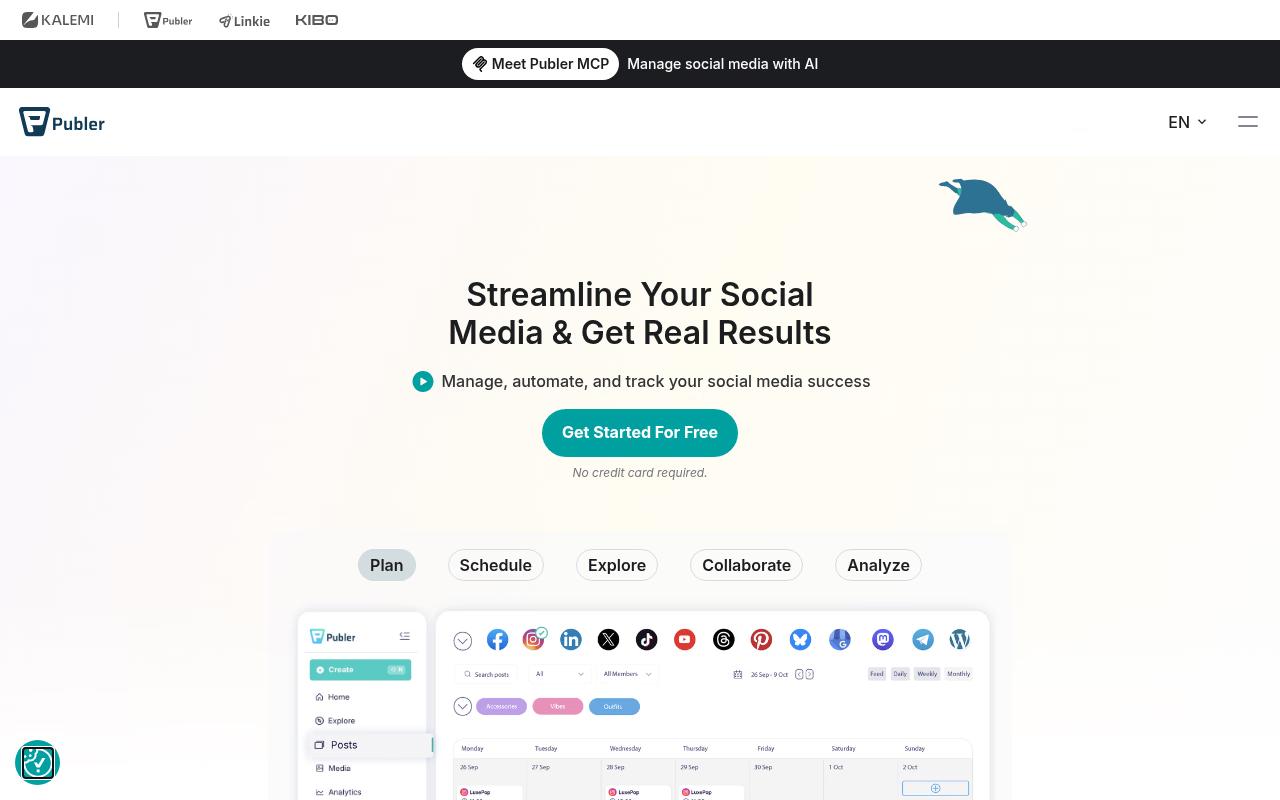
Publer is a scheduling and management platform for small businesses, creators, real estate agents, and agencies handling multiple brands. It supports bulk CSV uploads, auto-recycling, first and follow-up comments, thread scheduling, a Canva integration, and an MCP for AI-driven management.
Pros:
- Easy to use / user-friendly interface
- Good value for money vs. competitors
- Reliable automated/scheduled posting
- Responsive, patient chat support
- Strong API for building custom automation workflows
- Positive experience switching from Buffer
Cons:
- Occasional server downtime causing missed scheduled posts
- API access and analytics require the pricier Business plan rather than Professional
- Facebook Reach metric in analytics can be hard to reconcile with Facebook's own data
Price: There's a free plan, Professional starts at $5/mo, and Business starts at $10/mo, with pricing that scales by connected accounts and members, according to Publer's plans page.
On Trustpilot, Publer rates 4.9/5 from 1,034 reviews, with praise for patient chat support, ease of use, pricing, and reliable automated posting. A few reviewers mention server downtime causing missed posts and note that API access and analytics require the Business plan.
On Capterra, Publer holds 4.8/5. Reviewers commonly praise intuitive scheduling, multi-account management, and responsive customer support and note pricing increases, limited advanced analytics, and occasional account disconnections.
On G2, Publer holds 4.7/5 across 540 reviews. Reviewers commonly praise ease of use, scheduling, and time-saving automation and note basic analytics, unclear feature instructions, and limited advanced capabilities. See the G2 reviews and pros and cons pages.
Verdict: The budget pick for small teams that want thread scheduling and automation without much spend.
8. Postiz
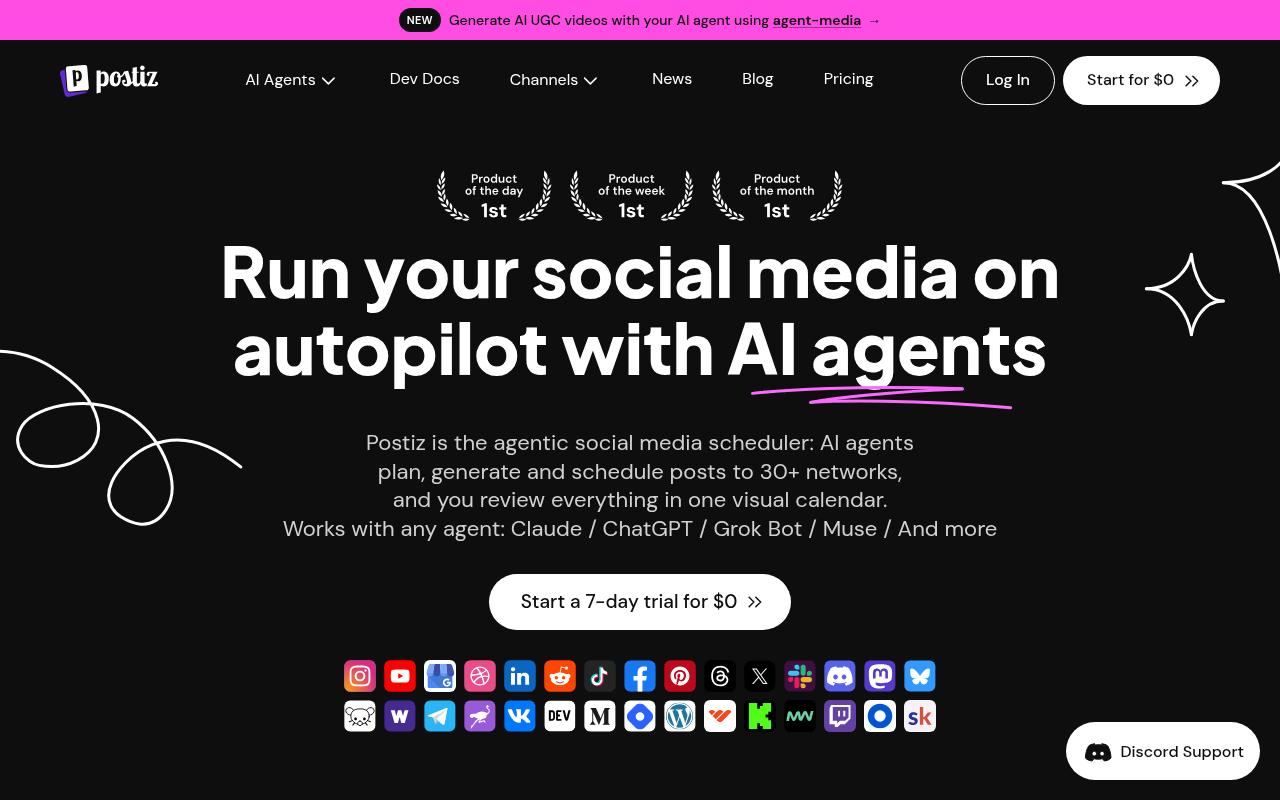
Postiz calls itself an agentic scheduler, where AI agents plan, generate, and schedule posts to 30+ networks while you review everything in one visual calendar. It's built for AI-first marketers prompting from Claude or ChatGPT, developers using its OAuth2, SDK, and API, and automation teams working in n8n or Make.com.
Pros:
- Strong AI/agentic scheduling capabilities praised as best-in-class by multiple reviewers
- Responsive, helpful support team (e.g. quickly acting on customer feedback)
- Effective for multi-platform posting (TikTok, Instagram, etc.) and used as a go-to scheduling tool by agencies
- Users report business/revenue value from using the tool
Cons:
- Some users report poor or fully AI-delegated support with no human response
- Subscription cancellation issues, including continued billing after a cancellation request
- Bugs around social account connections (e.g. LinkedIn) with potential data-deletion/GDPR concerns
- UI/design not always intuitive
- Automated agent posting can fail even on higher-tier plans
Price: Standard is $29/mo, Team $39, Pro $49, and Ultimate $99, with about 20% off annually and a 7-day free trial, according to Postiz's pricing page. Standard doesn't include team support.
On Trustpilot, Postiz sits at 3.6/5 from 11 reviews, which is a small sample. Positive reviewers praise the agentic scheduling and responsive support, while negative ones cite AI-only support, billing after cancellation, and LinkedIn connection bugs.
On Capterra, Postiz holds 5/5. Reviewers commonly praise user-friendly interface, seamless multi-platform scheduling, and efficient social media management and note limited customization options for specific needs.
On G2, Postiz holds 4.8/5 across 51 reviews. Reviewers commonly praise ease of use, multi-platform scheduling, centralized social media management, and open-source flexibility and note pricing, limited AI capabilities, basic analytics, integration gaps, and setup complexity. See the G2 reviews and pros and cons pages.
Verdict: Interesting for developer and automation teams, but still young for teams that need dependable support.
FAQ
Which Social Media Scheduler Supports Threads?
Ordinal, Typefully, and Postiz all list Threads support. Ordinal added automatic Threads scheduling and posting in October 2024, and Typefully cross-posts to Threads alongside X, LinkedIn, Bluesky, and Mastodon.
Can I Schedule X Threads With Previews Before They Publish?
Yes. Typefully offers pixel-perfect previews that include threads, mentions, and media, and Publer supports scheduling threads along with first and follow-up comments.
What's the Cheapest Thread Scheduler for a Small Team?
Publer has a free plan and paid plans starting at $5/mo, and Metricool's free plan covers 20 scheduled posts a month. Teams that need approvals and automated engagement will need a higher tier, such as Ordinal Pro at $265/mo.
Related Posts
Looking to learn more? The below posts may be helpful for you to learn more about social media and content marketing.