Every social media scheduler promises the same thing: write once and publish everywhere. The pricing pages tell a different story.
Across the eight tools below, entry plans run from a free tier to quote-only enterprise contracts, and the features that matter to a B2B team (approvals, LinkedIn tagging, engagement, analytics that go beyond 14 days) tend to sit a tier or two above the headline price. Reviews split the same way. Some tools get praised for support and punished for billing, while others are easy to use but drop channels or break scheduled posts.
We built this list from each vendor's own pricing and feature pages plus independent review platforms, and we kept the review summaries to what reviewers wrote. If you want the short version first, the comparison table below lines every tool up side by side.
At a glance
What Makes a Good Social Media Scheduler Software
Approval Workflow Depth
Who can approve, how drafts route to execs or clients, and whether roles like editors, clients, viewers and contributors are assignable all vary widely between tools, and for agencies or regulated b2b teams this is often the deciding feature rather than a nice-to-have.
Analytics Window & Depth
Some plans cap reporting at 14 days and push real analytics, ROI tracking, or social listening into higher tiers, so it's worth checking whether the starting price actually includes usable reporting or just a teaser.
LinkedIn-Specific Features
For B2B-heavy teams, generic multi-channel posting isn't enough. Tagging personal and company profiles, support for carousels and video, and accurate previews of where posts get cut off matter more than breadth across every network.
Platform Stability
Reviewers repeatedly flag scheduled posts failing to publish, uploads getting stuck mid-progress, social accounts disconnecting, and outright bugs. Reliability complaints show up in nearly every tool's reviews, so they're worth weighing against feature lists.
Billing Behavior
Beyond sticker price, the pattern of surprise charges after cancellation, steep year-over-year price hikes, and per-user versus per-seat pricing shapes real cost more than the advertised starting tier.
Support Responsiveness
The gap between vendors who fix mistakes quickly (even reimbursing errors) and those with days-long response times or unhelpful chatbots shows up often enough in reviews to be a real differentiator for teams that depend on fast fixes.
The Best Social Media Scheduler Software Worth Shortlisting
1. Ordinal

Ordinal is an end-to-end platform for drafting, planning and scheduling social content, with automations that drive engagement and analytics built to show what moves revenue.
It schedules and cross-posts to LinkedIn, Twitter/X, Instagram, Facebook, Threads, TikTok, YouTube Shorts and more, and it's built for content agencies, founders and execs, social media managers and growth teams who run social as a real function.
Its LinkedIn depth is the standout, with personal and company profile tagging, video and PDF carousel support, and a realistic preview that shows where your hook cuts off before "see more."
Price: Starter is $95/mo ($85/mo billed annually) for up to 3 seats, 4 social profiles, 50 scheduled posts a month and 14-day analytics. Pro is $265/mo ($235/mo annually) with unlimited seats and posts, all-time analytics, automated engagement, approval workflows and API/MCP/webhooks. Enterprise is custom, according to Ordinal's pricing page. Starter and Pro both come with a 14-day free trial.
For a B2B team picking a scheduler, Ordinal's case rests on everything that happens around the publish button. The auto-engagement suite leaves likes, comments and reposts from any connected LinkedIn account with randomized timing, so posts don't stall in the first few minutes because teammates forgot to engage.
Approval workflows route drafts to execs or clients with Slack alerts, and nothing publishes until it's signed off. The Notion-like editor keeps in-line comments and drafts in one place (we compared it in detail in our CoSchedule vs. Ordinal breakdown).
And since every UI action is also available through the REST API, MCP server and webhooks, teams can plug in their own AI tools or dashboards. If you're a social manager stitching a scheduler together with Notion, Zapier, a spreadsheet and Slack pings, that's the whole stack in one tool.
Verdict: The strongest pick for B2B teams whose social runs through LinkedIn and who need engagement, approvals and API access in the same place as scheduling.
2. Loomly
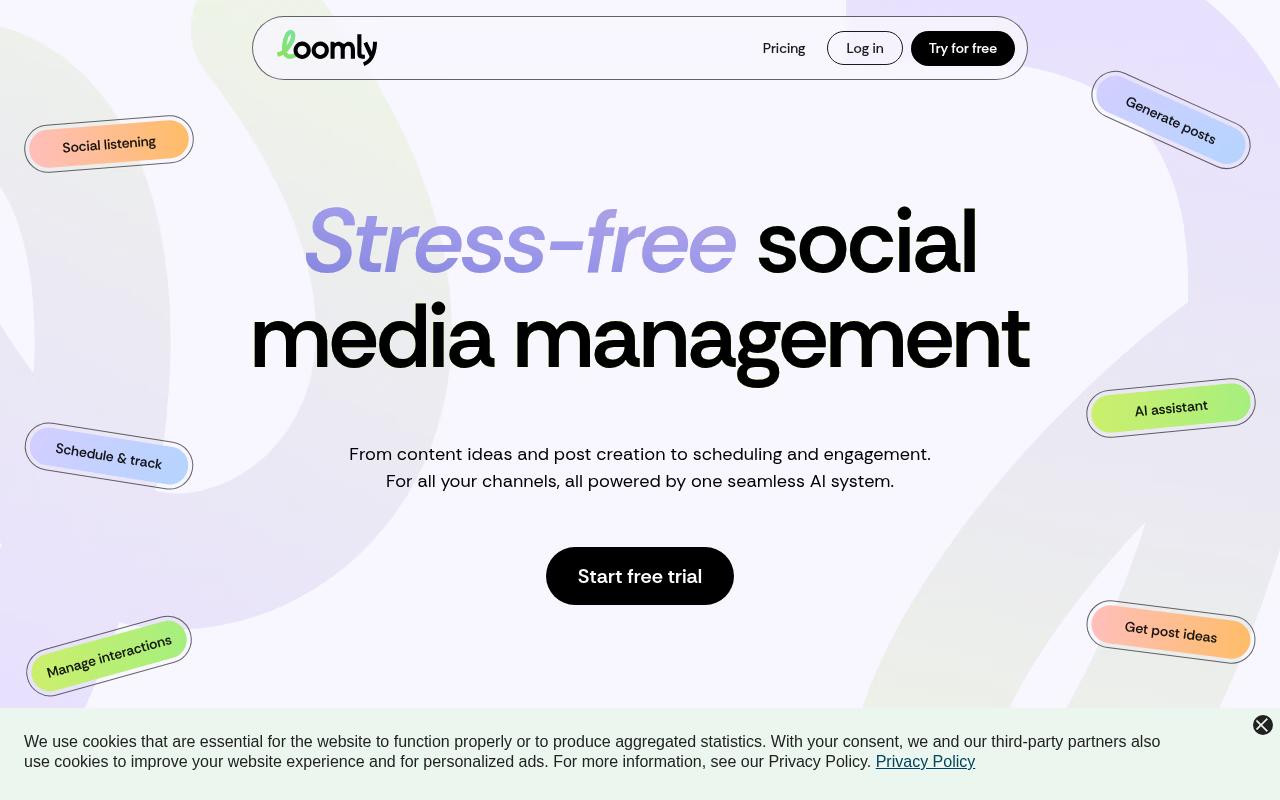
Loomly is an all-in-one social media app that covers the publishing process from first idea and mockup through approval, publishing and reporting. It's aimed at marketing teams who manage social collaboratively, with a dedicated calendar per brand, custom approval workflows, version history and Slack and Microsoft Teams notifications. Per-channel post optimization tips and a hashtag manager round it out.
Pros:
- Easy to use with a user-friendly, well-organized dashboard
- Responsive, helpful customer support (resolves integration issues, flexible on billing mistakes)
- Useful built-in content ideas/tips and post-optimization feedback (best time of day, content length, etc.)
- Strong approval workflow with assignable collaborator roles (Editors, Clients, Viewers, Contributors)
- Good value/pricing compared to larger tools like Hootsuite for teams needing approval workflows
- AI assistant helpful for generating post ideas, captions, and campaign planning
- Works well for multi-timezone, multi-language teams managing multiple social accounts
Cons:
- Major recent price increases (some reviewers cite hikes as steep as 315% or a doubling of costs) causing users to consider switching to Sprout or Buffer
- Interface/reliability complaints: glitchy, slow, antiquated UI; posts not loading or publishing as scheduled
- Removed Twitter/X support without a manual/Zapier-based workaround, and closed API access for tools like Zapier/n8n
- Limited to one custom channel
- Minor UX gaps: difficulty tagging LinkedIn handles, can't insert a hyperlink in a story, can't upload a video and image in the same post
- Missing a persistent left-side navigation menu (vs. Hootsuite) for quick site-wide navigation
- No automatic publishing to Instagram in some plans/configurations
Price: Starter is $65/mo ($49/mo billed yearly) for 12 social accounts and 3 users. Beyond is $332/mo ($249/mo yearly) for 60 accounts and unlimited users, and Enterprise is custom, per Loomly's pricing page.
On Reddit, the r/SocialMediaMarketing threads "Leaving Loomly" and "Loomly Pricing increase 2025" are dominated by reactions to a 2025 price hike. One poster called it "like a 400% price increase," and an agency user said his team switched to SocialPilot after paying $180/mo on the Advanced plan. He added that Loomly's tools and analytics were "extremely basic," even though it covered his team's needs.
Loomly holds TrustPilot 3.8/5 from 109 reviews. Reviewers call it easy to use and credit support with fixing integration issues, including one who said staff "reimbursed me for several months of payments to dampen the financial burden of my mistake." A nonprofit user said it helped coordinate comms across 5 time zones and 4 languages. Complaints in the wider record center on price increases, a glitchy or slow interface, dropped Twitter/X support and trouble tagging LinkedIn handles.
On Capterra, Loomly holds 4.7/5. Reviewers commonly praise ease of use, social media scheduling, content organization, collaboration, and customer support and note limited integrations, automation, customization, mobile functionality, analytics, and pricing.
On G2, Loomly holds 4.6/5 across 1,796 reviews. Reviewers commonly praise ease of use, social media scheduling, content calendars, collaboration, and publishing workflow and note limited analytics, third-party integrations, scheduling and publishing limitations, bugs, and pricing. See the G2 reviews and pros and cons pages.
Verdict: A solid approvals-first tool for collaborative teams, as long as the recent price hikes and X removal don't rule it out.
3. Hootsuite
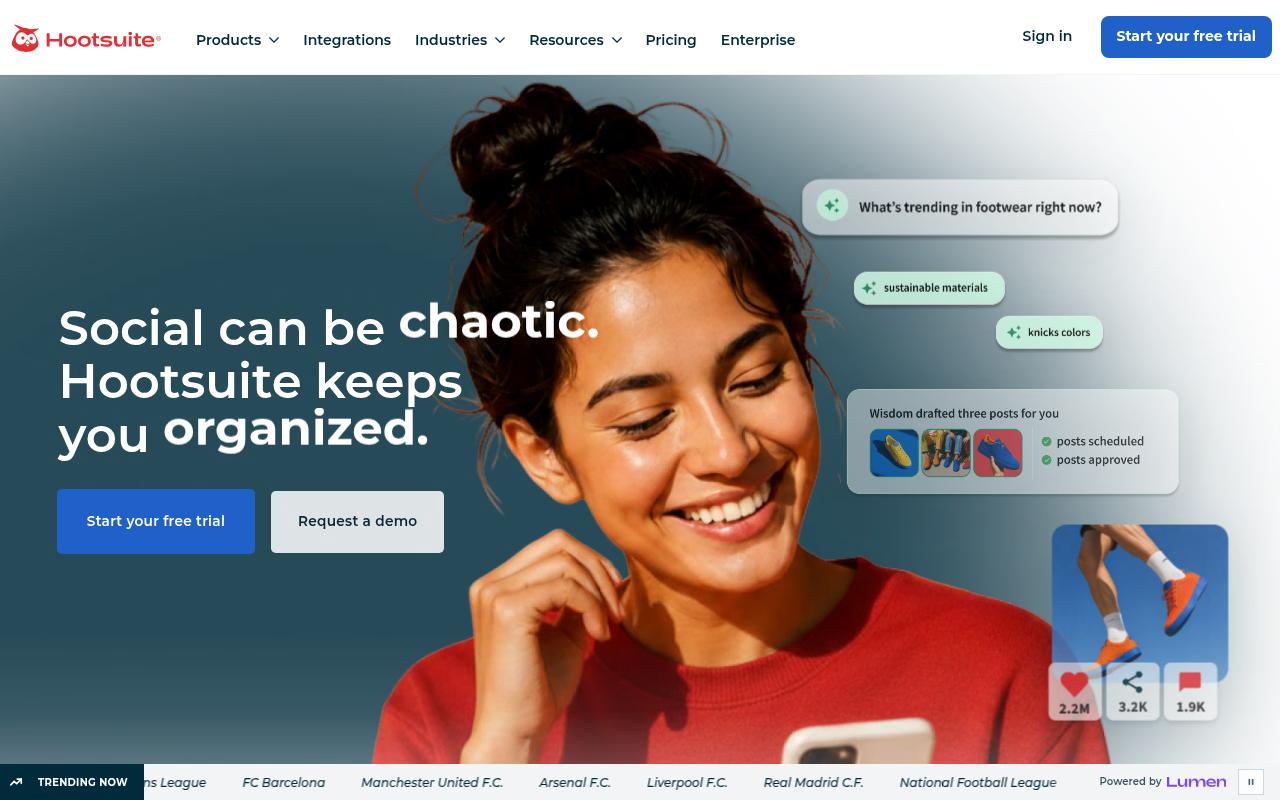
Hootsuite combines scheduling, engagement, analytics and social listening in one dashboard for marketers and social teams at brands and agencies. Listening covers 30+ social networks, 300+ review sites and 150+ million websites, according to Hootsuite's feature pages, and you also get a unified inbox, bulk scheduling and an AI writing assistant. Its real weight sits on the social intelligence side.
Pros:
- Unified inbox centralizes messages/comments across multiple social platforms
- Bulk composer speeds up scheduling large volumes of content
- AI writing assistant (OwlyWriter) helps draft captions
- Best-time-to-publish analytics uses account-specific audience data
Cons:
- Alleged unauthorized/surprise billing charges even after cancellation
- Customer support described as slow (days to respond) and impersonal, with unhelpful AI chatbot support
- Reports of social accounts disconnecting or disappearing unexpectedly
- Persistent bugs (e.g. video frame-rate upload errors)
- Perceived as expensive relative to value, with some annual charges cited around $3k or more
- Overall platform described by some reviewers as slow, buggy, and unreliable
Price: Standard is $99/mo per user (billed annually) for up to 10 accounts, Professional is $199/mo per user, Advanced is $399/mo per user and Enterprise is custom, per Hootsuite's plans page. There's no free plan, only a 14-day trial, and content approvals don't arrive until Advanced.
On Reddit, r/SocialMediaMarketing thread, with 69 comments, a commenter who runs a competing tool said "the price tag is big" and that Hootsuite is "a bit behind" on features like scheduling stories. Others agreed it works for larger budgets but is pricey for small agencies and startups, and they pointed to cheaper alternatives.
Hootsuite sits at TrustPilot 1.3/5 from 556 reviews, and most of the complaints behind that score concern billing and support. One reviewer said they closed their account in 2021 and still get charged £1,200 a year, another described a $150 charge after cancelling a trial, and a long-time customer said email responses "can take days and days."
Verdict: Worth a look if social listening is the priority and budget isn't a constraint, but the per-user pricing and billing complaints are hard to ignore.
4. Agorapulse
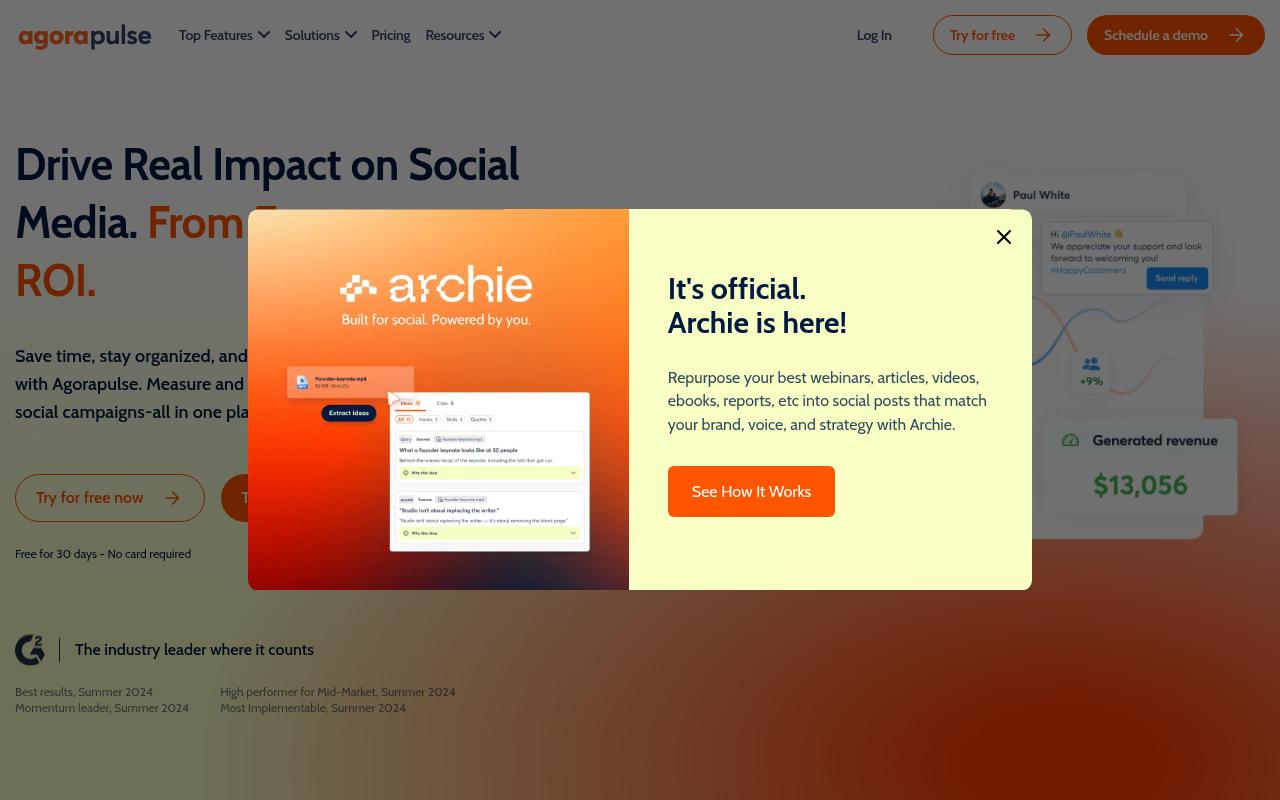
Agorapulse covers publishing, a centralized inbox, listening, reporting and social ROI measurement for social managers, agencies and businesses of all sizes. Its ROI feature pulls data from Google Analytics to tie posts and conversations to sales, leads and traffic. The company says 31K+ social media managers use it.
Pros:
- Saves significant time scheduling and tracking social media across many client accounts
- Unified social inbox makes managing comments/messages across platforms easy
- Strong, responsive customer service praised by long-time users
- Client approval workflow (clients can view calendar, approve posts, request changes)
- Comprehensive, easy-to-set-up reporting
- Popular and trusted long-term by agencies managing multiple clients
Cons:
- Unreliable social profile connection tokens causing scheduled posts to fail
- Uploads can get stuck at 99% or 0%, requiring restart
- Slow customer support response times reported by some users
- Acquisition of Mention product left some subscribers' scheduling features cut off unless upgrading to a new Agorapulse plan
Price: Standard is $99/mo per user ($79/mo annually), Professional is $149/mo ($119/mo annually) and Advanced is $199/mo ($149/mo annually), each with up to 10 social profiles. There's also a Custom tier with unlimited profiles and multi-step approvals, per Agorapulse's pricing page.
On Reddit, a user in r/socialmedia who'd used it at two companies said it "does all the normal posting and scheduling very well," praising cross-posting with per-platform copy tweaks and decent listening for Instagram and Twitter. When they hit a region-locking bug, support "were very prompt with answering, admitted a fault and fixed it" within a week.
Agorapulse holds TrustPilot 4/5 from 57 reviews. Long-time agency users, some going back to 2015, credit it with big time savings, responsive support and a client approval flow where clients can view the calendar, approve posts and request changes. On the downside, the record includes unreliable connection tokens that cause scheduled posts to fail and uploads stuck at 0% or 99%.
On Capterra, Agorapulse holds 4.6/5. Reviewers commonly praise ease of use, scheduling, and responsive customer support and note clunky backend workflows, limited monitoring and reporting, and added costs for advanced capabilities.
On G2, Agorapulse holds 4.5/5 across 974 reviews. Reviewers commonly praise an intuitive interface and reliable post scheduling and note bugs, occasional critical errors, and costly additional profiles. See the G2 reviews and pros and cons pages.
Verdict: A strong fit for agencies that live in the inbox and need client approvals, if they can tolerate occasional connection failures.
5. SocialPilot
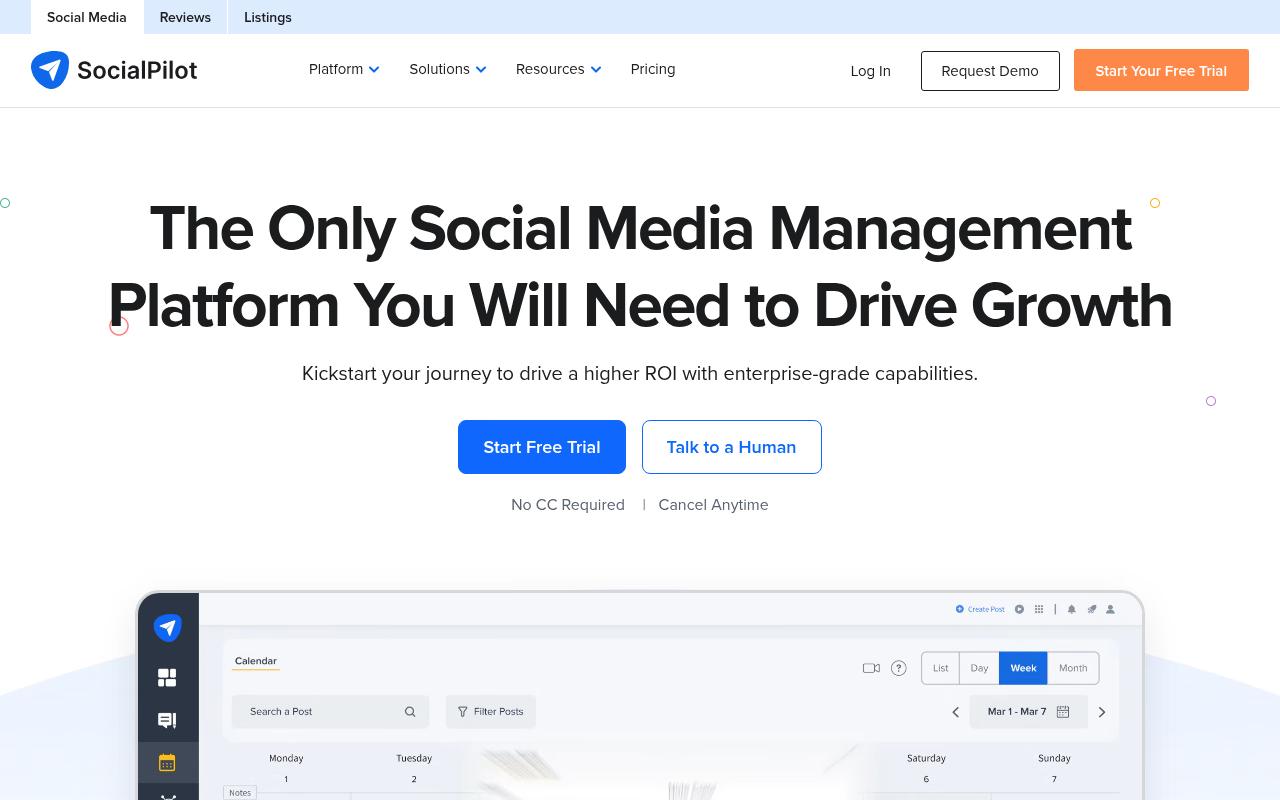
SocialPilot is a scheduling and management platform built for marketing agencies, brands and freelancers handling multiple client accounts. It offers bulk scheduling of up to 500 posts via CSV, first-comment scheduling, queue schedules, white-label reporting and an AI Pilot for captions, hashtags and brand voice. It's the budget pick of this list.
Pros:
- Exceptional, responsive customer support called out repeatedly by name
- Intuitive and easy to use for scheduling across multiple social accounts
- Saves significant time on monthly content scheduling
- Bulk upload/scheduling is valuable for teams managing multiple accounts
- Affordable compared to bigger-name alternatives
Cons:
- Scheduling can be buggy, sometimes changing scheduled dates without notice
- Missing some features like multiple captions on Instagram carousels or LinkedIn polls
- No refund for unused time when canceling after annual billing
- Some reports of slow or unprofessional handling of affiliate commission payments
Price: Essentials is $20/mo ($17/mo annually) for 5 accounts and 1 user, Standard is $40/mo, Premium is $100/mo, Ultimate is $200/mo and Enterprise is custom, per SocialPilot's pricing page. Client approval starts at Premium.
On Reddit, r/SocialMediaMarketing thread, "Advice: Hootsuite vs SocialPilot," one commenter called it budget-friendly and good for straightforward scheduling but warned of questionable business ethics. Another commenter, who works for a competing tool, said it's a good tool with a long industry track record and support for most networks.
SocialPilot holds TrustPilot 4/5 from 56 reviews, and they lean heavily positive. Users praise support staff by name ("Veena has been so helpful and patient") and say it made their social management "much more efficient" over a year of use. Complaints in the record include scheduling bugs that shift dates without notice, no LinkedIn polls and no refunds on cancelled annual plans.
On Capterra, SocialPilot holds 4.4/5. Reviewers commonly praise easy social media scheduling, multi-account management, and workflow efficiency and note limitations in some integrations, advanced-feature costs, and occasional usability issues.
On G2, SocialPilot holds 4.5/5 across 846 reviews. Reviewers commonly praise ease of use, scheduling, and managing multiple social media accounts and note limited personal-profile support, added costs for advanced features, and integration complexity. See the G2 reviews and pros and cons pages.
Verdict: The cheapest credible option for agencies juggling many accounts, with thinner LinkedIn features than B2B teams may need.
6. Sendible
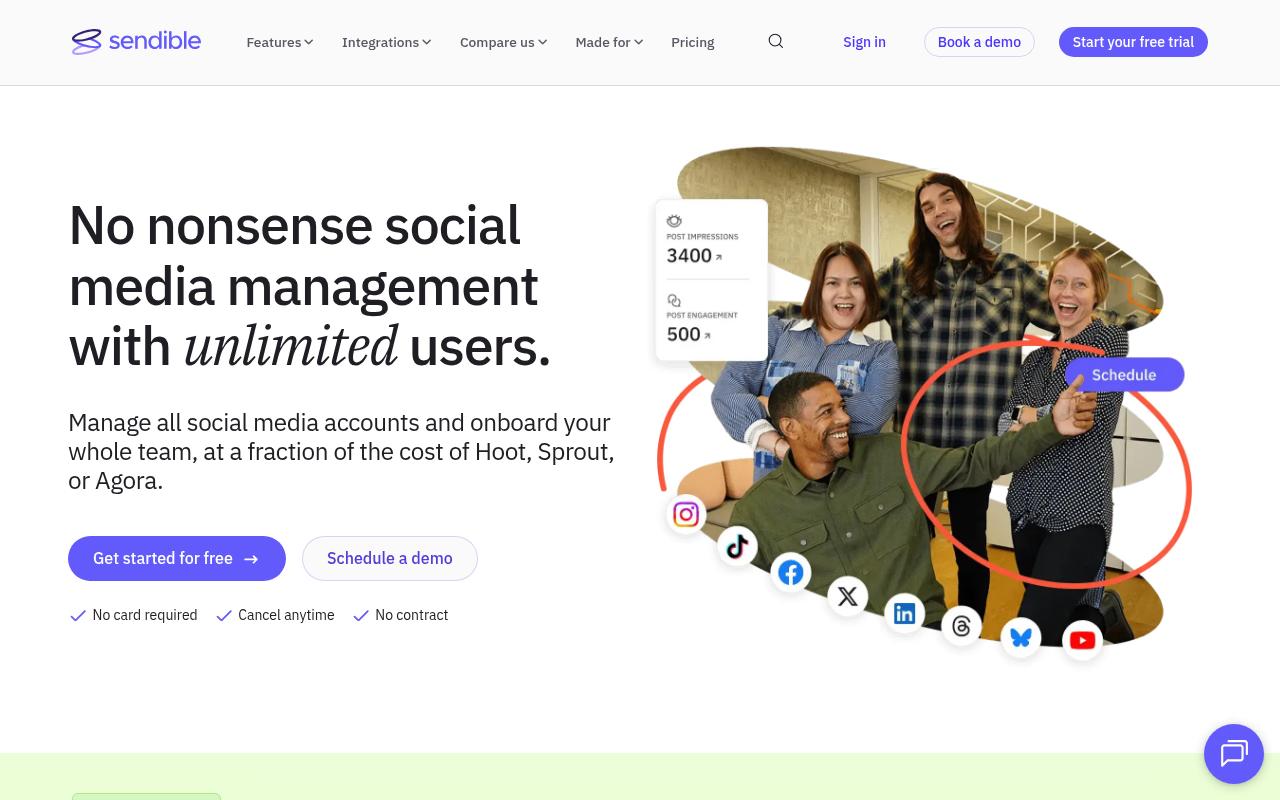
Sendible is an all-in-one platform for brands and agencies that want to bring whole teams and clients on board without per-seat costs. Every plan includes unlimited users, and features include bulk import with approvals, smart queues for evergreen content, a priority inbox and Canva integration. Pricing scales by workspace, with each workspace bundling 6 social profiles.
Pros:
- Easy to use / intuitive interface
- Strong, responsive customer support and onboarding
- Good value for money compared to competitors like Hootsuite
- Useful scheduling features: calendar view, 'schedule later', bulk scheduling, auto best-time-to-post
- Canva integration and built-in analytics/reporting
- Good fit for agencies and franchises managing multiple clients or locations
Cons:
- Billing complaints: unexpected charges/renewals with little warning
- Strict no-refund policy frustrates some customers
- Downgrading or cancelling a subscription can be confusing and difficult
- Inconsistent post-sales support experience for some customers despite praise elsewhere
Price: Core is $35/mo ($30/mo annually) for 1 workspace and 6 profiles, Plus is $99/mo, Premium is $199/mo, Elite is $299/mo and Enterprise is $750/mo, per Sendible's pricing page. Approval workflows start at Plus, and there's a 14-day free trial with no card required.
On Reddit, an r/SocialMediaMarketing poster asked for "something more reliable than Sendible," citing "too many post fails lately, especially on Instagram." Commenters answered with alternatives.
Sendible holds TrustPilot 4.3/5 from 25 reviews, most of them positive. Reviewers call it intuitive, with one saying "Before Sendible, I used to avoid posting on social media; now it's fun," and several praise their customer success managers. The negative outliers center on unexpected renewals, a strict no-refund policy and confusing cancellation.
On Capterra, Sendible holds 4.6/5. Reviewers commonly praise ease of use and responsive customer support and note higher pricing and occasional mobile app instability.
On G2, Sendible holds 4.5/5 across 904 reviews. Reviewers commonly praise ease of use and efficient multi-account scheduling and note integration glitches, upload and tagging issues, and relatively high pricing. See the G2 reviews and pros and cons pages.
Verdict: Good value for agencies and franchises that need lots of seats, though Instagram reliability and billing terms deserve a close look.
7. Oktopost
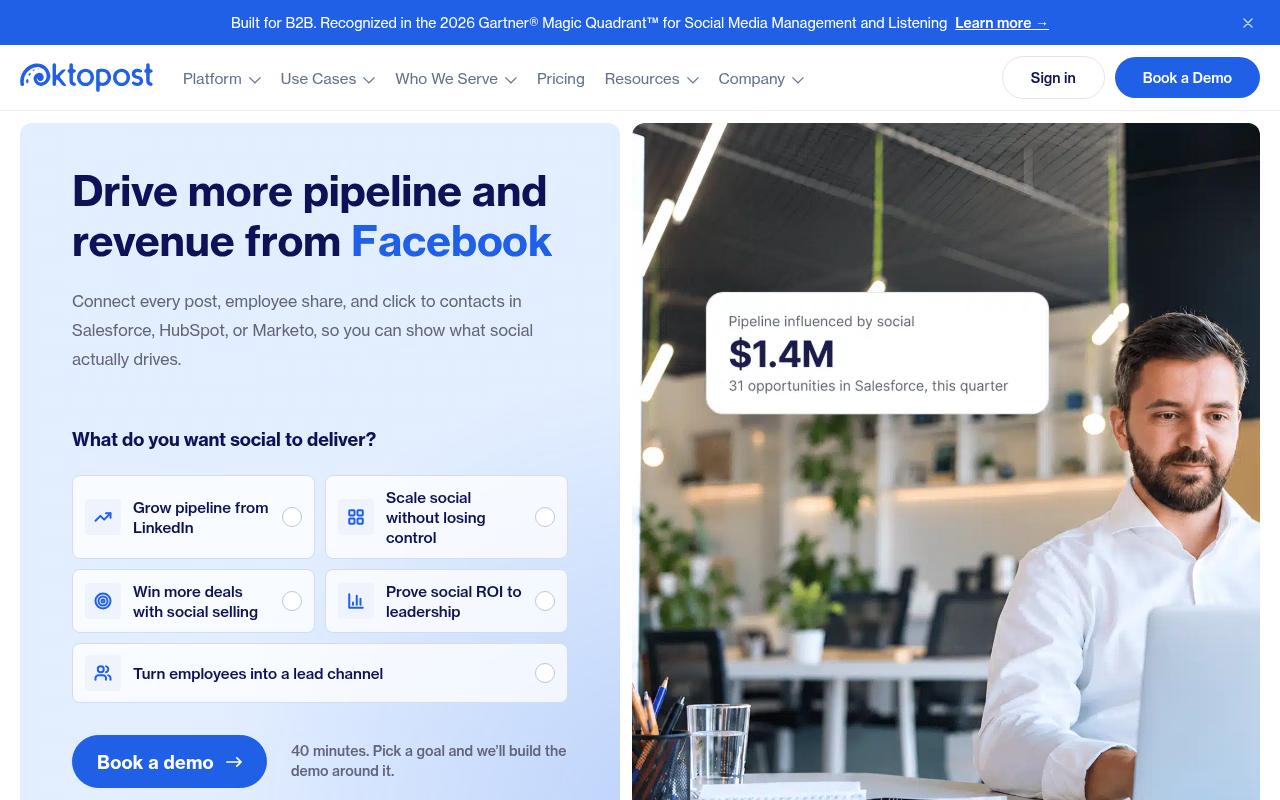
Oktopost is a LinkedIn-first B2B platform that connects posts, employee shares and clicks to contacts in Salesforce, HubSpot or Marketo, so marketing leaders can tie social to pipeline. Beyond publishing, it includes funnel-focused analytics, listening, social selling and an employee advocacy module with an AI Advocacy Agent. It's built for B2B marketing and sales teams, and scheduling is only one piece of it.
Price: No public pricing. Oktopost's pricing page offers a 40-minute call to build a tailored quote.
On Reddit, an r/marketing user described using Oktopost for employee advocacy. Its app populates pre-curated posts from marketing that employees can share in a click, and a leaderboard is shown to everyone in the app.
On Capterra, Oktopost holds 4.5/5. Reviewers commonly praise B2B-focused social management, analytics, advocacy, CRM integration, and customer support and note reporting limitations, gaps in advanced functionality, and the need for additional training or integrations.
On G2, Oktopost holds 4.4/5 across 205 reviews. Reviewers commonly praise ease of use, intuitive workflows, reporting, integrations, and responsive customer support and note social integration disconnects, platform limitations, and occasional reporting or scheduling issues. See the G2 reviews and pros and cons pages.
Verdict: A fit for B2B teams that care most about CRM attribution and advocacy and are fine with a quote-based sales process.
8. Typefully
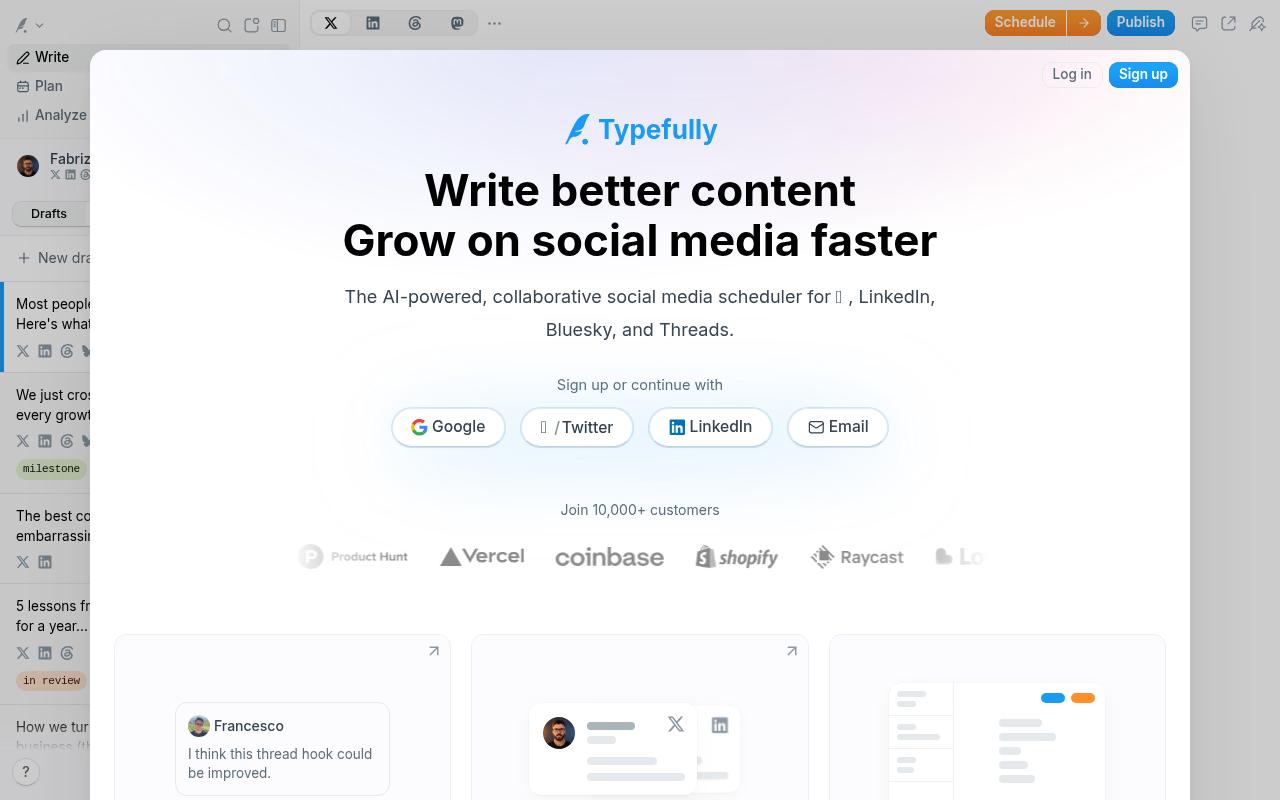
Typefully is a collaborative, AI-assisted scheduler with a focused editor for writing and publishing across X, LinkedIn, Bluesky, Threads and Mastodon. It's aimed at creators and teams who write together, with shared drafts, comments, @mentions, pixel-perfect previews and AI that learns your writing voice. Its channel list is narrower than the rest of this roundup, and its focus is text-first.
Price: A free plan covers 1 user and 10 posts a month. Paid plans are billed yearly and priced per social set, with Creator listed at $12.50/mo and Business at $29 to $79/mo, per Typefully's pricing page.
On G2, Typefully holds 0.5/5 across 1 reviews. Reviewers commonly praise a familiar, easy-to-use interface and note immature tooling, limited controls, and costly AI errors. See the G2 reviews and pros and cons pages.
Verdict: A lightweight, affordable writer's tool for X-heavy creators, less suited to teams who need LinkedIn analytics.
FAQ
What Is the Cheapest Social Media Scheduler for Teams?
Typefully has a free plan for 1 user and 10 posts a month, and SocialPilot starts at $20/mo for 5 accounts. Sendible's $35/mo Core plan includes unlimited users, so it becomes the cheapest option on this list once you add more people.
Which Social Media Schedulers Include Approval Workflows?
Ordinal includes approvals from its $95/mo Starter plan, Loomly from its $65/mo Starter plan, and Sendible from its $99/mo Plus plan. Hootsuite reserves content approvals for its $399/mo per user Advanced tier, and SocialPilot adds client approval at its $100/mo Premium tier.
What's the Best Social Media Scheduler for LinkedIn?
Ordinal is the most LinkedIn-specific of the schedulers here, with personal and company profile tagging, auto-engagement, PDF carousels and a "see more" preview. Oktopost is LinkedIn-first too, but it focuses on CRM attribution and employee advocacy with quote-only pricing.
Related Posts
Looking to learn more? The below posts may be helpful for you to learn more about social media and content marketing.