Sprinklr starts at $249 per user per month and is built for Fortune 500 operations running listening, customer care, and crisis management all at once, which is exactly why so many teams end up shopping for a way out.
The eight Sprinklr alternatives below span that entire spectrum, from a $15/month scheduler to enterprise suites in Sprinklr's own weight class, so the right pick depends on whether you're replacing Sprinklr's scale or escaping it. Every price here is verified against the vendor's own pricing page, and the pros and cons come from G2, Capterra, Trustpilot, and Reddit complaint patterns rather than marketing copy.
Here's the at-a-glance comparison, then what to weigh, then the detailed look at each.
At a glance
Ordinal is our own product. Its row uses the same sourced facts as every other tool, and it carries no rating we issued ourselves.
What Makes a Good Sprinklr Competitors
Scale of listening coverage
How many sources, languages, and how far back the historical archive goes varies enormously between these tools, and that depth is what you're really paying for if listening is the driver of your switch. A five-person team publishing on LinkedIn has no use for a firehose that a global brand insight team would consider table stakes.
Enterprise weight vs. lean publishing
Some of these are built for fortune 500 operations running crisis management and market research simultaneously, while others strip that overhead out entirely for teams that just need to publish, engage, and track. Deciding how much machinery you'll actually touch determines whether you're overpaying or under-resourced.
Pricing structure and transparency
Costs here range from a published $15/month to custom quotes that require a demo call to even see a number, and several vendors bury pricing behind a 'let's connect' page. Whether a tool lists per-seat, per-tier, or fully custom pricing changes how easily you can compare it against the others on this list.
Community and digital care depth
A few tools go beyond social publishing into full community management and customer care (forums, knowledge bases, unified inboxes with AI priority scoring) while others stay focused on scheduling and listening. If you're replacing Sprinklr's care and community functions specifically, this is where the real separation shows up.
B2B and pipeline orientation
A handful of these tools are built specifically to tie social activity to pipeline and CRM data rather than brand sentiment, which is a fundamentally different job than the enterprise listening suites are doing. If your team is measured on revenue influence rather than reach, this distinction matters more than any feature count.
The Sprinklr Alternatives Worth Shortlisting
Sprinklr's pricing page starts at $249 per user per month, and the platform is built for Fortune 500 operations that need crisis management, competitive analysis, and market research all running at once. If your team is five people trying to publish consistently on LinkedIn, that's a lot of machinery you'll never touch and a training curve you'll pay for twice: once in dollars and once in the weeks it takes anyone to learn the interface.
The good news is that "Sprinklr competitor" covers a wide range.
Some of the tools below are enterprise suites in the same weight class, built for listening across hundreds of millions of sources or running customer communities at scale. Others are leaner platforms aimed at teams who want publishing, engagement, and analytics without the enterprise overhead, and a few sit deliberately in the B2B lane, tying social activity to pipeline instead of brand sentiment.
Pricing ranges from $15/month to five- and six-figure annual contracts, so the right pick depends less on feature counts and more on what your team is being measured on. Here's how each option compares before we get into the detail.
The Sprinklr Alternatives Worth Shortlisting
1. Ordinal

Ordinal is an end-to-end platform for drafting, planning, and scheduling social content, used by 1,000+ modern marketing teams. It covers LinkedIn, Twitter/X, Instagram, Facebook, Threads, TikTok, and YouTube Shorts from one place, with a Notion-like editor, approval workflows, and automated engagement built into the posting flow. It's aimed at content agencies, founders and executives, social media managers, and growth teams who treat social as a revenue channel.
Pricing: Starter is $95/month ($85/month billed annually) for up to 3 seats and 4 social profiles. Pro is $265/month ($235/month annually) and adds unlimited seats, unlimited scheduled posts, all-time analytics, automated engagement, approval workflows, and API/MCP/webhook access. Enterprise is custom and includes leads data, employee advocacy, custom permissions, and SAML/SSO, according to Ordinal's pricing page. Both paid plans include a 14-day free trial.
If you're leaving Sprinklr because the enterprise feature set outran what your team does day to day, Ordinal is built for the opposite problem. The auto-engagement suite is the clearest example: automatic likes, comments, and reposts from any connected LinkedIn account, configured inside the post itself rather than bolted on as a separate enterprise module. LinkedIn-specific depth follows the same pattern, with personal profile tagging, PDF and carousel uploads, and a realistic preview that shows exactly where your hook cuts off before "see more." The open architecture matters too, since REST API, MCP server, and webhook access mean an AI tool like Claude can read posting history, draft in your voice, and schedule without opening the UI. For B2B teams running founder and executive content alongside a company page, that combination replaces a suite you're overpaying for with a workflow the team will use every day.
Verdict: The strongest fit for B2B teams who want LinkedIn depth, coordinated engagement, and a programmable stack without enterprise pricing.
2. Hootsuite
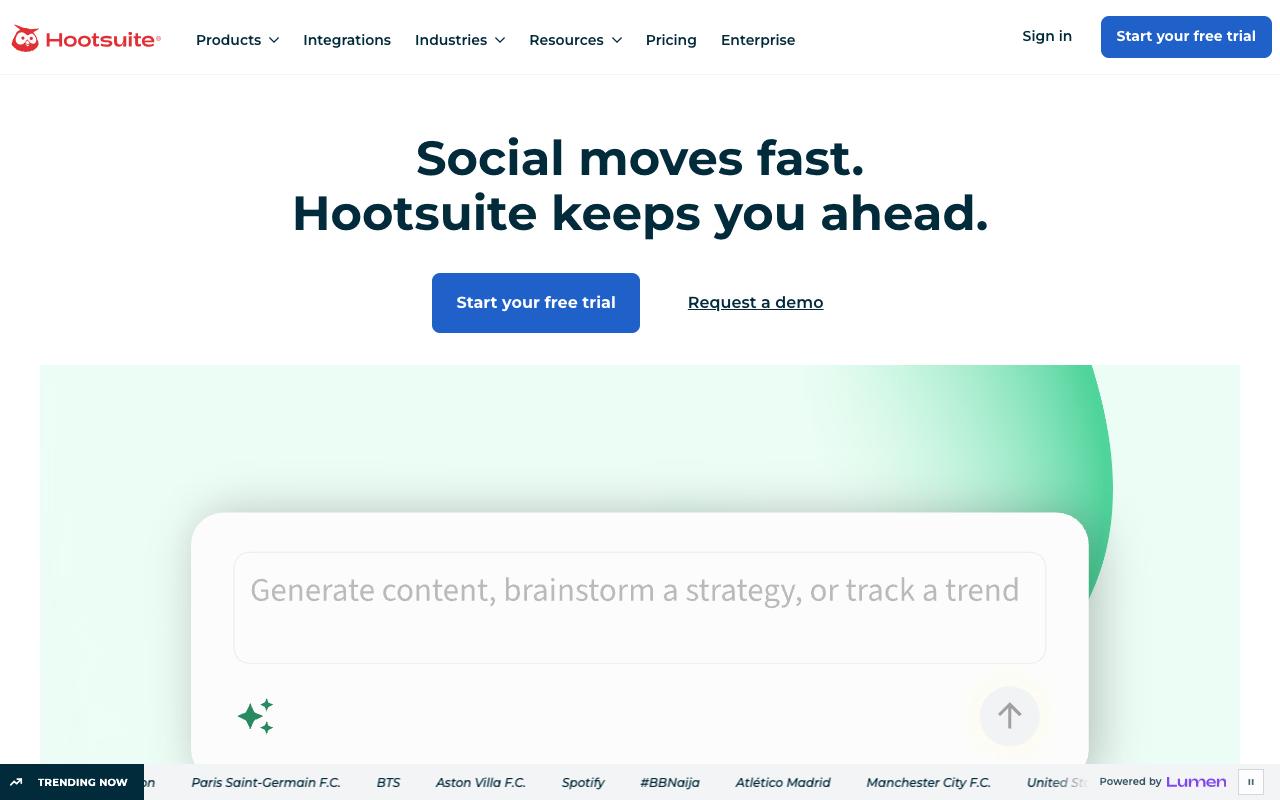
Hootsuite combines publishing, engagement, analytics, competitive analysis, and social listening in one dashboard, monitoring 30+ social networks, 300+ review sites, and 150+ million websites. It's built for marketing and social teams at brands who want content and competitive intelligence in the same place. The unified inbox and bulk composer are the features most people come for.
Pros:
- Unified Inbox consolidates comments/messages from multiple platforms into one stream, saving significant time
- Bulk composer allows scheduling a month's worth of content quickly
- OwlyWriter AI helps draft social captions
- Fast and easy to use, with clean short (Owly) links for posts
- Best Time to Publish feature can improve engagement using audience-specific data
Cons:
- Customer support is slow and often unhelpful, with long email response times
- Billing/overcharging problems, including being charged after cancellation or after a trial period
- Platform reliability issues and bugs (e.g., video upload/frame-rate errors)
- Some users report lost or disconnected social account connections
- Owly short links stop working if the subscription is cancelled, even if the original post is still live
- UI can feel dated in places
Pricing: Standard starts at $99/month per user for up to 10 social accounts, Professional at $199/month per user for unlimited accounts and 90-day trend forecasting, and Advanced at $399/month per user adding approval workflows and message auto-routing. Enterprise is custom quoted. Prices shown are billed annually, with monthly billing available at higher rates, per Hootsuite's plans page.
In a 69-comment r/SocialMediaMarketing thread on Hootsuite, one commenter who runs a competing tool wrote that "the price tag is big and they are a bit behind in terms of some important features, like scheduling stories for example." Others in the thread agreed that Hootsuite works for larger budgets but reads as expensive for small agencies and startups, and several pointed to cheaper alternatives.
On LinkedIn, marketer Fahim Joharder re-tested Hootsuite after avoiding it since 2019 and came away positive on the workflow: "I used the bulk composer to schedule a month's worth of content in 45 minutes, and the new OwlyWriter AI actually helped draft captions that didn't sound robotic." He called the Unified Inbox "the actual game-changer here" and said he "cleared 50+ comments across 3 platforms in 15 minutes," while noting "the UI still feels a bit 2018 in places."
Trustpilot tells a much harsher story, with Hootsuite sitting at 1.3/5 across 555 reviews. The complaints cluster on billing and support rather than the product itself. One reviewer described being "charged $150 after the trial period, immediately reached out to their customer service, zero responses, tried to get a refund the right way, zero support, still to this day zero reply," and others reported email responses taking days and arriving cold and impersonal.
On Capterra, Hootsuite holds 4.4/5. Reviewers commonly praise reliable social media management with secure, fast performance and helpful scheduling and analytics tools and note cost and learning curve compared to simpler or cheaper alternatives, with some users wanting more intuitive workflows. See the Capterra reviews page.
On G2, Hootsuite holds 4.3/5 across 7,422 reviews. Reviewers commonly praise centralized, easy-to-use management of multiple social media accounts and streamlined post scheduling and note high pricing and limited or missing features, especially around instagram capabilities, integrations, and posting reliability. See the G2 reviews and pros and cons pages.
Verdict: Capable and broad, but budget for the per-seat cost and go in with low expectations on billing support.
3. Khoros
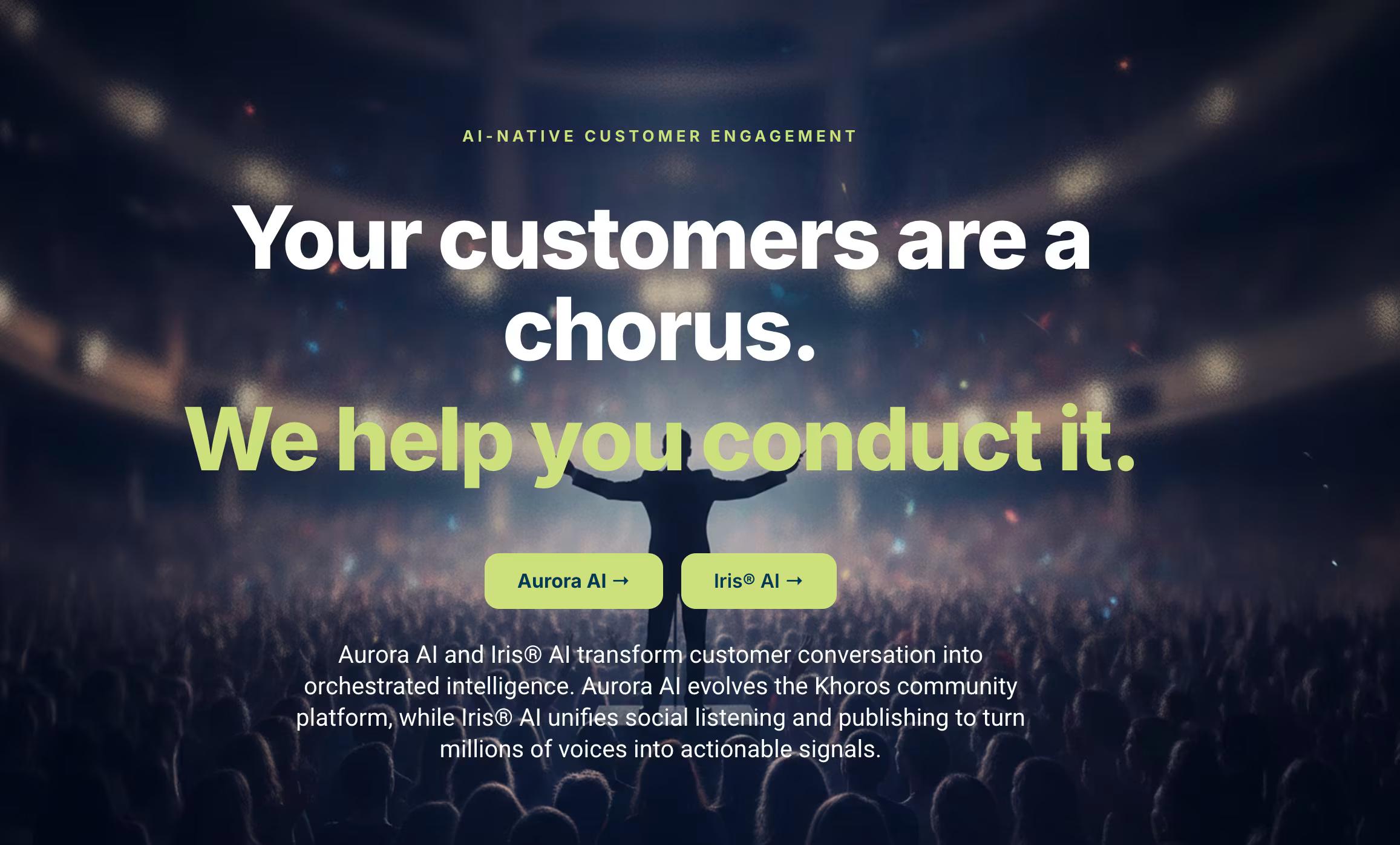
Khoros is an AI-powered customer engagement platform split into two products: Aurora AI for community (forums, knowledge base, gamification, AI moderation) and Iris AI for social media management and digital care. It's aimed squarely at large enterprise brands and Fortune 500 companies, with the homepage citing 300+ enterprise communities. If you're evaluating Sprinklr for community plus social care rather than publishing alone, this is the closest comparison on the list.
Pricing: No public pricing. Khoros's pricing URL redirects to the marketing homepage and offers only a "Let's Connect" call to action, so you'll need a demo to get numbers.
Community strategy consultant Richard Millington published a widely-commented "Khoros Review: Features vs Experience" post on LinkedIn after the company's acquisition by private-equity-backed IgniteTech. His read on the product was that "many of Khoros' features are still above what other vendors are offering - but that gap is narrowing fast," noting that on discussions, gamification, ideation, and analytics the underlying features remain strong even as competitors close in.
On G2, Khoros holds 4.1/5 across 93 reviews. Reviewers commonly praise flexible, enterprise-grade community platform with strong engagement capabilities and solid feature set and note interface complexity and learning curve, along with configuration and administration effort. See the G2 reviews and pros and cons pages.
Verdict: Worth a look if community and digital care are the core requirement, though the post-acquisition trajectory deserves scrutiny during your evaluation.
4. Brandwatch
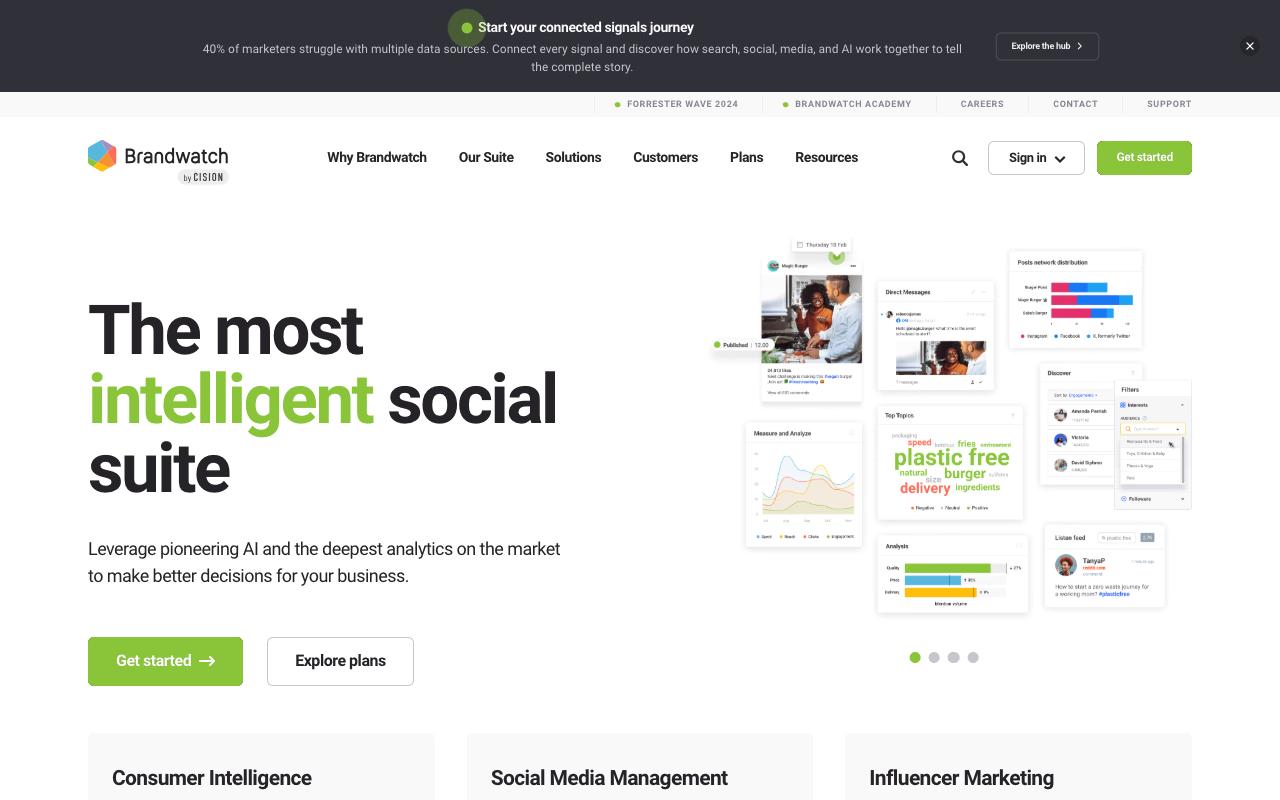
Brandwatch is a consumer intelligence, social media management, and influencer marketing suite that collects from 100m+ online sources, including full firehoses from Twitter, Reddit, and Tumblr, and holds a historical archive of 1.2 trillion documents going back to 2008. Sentiment and topic analysis runs in 44 languages. It's built for enterprise marketers and brand insight teams, with BBC, OnePlus, and Virgin Holidays featured on the homepage.
Pros:
- Some customers report smooth, professional collaboration and clear, fast communication when things go well
- Feature-rich platform (though reviewers note each extra feature adds cost)
Cons:
- High/expensive pricing relative to value received
- Difficult to reach account managers or support for help
- Auto-renewal and billing/cancellation problems reported by multiple customers
- Aggressive, relentless sales outreach (frequent unsolicited calls)
- Customer service described as unresponsive or unprofessional by some reviewers
Pricing: No public pricing. The plans page lists three custom-quoted solutions (Consumer Intelligence, Social Media Management, Influencer Marketing) described as "standard to enterprise," with a demo required to get figures.
Brandwatch holds a TrustPilot 2/5 from 21 reviews, and the negative reviews cluster on commercial friction rather than the data itself. One reviewer said "the in-platform chat function appears to have been disabled so I can't contact support." Another described staff as "disrespectful, immature and have terrible customer service skills." Pricing came up repeatedly too, with one reviewer flatly stating "the platform is highly expensive," and auto-renewal and cancellation problems appearing across multiple accounts.
On Capterra, Brandwatch holds 4.2/5. Reviewers commonly praise robust social media monitoring and analytics that provide actionable insights and save time and note high pricing relative to alternatives and occasional data inaccuracies or feature limitations. See the Capterra reviews page.
On G2, Brandwatch holds 4.4/5 across 729 reviews. Reviewers commonly praise powerful social listening and consumer insights with customizable dashboards and strong reporting and note steep learning curve and complexity along with limitations or gaps in certain social media data coverage. See the G2 reviews and pros and cons pages.
Verdict: The listening and historical data depth is genuinely enterprise-grade, so go in with contract terms and cancellation clauses read carefully.
5. Emplifi
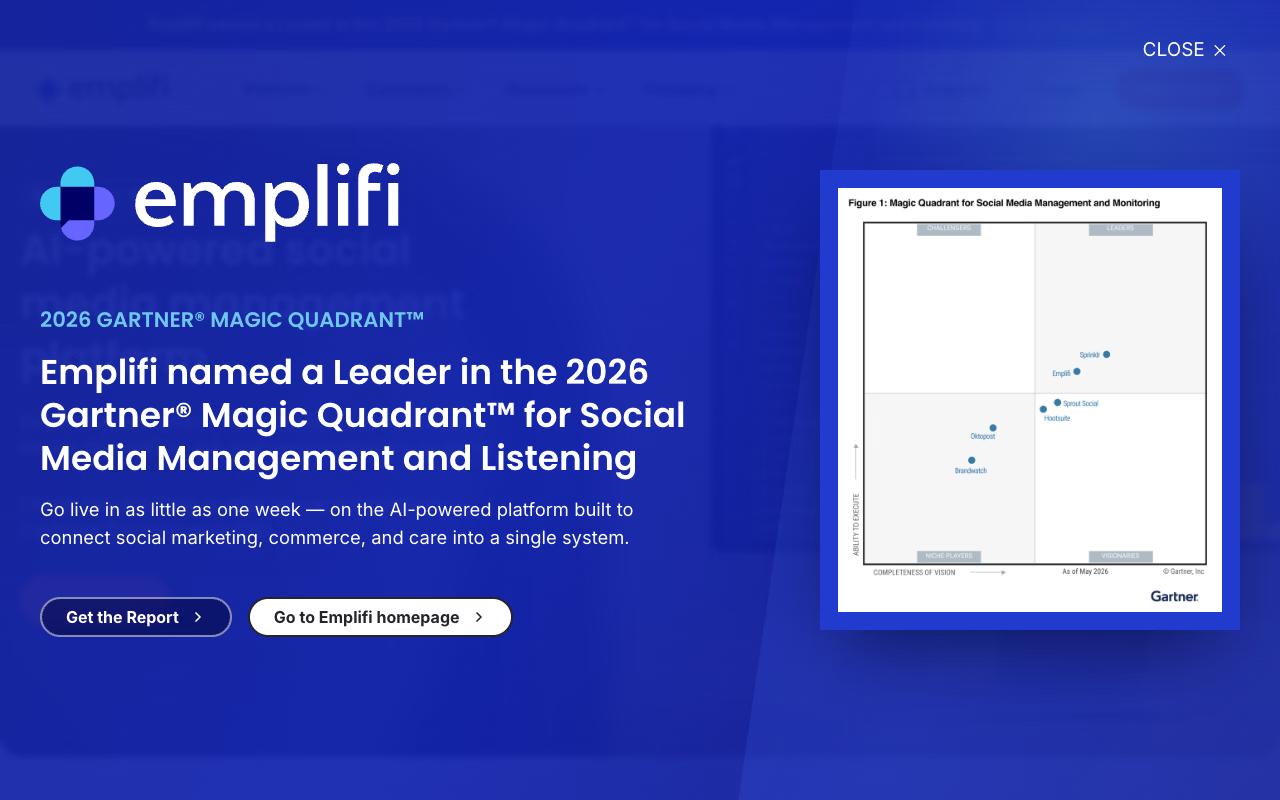
Emplifi connects social marketing, social commerce, and consumer care into a single platform it calls Autonomous Customer Experience. Publishing includes an AI Composer, AI PrimeTime for optimal publish timing, multi-team approval governance across regions and brands, and automated UTM tracking, while the Community product handles a unified inbox with AI priority scoring. It targets enterprise brands in retail, travel, CPG, restaurants, sports, media, and agencies.
Pricing: Social Marketing Essential starts at $1,249/month and Advanced at $2,499/month, with the Intelligent tier custom quoted. Social Care and Social Commerce tiers are all custom quote only, according to Emplifi's pricing page.
On Capterra, Emplifi holds 4.2/5. Reviewers commonly praise valuable social analytics and insights that help optimize social media performance and note high price point and limited export and integration options for reporting workflows. See the Capterra reviews page.
On G2, Emplifi holds 4.4/5 across 382 reviews. Reviewers commonly praise ease of use, centralized social media management, and strong analytics and reporting capabilities and note missing or limited features in certain areas, technical issues with some social platforms, and a noticeable learning curve. See the G2 reviews and pros and cons pages.
Verdict: A real Sprinklr substitute for enterprise brands where commerce and care sit alongside publishing, priced accordingly.
6. Agorapulse
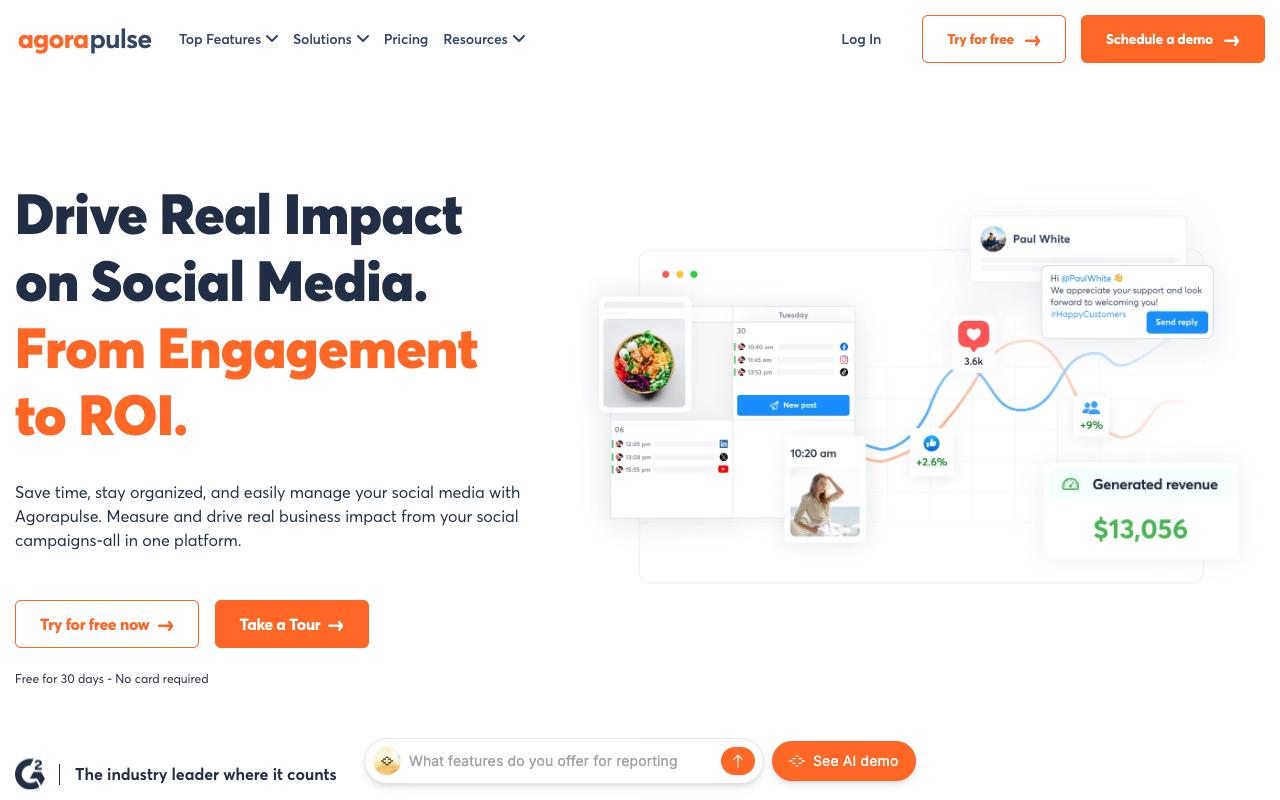
Agorapulse is a social media management platform used by 31K+ social media managers, covering a centralized inbox, scheduling with shared calendars, listening across social networks and news sites, and reporting that pulls Google Analytics data to tie social activity to revenue goals. It's built for businesses of all sizes, though agencies are clearly the sweet spot given the client approval workflows.
Pros:
- Saves significant time on scheduling and staying active across multiple social channels
- Unified inbox consolidates comments/DMs from all platforms into one dashboard
- Strong client-agency workflow: shareable content calendars and client approval process
- Robust reporting/analytics, including Google Analytics integration to show social ROI
- Praised customer service and active user community
- Good platform integration (Twitter, Facebook Pages, LinkedIn profiles/pages, Instagram business, GMB, YouTube)
- Canva integration and saved hashtag sets speed up content creation
Cons:
- Reliability issues reported: failing social-profile 'tokens' can cause scheduled posts to fail, and uploads can get stuck
- Customer support can be slow (hours-long wait for a human) and can feel scripted/generic
- Limited support for LinkedIn personal profiles (no inbox management, video scheduling, or analytics)
- Can't schedule multi-image Instagram carousels or Instagram Stories directly
- No automatic image compression, requiring manual resizing of large images before upload
- Cost can be prohibitive for smaller businesses
- France-based billing can trigger overseas transaction fees for some users
Pricing: Standard is $99/user/month monthly or $79 annually, Professional is $149 or $119, and Advanced is $199 or $149, with a Custom tier for large teams. There's a 30-day free trial with no credit card, per Agorapulse's pricing page.
On Reddit's r/socialmedia, a user who'd run Agorapulse at two companies said it "does all the normal posting and scheduling very well," praising cross-platform posting without duplicating content and decent Instagram and Twitter listening. They hit a region-locking bug and reported that support "were very prompt with answering, admitted a fault and fixed it withing a week."
A social media agency owner writing on LinkedIn Pulse explained why she picked Agorapulse over Sprout Social and Hootsuite back in May 2021. She highlighted integration across Twitter, Facebook Pages, LinkedIn profiles and pages, Instagram business accounts, Facebook Groups, Google My Business, and YouTube, and said the unified inbox lets her handle comments and DMs across all client accounts from one dashboard, making "community management a breeze."
Agorapulse holds a TrustPilot 4/5 from 57 reviews, with most of the five-star reviews coming from agencies and social media managers. Recurring praise: "Massive Time Saver!" from users who went from hours to minutes on scheduling, reliability from customers who've been on it since 2015, "top-notch" customer service, and shared calendars with client approval workflows. Reporting and the Google Analytics integration came up repeatedly as a standout.
On Capterra, Agorapulse holds 4.6/5. Reviewers commonly praise easy-to-use social media management across platforms with helpful scheduling and reporting for agencies and teams and note higher cost at scale and some limitations or friction around advanced features and specific platform capabilities. See the Capterra reviews page.
On G2, Agorapulse holds 4.5/5 across 973 reviews. Reviewers commonly praise intuitive interface, unified social inbox, strong analytics and responsive customer support and note pricing and plan limitations, occasional bugs, and gaps in certain social network integrations and reporting options. See the G2 reviews and pros and cons pages.
Verdict: The best-reviewed pick here for agencies juggling multiple client accounts and needing approval workflows that clients will use without hand-holding.
7. Zoho Social
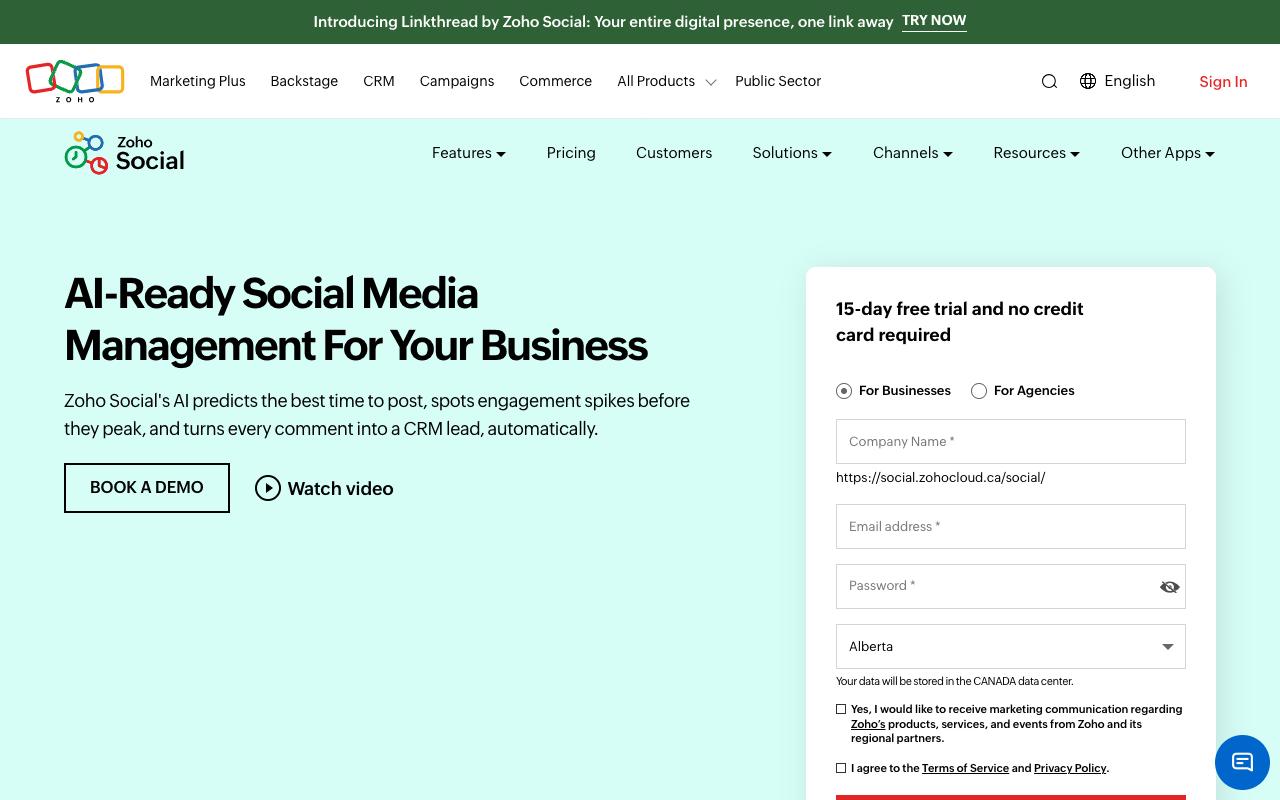
Zoho Social handles creation, publishing, scheduling, monitoring, and analysis across Facebook, Instagram, LinkedIn, and other channels, with a SmartQ feature that predicts when your audience is most active and Zia, an AI assistant for drafting and rephrasing replies. It's built for everyone from individuals with a personal profile up to agencies managing multiple brands. The price difference versus every other tool here is the headline.
Pros:
- Easy to use for managing multiple social channels in one window
- Saves time by centralizing scheduling/posting
- Responsive, swift app performance
- Good customer support experience reported by some users
Cons:
- Some users report poor/unresponsive customer service for Zoho products generally
- Feature limitations reported in other Zoho products (e.g., free tier restrictions) suggest similar tier-based limitations may apply
Pricing: Free forever for 1 brand, 6 channels, and 1 user. Standard is $15/month (about $10 billed annually), Professional $40/month, Premium $65/month for 3 team members, and Agency plans start around $320/month, running to roughly $460/month for Agency Plus.
In an r/Zoho thread comparing Zoho Marketing Plus with Zoho Social, commenter TarmacOrphan81 called Zoho Social "very basic and limited if you want to take full advantage of social media marketing" and said it is "not on the same level of Hootsuite or Sprout Social." The official Zoho account replied in-thread that Marketing Plus bundles the premium edition of Zoho Social, and added that "Zoho Social might be a better standalone option" if social media management is the only goal.
Zoho's TrustPilot page carries an aggregate 3.9/5 from 6,099 reviews across the whole product portfolio, and comments specific to Zoho Social skew positive. One five-star reviewer wrote that it "benifits the user by saving time. helps in handling all your socials in one window with a single click." Another highlighted the support experience: "Using Zoho Social for Social media Management, having a great user experience. Most importantly their customer support is very good."
On Capterra, Zoho Social holds 4.7/5. Reviewers commonly praise intuitive scheduling, monitoring, and analytics features that simplify multi-channel management and note constraints in advanced reporting, integrations, and occasional connectivity or posting issues. See the Capterra reviews page.
On G2, Zoho Social holds 4.6/5 across 2,963 reviews. Reviewers commonly praise easy-to-use multi-platform scheduling and centralized social media management and note limited advanced analytics, integrations, and pricing structure concerns for growing teams. See the G2 reviews and pros and cons pages.
Verdict: Unbeatable on price for small teams, with the tradeoff being feature depth that experienced managers find thin.
8. Oktopost
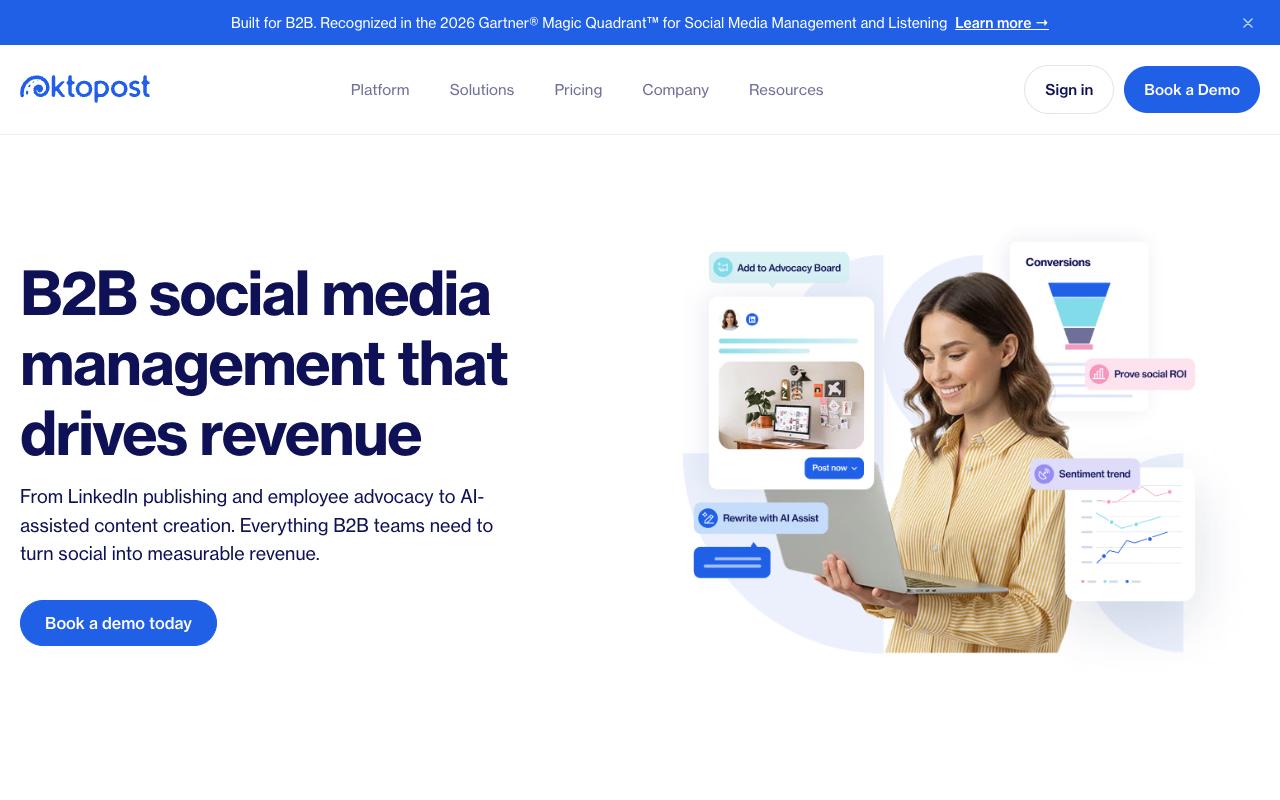
Oktopost is a B2B-only social platform that connects LinkedIn publishing, employee advocacy, social listening, and social selling to pipeline through CRM and MAP integration. Every post gets assigned to a campaign, UTM tagging is automatic, and there's crisis management for pausing or purging all social activity at once. It's aimed at B2B marketing leaders running advocacy programs alongside company publishing.
Pricing: Professional starts at $499/month billed annually and Advanced at $799/month billed annually, both requiring a custom quote. Both include unlimited social profiles, Social Inbox, Social BI, keyword monitoring, tagging, link shortening, UTM tagging, and CRM/MAP integration, per Oktopost's pricing page.
Reddit users discussing employee advocacy in r/marketing gave the clearest picture of how Oktopost works in practice. User TheNotoriousMAZ described it this way: "We utilize Oktopost, which has a nice app for employee advocacy. It populates a list of pre-curated posts (created by marketing), and everyone involved can pick and choose from the app what they would like to share. It can be as simple as a click for them to share immediately." They also noted the leaderboard visible to everyone in the app as part of what keeps participation up.
On Capterra, Oktopost holds 4.5/5. Reviewers commonly praise ease of use and customer support and note limited features and higher pricing. See the Capterra reviews page.
On G2, Oktopost holds 4.4/5 across 203 reviews. Reviewers commonly praise ease of use and post scheduling and note missing features and data inaccuracies. See the G2 reviews and pros and cons pages.
Verdict: The natural Sprinklr replacement for B2B teams whose main requirement is employee advocacy tied to CRM attribution, if the annual commitment fits.
FAQ
What Is the Cheapest Sprinklr Alternative?
Zoho Social, by a wide margin. It has a free-forever tier covering 1 brand, 6 channels, and 1 user, with paid plans starting at $15/month (roughly $10/month billed annually). The tradeoff is depth, since one Reddit commenter in r/Zoho described it as "very basic and limited" compared with larger platforms.
Which Sprinklr Competitor Is Best for B2B Teams?
Ordinal and Oktopost are the two built for B2B specifically. Oktopost focuses on employee advocacy and CRM-connected attribution, starting at $499/month billed annually. Ordinal starts at $95/month and leans into LinkedIn depth, coordinated auto-engagement across team accounts, and an open API/MCP architecture, with employee advocacy and leads data on the Enterprise tier.
Do Any Sprinklr Alternatives Publish Their Pricing?
Several do. Ordinal ($95/month), Zoho Social ($15/month), Hootsuite ($99/user/month), Agorapulse ($99/user/month), Oktopost ($499/month), and Emplifi's Social Marketing tiers ($1,249/month) all list starting figures publicly. Khoros and Brandwatch publish no pricing at all and require a demo before you see numbers.
Related Posts
Looking to learn more? The below posts may be helpful for you to learn more about social media and content marketing.