
"Just pick the cheapest scheduler" sounds like sensible advice until you're paying for it in hours. The price gap between the tools on this list is enormous, running from a free Zoho Social plan to Oktopost starting at $499 a month billed annually.
A lot of that gap comes down to whether the tool only publishes posts or also helps those posts reach people and turn into pipeline.
We looked at nine social media management apps built for businesses. For each one, we checked the vendor's own pricing and feature pages, then read what users say on Trustpilot, Reddit and LinkedIn. Some tools are built for agencies juggling 40 client accounts, while others are built for a B2B team that wants its founder and five executives posting on LinkedIn every week. Those are very different jobs, so the right pick depends on which one you're hiring for.
At a glance
What Makes a Good Social Media app
Depth vs. simple scheduling
Some tools just queue and publish posts, while others bundle a unified inbox, listening, competitive analysis and reporting into one dashboard. Whether you need that full suite or just reliable scheduling changes which tool is worth the money.
Approval and workflow fit
Agencies managing client work and B2B teams routing executive posts both need drafts to go through review before they publish, but not every plan includes this at the entry tier. Check whether approval workflows are standard or locked behind an expensive plan.
Reliability track record
Recurring complaints about bugs, failed posts, shifting schedule dates, or lost account connections show up repeatedly across review sites, and they're a real cost even when the feature list looks great on paper. Weigh vendor claims against what users report on Trustpilot, G2 and Reddit.
Proving social's business impact
Some platforms connect posting activity to pipeline or ROI (through CRM linkage, analytics integrations, or exportable engagement data) which matters if you have to justify the spend to leadership or clients. Others stop at publishing and leave that reporting gap unfilled.
The Social Media Apps Worth Shortlisting for Business Growth
1. Ordinal

Ordinal is an end-to-end platform for drafting, planning and scheduling social content. It posts to LinkedIn, X, Instagram, Facebook, Threads, TikTok and YouTube Shorts, and it goes furthest on LinkedIn, where it supports personal and company tagging, PDF carousels and a realistic preview that shows exactly where your hook cuts off before "see more." It's built for founders, executives, content agencies and B2B marketing teams who treat social as a revenue channel.
Price: According to Ordinal's pricing page, Starter costs $95/month ($85/month billed annually) for up to 3 seats and 4 social profiles. Pro costs $265/month ($235/month annually) and adds unlimited seats, unlimited scheduled posts, automated engagement and API/MCP/webhooks. Enterprise is custom-priced and adds employee advocacy, leads data and SAML/SSO. Starter and Pro both come with a 14-day free trial.
If your growth plan depends on people rather than a brand page, this is the tool built for that job. Auto-engagement lets likes, comments and reposts go out from any connected LinkedIn account as part of the post creation flow, so an executive's post gets early traction without someone chasing teammates in Slack. Approval workflows route drafts to stakeholders before they publish. And Ordinal's LinkedIn insights show which individuals engaged, which you can export to your CRM to connect social activity with sales opportunities.
That makes it a good fit for a Head of Marketing who's been asked to run an executive thought leadership program and report on what it returns. Since Pro includes unlimited seats, adding a sixth or tenth executive doesn't raise the bill, which removes the per-seat maths that makes enterprise suites painful at renewal time.
Verdict: The strongest pick for B2B teams growing through founder, executive and employee LinkedIn presence.
2. Hootsuite
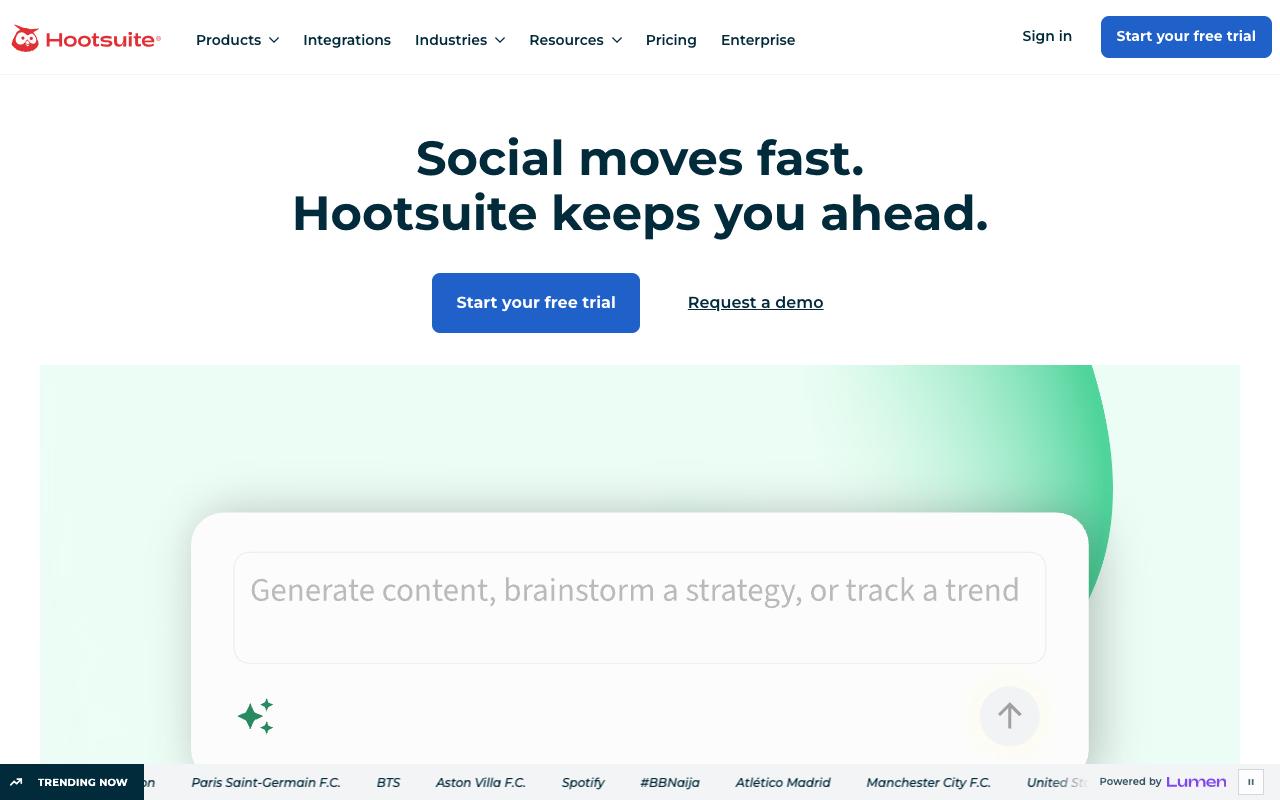
Hootsuite combines scheduling, a unified inbox, analytics, competitive analysis and advanced social listening in one dashboard. It's aimed at social teams at brands and enterprises that manage many accounts and need to respond to customers quickly. It's one of the more complete suites here, and also one of the more expensive.
Pros:
- Unified inbox centralizes messages/comments across multiple social platforms
- Bulk composer speeds up scheduling large volumes of content
- AI writing assistant (OwlyWriter) helps draft captions
- Best-time-to-publish analytics uses account-specific audience data
Cons:
- Customer support is slow and hard to reach, with days-long email delays
- Billing/renewal disputes, including being charged after cancellation
- Platform reliability issues and recurring bugs (e.g., video upload/posting errors)
- Reports of lost or disconnected social account connections
- Interface feels dated in places
Price: According to Hootsuite's plans page, Standard is $99/user/month billed annually (up to 10 social accounts), Professional is $199/user/month, Advanced is $399/user/month, and Enterprise is custom. Content approval workflows don't arrive until the Advanced tier.
In an r/SocialMediaMarketing thread on Hootsuite, one commenter who runs a competing tool said "the price tag is big and they are a bit behind in terms of some important features, like scheduling stories for example." Other commenters agreed that it works for larger budgets but gets pricey for small agencies and startups.
A LinkedIn Pulse article by Chris Lamay describes a very positive experience overall. He liked planning posts ahead of time with the content library and was impressed with how the platform keeps up with changes across networks. His one complaint was that Instagram posts couldn't be automated the way other platforms' posts can, which he called "kind of obnoxious."
Trustpilot is harsher, with Hootsuite sitting at 1.3/5 from 555 reviews, and billing drives much of that score. One reviewer wrote that they "closed our account with them in 2021, but still every year they charge my card £1200," and another said simply, "Everything is buggy."
On Capterra, Hootsuite holds 4.4/5. Reviewers commonly praise easy-to-use social media management and scheduling across platforms, seen as a secure and reliable tool with solid core features and note cost relative to feature depth, learning curve for advanced capabilities, and some limitations or friction in specific workflows. See the Capterra reviews page.
On G2, Hootsuite holds 4.3/5 across 7,452 reviews. Reviewers commonly praise centralized scheduling and management of multiple social media accounts, with an intuitive calendar view and helpful reporting and note high pricing for smaller organizations, limited or missing features and integrations, and occasional scheduling or posting issues. See the G2 reviews and pros and cons pages.
Verdict: Powerful for enterprises that need listening and a unified inbox, but the per-user pricing and billing complaints are real risks.
3. SocialPilot
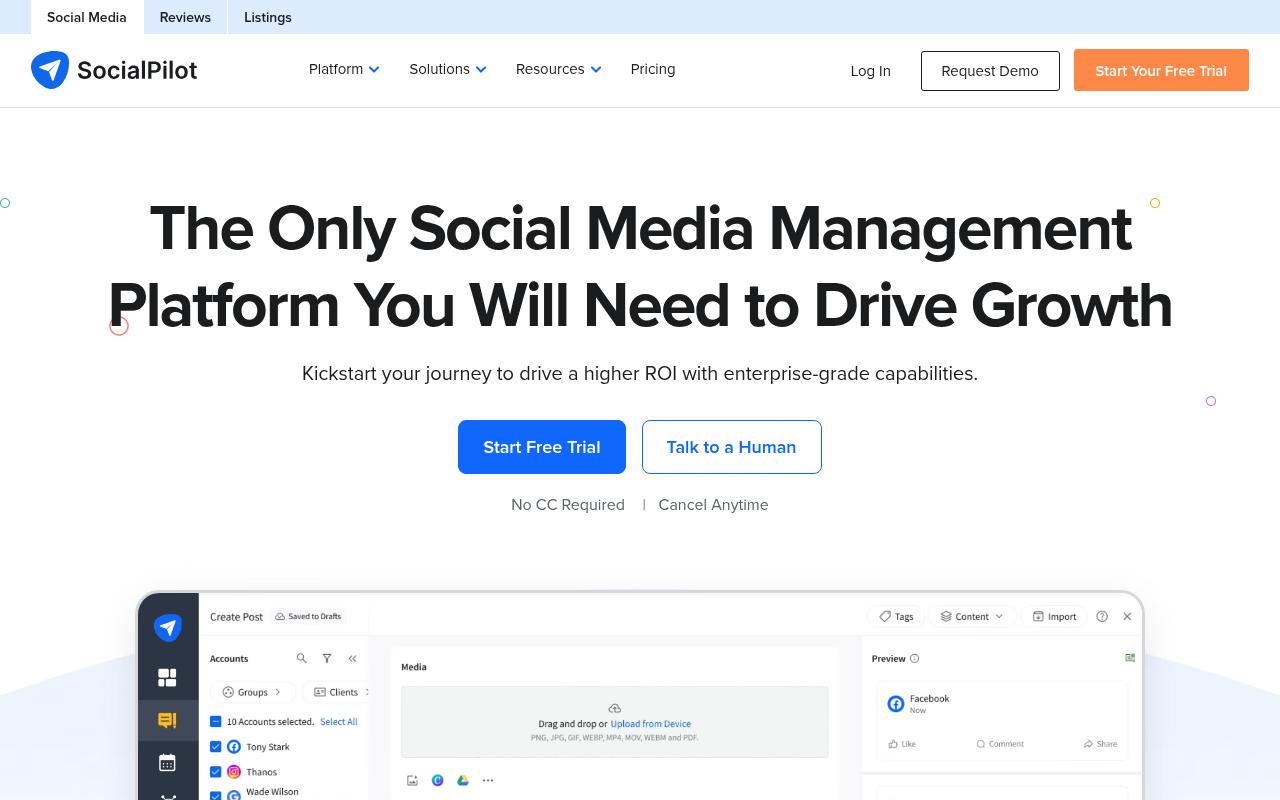
SocialPilot is a scheduling and management platform that its homepage describes as "Designed for Scaling Marketing Agencies and Brands." It covers bulk scheduling of up to 500 posts from a CSV, queue schedules, first comments, UTM tracking and an AI assistant with brand voice settings. Reviewers praise how easy it is to use and how quickly support responds.
Pros:
- User-friendly, easy-to-use interface for scheduling and managing multiple social accounts
- Bulk upload feature saves significant time for teams managing many accounts
- Highly praised, responsive customer support and onboarding staff
- Affordable compared to alternatives like Hootsuite/Meta Business Planner, per reviewers
- Handles large volumes of accounts (reviewers cite managing 50+ accounts)
Cons:
- Scheduling can be buggy, e.g. dates for posts scheduled weeks in advance changing without notice
- Error messages for failed posts lack detail on what went wrong or how to fix it
- No refund for unused time when canceling an annual billing plan early
- Some feature gaps noted, such as multiple captions on Instagram carousels or LinkedIn polls
- One reported issue with delayed affiliate/referral commission payment
Price: According to SocialPilot's pricing page, plans run from Essentials at $20/month (5 accounts, 1 user) through Standard at $40, Premium at $100 and Ultimate at $200 (40 accounts, unlimited users). Enterprise is custom, and annual billing saves 15%.
Over on Reddit, an r/SocialMediaMarketing thread comparing it with Hootsuite called SocialPilot budget-friendly and good for straightforward scheduling, though one commenter raised concerns about its business ethics. Another commenter, who works for a competing tool, said it's been in the industry a long time and supports most of the networks its rivals do. In r/socialmedia, one user reported a sharp drop in video views after switching to it.
On Trustpilot, SocialPilot holds 3.8/5 from 55 reviews, and the praise centers on support and time savings. One reviewer said it "took my monthly Social Media scheduling from 2 weeks every month to a day and a half." Other reviews complain about scheduled post dates shifting without notice, vague error messages and no refund if you cancel an annual plan early.
On Capterra, SocialPilot holds 4.4/5. Reviewers commonly praise user-friendly scheduling workflows and good value for managing multiple social profiles and note limited advanced features and occasional platform reliability issues. See the Capterra reviews page.
On G2, SocialPilot holds 4.5/5 across 846 reviews. Reviewers commonly praise easy-to-use interface and efficient multi-account social media scheduling and note inconsistent customer support responsiveness and occasional technical or billing issues. See the G2 reviews and pros and cons pages.
Verdict: A cheap, capable scheduler for agencies with lots of accounts, as long as you can live with occasional scheduling bugs.
4. Agorapulse
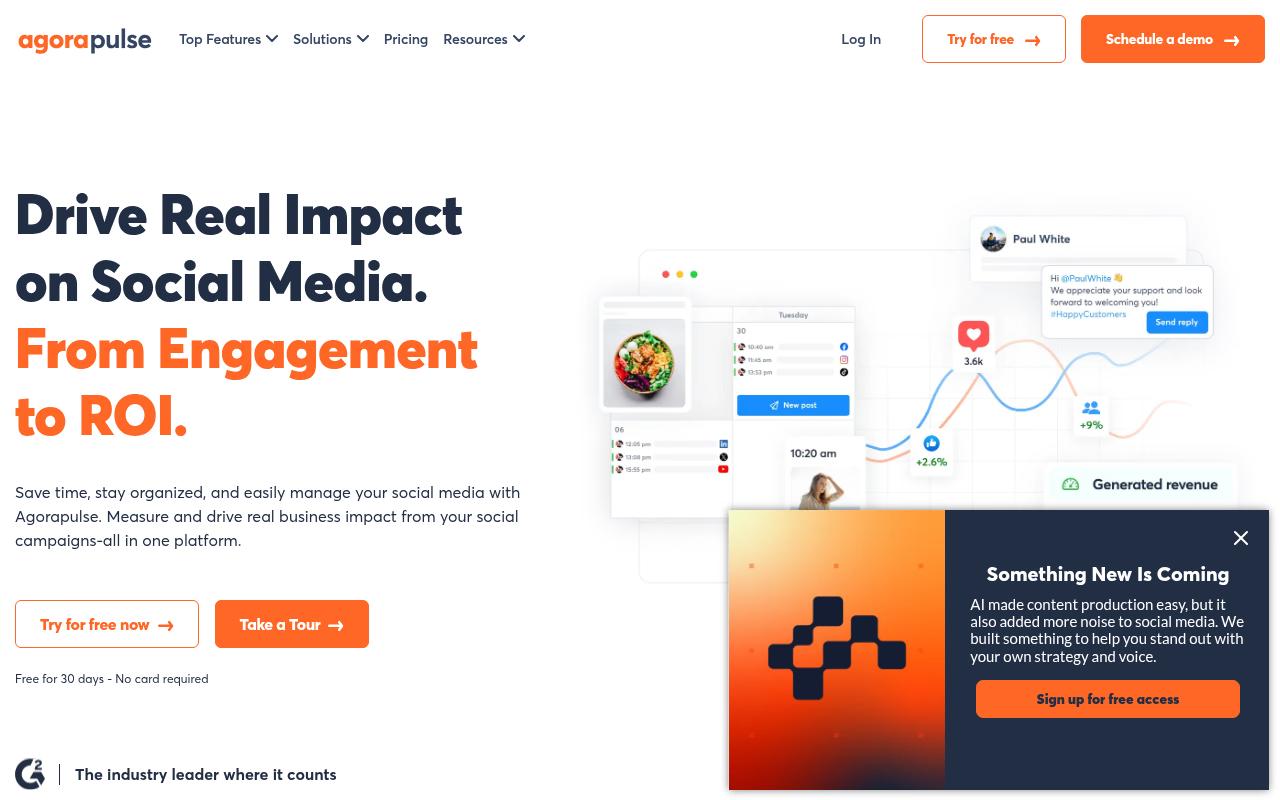
Agorapulse covers publishing, a unified inbox, listening and reporting. It also has an ROI module that pulls from Google Analytics to tie social activity to sales, leads and traffic, which makes it a good match for agencies and in-house teams who need to prove to clients or leadership that social is bringing in business.
Pros:
- Easy to use with little to no training required
- Strong scheduling and publishing features across multiple social accounts
- Unified social inbox makes community management and client comment/message handling easier
- Robust reporting with Google Analytics integration for showing ROI
- Client approval workflow (calendar view, approve/request changes) is popular with agencies
- Highly rated, responsive customer support (per most reviewers)
Cons:
- Some users report reliability issues, e.g. authentication 'tokens' failing and causing scheduled posts to not publish
- Occasional upload/UI freezes (e.g. stuck at 99%/0%, thumbnail selection freezing)
- Support can involve long wait times to reach a human (one user cited a 6 hour wait) and generic chatbot answers
- Customers of the acquired 'Mention' product reported losing scheduling functionality and being pushed to a new subscription
Price: According to Agorapulse's pricing page, Standard is $99/user/month ($79 annually), Professional is $149 ($119 annually) and Advanced is $199 ($149 annually), each with 10 social profiles. Custom pricing adds unlimited profiles, SSO and API access. There's also a 30-day free trial.
In r/socialmedia, a user who'd used Agorapulse at two companies said it "does all the normal posting and scheduling very well." They liked being able to tailor copy per platform without duplicating content. And when they hit a region-locking bug, support "were very prompt with answering, admitted a fault and fixed it within a week."
A LinkedIn Pulse article by an agency owner who has used it since May 2021, after choosing it over Hootsuite, praised the breadth of integrations and the unified inbox. She wrote that "community management is a breeze" when handling comments and DMs across client accounts.
Agorapulse holds 4/5 from 57 reviews on Trustpilot. Long-time users drive the positive side, with one writing, "I've been using it since 2015... this tool is robust, their customer service is top-notch." A smaller group of recent negative reviews points to authentication tokens failing so scheduled posts don't publish, along with long waits to reach a human.
On Capterra, Agorapulse holds 4.6/5. Reviewers commonly praise easy usability and responsive customer support and note higher pricing and limited feature depth. See the Capterra reviews page.
On G2, Agorapulse holds 4.5/5 across 974 reviews. Reviewers commonly praise intuitive interface and scheduling workflow and note high pricing and limited customization. See the G2 reviews and pros and cons pages.
Verdict: A solid all-rounder for agencies that need client approvals and ROI reporting in one place.
5. Sendible
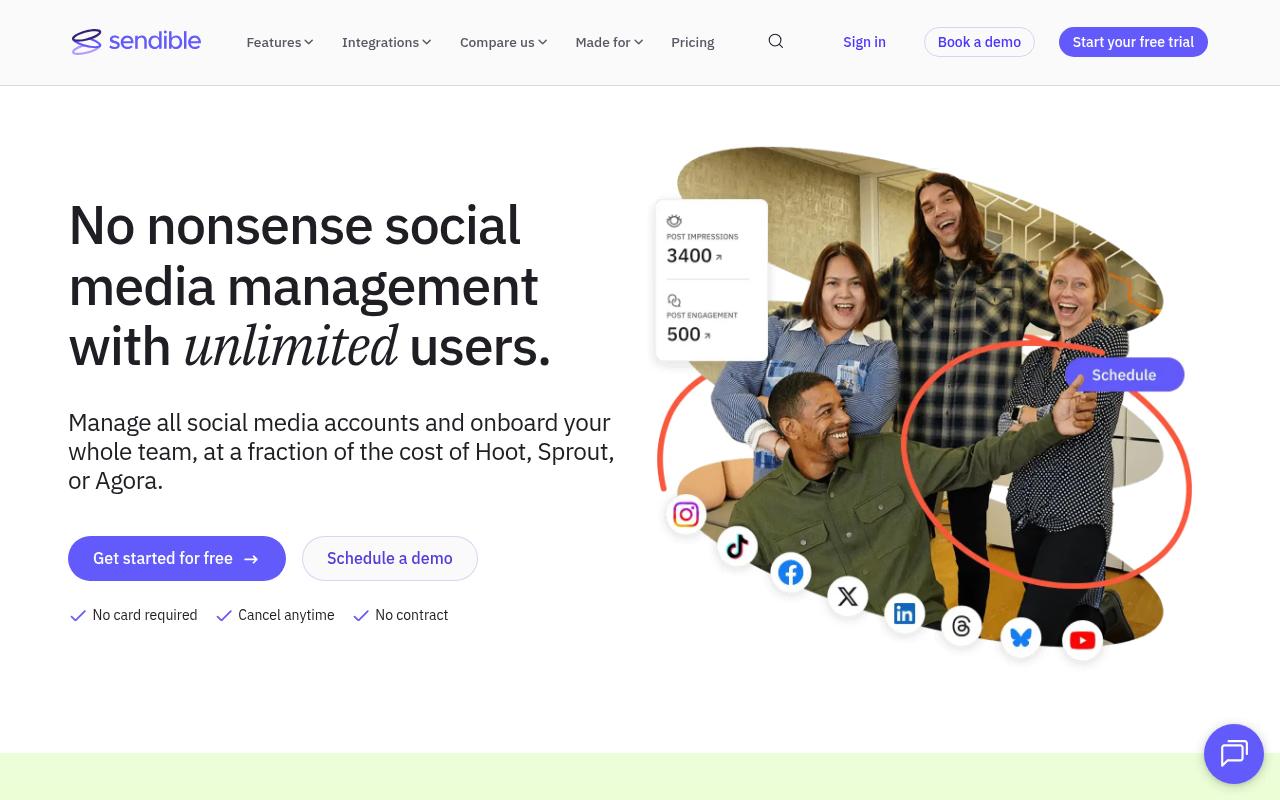
Sendible helps brands and agencies manage accounts at scale using workspaces, bulk import, a priority inbox, approvals and white-label reporting. Its pitch is enterprise-style management without per-seat costs, and every plan includes unlimited users.
Pros:
- Responsive, helpful customer support praised by many reviewers
- Easy to use / intuitive, even for one-person marketing teams
- Good value and pricing versus competitors like Hootsuite
- Useful features: content calendar, best-time-to-post, Canva integration, analytics dashboard
- Handles large scale (dozens of accounts, franchises with hundreds of branches) and multi-client/agency approval workflows
- Users report multi-year retention and continued renewal
Cons:
- Billing complaints: unexpected auto-upgrades/charges with a strict no-refund policy
- Post-sales support criticized as slow or unhelpful by some users, despite others praising support
- Downgrading a subscription described as deliberately confusing, sometimes with extra fees
Price: According to Sendible's pricing page, Core is $35/month (1 workspace, 6 profiles), Plus is $99, Premium is $199, Elite is $299 and Enterprise is $750 (50 workspaces, 300 profiles). Annual billing saves about 15%, and the 14-day trial doesn't require a card.
On Reddit, an r/SocialMediaMarketing thread titled "Best Sendible alternative in 2025?" opened with a user looking for "something more reliable than Sendible" after "too many post fails lately, especially on Instagram." Commenters replied with alternatives, and none came to its defense.
Sendible holds 4.3/5 from 25 reviews on Trustpilot, carried by praise for support and ease of use. One reviewer said it "makes it easy for a one person marketing team to manage their social media presence." The negative outliers focus on billing, including unexpected auto-upgrades, a strict no-refund policy and confusing downgrades.
On Capterra, Sendible holds 4.6/5. Reviewers commonly praise ease of use and customer support and note pricing and occasional mobile app instability. See the Capterra reviews page.
On G2, Sendible holds 4.5/5 across 904 reviews. Reviewers commonly praise ease of use and scheduling workflows and note pricing and occasional upload or tagging issues. See the G2 reviews and pros and cons pages.
Verdict: Good value for agencies that want unlimited users, but check your billing settings and test Instagram publishing during the trial.
6. Oktopost
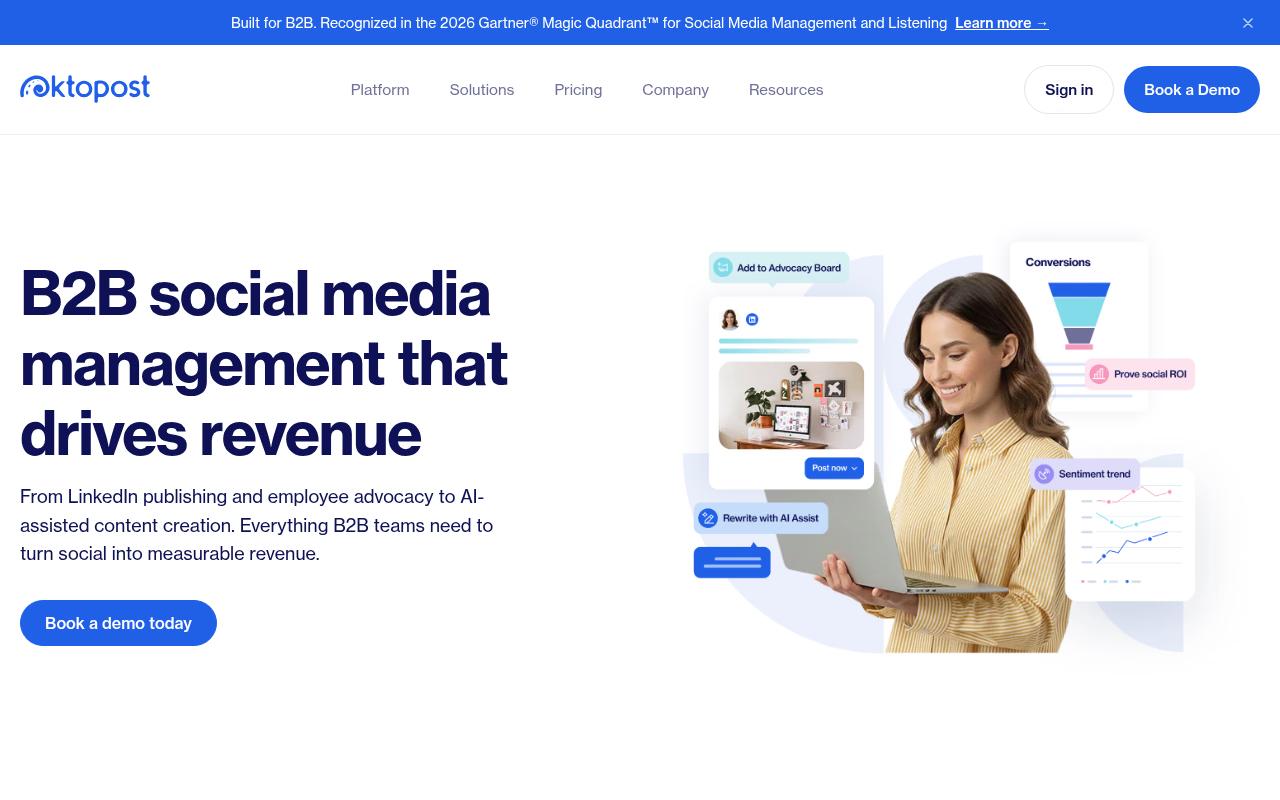
Oktopost is a B2B social platform built around LinkedIn-first publishing, funnel-focused analytics, listening and employee advocacy. Its Advocacy Agent personalizes posts for each employee, and advocacy data syncs with CRM and marketing automation tools. It's made for B2B marketing leaders who are running formal advocacy programs.
Price: According to Oktopost's pricing page, Professional starts at $499/month and Advanced at $799/month, both billed annually and quote-based depending on team size and add-ons.
On Reddit, a user in an r/marketing thread about employee advocacy described how Oktopost's app works for them. Marketing curates a list of posts, and employees "pick and choose from the app what they would like to share," often in a single click, while a leaderboard inside the app shows who's sharing.
On Capterra, Oktopost holds 4.5/5. Reviewers commonly praise comprehensive b2b-focused social media management and strong employee advocacy capabilities and note learning curve and configuration complexity for advanced features and integrations. See the Capterra reviews page.
On G2, Oktopost holds 4.4/5 across 203 reviews. Reviewers commonly praise intuitive user interface and ease of navigation, with strong support and ease of setup and note additional admin-related costs and pricing for certain advocacy features. See the G2 reviews and pros and cons pages.
Verdict: A serious employee advocacy platform for B2B teams with the budget for annual, quote-based contracts.
7. Zoho Social
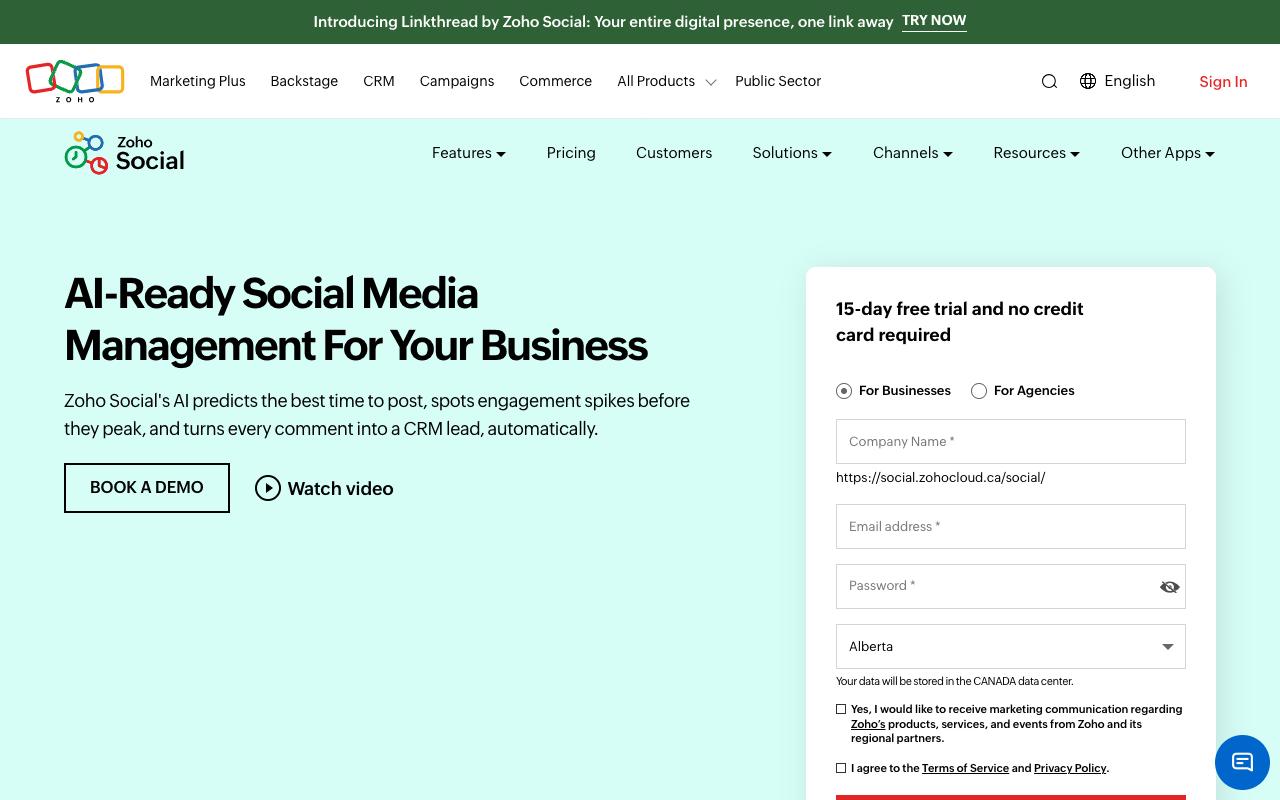
Zoho Social handles scheduling, a unified inbox, monitoring and analytics. Its AI assistant, Zia, predicts the best times to post and drafts replies, and the tool can turn comments into leads in Zoho CRM. It covers everyone from individuals to agencies, and it's the natural choice if you already run on Zoho.
Pros:
- Seamless, easy social media planning and scheduling across multiple brands/accounts
- Clean, intuitive interface for coordinating campaigns across channels
- Centralized dashboard for publishing, monitoring engagement, and responding to comments/messages
- Streamlined reporting/analytics that helps track performance
Cons:
- Broader Zoho ecosystem support can be slow and email-only outside India business hours, which reviewers say drags down the overall experience with Zoho products
Price: Zoho's pricing page shows prices by region, so these USD figures were cross-checked through a third-party pricing tracker. There's a Free plan, then Standard at $15/month ($10 annually), Professional at $40 ($30 annually), Premium at $65 ($40 annually, 3 team members plus CRM integration), Agency at $320 and Agency Plus at $460.
In an r/Zoho thread, one commenter called Zoho Social "very basic and limited if you want to take full advantage of social media marketing." The official Zoho account replied that Zoho Social "might be a better standalone option" when social is your only focus, while Marketing Plus bundles the premium edition.
Trustpilot doesn't have a separate Zoho Social page. The figure available is 3.9/5 from 6,126 reviews on the corporate zoho.com page, so it reflects the entire Zoho product family. Reviews that mention Zoho Social specifically are positive, with one user saying it "saves me a lot of time across my two brands," and the broader complaints on that page are about slow, email-only support outside Indian business hours.
On Capterra, Zoho Social holds 4.7/5. Reviewers commonly praise user-friendly social media management with robust scheduling, reporting and collaboration at competitive pricing and note occasional issues with customer support responsiveness and a need for deeper analytics and integrations. See the Capterra reviews page.
On G2, Zoho Social holds 4.6/5 across 2,966 reviews. Reviewers commonly praise easy-to-use social media scheduling and publishing with clear interface and helpful analytics and note limited advanced features and integrations plus pricing and plan restrictions for growing teams. See the G2 reviews and pros and cons pages.
Verdict: The best budget pick for Zoho CRM users, though power users may outgrow it.
8. Planable
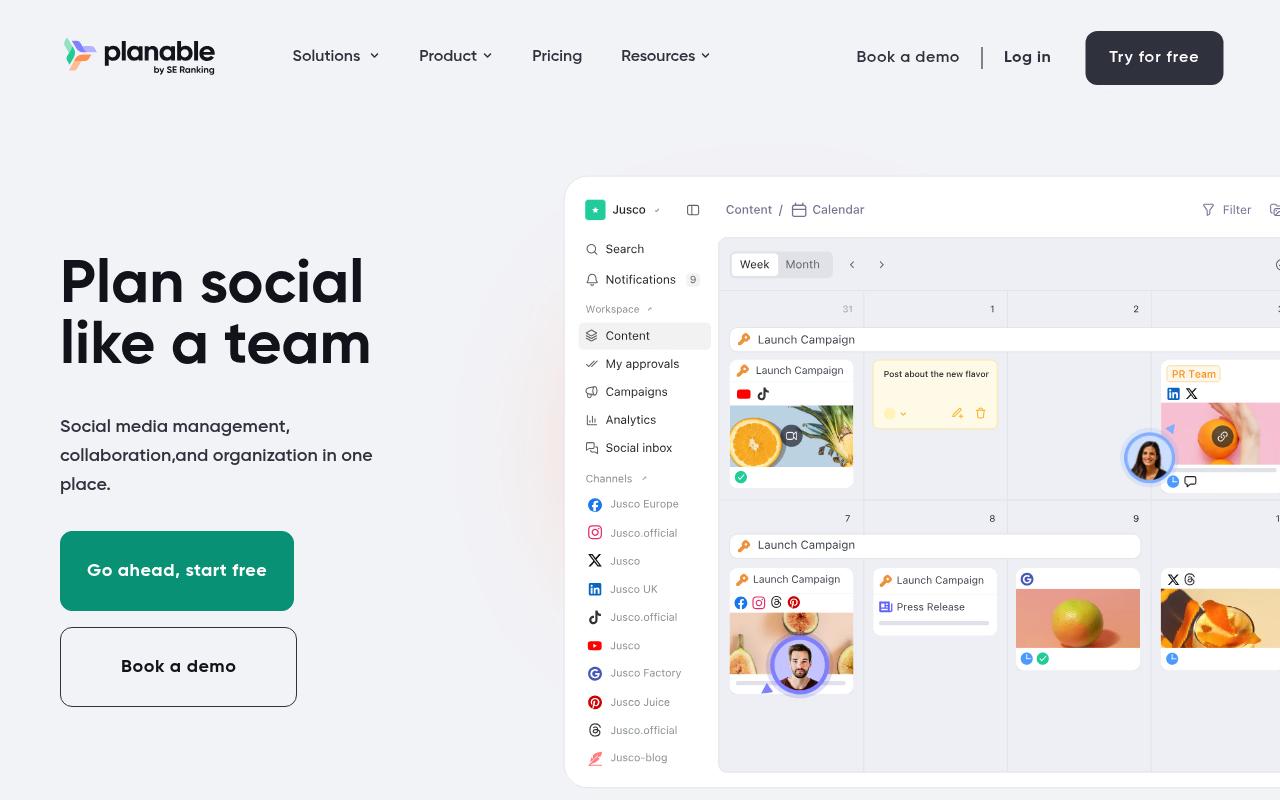
Planable brings content creation, review, approval and scheduling into one collaborative space, so teams can stop passing drafts around in spreadsheets and email chains. It supports nine social networks plus blog and newsletter content. It's built for agencies and multi-brand companies whose slowest step is getting approval from a client.
Pros:
- Easy to use with a clean, intuitive interface
- Strong collaboration and client approval workflow (reduces email back-and-forth)
- Calendar view with drag-and-drop rescheduling is well liked
- Useful for consultants/agencies managing multiple clients' content
Cons:
- Occasional failures to publish scheduled posts with unclear error messages
- Key features increasingly paywalled/sold as paid add-ons
- Limited storage on the basic plan
- UI can be buggy (unresponsive buttons) on web and mobile
- Platform integration gaps (e.g. Instagram Stories, music/tagging, Pinterest aspect-ratio issues)
Price: According to Planable's pricing page, Basic is $33/workspace/month (60 posts, 4 pages), Pro is $49/workspace/month (150 posts, 10 pages, required approvals, Public API) and Enterprise is custom. Every plan includes unlimited users, and analytics costs extra as a $12/workspace/month add-on.
Reddit users in r/SocialMediaMarketing praised Planable's visual planning and approval workflow but were frustrated by its cross-platform tagging limitations and slow support responses.
On LinkedIn, Planable's product page presents it as a collaboration platform with dedicated workspaces per client, a drag-and-drop calendar, annotation-based feedback and multi-level approvals. Keep in mind that this is the vendor's own positioning.
Planable holds 4.4/5 from 71 reviews, the highest Trustpilot score on this list. Reviewers mostly credit the approval flow, with one saying it "takes out the back and forth on email trails." The minority of unhappy reviewers mention failed scheduled posts, features moving into paid add-ons and a buggy UI.
On Capterra, Planable holds 4.5/5. Reviewers commonly praise easy-to-use collaboration for social media teams with streamlined workflows and clear content organization and note feature depth constraints including fewer advanced management options and limited analytics compared to alternatives. See the Capterra reviews page.
On G2, Planable holds 4.6/5 across 1,111 reviews. Reviewers commonly praise intuitive collaborative interface and visual content calendar that simplifies social media planning and approvals and note occasional technical issues and limited advanced features such as deeper analytics and richer video tools. See the G2 reviews and pros and cons pages.
Verdict: The cleanest approval workflow here, especially for agencies, but watch the post caps and add-on costs.
9. Typefully
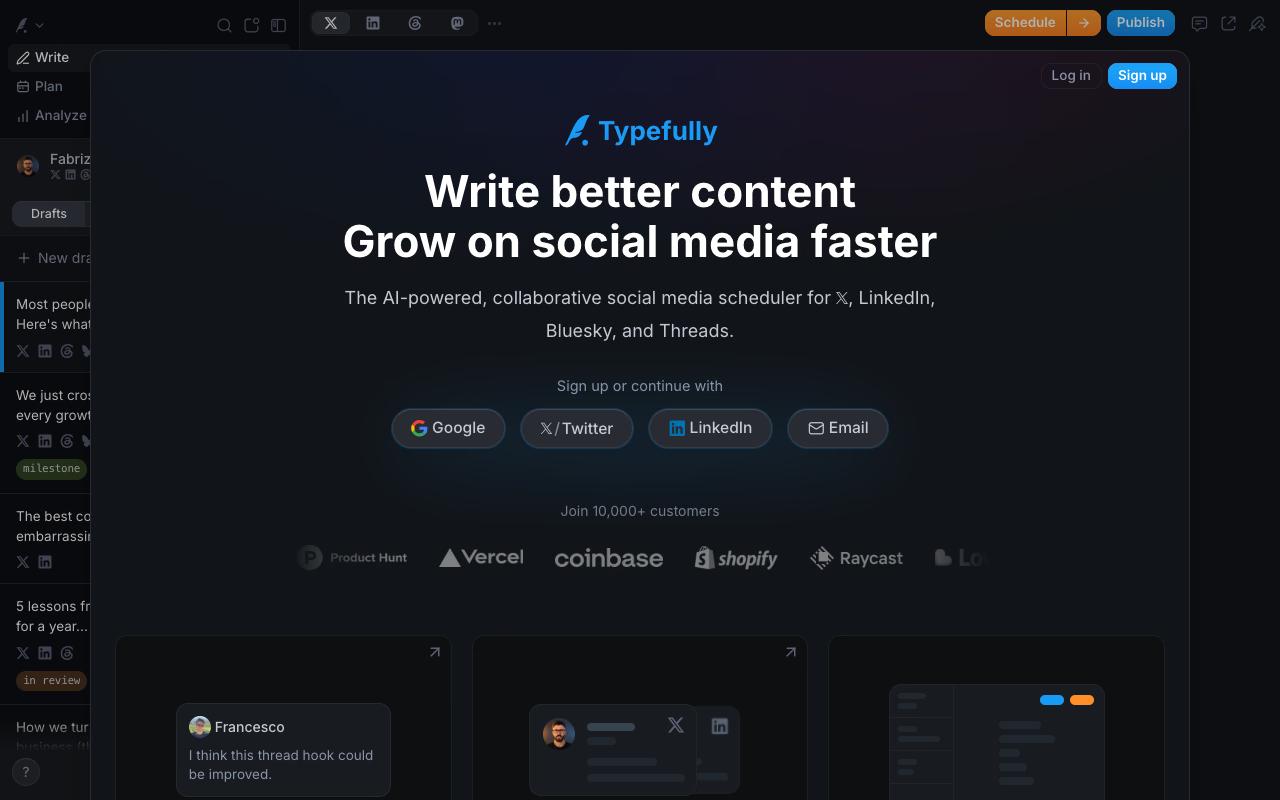
Typefully is a writing-focused, AI-assisted scheduler for X, LinkedIn, Bluesky, Threads and Mastodon. It offers a focused editor, shared drafts with comments, synced team launches with Slack pings, and MCP/API access for AI agents. Creators and lean teams who write text-first posts get the most out of it.
Price: Typefully's pricing page shows its figures through an animated counter, so these figures come from secondary sources. There's a Free plan, Creator at $8 per social set per month billed yearly, Business at $18 per social set per month billed yearly (unlimited users, collaboration, teams and permissions) and a custom Enterprise tier.
In an informal LinkedIn review, Matt Huang said it "gets the job done and is cheap compared to alternatives." He praised the realistic LinkedIn previews on desktop and mobile along with the clean UI, and his main gap was that analytics are "available for X, not for LinkedIn."
On G2, Typefully holds 0.5/5 across 1 reviews. Reviewers commonly praise a familiar, easy-to-use interface and note immature tooling, inadequate controls, and costly AI errors. See the G2 reviews and pros and cons pages.
Verdict: A great-value writing tool for X-heavy creators, and a weaker fit if you need to measure LinkedIn performance.
FAQ
What Is the Cheapest Social Media App for a Small Business?
Zoho Social has a Free plan, and its Standard plan costs $15/month. Typefully also offers a free tier. SocialPilot's paid plans start at $20/month for 5 accounts, according to its pricing page.
Which Social Media Tools Include Unlimited Users?
Every Sendible plan and every Planable plan includes unlimited users, and so do Ordinal's Pro plan, SocialPilot's Ultimate plan and Typefully's Business plan. Hootsuite and Agorapulse price per user.
What's the Best Social Media Tool for LinkedIn Employee Advocacy?
Ordinal automates likes, comments and reposts across teammates' LinkedIn accounts on its Pro plan and adds employee advocacy on Enterprise. Oktopost offers a dedicated advocacy app with leaderboards, starting at $499/month billed annually.
Related Posts
Looking to learn more? The below posts may be helpful for you to learn more about social media and content marketing.