Sendible sits in an awkward spot in 2026. It's priced for agencies, but the entry tier is tight on users and anyone comparing it against the rest of the market quickly finds the shortlist is longer than expected. Sendible works fine. What matters is whether the per-seat math holds up alongside channel coverage and the depth of the approval workflow once you're running more than a handful of client accounts.
The tools below range from $20/month schedulers up to enterprise platforms with no public pricing at all. We've pulled verified pricing, feature sets, and review sentiment for each one so you can weigh them properly. And if you'd rather skim first, the at-a-glance table right below covers the quick comparison.
At a glance
What to Look for in Pricing for Social Platforms
Per-seat cost as you scale
The entry-level price rarely tells the real story once an agency adds strategists or client reviewers; the article keeps returning to how per-user or per-profile fees climb versus flat-rate or unlimited-seat structures. This is worth mapping out against your actual headcount growth, not just the advertised starting price.
Client and account volume limits
Plans differ sharply in how many social profiles or client accounts they allow at each tier, which matters most for agencies running dozens of accounts. Compare the profile/account caps at the tier you'd actually land on, not just the cheapest headline number.
Approval workflow depth
Several tools are judged specifically on whether client approvals, calendar-based review, and version control are built in versus improvised through Slack or email. This is called out repeatedly as the feature that determines whether an agency workflow actually holds together.
Unified inbox and engagement handling
How comment and DM management across client accounts is centralized and whether engagement automation is native versus a bolted-on module separates the tools aimed at community management from pure schedulers.
Reliability of scheduling and support
Reviewer complaints about failed publishes, shifting scheduled dates, or vague error messages show up across multiple entries, alongside praise or criticism of how support handles those breakdowns. Weigh the pattern of reported bugs and support responsiveness, not just the feature list.
Reporting and ROI attribution
The depth of analytics — from basic engagement stats to Google Analytics-linked ROI reporting or SLA and competitor benchmarking — is a recurring axis, since agencies need to prove impact to clients, not just publish content.
The Sendible Alternatives Worth Shortlisting
1. Ordinal

Ordinal is an end-to-end platform for drafting, planning, and scheduling social content, built for teams that treat social as a revenue channel. It covers LinkedIn, Twitter/X, Instagram, Facebook, Threads, TikTok, and YouTube Shorts from one workspace, with automated engagement and analytics layered on top.
The fit is strongest for content agencies, founders and execs, and growth teams managing multiple brand accounts.
Pricing starts at $95/mo for Starter (up to 3 seats, 4 social profiles, 50 scheduled posts and 30 AI generations per month, approvals, 14-day analytics). Pro is $265/mo and adds unlimited seats at no additional cost, unlimited scheduled posts, all-time account analytics, automated engagement, approval workflows, and API/MCP/webhook access. Enterprise is custom and adds leads data, employee advocacy, custom permissions, and SAML/SSO. Annual billing drops Starter to $85/mo and Pro to $235/mo, and agency discounts are available, per Ordinal's pricing page.
If you're leaving Sendible because per-seat costs climb every time you add a strategist or a client-side reviewer, the unlimited-seats structure on Pro is the specific thing that changes the math.
Agencies running 20 to 40 client accounts tend to hit the same wall: approvals live in Slack DMs, version control doesn't exist, and any post needing a personal LinkedIn tag has to be published manually from the client's own login.
Ordinal handles personal and company tagging on LinkedIn natively, supports PDF carousels and video, and shows a realistic preview including where the hook cuts off before "see more."
The auto-engagement suite (likes, comments, and reposts from any connected LinkedIn account) is built into the post creation flow rather than sold as a separate module, and the API, MCP server, and webhooks mean you can wire your content calendar into whatever else your agency runs on. That combination replaces the usual stack of a scheduler plus a manual engagement pod plus a separate reporting tool.
Verdict: The strongest pick for LinkedIn-heavy agencies and B2B teams who want flat-rate seats, native tagging and carousel support, and engagement automation in the same tool as scheduling.
2. Agorapulse

Agorapulse covers the full social workflow: publishing, a unified inbox, listening, reporting, and ROI attribution pulled from Google Analytics. It's aimed at social media managers and agencies who need to centralize comment moderation across client accounts and then prove the work drove something. The platform says it's used by 31K+ social media managers.
Pros:
- Easy to use with little to no training required
- Strong scheduling and publishing features across multiple social accounts
- Unified social inbox makes community management and client comment/message handling easier
- Robust reporting with Google Analytics integration for showing ROI
- Client approval workflow (calendar view, approve/request changes) is popular with agencies
- Highly rated, responsive customer support (per most reviewers)
Cons:
- Some users report reliability issues, e.g. authentication 'tokens' failing and causing scheduled posts to not publish
- Occasional upload/UI freezes (e.g. stuck at 99%/0%, thumbnail selection freezing)
- Support can involve long wait times to reach a human (one user cited a 6 hour wait) and generic chatbot answers
- Customers of the acquired 'Mention' product reported losing scheduling functionality and being pushed to a new subscription
Pricing is per user per month. Standard is $99/mo ($79 annually) with 10 social profiles, unlimited scheduling, and the unified inbox. Professional is $149/mo ($119 annually) and adds link-in-bio, Instagram product tagging, ad comment monitoring, and team assignments. Advanced is $199/mo ($149 annually) and brings labels, saved replies, automated moderation rules, shared calendars, and ROI analysis. Custom pricing covers unlimited profiles, SSO, and API access, according to Agorapulse's pricing page.
On Reddit, a user in r/socialmedia with experience at two companies said Agorapulse "does all the normal posting and scheduling very well," praising cross-platform posting where you select multiple profiles and tweak copy per platform, plus decent Instagram and Twitter listening. The same user hit a region-locking bug and noted support "were very prompt with answering, admitted a fault and fixed it withing a week."
Agorapulse holds a TrustPilot 4/5 from 57 reviews, with sentiment strongly positive and a small cluster of very negative recent entries. Reviewers praised staying active across channels, the reporting ("Custom reports are effortless"), and longevity, with one reviewer who has used it since 2015 saying that through many changes the tool has held up, the customer service is top-notch, and the online community is fantastic.
On Capterra, Agorapulse holds 4.6/5. Reviewers commonly praise easy usability and responsive customer support and note higher pricing and limited feature depth. See the Capterra reviews page.
On G2, Agorapulse holds 4.5/5 across 974 reviews. Reviewers commonly praise intuitive interface and scheduling workflow and note high pricing and limited customization. See the G2 reviews and pros and cons pages.
Verdict: The best Sendible alternative if inbox-heavy community management and client-facing ROI reporting are the two things you can't compromise on.
3. SocialPilot
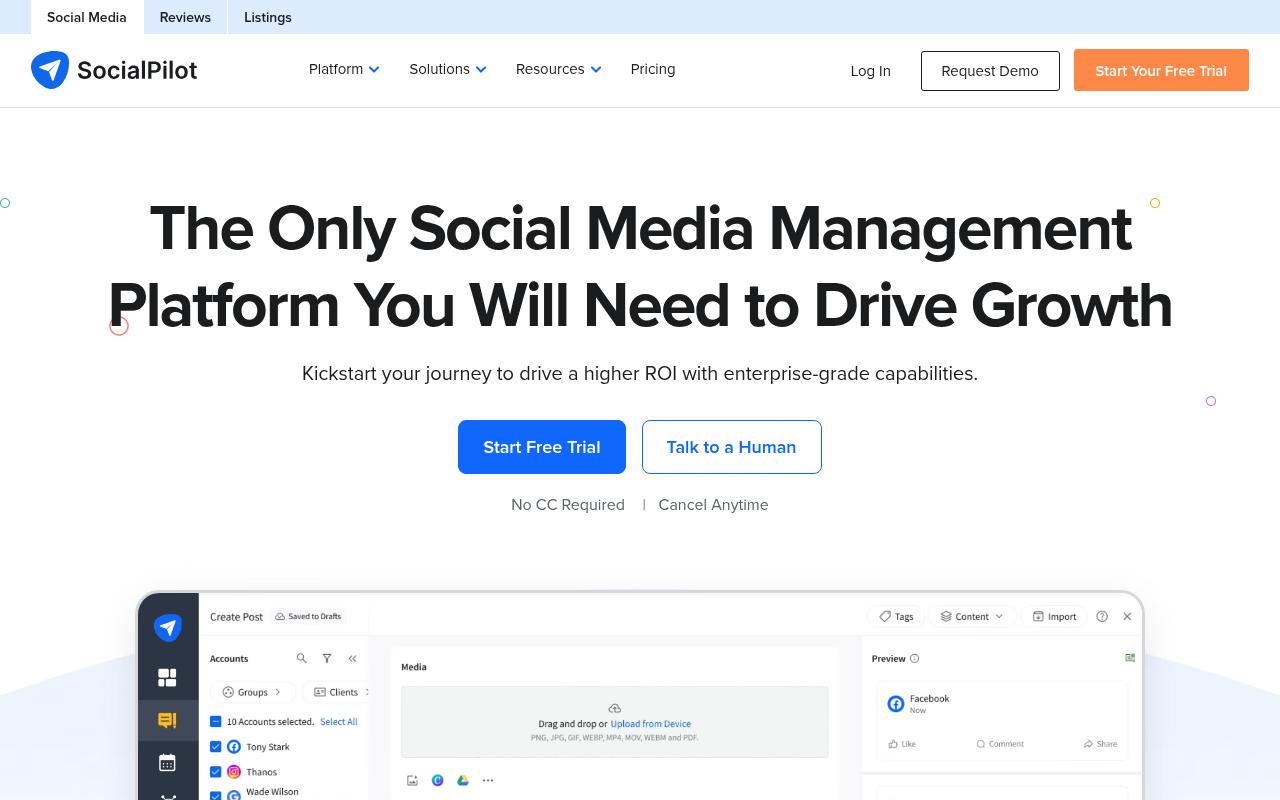
SocialPilot is a scheduling and management platform explicitly built for scaling agencies and brands, covering publishing, approvals, analytics, reviews, and inbox from one dashboard. Its standout operational feature is bulk scheduling: up to 500 posts at once from a CSV. It also includes queue schedules, a content library, UTM tracking in the composer, and an AI Pilot with brand voice customization.
Pros:
- User-friendly, easy-to-use interface for scheduling and managing multiple social accounts
- Bulk upload feature saves significant time for teams managing many accounts
- Highly praised, responsive customer support and onboarding staff
- Affordable compared to alternatives like Hootsuite/Meta Business Planner, per reviewers
- Handles large volumes of accounts (reviewers cite managing 50+ accounts)
Cons:
- Scheduling can be buggy, e.g. dates for posts scheduled weeks in advance changing without notice
- Error messages for failed posts lack detail on what went wrong or how to fix it
- No refund for unused time when canceling an annual billing plan early
- Some feature gaps noted, such as multiple captions on Instagram carousels or LinkedIn polls
- One reported issue with delayed affiliate/referral commission payment
It's the cheapest entry point here. Essentials is $20/mo ($17 annually) for 5 accounts and 1 user. Standard is $40/mo ($34 annually) for 10 accounts and 3 users with bulk scheduling and social inbox. Premium is $100/mo ($85 annually) for 20 accounts, 6 users, client approval, and white label reports. Ultimate is $200/mo ($170 annually) for 40 accounts and unlimited users. Enterprise is custom, per SocialPilot's plans page. There's a 14-day free trial with no credit card.
Reddit sentiment is split. In an r/SocialMediaMarketing thread comparing Hootsuite and SocialPilot, one commenter called it budget-friendly and good for straightforward scheduling but flagged concerns about business ethics, warning others to "Please be weary in this case!" Another commenter, who works at a competing tool, said SocialPilot is a good product that's been in the industry a long time and supports most of the networks competitors do. Separately, in r/socialmedia, a user comparing Later and SocialPilot reported a sharp drop in video views to under 1,000 per video.
SocialPilot holds a TrustPilot 4/5 from 55 reviews, mostly positive with heavy praise for support and onboarding. One reviewer called it "A user-friendly tool with many helpful features. The bulk upload option is especially valuable for teams managing multiple accounts at once!" Another wrote that it "took my monthly Social Media scheduling from 2 weeks every month to a day and a half. What's not to love?" A third said the platform "does everything I need it to" and called the support team "epic!!!"
On Capterra, SocialPilot holds 4.4/5. Reviewers commonly praise user-friendly scheduling workflows and good value for managing multiple social profiles and note limited advanced features and occasional platform reliability issues. See the Capterra reviews page.
On G2, SocialPilot holds 4.5/5 across 846 reviews. Reviewers commonly praise easy-to-use interface and efficient multi-account social media scheduling and note inconsistent customer support responsiveness and occasional technical or billing issues. See the G2 reviews and pros and cons pages.
Verdict: The value pick for agencies whose main constraint is sheer volume, though reviewers do flag scheduling bugs and thin error messaging.
4. Statusbrew
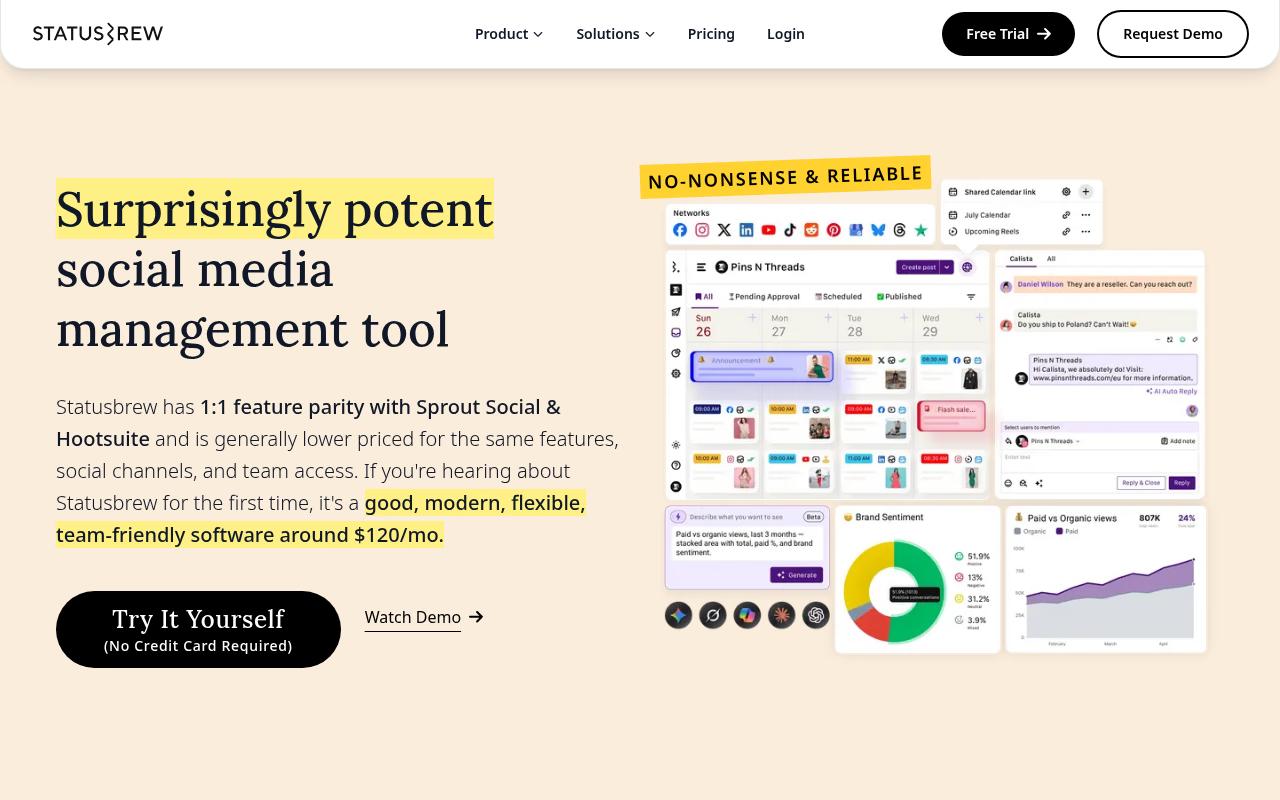
Statusbrew positions itself as a lower-priced alternative to Sprout Social and Hootsuite with comparable features, built around publishing, a unified inbox, reporting, listening, and approvals. Its agency-oriented structure is the interesting part: Spaces give each client an isolated workspace with separate profiles, team, tags, and reports, and shareable calendars let external reviewers view, comment, and suggest edits without needing an account.
Pros:
- Responsive, helpful customer support that assists with setup
- Strong collaboration and approval workflow tools for teams
- Useful cross-platform analytics that help improve strategy
- Automation features save time on scheduling and logistics
- Scheduling feature saves users hours each week
Cons:
- At least one reviewer felt the product did not meet expectations for the price paid
Lite is $69/mo billed annually ($89 monthly) for 1 user and 5 profiles. Standard is $129/mo annually ($179 monthly) for 3 users and 10 profiles, adding reporting with 18 months of data backfill, Google Business Profile, and a rule engine. Premium is $229/mo annually ($299 monthly) for 6 users and 15 profiles, both expandable, adding AI sentiment analysis, assignment and approval workflows, SLA reporting, competitor benchmarking, and social and web listening. Enterprise is custom with HubSpot and Salesforce integration and SAML SSO, per Statusbrew's pricing page.
Statusbrew holds a TrustPilot 4.2/5 from 6 reviews, a small sample skewing very positive. Reviewers singled out support (one described being walked through a tricky setup, after which their social media management ran without a hitch), collaboration under growth pressure (another said that when the team expanded and social got chaotic, Statusbrew's collaboration tools tidied up their workflow and the approval process keeps everyone on the same page), and cross-platform analytics that helped them adjust strategy. At least one reviewer felt the product didn't justify what they paid.
On Capterra, Statusbrew holds 4.8/5. Reviewers commonly praise centralized scheduling and publishing across multiple social networks and note limitations for highly complex workflows and some missing niche features. See the Capterra reviews page.
On G2, Statusbrew holds 4.8/5 across 258 reviews. Reviewers commonly praise responsive support and easy-to-use social media management for teams and note initial learning curve and desire for additional advanced features. See the G2 reviews and pros and cons pages.
Verdict: Worth a look if client isolation and no-login external approvals are the workflow problems you're trying to solve, with the caveat that its public review volume is thin.
5. CoSchedule
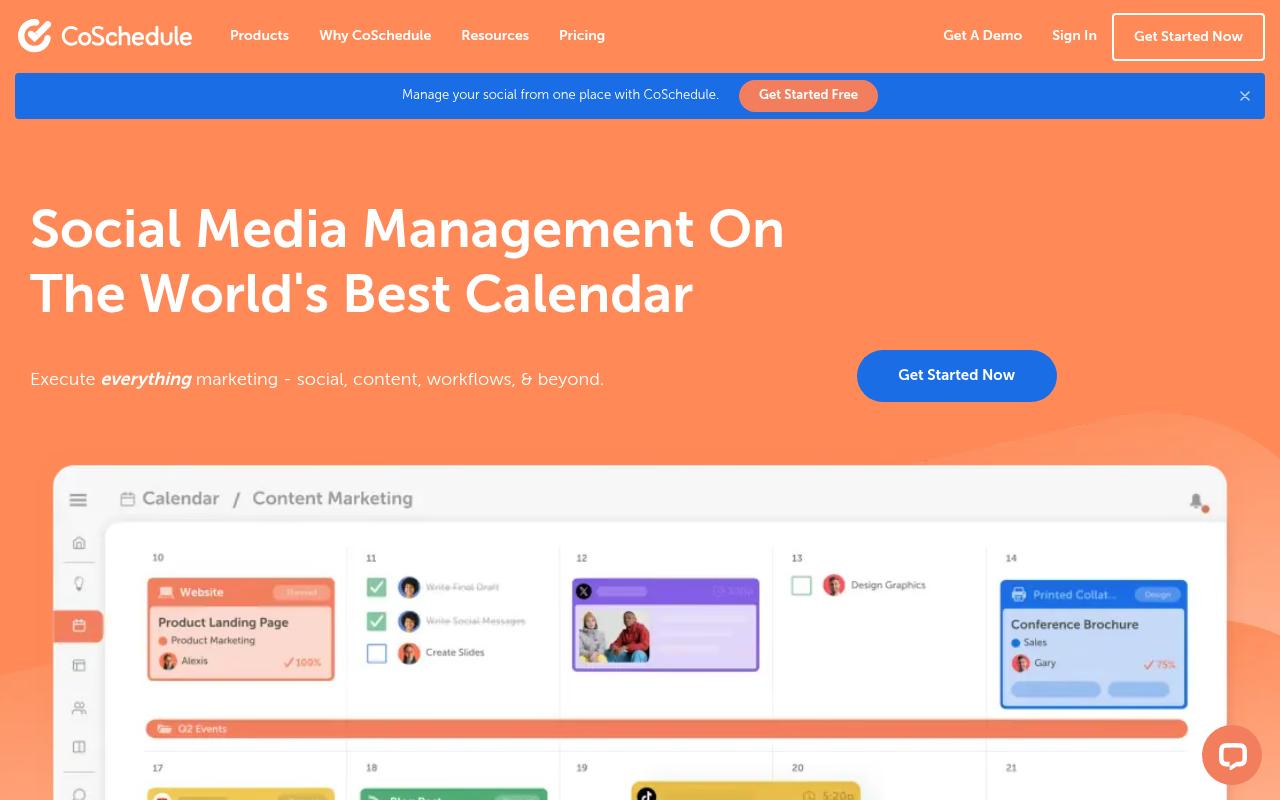
CoSchedule is a marketing calendar first and a social scheduler second. It unifies social posts, content projects, and campaigns on one calendar of record, with ReQueue for automatically republishing top performers, digital asset management, request forms, and integrations with WordPress, Mailchimp, and ActiveCampaign. It's aimed at marketers who want social living alongside the rest of the content operation.
Pros:
- Works well across multiple use cases: social media management, content management, marketing calendar, project management and reporting
- Scales from small teams (1-2 people) up to larger departments/organizations
Cons:
- Customer support described as unresponsive, especially when integrations (e.g. Meta) break
- Difficult to cancel/remove billing card; complaints of being repeatedly charged
- Features reportedly reduced over time while pushing customers to pricier subscription tiers
- Concerns about personal data handling and difficulty unsubscribing or deleting an account
- Marketing site uses signup walls and intrusive exit-intent popups
There's a free calendar capped at 15 posts per profile. Starter is $29/mo billed annually ($39 monthly) for 1 seat and 3 social profiles, with $5/mo per extra profile. Professional is $49/mo annually ($59 monthly) for 2 seats and 5 profiles, adding advanced inbox, advanced analytics, message approvals, and agency tools. Suite starts at $69/month with custom pricing for unlimited seats and profiles, SSO, and a dedicated account manager. Paid plans include a 14-day trial, per CoSchedule's pricing page.
On Reddit, an r/socialmedia commenter summed it up as "solid for multi-platform, but feels a bit heavy."
A LinkedIn post from MarketersClique rounding up user feedback praised the "Clean calendar & drag-and-drop scheduling that makes content planning visual and fast," said collaboration features like task assignments and approvals "cut down back-and-forth," and noted strong integrations with social platforms and WordPress. The same roundup flagged a learning curve and pricing that can add up for small teams, though many users felt the ROI came from time saved.
CoSchedule's TrustPilot 2.7/5 from 6 reviews runs mixed-to-negative, and the complaints cluster around service rather than features. One review titled "Coschedule support is awful" described connections breaking after Meta updates with no remedy. Another called the software "clunky and useless" and said they couldn't remove their card while being repeatedly charged. A third alleged features are gradually reduced while customers get pushed toward pricier tiers.
On Capterra, CoSchedule holds 4.4/5. Reviewers commonly praise intuitive interface and straightforward campaign planning that offers good value and note learning curve for complex workflows and constraints in customization and automation options. See the Capterra reviews page.
On G2, CoSchedule holds 4.3/5 across 152 reviews. Reviewers commonly praise centralized marketing calendar and scheduling that is easy to use and note outdated user experience, limited advanced features, and weak integrations with inconsistent support. See the G2 reviews and pros and cons pages.
Verdict: A reasonable fit if your real problem is coordinating content and social on one calendar, but read the billing and support complaints before committing annually.
6. Hootsuite
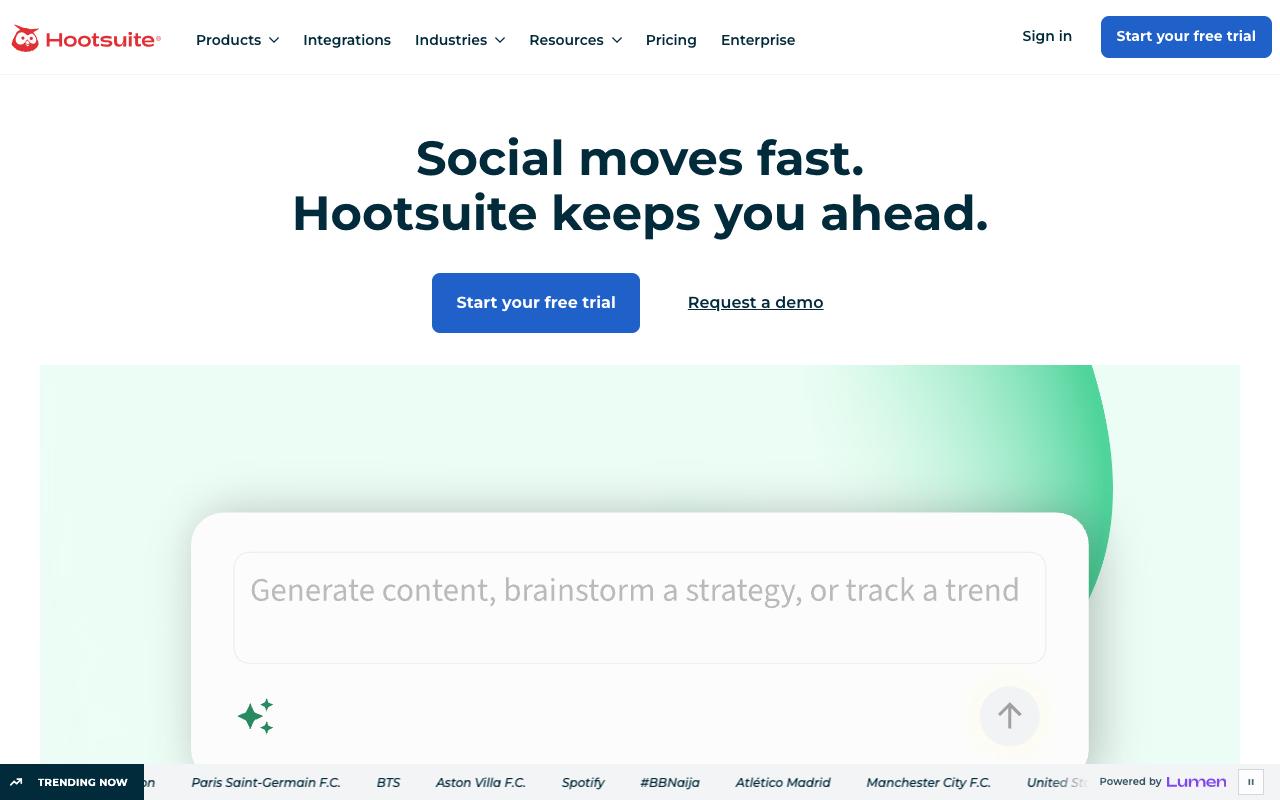
Hootsuite bundles publishing, engagement, analytics, competitive analysis, and heavyweight social listening into one dashboard. The listening scope is its clearest differentiator: monitoring across 30+ social networks, 300+ review sites, and 150+ million websites, with sentiment tracking, trend prediction, and brand mention detection in images and video. It's built for social teams at brands and enterprises.
Pros:
- Unified inbox centralizes messages/comments across multiple social platforms
- Bulk composer speeds up scheduling large volumes of content
- AI writing assistant (OwlyWriter) helps draft captions
- Best-time-to-publish analytics uses account-specific audience data
Cons:
- Customer support is slow and hard to reach, with days-long email delays
- Billing/renewal disputes, including being charged after cancellation
- Platform reliability issues and recurring bugs (e.g., video upload/posting errors)
- Reports of lost or disconnected social account connections
- Interface feels dated in places
Standard is $99/user/mo for up to 10 social accounts, unlimited scheduled posts, AI post and image generation, and a single inbox. Professional is $199/user/mo for unlimited accounts, inbox automation, 90-day trend forecasting, and custom reports. Advanced is $399/user/mo and adds content approvals, auto-routed team messages, and team performance measurement. Enterprise is custom with advanced analytics, advanced listening, SSO, and custom compliance. All plans include a 14-day free trial with no credit card, per Hootsuite's plans page.
In an r/SocialMediaMarketing thread on Hootsuite with 69 comments, a commenter who runs a competing tool wrote that "the price tag is big and they are a bit behind in terms of some important features, like scheduling stories for example." Other commenters agreed it works for larger budgets but is pricey for small agencies and startups, and several pointed to cheaper alternatives.
Hootsuite's TrustPilot 1.3/5 from 555 reviews is the lowest here, and the volume makes it hard to dismiss. Reviews center on billing and reliability, including one customer who wrote "We closed our account with them in2021, but still every year they charge my card £1200," and another who said simply, "Everything is buggy."
On Capterra, Hootsuite holds 4.4/5. Reviewers commonly praise easy-to-use social media management and scheduling across platforms, seen as a secure and reliable tool with solid core features and note cost relative to feature depth, learning curve for advanced capabilities, and some limitations or friction in specific workflows. See the Capterra reviews page.
On G2, Hootsuite holds 4.3/5 across 7,458 reviews. Reviewers commonly praise centralized scheduling and management of multiple social media accounts, with an intuitive calendar view and helpful reporting and note high pricing for smaller organizations, limited or missing features and integrations, and occasional scheduling or posting issues. See the G2 reviews and pros and cons pages.
Verdict: The listening and competitive intelligence are genuinely deep, but the per-seat pricing and the billing complaints at that review volume deserve serious scrutiny before you migrate.
7. Zoho Social
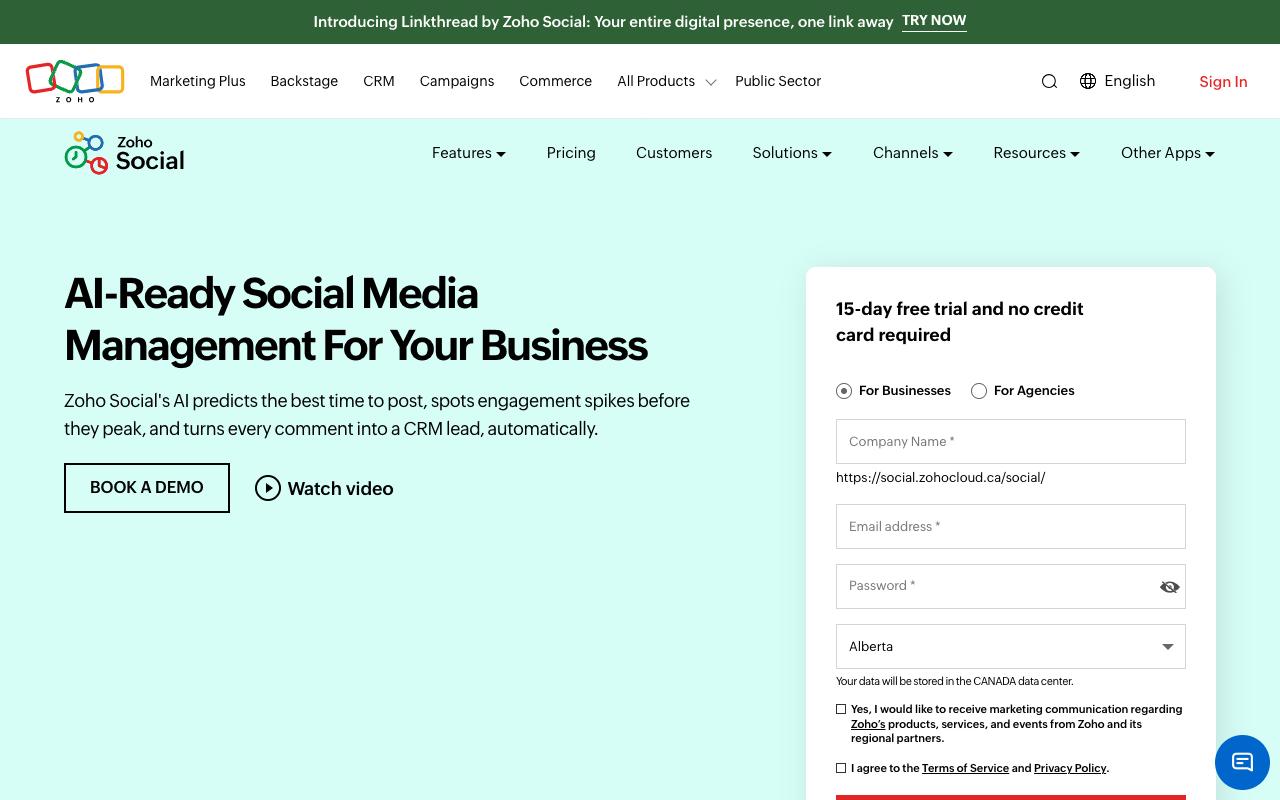
Zoho Social handles scheduling, publishing, monitoring, and analysis, with AI ("SmartQ") predicting optimal posting times, spotting engagement spikes, and turning comments into CRM leads. The CRM tie-in is the reason most people pick it, since Premium and above integrate with Zoho CRM and Desk. It scales from individual profiles to agency plans managing 10 or 20 client brands.
Pros:
- Seamless, easy social media planning and scheduling across multiple brands/accounts
- Clean, intuitive interface for coordinating campaigns across channels
- Centralized dashboard for publishing, monitoring engagement, and responding to comments/messages
- Streamlined reporting/analytics that helps track performance
Cons:
- Broader Zoho ecosystem support can be slow and email-only outside India business hours, which reviewers say drags down the overall experience with Zoho products
Free covers 1 brand (6 channels) and 1 team member. Standard is $15/mo ($10 annually), and Professional is $40/mo ($30 annually) adding bulk scheduling, a monitoring dashboard, and RSS. Premium is $65/mo ($40 annually) for 3 team members with inbox, approvals, and CRM/Desk integration. Agency is $320/mo ($230 annually) for 10 client brands and 5 team members with client portals and white-label reports, and Agency Plus is $460/mo ($330 annually) for 20 brands. These USD figures were cross-verified via a third-party pricing tracker because Zoho's own pricing page renders by region.
In Reddit, r/Zoho thread comparing Zoho Marketing Plus and Zoho Social, one commenter called Zoho Social "very basic and limited if you want to take full advantage of social media marketing" and said it's "not on the same level of Hootsuite or Sprout Social." The official Zoho account replied in-thread confirming Marketing Plus includes "a fully-featured version, the premium edition of Zoho Social as part of its all-in-one suite," and noted that "Zoho Social might be a better standalone option" if social media management is the only focus.
TrustPilot doesn't maintain a separate Zoho Social page, but the Zoho corporate page carries a TrustPilot 3.9/5 from 6,129 reviews and several entries call out Zoho Social specifically. One 5-star reviewer said they never thought Zoho Social would be such an amazing platform for them, crediting the smooth, sorted-out experience that makes social planning and scheduling a cake walk. Another said it "saves me a lot of tie across my two brands. I have been using it for many years."
On Capterra, Zoho Social holds 4.7/5. Reviewers commonly praise user-friendly social media management with robust scheduling, reporting and collaboration at competitive pricing and note occasional issues with customer support responsiveness and a need for deeper analytics and integrations. See the Capterra reviews page.
On G2, Zoho Social holds 4.6/5 across 2,967 reviews. Reviewers commonly praise easy-to-use social media scheduling and publishing with clear interface and helpful analytics and note limited advanced features and integrations plus pricing and plan restrictions for growing teams. See the G2 reviews and pros and cons pages.
Verdict: The obvious move if you already run Zoho CRM, though reviewers set expectations that it's lighter on advanced social features than the enterprise platforms.
8. Sprinklr Social
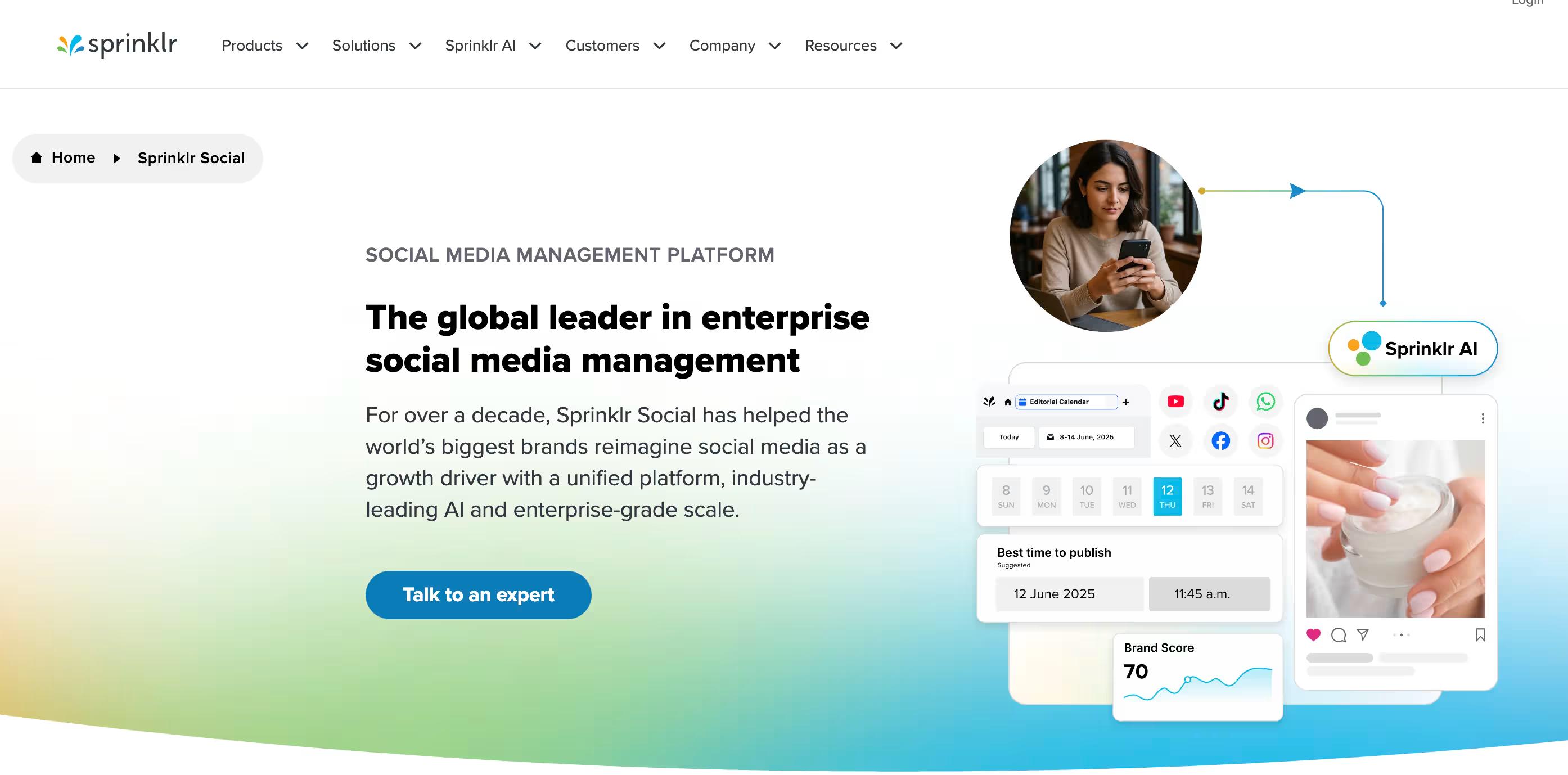
Sprinklr Social is enterprise territory: a unified, AI-native platform pulling listening, publishing, engagement, commerce, advertising, customer service, and employee advocacy into one governed system. It supports 30+ social and messaging channels out of the box and is built for global brands running large account portfolios, with one customer example describing 100+ social media accounts. Marketing, customer service, and CX teams are the named audiences.
Pros:
- Strong global/multi-language support, including coverage of non-English-first platforms like Xing and Sina Weibo/Xiaohongshu
- Built for scale - well suited for large enterprises managing dozens of brand handles under one governed platform
- Good fit for companies prioritizing compliance and centralized control over social media operations
Cons:
- Difficult to use out of the box with a steep learning curve
- Slow performance
- Prohibitively expensive, with pricing that scales quickly once modules and required service hours are added (contracts can reach six or seven figures)
- Functionality split across many paid add-on modules (scheduling, listening, analytics, advocacy, customer care)
- Overwhelming navigation/onboarding experience
- Poor post-sale support, with reports of no real human contact and inconsistent functionality between regions (e.g., EU vs. other markets)
- Sentiment/scoring features perceived as inaccurate and unfairly impacting support agent performance ratings
Sprinklr doesn't publish pricing on its website. Instead, it invites visitors to schedule a personalized demo.
Sprinklr holds a TrustPilot 2.8/5 from 3 reviews, all of them 1-star. One alleges the sentiment-scoring is inaccurate and unfairly penalizes support agents, claiming the platform "literally lowers an agents score for a response of, 'No thank you'" while giving high scores to very upset customers. Another, titled "DO NOT USE SPRINKLR," says the account manager oversells during the sales process and that post-signing support is poor.
On Capterra, Sprinklr Social holds 4.3/5. Reviewers commonly praise social media management, centralized publishing, reporting and analytics, customer support and note steep learning curve, high cost, usability challenges, support delays. See the Capterra reviews page.
On G2, Sprinklr Social holds 4.1/5 across 1,223 reviews. Reviewers commonly praise easy use, centralized management, customizable features, robust analytics, ai-driven automation and note complex interface, steep learning curve, limited customization, missing integrations, support issues. See the G2 reviews and pros and cons pages.
Verdict: Only makes sense for large enterprises that need governance, compliance, and multi-market coverage badly enough to absorb the cost, the modules, and the onboarding.
FAQ
What Is the Cheapest Sendible Alternative?
SocialPilot has the lowest entry price on this list at $20/mo ($17 billed annually) for 5 social accounts and 1 user. Zoho Social's Standard plan is $15/mo ($10 annually) for 1 brand and 1 team member, and Zoho also offers a genuinely free tier covering 1 brand with 6 channels. CoSchedule has a free calendar too, though it's capped at 15 posts per profile.
Which Alternative Doesn't Charge Per Seat?
Ordinal's Pro plan at $265/mo includes unlimited seats at no additional cost, per its pricing page. SocialPilot's Ultimate plan ($200/mo, $170 annually) and Enterprise tier also include unlimited users. Agorapulse and Hootsuite, by contrast, both price per user per month, so a five-person team multiplies the sticker price five times before anything gets published.
Which Tool Is Best for Agencies Managing Many Client Accounts?
It depends on where your bottleneck sits. Statusbrew's Spaces keep each client's profiles, team, tags, and reports isolated, and external reviewers can comment on shareable calendars without an account. SocialPilot's Ultimate plan covers 40 accounts with unlimited users and white-label reporting. Zoho's Agency plans handle 10 or 20 client brands with client portals. And Ordinal offers agency discounts and unlimited seats on Pro, which matters when every client adds reviewers who each need a seat.
Related Posts
Looking to learn more? The below posts may be helpful for you to learn more about social media and content marketing.