The approval bottleneck starts as a Slack thread with four people in it, a Google Doc that may or may not be the current version, and a client who signed off on a post two days after the news hook died. Then someone publishes the draft legal hadn't seen yet.
Review and approval software fixes a narrow but expensive problem: getting the right people to look at content, leave feedback attached to the thing they're commenting on, and record a decision you can point to later. The category splits into three groups. There are social media platforms with approvals built into the publishing flow, online proofing tools designed for creative assets of any file type, and general work management platforms that treat approval as one workflow among many.
Which one you need depends on whether your bottleneck is publishing, proofing, or coordination. Social teams shipping 40 posts a week per client need approvals inside the composer, while brand and compliance teams reviewing video cuts and packaging need annotation and version compare. The table below lays out where each tool sits on price and fit.
At a glance
What Makes a Good Review and Approval Software
Where approval lives
Some tools build sign-off directly into the composer or editor where content gets created, others require exporting to a dedicated proofing dashboard, and others treat approval as one workflow module inside a broader work-management system. This shapes how many extra steps sit between a draft and a published post.
Annotation and version tracking
The mechanics of leaving feedback differ a lot: inline comments on live text versus clicking directly on a visual asset, plus whether the tool shows a tracked diff or full version comparison across revisions.
Workflow flexibility
Look at whether approvals can be blocking or non-blocking, single-step or multi-level, and how customizable the routing is for different content types or stakeholders — versus tools that offer only a fixed or basic approval type.
Category fit vs. scope creep
These tools split into social-publishing platforms, dedicated proofing software, and general work-management suites — the right pick depends on whether the bottleneck is publishing, proofing, or broader coordination, since a full enterprise platform can be overkill if approval is the only job needed.
The Review and Approval Tools Worth Shortlisting
1. Ordinal

Ordinal is an end-to-end platform for drafting, planning, and scheduling social content, with approvals built into the same editor where the post gets written. It supports LinkedIn, Twitter/X, Instagram, Facebook, Threads, TikTok, and YouTube Shorts from one place, and it's used by content agencies, founders and execs, social media managers, and growth teams. The pitch for this category specifically: reviewers work on the live post itself, with no exported PDF sitting in between.
Pricing: Starter is $95/mo ($85/mo billed annually) for up to 3 seats and 4 social profiles, with approvals included. Pro is $265/mo ($235/mo annually) and adds unlimited seats, unlimited scheduled posts, approval workflows, automated engagement, and API/MCP/webhook access. Enterprise is custom and adds custom user permissions, SAML/SSO, employee advocacy, and dedicated onboarding. All per Ordinal's pricing page.
Ordinal's approval system follows the way social content actually moves. Approvals can be blocking or non-blocking, so a product claim from the CEO stays locked until communications and legal both sign off, while a routine repost goes out unimpeded. When a reviewer opens a post, they're in the live editor: they leave inline comments on specific text and tag teammates, and the author resolves those comments and pushes a new version with a tracked diff showing exactly what changed. Slack notifications carry a direct link to the draft so approvers can act without hunting through email, and an approvals inbox collects everything pending and overdue in one view.
Public share links let a client or external stakeholder review without creating an account, which is the piece that usually collapses the agency approval chain. The realistic LinkedIn preview matters here too, since reviewers can see where the hook cuts off before "see more" instead of approving a wall of text that reads differently in the feed. For an agency running 20 to 40 client accounts, that combination replaces the Slack-DM-and-Google-Doc version control problem outright, and version history gives compliance an audit trail of what changed and when.
Verdict: The strongest fit if your approvals are for social posts and you want review, sign-off, and publishing to live in one tool.
2. Wrike
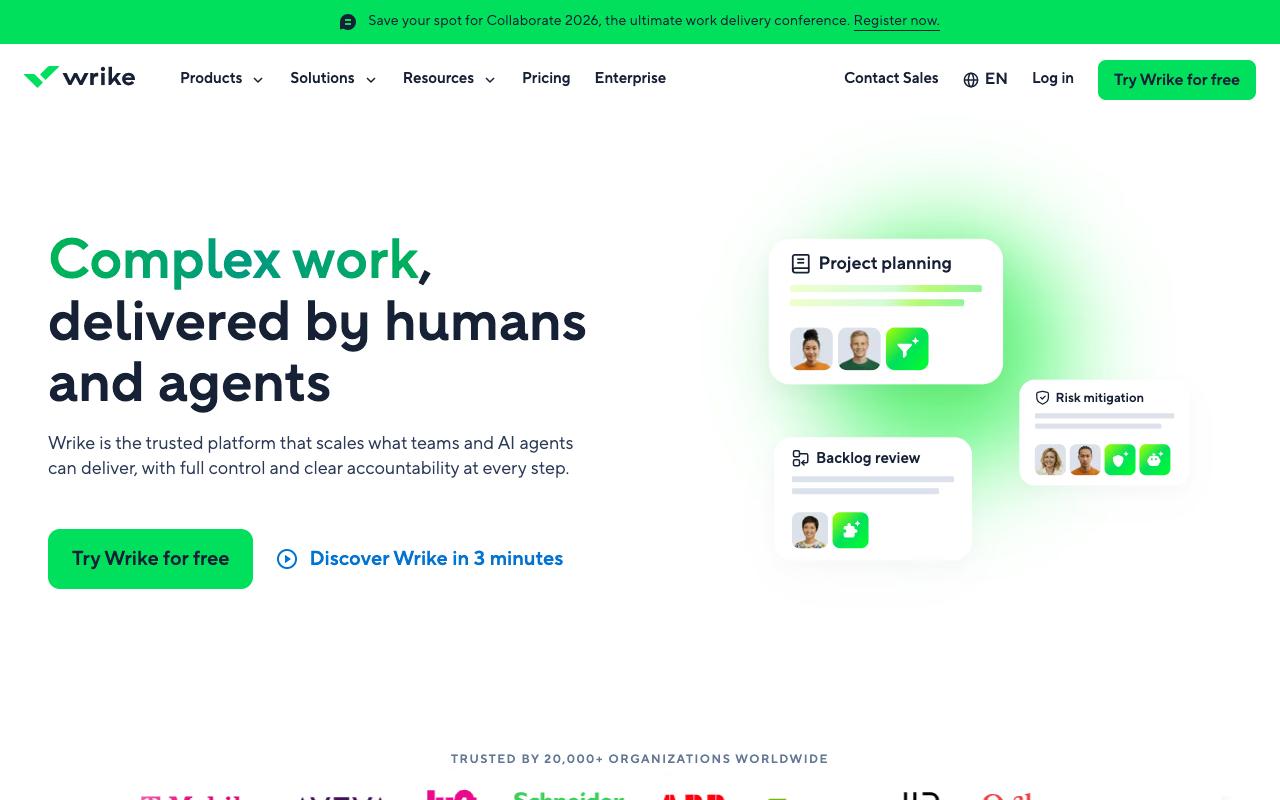
Wrike is an AI-powered enterprise work management platform that spans intake, planning, execution, and reporting, with proofing tools for visual feedback directly on assets and version comparison. It's built for cross-functional enterprise teams: operations, product, marketing and creative, professional services, PMOs, and IT. Approval here is one part of a much larger work-management surface.
Pros:
- Flexible and customizable workflows/dashboards that scale from simple to very complex projects
- Strong feature set (Gantt charts, automation, integrations) that becomes a single source of truth for project tracking
- Good visibility into team workload and cross-department collaboration
- Long-time users report the platform continually improves via regular updates
Cons:
- Customer service is slow and hard to reach; support shifted from phone/Zoom to email tickets, delaying resolution
- Contract renewal and cancellation process is rigid, with reports of being locked into renewals (30-day cancellation policy) with little flexibility
- Some reviewers found the platform overly complex, with basic tasks feeling more complicated than needed
- Reports of losing expected functionality after upgrading to a paid plan and being charged without prior notice
- Missing features some businesses need, e.g. job number generation for billing/tracking
Pricing: Free at $0/user/month, Team at $10/user/month for 2 to 15 users, Business at $25/user/month for 5 to 200 users, then Pinnacle and Apex at custom pricing, all billed annually per Wrike's pricing page. Wrike Whiteboard is a $15/user/month add-on.
On TrustPilot, Wrike holds 3.3/5 from 219 reviews, and the spread is wide. Long-time users praise the flexibility and depth, describing it as a central hub for tracking multi-department projects with real workload visibility, with one calling it "excellent software with enough versality but too much so it does not get unmanageable." That aside captures the recurring complaint, since several reviewers found basic tasks more complicated than they needed to be. A cluster of recent 1-star reviews focuses elsewhere though, on support that shifted from phone and Zoom to email tickets, and on a rigid renewal process with a 30-day cancellation policy that reviewers describe as locking them in.
On Capterra, Wrike holds 4.4/5. Reviewers commonly praise workflow customization and clear dashboard visibility and note time-consuming setup and need for training. See the Capterra reviews page.
On G2, Wrike holds 4.2/5 across 4,538 reviews. Reviewers commonly praise flexible workflows and strong task management and note steep learning curve and cluttered interface. See the G2 reviews and pros and cons pages.
Verdict: Worth it if you need proofing inside a full enterprise work platform, and overkill if approvals are the only job.
3. Filestage
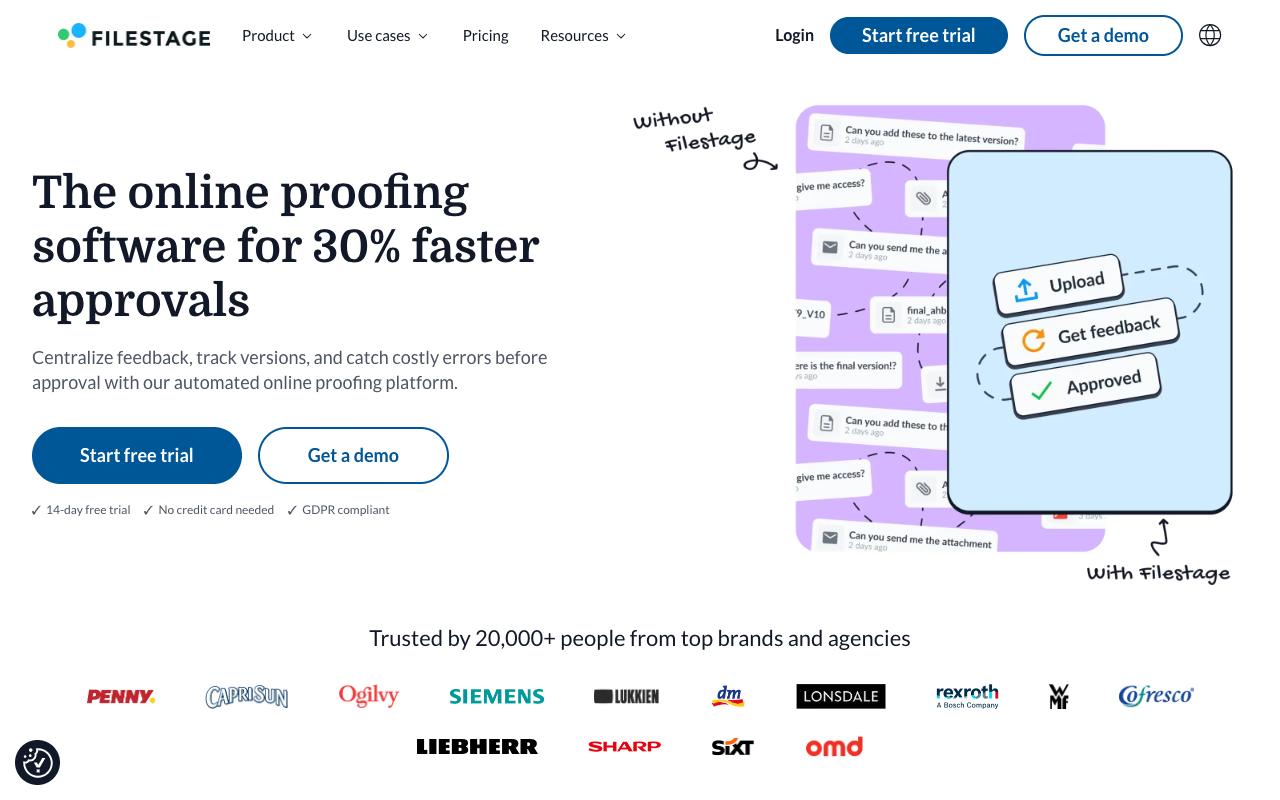
Filestage is online proofing software built specifically around the approval bottleneck: feedback scattered across email, Slack, and everywhere else. You drag a file into the dashboard to start a review, then reviewers click directly on what they want changed and annotate it. It's aimed at marketing, creative, production, and compliance teams, including those coordinating with agencies, suppliers, and clients.
Pros:
- Simplifies review and approval workflows for teams and clients, including across languages and time zones
- Centralizes comments, discussions, approvals, and version history in one place, reducing misunderstandings
- Intuitive and easy to use for both internal teams and external clients
- Speeds up the review process, described by long-time users as simple, speedy, and transparent
Cons:
- Some customers report unauthorized plan/price changes (one cited a 76% price increase without consent)
- Refunds can be difficult to obtain after billing disputes or cancellations
- Reports of accounts being blocked with delayed or denied access to files
- Lack of clear renewal reminders before annual auto-renewal charges
Pricing: Free at $0/month for 1 active project and 5 files, Starter at $199/month for unlimited projects and files with version comparison and password-protected review links, Business at $329/month adding review agents for brand, QR, and grammar checks plus automations and API access, and custom Enterprise pricing with SSO, audit logs, and data residency, per Filestage's pricing page.
TrustPilot gives Filestage 3/5 from just 6 reviews, so treat it as anecdote. The positive end is genuinely strong: an agency customer of roughly ten years says it significantly simplified review and approval with international clients by centralizing comments, discussions, approvals, and version history, and calls it intuitive for both internal teams and clients. Another five-star reviewer describes "a simple, speedy and transparent review process from start to finish." The negatives are all commercial: plan and price changes made without consent (one citing a 76% increase), difficulty getting refunds after cancellation, accounts being blocked with delayed access to files, and no clear reminder before annual auto-renewal.
On Capterra, Filestage holds 4.7/5. Reviewers commonly praise simple setup and collaborative online proofing that speeds up client feedback cycles and note constraints around review steps and some limitations in customization of review workflows. See the Capterra reviews page.
On G2, Filestage holds 4.6/5 across 245 reviews. Reviewers commonly praise ease of use and intuitive interface that streamlines the feedback and review process and note onboarding complexity for new users and occasional limitations in advanced workflow flexibility. See the G2 reviews and pros and cons pages.
Verdict: A focused proofing tool that does review well, and worth confirming your renewal terms in writing before you commit annually.
4. Planable
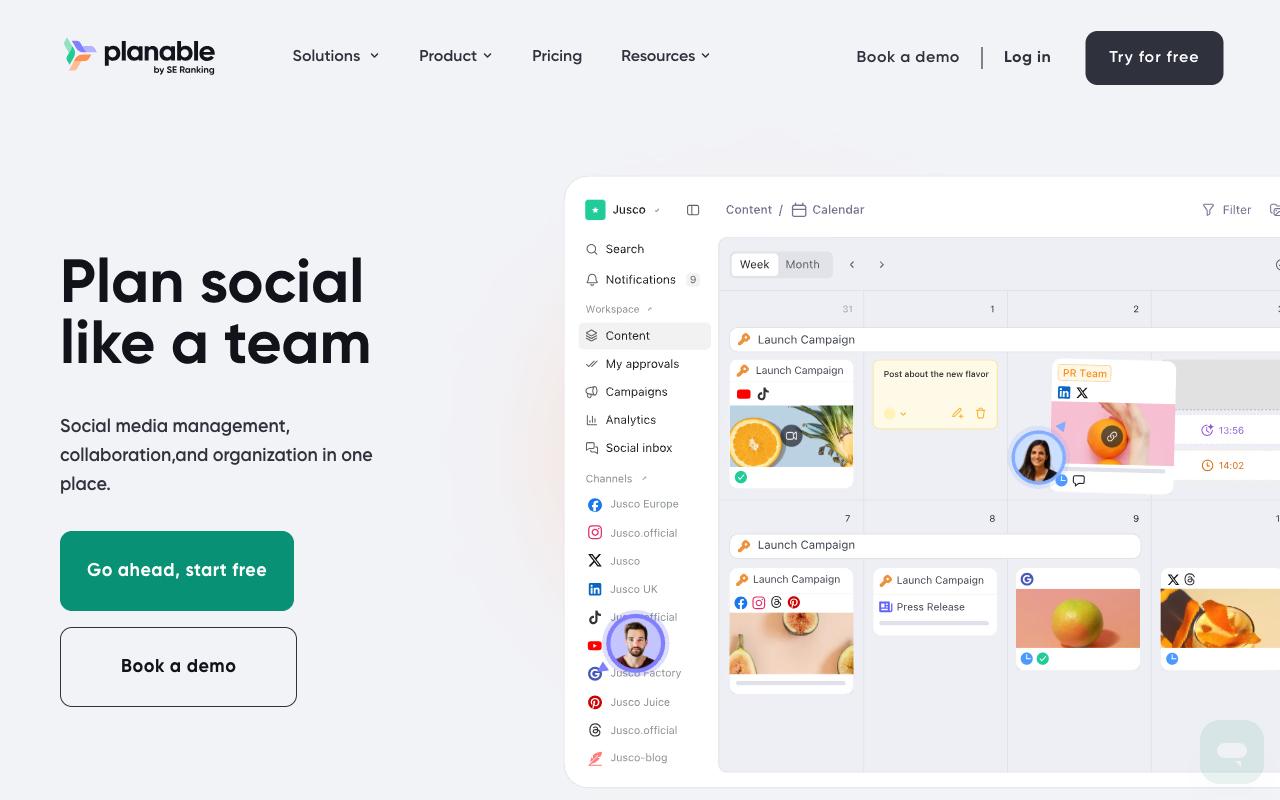
Planable is a collaboration-first social media management platform covering create, plan, collaborate, approve, schedule, analyze, and engage. It supports 9+ networks plus blog content, newsletters, and campaign briefs, with version history, grouped multi-platform posts, and built-in media editing. The target buyer is agencies, multi-location brands, and multi-brand companies who need clients and teams reviewing content in one place.
Pros:
- Easy and intuitive to use, with a clean interface
- Strong collaboration and approval workflow that reduces email back-and-forth
- Drag-and-drop calendar makes rescheduling posts simple
- Saves significant time on content planning and client approvals
Cons:
- Storage/features feel limited on the basic plan, with extra features paid separately
- Platform integrations (Instagram, Pinterest) can be spotty, e.g. Stories failing to publish
- UI can be clunky and buggy, with unresponsive buttons
- Occasional publishing failures or account/billing issues affecting workflow
- Can't change a post's type (e.g. post to reel) after creation
Pricing: Basic at $33 per workspace/month for 60 posts and 4 social pages with none and optional approval types, Pro at $49 per workspace/month for 150 posts and 10 social pages with required approvals, and custom Enterprise pricing for unlimited posts and multi-level approvals with SSO. Users are unlimited on every plan and new workspaces get 50 free posts, per Planable's pricing page.
Reddit users in r/SocialMediaMarketing were split, praising the visual planning and approval workflow while getting frustrated by cross-platform tagging limitations and slow support responses.
On TrustPilot, Planable rates 4.4/5 from 71 reviews, the highest score in this list. The praise centers squarely on approvals: "The collaborative features make planning and approving posts so much smoother, no more messy email chains or lost files," and "Approval process is very handy, takes out the back and forth on email trails and makes for clear communication." Complaints cluster around plan limits and reliability, with one reviewer noting "Storage is very limited for a basic plan, which is the plan most p[eople use]," alongside reports of spotty Instagram and Pinterest publishing, buggy or unresponsive UI elements, and the inability to change a post's type after creating it.
Planable's LinkedIn product page positions it around dedicated workspaces per brand or client, a drag-and-drop visual calendar, comment and annotation feedback, customizable multi-level approval workflows, direct publishing, analytics, and client reporting, marketed at social media managers and marketing teams as a replacement for spreadsheets and email chains.
On Capterra, Planable holds 4.5/5. Reviewers commonly praise simple, visually organized social media planning and approval workflows that streamline collaboration and note limited built-in analytics and reporting depth compared with more feature-rich social media tools. See the Capterra reviews page.
On G2, Planable holds 4.6/5 across 1,111 reviews. Reviewers commonly praise easy-to-use, intuitive interface and collaborative content planning workflows and note relatively high pricing and limited advanced analytics and video-focused features. See the G2 reviews and pros and cons pages.
Verdict: A strong client-approval workflow for agencies, with publishing reliability worth testing on your specific networks first.
5. Ziflow
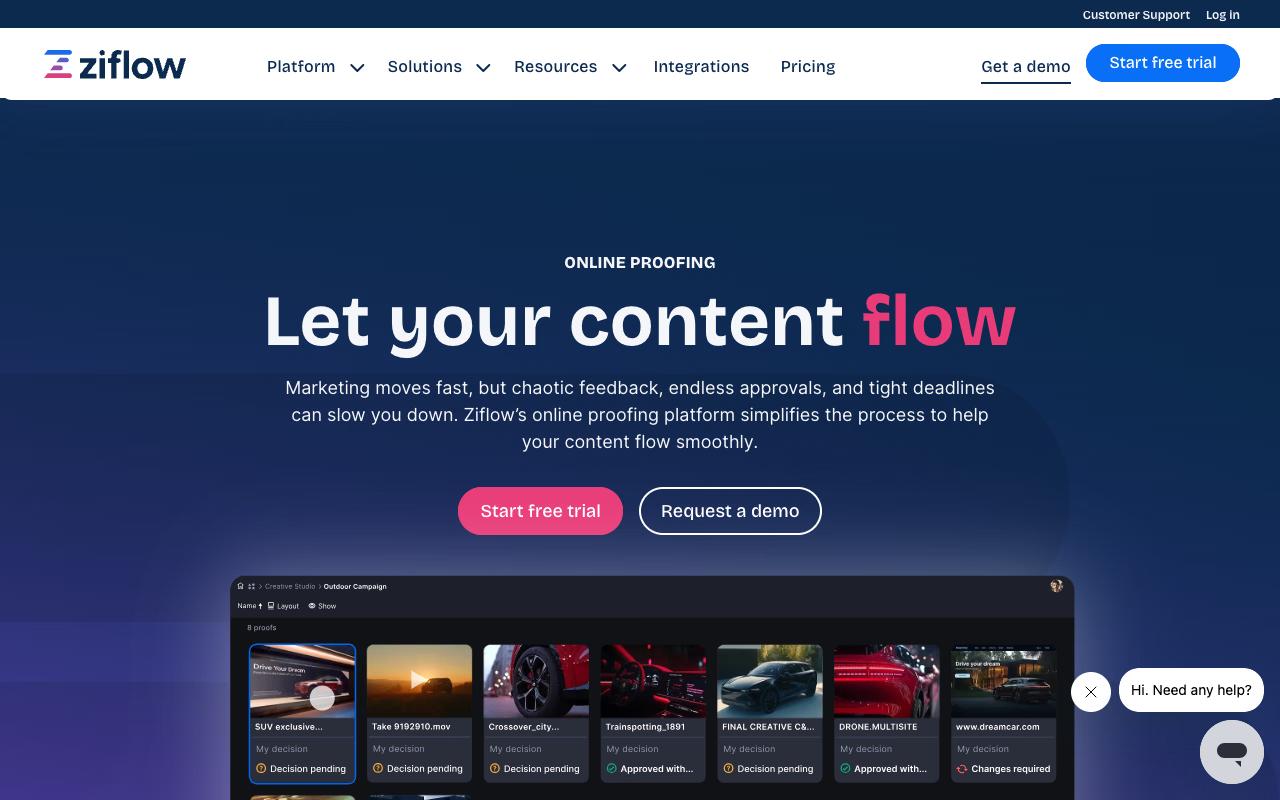
Ziflow is enterprise-grade online proofing for creative and marketing teams, built to review documents, images, video, audio, and live websites in one collaborative viewer. Its campaign-level reviews put every asset in a cross-channel campaign through a single workflow, and its proofing stages flex from a one-step sign-off to a multi-stage regulatory review. It's trusted by thousands of marketing and creative teams and that 90% of Fortune 100 companies use it.
Pricing: Personal is free at $0/month for 2 users with 1 workflow stage, Starter is $199/month for 15 users and 2 stages, Business is $329/month for 20 users and 3 stages with advanced integrations to Asana, monday.com, Slack, Teams, Dropbox, and Google Drive, and Enterprise is custom with unlimited stages, ReviewAI, SSO/SCIM, and white label, per Ziflow's pricing page. Paid tiers are billed annually.
On Capterra, Ziflow holds 4.8/5. Reviewers commonly praise efficient review and approval process for creative work with easy-to-use proofing and helpful integrations and note occasional clunky behavior or limitations in certain integrations and file handling options. See the Capterra reviews page.
On G2, Ziflow holds 4.5/5 across 942 reviews. Reviewers commonly praise streamlined creative proofing with easy markup, strong collaboration workflows, and responsive support and note limitations and higher costs for advanced features on lower-tier plans, and less intuitive experience for some document types. See the G2 reviews and pros and cons pages.
Verdict: The pick when approvals have to satisfy compliance, with electronic signatures and audit trails doing work the social tools don't attempt.
6. PageProof
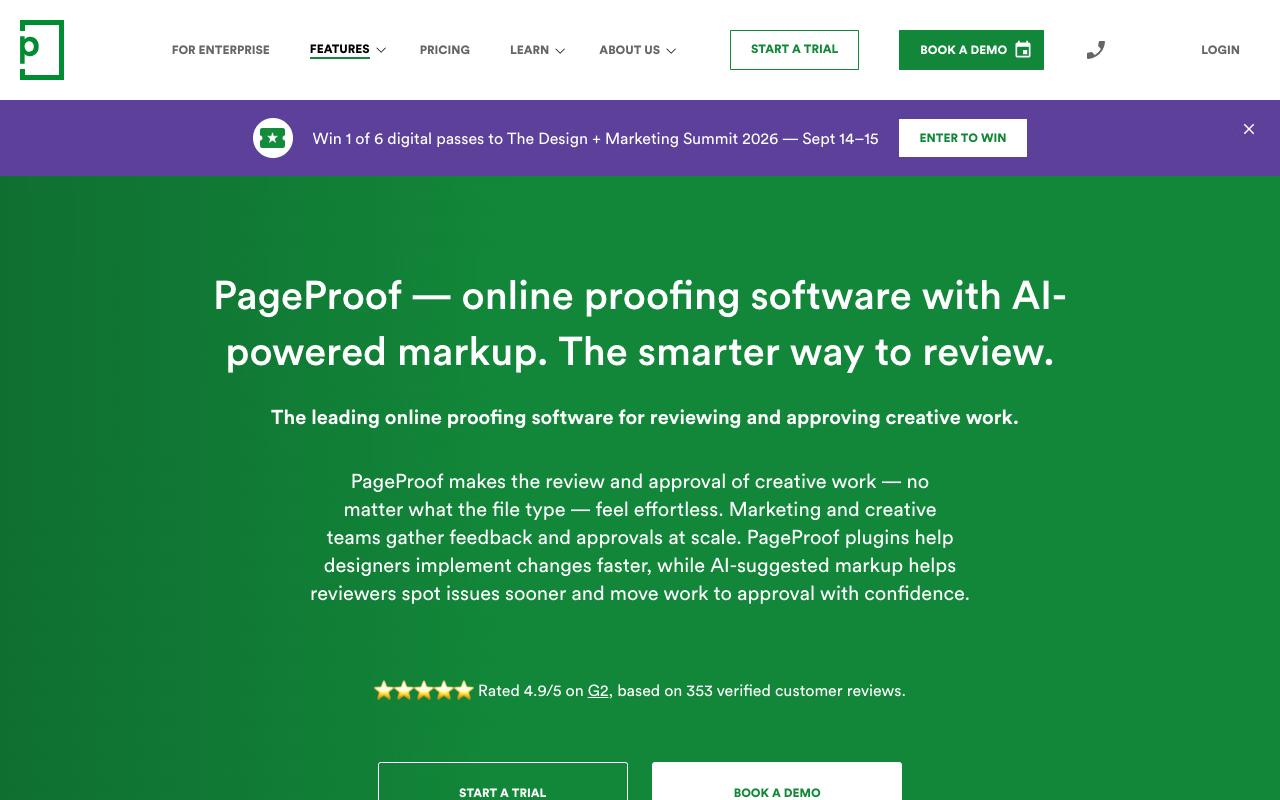
PageProof handles review and approval for creative work of any file type: social media, packaging, HTML emails, Figma prototypes, live websites, video, and audio. Its differentiator is PageProof Intelligence, an AI layer that suggests markup directly on the proof for spelling, layout, brand, and production issues, plus PreProof checks that run before a proof is even created. It's built for creative agencies, designers, project managers, and enterprises gathering approvals at scale.
Pricing: Team at $249/month (billed $2,499/year), Team Plus at $499/month (billed $4,999/year) adding SSO, advanced co-branding, and comment labels, and custom Enterprise pricing adding priority proofs, data sovereignty, and PI Agents. Every plan includes unlimited reviewers, unlimited workflow templates, unlimited proofs, and unlimited storage with no storage add-on charges, per PageProof's pricing page.
On Capterra, PageProof holds 4.8/5. Reviewers commonly praise streamlined review and approval process and strong overall usability and note intermittent glitches and room for improvement in some features. See the Capterra reviews page.
On G2, PageProof holds 4.8/5 across 389 reviews. Reviewers commonly praise ease of use and streamlined online proofing workflows and note occasional slowness and desire for interface refinements. See the G2 reviews and pros and cons pages.
Verdict: The flat-rate, unlimited-reviewer model makes it the cleanest fit for agencies with large or unpredictable reviewer lists.
7. monday.com
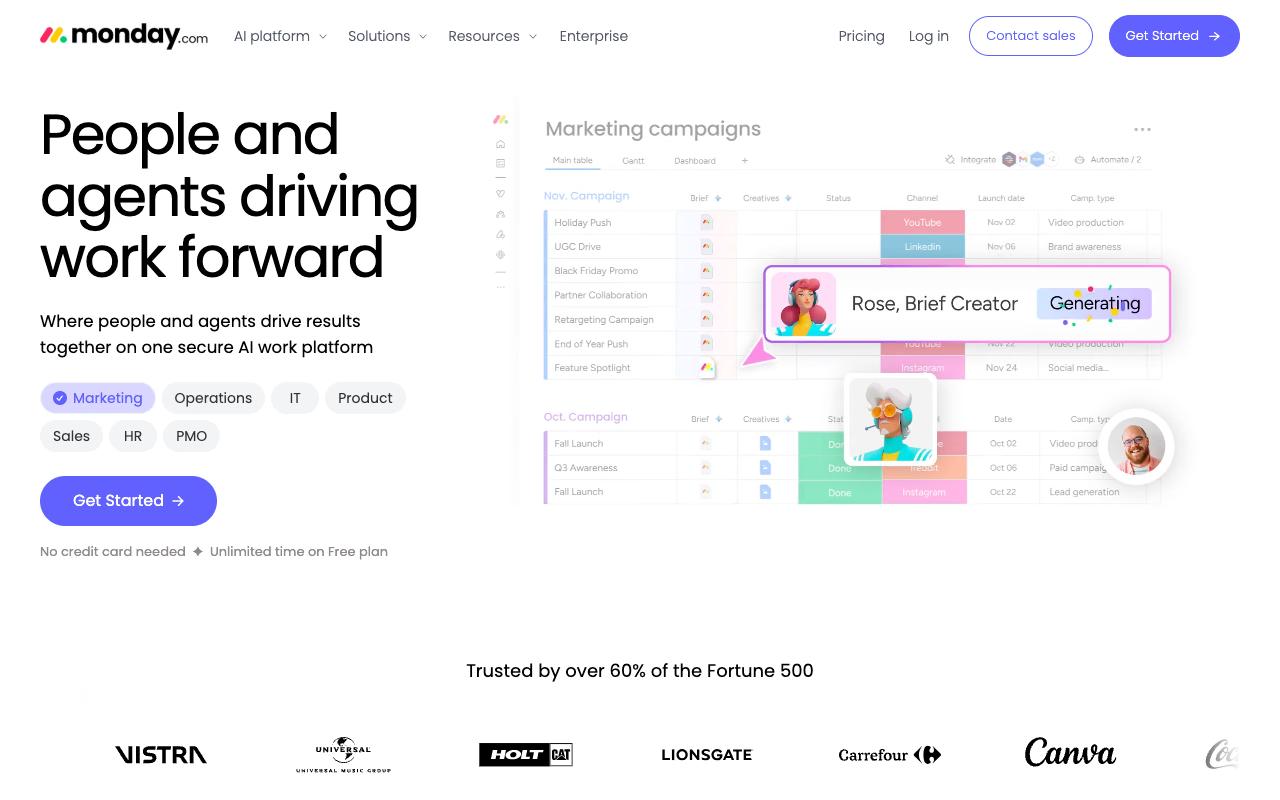
monday.com is a visual, no-code work platform now positioned around AI agents working alongside people, with customizable boards, multiple views, automations, and an Agent Builder. Approval lives inside general workflow automation, with no dedicated proofing viewer. It's sold to teams of every size across PMO, marketing, operations, IT, HR, and sales.
Pros:
- Highly visual, customizable boards/workflows that fit varied team processes
- Historically well-liked by long-time users before recent AI-focused changes
- Broad feature set (automations, Gantt-style views, work management) suitable for many team sizes
Cons:
- Recent AI feature rollout (unremovable prompts, AI notetaker joining calls) frustrates long-time users and slows workflows
- Customer support described as slow, canned, and unhelpful for real bugs
- Key features gated behind higher-priced plans (e.g. guest teams in Enterprise only, limited automation actions on lower tiers)
- Free/trial signup auto-enrolls in Pro trial with a confusing, hard-to-find downgrade/cancel path
- Limited hierarchy: only one level of sub-task and one-directional dependency linking
- Perceived as inferior to alternatives like Jira for some workflows
Pricing: Free for up to 2 seats, Basic at $9/seat/month, Standard at $12/seat/month with 250 automation actions a month, Pro at $19/seat/month with 25,000 automation actions, and custom Enterprise pricing, all billed annually on a 10-seat team per monday.com's pricing page. Monthly billing costs more.
Reviewing the free plan on LinkedIn, Cory Tsang found that signing up "got me access to a trial of Pro which normally costs $19/seat/month," which is the auto-enrollment pattern several buyers flag. His structural criticisms were specific: "Once you get to the task level, there is only one level of sub-task," and dependency "linking appears to be one-directional." His conclusion was blunt: "Monday doesn't feel like the right fit."
TrustPilot puts monday.com at 2.2/5 from 3,430 reviews, and the recent ones are heavily negative and specific about why. The AI push is the through-line: one reviewer wrote that it's "Bloated with AI junk, and the notetaker won't leave our client calls," and another said "the app is getting worse with every update." A third judged that Monday "compares very poorly against" Jira. Support comes up repeatedly as slow and canned when real bugs surface.
On Capterra, Monday.com holds 4.6/5. Reviewers commonly praise intuitive layout and flexibility for organizing tasks and collaborating across teams and note cost relative to alternatives and occasional difficulties with advanced features or integrations. See the Capterra reviews page.
On G2, Monday.com holds 4.7/5 across 17,202 reviews. Reviewers commonly praise highly visual and customizable interface that makes project and workflow management easy to organize and track and note pricing and the learning curve or complexity when setting up more advanced boards and automations. See the G2 reviews and pros and cons pages.
Verdict: Reasonable if you already run work in monday.com and want approvals as an automation step, and a poor substitute for a real proofing tool.
8. Asana
Asana connects tasks, projects, goals, and dependencies in one place, and now layers AI Teammates and AI Studio on top of that. The detail that matters here is that approvals and proofing are a named feature, but they only appear on the Advanced plan. Asana says 85% of Fortune 100 companies use it, and it's aimed at teams and enterprises coordinating work across IT, HR, legal, facilities, and agencies.
Pros:
- Clean, intuitive interface that's easy to organize projects and track progress in
- Multiple project views (list, board, calendar, timeline)
- Strong real-time collaboration (comments, notifications, file sharing)
- Useful automation/workflow rules that reduce repetitive tasks
- Deep integration ecosystem with major business tools
- Generous free tier that works well for small teams/solo use
Cons:
- Billing/refund disputes, including being charged for unused seats or double-charged with refunds refused
- Recent restriction of free plan to a 2-user workspace limit angered long-time users
- Slow, generic, or unresponsive customer support, especially for billing and cancellation issues
- Gets cluttered and feature-limited for larger teams (~10+ people)
- Pricing can be steep versus competitors for paid tiers
- Limited native time tracking; each task can only be assigned to one user
- Steep learning curve for new users due to feature breadth
Pricing: Personal is free for 1 to 2 people, Starter is $10.99/user/month billed annually ($13.49 monthly), Advanced is $24.99/user/month billed annually and is the first tier that includes approvals and proofing, and Enterprise and Enterprise+ are contact-sales, per Asana's pricing page.
TrustPilot rates Asana 1.5/5 from 313 reviews, and the complaints are almost entirely commercial. Billing and refund disputes dominate: "Be careful, they make billing mistakes and refuse to provide refunds," with multiple reviewers describing charges for unused seats or double charges, including one who wrote "When attempting to cancel my subscription, I was double charged, and now they're refusing to refund the charge." A separate cluster of 1-star reviews objects to the free plan being restricted to a 2-user workspace.
On Capterra, Asana holds 4.5/5. Reviewers commonly praise ease of use and support for organizing and tracking work across teams and note cost for larger deployments and complexity when managing advanced workflows and notifications. See the Capterra reviews page.
On G2, Asana holds 4.4/5 across 13,947 reviews. Reviewers commonly praise intuitive interface and effective project and task management features and note pricing at scale and limited customization and reporting capabilities. See the G2 reviews and pros and cons pages.
Verdict: Fine for approvals as part of broader project work, though you're paying the Advanced tier to get them and the billing complaints deserve a close read of your contract.
FAQ
What's the Difference Between Social Media Approval Tools and Online Proofing Software?
Social media approval tools like Ordinal and Planable build review into the publishing flow, so a reviewer sees the post as it will appear in the feed and sign-off releases it for scheduling. Online proofing tools like Ziflow, Filestage, and PageProof are file-type agnostic and handle video, packaging, HTML email, and live websites with annotation and version compare, but they don't publish. If your assets are social posts, the first group removes a handoff. If you're approving a TV cut or a print proof, you need the second.
Which Review and Approval Tool Is Cheapest to Start With?
Planable's Basic plan at $33 per workspace/month is the lowest paid entry point here, and it includes unlimited users. Free tiers exist at monday.com, Asana, Wrike, Filestage, and Ziflow, though they're tightly capped: Ziflow's free plan allows 2 users and 1 workflow stage, and Filestage's allows 1 active project and 5 files a month. Ordinal's Starter plan is $95/mo with approvals included, which is worth checking on any tool you're comparing, since Asana puts approvals and proofing on its $24.99/user/month Advanced tier.
Can Clients Approve Content Without Creating an Account?
Yes, on several of these. Ordinal uses public share links so external stakeholders can review a draft without an account, and Filestage's Starter plan includes password-protected review links. Ziflow and PageProof both support unlimited reviewers on paid plans, so the reviewer count isn't what drives your bill. This is the detail agencies should test first, because a client who has to create a login is a client who approves late.
Related Posts
Looking to learn more? The below posts may be helpful for you to learn more about social media and content marketing.