Metricool is cheap, and it's good at what it was built for: analytics dashboards, ad tracking, and single-operator scheduling. The problem shows up when the work changes shape. You add a second client, or five execs who need ghostwritten LinkedIn posts, or a compliance team that wants approval workflows and SSO. That's when the dashboard that felt affordable starts feeling like the wrong tool.
The question that matters is what you're replacing it with, and why. Agencies leaving Metricool usually want white-label client portals and approval links, while B2B marketing teams usually want employee advocacy infrastructure and API access. Those are different products.
Below are five alternatives worth a serious look, each one strong in a different direction. The table just under this paragraph lays out pricing, standout features and ratings side by side if you want the short version first.
At a glance
What Makes a Good Metricool Alternative
Client Approval Workflows
Several of these tools compete directly on how content gets signed off — a single link for a client's whole month of content, comment/annotation-based feedback, or multi-level approvals for bigger orgs. This is often the actual reason teams leave a dashboard-first tool like Metricool, so it's worth checking how approvals are structured and whether deeper approval types are gated behind higher tiers.
White-Label & Agency Branding
For agencies managing multiple clients, whether the dashboard, reports, and approval pages can carry the agency's own logo and domain (rather than the vendor's) is a real differentiator, and it's often tied to specific pricing tiers rather than included everywhere.
Reliability of Publishing
Reviews across these tools repeatedly surface the same failure mode — scheduled posts silently not going out, authentication tokens breaking, or uploads freezing mid-process. Since the whole point of a scheduler is that posts publish unattended, this pattern is worth weighing against feature lists.
Analytics & ROI Reporting Depth
Basic analytics dashboards are table stakes, but the alternatives differ on whether reporting ties back to revenue (like pulling Google Analytics data to connect posts to leads and sales) or whether deeper analytics is sold as a separate paid add-on rather than included.
API & Open Architecture
How locked-down the platform is matters if you want AI tools or other systems to read posting history and push content programmatically — some tools offer REST APIs, webhooks, and MCP servers, while others keep the ecosystem closed or gate API access to top-tier plans.
Employee Advocacy & Multi-Seat Scale
Teams that outgrow single-operator scheduling often need to enable many execs or employees to post in their own voice, which raises questions about seat limits, per-seat pricing, and dedicated advocacy infrastructure versus an ad-hoc Slack-based workaround.
The Metricool Alternatives Worth Shortlisting
1. Ordinal

Ordinal is an end-to-end platform for drafting, planning, and scheduling social content across LinkedIn, Twitter/X, Instagram, Facebook, Threads, TikTok, YouTube Shorts and more, with automated engagement and analytics built in. It's used by content agencies, founders and execs, social media managers, content marketers, and growth teams, and it's aimed at marketing teams that run social as an ongoing program. The pitch is straightforward: one place to draft, plan, and schedule, with automations that drive engagement and analytics that tie back to revenue.
Pricing: Starter is $95/mo ($85/mo billed annually) for up to 3 seats and 4 social profiles. Pro is $265/mo ($235/mo billed annually) and adds unlimited seats, unlimited scheduled posts, all-time analytics, automated engagement, approval workflows, and API/MCP/Webhooks. Enterprise is custom and includes leads data, employee advocacy, custom user permissions, and SAML/SSO, according to Ordinal's pricing page. A 14-day free trial is available.
If you're leaving Metricool because your LinkedIn program outgrew a reporting dashboard, this is the closest match on the list. Ordinal handles the things most schedulers still don't build: personal profile tagging on LinkedIn, PDF carousels, polls, quote reposts, and a realistic preview that shows exactly where your hook cuts off before "see more." Auto-engagement sits inside the post creation flow, so likes, comments and reposts get assigned per profile in the tool instead of chased down in Slack.
And the open architecture (REST API, MCP server, webhooks, CSV exports) is what separates it from closed ecosystems, since your AI tools can read your posting history, analyze what performed, draft in your voice and schedule it without anyone opening the UI. For a Head of Marketing enabling five to ten execs, that replaces the ad-hoc Slack-message advocacy program and the per-seat enterprise contract at the same time, since Pro has no seat limit.
Verdict: The strongest pick if LinkedIn is your primary channel and you need executive posting, employee advocacy and programmatic access.
2. Cloud Campaign
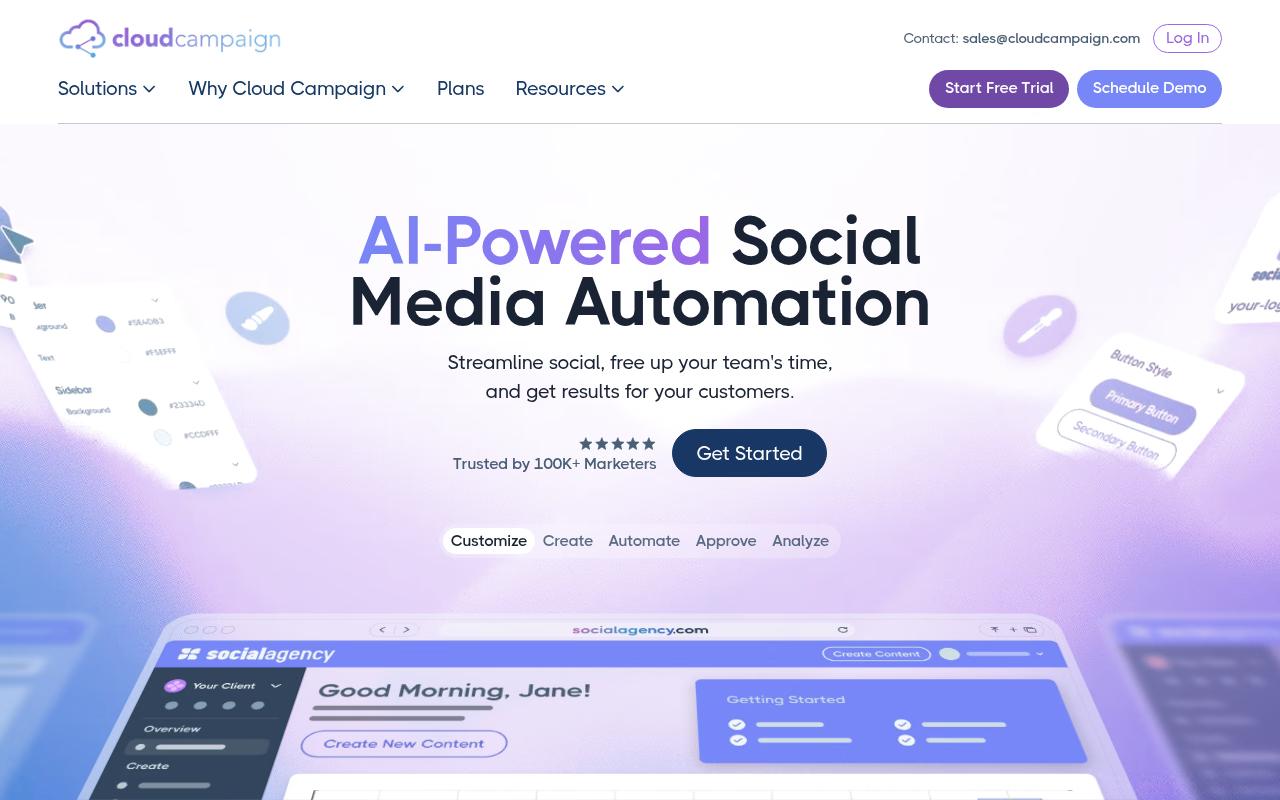
Cloud Campaign is a white-label social media management platform built for agencies running social for multiple clients. The dashboard, the reports and the client approval page all carry your logo, colors and domain. The core workflow is a single link that shows a client their whole month of content, where they can comment, request edits, or approve in one click.
Pros:
- Clean, straightforward interface with easy scheduling
- Automation tools save time on social media management
- AI features for captions, images, and inbox responses speed up workflows
- Built with agencies in mind, with white-label options for client-facing presentation
- Useful, detailed analytics/reporting
- Responsive, outstanding team according to some users
Cons:
- Customer service can be unresponsive, with chat support unavailable during stated hours
- No email invoicing despite using Stripe for billing, causing friction with billing departments
- At least one reviewer described service as 'terrible'
Pricing: Freelancer at $49/mo ($41/mo annually) covers 1+ brand workspaces with unlimited users and 7 social accounts per client. Team at $199/mo ($165/mo annually) covers 5+ workspaces with unlimited social accounts and standard white-labeling. Agency at $299/mo ($249/mo annually) adds advanced white-labeling, paid social reporting, client migration and SSO, per Cloud Campaign's plans page. White-labeling is free on Team and Agency plans.
On Trustpilot, Cloud Campaign holds 3.4/5 from just 4 reviews, which is a small sample pulling in two directions. The positive reviews are enthusiastic about the fundamentals. One 5-star reviewer called the interface clean and scheduling straightforward, noting the automation tools save real time and that it's "clearly built with agencies in mind, and the white-label options make it easy to present a professional experience to clients." Another 5-star review praised the team as outstanding and singled out the AI caption writing tool. The negative end of that same sample is where the friction lives, with complaints about chat support being unavailable during its stated hours and no email invoicing despite Stripe billing, which creates headaches for client billing departments.
On Capterra, Cloud Campaign holds 4.9/5. Reviewers commonly praise cost-effective tool for agencies and nonprofits offering unlimited accounts, bulk scheduling, organized content library, and helpful analytics and note intermittent posting failures, constraints around content export, and higher subscription costs when managing only a few client accounts. See the Capterra reviews page.
On G2, Cloud Campaign holds 4.9/5 across 166 reviews. Reviewers commonly praise affordable, easy-to-use social media management with strong content approval workflow and responsive customer support and note occasional posting or integration issues, limited export options, and pricing that can feel high for very small agencies. See the G2 reviews and pros and cons pages.
Verdict: Buy it if you're an agency and white-label client presentation is the deciding factor; budget for some support friction.
3. Planable
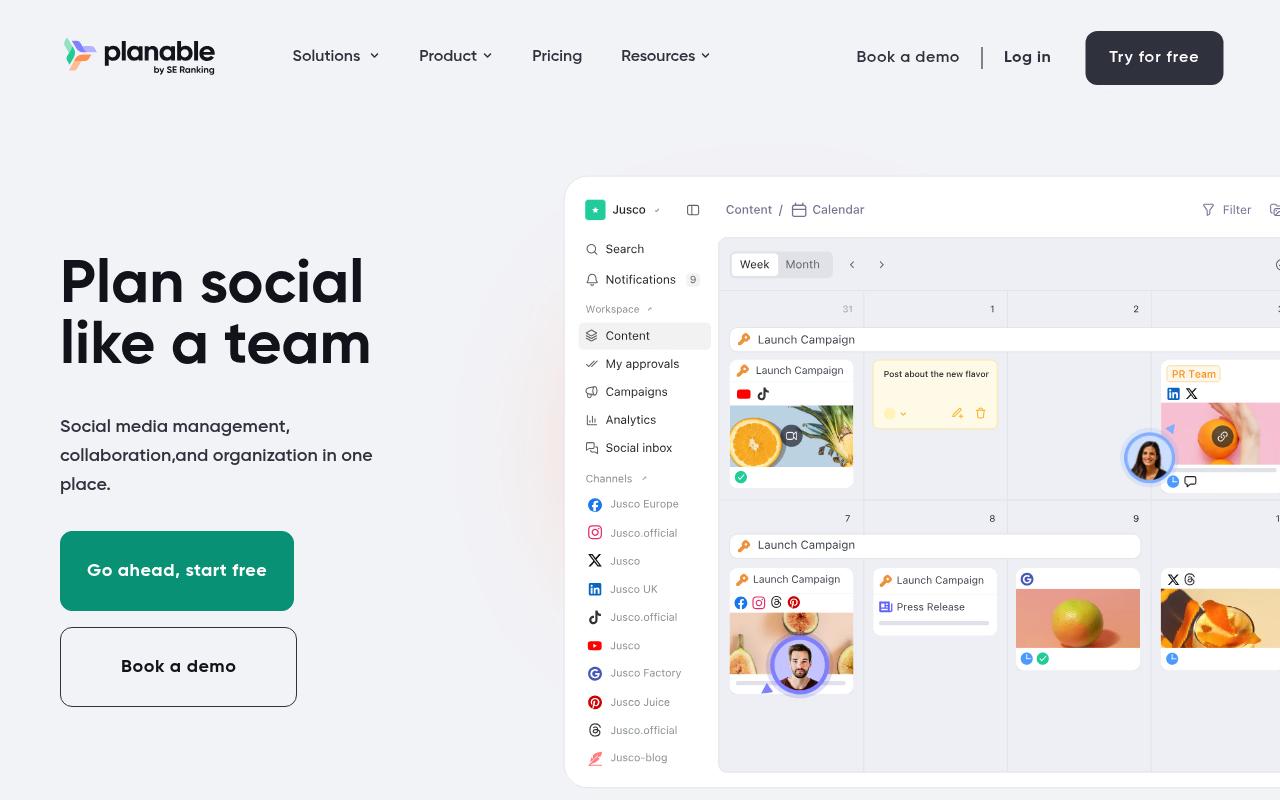
Planable is a collaboration-first platform: "The one place to create, discuss, approve, publish content, then engage and analyze your impact." It covers nine social networks plus blogs, newsletters and campaign briefs, with grouped posts that let you write once and then sync content off for platform-specific tweaks. It sells into agencies, multi-location brands, and multi-brand companies, all of whom share the same core problem of getting content approved by someone who isn't in the tool every day.
Pros:
- Easy to use with a clean, intuitive interface
- Strong collaboration and client approval workflow (reduces email back-and-forth)
- Calendar view with drag-and-drop rescheduling is well liked
- Useful for consultants/agencies managing multiple clients' content
Cons:
- Occasional failures to publish scheduled posts with unclear error messages
- Key features increasingly paywalled/sold as paid add-ons
- Limited storage on the basic plan
- UI can be buggy (unresponsive buttons) on web and mobile
- Platform integration gaps (e.g. Instagram Stories, music/tagging, Pinterest aspect-ratio issues)
Pricing: Basic is $33/workspace/month for 60 posts and 4 social pages with unlimited users. Pro is $49/workspace/month for 150 posts, 10 social pages, three approval types and Public API access. Enterprise is custom and adds unlimited posts, multi-level approvals and SSO. The first 50 posts are free with no time limit or credit card, and Analytics is sold as a paid add-on.
Trustpilot puts Planable at 4.4/5 across 71 reviews, and the pattern is positive with a vocal minority of frustrated users. Reviewers keep coming back to the same two strengths. It's easy to use ("super easy to use and makes scheduling Instagram posts and reels stress-free") and the approval workflow genuinely kills email threads ("Approval process is very handy - takes out the back and forth on email trails and makes for clear communication"). The drag-and-drop calendar gets consistent praise too. The complaints are about reliability and packaging, including scheduled posts failing to publish with unclear error messages, buggy unresponsive buttons on web and mobile, limited storage on Basic, and key features increasingly moved behind paid add-ons.
Reddit threads in r/SocialMediaMarketing echo that split, praising the visual planning and approval flow while flagging cross-platform tagging limitations and slow support responses.
Planable's own LinkedIn product page leans into the same positioning: dedicated workspaces per brand or client, a drag-and-drop visual calendar, comment and annotation-based feedback, customizable multi-level approvals, direct publishing, engagement, analytics and client reporting. The framing is explicitly about replacing spreadsheets and email chains with visual, team-based content creation.
On Capterra, Planable holds 4.5/5. Reviewers commonly praise easy-to-use collaboration for social media teams with streamlined workflows and clear content organization and note feature depth constraints including fewer advanced management options and limited analytics compared to alternatives. See the Capterra reviews page.
On G2, Planable holds 4.6/5 across 1,112 reviews. Reviewers commonly praise intuitive collaborative interface and visual content calendar that simplifies social media planning and approvals and note occasional technical issues and limited advanced features such as deeper analytics and richer video tools. See the G2 reviews and pros and cons pages.
Verdict: Best value on the list for approval-heavy content teams, as long as you're comfortable paying extra for analytics.
4. Agorapulse
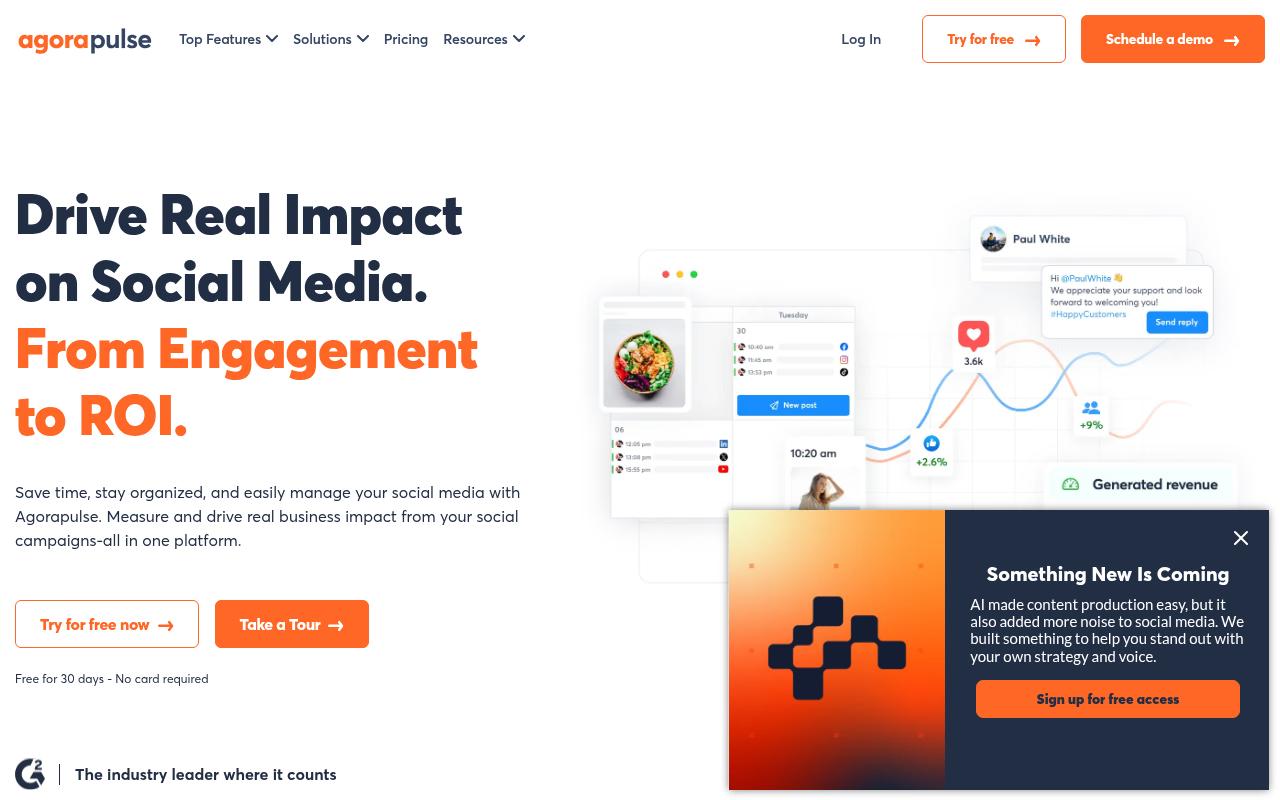
Agorapulse bundles publishing, a unified inbox, social listening and ROI reporting into one platform used by 31K+ social media managers. The differentiator against Metricool is the ROI layer. It pulls data from Google Analytics automatically and ties social activity to revenue goals, so you can point at which posts and conversations drove sales, leads and traffic. It fits businesses of all sizes, though agencies and in-house social teams are the clear center of gravity.
Pros:
- Easy to use with little to no training required
- Strong scheduling and publishing features across multiple social accounts
- Unified social inbox makes community management and client comment/message handling easier
- Robust reporting with Google Analytics integration for showing ROI
- Client approval workflow (calendar view, approve/request changes) is popular with agencies
- Highly rated, responsive customer support (per most reviewers)
Cons:
- Some users report reliability issues, e.g. authentication 'tokens' failing and causing scheduled posts to not publish
- Occasional upload/UI freezes (e.g. stuck at 99%/0%, thumbnail selection freezing)
- Support can involve long wait times to reach a human (one user cited a 6 hour wait) and generic chatbot answers
- Customers of the acquired 'Mention' product reported losing scheduling functionality and being pushed to a new subscription
Pricing: Standard is $99/user/mo ($79 annually) for unlimited scheduling, the unified inbox and basic reports across 10 social profiles. Professional is $149/mo ($119 annually) and adds link-in-bio, Instagram product tagging and team assignments. Advanced is $199/mo ($149 annually) and adds labels, saved replies, automated moderation, shared calendars, ads reporting, ROI analysis and competitor benchmarking. Custom pricing covers unlimited profiles, SSO and API access. Note that this is per-user pricing, which matters if your team is growing.
Trustpilot shows Agorapulse at 4/5 from 57 reviews, strongly positive with a handful of sharp negatives. Long-tenured users are the loudest advocates. One reviewer who started in 2015 said that through many changes the tool has held up well, with top-notch customer service and a fantastic online community, and another credited it with keeping them active on all their channels without friction. Reporting comes up repeatedly, with custom reports described as effortless. The negative reviews cluster around reliability and support access, including authentication tokens failing and taking scheduled posts down with them, uploads freezing at 99%, and long waits to reach a human (one user cited six hours).
On Reddit, a user who ran Agorapulse at two companies said in r/socialmedia that it "does all the normal posting and scheduling very well," specifically praising cross-platform posting without duplicating content and decent Instagram and Twitter listening. When they hit a region-locking bug, support "were very prompt with answering, admitted a fault and fixed it withing a week."
On Capterra, Agorapulse holds 4.6/5. Reviewers commonly praise easy usability and responsive customer support and note higher pricing and limited feature depth. See the Capterra reviews page.
On G2, Agorapulse holds 4.5/5 across 974 reviews. Reviewers commonly praise intuitive interface and scheduling workflow and note high pricing and limited customization. See the G2 reviews and pros and cons pages.
Verdict: The pick when inbox management and proving social ROI matter more than publishing volume, provided per-user pricing works for your headcount.
5. Sendible
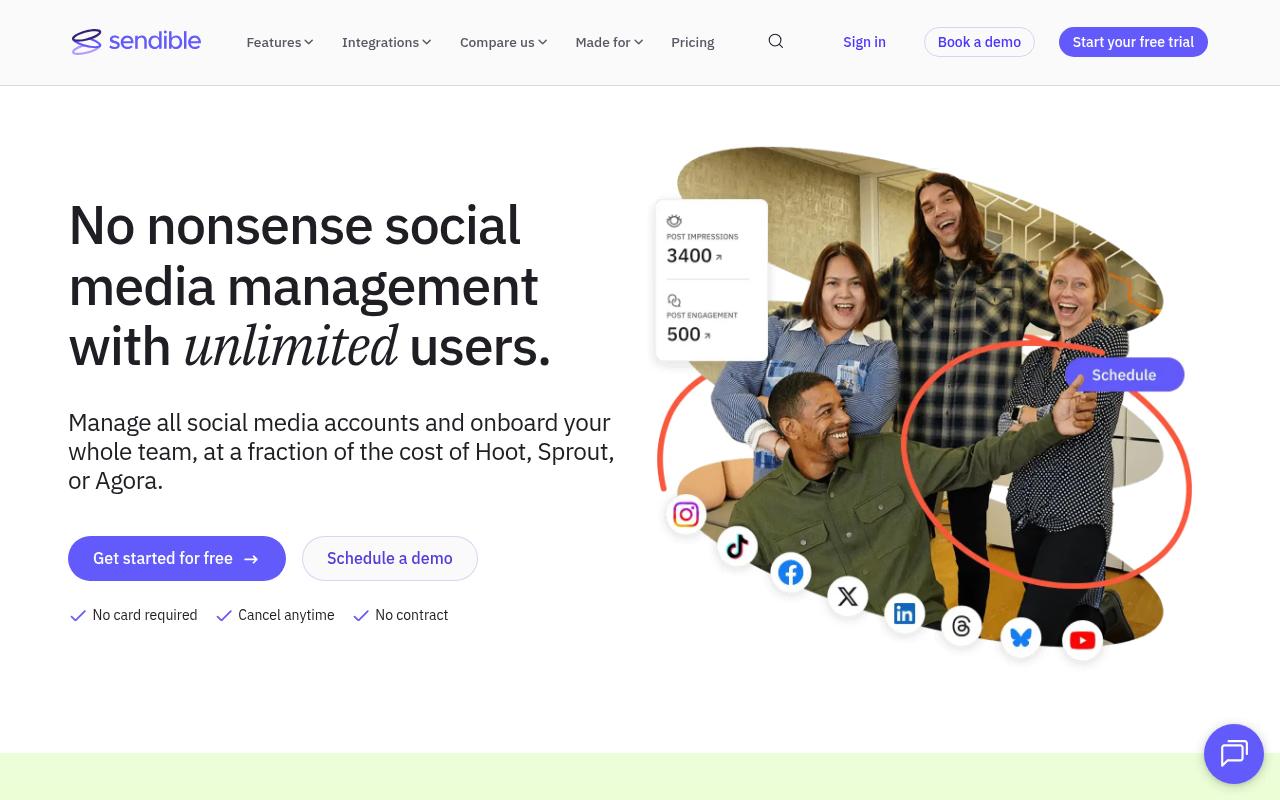
Sendible is built around workspaces, one per client or location, with unlimited users on every plan. It calls itself "the must-have tool for brands and agencies," and the feature set reflects that: bulk import for a month of content at a time, a priority inbox with message assignment, white-label reporting, UTM tracking, Client Connect for secure account onboarding, and automated one-click reports.
Pros:
- Responsive, helpful customer support praised by many reviewers
- Easy to use / intuitive, even for one-person marketing teams
- Good value and pricing versus competitors like Hootsuite
- Useful features: content calendar, best-time-to-post, Canva integration, analytics dashboard
- Handles large scale (dozens of accounts, franchises with hundreds of branches) and multi-client/agency approval workflows
- Users report multi-year retention and continued renewal
Cons:
- Billing complaints: unexpected auto-upgrades/charges with a strict no-refund policy
- Post-sales support criticized as slow or unhelpful by some users, despite others praising support
- Downgrading a subscription described as deliberately confusing, sometimes with extra fees
Pricing: Core is $35/mo ($30 annually) for 1 workspace and 6 profiles. Plus is $99/mo ($84 annually) for 3 workspaces and approval workflows. Premium is $199/mo ($169 annually) for 7 workspaces, content libraries, custom branded reports and dedicated onboarding. Elite is $299/mo ($254 annually) for 15 workspaces, and Enterprise is $750/mo ($638 annually) for 50 workspaces and 300 profiles with SSO. Every plan includes unlimited users. There's no free plan, but a 14-day trial requires no card.
Trustpilot rates Sendible 4.3/5 from 25 reviews, overwhelmingly positive with a few sharp outliers. Support is the standout theme: "This company has that dialed in," and "Every Customer Success Manager we've spoken to has been nothing but positive and helpful." Reviewers also praise how well it works for very small teams ("Sendible's platform makes it easy for a one person marketing team to manage their social media presence online") and the cost relative to competitors, with one noting they'd been paying over three figures a month before switching. Reviewers also report managing dozens of accounts and franchise networks with hundreds of branches on it. The negatives are billing-related and specific, covering unexpected auto-upgrades and charges against a strict no-refund policy, and downgrading described as deliberately confusing, sometimes with extra fees attached.
Reddit is less kind. A thread in r/SocialMediaMarketing titled "Best Sendible alternative in 2025?" opens with "Too many post fails lately, especially on Instagram," and the commenters spend their time recommending replacements, pointing to Planable for reliable Instagram publishing and a cleaner preview and approval workflow.
On Capterra, Sendible holds 4.6/5. Reviewers commonly praise ease of use and customer support and note pricing and occasional mobile app instability. See the Capterra reviews page.
On G2, Sendible holds 4.5/5 across 904 reviews. Reviewers commonly praise ease of use and scheduling workflows and note pricing and occasional upload or tagging issues. See the G2 reviews and pros and cons pages.
Verdict: Good economics for agencies scaling client count on unlimited users; check your Instagram publishing reliability during the trial and watch the billing terms.
6. SocialPilot
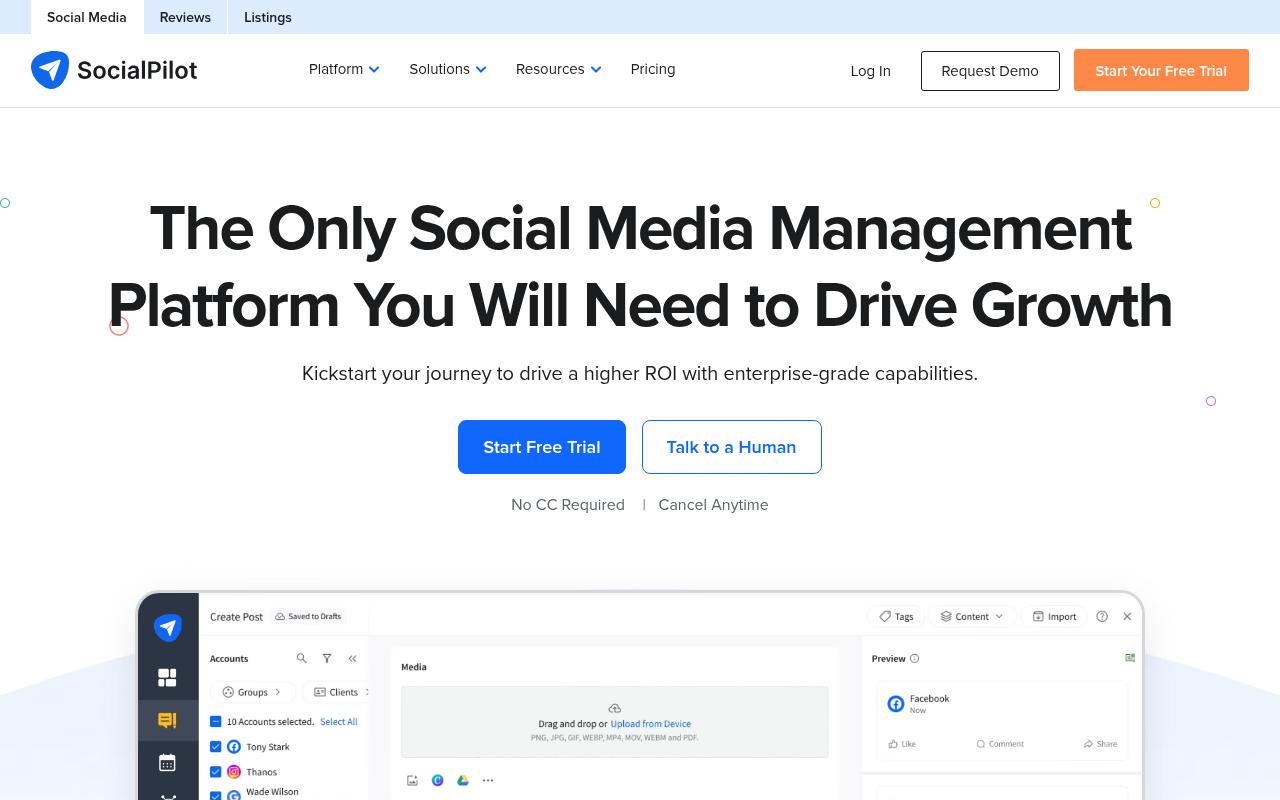
SocialPilot is the cheapest entry point here and the most direct swap for Metricool on price. It's "designed for scaling marketing agencies and brands," and the publishing feature set is deep: bulk scheduling up to 500 posts from a CSV, queue schedules that replicate your best posting times across accounts, repeat posts, first comment scheduling, saved mention groups, custom fields and UTM tracking, plus an AI Pilot layer with brand voice customization and a caption generator.
Pros:
- User-friendly, easy-to-use interface for scheduling and managing multiple social accounts
- Bulk upload feature saves significant time for teams managing many accounts
- Highly praised, responsive customer support and onboarding staff
- Affordable compared to alternatives like Hootsuite/Meta Business Planner, per reviewers
- Handles large volumes of accounts (reviewers cite managing 50+ accounts)
Cons:
- Scheduling can be buggy, e.g. dates for posts scheduled weeks in advance changing without notice
- Error messages for failed posts lack detail on what went wrong or how to fix it
- No refund for unused time when canceling an annual billing plan early
- Some feature gaps noted, such as multiple captions on Instagram carousels or LinkedIn polls
- One reported issue with delayed affiliate/referral commission payment
Pricing: Essentials is $20/mo ($17 annually) for 5 accounts and 1 user. Standard is $40/mo ($34 annually) for 10 accounts, 3 users, bulk schedule and social inbox. Premium is $100/mo ($85 annually) for 20 accounts, 6 users, advanced analytics, client approval and white-label reports. Ultimate is $200/mo ($170 annually) for 40 accounts and unlimited users. Enterprise is custom with SSO and API access. There's a 14-day trial with no credit card.
TrustPilot has SocialPilot at 3.9/5 from 54 reviews, mostly positive with support and onboarding drawing the strongest praise. The time-savings claims are concrete. One 5-star reviewer wrote "Social Pilot took my monthly Social Media scheduling from 2 weeks every month to a day and a half. What's not to love?" Another called bulk upload "especially valuable for teams managing multiple accounts at once," and support gets described as "epic!!!" The lower-scoring reviews and the verified con list point at scheduling bugs, including dates changing without notice on posts scheduled weeks out, error messages that don't explain what failed, no refund for unused time on annual plans, and feature gaps like LinkedIn polls and multiple captions on Instagram carousels.
Reddit sentiment is mixed in a useful way. In r/SocialMediaMarketing's "Hootsuite vs SocialPilot" thread, one commenter called it budget-friendly and solid for straightforward scheduling but raised concerns about business ethics, warning others to "Please be weary in this case!" Another commenter, who disclosed working for a competing tool, said it's a good product that has been around a long time and supports most of the networks its rivals do. Separately, a user in r/socialmedia reported a sharp drop in video views, down to under 1,000 per video.
On Capterra, SocialPilot holds 4.4/5. Reviewers commonly praise user-friendly scheduling workflows and good value for managing multiple social profiles and note limited advanced features and occasional platform reliability issues. See the Capterra reviews page.
On G2, SocialPilot holds 4.5/5 across 846 reviews. Reviewers commonly praise easy-to-use interface and efficient multi-account social media scheduling and note inconsistent customer support responsiveness and occasional technical or billing issues. See the G2 reviews and pros and cons pages.
Verdict: The budget choice, and genuinely capable at bulk publishing, but verify scheduling reliability and confirm the LinkedIn features you need are supported before committing annually.
FAQ
What's the Cheapest Metricool Alternative?
SocialPilot's Essentials plan at $20/mo ($17/mo billed annually) is the lowest starting price on this list, covering 5 social accounts and 1 user. Planable's Basic plan at $33/workspace/month is next, and it includes unlimited users plus a free trial of the first 50 posts with no credit card required.
Which Metricool Alternative Is Best for Agencies Managing Multiple Clients?
It depends on what your clients see. Cloud Campaign is the strongest fit if white-labeled dashboards, reports and approval pages matter, and white-labeling is free on its Team and Agency plans. Sendible is the better economics play if you're scaling client count, since every plan includes unlimited users and each workspace bundles 6 social profiles. Planable wins on approval workflow specifically, with up to three approval types on Pro and multi-level approvals on Enterprise.
Which of These Tools Has API Access?
Ordinal includes API, MCP and webhook access on its Pro plan at $265/mo, and its MCP server lets AI tools read posting history and draft and schedule posts without opening the UI. Planable includes a Public API on its Pro plan at $49/workspace/month. Agorapulse and SocialPilot both offer API access on their custom Enterprise tiers, and Sendible's Enterprise plan is $750/mo.
Related Posts
Looking to learn more? The below posts may be helpful for you to learn more about social media and content marketing.