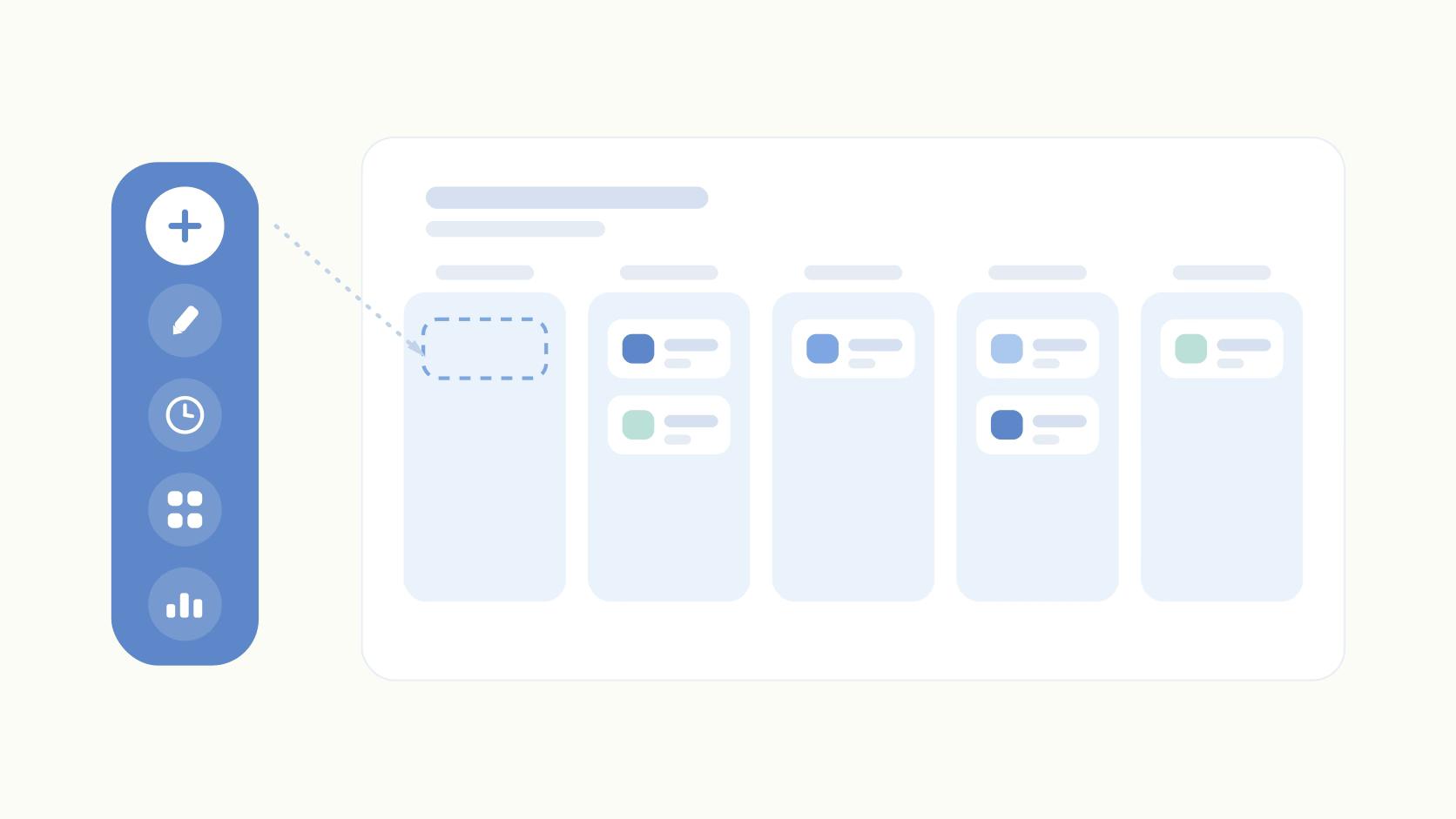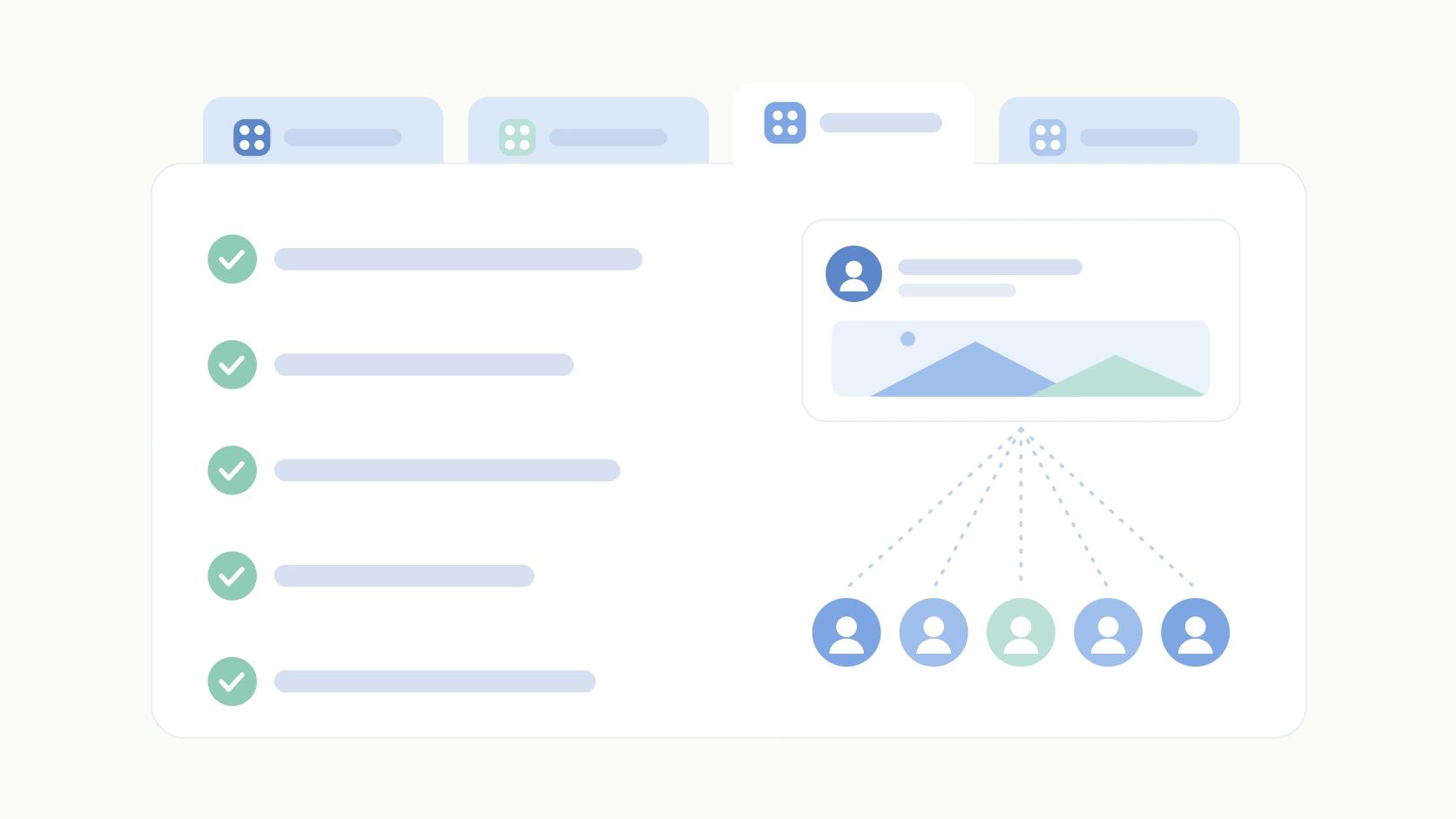
The delay in creative work usually comes after the work is done. A designer finishes a campaign asset on Monday, and it sits in someone's inbox until Thursday because three stakeholders need to sign off and nobody knows whose turn it is.
Then legal asks for a change nobody documented, and version 4 goes live when version 6 was the approved one.
Creative approval software exists to close that gap. The category splits into two camps that get lumped together but solve different problems. Online proofing platforms are built for annotating design files, video, and live websites across multi-stage reviews. Social content platforms keep the approval step inside the same tool that schedules and publishes the post. Which one you need depends entirely on whether your approved asset ends up in a print run or in a LinkedIn feed.
Below are four tools worth a look, with pricing, third-party review context where it exists, and the tradeoffs. The table just under this paragraph compares them side by side if you want the short version first.
At a glance
What Makes a Good Creative Approval Software
Proofing vs. publishing workflow
The biggest split in this category is whether approvals happen inside a dedicated proofing tool for files, video, and live sites, or inside the same platform that drafts and schedules the post. This determines whether there's a handoff risk between the approved version and what actually goes live.
File type coverage
Tools differ sharply in what they can actually proof — some stop at images and documents, others handle video, audio, live websites, packaging, catalogs, HTML emails, and Figma prototypes. Match the tool to the media your team actually produces.
Multi-stage and regulated review
Some products are built for simple one-round sign-off, while others support multi-stage workflows with electronic signatures, decision thresholds, and audit trails for legal or compliance review. This matters if your approval chain involves more than one department or regulatory sign-off.
AI-assisted review
A few tools now use AI to flag issues before or during proofing, like catching spelling, layout, or brand inconsistencies automatically instead of relying purely on human markup. Weigh whether this actually cuts review rounds for your team or is just a checkbox feature.
Approval flexibility and permissions
Look at how granular the approval settings are — required vs. optional approvals, multi-level sign-off, blocking approvals, and who can comment without needing a full seat. This affects how well the tool fits agencies or teams juggling multiple brands and external reviewers.
The Creative Approval Tools Worth Shortlisting
1. Ordinal

Ordinal is an end-to-end platform for drafting, planning, and scheduling social content, with approvals built into the same workflow that publishes the post. It's used by content agencies, founders and executives, social media managers, and growth teams who take social seriously enough to need exec sign-off before something goes live. The approval layer includes blocking approvals, inline commenting so feedback stays attached to the draft, and version history that shows what changed between rounds.
Pricing: Starter is $95/month ($85/month billed annually) for up to 3 seats, 4 social profiles, 50 scheduled posts per month, and approvals. Pro is $265/month ($235/month billed annually) and adds unlimited seats, unlimited scheduled posts, full approval workflows, all-time analytics, automated engagement, and API/MCP/webhook access. Enterprise is custom and adds employee advocacy, custom user permissions, SAML/SSO, and dedicated onboarding. Both paid plans include a 14-day free trial, according to Ordinal's pricing page.
If the creative you're approving is social content, the approval step shouldn't live in a separate tool from the publish step. That handoff is where things break. A post gets approved in one system, then someone re-copies it into a scheduler and drops a formatting change or a tag along the way.
Ordinal keeps drafting, review, sign-off, and publishing in one place, with a Notion-like editor for in-line comments and public share links so external reviewers don't need a seat. The realistic social preview matters here too, since approvers see exactly where the hook cuts off before "see more" instead of approving a wall of text that renders differently in the feed. It replaces the common stack of scheduler plus Notion or Airtable for workflow plus Slack for approval pings, and it suits teams running founder, exec, and company accounts side by side more than teams routing print files through multi-stage regulatory review.
Verdict: The strongest fit when the creative being approved is social content and you want sign-off and publishing in the same system.
2. Ziflow
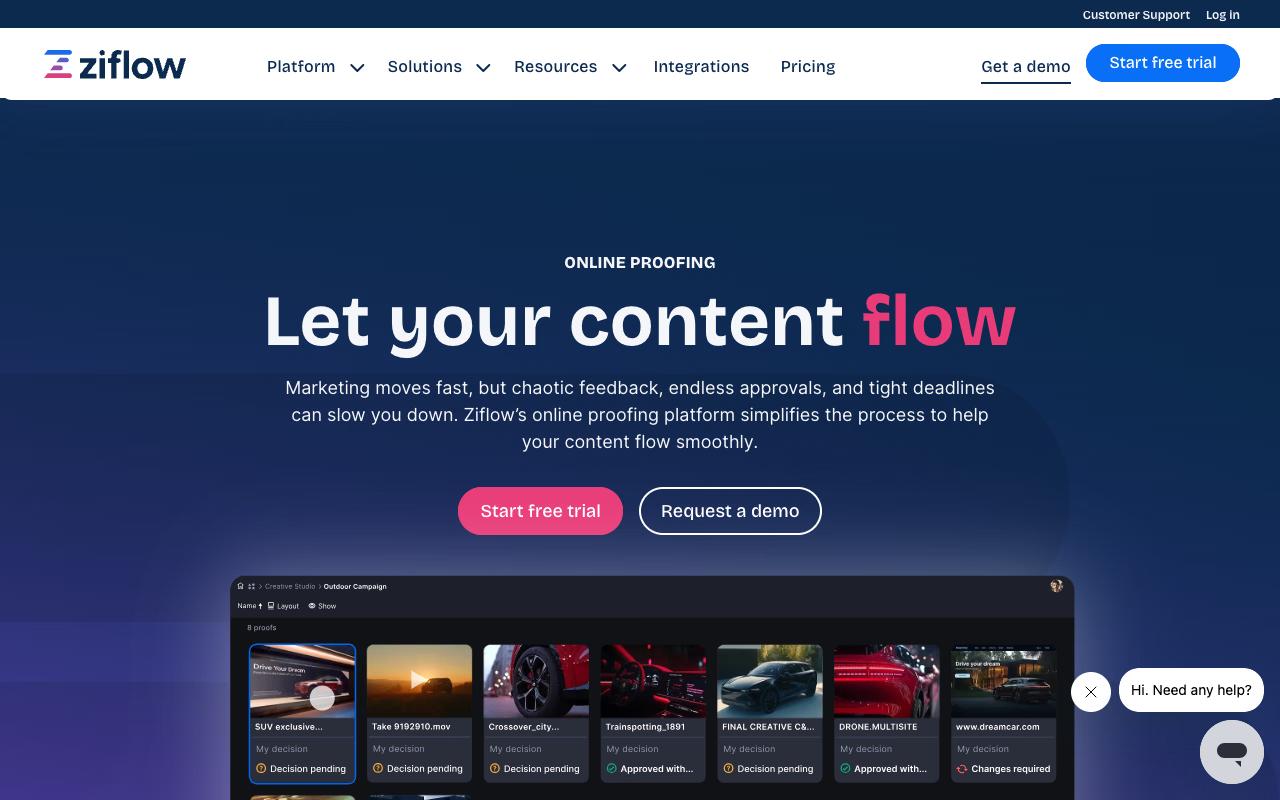
Ziflow is enterprise-grade online proofing built for complex creative review, covering documents, images, videos, audio, and live websites in one collaborative viewer. It's aimed at in-house creative teams, creative ops, executive leadership, and legal or compliance reviewers, and the homepage states it's trusted by thousands of marketing and creative teams with 90% of Fortune 100 companies among them. Campaign-level reviews let you push every asset in a cross-channel campaign through a single workflow rather than proofing each file separately.
Pricing: A free Personal tier at $0/month covers 2 users, 2GB storage, and 1 workflow stage. Starter is $199/month billed annually with 15 free users, 1TB storage, and 2 workflow stages. Business is $329/month billed annually with 20 free users, 2TB storage, 3 workflow stages, and advanced integrations for Asana, monday.com, Slack, Teams, Dropbox, and Google Drive. Enterprise is custom and opens up unlimited workflow stages, ReviewAI, SSO/SCIM, white label, and a custom SLA, per Ziflow's pricing page.
On Capterra, Ziflow holds 4.8/5. Reviewers commonly praise efficient review and approval process for creative work with easy-to-use proofing and helpful integrations and note occasional clunky behavior or limitations in certain integrations and file handling options. See the Capterra reviews page.
On G2, Ziflow holds 4.5/5 across 941 reviews. Reviewers commonly praise streamlined creative proofing with easy markup, strong collaboration workflows, and responsive support and note limitations and higher costs for advanced features on lower-tier plans, and less intuitive experience for some document types.
See the G2 reviews and pros and cons pages.
Verdict: Built for regulated, multi-stage review where audit trails and electronic signatures aren't optional.
3. PageProof
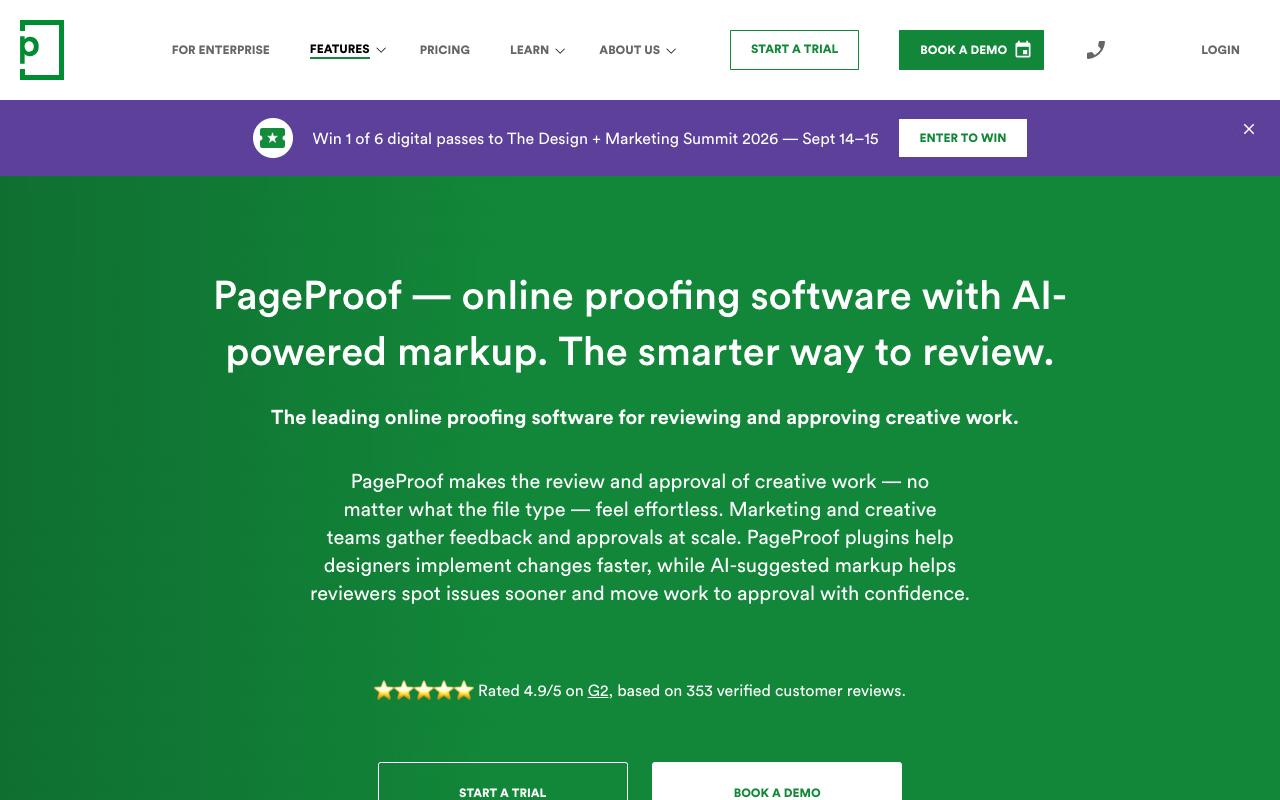
PageProof handles proofing for essentially any file type, including packaging, catalogs, HTML emails, Figma prototypes, live websites, video, and audio. The differentiator is PageProof Intelligence, an AI layer that suggests markup directly on the proof for spelling, layout, brand, and production checks, plus PreProof, which runs checks before a proof is even created. Print-heavy teams get ColorSep for previewing color separation plates and ink coverage, along with an automatic barcode and QR code scanner.
Pricing: Team is $249/month billed at $2,499/year and includes unlimited reviewers, unlimited workflow templates, unlimited proofs, unlimited storage, 250 PI credits, and the Insights dashboard. Team Plus is $499/month billed at $4,999/year and adds single sign-on, advanced co-branding, comment labels, 500 PI credits, and PreProof. Enterprise is quote-based with priority proofs, scheduled proofs, data sovereignty, 1,000 PI credits, and PI Agents for custom organization-defined rules. All plans include unlimited storage with no storage add-on charges, according to PageProof's pricing page.
On Capterra, PageProof holds 4.8/5. Reviewers commonly praise streamlined review and approval process and strong overall usability and note intermittent glitches and room for improvement in some features. See the Capterra reviews page.
On G2, PageProof holds 4.8/5 across 388 reviews. Reviewers commonly praise ease of use and streamlined online proofing workflows and note occasional slowness and desire for interface refinements. See the G2 reviews and pros and cons pages.
Verdict: The pick for teams proofing print and packaging alongside digital, especially if AI-assisted markup would cut review rounds.
4. Planable
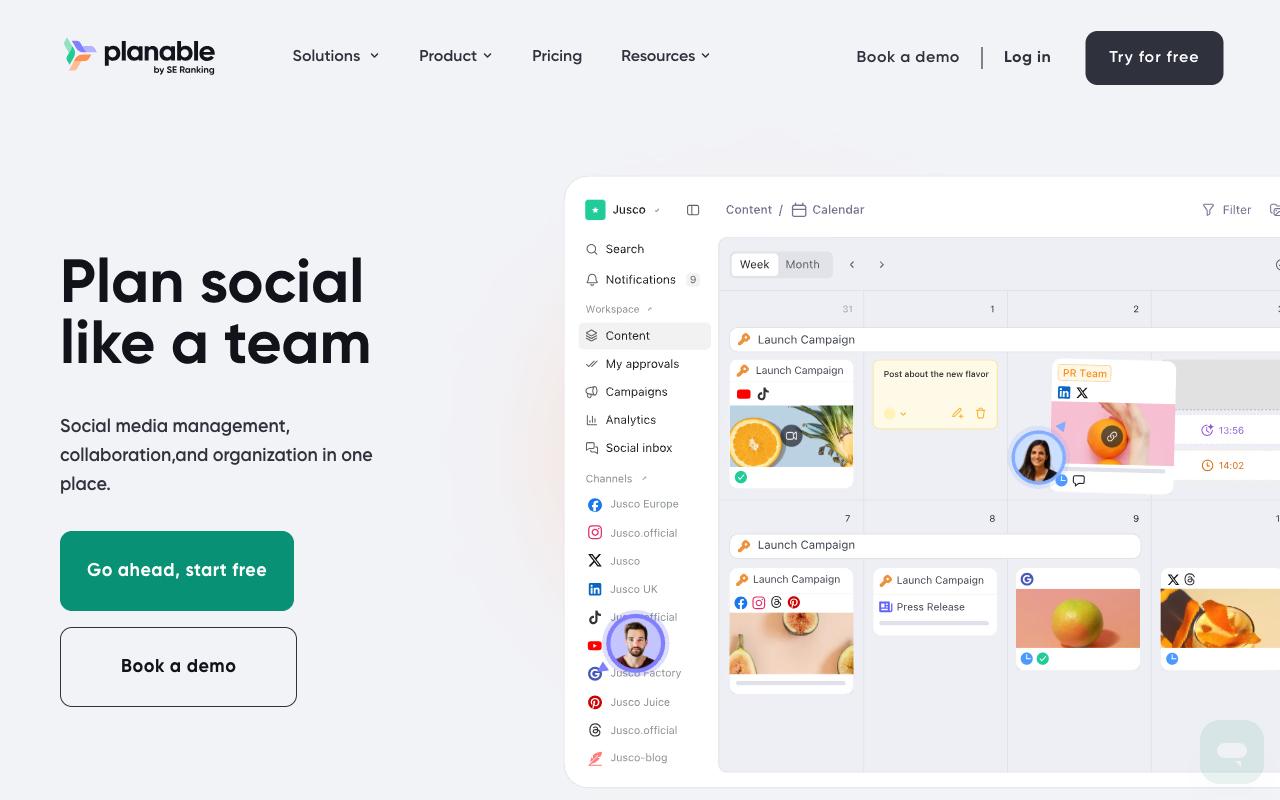
Planable is a collaboration-first social media platform that runs the full loop of create, plan, collaborate, approve, schedule, analyze, and engage. It supports 9+ networks plus blog content, newsletters, and campaign briefs through its Universal Content type, and it's built for agencies, multi-location brands, and multi-brand companies who need clients and internal teams reviewing in the same place. Approvals can be set to none, optional, or required, with multi-level approvals on the top tier.
Pros:
- Easy and intuitive to use, with a clean interface
- Strong collaboration and approval workflow that reduces email back-and-forth
- Drag-and-drop calendar makes rescheduling posts simple
- Saves significant time on content planning and client approvals
Cons:
- Storage/features feel limited on the basic plan, with extra features paid separately
- Platform integrations (Instagram, Pinterest) can be spotty, e.g. Stories failing to publish
- UI can be clunky and buggy, with unresponsive buttons
- Occasional publishing failures or account/billing issues affecting workflow
- Can't change a post's type (e.g. post to reel) after creation
Pricing: Basic is $33 per workspace/month with 60 posts per workspace per month, unlimited users, and 4 social pages. Pro is $49 per workspace/month with 150 posts, 10 social pages, required approvals, and Public API access. Enterprise is custom and adds unlimited posts, multi-level approvals, SSO, and a dedicated account manager. New workspaces start with 50 free posts, and yearly billing includes 2 months free, per Planable's pricing page.
On Trustpilot, Planable holds 4.4/5 across 71 reviews. Reviewers repeatedly credit the approval workflow with killing email chains, with one calling it "very handy" for taking out the back and forth and making communication clear, and others praising the clean, intuitive interface for planning and scheduling.
The complaints cluster around plan limits and reliability. Storage is described as very limited on the basic plan, which is the plan a lot of people are on, and reviewers report buggy UI behavior and occasional publishing failures. Reddit discussion in r/SocialMediaMarketing echoes that split, where users praised the visual planning and approval workflow while flagging cross-platform tagging limitations and slow support responses.
Planable's LinkedIn product page positions it as a content collaboration platform for agencies and brands, highlighting dedicated workspaces per brand or client, a drag-and-drop visual calendar, comment and annotation feedback, customizable multi-level approval workflows, direct publishing, analytics, and client reporting.
On Capterra, Planable holds 4.5/5. Reviewers commonly praise simple, visually organized social media planning and approval workflows that streamline collaboration and note limited built-in analytics and reporting depth compared with more feature-rich social media tools. See the Capterra reviews page.
On G2, Planable holds 4.6/5 across 1,107 reviews. Reviewers commonly praise easy-to-use, intuitive interface and collaborative content planning workflows and note relatively high pricing and limited advanced analytics and video-focused features. See the G2 reviews and pros and cons pages.
Verdict: A good value pick for agencies managing client approvals across many brands, provided you size the plan for your storage and posting volume.
FAQ
What's the Difference Between Online Proofing and Social Approval Tools?
Online proofing platforms like Ziflow and PageProof are built for annotating creative files directly, covering documents, images, video, audio, live websites, and print assets like packaging and catalogs, usually across multi-stage workflows with audit trails and electronic signatures. Social approval tools like Ordinal and Planable put the approval step inside the same platform that drafts and publishes the post, so there's no handoff between the approved version and the scheduled one. Pick based on where the approved asset ends up.
What Does Creative Approval Software Cost?
It ranges widely. Planable starts at $33 per workspace/month and Ordinal at $95/month, while the enterprise proofing tools start higher, with Ziflow's paid tiers beginning at $199/month billed annually and PageProof's Team plan at $249/month. Ziflow also offers a free Personal tier for 2 users with 1 workflow stage, and Ordinal and Planable both offer trials or free posts before you commit.
Which Tools Support Multi-Stage or Regulated Approval Workflows?
Ziflow's workflows adapt from single-stage approvals to multi-stage regulatory reviews, with electronic signatures, version control, and secure audit records. PageProof offers automated approval workflows with multiple reviewing roles, decision thresholds that set how many approvals are required before a proof moves on, and a comprehensive audit trail. Planable's Enterprise tier adds multi-level approvals, and Ordinal's Pro plan includes approval workflows with version history and audit trails.
Related Posts
Looking to learn more? The below posts may be helpful for you to learn more about social media and content marketing.