Content approval breaks in one of two places. Either the sign-off itself is the bottleneck (three stakeholders, four rounds, nobody knows which version is current), or the approval works fine and the publishing step is manual, which means someone still has to copy the approved draft into LinkedIn and hit post at the right time.
Those are different problems, and they call for different software. Proofing platforms like Ziflow, Filestage and GoVisually are built for the first: annotate the asset, route it through stages, keep an audit trail. Social-first tools handle approval and then publish the approved post straight to the channel, while Wrike sits in a third bucket, where approvals are one feature inside a full work management platform.
The six tools below cover all three approaches, with what each one costs and what the review record says. The table right under this intro lays out the shortlist side by side if you want the fast version first.
At a glance
What Makes a Good Best Content Approval Software for B2B Teams
Approval-publishing distance
Some tools stop at sign-off and leave someone to manually copy the approved draft into the scheduler, while others carry the approved post straight through to auto-publish. This is the split the article draws between proofing platforms and social-first tools, and it changes how much manual work survives the process.
Reviewer access model
How external reviewers, clients, or execs get into the workflow matters — whether they need logins, get magic links, or use public share links, and whether adding more reviewers changes the bill.
Feedback and versioning depth
The mechanics of marking up an asset and tracking which draft is current separate these tools: point-and-click annotation on the asset itself, side-by-side version comparison, and clear labeling of who approved what.
Compliance and audit trail
For regulated or client-facing work, features like electronic signatures, audit trails, and AI-driven compliance checks determine whether the tool can prove what happened in a review, not just facilitate it.
Scope: single-purpose vs. platform
Some tools are dedicated proofing or social-approval systems, while others fold approvals into a much larger work management suite with gantt charts, budgeting, and workload views — worth weighing against whether that breadth is needed.
Billing and contract track record
Review histories surface real friction around renewals, price changes, and account access, which matters as much as the feature list when a contract is on the line.
The Best Content Approval Tools for B2B Teams
1. Ordinal

Ordinal is an end-to-end social content platform that handles drafting, approvals, scheduling and publishing in one place, used by more than 1,000 marketing teams. It's built for content agencies, founders and execs, social media managers, and growth teams running content across LinkedIn, X, Instagram, Facebook, Threads, TikTok and YouTube Shorts. The approval layer includes blocking approvals, inline commenting in a Notion-like editor, public share links for reviewers, and version history.
Pricing: Starter is $95/mo ($85/mo annual) for up to 3 seats, 4 social profiles, 50 scheduled posts a month and approvals. Pro is $265/mo ($235/mo annual) and adds unlimited seats, unlimited scheduled posts, full approval workflows, automated engagement, and API/MCP/webhook access. Enterprise is custom and adds employee advocacy, custom user permissions and SAML/SSO, according to Ordinal's pricing page. All plans include a 14-day free trial.
If your approval problem is specifically about social content, the distinction that matters is whether sign-off and publishing live in the same system. Ordinal's approach is that governance should sit where content gets made: blocking approvals with Slack notifications, inline comments that stay attached to the draft, and version history showing exactly what changed between rounds.
Agencies feel this most acutely, because approval pain scales with client count. Pinging clients for review, waiting days for sign-off, then losing track of which draft is current becomes a coordination tax that multiplies across 20 or 30 accounts.
Ordinal also covers the LinkedIn features that usually force a manual workaround at the last minute, including personal profile tagging, PDF carousels, polls and native formatting, plus a realistic preview that shows where the hook cuts off before "see more." And unlimited seats on Pro means bringing every reviewer and stakeholder into the workflow doesn't change the bill. What it replaces is the Google Doc plus Slack DM plus separate scheduler stack that plenty of B2B content teams are still running.
Verdict: The strongest pick when the content being approved is social, and you want sign-off and publishing in the same tool.
2. Gain
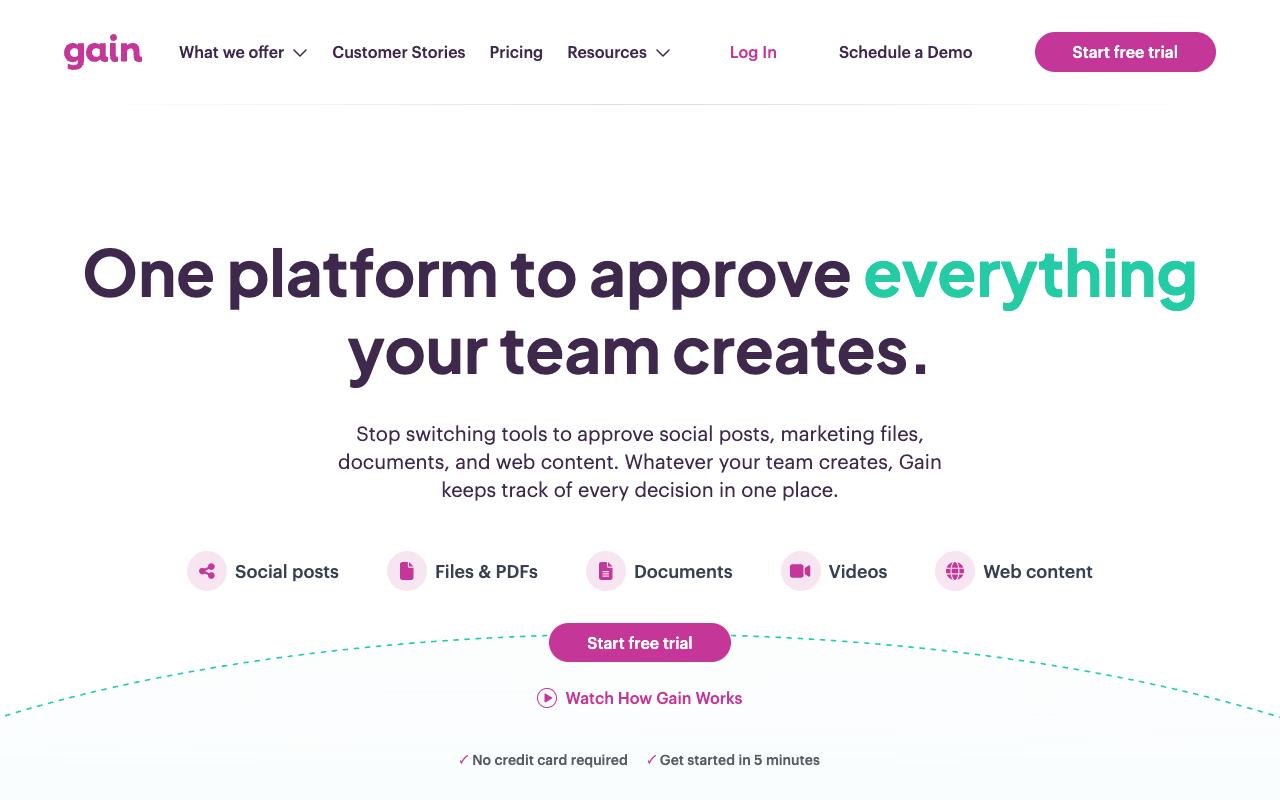
Gain is a marketing content approval platform for teams that need sign-off from clients, executives and legal before anything goes live. It handles social posts across Instagram, Facebook, LinkedIn, X, TikTok, Threads, Pinterest, YouTube and Google Business Profile, plus creative assets, videos, presentations, documents, spreadsheets and web links, with direct imports from Canva, Dropbox, Box and OneDrive. Each client or brand gets its own workspace with a separate calendar and content channels.
Pricing: Starter is $99/month for up to 3 team members and 6 workspaces with 15GB storage. Agency is $199/month for 6 members, 12 workspaces and white label. Agency Premium is $399/month for 20 members and 30 workspaces, and Enterprise is custom with SSO and unlimited workspaces. Prices are billed yearly with a 20% saving over monthly, and all plans include a 14-day trial with no credit card, per Gain's pricing page.
On Capterra, Gain holds 4.8/5. Reviewers commonly praise easy-to-use scheduling and approval process that streamlines collaboration and saves time and note constraints on posting some video and story formats and lack of advanced filtering options. See the Capterra reviews page.
On G2, Gain holds 4.7/5 across 84 reviews. Reviewers commonly praise intuitive workflow for social media content creation, client approvals, and scheduling and note limitations around certain social network publishing options and advanced features. See the G2 reviews and pros and cons pages.
Verdict: A good fit for agencies juggling many client sign-off queues, especially where reviewers need to approve without logging in.
3. GoVisually
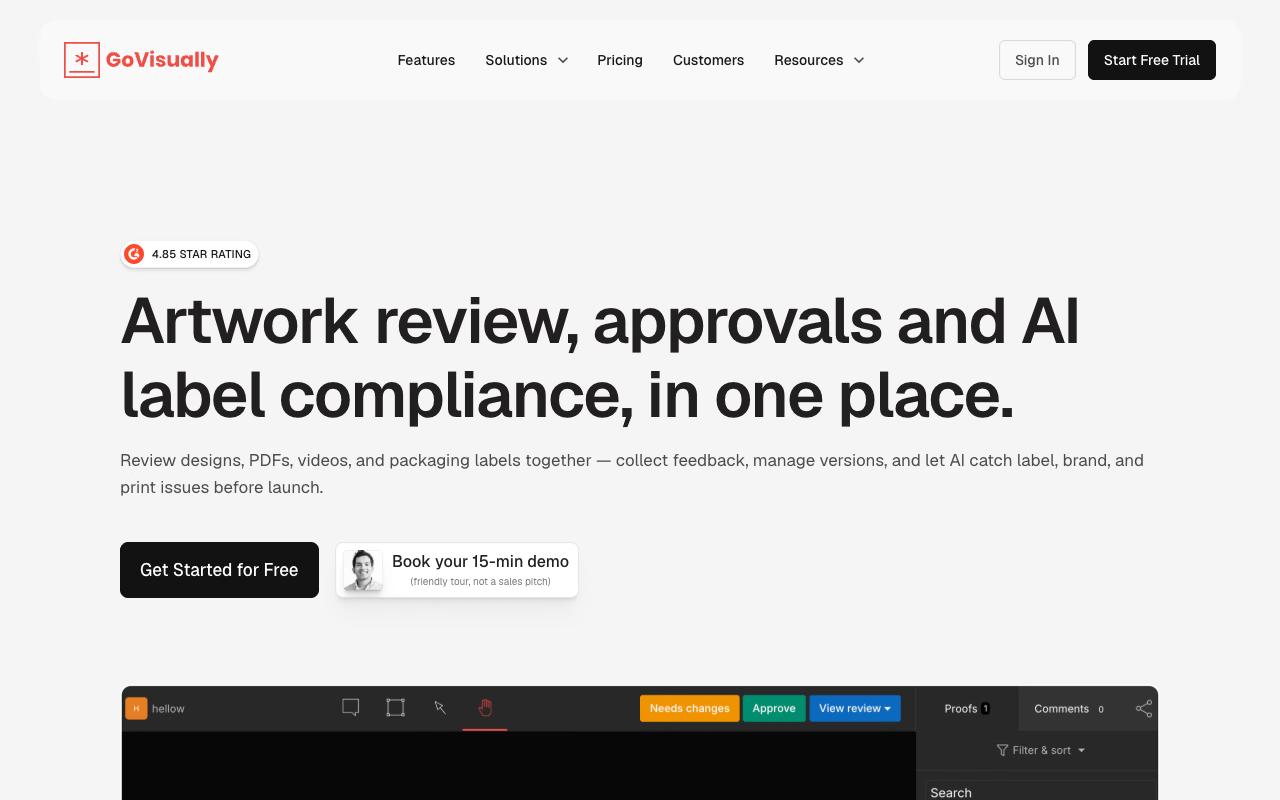
GoVisually is a proofing tool for creative and packaging teams reviewing designs, PDFs, videos and labels, where reviewers click directly on any part of an asset to leave pinpoint feedback and version control keeps revisions comparable side by side. Its more unusual feature is an AI engine for label, brand and print compliance checks, aimed at regulated CPG work.
Pricing: Lite is $16/user/month for 1 to 5 users with 15 active projects and 15 external reviewers. Pro is $33/user/month with a three-user minimum, adding 250 projects, unlimited external reviewers, video and GIF support, archiving and Slack, Zapier and Adobe integrations. The CPG Compliance AI Suite is custom priced, and annual billing saves 20%, according to GoVisually's pricing page.
On Capterra, GoVisually holds 4.6/5. Reviewers commonly praise easy-to-use, low-cost online proofing that simplifies client collaboration and reduces revision time and note limited feature depth and occasional issues with zooming and sharing workflow. See the Capterra reviews page.
On G2, GoVisually holds 4.4/5 across 67 reviews. Reviewers commonly praise intuitive proofing tools and effective team collaboration for design review and note poor customer service, unclear billing and subscription information, and usability frustrations. See the G2 reviews and pros and cons pages.
Verdict: Best if what you're approving is artwork or packaging rather than written and social content.
4. Ziflow
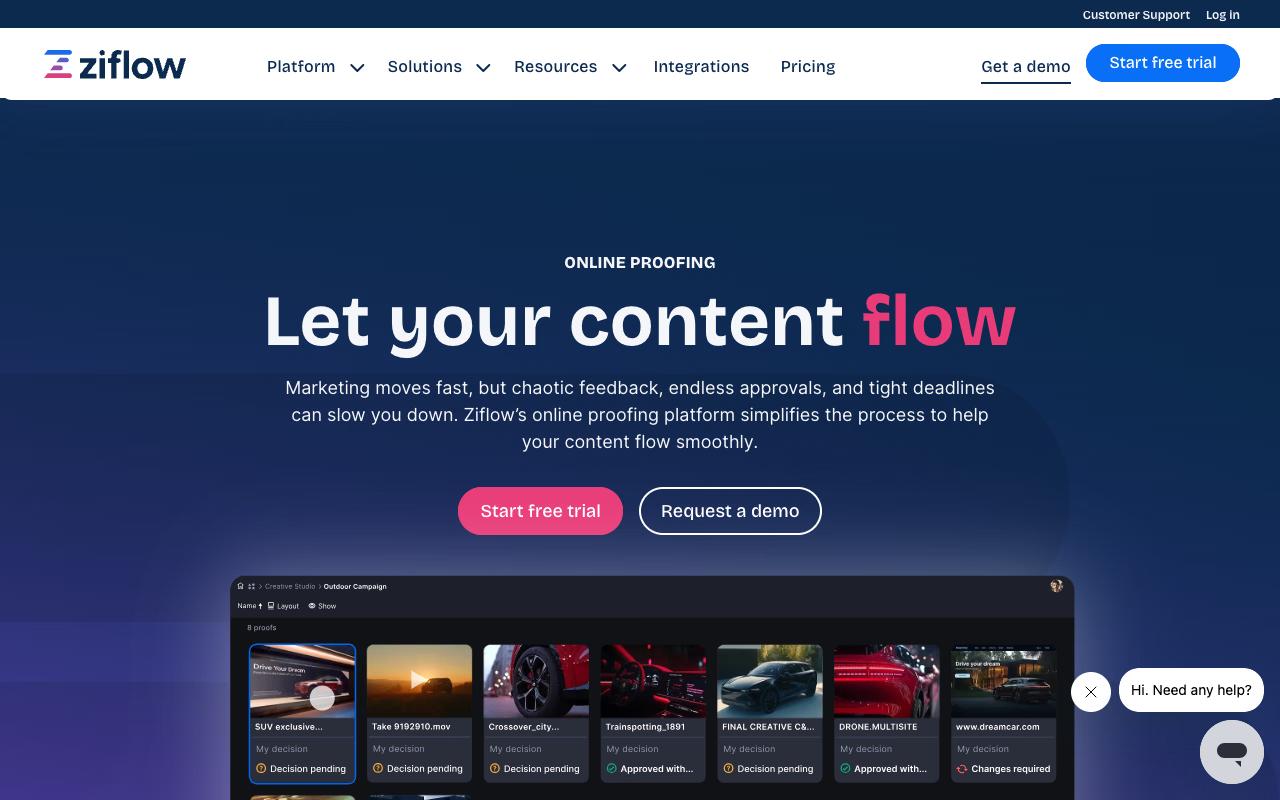
Ziflow is enterprise online proofing for marketing and creative teams, with campaign-level reviews that push every asset in a cross-channel campaign through one workflow. It handles documents, images, video, audio and live websites. It claims 90% of Fortune 100 companies use it. Compliance teams get electronic signatures, audit trails and clear major/minor version labels.
Pricing: There's a free Personal tier at $0 for 2 users with one workflow stage. Starter is $199/month for 15 free users, 1TB storage and 2 workflow stages. Business is $329/month for 20 users, 2TB and 3 stages plus Asana, monday.com, Slack, Teams, Dropbox and Google Drive integrations. Enterprise is custom, with unlimited workflow stages, ReviewAI, SSO/SCIM and white label, per Ziflow's pricing page.
On Capterra, Ziflow holds 4.8/5. Reviewers commonly praise efficient review and approval process for creative work with easy-to-use proofing and helpful integrations and note occasional clunky behavior or limitations in certain integrations and file handling options. See the Capterra reviews page.
On G2, Ziflow holds 4.5/5 across 942 reviews. Reviewers commonly praise streamlined creative proofing with easy markup, strong collaboration workflows, and responsive support and note limitations and higher costs for advanced features on lower-tier plans, and less intuitive experience for some document types. See the G2 reviews and pros and cons pages.
Verdict: The pick for multi-stage regulatory review where the audit trail matters as much as the approval.
5. Filestage
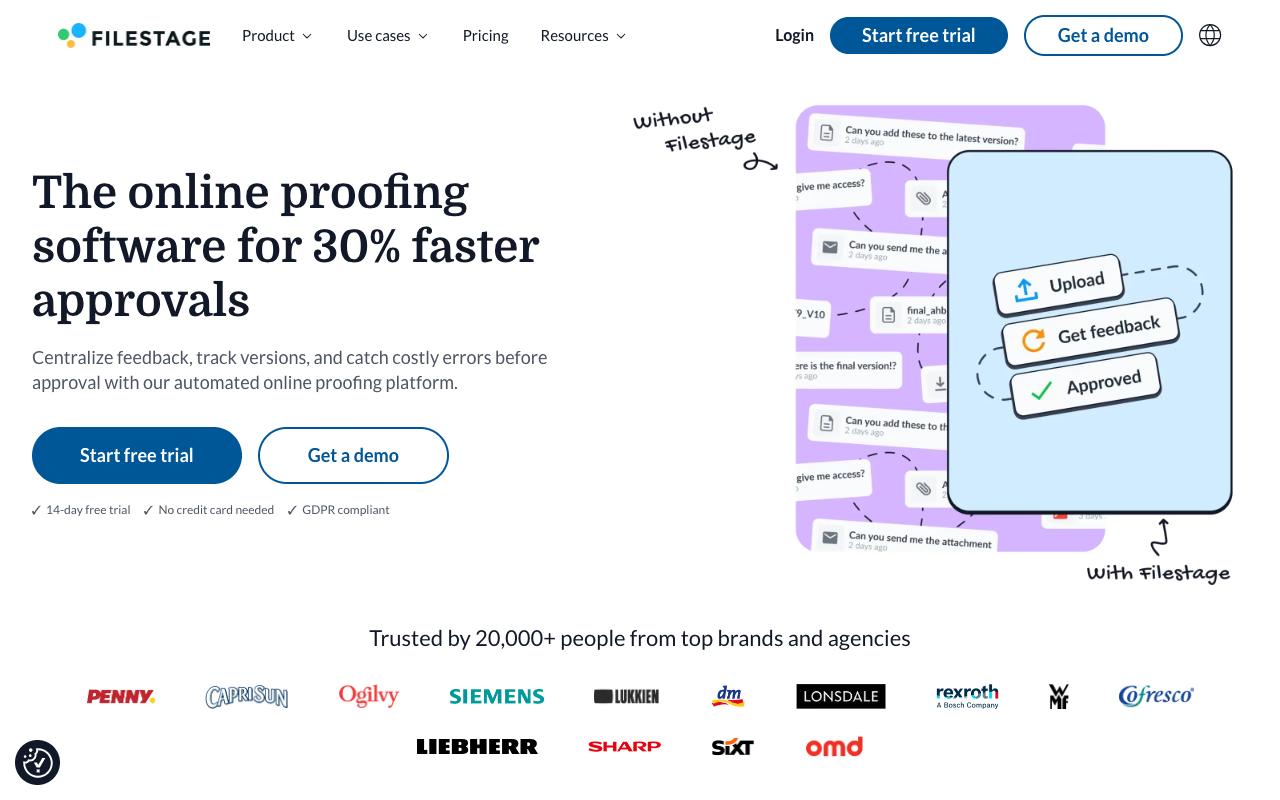
Filestage centralizes feedback on designs, videos, HTML and documents so approvals stop scattering across email and Slack. Reviewers click on the asset itself to comment, annotate or draw, and teams can see at a glance who has approved a version and who has requested changes. Due dates trigger automatic reminders, which is usually the part that unblocks a stalled review.
Pros:
- Simplifies review and approval workflows for teams and clients, including across languages and time zones
- Centralizes comments, discussions, approvals, and version history in one place, reducing misunderstandings
- Intuitive and easy to use for both internal teams and external clients
- Speeds up the review process, described by long-time users as simple, speedy, and transparent
Cons:
- Some customers report unauthorized plan/price changes (one cited a 76% price increase without consent)
- Refunds can be difficult to obtain after billing disputes or cancellations
- Reports of accounts being blocked with delayed or denied access to files
- Lack of clear renewal reminders before annual auto-renewal charges
Pricing: Free covers 1 active project and 5 files a month. Starter is $199/month for unlimited projects and files with version comparison and password-protected review links. Business is $329/month and adds review agents for brand, QR and grammar checks, automations, project templates and API access. Enterprise is custom with SSO, audit logs and data residency, according to Filestage's pricing page.
On TrustPilot, Filestage holds 3/5 from 6 reviews, and the split is sharp. A long-running agency customer of roughly ten years says it significantly simplified review and approval with international clients by centralizing comments, discussions, approvals and version history, and another five-star reviewer calls the process simple, speedy and transparent. The negative reviews all concern billing. One customer cites a 76% price increase they say happened without consent, while others report difficulty getting refunds after cancellation, accounts being blocked with delayed access to their files, and no clear reminder before annual auto-renewal. Worth reading the renewal terms closely before committing to a year.
On Capterra, Filestage holds 4.7/5. Reviewers commonly praise simple setup and collaborative online proofing that speeds up client feedback cycles and note constraints around review steps and some limitations in customization of review workflows. See the Capterra reviews page.
On G2, Filestage holds 4.6/5 across 245 reviews. Reviewers commonly praise ease of use and intuitive interface that streamlines the feedback and review process and note onboarding complexity for new users and occasional limitations in advanced workflow flexibility. See the G2 reviews and pros and cons pages.
Verdict: Strong review experience with a billing record that deserves scrutiny at contract time.
6. Wrike
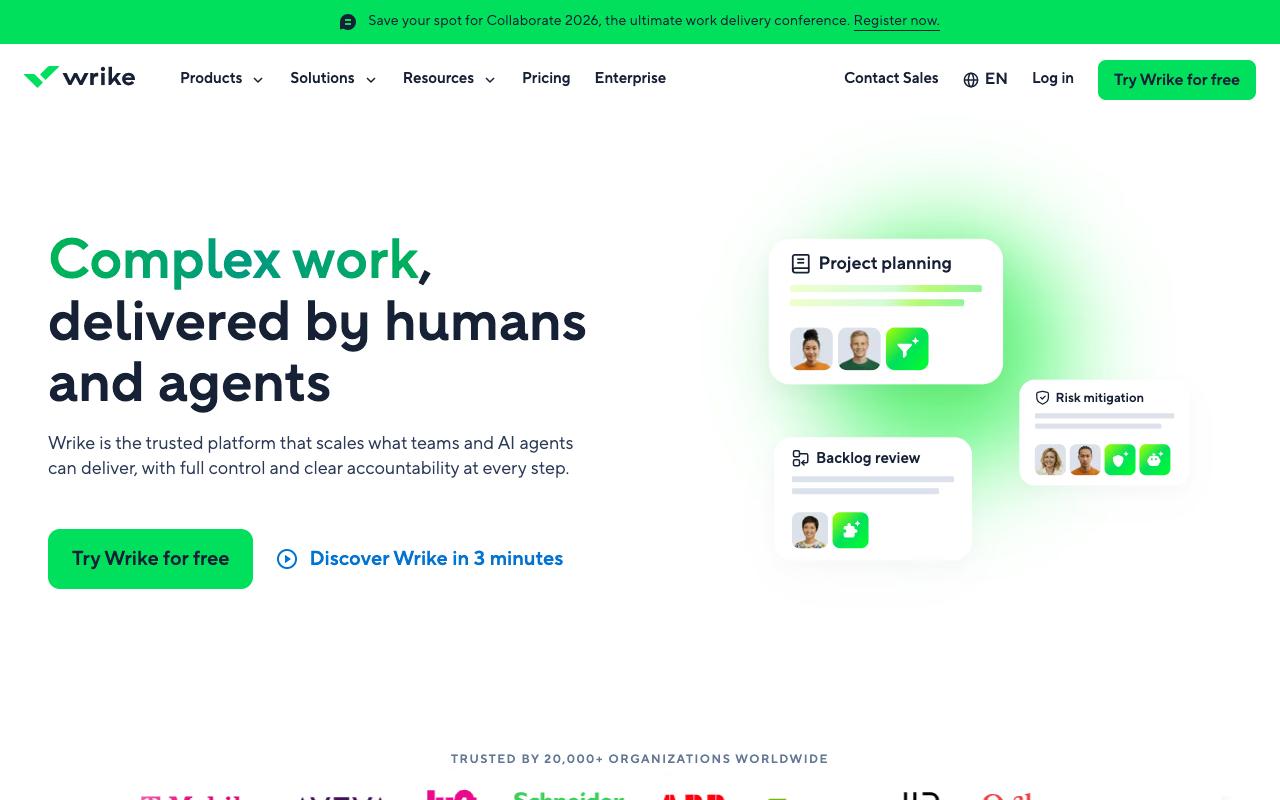
Wrike is an AI-powered work management platform where proofing is one feature among many, sitting alongside Gantt charts, workload views, request forms, automations and budgeting. It's aimed at enterprise and cross-functional teams in operations, marketing and creative, professional services, PMOs and engineering, so if approvals are part of a much larger project tracking problem, that breadth is the appeal.
Pros:
- Flexible and customizable workflows/dashboards that scale from simple to very complex projects
- Strong feature set (Gantt charts, automation, integrations) that becomes a single source of truth for project tracking
- Good visibility into team workload and cross-department collaboration
- Long-time users report the platform continually improves via regular updates
Cons:
- Customer service is slow and hard to reach; support shifted from phone/Zoom to email tickets, delaying resolution
- Contract renewal and cancellation process is rigid, with reports of being locked into renewals (30-day cancellation policy) with little flexibility
- Some reviewers found the platform overly complex, with basic tasks feeling more complicated than needed
- Reports of losing expected functionality after upgrading to a paid plan and being charged without prior notice
- Missing features some businesses need, e.g. job number generation for billing/tracking
Pricing: Free is $0/user/month. Team is $10/user/month for 2 to 15 users. Business is $25/user/month for 5 to 200 users and is the most popular plan. Pinnacle and Apex are custom priced, and add-ons like Wrike Whiteboard cost an extra $15/user/month, per Wrike's pricing page.
Wrike sits at TrustPilot 3.3/5 from 219 reviews, and the reviews split along a clear line between product and commercial experience. Long-time users praise the flexibility and feature depth, describing Wrike as a single source of truth for tracking multi-department projects with real visibility into team workload, though one four-star reviewer notes it has enough versatility to become unmanageable. The recent one-star cluster is about service and contracts: support moved from phone and Zoom to email tickets and got slower, cancellation runs on a rigid 30-day policy that some reviewers say locked them into renewals, and a few report losing functionality after upgrading and being charged without notice.
On Capterra, Wrike holds 4.4/5. Reviewers commonly praise workflow customization and clear dashboard visibility and note time-consuming setup and need for training. See the Capterra reviews page.
On G2, Wrike holds 4.2/5 across 4,538 reviews. Reviewers commonly praise flexible workflows and strong task management and note steep learning curve and cluttered interface. See the G2 reviews and pros and cons pages.
Verdict: Makes sense when you need full project management with approvals attached, and it's heavy going if approval is the only job you have.
FAQ
What's the Cheapest Content Approval Tool for a Small B2B Team?
Ziflow, Filestage and Wrike all have free tiers, though they're tightly capped (Filestage's free plan allows one active project and five files a month, and Ziflow's covers two users with a single workflow stage). Among paid entry plans, GoVisually starts lowest at $16/user/month and Wrike's Team plan is $10/user/month. For social content specifically, Ordinal's Starter plan is $95/mo and includes approvals for up to 3 seats.
Do Clients Need an Account to Approve Content?
Not with every tool. Gain offers a Magic Approver Login where reviewers access content through a secure email link with no password, and GoVisually lets external reviewers in via one-click sharing without creating an account. Ordinal handles reviewer access through public share links on drafts.
Which Tool Is Best for Approving LinkedIn Posts Specifically?
Ordinal, since approval and publishing happen in the same system and it supports the LinkedIn features that normally force a manual post, including personal profile tagging, PDF carousels, polls and native formatting, plus a preview showing where the hook cuts off before "see more." Gain also supports LinkedIn among its social channels if your main need is routing posts through client and legal sign-off alongside other asset types.
Do Any of These Tools Handle Compliance and Audit Requirements?
Yes. Ziflow provides electronic signatures, secure records and audit trails built for multi-stage regulatory review, and its Enterprise plan adds SSO/SCIM. Filestage's Enterprise tier includes audit logs, SSO and data residency controls. GoVisually takes a narrower angle with AI compliance checks against regulatory frameworks for packaging and labels.
Related Posts
Looking to learn more? The below posts may be helpful for you to learn more about social media and content marketing.