Approval tracking breaks in a specific place: the handoff. A draft leaves the writer, lands in a Slack thread, picks up three conflicting comments, gets revised, and then nobody can say which version legal signed off on. The version sitting in the calendar isn't the version the exec approved. That's the failure mode these tools exist to fix, and they fix it in very different ways depending on whether your bottleneck is social posts, creative files, or cross-functional project work.
The eight tools below split roughly into three camps: social-first platforms that treat the post as the unit of approval, online proofing tools built around files and version comparison, and work management platforms where approvals are one workflow among many. Pricing ranges from $10 per user per month to enterprise quotes with no public number, and the review records vary wildly in quality. So the table just below gives you the shape of the field before you read the entries.
At a glance
What Makes a Good Best Approval Tracking Software
Unit of approval
Some tools treat a social post as the thing being signed off, others treat a creative file, and others treat approvals as one workflow step inside a broader project. Match this to where your actual bottleneck lives, since a proofing tool built for files won't feel natural for social captions and vice versa.
Version tracking and audit trail
The core failure this category fixes is not knowing which version someone actually approved, so look at how each tool handles version comparison, tracked diffs, and a record of who approved what and when.
Approval workflow flexibility
Look at whether approvals can be mandatory or optional, single or multi-level, and whether that flexibility is available on entry-level plans or locked behind an enterprise conversation.
External reviewer access
A lot of approval friction comes from clients or executives who won't create an account, so check whether reviewers can approve via a share link, magic login, or email without a password.
Notification and reminder mechanics
An approval tool only works if reviewers actually see pending requests, so weigh how each product surfaces and chases sign-off, whether through Slack pushes or automatic reminders.
Billing and plan-gating risk
Review sentiment in this category splits sharply on commercial practices, from features quietly moving behind paid add-ons to disputed plan upgrades and refund refusals, so read the contract and the negative reviews as closely as the feature list.
The Approval Tracking Tools Worth Shortlisting
1. Ordinal

Ordinal is an end-to-end platform for drafting, planning, and scheduling social content, with approvals built directly into the drafting surface. It's used by content agencies, founders and executives, social media managers, and growth teams. The approval model is designed for the case where a marketer or ghostwriter drafts and an exec has to sign off before anything publishes.
Pricing: Starter is $95/mo ($85/mo billed annually) for up to 3 seats and 4 social profiles, with approvals included. Pro is $265/mo ($235/mo annually) and adds unlimited seats, approval workflows, automated engagement, and API/MCP/webhook access. Enterprise is custom and adds custom user permissions, SAML/SSO, employee advocacy, and dedicated onboarding, according to Ordinal's pricing page.
What makes Ordinal a strong fit for this particular problem is that the approval and the content live in the same place. Approvals can be blocking or non-blocking, so a first-time employee post can require mandatory sign-off while a routine company update moves without one. When a reviewer opens a post, the editor is live: they can leave inline comments on specific text and tag teammates, and the author resolves those comments and pushes a new version with a tracked diff showing exactly what changed. Slack notifications push pending approvals to the reviewer, so nobody has to sit refreshing a dashboard, and posts stay locked until every required approver signs off. Public share links let an external stakeholder or client review without an account.
Version history plus the approvals inbox gives you the audit trail that matters when compliance asks what changed and when. For founders and execs whose real objection is "I need approval before it goes out" and "does it sound like me," this replaces the Slack-and-email approval chain entirely. And the Notion-like editor with realistic LinkedIn previews means the thing you approve is the thing that publishes, including where the hook cuts off before "see more."
Verdict: The best pick if your approval bottleneck is social content and your reviewers are executives or clients who won't log into a project tool.
2. Gain
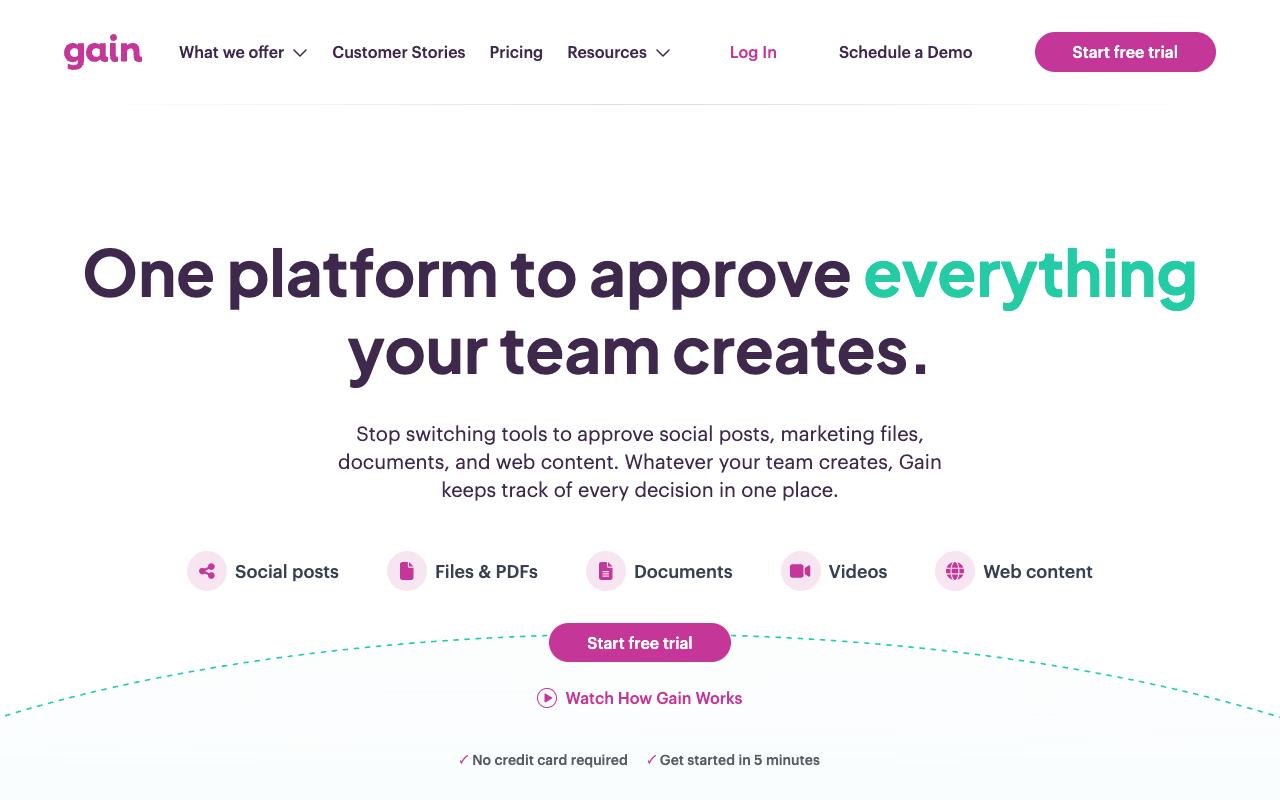
Gain is a marketing content approval platform where teams review, approve, and publish social posts, creative files, documents, and web content from one place, with a record of who approved what, when, and which version. It's aimed at agency and in-house marketing teams that need sign-off from clients, executives, and legal before anything goes live. The core pitch is replacing email chains, Slack, and spreadsheets with a single audited trail.
Pricing: Starter is $99/month (billed yearly) for up to 3 team members and 6 workspaces with unlimited reviewers, workflows, and posts. Agency is $199/month for 6 team members, 12 workspaces, and white labeling. Agency Premium is $399/month for 20 team members and 30 workspaces, and Enterprise is custom with SSO and contract billing. All plans include a 14-day trial with no credit card, per Gain's pricing page.
On Capterra, Gain holds 4.8/5. Reviewers commonly praise easy-to-use scheduling and approval process that streamlines collaboration and saves time and note constraints on posting some video and story formats and lack of advanced filtering options. See the Capterra reviews page.
On G2, Gain holds 4.7/5 across 84 reviews. Reviewers commonly praise intuitive workflow for social media content creation, client approvals, and scheduling and note limitations around certain social network publishing options and advanced features. See the G2 reviews and pros and cons pages.
Verdict: Strong choice for agencies juggling many clients who need private per-client approval queues and approvers who can review from an email link without a password.
3. Planable
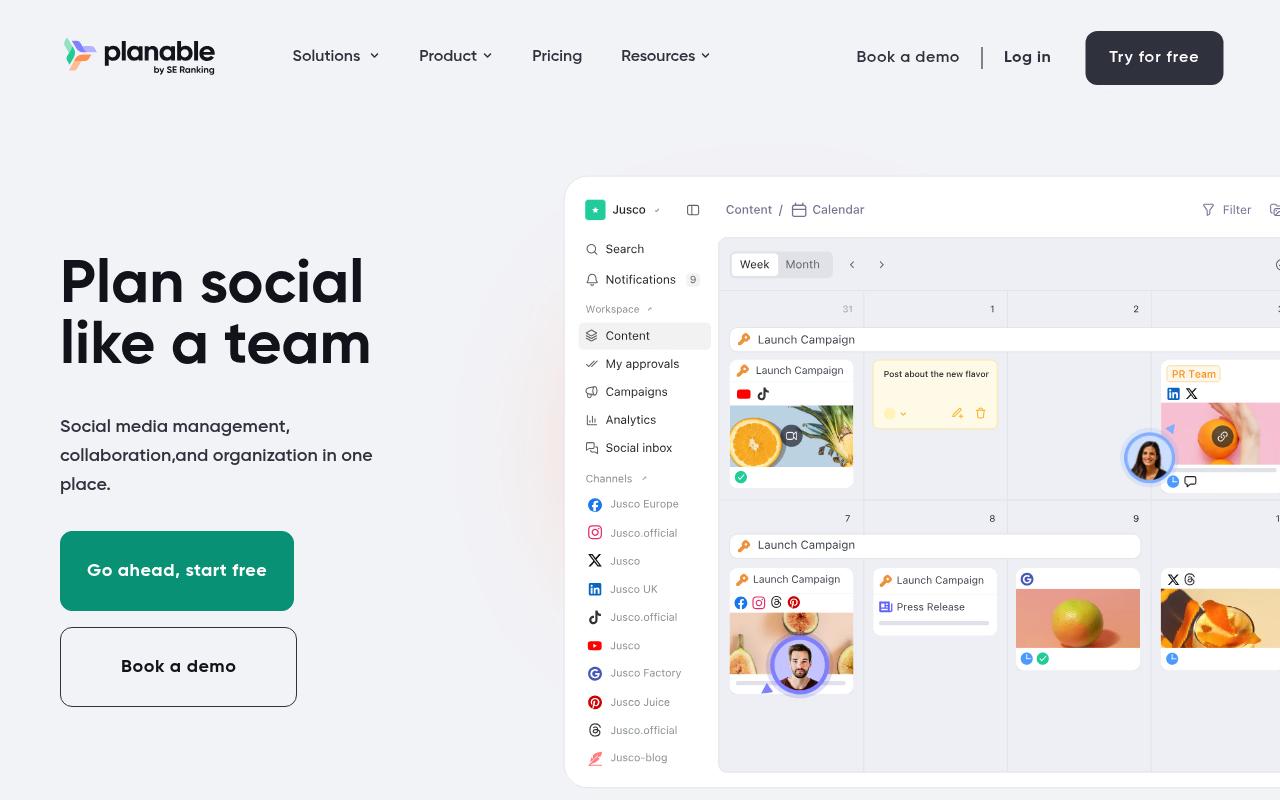
Planable is a collaboration-first social media platform built around creating, discussing, approving, and publishing content in one place. It sells directly to agencies, multi-location brands, and multi-brand companies, and covers nine social networks plus blogs, newsletters, and campaign briefs. Approval types are gated by plan, with multi-level approvals reserved for Enterprise.
Pros:
- Easy to use with a clean, intuitive interface
- Strong collaboration and client approval workflow (reduces email back-and-forth)
- Calendar view with drag-and-drop rescheduling is well liked
- Useful for consultants/agencies managing multiple clients' content
Cons:
- Occasional failures to publish scheduled posts with unclear error messages
- Key features increasingly paywalled/sold as paid add-ons
- Limited storage on the basic plan
- UI can be buggy (unresponsive buttons) on web and mobile
- Platform integration gaps (e.g. Instagram Stories, music/tagging, Pinterest aspect-ratio issues)
Pricing: Planable prices per workspace with unlimited users. Basic is $33/workspace/month with 60 posts and two approval types (None and Optional). Pro is $49/workspace/month with 150 posts, three approval types (adding Required), and a public API. Enterprise is custom and is where multi-level approvals live, according to Planable's pricing page. The first 50 posts are free with no time limit or credit card.
On Trustpilot, Planable holds 4.4/5 across 71 reviews, with sentiment largely positive and a vocal minority of frustrated users. Reviewers repeatedly call out the clean UI and the approval workflow specifically, with one writing that the approval process "takes out the back and forth on email trails and makes for clear communication." Drag-and-drop calendar scheduling gets similar praise. The negative reviews cluster around scheduled posts failing to publish with unclear error messages, features moving behind paid add-ons, and buggy UI behavior.
Over in Reddit r/SocialMediaMarketing, the discussion mirrors that split: praise for the visual planning and approval flow, frustration with cross-platform tagging limitations and slow support responses.
Planable's LinkedIn product page positions it as a content collaboration platform for agencies and brands, highlighting dedicated per-client workspaces, a drag-and-drop calendar, comment and annotation feedback, and customizable multi-level approval workflows, with the explicit promise of replacing spreadsheets and email chains.
On Capterra, Planable holds 4.5/5. Reviewers commonly praise easy-to-use collaboration for social media teams with streamlined workflows and clear content organization and note feature depth constraints including fewer advanced management options and limited analytics compared to alternatives. See the Capterra reviews page.
On G2, Planable holds 4.6/5 across 1,111 reviews. Reviewers commonly praise intuitive collaborative interface and visual content calendar that simplifies social media planning and approvals and note occasional technical issues and limited advanced features such as deeper analytics and richer video tools. See the G2 reviews and pros and cons pages.
Verdict: Good value for social approvals if you can live on the Pro tier, though multi-level approvals require an Enterprise conversation.
4. Filestage
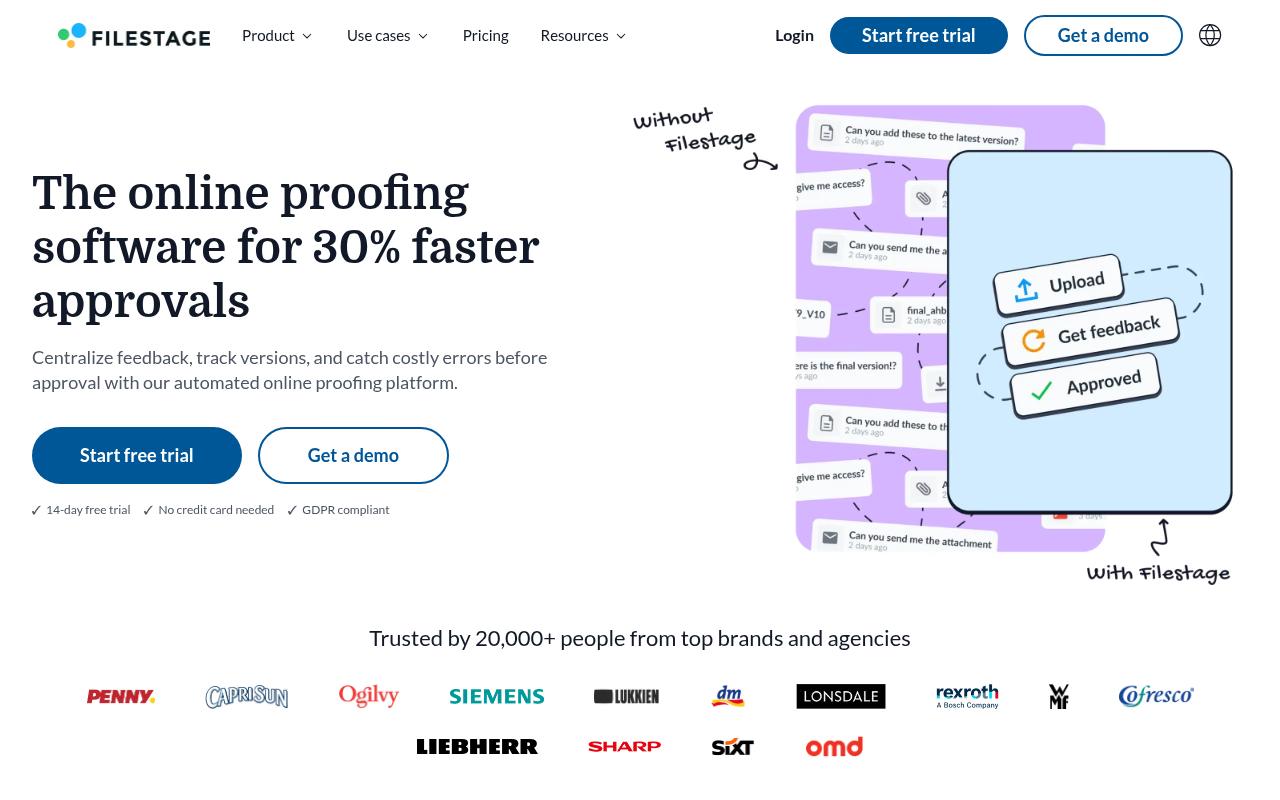
Filestage is online proofing software that centralizes feedback, tracks versions, and catches errors before approval. It's aimed at marketing, creative, production, and compliance teams, plus project managers who need faster sign-off from agencies, suppliers, and clients. You drag a file in, share it, and reviewers annotate directly on top of designs, videos, or HTML.
Pros:
- Simplifies review and approval processes, especially with international clients/agencies
- Centralizes feedback, comments, discussions and approvals in one place
- Intuitive and easy for both internal teams and external clients to use
- Delivers a simple, speedy and transparent review process
- Support staff described as professional and respectful during interactions
Cons:
- Reports of being moved to a significantly more expensive plan without explicit consent
- Refunds reportedly denied even after escalation to senior management
- Complaint of an account being blocked with no warning, cutting off access to files
- No renewal reminder before auto-renewal charge, with refusal to refund afterward
Pricing: There's a genuinely usable Free tier at $0 with 1 active project, 5 new files per month, 2 reviewer groups, and unlimited reviewers. Starter is $199/month for unlimited projects and files plus due dates, version comparison, and password-protected review links. Business is $329/month and adds review agents for brand and grammar checks, automations, project templates, and API access. Enterprise is custom and adds audit logs, SSO, and verified approval for FDA/EU compliance, per Filestage's pricing page.
Filestage's Trustpilot score is 3.0/5 from just 6 reviews, and the split is stark. A long-term agency user of nearly ten years praised how it simplified review and approval with international clients, keeping feedback, comments, approvals, and version history centralized, and described a "simple, speedy and transparent review process from start to finish." The one-star reviews all target billing: being moved to a much more expensive plan without explicit consent, refunds denied after escalation, an account blocked without warning, and no renewal reminder before an auto-renewal charge. Six reviews is a thin sample, so weight it accordingly, but the billing complaints are specific enough that you'll want to read the contract closely.
On Capterra, Filestage holds 4.7/5. Reviewers commonly praise simple online proofing workflow with strong customer support and reliable performance and note limitations in advanced features and workflow customization for complex review setups. See the Capterra reviews page.
On G2, Filestage holds 4.6/5 across 245 reviews. Reviewers commonly praise intuitive, easy-to-use interface that streamlines feedback and review collaboration and note onboarding and initial learning curve for new or less technical users. See the G2 reviews and pros and cons pages.
Verdict: The pick if your approval unit is a creative file rather than a post, and the free tier is a legitimate way to test the workflow before committing $199/month.
5. PageProof
PageProof is proofing software built to handle almost any file type: images, packaging, presentations, spreadsheets, HTML emails, live websites, Figma prototypes, video, and audio. It serves marketing and creative teams, agencies, and enterprises. The approval machinery is the interesting part, with decision thresholds that specify how many approvals a proof needs before it moves on, automatic reminders that chase feedback, and a comprehensive audit trail for compliance.
Pricing: Flat-rate team pricing, not per seat. Team is $249/month or $2,499/year and includes unlimited reviewers, unlimited workflow templates, and unlimited proofs of any type. Team Plus is $499/month or $4,999/year and adds SSO, comment labels, scheduled proofs, and PreProof. Enterprise is a custom quote adding priority proofs, data sovereignty, digital signing, and AI agents, according to PageProof's pricing page.
On Capterra, PageProof holds 4.8/5. Reviewers commonly praise easy-to-use online proofing that streamlines review and approval processes and reduces email back-and-forth and note occasional wishes for more detailed notification controls and additional workflow flexibility. See the Capterra reviews page.
On G2, PageProof holds 4.8/5 across 389 reviews. Reviewers commonly praise intuitive interface, extensive file type support, and strong integrations that streamline review workflows and note desire for better folder organization and more flexible proofing tools. See the G2 reviews and pros and cons pages.
Verdict: Worth shortlisting when you have a large reviewer pool, since unlimited reviewers on a flat rate beats per-seat pricing quickly, and the ColorSep and barcode-scanning tools matter if print or packaging is in scope.
6. Wrike
Wrike is enterprise work management software used by more than 20,000 organizations, covering intake, planning, execution, and reporting. Proofing tools with visual feedback and version comparison sit inside the Execute stage alongside automations and dynamic request forms. It fits cross-functional teams where an approval is just one step in a longer project.
Pros:
- Very intuitive/easy to use even for new employees, according to a 20+ year marketing communications veteran on Trustpilot
- Praised as a central 'source of truth' that improves cross-department visibility and collaboration
- Strong automation and workflow customization for power users
- Flexible and highly customizable for complex, cross-functional work (per Reddit discussion)
Cons:
- Billing and renewal complaints, including no refunds after upgrading and being locked into rigid 30-day cancellation policies
- Customer service criticized as slow, email-ticket-only, and difficult to get renewal/contract help from
- Some users feel the tool is too complex or has a steep learning curve for smaller/simpler teams
- Paid plans reported to lack features that were available during the trial/demo for some users
Pricing: Free at $0/user/month for essential task management with unlimited users. Team is $10/user/month for 2 to 15 users. Business is $25/user/month for 5 to 200 users and is the most popular plan. Pinnacle and Apex are custom-quoted for complex workflows and enterprise AI-led work, per Wrike's pricing page.
Wrike sits at 3.3/5 on Trustpilot across 219 reviews, and the reviews are polarized between long-time power users and frustrated renewal customers. The complaints skew heavily toward commercial terms: one reviewer said Wrike "made me pay for a full year in advance and would not provide any refund (even for remaining time) when I tried to cancel the next day after losing the features," and another described being "locked into a renewal due to the 30-day cancellation policy, with no flexibility offered." Support draws criticism for being slow and email-ticket-only. The positive side is equally specific, with a 20-plus-year marketing communications veteran calling it intuitive enough for new employees and reviewers describing it as a central source of truth that improved cross-department visibility.
On Capterra, Wrike holds 4.4/5. Reviewers commonly praise robust task and project management with strong collaboration and customization and note initial setup complexity and usability challenges for new users. See the Capterra reviews page.
On G2, Wrike holds 4.2/5 across 4,538 reviews. Reviewers commonly praise flexible project management features and collaboration capabilities and note overly complex, hard-to-navigate interface and learning curve. See the G2 reviews and pros and cons pages.
Verdict: Sensible if you want approvals inside the same system that runs your projects, but read the renewal and cancellation terms before you sign an annual contract.
7. Asana
Asana is a work management platform organized around a shared Work Graph of tasks, projects, goals, and dependencies, and it notes that 85% of Fortune 100 companies use it. Approvals and proofing show up as a named feature on the Advanced tier. It suits teams that already run their work in Asana and want sign-off tracked as a task with an owner and a due date.
Pros:
- Intuitive, visually clean interface that's easy to use
- Effective task management and organization for teams
- Useful team calendar / bird's-eye view of due dates across tasks
- Usable free version for smaller teams
- Helps teams stay on track and organized
Cons:
- Per-seat pricing with minimum seat counts makes real cost much higher than advertised
- Free trial can lock projects behind paid features that are hard to remove
- Difficult to cancel subscriptions or delete accounts
- Slow, automated, or unhelpful customer support
- Sudden/unannounced changes to free plan limits frustrate long-time users
- Can feel cluttered or overly complex ('too robust') for small, fast-moving teams
- Takes real ongoing time/effort to maintain and keep organized
Pricing: Personal is $0 for up to 2 users. Starter is $10.99/user/month billed annually ($13.49 monthly). Advanced is $24.99/user/month billed annually and is the tier that includes approvals and proofing, along with portfolios, Goals, resource management, and time tracking. Enterprise is contact-sales and adds SAML SSO and SCIM provisioning, according to Asana's pricing page.
Asana's Trustpilot rating is 1.5/5 from 314 reviews, and it's worth being precise about what's driving that: billing practices and support, with the software itself largely spared. One reviewer wrote that Asana "works pretty well for managing projects and task lists" while complaining that the free trial injects paid features into projects and "locks all your projects completely unless you are willing to get a subscription." Other recurring complaints cover per-seat pricing quoted with minimum seat counts, difficulty cancelling subscriptions, and slow automated support.
A LinkedIn review article by Lauren Milewski and its comment thread paint a warmer picture of the product itself, calling Asana a fantastic, capable tool with a clean interface and praising the bird's-eye monthly calendar view of due dates that the team's previous spreadsheet couldn't provide. The criticisms there are workflow quirks: a task needed a project name specified or it wouldn't display correctly on the calendar, getting an overview across many projects felt confusing, and project names aren't auto-alphabetized.
On Capterra, Asana holds 4.5/5. Reviewers commonly praise task organization and team collaboration and note pricing and feature gating. See the Capterra reviews page.
On G2, Asana holds 4.4/5 across 13,949 reviews. Reviewers commonly praise ease of use and task management and note pricing and notification overload. See the G2 reviews and pros and cons pages.
Verdict: Reasonable if Asana is already your system of record, but approvals living on the $24.99/user Advanced tier makes it an expensive way to buy approval tracking alone.
8. Opal
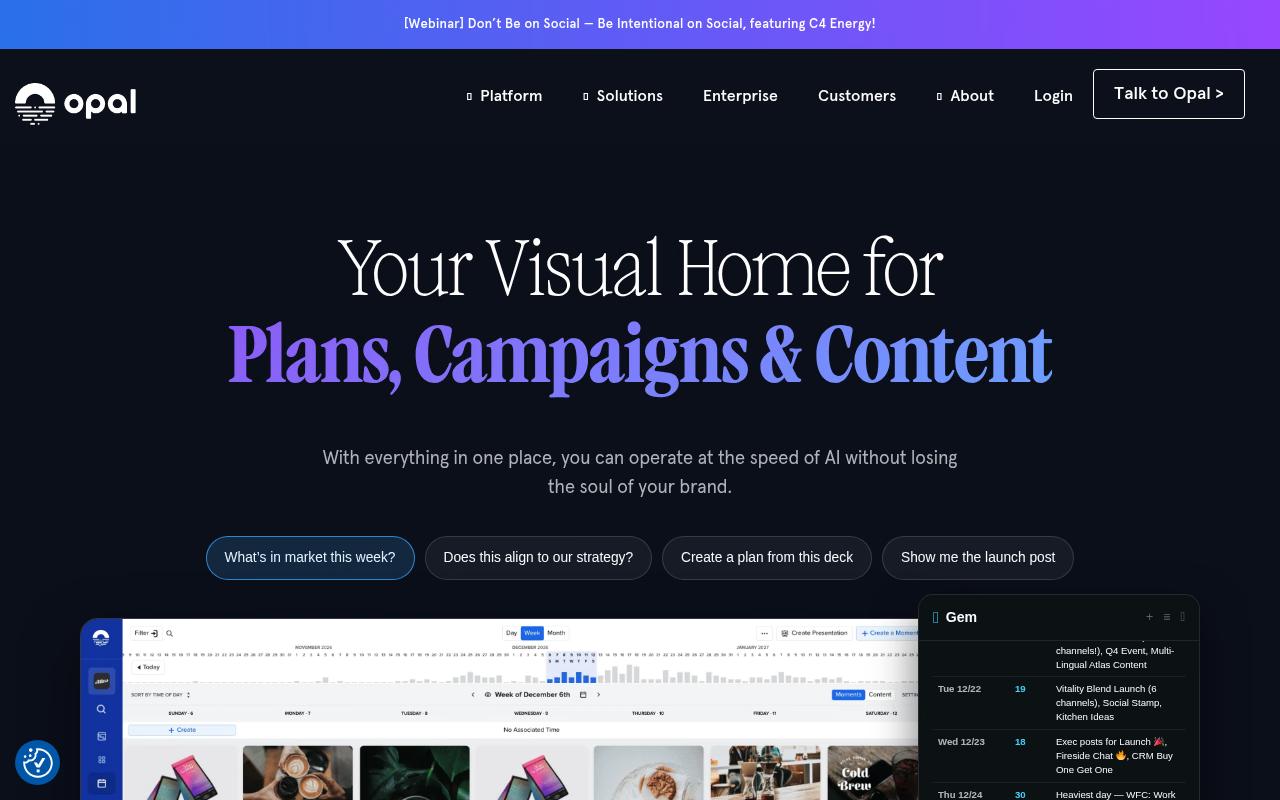
Opal is a visual marketing platform built on the premise that marketing is missing its HQ, connecting strategy to execution across Plans, Boards, and a Calendar that acts as a source of truth for the go-to-market plan. Workflow, tasks, and approvals run on campaign and content items, with true-to-life content previews and channel-specific composers. It's sold to enterprise marketing organizations, including brands like SAP and Starbucks.
Pricing: No public pricing. Opal's site points you to a "Talk to an Expert" call, so expect an enterprise sales conversation.
On Capterra, Opal holds 4.3/5. Reviewers commonly praise ease of use and customer service and note limited flexibility and occasional usability friction. See the Capterra reviews page.
On G2, Opal holds 4.1/5 across 235 reviews. Reviewers commonly praise user-friendly interface and collaboration features and note complex publishing and approval workflows. See the G2 reviews and pros and cons pages.
Verdict: Built for large marketing organizations that need approvals attached to a visible campaign calendar, and the absence of public pricing tells you where the entry point sits.
FAQ
What Is Approval Tracking Software?
It's software that routes content to the right reviewers, records their decisions, and keeps a version history so you can see who approved what, when, and which version. Gain, for example, is built specifically around keeping that record, so the trail doesn't scatter across email chains, Slack, and spreadsheets. In practice the tools split between social-post approvals, creative file proofing, and approvals embedded in broader project management.
What's the Cheapest Way to Get Approval Workflows?
Filestage has a genuinely free tier at $0/month covering 1 active project, 5 new files per month, 2 reviewer groups, and unlimited reviewers, which is enough to test a real workflow. Beyond free, Planable's Basic plan at $33/workspace/month includes optional approvals with unlimited users, though required approvals start on Pro at $49/workspace/month. Wrike's Team plan at $10/user/month is the lowest per-user entry among the work management platforms.
Do Reviewers Need Their Own Account to Approve Content?
Not always, and this is worth checking before you buy. Gain offers a Magic Approver Login where approvers access content securely through an email link with no password. Ordinal uses public share links so external stakeholders can review without an account. Filestage provides password-protected review links on its Starter plan and up, and PageProof includes unlimited reviewers on its flat-rate Team plan at $249/month.
Related Posts
Looking to learn more? The below posts may be helpful for you to learn more about social media and content marketing.