The approval bottleneck rarely shows up in a tool's feature list, but it's where social teams lose the most hours. A post gets drafted Monday, sits in a Slack thread until Wednesday, comes back with three conflicting comments, and by the time legal signs off, the news hook it was built around is dead.
Agencies feel this worst.
Run 20 client accounts and every round of "can you send that over for review again?" multiplies by 20.
The tools that fix this fall into two camps. Social-native platforms handle approvals inside the same place you draft and schedule, so an approved post publishes itself. Proofing and work management platforms treat a social post like any other creative asset, which buys you compliance-grade audit trails and multi-stage routing but leaves publishing to another tool. Which camp you want depends on whether your bottleneck is speed or governance.
Below are eight options across both camps, with pricing, review context, and who each one genuinely fits. The table just below compares them side by side if you want the short version first.
At a glance
Ordinal is our own product. Its row uses the same sourced facts as every other tool, and it carries no rating we issued ourselves.
What Makes a Good Approval Management Software
Approvals-in-workflow vs. bolted-on
The core split in this category is whether approvals happen inside the same tool used to draft, schedule, and publish, or whether a separate proofing layer sits in front of a scheduler. The former removes the handoff between 'approved' and 'published'; the latter adds a compliance-grade review step but requires stitching two tools together.
Blocking vs. flexible sign-off
Look at how granular the approval logic gets — can a post require mandatory sign-off while routine content keeps moving, and does the tool support optional, required, or multi-level approval tiers rather than one-size-fits-all gates.
External reviewer access
Clients, legal, and other outside stakeholders often need to weigh in without becoming full users of the platform, so it's worth checking whether external review requires a paid seat, a login, or just a link.
Version tracking and audit trail
When feedback runs through multiple rounds, the ability to see exactly what changed between drafts (and to produce a defensible audit trail for compliance) separates casual comment threads from real approval systems.
Volume and seat limits
Pricing tiers often cap the number of posts, projects, or reviewers, and features like video support or required-approval workflows can be locked to higher plans — worth checking against actual client or account volume before committing.
The Best Approval Management Software for Social Media
1. Ordinal

Ordinal is an end-to-end social content platform that handles drafting, planning, approvals, scheduling, and analytics in one place, used by 1,000+ marketing teams. Approvals live inside the editor rather than in a separate review tool, so the post a reviewer signs off on is the exact post that publishes. It's built for content agencies, founders and execs, social media managers, and growth teams who take social seriously.
Pricing: Starter is $95/mo (or $85/mo billed annually) for up to 3 seats and 4 social profiles, with approvals included. Pro is $265/mo ($235/mo annually) and adds unlimited seats, unlimited scheduled posts, approval workflows, automated engagement, and API/MCP/webhook access. Enterprise is custom and adds employee advocacy, custom user permissions, and SAML/SSO. All per Ordinal's pricing page.
For this specific problem, Ordinal's approval system is built around how content teams work rather than how proofing tools work.
Approvals can be blocking (mandatory) or non-blocking, so an exec post or a regulated product claim can't go live without sign-off while routine content keeps moving. When a reviewer opens a post, the editor is live: they leave inline comments on specific text, tag teammates, and the author resolves comments and pushes a new version with a tracked diff showing exactly what changed.
Public share links let clients and external stakeholders review without an account, which removes the usual "create a login for the client's VP" step. The approvals inbox surfaces everything pending and overdue in one view. For an agency running 20+ client accounts, that replaces the entire Slack-and-email approval chain plus the version-control guesswork of drafts living in a Google Doc.
And because approvals sit in the same tool as scheduling, there's no handoff between "approved" and "published," which is where most proofing-plus-scheduler stacks lose their time savings.
Verdict: The strongest fit if you want approvals, version history, and publishing in one system rather than stitching a proofing tool to a scheduler.
2. Planable

Planable is a collaboration-first social media management platform covering create, plan, collaborate, approve, schedule, analyze, and engage. It supports 9+ networks plus blog and newsletter content, with version history, grouped posts for multi-platform publishing, and approval types that range from optional to required to multi-level. It's aimed at agencies, multi-location brands, and multi-brand companies who need clients and teammates reviewing content in the same place.
Pros:
- Easy and intuitive to use, with a clean interface
- Strong collaboration and approval workflow that reduces email back-and-forth
- Drag-and-drop calendar makes rescheduling posts simple
- Saves significant time on content planning and client approvals
Cons:
- Storage/features feel limited on the basic plan, with extra features paid separately
- Platform integrations (Instagram, Pinterest) can be spotty, e.g. Stories failing to publish
- UI can be clunky and buggy, with unresponsive buttons
- Occasional publishing failures or account/billing issues affecting workflow
- Can't change a post's type (e.g. post to reel) after creation
Pricing: Basic is $33 per workspace/month with 60 posts, unlimited users, 4 social pages, and None & Optional approval types. Pro is $49 per workspace/month with 150 posts, 10 social pages, and Required approvals added. Enterprise is custom and adds multi-level approvals and SSO, according to Planable's pricing page. All new workspaces start with 50 free posts.
Planable holds a TrustPilot 4.4/5 across 71 reviews, where the approval workflow is the most consistently praised feature. Reviewers describe it as taking "out the back and forth on email trails" and making collaboration "so much smoother, no more messy email chains or lost files," and the interface gets repeated credit for being clean and intuitive. Complaints cluster around plan limits and reliability. Storage is described as "very limited for a basic plan," and reviewers report integration problems including Stories failing to publish, unresponsive buttons, and occasional billing issues.
On Reddit's r/SocialMediaMarketing, discussion mirrors that split. Users praise the visual planning and approval workflow while flagging cross-platform tagging limitations and slow support responses.
On Capterra, Planable holds 4.5/5. Reviewers commonly praise simple, visually organized social media planning and approval workflows that streamline collaboration and note limited built-in analytics and reporting depth compared with more feature-rich social media tools. See the Capterra reviews page.
On G2, Planable holds 4.6/5 across 1,107 reviews. Reviewers commonly praise easy-to-use, intuitive interface and collaborative content planning workflows and note relatively high pricing and limited advanced analytics and video-focused features. See the G2 reviews and pros and cons pages.
Verdict: The best-value social-native pick for agencies, provided you check that the required approval tier and post limits match your volume.
3. Filestage
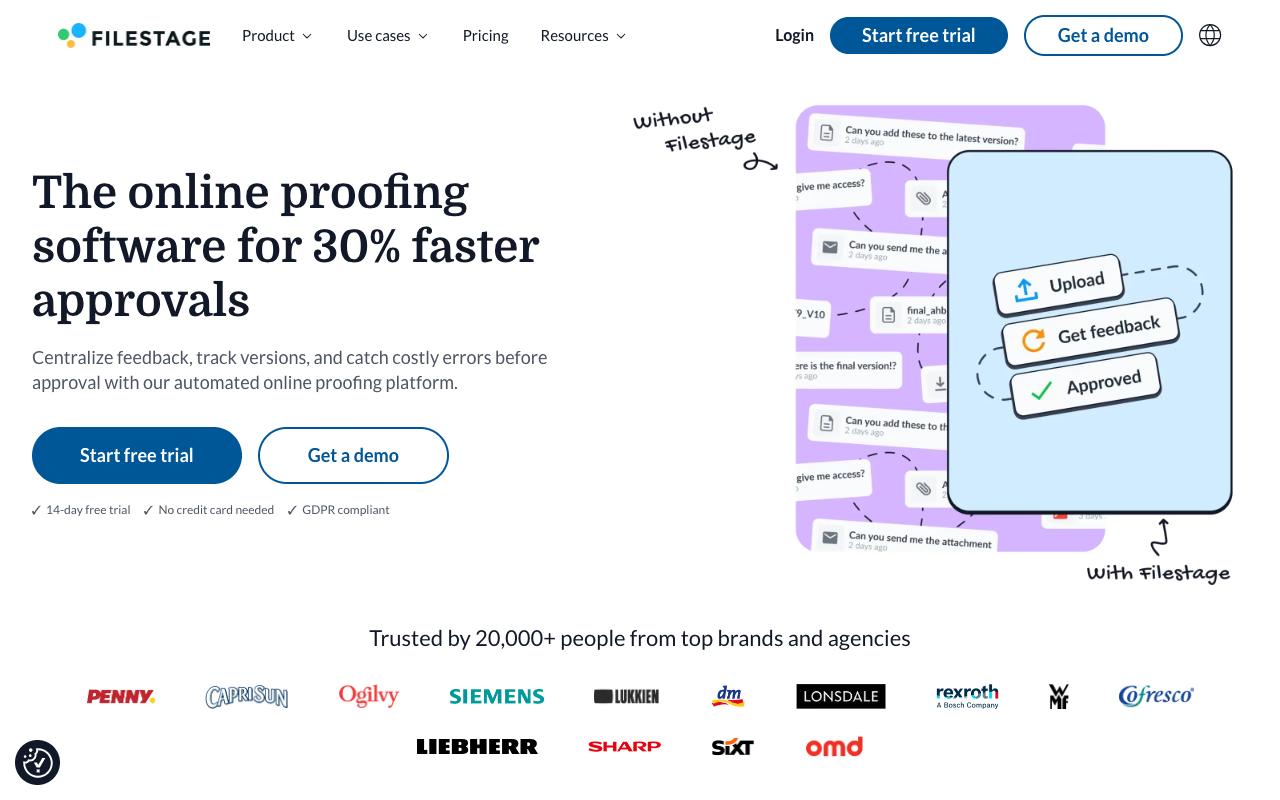
Filestage is online proofing software that centralizes feedback, tracks versions, and catches errors before sign-off. Reviewers click directly on what they want changed, add highlights or drawn annotations, and submit a decision in one click, while due dates trigger automatic reminders so feedback arrives on time. It fits marketing, creative, production, and compliance teams reviewing assets with agencies, suppliers, and clients.
Pros:
- Simplifies review and approval workflows for teams and clients, including across languages and time zones
- Centralizes comments, discussions, approvals, and version history in one place, reducing misunderstandings
- Intuitive and easy to use for both internal teams and external clients
- Speeds up the review process, described by long-time users as simple, speedy, and transparent
Cons:
- Some customers report unauthorized plan/price changes (one cited a 76% price increase without consent)
- Refunds can be difficult to obtain after billing disputes or cancellations
- Reports of accounts being blocked with delayed or denied access to files
- Lack of clear renewal reminders before annual auto-renewal charges
Pricing: Free covers 1 active project and 5 files per month. Starter is $199/month for unlimited projects and files, due dates, version comparison, and password-protected review links. Business is $329/month and adds AI review agents for brand, QR, and grammar checks plus automations, project templates, and API access. Enterprise is custom with SSO, audit logs, and data residency, per Filestage's pricing page.
Filestage carries a TrustPilot 3/5 from 6 reviews, a small sample that splits sharply. A long-time agency customer of roughly ten years says it significantly simplified review and approval with international clients by centralizing comments, discussions, approvals, and version history in one place, and calls it intuitive for internal teams and clients alike. Another five-star reviewer describes a "simple, speedy and transparent review process from start to finish." The negative reviews focus on commercial terms: unauthorized plan and price changes including one cited 76% increase without consent, difficulty getting refunds, accounts blocked with delayed access to files, and no clear reminder before annual auto-renewal.
On Capterra, Filestage holds 4.7/5. Reviewers commonly praise simple setup and collaborative online proofing that speeds up client feedback cycles and note constraints around review steps and some limitations in customization of review workflows. See the Capterra reviews page.
On G2, Filestage holds 4.6/5 across 245 reviews. Reviewers commonly praise ease of use and intuitive interface that streamlines the feedback and review process and note onboarding complexity for new users and occasional limitations in advanced workflow flexibility. See the G2 reviews and pros and cons pages.
Verdict: A capable proofing layer for teams whose social assets are mostly video and design, but read the renewal terms carefully before committing annually.
4. GoVisually
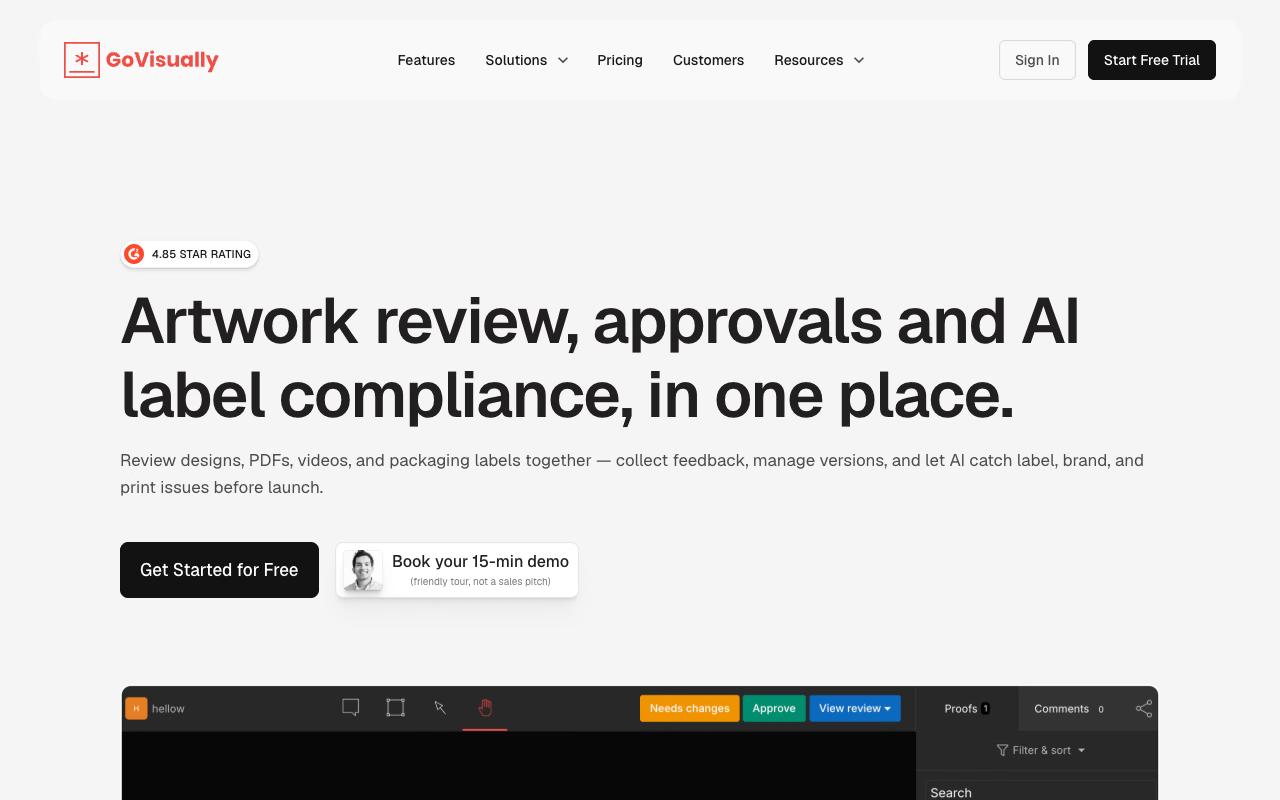
GoVisually is a proofing and approval platform for designs, PDFs, videos, and packaging labels, with point-and-click feedback, @mentions, real-time status tracking, one-click approvals, and side-by-side version comparison. Its differentiator is an AI compliance layer that checks creative against brand guidelines and, on the top tier, regulatory frameworks, and the core audience is creative agencies, eCommerce and retail brands, and apparel companies.
Pricing: Lite is $16/user/month for 1-5 users with 15 active projects and 15 external reviewers, but no video or GIF support. Pro is $33/user/month with a 3-user minimum, adding 250 projects, unlimited external reviewers, video and GIF support, custom logo branding, and Slack, Zapier, and Adobe integrations. The CPG Compliance AI Suite starts at $499/month with label compliance checks across 20+ regulatory frameworks, according to GoVisually's pricing page. Annual billing saves 20%.
On Capterra, GoVisually holds 4.6/5. Reviewers commonly praise ease of use, affordable pricing, and responsive customer support that streamlines client approvals and note limited feature depth and occasional issues with zooming and handling complex proofing needs. See the Capterra reviews page.
On G2, GoVisually holds 4.4/5 across 67 reviews. Reviewers commonly praise simple online proofing and visual feedback workflow that speeds up approvals and note pricing and billing issues combined with limited advanced features and occasional usability frustrations. See the G2 reviews and pros and cons pages.
Verdict: Worth a look if your social work is asset-heavy and your reviewers are external, though skip Lite if you post video.
5. PageProof
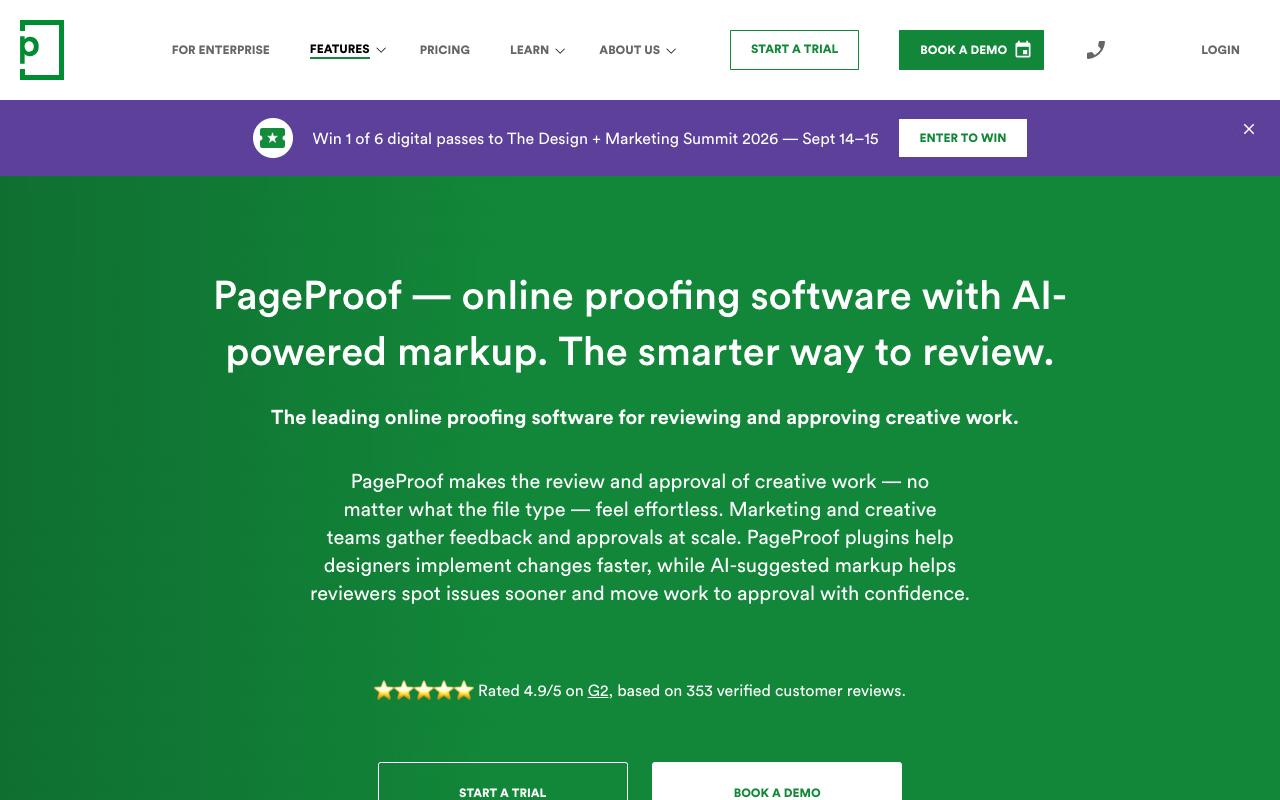
PageProof handles review and approval of essentially any file type, including social media graphics, packaging, HTML emails, Figma prototypes, video, and audio. Its workflow layer is the strongest part for governance-heavy teams: automated approval routing with reminders, multiple reviewing roles, decision thresholds that specify how many approvals a proof needs before it moves on, and a comprehensive audit trail. Marketing and creative teams at agencies and enterprises are the target.
Pricing: Team is $249/month (billed $2,499/year) with unlimited reviewers, unlimited workflow templates, unlimited proofs, unlimited storage, and 250 PI credits. Team Plus is $499/month (billed $4,999/year) adding SSO, advanced co-branding, comment labels, and 500 credits. Enterprise is quote-based with priority and scheduled proofs, data sovereignty, and PI Agents, per PageProof's pricing page. No add-on storage charges on any plan.
On Capterra, PageProof holds 4.8/5. Reviewers commonly praise streamlined review and approval process and strong overall usability and note intermittent glitches and room for improvement in some features. See the Capterra reviews page.
On G2, PageProof holds 4.8/5 across 388 reviews. Reviewers commonly praise ease of use and streamlined online proofing workflows and note occasional slowness and desire for interface refinements. See the G2 reviews and pros and cons pages.
Verdict: The pick when approval routing has to be provable, with decision thresholds and audit trails that most social schedulers don't attempt.
6. Wrike
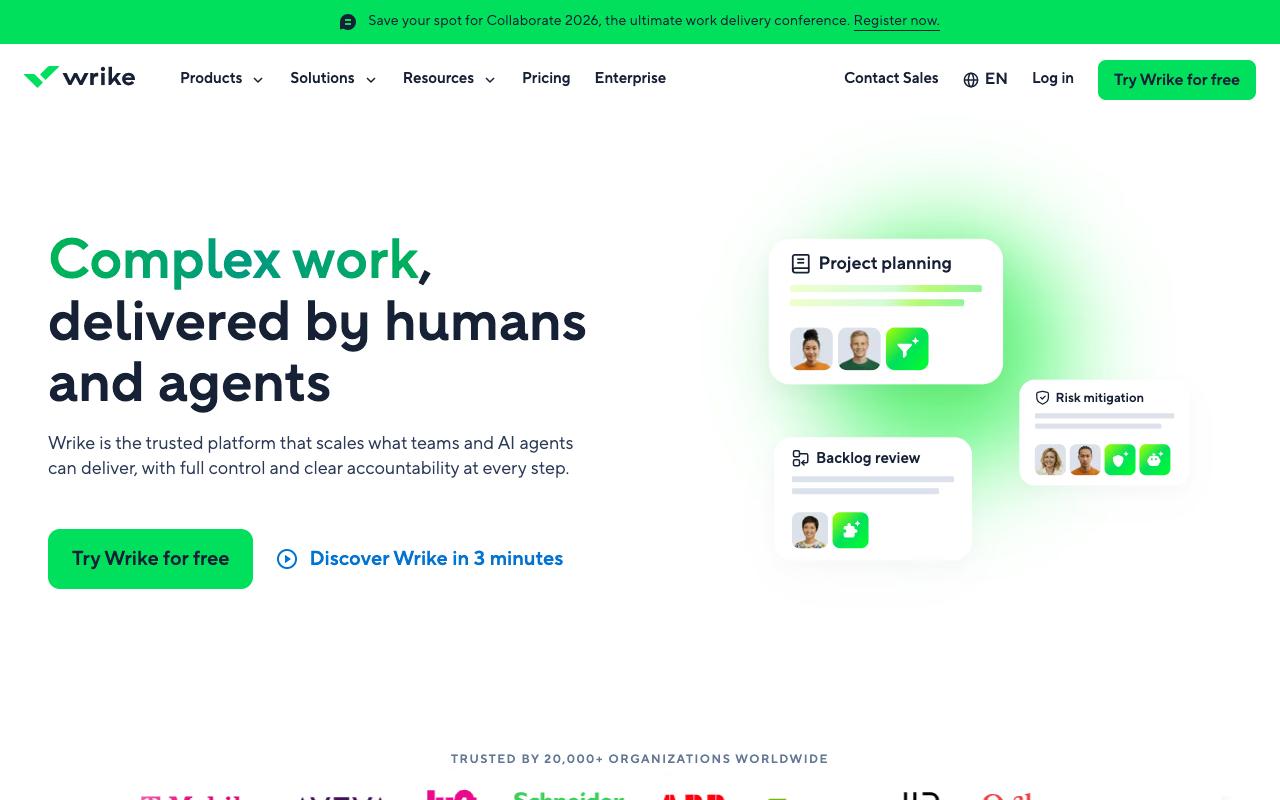
Wrike is an enterprise work management platform with proofing built into a much larger system covering intake forms, Gantt charts, resource planning, budgeting, and reporting. For social approvals specifically, it offers visual feedback directly on assets with version comparison, plus automations for recurring workflows and dynamic request forms that route content requests into one queue. It suits cross-functional enterprise teams where social is one workstream among many.
Pros:
- Flexible and customizable workflows/dashboards that scale from simple to very complex projects
- Strong feature set (Gantt charts, automation, integrations) that becomes a single source of truth for project tracking
- Good visibility into team workload and cross-department collaboration
- Long-time users report the platform continually improves via regular updates
Cons:
- Customer service is slow and hard to reach; support shifted from phone/Zoom to email tickets, delaying resolution
- Contract renewal and cancellation process is rigid, with reports of being locked into renewals (30-day cancellation policy) with little flexibility
- Some reviewers found the platform overly complex, with basic tasks feeling more complicated than needed
- Reports of losing expected functionality after upgrading to a paid plan and being charged without prior notice
- Missing features some businesses need, e.g. job number generation for billing/tracking
Pricing: Free covers essential task management. Team is $10/user/month (billed annually) for 2-15 users. Business is $25/user/month for 5-200 users with templates and standard integrations. Pinnacle and Apex are custom-priced with advanced resource planning and reporting, per Wrike's pricing page. Wrike Whiteboard is a $15/user/month add-on.
Wrike sits at TrustPilot 3.6/5 across 218 reviews, and the split is instructive. Long-time users praise the flexibility and depth, describing it as a central hub for tracking multi-department projects with real workload visibility, though one four-star review calls it "excellent software with enough versatility but too much so it does not get unmanageable." A cluster of recent one-star reviews focuses on commercial and support issues: slow support that moved from phone and Zoom to email tickets, rigid renewal and cancellation terms with a 30-day cancellation policy, lost functionality after upgrading to a paid plan, and charges without prior notice.
On Capterra, Wrike holds 4.4/5. Reviewers commonly praise workflow customization and clear dashboard visibility and note time-consuming setup and need for training. See the Capterra reviews page.
On G2, Wrike holds 4.2/5 across 4,540 reviews. Reviewers commonly praise flexible workflows and strong task management and note steep learning curve and cluttered interface. See the G2 reviews and pros and cons pages.
Verdict: Right when social approvals need to live inside the same system as the rest of your marketing operations, and overkill if you just need posts reviewed and shipped.
7. Hive
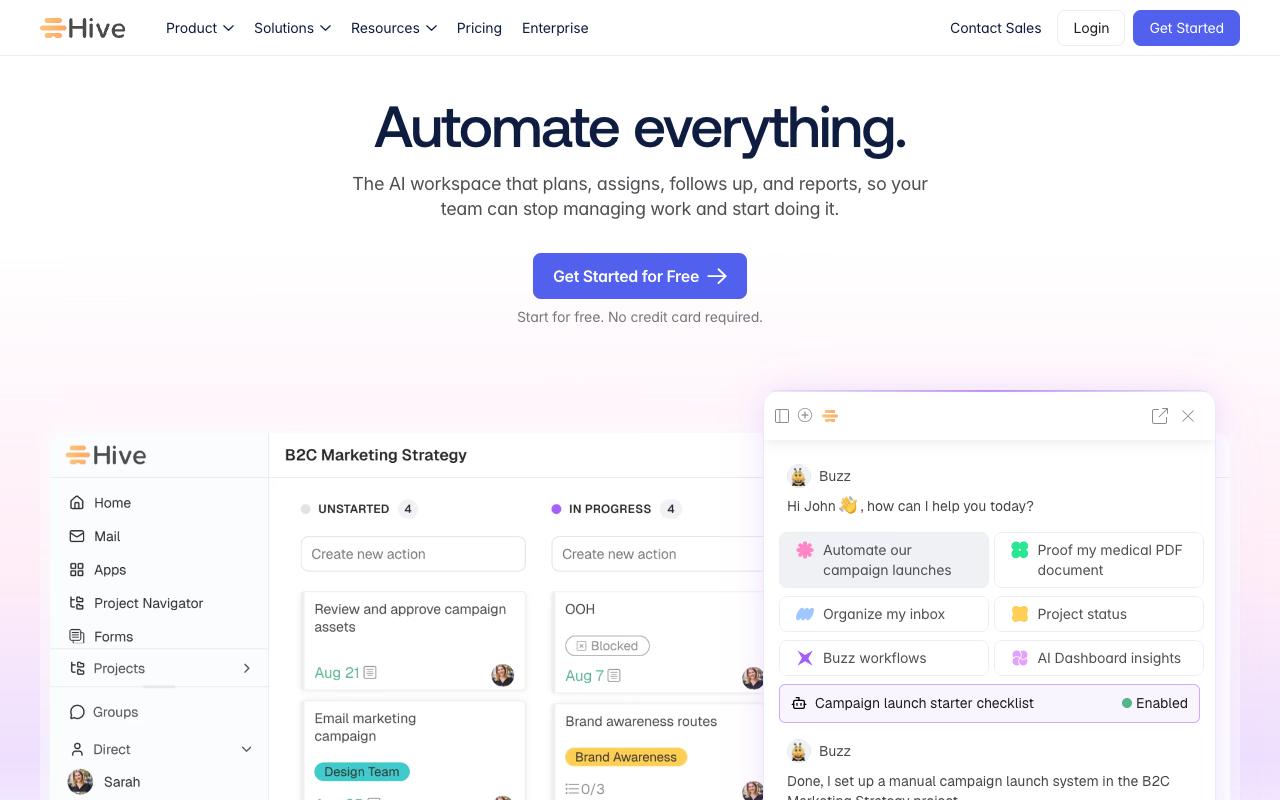
Hive is a project and work management platform that includes proofing and approvals as a native feature, letting teams proof and approve documents with internal or external users in a couple of clicks. Around that sit form intakes for routing new content requests, automated workflows, client portals, action cards for tagging and commenting, and time tracking, with marketing, creative, agency, and PMO teams as its stated audience.
Pricing: Free is $0 forever with 200MB storage and up to 10 workspace members. Starter is $5/user/month with unlimited storage, up to 10 projects, and Gantt view. Teams is $12/user/month with unlimited workspace members, time tracking, and portfolios. Enterprise is custom, according to Hive's pricing page. Yearly billing saves 33%.
On Capterra, Hive holds 4.4/5. Reviewers commonly praise intuitive project management that improves team collaboration, offers good value for money, and centralizes workflows and note intermittent glitches, non-ideal mobile experience, and desire for more advanced features and customization. See the Capterra reviews page.
On G2, Hive holds 4.6/5 across 666 reviews. Reviewers commonly praise flexible, easy-to-use project and task management with strong collaboration and useful integrations and note steep initial learning curve, complex setup, occasional performance issues and features locked to higher-priced plans. See the G2 reviews and pros and cons pages.
Verdict: The cheapest per-seat route to a real approval workflow if your team already wants project management alongside it.
8. monday.com
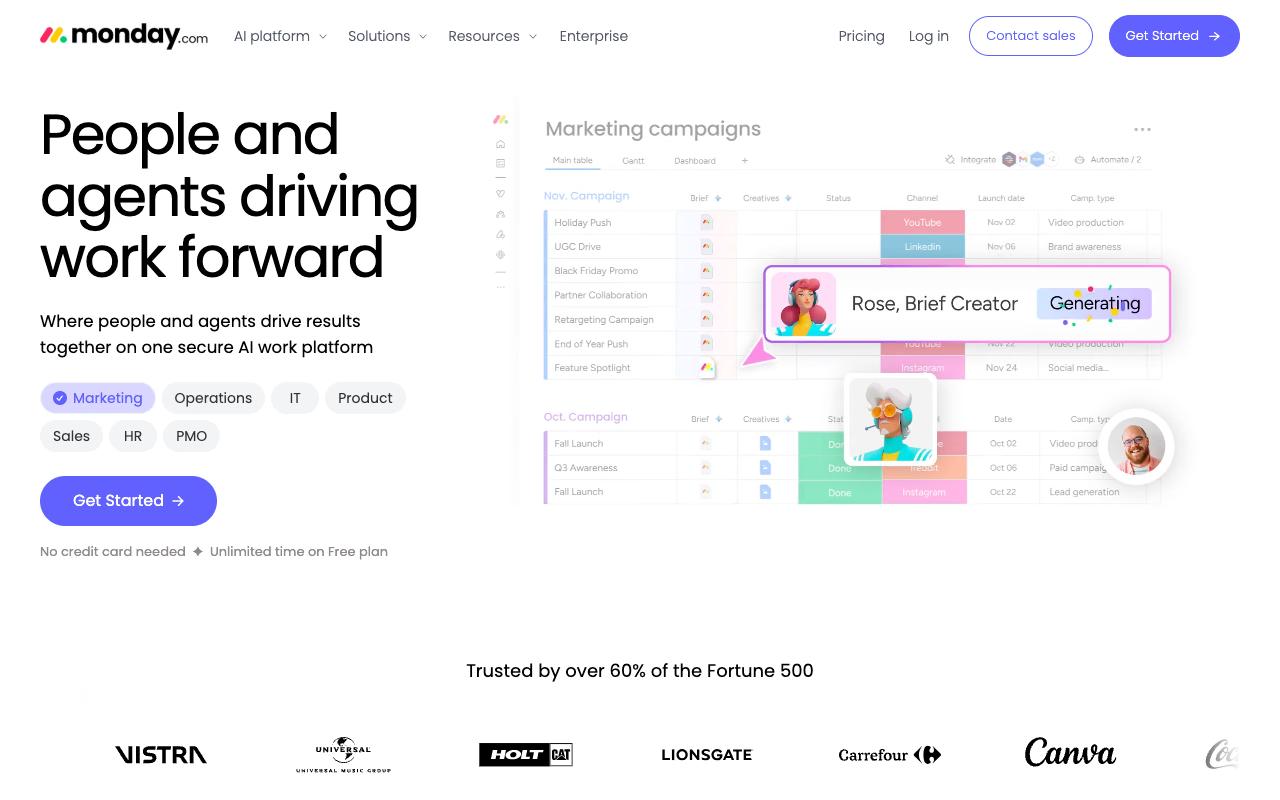
monday.com is a no-code work platform built on customizable boards and columns, with 200+ templates, multiple views, integrations, and an expanding layer of AI agents. Social approval workflows get built rather than bought here: you configure status columns, owners, automations, and guest access to fit your review process. It targets teams across marketing, operations, IT, HR, and PMO at both SMB and enterprise scale.
Pros:
- Highly visual, customizable boards/workflows that fit varied team processes
- Historically well-liked by long-time users before recent AI-focused changes
- Broad feature set (automations, Gantt-style views, work management) suitable for many team sizes
Cons:
- Recent AI feature rollout (unremovable prompts, AI notetaker joining calls) frustrates long-time users and slows workflows
- Customer support described as slow, canned, and unhelpful for real bugs
- Key features gated behind higher-priced plans (e.g. guest teams in Enterprise only, limited automation actions on lower tiers)
- Free/trial signup auto-enrolls in Pro trial with a confusing, hard-to-find downgrade/cancel path
- Limited hierarchy: only one level of sub-task and one-directional dependency linking
- Perceived as inferior to alternatives like Jira for some workflows
Pricing: Free covers up to 2 seats with 3 boards. Basic is $9/seat/month billed annually. Standard is $12/seat/month adding automations and integrations at 250 actions per month, timeline and Gantt views, and guest access. Pro is $19/seat/month with 25,000 automation actions, private boards, and time tracking. Enterprise is custom, per monday.com's pricing page.
monday.com holds a TrustPilot 2.2/5 from 3,426 reviews, and recent sentiment is heavily negative. Reviewers point at the AI rollout as the cause. One wrote it's "bloated with AI junk, and the notetaker won't leave our client calls," another said "the app is getting worse with every update," and a third rated it as comparing "very poorly against" Jira. Support comes up repeatedly as slow and canned on real bugs.
On Capterra, Monday.com holds 4.6/5. Reviewers commonly praise intuitive layout and flexibility for organizing tasks and collaborating across teams and note cost relative to alternatives and occasional difficulties with advanced features or integrations. See the Capterra reviews page.
On G2, Monday.com holds 4.7/5 across 17,174 reviews. Reviewers commonly praise highly visual and customizable interface that makes project and workflow management easy to organize and track and note pricing and the learning curve or complexity when setting up more advanced boards and automations. See the G2 reviews and pros and cons pages.
Verdict: Flexible enough to model almost any approval process, but the recent review trend and the automation action caps on lower tiers make it a hard first recommendation for social approvals.
FAQ
What's the Difference Between Social Media Approval Software and Online Proofing Software?
Social media approval software like Ordinal and Planable handles review inside the same tool that drafts and publishes the post, so an approved post goes live without a handoff. Online proofing tools like Filestage, GoVisually, and PageProof review the asset itself with annotation, version comparison, and audit trails, then hand the approved file back to whatever tool you publish with. Choose based on whether your bottleneck is publishing speed or documented governance.
Which Approval Tools Let Clients Review Without Creating an Account?
Ordinal uses public share links so external stakeholders can review without an account. Filestage offers password-protected review links on its Starter plan and above, and GoVisually supports 15 external reviewers on Lite and unlimited external reviewers on Pro. PageProof includes unlimited reviewers on every plan.
What Does Approval Management Software Cost?
Pricing splits by model. Per-seat work management tools start lowest, with Hive at $5/user/month and monday.com at $9/seat/month billed annually. Workspace-priced social tools sit in the middle: Planable starts at $33 per workspace/month and Ordinal at $95/mo for up to 3 seats. Dedicated proofing platforms are the most expensive entry point, with Filestage at $199/month and PageProof at $249/month.
Related Posts
Looking to learn more? The below posts may be helpful for you to learn more about social media and content marketing.