
"Competitor tracking" means at least four different things depending on who's asking. A product marketer wants to know when a rival changes pricing. A social media manager wants to know which of their competitor's posts is outperforming and why. An SEO wants keyword overlap, and a brand team wants to know which creators the competition is paying.
The tools below split cleanly along those lines, and picking the wrong category is the most common way teams waste a budget cycle. The table below sorts them by best-fit before you read the entries.
At a glance
What Makes a Good Competitor Tracking Tool
1. Which competitor signal it tracks: Before comparing features, figure out which of the four jobs a tool actually does: pricing and content moves, social post performance, keyword/traffic overlap, or influencer/creator spend. Buying a search-side tool when you needed a sales-enablement platform is the fastest way to waste a budget cycle.
2. Intel-to-action pipeline: Some tools stop at a report or dashboard; others push insight straight into a workflow a rep or marketer can use immediately, whether that's a battlecard in Salesforce or a scheduled post. Check whether the tool closes the loop or hands you a PDF to act on elsewhere.
3. Depth of win/loss and revenue tie-in: For competitive intelligence platforms, the real differentiator is whether they just summarize competitor news or actually connect competitor moves to won and lost deals, including structured interviews and influenced-revenue tracking.
4. Billing and trial transparency: Several entries here show a wide gap between product capability and buying experience (hard-to-cancel free trials, surprise add-on charges, and strict no-refund policies show up repeatedly in review commentary and can matter as much as feature comparisons).
5. Review consensus vs. pricing pain: Rating aggregates across G2, Capterra, and Trustpilot often diverge sharply for the same tool, with strong product praise offset by consistent complaints about cost or setup effort (worth reading past the headline score).
6. Fit for team type and scale. Tools differ in who they're built for, like solo freelancers, agencies managing many client accounts, or enterprise sales and competitive-intel teams, along with pricing structures like per-seat costs or unlimited-seat tiers reflect that.
Best Competitor Tracking Tools (2026)
1. Ordinal

Disclosure: Ordinal is our own product (this guide is published by Ordinal). Its entry sticks to what's verifiable on our site, and the competitors below get the same verified treatment.
Ordinal is an end-to-end platform for drafting, planning, and scheduling social content, used by content agencies, founders and execs, social media managers, and growth teams. It fits competitor tracking on the execution side: you see what competitors are publishing, then act on it inside the same tool instead of exporting a report and starting over in a scheduler. Ordinal's own guidance on social media competitor analysis makes the case that tracking individual profiles matters more than company pages, citing Ordinal dataset figures of 1.22 billion impressions from personal profiles versus 162.5 million from company pages.
The feature set leans hard on LinkedIn: auto-engagements (likes, comments, and reposts from any connected account), personal and company tagging, PDF carousel and video support, a realistic preview that shows exactly where the hook cuts off before "see more," and a Notion-style editor with in-line comments and public share links. For agencies, the Pro tier's unlimited seats, approval workflows, and API/MCP/webhook access are the parts that scale across 20 or 30 client accounts without per-seat math.
Pricing: Starter $95/mo ($85/mo billed annually) for up to 3 seats and 4 social profiles; Pro $265/mo ($235/mo billed annually) for unlimited seats, unlimited scheduled posts, all-time analytics, automated engagement, approval workflows, and API/MCP/webhooks; Enterprise is custom. Both paid plans include a 14-day free trial, according to Ordinal's pricing page.
Verdict: The right pick if your competitor tracking needs to end in published content rather than a PDF, especially for agencies running LinkedIn programs across many client accounts.
2. Crayon
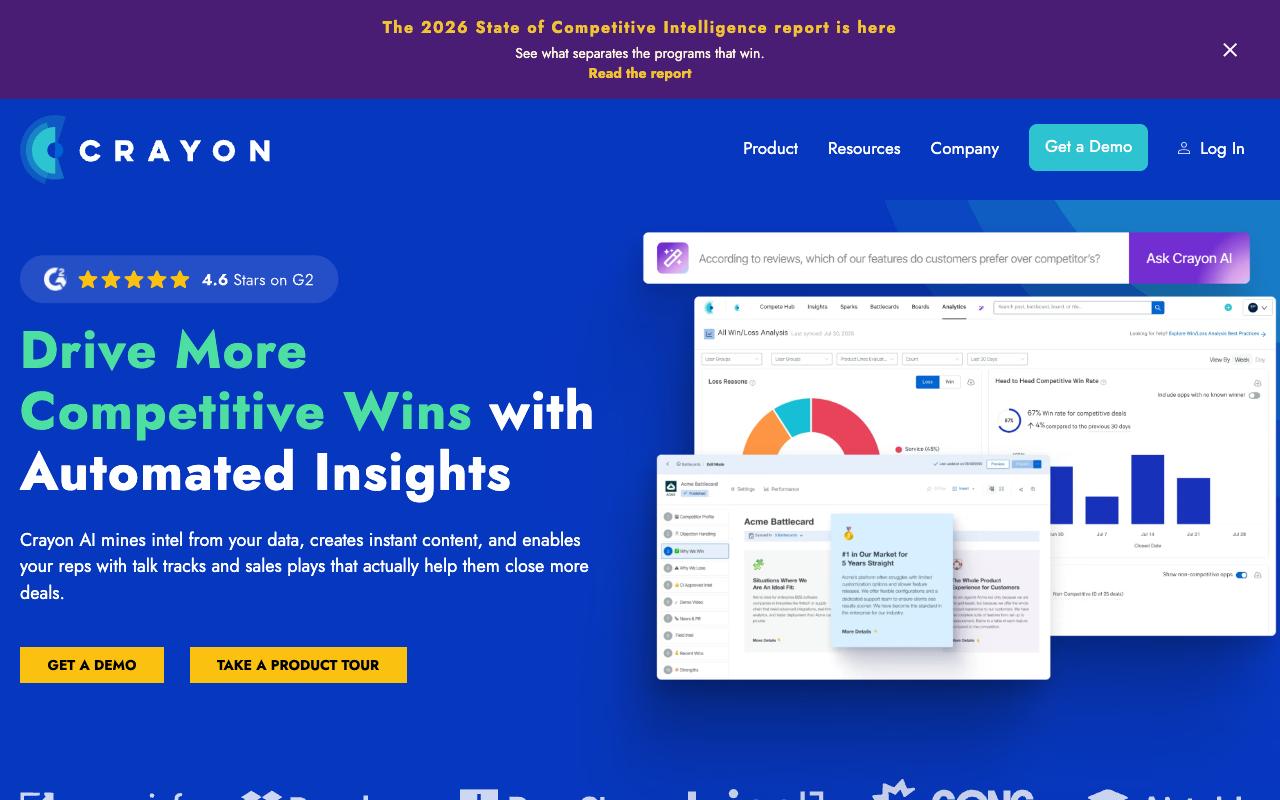
Crayon is a competitive intelligence platform built around four pillars: Analyze, Enable, Compete, Measure. It monitors competitors and uses AI to summarize news articles and score insights by importance. Battlecards and talk tracks then push into Salesforce, Slack, and Highspot so reps have the intel during live deals. The audience is B2B competitive intelligence analysts, product marketing managers, and sales teams trying to win head-to-head deals.
The measurement layer is what separates it from a news-monitoring tool. Crayon tracks win/loss analysis by competitor, which reps are using battlecards, and influenced revenue attributable to those battlecards, per its homepage feature descriptions.
Independent reviews weren't available from verified sources at the time of research, though aggregate scores are published: G2 is 4.6/5 from 385 reviews and Capterra at 4.5/5.
Pricing: No public pricing. Crayon's pricing page says pricing "is tailored to the needs of your competitive intelligence program" and routes prospects through a "Request an Estimate" form.
On Capterra, Crayon holds 4.5/5. Reviewers commonly praise competitive intel capabilities and responsive customer support and note high cost and manual daily curation. See the Capterra reviews page.
On G2, Crayon holds 4.6/5 across 385 reviews. Reviewers commonly praise competitive intelligence and centralized competitive analysis and note integration challenges and manual content maintenance. See the G2 reviews and pros and cons pages.
Verdict: Buy it if sales enablement is the point and you need to prove competitive intel moved revenue. It's the wrong tool if you just want social benchmarks.
3. Klue
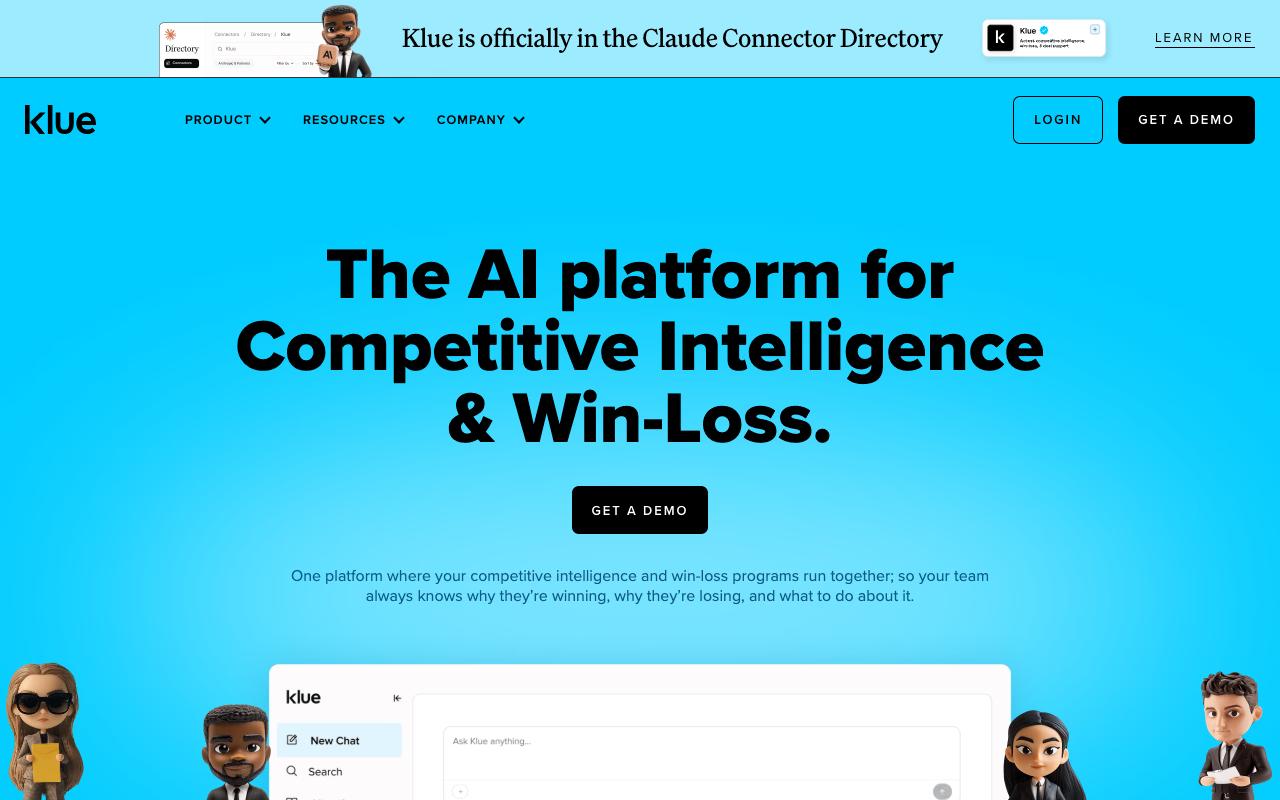
Klue combines competitive intelligence and win-loss research in one platform, so teams can connect what competitors are doing to why deals are being won and lost. Its Compete Agent works as an AI research analyst that continuously collects intel and delivers it to sellers mid-deal, while Deal Tips send competitor-specific insights to reps' inboxes. Tracking covers competitor websites, pricing, product changes, news releases, and reviews.
The win-loss suite is the differentiator against Crayon: Klue runs structured Human Expert Interviews conducted by its own analyst team to capture objective buyer feedback. There's also a browser extension for collecting intel from social media and news on the fly, plus two-way collaboration through Slack, Teams, Salesforce, and email.
Pricing: No public pricing. Klue's site lists no plan names or dollar amounts and offers only a "GET A DEMO" call-to-action.
On Capterra, Klue holds 4.5/5. Reviewers commonly praise effective competitive enablement capabilities, ease of use, and responsive customer support and note limited number of reviews and configuration or onboarding effort for more advanced use cases. See the Capterra reviews page.
On G2, Klue holds 4.7/5 across 443 reviews. Reviewers commonly praise centralized competitive intelligence and robust competitor analysis features that empower sales enablement teams and note setup effort, user interface friction, and integration or formatting challenges that create a learning curve.
See the G2 reviews and pros and cons pages.
Verdict: The stronger choice over Crayon if you want win-loss interviews bundled into the same platform as your competitive tracking.
4. Semrush
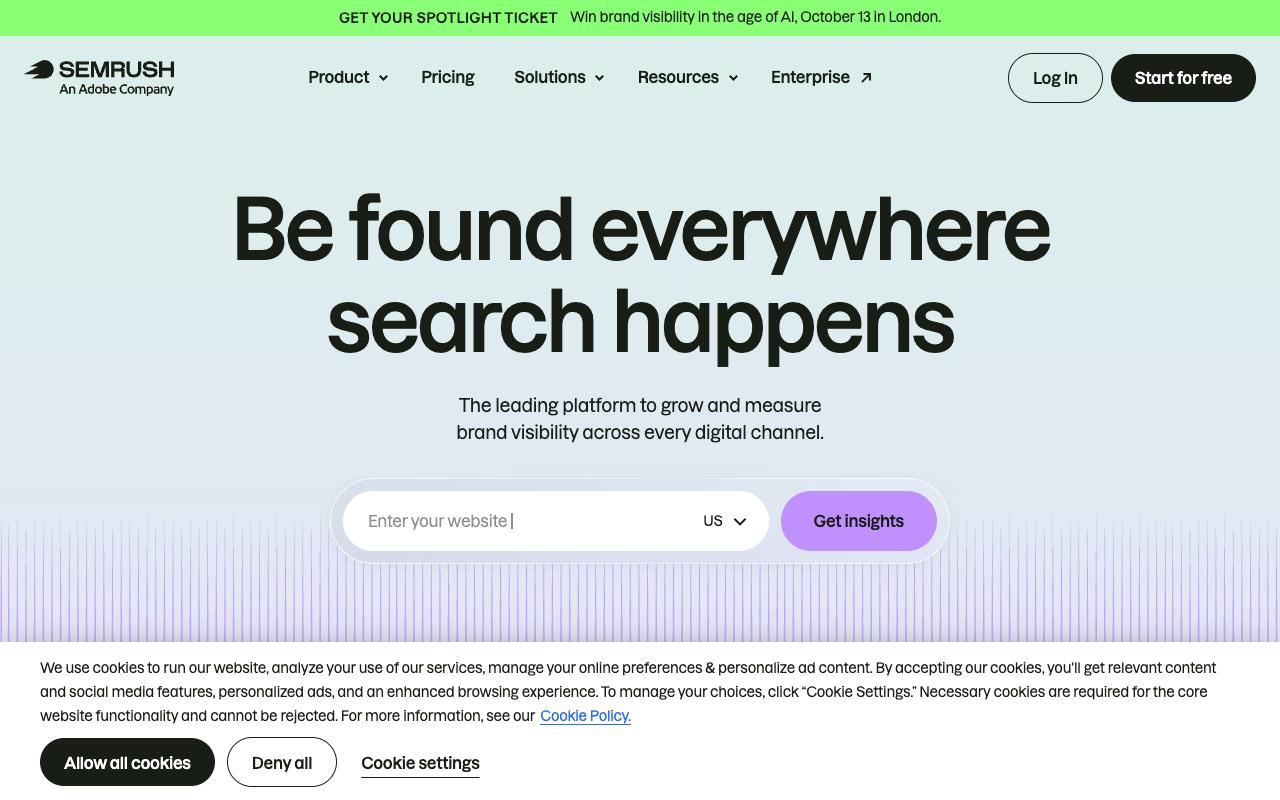
Semrush tracks brand visibility across search and, more recently, AI answers, with competitor analysis and keyword research at the core. It serves solo freelancers and enterprise agency teams alike, across SaaS, retail, healthcare, and local business. For competitor tracking specifically, this is the search-side view: what your rivals rank for, where they're winning, and now whether they show up in AI-led discovery.
Pros:
- Core SEO toolset (keyword research, competitor tracking) is valued enough that some customers stay subscribed for years despite billing frustrations
- AI-driven AEO/AI-visibility feature gives an easy starting point for tracking how a brand shows up in AI-led discovery, per a hands-on LinkedIn review
- Support did eventually resolve at least one billing dispute after escalation, per a Trustpilot review update
Cons:
- Widespread complaints about the 7-day free trial converting to an immediate, hard-to-cancel paid charge
- Reviewers describe the cancellation flow as deliberately confusing, including a hidden confirmation step needed to fully cancel
- Unauthorized or surprise add-on charges (e.g. AdClarity) leading to bills of thousands of pounds/dollars
- Refund requests are frequently denied, citing a strict no-refund policy on monthly subscriptions
- Perceived as very expensive for what is delivered
- AEO/AI-visibility feature still immature (recommended prompts can be broad or unrelated to the brand, skewing visibility scores)
Reddit sentiment splits sharply. In the r/localseo thread "I'M OFFICIALLY DONE WITH SEMRUSH," an eight-year customer paying almost $400 a month hit a PDF export limit and was told to pay more to export monthly reports, which prompted them to look for alternatives. Commenters agreed on cost, with one writing "Semrush is so dang expensive" before switching to a cheaper lifetime-license alternative.
Pricing: SEO $139/mo ($117.33/mo annually); Starter SEO + AI Search $199/mo ($165.17/mo annually); Pro+ SEO + AI Search $299/mo ($248.17/mo annually); Advanced SEO + AI Search $549/mo ($455.67/mo annually); plus a custom Enterprise tier, per Semrush's pricing page.
On Capterra, Semrush holds 4.6/5. Reviewers commonly praise accurate website audits and comprehensive seo analytics that are easy to use and feature rich and note expensive plans and limitations in data accuracy for competitive analysis, especially for smaller teams. See the Capterra reviews page.
On G2, Semrush holds 4.4/5 across 4,031 reviews. Reviewers commonly praise powerful all-in-one seo and competitive research toolkit with robust keyword and site audit features and note high pricing and extra cost for add-on features, with a steep learning curve for new users.
See the G2 reviews and pros and cons pages.
Verdict: Excellent search-side competitor data with a billing experience you should go in expecting, so set a calendar reminder before the 7-day trial converts.
5. Similarweb
Similarweb gives you the outside-in view of a competitor's entire digital footprint: traffic, engagement, audience demographics, and which marketing channels are feeding them. The homepage claims it's trusted by 200+ Fortune 500 companies and used by over 6,000 customers, serving marketing, SEO/AEO, research and analytics, growth, sales and GTM, RevOps, and eCommerce teams. Its App Intelligence product extends the same benchmarking to mobile app performance and stickiness.
Pros:
- Easy to use and simple interface
- Useful browser extension that quickly surfaces site data
- Strong customer support responsiveness in some cases (praised for fast, helpful refund/account resolution)
- Seen as a valuable tool for competitive/traffic insights
Cons:
- Expensive, especially for small businesses, with some feeling it's poor value vs. Semrush/Ahrefs
- Basic plan is heavily restricted and requires additional paid upgrades for expected features
- Free trial requires a credit card and can auto-charge ~$199-200 if not cancelled in time
- Some users report unresponsive support when disputing trial charges/refunds
- Homepage URL-lookup criticized as misleading, pushing users toward a paywall after collecting personal info
TrustPilot reviews (4.4/5 from 747 reviews) skew short and positive, with lines like "It's really a great tool" and "Easy to use and install," and one reviewer praising the browser extension because "it reveals outstanding information with only a click away." Support draws specific praise, including a verified reviewer who described an agent who "handled my refund request with genuine kindness and speed."
The negatives cluster on pricing and billing.
Reviewers find it expensive relative to Semrush and Ahrefs, note the basic plan is heavily restricted, and flag that the free trial requires a credit card and can auto-charge around $199 to $200 if you don't cancel in time.
Pricing: The self-serve Web Intelligence tiers run $199/mo month-to-month ($125/mo annually) for Competitive Intelligence with 1 user and 3 months of history; $399/mo ($333/mo annually) adding SEO and AEO Intelligence; and $649/mo ($542/mo annually) adding Ads Intelligence and 6 months of history. Business and Enterprise tiers are sales-quoted.
On Capterra, Similarweb holds 4.6/5. Reviewers commonly praise powerful web traffic intelligence and reliable market and competitor analysis and note high cost and occasional difficulty navigating to specific features. See the Capterra reviews page.
On G2, Similarweb holds 4.4/5 across 1,178 reviews. Reviewers commonly praise comprehensive competitive traffic insights and easy-to-use analytics interface and note data accuracy limitations for smaller sites and high pricing for advanced plans. See the G2 reviews and pros and cons pages.
Verdict: The best tool here for sizing up a competitor's whole traffic and channel mix, provided you can stomach the price and watch the trial clock.
6. Favikon
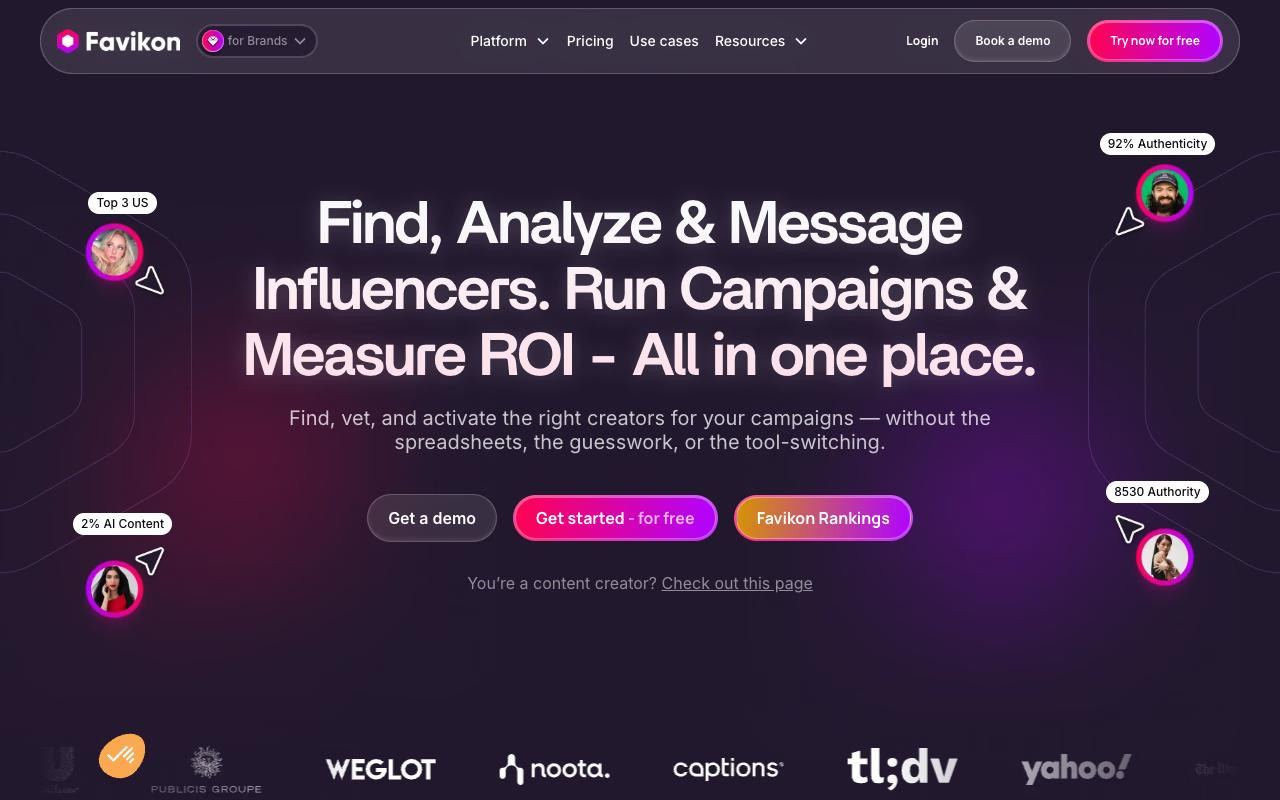
Favikon is an influencer marketing platform, and the competitor-tracking angle is seeing which creators your rivals are working with. Its Collaborations feature surfaces a creator's past brand partnerships and how that sponsored content performed, which is a direct read on competitor influencer strategy. The database covers over 10 million creator profiles and 30 million posts across nine platforms, with filters for niche, location, language, posting frequency, and engagement.
Pros:
- Responsive, friendly customer support that quickly resolves issues (repeatedly praised by name, e.g. "Rosemary")
- Valuable analytics and ranking system for creator/influencer insights on LinkedIn and other platforms
- Helpful for tracking professional growth and benchmarking against peers
Cons:
- Ranking/metrics can shift suddenly and support explanations for these changes are sometimes seen as generic or unconvincing
- Some users report trial cancellation and billing issues (being charged despite trying to cancel)
- Perceived as expensive by some users
- Occasional reports of login/technical problems and unresponsive support
Beyond discovery, it handles vetting (audience credibility, brand safety, comment-section authenticity checks), outreach via connected social DMs and email, and campaign tracking with ROI reporting. Favikon claims AI-driven follow-up automation boosts response rates by up to 40%.
TrustPilot reviews (4.1/5 from 41 reviews) skew positive and are heavily focused on support, with agent "Rosemary" named repeatedly. One 5-star reviewer wrote, "The response was straightforward, effective, and on point. I love when one message solves all the problems. No confusion, only clarity." Another described reaching out after "a sudden issue with my LinkedIn rankings" and getting a very quick response. The complaints center on rankings shifting suddenly with explanations users found generic, plus trial cancellation and billing issues and a general sense that it's expensive.
Pricing: Core $199/mo billed monthly ($179/mo quarterly, $159/mo yearly) with 500 credits, 1 active campaign, and 100 tracked creators; Pro $299/mo billed monthly ($269/mo quarterly, $239/mo yearly) with 1,000 credits, 5 campaigns, 300 tracked creators, Radar, and social DMs; Enterprise is custom, per Favikon's pricing page.
On Capterra, Favikon holds 4.6/5. Reviewers commonly praise easy-to-use influencer discovery, detailed performance tracking, and responsive customer support and note pricing concerns for smaller businesses and some reporting and ranking accuracy limitations. See the Capterra reviews page.
On G2, Favikon holds 4.5/5 across 13 reviews. Reviewers commonly praise rich creator data, clear linkedin impact metrics, and helpful support and note limited campaign management capabilities and occasional data accuracy issues.
See the G2 reviews and pros and cons pages.
Verdict: Narrow but useful, worth it only if creator partnerships are a real part of the competitive picture you're tracking.
7. Social Status
Social Status is a social analytics and reporting platform for agencies and brands, built around four tools: Profile Analytics, Ads Analytics, Competitor Analytics, and Influencer Analytics. The competitor module benchmarks you against any public Facebook Page, Instagram Business/Creator profile, TikTok profile, X profile, or YouTube channel, tracking posting frequency, timing, reactions, and top-performing posts. Worth noting: LinkedIn support here covers Company Pages in Profile Analytics, with LinkedIn Campaign Manager reporting listed as launching soon.
The reporting depth is the draw for agencies: full-funnel metrics broken down by day, time, frequency and media type, paid versus organic splits on Facebook posts, Instagram Stories analytics, and white-label report exports in CSV, XLSX, PDF, and PPTX from the Basic tier up.
Pricing: Small Business plans start at Free ($0/mo), then Micro $9/mo, Basic $29/mo, and Essential $49/mo. Professional plans for agencies and enterprises run Bronze $99/mo, Silver $199/mo, Gold $399/mo, and Platinum $799/mo. Annual billing saves 25%.
On G2, Social Status holds 4.6/5 across 90 reviews. Reviewers commonly praise ease of use and reporting clarity and note slow report generation and occasional feature limitations. See the G2 reviews and pros and cons pages.
Verdict: The cheapest serious option on this list, and the one to test first if white-label client reporting is the job.
8. Rival IQ
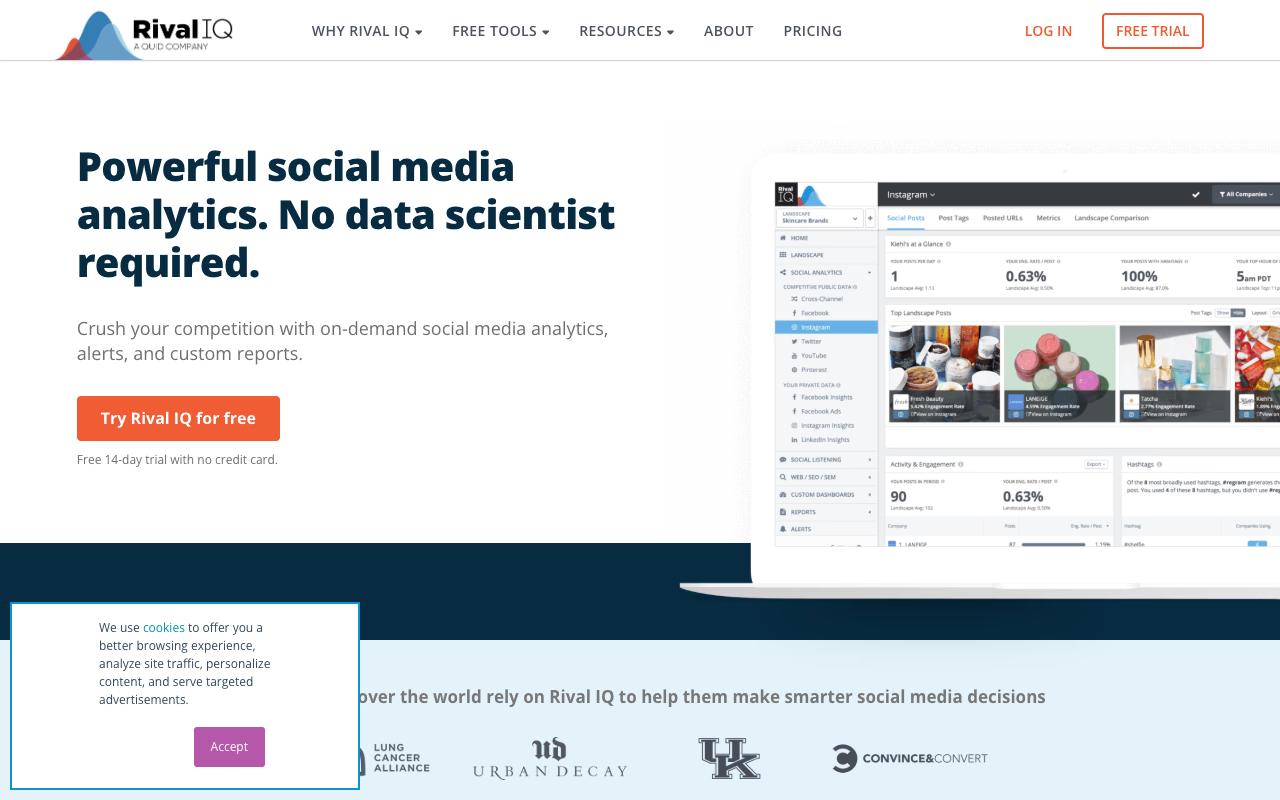
Rival IQ is built specifically for competitive social benchmarking, tracking profiles and posts across Instagram, Facebook, Twitter, YouTube, and TikTok. Its Boosted Post Detection uses machine learning to flag competitor posts that were likely paid, which answers the question every social manager asks when a rival's post suddenly outperforms. And its Landscapes feature lets you benchmark against an entire industry or go head-to-head with a single rival.
It also covers your own private data: organic and paid performance in one place, Instagram Story and profile-visit insights, Facebook and Instagram Ads dashboards, LinkedIn Page analytics with top hashtags and best posting times, and always-on alerts for competitor posts and profile changes. Social listening spans Reddit, blogs, news, and Twitter.
Pricing: Drive $239/mo for 10 tracked companies, 6 months of history, and 1 user; Engage $349/mo for 20 companies, 12 months, and 2 users; Engage Pro $559/mo for 40 companies, 24 months, and 5 users. Annual billing saves 15%, and Enterprise packages are custom, per Rival IQ's pricing page.
On Capterra, Rival IQ holds 4.4/5. Reviewers commonly praise powerful social media trend tracking and competitor benchmarking with easy-to-understand reports and note high pricing for small businesses and limited number of users in lower-tier plans. See the Capterra reviews page.
On G2, Rival IQ holds 4.5/5 across 49 reviews. Reviewers commonly praise intuitive interface and clear social media analytics dashboards that simplify competitive benchmarking and reporting and note premium pricing for smaller teams and occasional limitations in data granularity and video analytics coverage. See the G2 reviews and pros and cons pages.
Verdict: The most focused competitive social analytics tool here, and Boosted Post Detection alone justifies it if you keep getting fooled by paid competitor content.
FAQ
What's the Difference Between Competitive Intelligence Tools and Competitor Social Analytics Tools?
Competitive intelligence platforms like Crayon and Klue monitor competitor pricing, product changes, news, and reviews, then feed that into battlecards and sales enablement inside Salesforce or Slack. Competitor social analytics tools like Rival IQ and Social Status benchmark post-level social performance against rival accounts. Neither replaces the other.
Which Competitor Tracking Tools Publish Their Pricing?
Ordinal, Semrush, Similarweb, Favikon, Social Status, and Rival IQ all list plan prices publicly. Crayon and Klue don't. Crayon's pricing page routes you to a "Request an Estimate" form, and Klue's site only offers a demo CTA, so budget for a sales cycle with either.
What's the Cheapest Way to Start Tracking Competitors?
Social Status has a Free plan at $0/mo with 1 Plan Quota and 1 month of data history, and its Micro plan is $9/mo. Among the rest, Ordinal's Starter plan at $95/mo ($85/mo annually) is the lowest entry point, and both Ordinal paid plans include a 14-day free trial. Several tools here require a credit card for the trial and auto-charge, so check the cancellation terms before you sign up.
Related Posts
Looking to learn more? The below posts may be helpful for you to learn more about social media and content marketing.