Agency stacks tend to break in the same way: eight tools half-cover the same job, and nobody knows where the approved version of a client's post lives. The stack below covers the four jobs an agency has to solve: publishing client content, reporting on it, running internal operations, and making the whole thing talk to itself.
At a glance
Ordinal is our own product. Its row uses the same sourced facts as every other tool, and it carries no rating we issued ourselves.
What Makes a Good Best Digital Agency Tool
1. Client-Facing vs Internal Design: Some tools are built to be handed to the client (white-labeled reports, branded portals) while others are purely internal production or workspace tools. This split matters more than raw feature count when deciding who in the agency actually touches the tool.
2. Pricing Model at Scale: Per-seat, per-client, and flat pricing behave very differently as an agency adds clients or headcount — check whether growth punishes you, and whether add-ons (AI credits, rank trackers) quietly stack on top of the base price.
3. Setup and Configuration Burden: A tool's out-of-the-box state versus what it takes to make it agency-ready is a recurring divide (some need someone to 'own the configuration' before they deliver value, others work within minutes).
4. Depth on a Specific Channel or Job: Several tools win not on breadth but on going deep in one workflow an agency actually does daily (LinkedIn-specific posting mechanics or cross-channel report pulling, for instance) rather than offering a shallow, generic version of everything.
5. Reliability and Support Track Record: Reviews across platforms repeatedly separate tools by whether support and billing practices are trustworthy in practice, not just promised (recurring bugs, opaque billing, and slow ticket escalation show up as real differentiators).
6. AI Feature Maturity: Nearly every tool now bolts on AI, but the article's reviews distinguish between AI woven into existing workflows versus AI that's unreliable, costly, or feels like an add-on chatbot.
8 Best Digital Agency Tools
1. Ordinal

Disclosure: Ordinal is our own product (this guide is published by Ordinal). Its entry sticks to what's verifiable on our site, and the competitors below get the same verified treatment.
Ordinal is an end-to-end platform for drafting, planning, and scheduling social content across LinkedIn, Twitter/X, Instagram, Facebook, Threads, TikTok, and YouTube Shorts, built for content agencies, social media managers, and growth teams. The agency-relevant parts are the multi-client workspace structure, approvals, and the LinkedIn feature depth that usually forces manual workarounds elsewhere: personal profile tagging, PDF carousels, and a realistic preview showing exactly where the hook cuts off before "see more." Auto-engagement (likes, comments, and reposts from any connected LinkedIn account) sits inside the post creation flow instead of being sold as a separate module.
Pricing: Starter is $95/mo ($85/mo billed annually) for up to 3 seats and 4 social profiles with 50 scheduled posts a month. Pro is $265/mo ($235/mo annually) and adds unlimited seats, unlimited scheduled posts, all-time analytics, automated engagement, approval workflows, and API/MCP/webhook access, according to Ordinal's pricing page. Enterprise is custom and adds employee advocacy, custom permissions, and SAML/SSO. Both paid plans include a 14-day free trial.
Verdict: The strongest fit if your agency lives on LinkedIn and needs unlimited seats plus real approval workflows without per-seat pricing punishing you for growing the team.
2. AgencyAnalytics
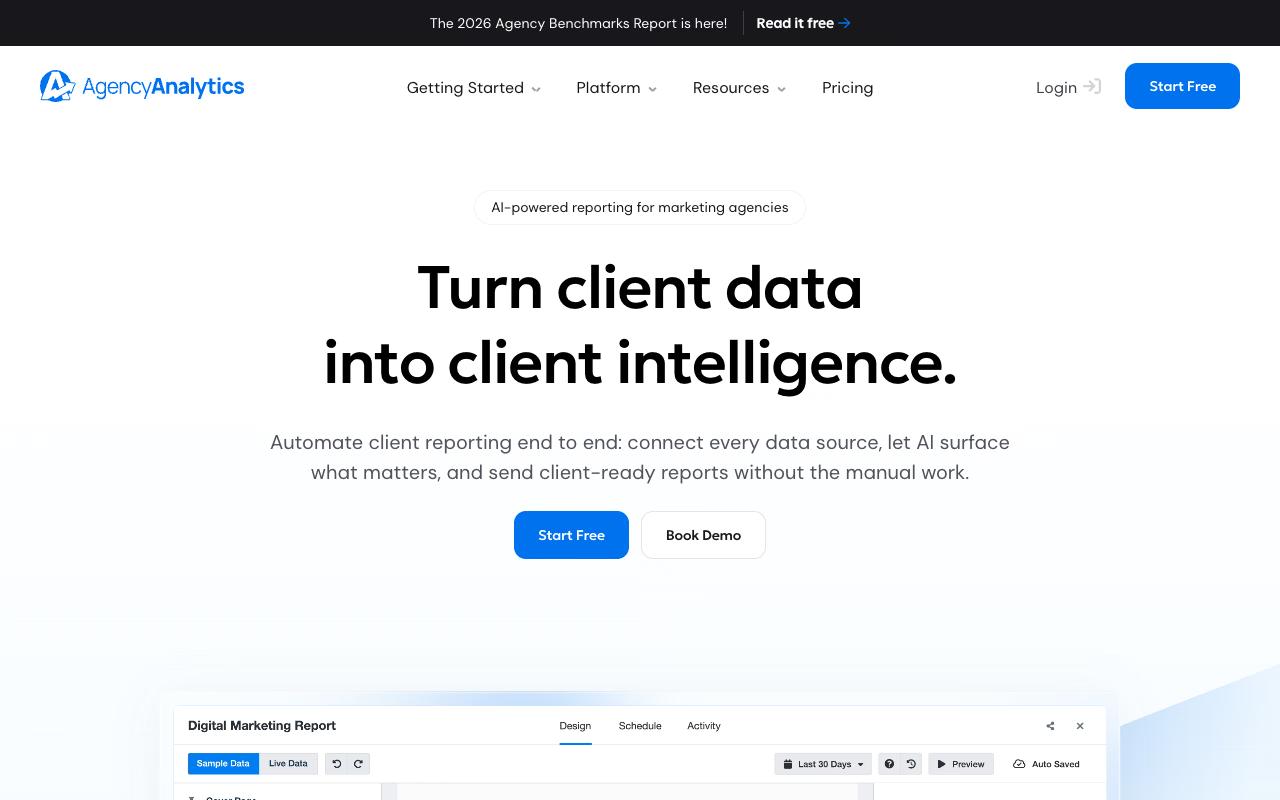
AgencyAnalytics is automated client reporting built specifically for marketing agencies, pulling data from 85+ sources into white-labeled reports and dashboards. It's aimed at agency founders, strategists, and directors who need to spot client issues before the client does and defend the work with benchmarks, anomaly detection, and trend forecasting. And clients get a branded portal with 24/7 access instead of waiting on a monthly PDF.
Pros:
- Responsive, helpful customer support (frequently praised by name)
- Easy to use and set up, with a clean, professional-looking dashboard/report builder
- Smooth migration from previous reporting platforms
- Modular dashboards that can be tailored to each client's needs
- Wide range of integrations
- Long-term customers (some 3-8+ years) report high satisfaction and reliability
Cons:
- Billing practices criticized as opaque, e.g. continuing to charge for deleted client campaigns
- Pricing transparency issues, including undisclosed minimum license/campaign purchase requirements
- Some users report poor, slow, or arrogant tech support with tickets escalated and delayed for weeks
- Recurring bugs/errors reported in tools like the site auditor
Pricing: One all-inclusive plan at $20 per client/month billed annually, covering unlimited data sources, reports, dashboards, and both staff and client users, plus an Enterprise tier with custom pricing for agencies at 25+ clients. Add-ons include the AI Tracker at $20.83/mo per 250 credits and the Rank Tracker at $41.67/mo per 500 keywords. There's a 14-day free trial with no card and a 30-day money-back guarantee.
Ratings sit high across platforms: TrustPilot 4.2/5 from 23 reviews, G2 4.7/5 from 459 reviews, and Capterra 4.8/5. TrustPilot reviewers keep returning to support quality and setup speed, with one calling migration from a previous reporting platform "a breeze" and another describing three years of use as "an A+ platform." The modular dashboard builder gets specific praise for per-client tailoring. The counterweight is billing: some users report being charged for deleted client campaigns and undisclosed minimum license requirements, alongside slow ticket escalation and recurring bugs in the site auditor.
On Capterra, AgencyAnalytics holds 4.8/5. Reviewers commonly praise intuitive interface, efficient automated reporting, and strong value in reducing manual reporting effort and note concerns about pricing as usage grows and occasional gaps or constraints in certain integrations or features. See the Capterra reviews page.
On G2, AgencyAnalytics holds 4.7/5 across 459 reviews. Reviewers commonly praise ease of use, centralized client reporting dashboards, and time-saving automated performance reports and note pricing scalability for larger client rosters and limitations or friction around advanced customization. See the G2 reviews and pros and cons pages.
Verdict: The default choice for agency client reporting, provided you read the contract terms on campaign counts carefully.
3. Canva
Canva is a browser-based visual suite covering image editing, video editing, PDFs, AI generation, and a large stock library. For agencies it's the fastest path from brief to social graphic without occupying a designer, particularly for teams where account managers and strategists need to produce assets themselves. Brand Kits are the feature that matters at multi-client scale.
Pros:
- Very easy to use and self-explanatory, even for people with no design background
- Large library of templates speeds up creating flyers, presentations, invitations, and social posts
- Quick learning curve (usable within minutes)
- Responsive customer support, including refunds/reprints for order issues
Cons:
- AI features can unexpectedly alter images/designs, frustrating some users
- Some templates (e.g. multi-slide video templates) are hard to customize beyond basic use
- Occasional difficulty achieving simple custom results (e.g. picture frames)
- Occasional printing/order fulfillment errors
Pricing: Free for one person with 1 Brand Kit and 5GB storage. Pro is US$180/year per person with 5 Brand Kits, 100GB, and 10x the Free AI allowance. Business is US$250/year per person with 100 Brand Kits, approvals, Leonardo.Ai and Flourish access, and 500GB. Enterprise is custom with SSO/SCIM and 1000 Brand Kits.
TrustPilot rates 4/5 from 6,473 reviews and reviewers repeatedly describe it as "convenient and self explanatory to use," with beginners citing large template libraries for flyers, invitations, and presentations. On r/canva, a graphic designer and art director with 19 years of experience called it a great tool to run alongside other design programs, especially for social content, while warning it isn't good for logo design and recommending Illustrator there instead. Complaints cluster around AI features unexpectedly altering designs and multi-slide video templates being hard to customize past basic edits.
On Capterra, Canva holds 4.7/5. Reviewers commonly praise easy-to-use editor and rich template library and note billing concerns and advanced feature limits. See the Capterra reviews page.
On G2, Canva holds 4.7/5 across 7,643 reviews. Reviewers commonly praise user-friendly design tools and templates and note pricing and limitations of the free plan. See the G2 reviews and pros and cons pages.
Verdict: Buy Business if you're running more than a handful of client brands, because Brand Kit count is the real constraint rather than features.
4. ClickUp
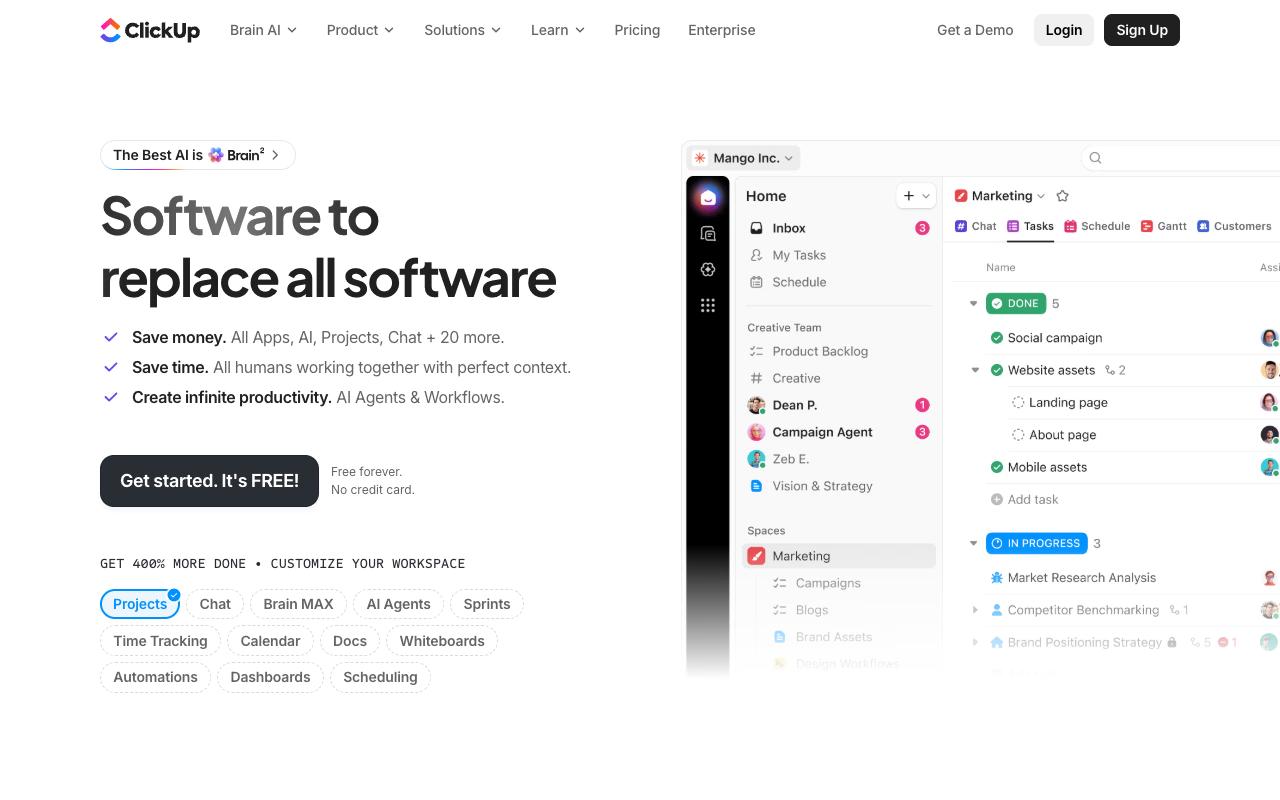
ClickUp positions itself against what its homepage calls work sprawl, consolidating projects, chat, docs, AI agents, and 20+ other tools into one platform. For agencies it handles the production side: tasks, sprints, time tracking, dashboards, and automations across client accounts. ClickUp Brain and Super Agents layer AI on top of workspace context rather than bolting on a chatbot.
Pros:
- All-in-one platform that centralizes tasks, docs, time tracking, automations, and collaboration in one place
- Highly customizable (workflows, dashboards, views, and custom fields can be tailored to any team's needs)
- Strong value for money with a wide range of features across plans
- Continuously evolving with frequent updates and new features
- Powerful automation capabilities that reduce manual admin work
- Excellent visibility across tasks, deadlines, and team responsibilities improves accountability
- Replaces multiple tools (e.g. Notion + Basecamp) reducing tool-switching overhead
- Helpful and responsive customer support
- ClickUp Brain / AI features add contextual intelligence to the workspace
Cons:
- Steep learning curve (the sheer number of features can feel overwhelming for new users)
- Performance and speed issues (tasks can be slow to load, with laggy scrolling and inconsistent responsiveness)
- Feature bloat (critics say ClickUp adds new features (especially AI) before perfecting core functionality)
- Docs feature is underdeveloped with poor subpage permissions and limited collaboration
- Mobile experience is weak (dashboards reportedly do not work properly on mobile)
- Permissions and privacy configurations are complex and can lead to accidental data sharing
- Inconsistent stability (performance can swing between smooth and grinding to a halt)
- Pricing perceived as high relative to the reliability and polish delivered
- Requires significant setup investment to unlock full value (out-of-the-box experience can feel chaotic)
Pricing: Free Forever at $0 with unlimited tasks and 60MB storage. Unlimited at $7/user/month billed yearly adds Gantt charts, integrations, native time tracking, and unlimited storage. Business at $12/user/month adds unlimited dashboards, 5K automations/month, and Google SSO. Enterprise is custom. AI is priced separately: Brain AI at $9/user/month and Everything AI at $28/user/month, both billed yearly.
TrustPilot 3.9/5 from 602 reviews, where the recurring praise is centralization, with one reviewer noting it "combines task management, documentation, and collaboration features, which helps reduce the need to switch between multiple tools."
Reddit's r/clickup is more polarized. Long-term users of four-plus years call it the best PM tool they've used after Asana, Monday.com, and Trello, while a thread titled "ClickUp is an absolute productivity nightmare" captures the other camp. LinkedIn practitioners describe the same arc: overwhelmed on first open, then won over. The consistent complaints are speed, feature bloat, weak mobile dashboards, and complex permissions that can leak data between spaces.
Verdict: Worth it if someone on your team owns the configuration, because the out-of-the-box experience is where most agencies bounce.
5. Notion
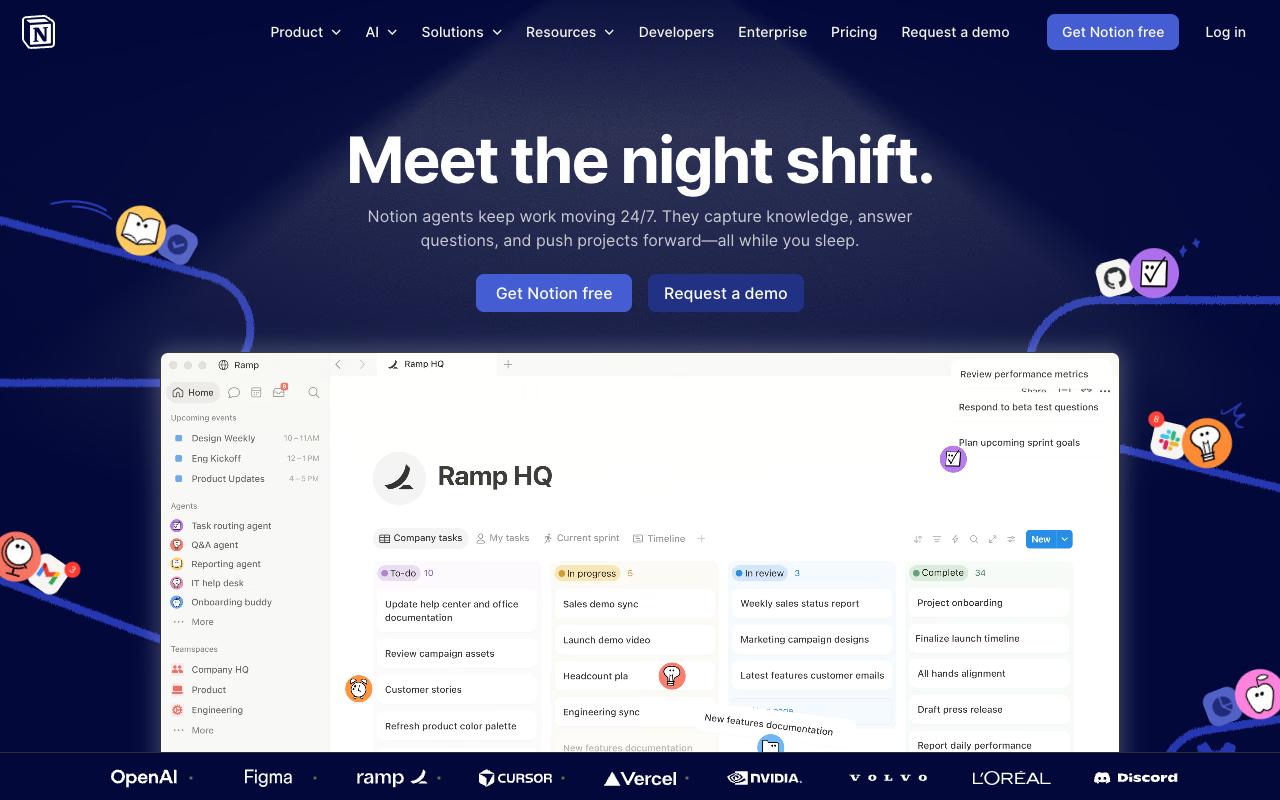
Notion pulls docs, wikis, projects, and AI agents into one workspace, with agents that answer questions, route tasks, and generate reports on a schedule or trigger. Agencies typically use it for client wikis, SOPs, content briefs, and internal knowledge that new hires need on day two. Enterprise Search across Slack, Google Drive, and GitHub is the piece that makes it more than a doc tool.
Pros:
- Highly flexible and customizable all-in-one workspace (notes, tasks, databases, wikis, project management)
- Generous free plan with useful integrations
- Rich template marketplace to get started quickly
- Great for personal knowledge management, journaling, and team wikis
- Supports decent database customization that can be shared with teams or clients
- Versatile enough to grow with a startup or team without switching tools
- Active community and abundant YouTube tutorials for troubleshooting
Cons:
- Steep learning curve (overwhelming for new or non-technical users)
- Performance issues with larger databases (sluggish navigation)
- No local file storage (all data lives in the cloud, raising data ownership concerns)
- Weak offline functionality and limited mobile app experience
- Easy to fall into a 'productivity trap' (spending more time optimizing Notion than doing actual work)
- Notion AI prone to hallucinations and limited after token allowance is exhausted
- AI token system criticized as expensive and unsustainable for heavy users
- Customer support reported as unhelpful or unresponsive
- Misleading UI can lead to accidental expensive plan upgrades
- Not competitive with MS Office or Google Workspace for high-complexity tasks
- New features (Wikis, Projects, AI agents) seen as half-baked and inconsistent with core UX
Pricing: Free for individuals. Plus is $10/member/month with custom forms and sites, unlimited charts, blocks, and file uploads. Business is $20/member/month and adds Notion Agent, AI Meeting Notes, Enterprise Search (beta), SAML SSO, and private teamspaces. Enterprise is custom.
The platform aggregates diverge sharply: TrustPilot ranks 2.3/5 from 416 reviews and is driven by support complaints, billing practices, and the AI token system, with reviewers calling the token allowance expensive and unsustainable for heavy use and flagging UI that can lead to accidental plan upgrades.
On Capterra, Notion holds 4.7/5. Reviewers commonly praise flexible note organization, customizable workflows, and collaborative knowledge management and note limited offline functionality, learning curve, and occasional mobile or performance limitations. See the Capterra reviews page.
On G2, Notion holds 4.6/5 across 13,718 reviews. Reviewers commonly praise ease of use, flexible organization, and all-in-one workspace capabilities and note steep learning curve, setup complexity, and occasional performance issues. See the G2 reviews and pros and cons pages.
Verdict: Best as your agency's knowledge base and client wiki, with someone senior enforcing structure so it doesn't sprawl.
6. Slack
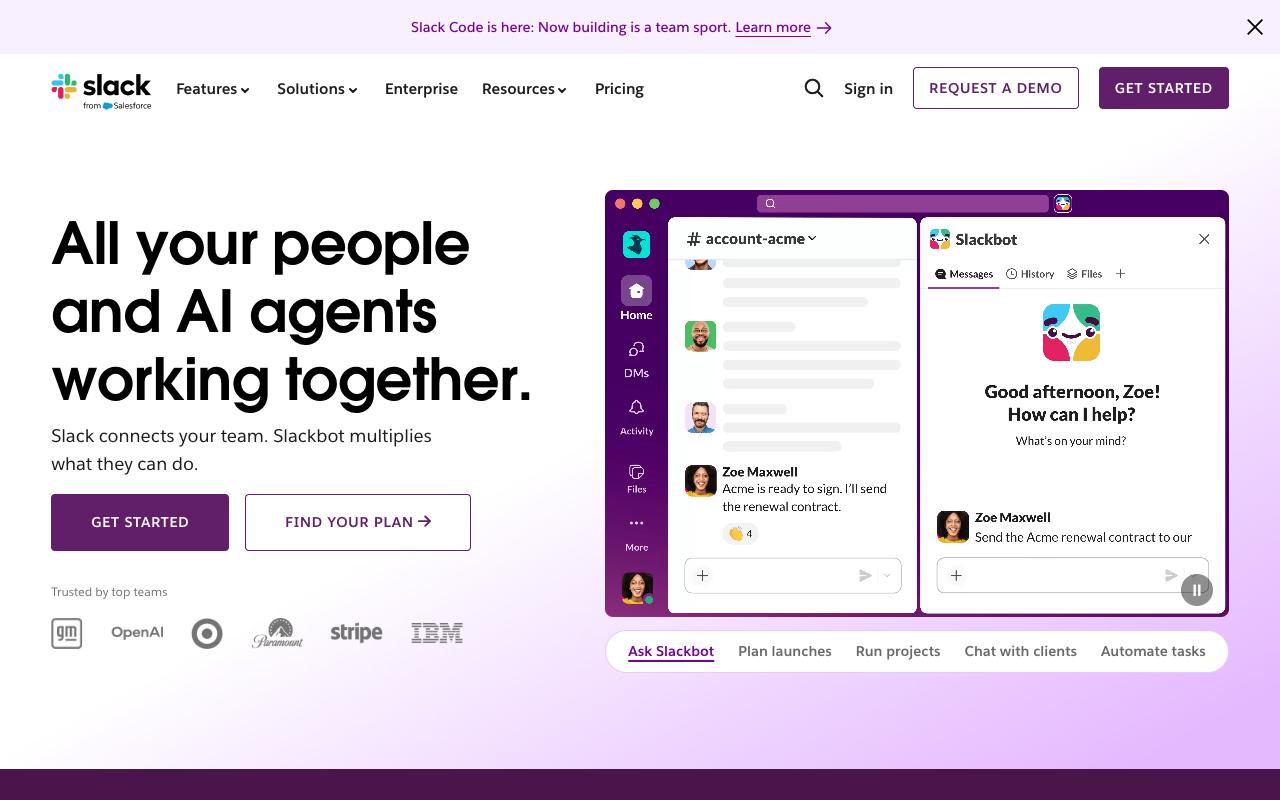
Slack organizes work communication into channels, with Slack Connect extending that to clients and vendors so you can retire the email thread with three people cc'd. For agencies the useful part is a shared channel per client, plus Workflow Builder for no-code routing of approvals and requests. Slack AI adds channel and thread summaries and scheduled daily recaps.
Pros:
- Easy-to-use, intuitive interface with well-organized channels and threads for team communication
- Familiar to most teams/clients, making onboarding simple
- No read receipts by default, which some users prefer
- Strong integrations and automation capabilities (e.g. webhooks, custom app documentation) that reduce email volume and manual status checks
- Effective for reducing long email threads and centralizing project discussions
Cons:
- Persistent unsolicited marketing emails that are difficult to unsubscribe from
- Login/2FA process can be frustrating with frequent re-authentication prompts
- Some users find the messaging interface unintuitive, especially casual or infrequent users
- Reports of serious data-loss incidents, including lost chat history after account/region migrations or workspace deletions
- Billing/cancellation complaints, including losing paid time when cancelling
- Notification bloat and clutter if channels/triggers aren't actively managed
- Pricing perceived as high compared to alternatives by some reviewers
Pricing: Free with 90-day message history and up to 10 apps. Pro is $8.75/user/month billed monthly or $7.25/user/month annually, with unlimited history and integrations. Business+ is $18/user/month monthly or $15/user/month annually, adding advanced AI, SAML SSO, SCIM, and native DLP. Enterprise+ is custom.
TrustPilot 2.2/5 from 364 reviews, and it reflects 1-star complaints about the commercial experience more than the product: unsolicited marketing emails that persist after unsubscribing, one reviewer calling login "absolute hell" due to repeated re-authentication, and reports of lost chat history after account or region migrations. On the other side, reviewers cite the organized channel-and-thread structure, familiarity for clients being onboarded, and integrations that cut email volume and manual status checks. Notification bloat is a real risk if nobody manages channels.
On Capterra, Slack holds 4.7/5. Reviewers commonly praise centralized real-time team communication with strong integrations and reliable performance and note notification overload, occasional learning curve, and minor usability annoyances. See the Capterra reviews page.
On G2, Slack holds 4.5/5 across 39,297 reviews. Reviewers commonly praise ease of use, clean interface, and effective team collaboration features and note limited free plan, relatively high cost for small teams, and overwhelming notifications. See the G2 reviews and pros and cons pages.
Verdict: Effectively unavoidable for client communication, and the annual Pro rate is the sane default for most agencies.
7. Zapier
Zapier connects AI tools and business apps into automated workflows and agents, offering one governed connection to 9,000+ apps via MCP and SDK instead of scattered point-to-point integrations. Agencies use it for the connective tissue: form submission to CRM to Slack notification to project task. It's built for both business teams without code and IT leaders who need an audit trail.
Pros:
- Wide range of app integrations, described as impressive by reviewers
- Easy, no-code setup that gets simple automations running in minutes
- Great starting point for quick tests and small/simple workflows
- Helpful for non-developers to automate repetitive tasks without writing code
Cons:
- Task/action limits burn through quickly, especially with multi-step Zaps
- Large price jumps between pricing tiers; per-task cost becomes expensive at scale
- Billing and refund disputes, including auto-renewal charges that support refuses to refund
- Customer support described as slow, scripted, or unhelpful, with complicated cancellation
- Rising costs over time from tier upgrades and feature deprecations
- AI/Copilot features can behave unreliably (e.g. incorrect date/time formatting)
Pricing: Free forever at $0 with 100 tasks/month and two-step Zaps. Professional starts from $19.99/month with multi-step Zaps, unlimited premium apps, and webhooks. Team starts from $69/month with 25 users, shared Zaps and connections, and SAML SSO. Enterprise is custom. Yearly billing saves roughly 33% per Zapier's pricing page.
TrustPilot scores 1.3/5 from 315 reviews. The gap is almost entirely about money and support. TrustPilot reviewers describe an auto-renewal charge that wasn't refunded under the title "Zapier will hold you hostage over a missed email," funds taken without consent, and one reviewer whose monthly task allowance burned through "in less than 48 hours without warning."
On LinkedIn the tone is friendlier but lands in the same place. Helen Forsyth calls it "fantastic," Harsh Garg says "Zapier's genuinely great, I still tell people to start there" before noting per-task pricing added up fast at volume, and 13-year user Ryan Hayes reports his bills have "nearly tripled" through forced tier upgrades and feature deprecations.
On Capterra, Zapier holds 4.7/5. Reviewers commonly praise powerful no-code automation that connects many tools and saves time on repetitive tasks and note pricing that feels high as usage grows, a learning curve for complex setups, and slower or less intuitive interface behavior in some cases. See the Capterra reviews page.
On G2, Zapier holds 4.5/5 across 2,088 reviews. Reviewers commonly praise ease of use, wide range of app integrations, and time-saving workflow automation and note task-based pricing that becomes expensive at scale, occasional integration or api-related failures, and complexity when building or debugging advanced workflows. See the G2 reviews and pros and cons pages.
Verdict: Start here for automation, watch your task consumption monthly, and reassess before volume pushes you into a tier jump.
8. HubSpot Marketing Hub
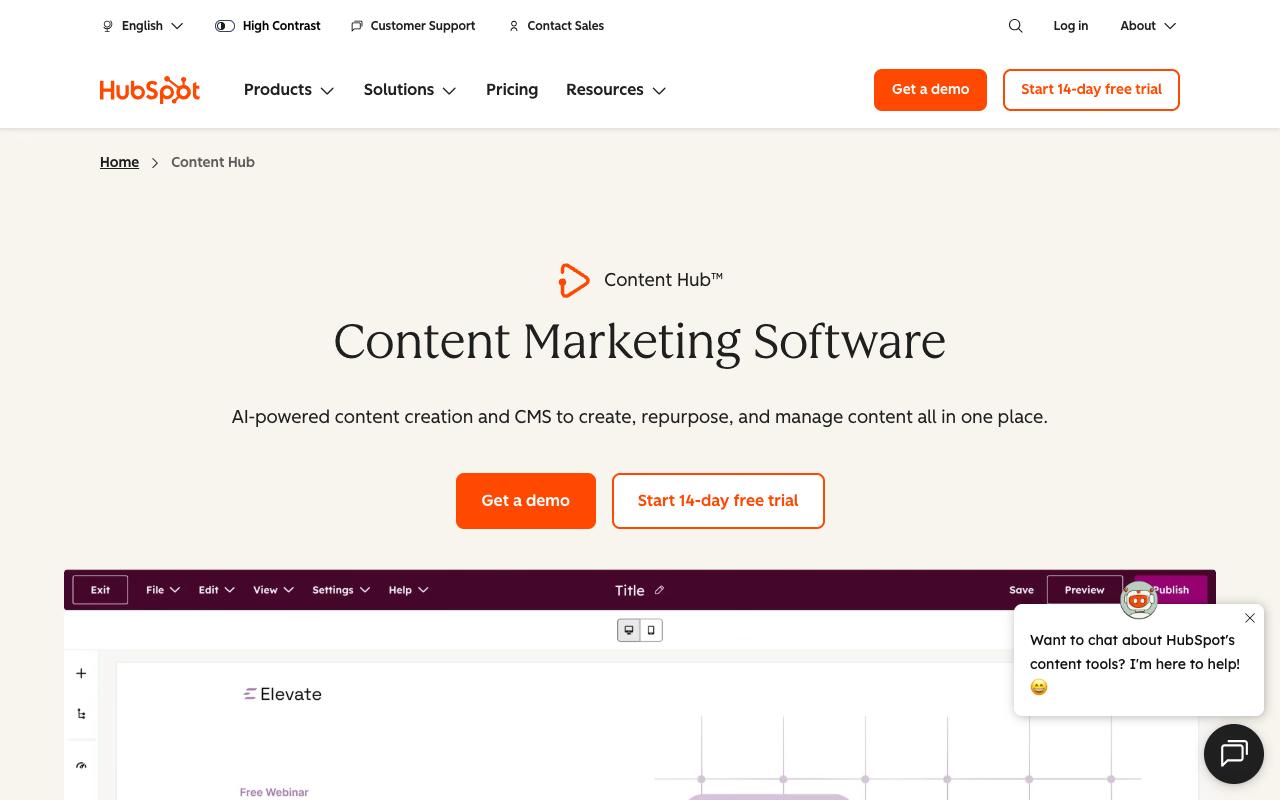
HubSpot Marketing Hub is AI-powered marketing software for attracting and converting high-intent visitors, spanning ads across Meta, Google, LinkedIn, and TikTok, adaptive forms, social media management, lead scoring, and attribution reporting. Content Hub sits alongside it for AI-assisted content creation and CMS. It targets marketers at businesses of every size, though the tier structure means agencies usually land in Professional or run it on behalf of a client who's already paying.
Pros:
- Free tier/CRM is a real usable product, not just a demo, letting teams run marketing for months before paying (LinkedIn/G2 summary)
- Marketing automation and campaign setup considered far superior to Salesforce (LinkedIn - Justin Humphreys)
- Integrated platform gives one unified customer record across Sales/Marketing/Service, reducing tool-stitching (LinkedIn)
- Intuitive, easy-to-navigate UI compared to alternatives like Salesforce (LinkedIn)
- HubSpot Academy/onboarding resources are valued by long-time users (LinkedIn/G2 summary)
Cons:
- Steep pricing jumps between tiers ('pricing cliff'), with renewals often described as costly negotiations
- Seat-based pricing model is confusing and complicates team management/partner relationships
- Previously included features get moved behind higher-priced tiers over time, frustrating long-time users
- Reporting struggles with large data volumes and lacks summary calculations compared to Salesforce
- Poor/slow customer support reported by multiple reviewers, including unresponsive success support
- Billing and contract issues: auto-renewal surprises, rigid contracts that don't allow reducing seats/services
- Onboarding and implementation can be more complicated and costly than represented during sales process
Pricing: Free for up to 2 users. Starter is $20/mo/seat list price, with promotional new-customer pricing as low as $7/mo/seat, including 500 HubSpot Credits and 1,000 marketing contacts. Professional lists at $890/mo (as low as $800/mo paid annually) with 3 Core Seats and a one-time $3,000 onboarding fee. Enterprise starts at $3,600/mo with 5 Core Seats and a one-time $7,000 onboarding fee, per HubSpot's pricing page.
TrustPilot 1.6/5 from 1,147 reviews and complaints center on contracts and support: "Changed terms of contract after signing, reduced number of seats without informing in advance," implementation being "considerably more complicated than we had been led to expect," and "absolutely ZERO support whatsoever."
In r/hubspot, long-time users describe the seat model bluntly, with one partner saying "this complicated everything" and another noting "features that were once included in our plan are now locked behind higher paywalls." But the counterpoint comes from Justin Humphreys on LinkedIn, who migrated from Salesforce and found "marketing automation & campaign set up is FAR superior," the UI more intuitive, and his spend more than 50% lower, while flagging limited flexibility in calculated and rollup fields.
On Capterra, HubSpot Marketing Hub holds 4.5/5. Reviewers commonly praise user-friendly interface, comprehensive feature set, and effective marketing automation with good integrations and note high pricing for growing teams, limitations in advanced customization, and a learning curve for complex workflows. See the Capterra reviews page.
On G2, HubSpot Marketing Hub holds 4.4/5 across 14,847 reviews. Reviewers commonly praise ease of use and all-in-one marketing automation with strong crm integration and note pricing at higher tiers, cost scaling with contact list size, and complexity of advanced features and reporting. See the G2 reviews and pros and cons pages.
Verdict: Powerful once you're past onboarding, though the $3,000 Professional onboarding fee and the pricing cliff between tiers mean it only makes sense with a committed multi-year plan.
FAQ
What's the Cheapest Way to Handle Client Reporting Across Multiple Accounts?
AgencyAnalytics prices at $20 per client/month billed annually, and that single plan includes unlimited data sources, reports, dashboards, and both staff and client users. For agencies at 25+ clients there's an Enterprise tier with volume discounts. Note the reported billing complaints around being charged for deleted campaigns, so confirm how campaign counts are handled before you commit annually.
Which Tools Here Don't Charge Per Seat?
Ordinal's Pro plan at $265/mo includes unlimited seats at no additional cost, and AgencyAnalytics includes unlimited staff and client users in its per-client plan. Slack, Notion, ClickUp, and HubSpot all price per user or per seat, which is what tends to bite agencies as headcount grows. Zapier's Team plan at $69/month caps at 25 users rather than charging incrementally.
Why Do Some of These Tools Have Great G2 Scores but Terrible TrustPilot Scores?
The pattern repeats across Zapier (TrustPilot 1.3/5 from 315 reviews vs G2 4.5/5 from 2,088 reviews), HubSpot (TrustPilot 1.6/5 vs G2 4.4/5), Notion (TrustPilot 2.3/5 vs G2 4.6/5), and Slack (TrustPilot 2.2/5 vs G2 4.5/5). Reading the actual TrustPilot text explains it: the complaints are overwhelmingly about billing disputes, auto-renewals, refunds, and support response times rather than the product itself. Treat the TrustPilot number as a signal about commercial terms and the G2 number as a signal about daily usability.
Related Posts
Looking to learn more? The below posts may be helpful for you to learn more about social media and content marketing.