Content workflow breaks in a specific place: the handoff. Drafting is fine and publishing is fine, but the space between "someone wrote this" and "someone approved this and it went live" is where days disappear.
The tools below solve different slices of that problem. Some are social-first publishing platforms with approvals built in, others are general work management systems you bend into a content calendar, and one is a pure approval layer. The table just below lays out how they stack up before you read the detail.
At a glance
What Makes a Good Content Workflow Software for 2026
Approval Mechanics Depth
The core differentiator among these tools is how sophisticated their sign-off process actually is: multi-round custom flows, auto-advancing reviewers, and password-free external access solve real bottlenecks, while others just bolt a status field onto a task card. This is where purpose-built approval layers pull ahead of general work-management tools bent into the job.
Client & External Access
Agencies and teams looping in clients need a way for outsiders to review and approve without full logins or messy email threads. Look at whether external stakeholders get a dedicated, low-friction path in versus being forced into the team's own workspace.
Native Publishing Reach
Some tools stop at organizing and approving drafts; others carry the content all the way to the actual platforms, with channel-specific handling like carousel uploads or preview cutoffs. Whether scheduling and multi-channel posting is built in versus something you'd need to bolt on elsewhere changes what else you need to buy.
Pricing Model at Scale
The sticker price rarely tells the whole story: per-seat costs, per-task billing, and tier jumps behave very differently once a team's volume grows, and several reviewer threads specifically call out costs that crept up unexpectedly.
Review Consistency Across Sources
Ratings often diverge sharply depending on where you look, and that spread itself is informative (a tool praised on G2 but hammered on Trustpilot for billing or data issues tells you something a single average score hides).
Best Content Workflow Software for 2026
1. Ordinal

Ordinal is an end-to-end platform for drafting, planning, and scheduling social content, built for content agencies, founders and executives, social media managers, and growth teams. The whole workflow runs inside one tool: a Notion-like editor with inline comments and public share links, a visual content calendar organized by campaign, approval workflows that route drafts to the right stakeholder, and scheduling across LinkedIn, X, Instagram, Facebook, Threads, TikTok, and YouTube Shorts. Per Ordinal's own feature documentation, it's used by over 1,000 marketing teams.
The agency case is the sharpest one. Dedicated support for multiple brand accounts means you schedule on behalf of clients without logging in and out, and the LinkedIn feature set covers the things that usually force a manual workaround: personal and company profile tagging, PDF carousel uploads, video, and a realistic preview showing exactly where the hook cuts off before "see more." Pro adds automated engagement (likes, comments, and reposts from any connected LinkedIn account) plus API, MCP, and webhook access, so your content pipeline can be driven programmatically instead of clicked through.
Pricing: Starter is $95/mo ($85/mo billed annually) for up to 3 seats and 4 social profiles with 50 scheduled posts per month. Pro is $265/mo ($235/mo annually) and adds unlimited seats, unlimited scheduled posts, all-time analytics, automated engagement, approval workflows, and API/MCP/webhooks. Enterprise is custom. There's a 14-day free trial. (Source: Ordinal's pricing page.)
Verdict: The strongest pick if your content workflow is social-first and you need drafting, approvals, and publishing in one place, particularly for agencies running LinkedIn at volume.
2. Trello
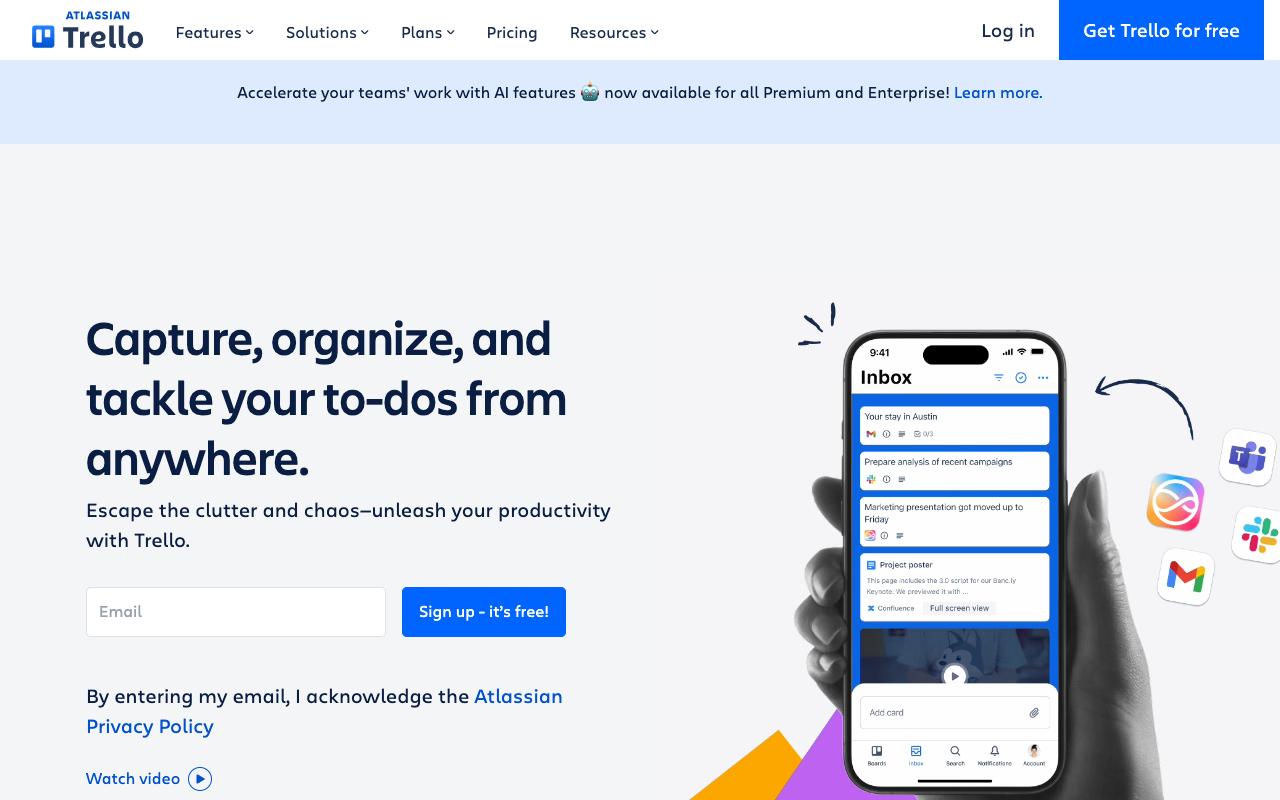
Trello is a visual task manager built on boards, lists, and cards, and plenty of content teams use it as a lightweight editorial calendar. Cards hold due dates, attachments, checklists, and custom fields, so a single card can carry a draft, its brief, and its status through the pipeline. Per Trello's feature tour, it integrates with Slack, Microsoft Teams, Outlook, Gmail, Confluence, and hundreds of others, and Jira Lists lets you sync Jira tasks inside Trello.
Pricing: Free for up to 10 collaborators per Workspace. Standard is $5/user/month billed annually ($6 monthly), Premium is $10/user/month annually ($12.50 monthly), and Enterprise is $17.50/user/month billed annually, according to Trello's pricing page.
TrustPilot holds a score of 2.3/5 from 222 reviews and complaints include users unhappy that Trello began using data entered into cards, which they note could easily include sensitive information, to train AI models. So if your content cards carry client or unreleased material, read the data terms before you commit.
On Capterra, Trello holds 4.5/5. Reviewers commonly praise intuitive kanban-style interface that is easy to use and offers good value for money and note restricted functionality for complex project management and reliance on add-ons for more advanced workflows. See the Capterra reviews page.
On G2, Trello holds 4.4/5 across 14,064 reviews. Reviewers commonly praise simple visual boards that make task management and team collaboration easy and note limited advanced features and customization, with some usability and learning-curve issues as teams scale.
See the G2 reviews and pros and cons pages.
Verdict: Cheap and genuinely fast to set up as a content calendar, though it stops at tracking work, so you'll still need a publishing tool alongside.
3. Gain
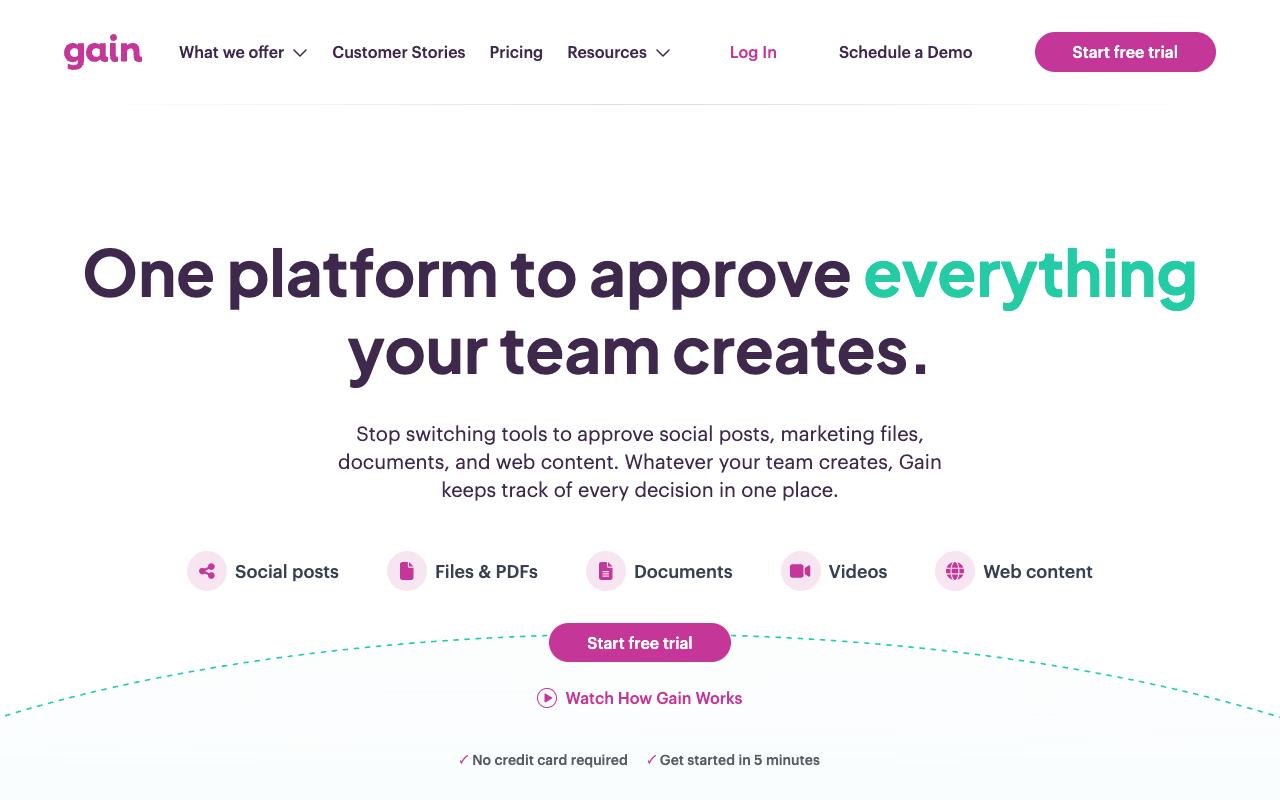
Gain is a content approval platform first and a publishing tool second. It handles social posts across Instagram, Facebook, LinkedIn, X, TikTok, Threads, Pinterest, YouTube, and Google Business Profile, plus creative files, videos, presentations, documents, spreadsheets, and web content links, with direct imports from Canva, Dropbox, Box, and OneDrive. That breadth matters if your sign-off bottleneck covers more than social posts, like the PDF the legal team needs to read.
The approval mechanics are the reason to look at it. Per Gain's approvals feature page, you get customizable flows with unlimited rounds and reviewers that auto-advance to the next approver, Magic Approver Login so clients review via a secure email link without a password, annotations directly on content, dynamic previews of how a post will publish, private approval queues per stakeholder, and automatic reminder emails. Workspaces are separated per client or brand with role-based access.
Pricing: Starter is $99/month billed yearly for up to 3 team members and 6 workspaces. Agency is $199/month for 6 members, 12 workspaces, and white label. Agency Premium is $399/month for 20 members and 30 workspaces. Enterprise is custom with SSO and contract billing, per Gain's pricing page.
On Capterra, Gain holds 4.8/5. Reviewers commonly praise easy-to-use content approval process and reliable client feedback management and note constraints around integrations and feature depth for complex, large-scale teams. See the Capterra reviews page.
On G2, Gain holds 4.7/5 across 84 reviews. Reviewers commonly praise streamlined social media content approvals and collaborative workflows and note limited advanced customization options and occasional usability friction for new users.
See the G2 reviews and pros and cons pages.
Verdict: The right call when client sign-off is the real bottleneck and you need white-label workspaces plus password-free approver access.
4. Zapier
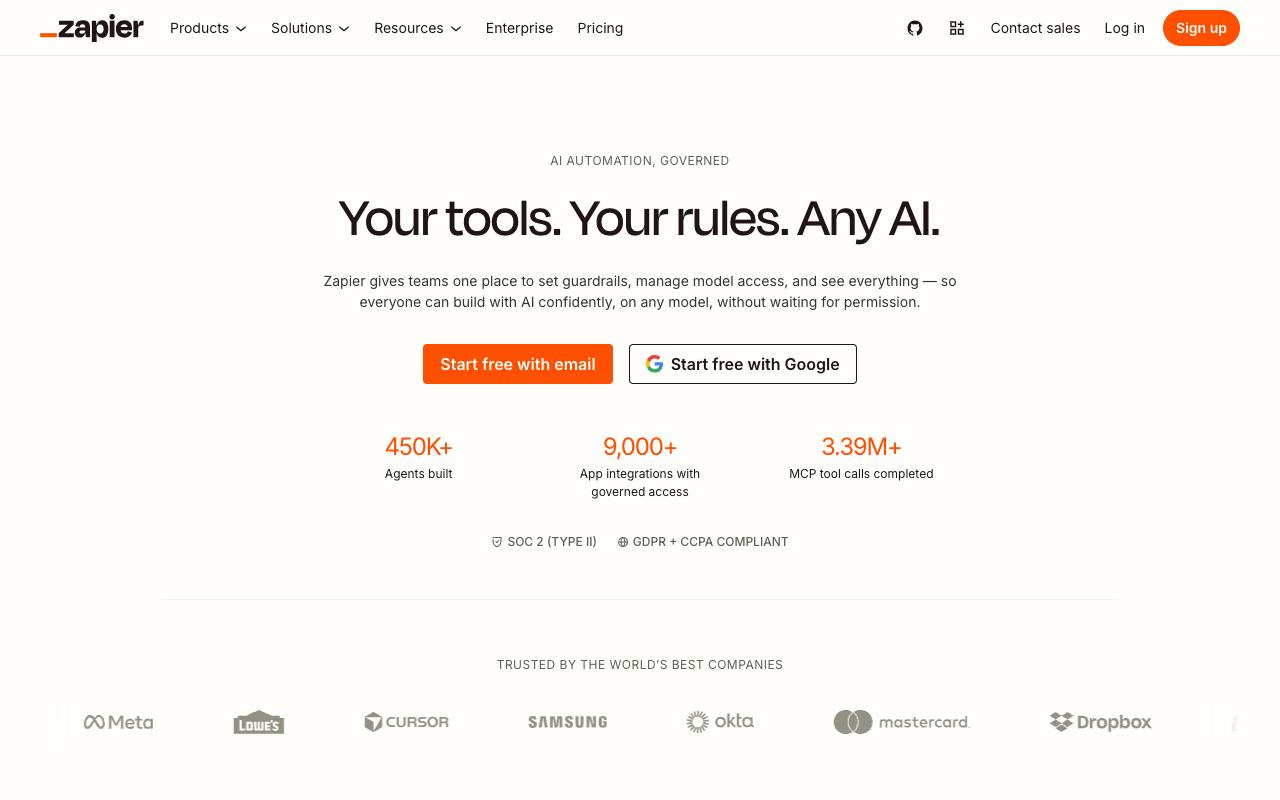
Zapier sits between the content tools you already run, linking 9,000+ apps into automated workflows and agents through governed connections rather than ad hoc point-to-point integrations. For content teams, that means moving a brief from a form into a task, pinging a channel when a draft hits review, or firing a webhook when something publishes. Reviewers consistently praise the integration breadth and the no-code setup that gets simple automations running in minutes.
Pros:
- Wide range of app integrations, described as impressive by reviewers
- Easy, no-code setup that gets simple automations running in minutes
- Great starting point for quick tests and small/simple workflows
- Helpful for non-developers to automate repetitive tasks without writing code
Cons:
- Task/action limits burn through quickly, especially with multi-step Zaps
- Customer support described as slow, scripted, or unhelpful, with complicated cancellation
- AI/Copilot features can behave unreliably (e.g. incorrect date/time formatting)
Cost is the recurring complaint, and it's specific. TrustPilot sits at 1.3/5 from 315 reviews and reviewers report billing and refund disputes, including auto-renewal charges that weren't refunded and one review titled "Zapier will hold you hostage over a missed email. Be warned."
Another wrote that Zapier "burned through my monthly task allowance in less than 48 hours without warning." On LinkedIn, a 13-year user said "my bills have nearly tripled" and described forced tier upgrades and feature deprecations. Harsh Garg put both sides plainly: "Zapier's genuinely great, I still tell people to start there," while noting "the per-task pricing started adding up fast once volume increased."
That said, from what we've seen, pricing has been transparent and much of this could be chopped up to a team scaling without calculating the final costs.
Pricing: Free forever at 100 tasks/mo with two-step Zaps. Professional starts from $19.99/month, Team from $69/month with 25 users and SAML SSO, and Enterprise is contact-for-pricing, per Zapier's pricing page. Costs scale with monthly task usage.
On Capterra, Zapier holds 4.7/5. Reviewers commonly praise powerful no-code automation that connects many tools and saves time on repetitive tasks and note pricing that feels high as usage grows, a learning curve for complex setups, and slower or less intuitive interface behavior in some cases. See the Capterra reviews page.
On G2, Zapier holds 4.5/5 across 2,088 reviews. Reviewers commonly praise ease of use, wide range of app integrations, and time-saving workflow automation and note task-based pricing that becomes expensive at scale, occasional integration or api-related failures, and complexity when building or debugging advanced workflows.
See the G2 reviews and pros and cons pages.
Verdict: Start here for glue between tools, but model your task volume honestly before you scale, because the per-task pricing is where teams get surprised.
5. Slack
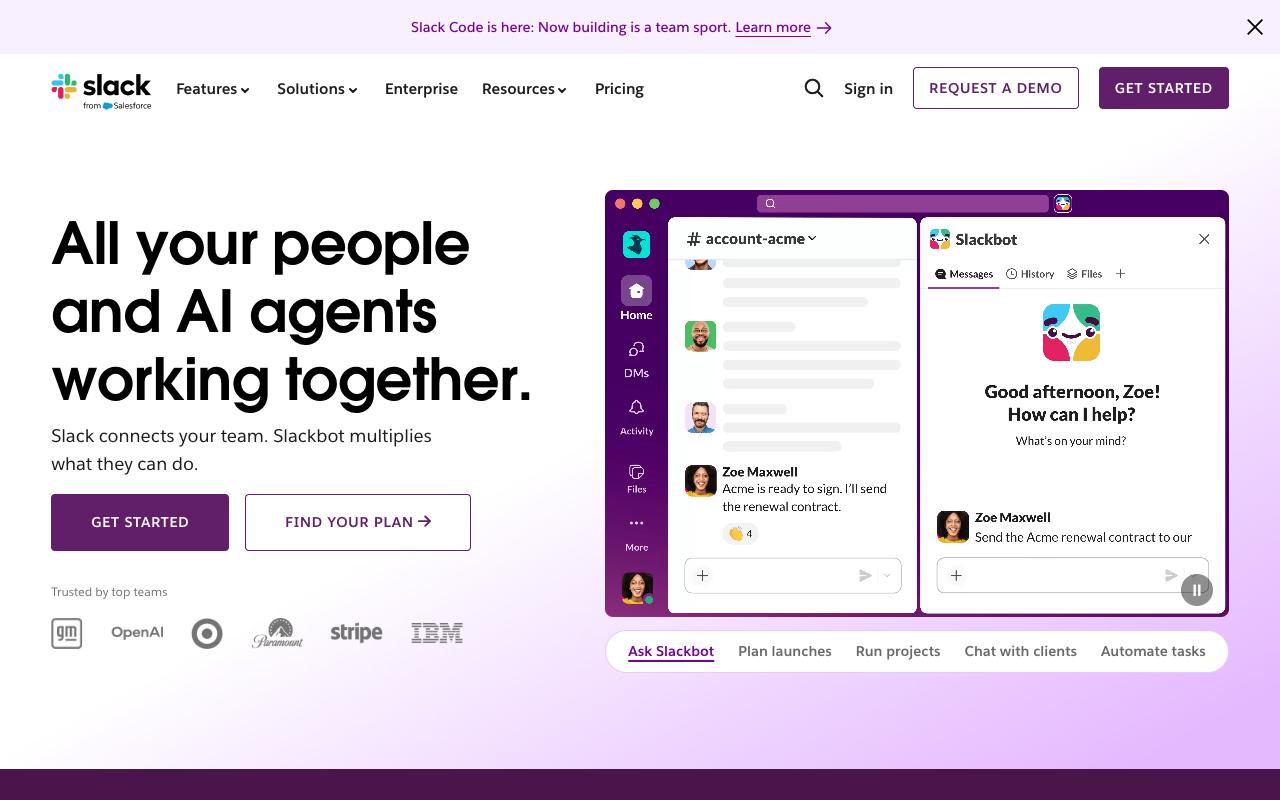
Content approvals already happen informally in Slack, which is exactly the problem and also the reason it belongs on this list.
Channels organize conversation by project, Canvas documents plans and resources in place, Lists track to-dos, and Workflow Builder automates routine handoffs without code. Slack Connect brings clients and external partners into the same channels instead of email threads, and Slack AI adds channel and thread summaries plus scheduled daily recaps.
Pros:
- Easy-to-use, intuitive interface with well-organized channels and threads for team communication
- Familiar to most teams/clients, making onboarding simple
- No read receipts by default, which some users prefer
- Strong integrations and automation capabilities (e.g. webhooks, custom app documentation) that reduce email volume and manual status checks
- Effective for reducing long email threads and centralizing project discussions
Cons:
- Persistent unsolicited marketing emails that are difficult to unsubscribe from
- Login/2FA process can be frustrating with frequent re-authentication prompts
- Some users find the messaging interface unintuitive, especially casual or infrequent users
- Reports of serious data-loss incidents, including lost chat history after account/region migrations or workspace deletions
- Billing/cancellation complaints, including losing paid time when cancelling
- Notification bloat and clutter if channels/triggers aren't actively managed
- Pricing perceived as high compared to alternatives by some reviewers
Pricing: Free forever with 90-day message history and up to 10 apps. Pro is $8.75/user/month billed monthly or $7.25 annually. Business+ is $18/user/month monthly or $15 annually, adding SSO, SCIM, and native DLP. Enterprise+ is contact sales, per Slack's pricing page.
Reviewers like the interface and the fact that nearly every client already knows how to use it, which makes onboarding trivial. Integrations and webhooks get specific praise for cutting email volume and manual status-chasing.
TrustPilot sits at 2.2/5 from 364 reviews, where one reviewer wrote "For me Slack has one of the worst messaging interfaces ever."
On Capterra, Slack holds 4.7/5. Reviewers commonly praise centralized real-time team communication with strong integrations and reliable performance and note notification overload, occasional learning curve, and minor usability annoyances. See the Capterra reviews page.
On G2, Slack holds 4.5/5 across 39,297 reviews. Reviewers commonly praise ease of use, clean interface, and effective team collaboration features and note limited free plan, relatively high cost for small teams, and overwhelming notifications. See the G2 reviews and pros and cons pages.
Verdict: Keep it as the notification and discussion layer, but don't let it be your approval system of record, because there's no audit trail when a client asks what changed.
6. Notion
Notion is a single workspace combining docs, wikis, projects, and AI agents, and it's a common home for editorial calendars and content briefs. Notion Agent completes multi-step tasks using context from Notion, connected apps, and the web, Custom Agents run recurring work on a trigger or schedule, and Enterprise Search (beta) reaches across Slack, Google Drive, and GitHub. AI Autofill can populate database properties for every deliverable, which is useful when your calendar has twenty fields per post.
Pros:
- Highly flexible and customizable all-in-one workspace (notes, tasks, databases, wikis, project management)
- Generous free plan with useful integrations
- Rich template marketplace to get started quickly
- Great for personal knowledge management, journaling, and team wikis
- Supports decent database customization that can be shared with teams or clients
- Versatile enough to grow with a startup or team without switching tools
- Active community and abundant YouTube tutorials for troubleshooting
Cons:
- Steep learning curve (overwhelming for new or non-technical users)
- Performance issues with larger databases (sluggish navigation)
- No local file storage (all data lives in the cloud, raising data ownership concerns)
- Weak offline functionality and limited mobile app experience
- Easy to fall into a 'productivity trap' (spending more time optimizing Notion than doing actual work)
- Notion AI prone to hallucinations and limited after token allowance is exhausted
- AI token system criticized as expensive and unsustainable for heavy users
- Customer support reported as unhelpful or unresponsive
- Misleading UI can lead to accidental expensive plan upgrades
- Not competitive with MS Office or Google Workspace for high-complexity tasks
- New features (Wikis, Projects, AI agents) seen as half-baked and inconsistent with core UX
Sentiment splits hard along the same fault line everywhere. Reddit users in r/Notion and r/productivity praise the versatility, the customization, and the template marketplace, with some long-term users calling it the best all-in-one docs UX. On LinkedIn, one founder described running a startup on it for four years, reinventing workflows inside Notion as the company grew, while critics flag a steep learning curve for anyone who doesn't think in databases.
Notion carries G2 4.6/5 from 13,718 reviews and Capterra 4.7/5 against TrustPilot 2.3/5 from 416 reviews, where the low score is driven by customer support complaints, billing practices, and the AI token system. One TrustPilot reviewer still praised it: "I use Notion in my personal and professional life daily." Other recurring cons include sluggish performance on large databases, weak offline and mobile experience, and the productivity trap of spending more time optimizing the system than producing content.
Pricing: Free for individuals. Plus is $10/member/month, Business is $20/member/month and adds Notion Agent, AI Meeting Notes, Enterprise Search beta, and SAML SSO. Enterprise is custom, per Notion's pricing page.
On Capterra, Notion holds 4.7/5. Reviewers commonly praise flexible note organization, customizable workflows, and collaborative knowledge management and note limited offline functionality, learning curve, and occasional mobile or performance limitations. See the Capterra reviews page.
On G2, Notion holds 4.6/5 across 13,718 reviews. Reviewers commonly praise ease of use, flexible organization, and all-in-one workspace capabilities and note steep learning curve, setup complexity, and occasional performance issues. See the G2 reviews and pros and cons pages.
Verdict: Excellent as the brief-and-draft layer if your team enjoys building systems, but budget real setup time and pair it with something that publishes.
7. monday.com
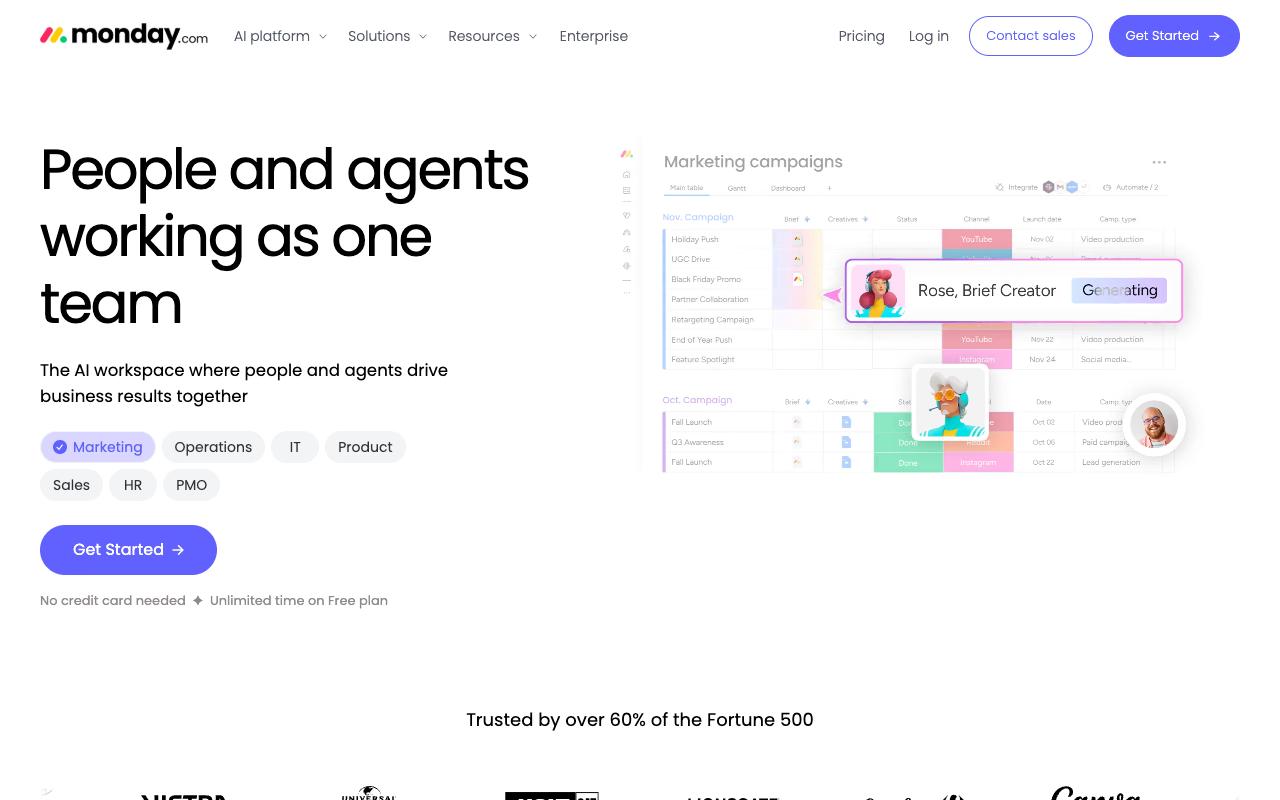
monday.com positions itself as an AI work platform for people and agents, used across PMO, Marketing, Operations, IT, HR, and Sales, and the site notes it's trusted by over 60% of the Fortune 500. For content teams, the draw is the visual board model with customizable columns plus Timeline, Calendar, Kanban, and Files views, so the same production pipeline can be read as a calendar by one person and a Gantt by another. Progress tracking sends notifications when deadlines are at risk of slipping, which is the failure mode most content calendars have.
AI agents work alongside people to execute and manage work, and an Agent Builder lets you define goals and create custom agents for things like research, triage, and follow-ups.
Pricing: Free forever for up to 2 seats. Basic is $9/seat/month billed annually, Standard $12/seat/month adding automations and integrations at 250 actions/mo plus timeline and Gantt views, and Pro $19/seat/month raising automations and integrations to 25,000 actions/mo, per monday.com's pricing page.
On Capterra, Monday.com holds 4.6/5. Reviewers commonly praise task and project tracking, customization, and collaboration and note pricing, notification overload, and setup complexity. See the Capterra reviews page.
On G2, Monday.com holds 4.7/5 across 17,087 reviews. Reviewers commonly praise ease of use, visual workflow management, and automation and note pricing, learning curve, and feature complexity. See the G2 reviews and pros and cons pages.
Verdict: A solid production tracker for marketing teams who already run other work on it, though per-seat pricing adds up fast once freelancers and reviewers need access.
8. HubSpot Content Hub
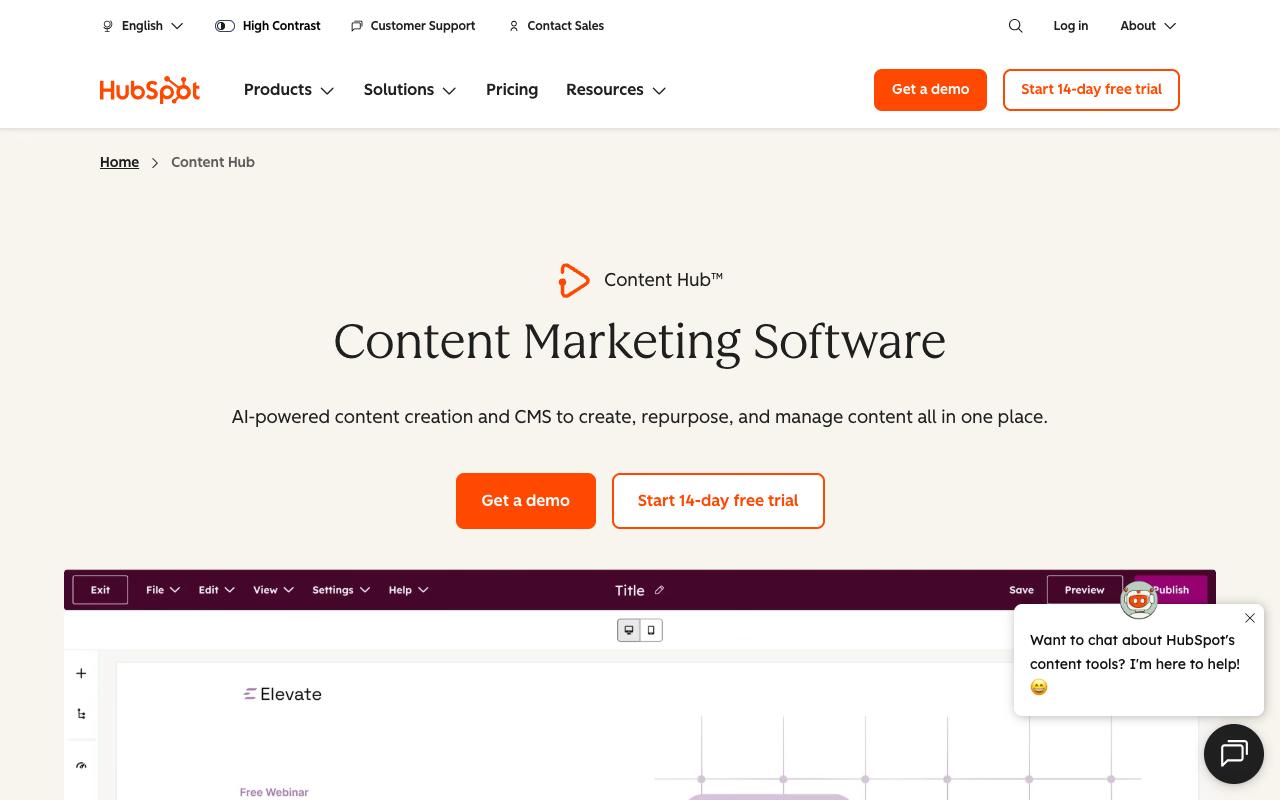
Content Hub is HubSpot's AI-powered content marketing software and CMS, built to create, repurpose, and manage content in one place. Content Remix turns one asset into multiple pieces in your brand voice, the AI Blog Writer drafts posts, and HubSpot AEO tracks how your brand shows up when buyers ask AI questions. On the management side you get a scalable CMS with a drag-and-drop builder, dynamic content blocks, SEO recommendations, reporting dashboards, and content approvals plus multi-site management on higher tiers.
Cons:
- Customer support is frequently described as unresponsive or unhelpful ("absolutely ZERO support whatsoever")
- Contract/billing terms can change after signing (e.g. reduced seats) without adequate notice
- Refunds are difficult to obtain even when onboarding/implementation expectations set during sales weren't met
- Pricing/billing can be confusing, with complaints about surprise auto-billing and high costs
- Long-term contracts can lock customers in despite dissatisfaction
Pricing: Free for up to 2 users. Starter begins at $20/mo/seat regular price, with promotional pricing as low as $7/mo/seat. Professional starts at $500/mo including 3 Core Seats, with additional Core Seats from $45/mo. Enterprise is $1,500/mo including 5 Core Seats, adding Content Sync, multisites, and content approvals, per HubSpot's pricing page.
The reviews warrant care. TrustPilot shows 1.6/5 from 1,147 reviews, though that reflects the hubspot.com domain as a whole rather than Content Hub specifically since TrustPilot doesn't split by product. TrustPilot complaints cluster on billing and contract disputes, with one reviewer saying HubSpot "Changed terms of contract after signing, reduced number of seats without informing in advance," another describing implementation as "considerably more complicated than we had been led to expect," and multiple reports of difficult refunds and long-term contracts that lock customers in.
On Capterra, HubSpot Content Hub holds 4.6/5. Reviewers commonly praise user-friendly website and content management, drag-and-drop editing, and good integration with other hubspot tools and note learning curve for new users and occasional issues with editor behavior, template customization, and mobile compatibility. See the Capterra reviews page.
On G2, HubSpot Content Hub holds 4.5/5 across 2,012 reviews. Reviewers commonly praise ease of use, intuitive interface, and integrated content management with strong crm connections and note high pricing for advanced plans, confusing interface updates, and limitations or missing features for some use cases. See the G2 reviews and pros and cons pages.
Verdict: Makes sense if you're already on HubSpot and want content tied to the CRM, but read the contract terms closely, because that's where the loudest complaints originate.
9. ClickUp
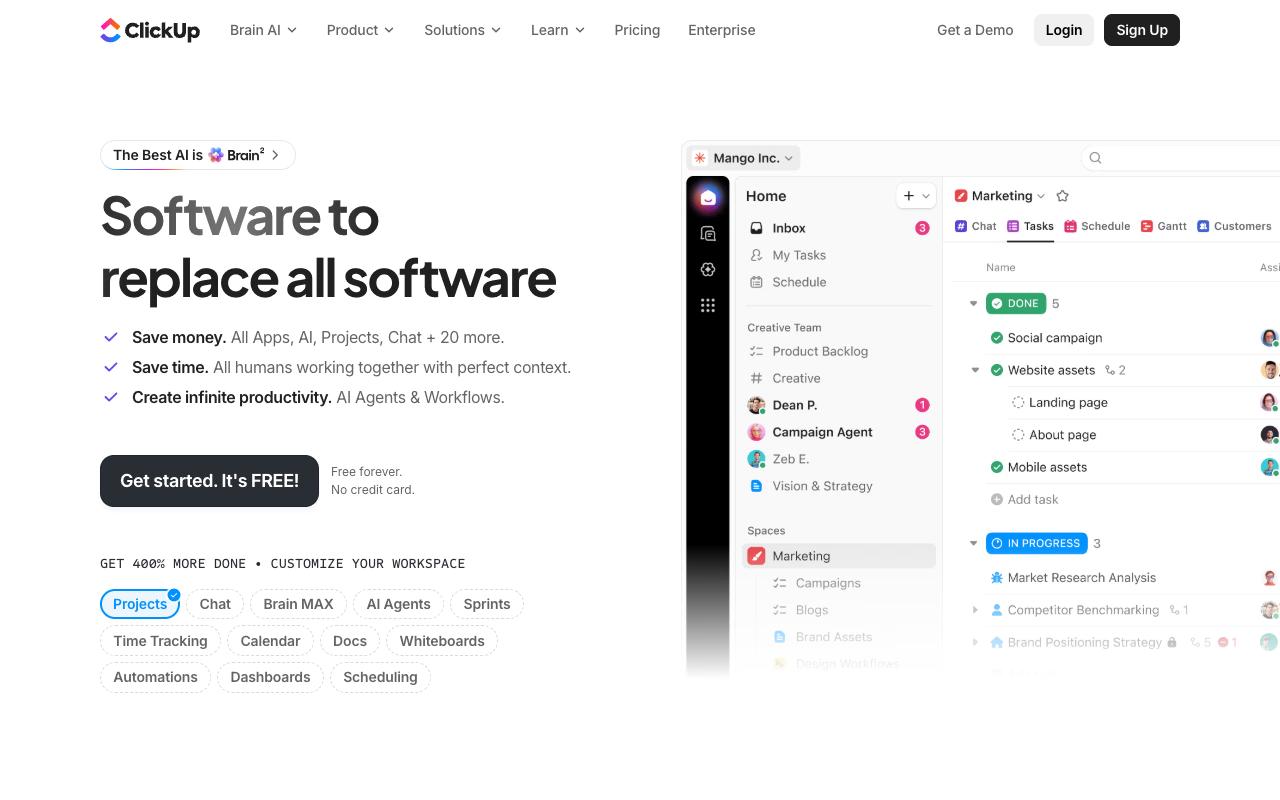
ClickUp's pitch is consolidation, and its homepage states the problem directly: "Work Sprawl is killing context and destroying productivity." It folds tasks, docs, chat, dashboards, and AI into one workspace, with ClickUp Brain answering questions using full workspace context, Super Agents that can be assigned tasks and @mentioned like teammates, an AI Notetaker for meeting transcription and action items, and automations to move tasks between states without manual updates. For content teams juggling briefs, drafts, and production schedules, that covers a lot of the pipeline in one place.
Pros:
- All-in-one platform that centralizes tasks, docs, time tracking, automations, and collaboration in one place
- Highly customizable (workflows, dashboards, views, and custom fields can be tailored to any team's needs)
- Strong value for money with a wide range of features across plans
- Continuously evolving with frequent updates and new features
- Powerful automation capabilities that reduce manual admin work
- Excellent visibility across tasks, deadlines, and team responsibilities improves accountability
- Replaces multiple tools (e.g. Notion + Basecamp) reducing tool-switching overhead
- Helpful and responsive customer support
- ClickUp Brain / AI features add contextual intelligence to the workspace
Cons:
- Steep learning curve (the sheer number of features can feel overwhelming for new users)
- Performance and speed issues (tasks can be slow to load, with laggy scrolling and inconsistent responsiveness)
- Feature bloat (critics say ClickUp adds new features (especially AI) before perfecting core functionality)
- Docs feature is underdeveloped with poor subpage permissions and limited collaboration
- Mobile experience is weak (dashboards reportedly do not work properly on mobile)
- Permissions and privacy configurations are complex and can lead to accidental data sharing
- Inconsistent stability (performance can swing between smooth and grinding to a halt)
- Pricing perceived as high relative to the reliability and polish delivered
- Requires significant setup investment to unlock full value (out-of-the-box experience can feel chaotic)
Sentiment here is a genuine love-hate split. On Trustpilot, ClickUp holds 3.9/5 from 602 reviews with broadly positive commentary, one reviewer noting it "combines task management, documentation, and collaboration features, which helps reduce the need to switch between multiple tools." Reddit's r/clickup runs hotter in both directions, with long-term users of four years calling it the best PM tool they've used after trying Asana, Monday.com, and Trello, sitting next to a thread titled "ClickUp is an absolute productivity nightmare." LinkedIn practitioners describe initial overwhelm at the feature count followed by appreciation once they explore it.
The consistent cons across all three: steep learning curve, slow loading and laggy scrolling, feature bloat where AI ships before core functionality is polished, underdeveloped Docs with poor subpage permissions, and a weak mobile experience where dashboards reportedly don't work properly.
Pricing: Free Forever with 60MB storage and unlimited tasks. Unlimited is $7/user/month billed yearly, Business $12/user/month adding 5K automations and Google SSO, and Enterprise is custom. AI is a separate add-on: Brain AI at $9/user/month and Everything AI at $28/user/month, both billed yearly, per ClickUp's pricing page.
Verdict: The most capable general work platform here for the money, provided you commit real setup time and accept that the out-of-the-box experience feels chaotic.
FAQ
What's The Difference Between A Content Workflow Tool And A Project Management Tool?
A project management tool like Trello, monday.com, or ClickUp tracks who's doing what and when, then stops at the point of publication. A content workflow tool carries the piece through drafting, review, approval, and publishing. Ordinal runs the full path for social content with a built-in editor, approval routing, and scheduling to LinkedIn, X, Instagram, and more, while Gain focuses specifically on the approval stage across social posts, files, documents, and web content. Many teams end up pairing one of each.
Which Tool Is Best For Agencies Managing Multiple Client Accounts?
Look for separate workspaces and client-safe access. Gain gives each client a dedicated workspace with its own calendar and role-based access, offering white label from the Agency tier at $199/month billed yearly, plus Magic Approver Login so clients review through a secure email link with no password. Ordinal supports managing multiple brand accounts without logging in and out, with approval workflows and unlimited seats on the Pro plan at $265/mo. And if per-seat pricing is your concern, note that Trello, monday.com, ClickUp, Slack, and Notion all charge per user, so every reviewer and freelancer adds cost.
Do I Need A Separate Tool For Approvals If I Already Use Slack?
Slack works well for discussion and notifications, and Workflow Builder can automate routine handoffs without code. What it doesn't give you is an audit trail tying a specific approval to a specific version of a specific asset. Gain records who approved what, when, and which version, with annotations directly on the content. Ordinal routes drafts through approval workflows with inline comments attached to the draft itself. If you're handling regulated content, client sign-off, or anything a legal team touches, the record matters more than the conversation.
Related Posts
Looking to learn more? The below posts may be helpful for you to learn more about social media and content marketing.