Content scheduling is one of those categories where the tool you need depends entirely on what breaks first. If posts are going out late, you need a scheduler. Unapproved posts are a workflow problem, and if nobody can tell you what content drove pipeline, that's an analytics problem.
The eight tools below split roughly into purpose-built social schedulers and general work management platforms that teams bend into content calendars. The table above compares them side by side, so I'll skip the recap and get into where each one fits.
What Makes a Good Content Scheduling Software for B2B Teams
1. Approval and review workflows: Several of these tools live or die on how content moves from draft to sign-off (routing posts past teammates, clients, or stakeholders without email back-and-forth). Some are built around this as the core feature; others bolt it on as a paid-tier add-on, which changes the calculus for agency teams with more reviewers than publishers.
2. Platform-specific publishing depth: Generic multi-network posting is table stakes, but the details vary a lot (personal profile tagging versus company pages only, pdf carousel support, story links, aspect-ratio handling, and preview accuracy for where a post gets cut off). These small gaps are what push teams back to manual publishing.
3. Pricing structure and stability: How a tool charges (per seat versus per workspace, and whether that price has stayed put) matters as much as the sticker number. Sudden repricing (like Loomly's reported 2025 hikes) or hidden seat minimums and billing practices can upend a team's budget regardless of feature fit.
4. Reliability of scheduled publishing: A scheduler's core promise is that posts go out on time, so reports of failed or missed scheduled publishes, buggy redesigns, or lag from new feature rollouts are worth weighing heavily against feature lists.
5. Automation and engagement features: Beyond scheduling, some tools automate what happens after a post goes live (auto-likes, auto-comments, reposts, or AI-assisted drafting via API access) which addresses posts dying in their first minutes but can also draw scrutiny over platform policy compliance.
6. Fit as a purpose-built tool vs. bent general platform: The category splits between schedulers built specifically for social content and general work-management platforms (databases, project trackers) that teams repurpose as content calendars. That distinction shapes what the tool can and can't do out of the box, like publishing directly versus just tracking a calendar of record.
Best Content Scheduling Software for B2B Teams
1. Ordinal

Ordinal is an end-to-end platform for drafting, planning, and scheduling social content, built for teams that treat social as a performance channel. It's used by content agencies, founders and execs, social media managers, and growth teams, and according to Ordinal's own product pages it's trusted by 1,000+ marketing teams. The scheduling side covers LinkedIn, X, Instagram, Facebook, Threads, TikTok, and YouTube Shorts from one calendar, with one-click cross-posting and recurring posts.
What separates it from the general-purpose schedulers is the LinkedIn depth and the automation around publishing. Ordinal supports personal profile tagging (not just company pages), PDF carousel uploads, and a realistic preview that shows exactly where your hook cuts off before the "see more" fold. It also productizes engagement with auto-likes, auto-comments, and auto-reposts from any connected account, which addresses the very common problem of a post dying in its first ten minutes because the team forgot to engage. And on the Pro plan you get REST API, MCP, and webhook access, so you can point an AI tool at your posting history and draft in your own voice without opening the UI.
Pricing: Starter is $95/month ($85/month annual) for up to 3 seats and 4 social profiles with 50 scheduled posts per month. Pro is $265/month ($235/month annual) for unlimited seats, unlimited posts, all-time analytics, automated engagement, approval workflows, and API/MCP/webhooks. Enterprise is custom and adds leads data, employee advocacy, SAML/SSO, and dedicated onboarding. Both paid plans include a 14-day free trial, per Ordinal's pricing page.
Verdict: The strongest fit if LinkedIn is your primary channel and you've been publishing manually because your current scheduler can't tag personal profiles or preview the fold.
2. Loomly
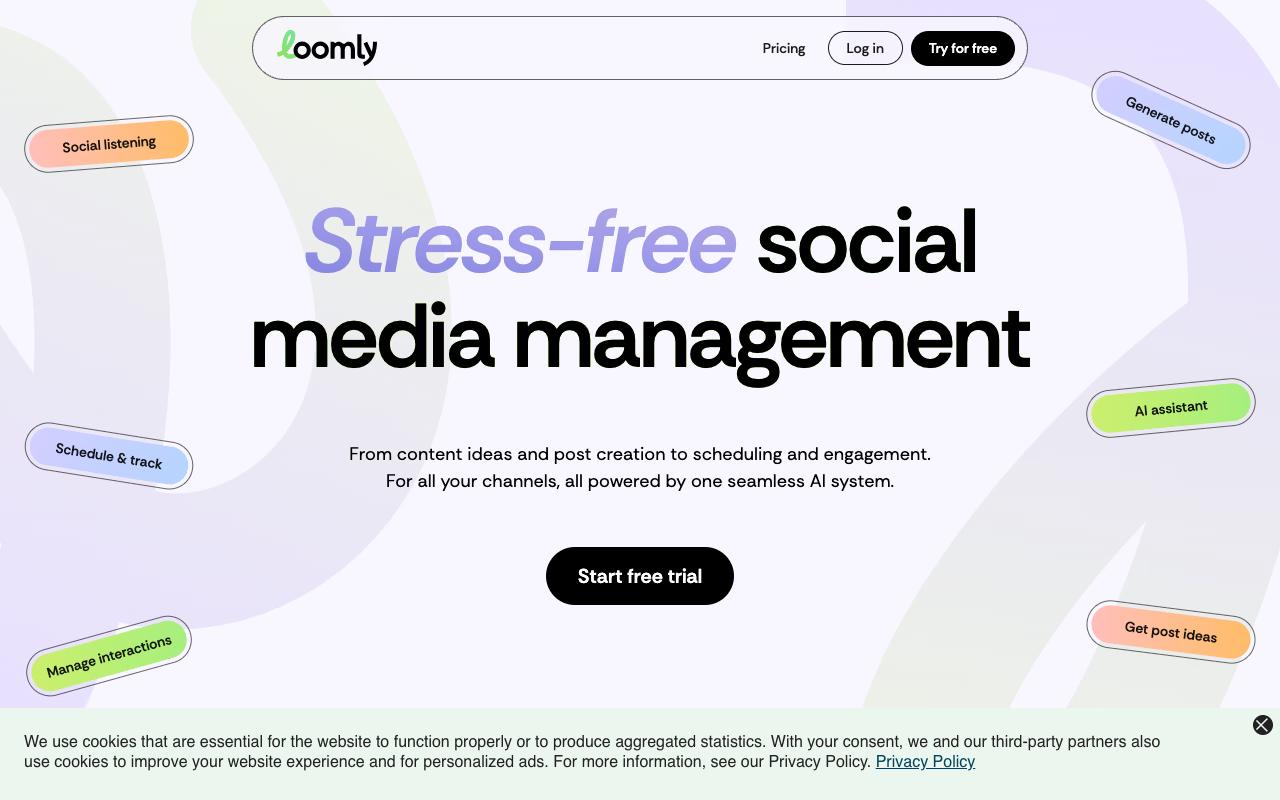
Loomly covers post ideas, mockups, approvals, and analytics, with a dedicated content calendar per brand. It's aimed at social media marketers who need to route content past teammates and stakeholders, and the approval workflows plus role-based permissions are the core draw. Community management runs through a unified inbox where you can assign conversations to collaborators.
Pros:
- Easy to use with an intuitive, clean interface for scheduling and publishing across multiple social channels
- Helpful AI assistant for generating post ideas and captions
- Responsive, hands-on customer support (e.g. helping troubleshoot TikTok connection issues)
- Simple, client-friendly approval workflow praised by long-time users and agencies
- Good value/affordability historically, especially for small agencies and freelancers (prior to 2025 price changes)
Cons:
- Major, sudden price increases in 2025 (reported as high as 300-400%) that pushed many small agencies and freelancers to switch to alternatives like SocialPilot or Recur Post
- Recent interface redesign criticized as buggy (posts not loading or scheduled posts failing to publish)
- Some feature gaps: difficulty tagging LinkedIn handles, can't insert links in stories, limited custom channel/API options after Twitter support was removed
- Occasional reports of slow or unhelpful customer support response for troubleshooting
- A few users describe the platform as glitchy or dated feeling
Review sentiment is genuinely split, and the split has a clear cause. Loomly holds TrustPilot 3.8/5 across 104 reviews. The positive reviews are consistent about ease of use ("Made the process of publishing to my channels really easy") and support quality, with one five-year user praising the simplicity.
Then there's the 2025 pricing change. In r/SocialMediaMarketing, one poster called it "like a 400% price increase," and an agency user named bmataz said his team left the $180/mo Advanced plan for SocialPilot, adding that Loomly's "tools are extremely basic, as well as their analytics features." Separate complaints point at a buggy interface redesign, scheduled posts failing to publish, and trouble tagging LinkedIn handles.
Pricing: Starter is $65/month billed monthly ($49/month yearly) for 12 social accounts and 3 users. Beyond is $332/month monthly ($249/month yearly) for 60 accounts and unlimited users. Enterprise is custom. There's a 14-day free trial with no credit card, plus a 50% lifetime nonprofit discount, according to Loomly's pricing page.
On Capterra, Loomly holds 4.7/5. Reviewers commonly praise user-friendly interface and collaboration tools and note pricing concerns and occasional instagram-related limitations. See the Capterra reviews page.
On G2, Loomly holds 4.5/5 across 560 reviews. Reviewers commonly praise ease of use and scheduling workflow and note limited advanced features and occasional platform issues. See the G2 reviews and pros and cons pages.
Verdict: Solid approval workflows and a friendly calendar, but check the current price against what you're paying now before you commit.
3. Planable
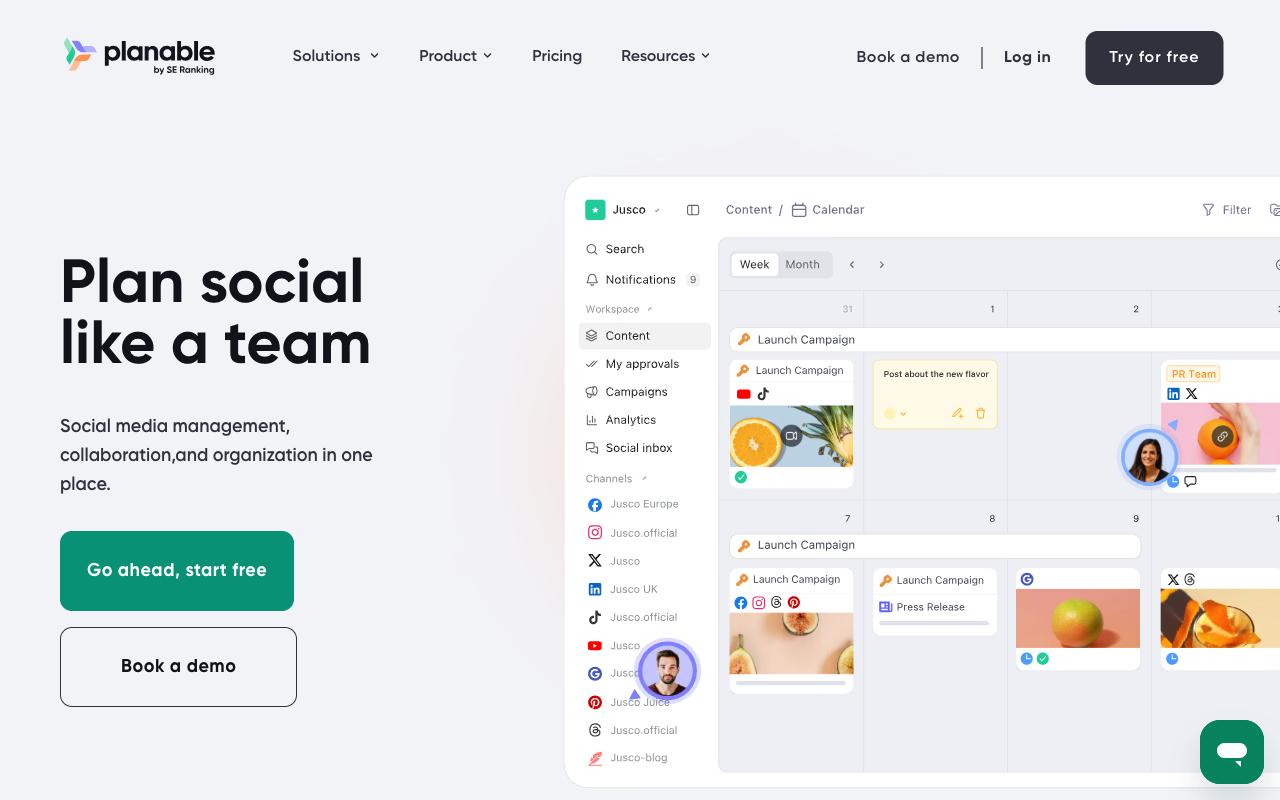
Planable is the collaboration-first option, built around getting content created, discussed, approved, and published in one place instead of across spreadsheets and email threads. That makes it a natural fit for agencies and multi-brand companies juggling client sign-off. It covers nine social networks plus a "Universal Content" mode for blogs, newsletters, and campaign briefs, and it prices per workspace with unlimited users rather than per seat.
Pros:
- Easy to set up and use, clean/intuitive interface
- Strong collaboration and approval workflow that replaces email back-and-forth
- Drag-and-drop content calendar saves planning time
- Good for agencies/teams managing client approvals
Cons:
- Limited storage on the basic plan
- Spotty platform integrations (e.g. Instagram Stories, Pinterest aspect ratios)
- Occasional failed/missed scheduled publishes
- Some features moved behind paid add-ons over time
- UI and mobile app bugginess reported by some users
The platform-specific support is more detailed than most: LinkedIn PDF carousel conversion, Instagram collab invites and scheduled first comments, Facebook audience targeting. Grouped posts let you write once for several platforms and then tweak per channel.
Ratings sit at TrustPilot 4.4/5 across 71 reviews. TrustPilot reviewers keep returning to the approval flow: "Approval process is very handy, takes out the back and forth on email trails." The complaints cluster around integration reliability (Instagram Stories, Pinterest aspect ratios), occasional missed scheduled publishes, limited storage on Basic, and features migrating behind paid add-ons. Reddit threads in r/SocialMediaMarketing echo the cross-platform tagging limits and slow support replies.
Pricing: Basic is $33/workspace/month for 60 posts and 4 social pages. Pro is $49/workspace/month for 150 posts, 10 social pages, and Public API access. Enterprise is custom with unlimited posts and multi-level approvals. Your first 50 posts are free with no time limit and no credit card, per Planable's pricing page.
On Capterra, Planable holds 4.5/5. Reviewers commonly praise ease of use and collaborative content planning and note missing advanced analytics and occasional feature limitations. See the Capterra reviews page.
On G2, Planable holds 4.6/5 across 1,085 reviews. Reviewers commonly praise collaboration and content approval workflow and note limited functionality for deeper analytics and advanced features. See the G2 reviews and pros and cons pages.
Verdict: The best value if client approvals are your bottleneck and you have more reviewers than publishers, since per-workspace pricing means extra stakeholders cost nothing.
4. Airtable
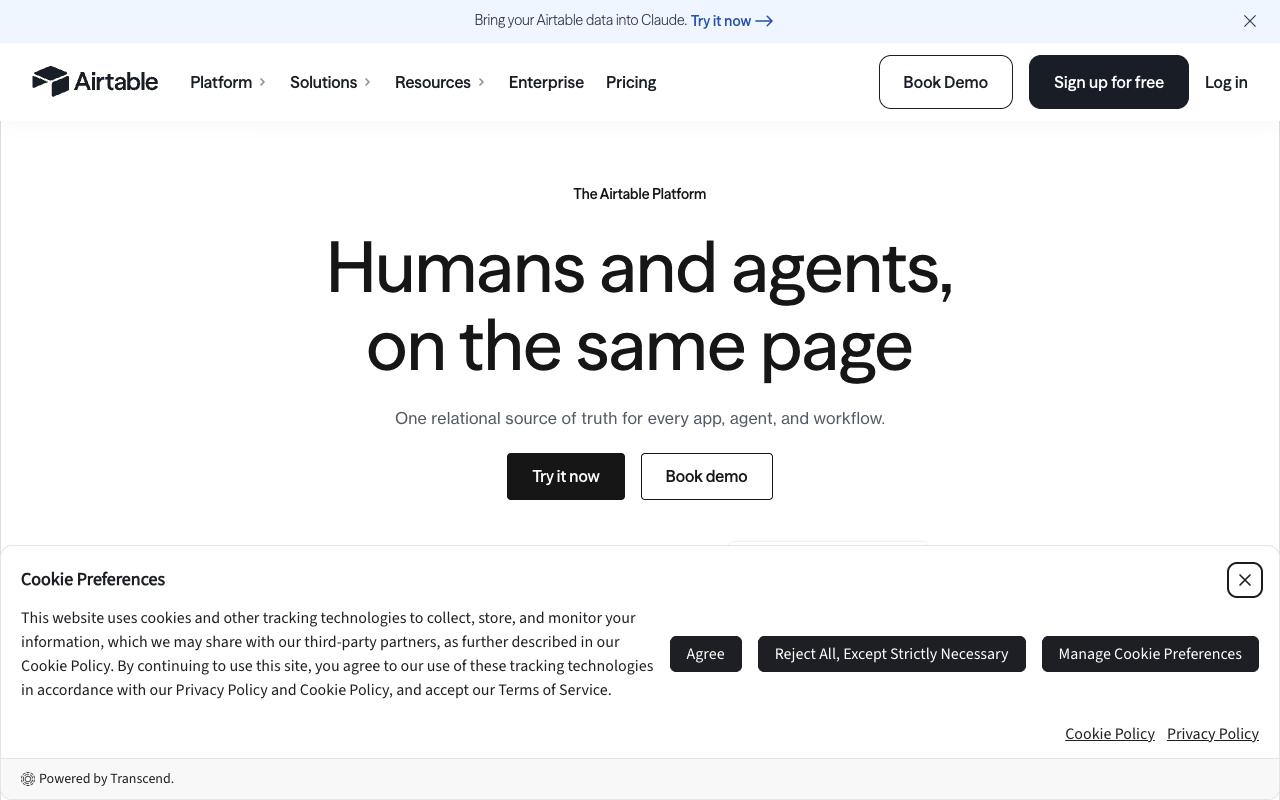
Airtable is a relational database with a no-code app builder on top, and it doesn't publish anything. Plenty of content teams still use it as the content calendar of record before pushing posts into a publishing tool. Interface Designer lets you build views tailored to specific stakeholders, and two-way integrations reach tools like Slack and Claude. The company says it's used by over 500,000 organizations.
Pros:
- Flexible and easy to turn scattered information into a clear, visual workflow (kanban and other views)
- Approachable for small/moderate workflows without needing technical expertise
- Powerful for connecting different data tables and understanding relationships between them
- Users see strong long-term potential from building integrated databases and interfaces for product management
Cons:
- Performance (loading/refresh speed) degrades as bases grow larger and more people edit simultaneously
- Billing complaints: unexpected charges for extra test users, being charged after cancellation, and rigid no-refund policy
- Customer support described as slow or unhelpful, especially around cancellations and Enterprise sales negotiations
- Recent AI feature rollout reported to introduce lag and reliability issues in previously stable workflows
- Bulk data/attachment export is difficult, limiting portability
- No-code setup seen as easy to start but hard to maintain or change at scale
The ratings gap here is stark, so read both sides. Airtable shows TrustPilot 2/5 across 154 reviews. The TrustPilot complaints are almost entirely about billing and support rather than the product: charges after cancellation, surprise fees for adding test users, and "zero tolerance for any refund outside of what is required by them by law." One reviewer had to block a credit card to cancel.
On the product side, users praise how well it turns scattered information into visual workflows, but note that performance degrades as bases grow and multiple people edit at once. A LinkedIn commenter who'd built out an integrated product-management database was still wary of the approach: "cracking for set up, nightmare to maintain / change." Bulk attachment export is also reportedly difficult.
Pricing: Free for individuals and very small teams with limited records and two weeks of history. Team is $20/user/month annually ($24 monthly). Business is $45/user/month annually ($54 monthly). Enterprise Scale is custom. Read-only collaborators and form submissions aren't billed on paid plans.
On Capterra, Airtable holds 4.6/5. Reviewers commonly praise ease of use, flexibility, and collaboration features and note pricing, learning curve, and limited advanced functionality. See the Capterra reviews page.
On G2, Airtable holds 4.6/5 across 3,276 reviews. Reviewers commonly praise customization, workflow flexibility, and integrations and note steep learning curve, pricing, and occasional performance or support issues. See the G2 reviews and pros and cons pages.
Verdict: Use it as your content database and publish from somewhere else, and expect it to slow down as the base grows.
5. Asana
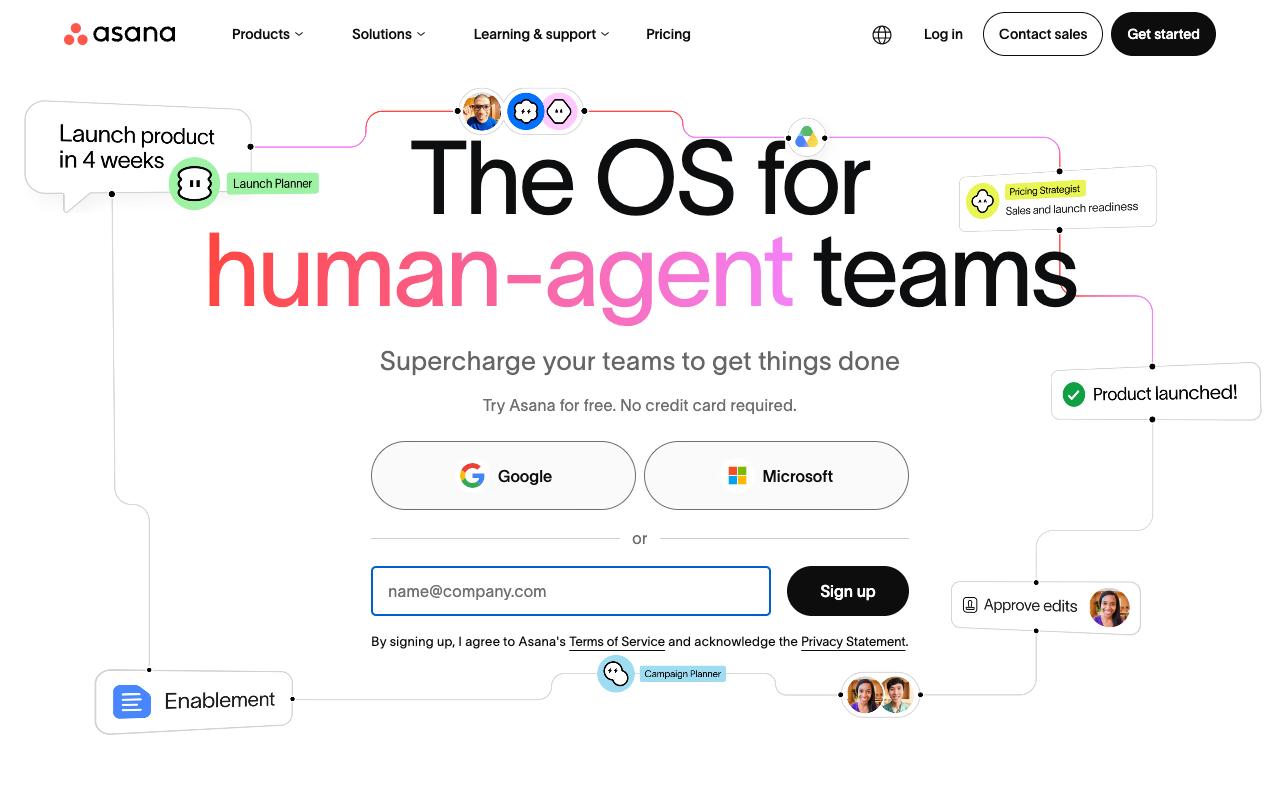
Asana handles the production side of content: who's writing what, when it's due, and what's blocking it. Tasks, projects, calendar and timeline views, forms for intake requests, and rules for automation all map cleanly onto an editorial workflow. Approvals and proofing live on the Advanced plan. The homepage cites use by 85% of Fortune 100 companies.
Pros:
- Clean, intuitive interface that makes it easy to organize projects, assign tasks, and track progress
- Multiple project views (list, board, timeline) adapt to different workflows
- Automation features reduce repetitive tasks
- Integrates well with many popular business tools
Cons:
- Frustrating, slow, and often automated customer support with little resolution
- Subscription/billing practices seen as dishonest (refund refusals, double charges)
- Free plan restrictions (e.g. 2-user limit) introduced without warning, disrupting existing workflows
- Hidden seat-minimums can make actual cost much higher than advertised price
- Gets cluttered and interface can feel slow for larger teams
Ratings split hard along the same lines as Airtable: TrustPilot 1.5/5 across 305 reviews. TrustPilot is dominated by billing and support grievances, including refund refusals when changing plans on the day of payment and one French reviewer describing no human support and no way to cancel or remove organization members. Free plan restrictions like the two-user limit reportedly landed without warning and disrupted existing setups, and hidden seat minimums mean the real cost can exceed the listed per-user price. On the product itself, reviewers consistently like the interface and the ability to switch between list, board, and timeline views, though larger teams report clutter and slowdowns.
Pricing: Personal is free forever for 1-2 people. Starter is $10.99/user/month billed annually ($13.49 monthly). Advanced is $24.99/user/month annually and adds approvals and proofing, portfolios, goals, and time tracking. Enterprise and Enterprise+ are contact-sales.
On Capterra, Asana holds 4.5/5. Reviewers commonly praise task tracking and team collaboration and note pricing and limited customization. See the Capterra reviews page.
On G2, Asana holds 4.4/5 across 13,848 reviews. Reviewers commonly praise ease of use and task organization and note pricing and complexity for advanced workflows. See the G2 reviews and pros and cons pages.
Verdict: A good editorial production tracker if you're already running Asana, though you'll still need something that publishes.
6. monday.com
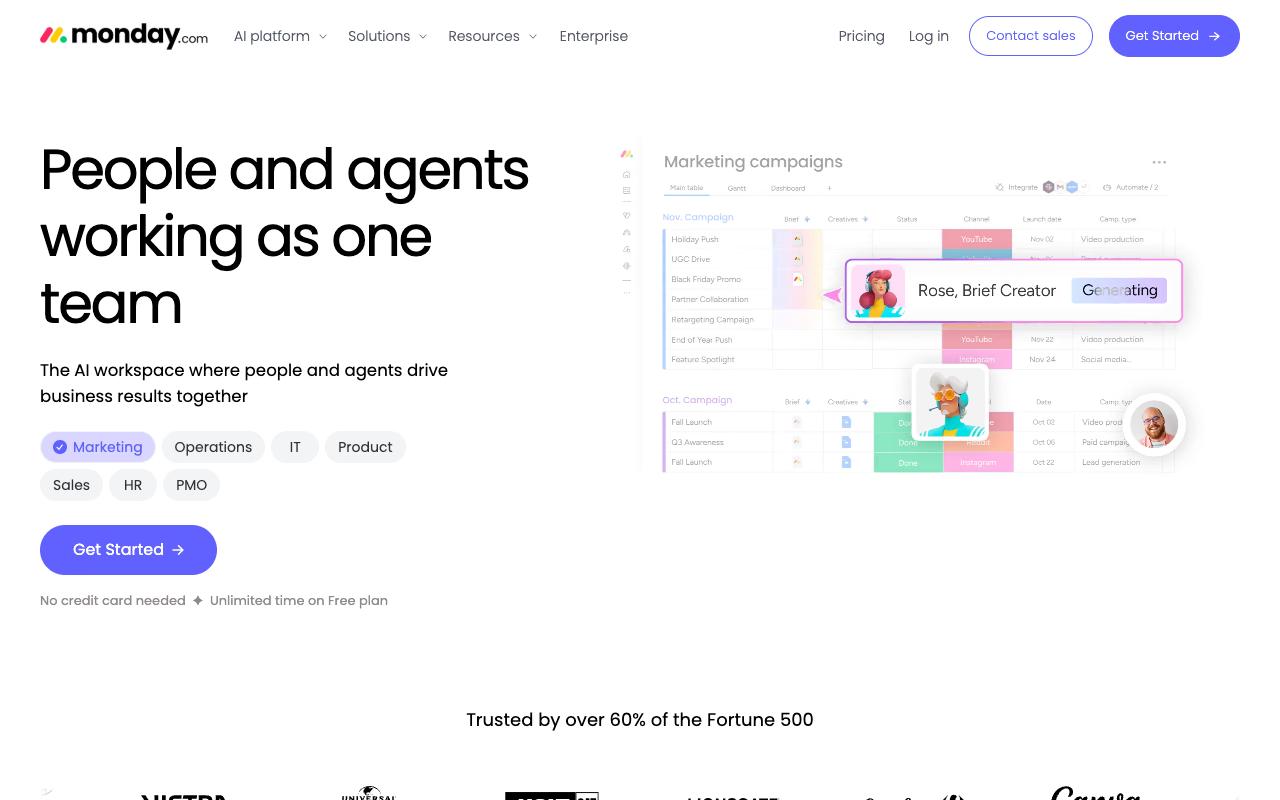
monday.com is a visual work platform teams configure into content calendars using customizable boards and columns. You get timeline, calendar, kanban, and file views, plus a template library to start from, and the site says over 60% of the Fortune 500 use it. AI agents and an Agent Builder handle repetitive work like triage and reporting.
Ratings are strong where they exist: G2 4.7/5 across 17,087 reviews and Capterra 4.6/5. Beyond those aggregates, independent reviews were not available from verified sources at the time of research.
Pricing: Free forever for up to 2 seats with 3 boards and 3 docs. Basic is $9/seat/month billed annually. Standard is $12/seat/month annually and adds automations, integrations, timeline and Gantt views, guest access, and calendar view. Pro is $19/seat/month annually with 25,000 automation and integration actions per month. Monthly billing costs more across all tiers, per monday.com's pricing page.
On Capterra, Monday.com holds 4.6/5. Reviewers commonly praise task and project tracking, customization, and collaboration and note pricing, notification overload, and setup complexity. See the Capterra reviews page.
On G2, Monday.com holds 4.7/5 across 17,087 reviews. Reviewers commonly praise ease of use, visual workflow management, and automation and note pricing, learning curve, and feature complexity. See the G2 reviews and pros and cons pages.
Verdict: Reasonable if you want one flexible board system for content plus everything else your team runs, and you don't need native publishing.
7. Notion
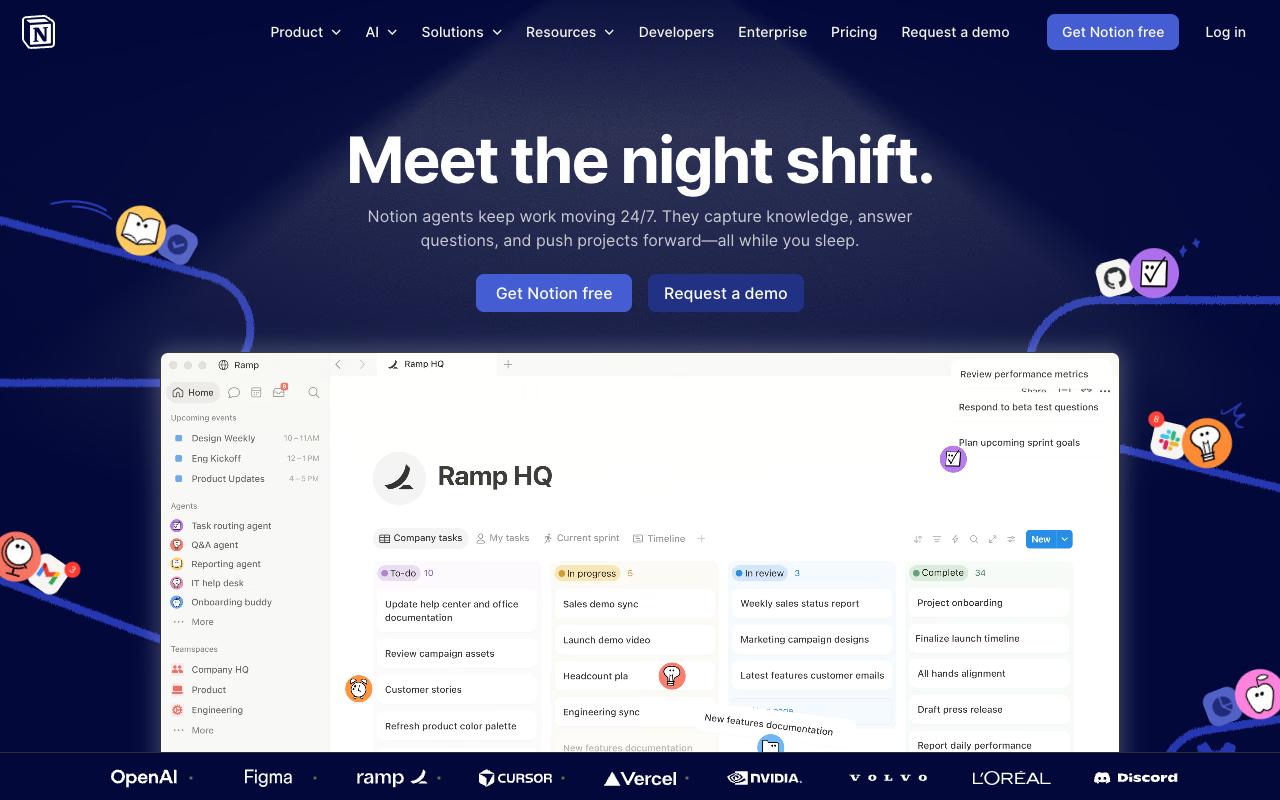
Notion is where a lot of content teams draft. Docs, wikis, and databases live in one workspace, with AI agents that can answer questions, route tasks, and generate reports on a schedule. AI Autofill can populate database properties across every deliverable, and Enterprise Search reaches into Slack, Google Drive, and GitHub. Over 100M users, per Notion, including more than half of YC companies and 62% of the Fortune 100.
Pros:
- Highly flexible and customizable all-in-one workspace (notes, tasks, databases, wikis, project management)
- Generous free plan with useful integrations
- Rich template marketplace to get started quickly
- Great for personal knowledge management, journaling, and team wikis
- Supports decent database customization that can be shared with teams or clients
- Versatile enough to grow with a startup or team without switching tools
- Active community and abundant YouTube tutorials for troubleshooting
Cons:
- Steep learning curve (overwhelming for new or non-technical users)
- Performance issues with larger databases (sluggish navigation)
- No local file storage (all data lives in the cloud, raising data ownership concerns)
- Weak offline functionality and limited mobile app experience
- Easy to fall into a 'productivity trap' (spending more time optimizing Notion than doing actual work)
- Notion AI prone to hallucinations and limited after token allowance is exhausted
- AI token system criticized as expensive and unsustainable for heavy users
- Customer support reported as unhelpful or unresponsive
- Misleading UI can lead to accidental expensive plan upgrades
- Not competitive with MS Office or Google Workspace for high-complexity tasks
- New features (Wikis, Projects, AI agents) seen as half-baked and inconsistent with core UX
The rating spread is worth understanding before you buy. Notion sits at TrustPilot 2.3/5 across 416 reviews. The low TrustPilot score comes from support, billing, and the AI token system rather than the workspace itself, and even critical reviewers concede the product's value: "the app allows for decent customization of simple databases, which can be built up and easily shared between a team, friends, or clients."
Reddit threads in r/Notion and r/productivity praise the versatility and template marketplace but flag the steep learning curve, sluggish performance on large databases, and what several users call a productivity trap where you spend more time optimizing Notion than working. LinkedIn commentary hits the same learning-curve note, describing it as built for people who think in databases. Notion AI is also reported to hallucinate and to cap out once your token allowance runs down.
Pricing: Free for individuals. Plus is $10/member/month with custom forms and sites, unlimited charts and file uploads. Business is $20/member/month and adds Notion Agent, AI Meeting Notes, Enterprise Search beta, SAML SSO, and private teamspaces. Enterprise is custom with zero data retention with LLM providers, SCIM, and audit log.
On Capterra, Notion holds 4.7/5. Reviewers commonly praise flexible note organization, customizable workflows, and collaborative knowledge management and note limited offline functionality, learning curve, and occasional mobile or performance limitations. See the Capterra reviews page.
On G2, Notion holds 4.6/5 across 13,718 reviews. Reviewers commonly praise ease of use, flexible organization, and all-in-one workspace capabilities and note steep learning curve, setup complexity, and occasional performance issues. See the G2 reviews and pros and cons pages.
Verdict: Excellent drafting and content-brief home, weak as a calendar of record once the database gets big.
8. Smartsheet
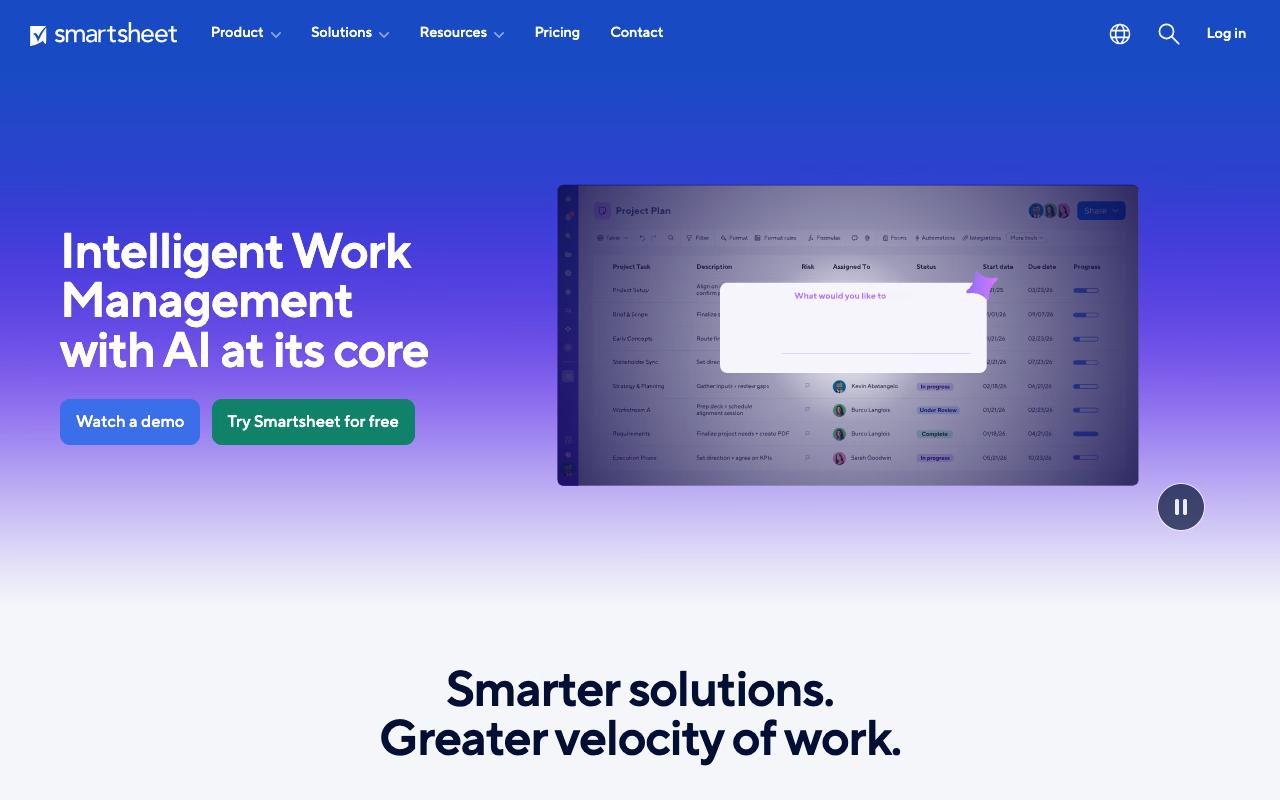
Smartsheet is enterprise work management with a spreadsheet backbone. Grid, card, Gantt, timeline, and calendar views, formulas and cross-sheet links, conditional forms for intake, dashboards, and portfolio-level health tracking. It's aimed at PMOs, IT portfolio leaders, and client delivery teams, and the homepage says 85%+ of the Fortune 500 use it. An MCP Server connects it to Claude, Copilot, Gemini, and ChatGPT.
Pros:
- Core software is considered powerful/valuable by long-term users when it functions as expected
- Has supported business workflows effectively when the system is working
Cons:
- Customer/technical support is extremely slow, with tickets left unassigned for weeks to months
- Extra paid fees required to reach phone-based technical support on top of the subscription
- Billing/account administration issues: minimum seat requirements, difficulty changing account email, disputed charges after cancellation attempts
- Considered cumbersome and not user-friendly for cross-functional, multi-campaign project management
Ratings: TrustPilot 1.3/5 across 121 reviews. The TrustPilot picture is rough, and it's almost entirely about support and account administration. One reviewer called the support "truly some of the worst and least professionally managed one's I've every experienced at their level." Another described a case that "still shows as Unassigned. Not delayed. Not escalated. Not being worked on." Reaching phone-based technical support reportedly costs extra on top of the subscription, and reviewers report minimum seat requirements, trouble changing an account email, and disputed charges after trying to cancel.
Long-term users who like the product say the core software is genuinely powerful when it works. For content specifically, reviewers describe it as cumbersome for cross-functional, multi-campaign management.
Pricing: Pro is $9/member/month billed annually ($12 monthly) for 1-10 members with unlimited contributors and 250 automations per month. Business is $19/member/month annually ($24 monthly) for 3+ members with unlimited automations, timeline view, and workload tracking. Enterprise and Advanced Work Management are custom, per Smartsheet's pricing page.
On Capterra, Smartsheet holds 4.5/5. Reviewers commonly praise project management flexibility and collaboration tools and note pricing and learning curve concerns. See the Capterra reviews page.
On G2, Smartsheet holds 4.4/5 across 22,690 reviews. Reviewers commonly praise project tracking and collaboration features and note complexity and pricing concerns. See the G2 reviews and pros and cons pages.
Verdict: Built for enterprise portfolio reporting, and heavier than most content teams need for a publishing calendar.
FAQ
What's the Difference Between a Content Scheduler and a Work Management Tool?
A content scheduler publishes for you. Ordinal, Loomly, and Planable connect to LinkedIn, Instagram, X, and other channels and push posts live at the time you set. Work management tools like Asana, monday.com, Airtable, Notion, and Smartsheet organize the production process (owners, deadlines, approvals, briefs) but don't publish to social platforms. Teams often run both: one tool for the editorial pipeline, one for actual distribution.
Why Do Some of These Tools Have a 4.6 on G2 and a 2/5 on TrustPilot?
Because the two platforms attract different reviewers writing about different things. For Airtable, Asana, Notion, and Smartsheet, the TrustPilot complaints are overwhelmingly about billing disputes, refund refusals, cancellation friction, and slow support, while G2 and Capterra reviewers are rating the software's day-to-day usefulness. Neither number is the whole picture. Read the TrustPilot reviews for what happens when you need help or want to leave, and read G2 for whether the product does the job.
Which of These Handles LinkedIn Best for B2B Teams?
Ordinal and Planable both go deeper on LinkedIn than the general-purpose tools. Planable supports LinkedIn PDF carousel conversion and targeting. Ordinal adds personal profile tagging, a preview showing where your hook cuts off before the "see more" fold, video and PDF support, and automated likes, comments, and reposts from connected accounts. Loomly reviewers, by contrast, specifically report difficulty tagging LinkedIn handles.
Related Posts
Looking to learn more? The below posts may be helpful for you to learn more about social media and content marketing.