
Approval bottlenecks kill social media velocity. A post gets drafted Monday, sits in a Slack thread until Wednesday, comes back with three conflicting edits, and by the time it's signed off the moment has passed. The tools below solve that problem from different angles.
Some are built for social publishing with approvals baked in, others are proofing platforms that handle any creative asset, and a couple are general work management systems where approvals are one feature among hundreds.
What Makes a Good Approval Management Software
1. Purpose-built vs. bolted-on
Some tools have approvals baked into the same place content is drafted, scheduled, and published, while others are proofing platforms or general work management systems where approval is one feature among many. Whether you're switching on a native workflow or constructing one from boards and automations changes how quickly a post actually gets signed off.
2. File and asset coverage
Some tools are scoped to social posts specifically, complete with realistic previews and hook-cutoff rendering, while others handle 1,200+ file types spanning documents, video, live websites, figma prototypes, and packaging. What you're actually approving determines whether a social-first tool or a broad proofing platform fits.
3. AI-assisted review
Several entries now run an automated pass before a human ever opens the proof, catching spelling errors, brand compliance issues, missing disclaimers, or broken links. Worth checking what the automation actually flags versus what still needs a person's eyes.
4. Client and external reviewer access
How easily an outside client or exec can weigh in matters as much as the internal workflow. Public share links with no account needed, or opening a proof straight from an email invitation, remove friction that account-gated tools don't.
5. Pricing structure and scaling
Per-seat pricing, flat-rate unlimited plans, and free tiers with capped users all scale very differently as a team or client roster grows. A flat-rate unlimited-reviewer model behaves nothing like a per-user plan once you add more approvers.
6. Rating consistency across sources
Scores diverge across g2, capterra, and trustpilot, and the gap itself is informative — a tool praised for its interface but hit with complaints about renewal practices or support responsiveness signals a product/company split worth digging into before buying.
Best Approval Management Software for Social Media
1. Ordinal

Ordinal is a social content platform where approvals live inside the same place the content gets written, scheduled, and published. Approvals can be blocking or non-blocking, reviewers can leave inline comments on specific text, and authors push new versions with a tracked diff showing exactly what changed. It's built for agencies managing multiple client accounts, plus in-house teams running founder and exec content alongside company pages.
The agency angle is where it separates from generic proofing software. Public share links let clients review without needing an account, and the approvals inbox surfaces everything pending or overdue in one view instead of scattered across Slack DMs. According to Ordinal's product pages, the platform also supports LinkedIn personal profile tagging, PDF carousels, and realistic previews showing where the hook cuts off before "see more" appears. That last one matters when the thing being approved is the post itself rather than a static file.
Pricing: Starter is $95/mo (or $85/mo billed annually) for up to 3 seats and 4 social profiles. Pro is $265/mo (or $235/mo annually) and adds unlimited seats, approval workflows, automated engagement, and API/MCP/webhook access. Enterprise is custom. Both paid plans include a 14-day free trial, per Ordinal's pricing page.
Verdict: The strongest fit if your approvals are specifically about social posts and you'd rather not bolt a proofing tool onto a scheduler.
2. Ziflow

Ziflow is enterprise online proofing built for creative review at volume. It handles 1,200+ file types including documents, images, video, audio, and live websites, and it supports campaign-level reviews where every asset in a cross-channel campaign moves through a single workflow. Ziflow says it's trusted by thousands of marketing and creative teams and 90% of Fortune 100 companies.
The compliance side is the real draw. According to Ziflow's product page, ReviewAI automatically checks proofs for spelling and grammar errors, brand compliance issues, and missing legal disclaimers before humans see them. Add electronic signatures, secure records, and workflows that flex from multi-stage regulatory review down to a single approver, and it makes sense for regulated industries.
Pricing: Free Personal plan at $0 for 2 users. Standard is $199/mo billed annually with 15 free users and 2 workflow stages. Pro is $329/mo annually with 20 users, 3 workflow stages, and integrations for Asana, monday.com, Slack, and Teams. Enterprise is custom and comes with ReviewAI, SSO, and unlimited workflow stages, according to Ziflow's pricing page.
On Capterra, Ziflow holds 4.8/5. Reviewers commonly praise ease of use and customer service and note feature limitations and occasional workflow friction. See the Capterra reviews page.
On G2, Ziflow holds 4.5/5 across 941 reviews. Reviewers commonly praise ease of use and collaboration features and note limited project organization and commenting issues. See the G2 reviews and pros and cons pages.
Verdict: Pick Ziflow when legal or compliance sits in the approval chain and the assets go well beyond social posts.
3. PageProof
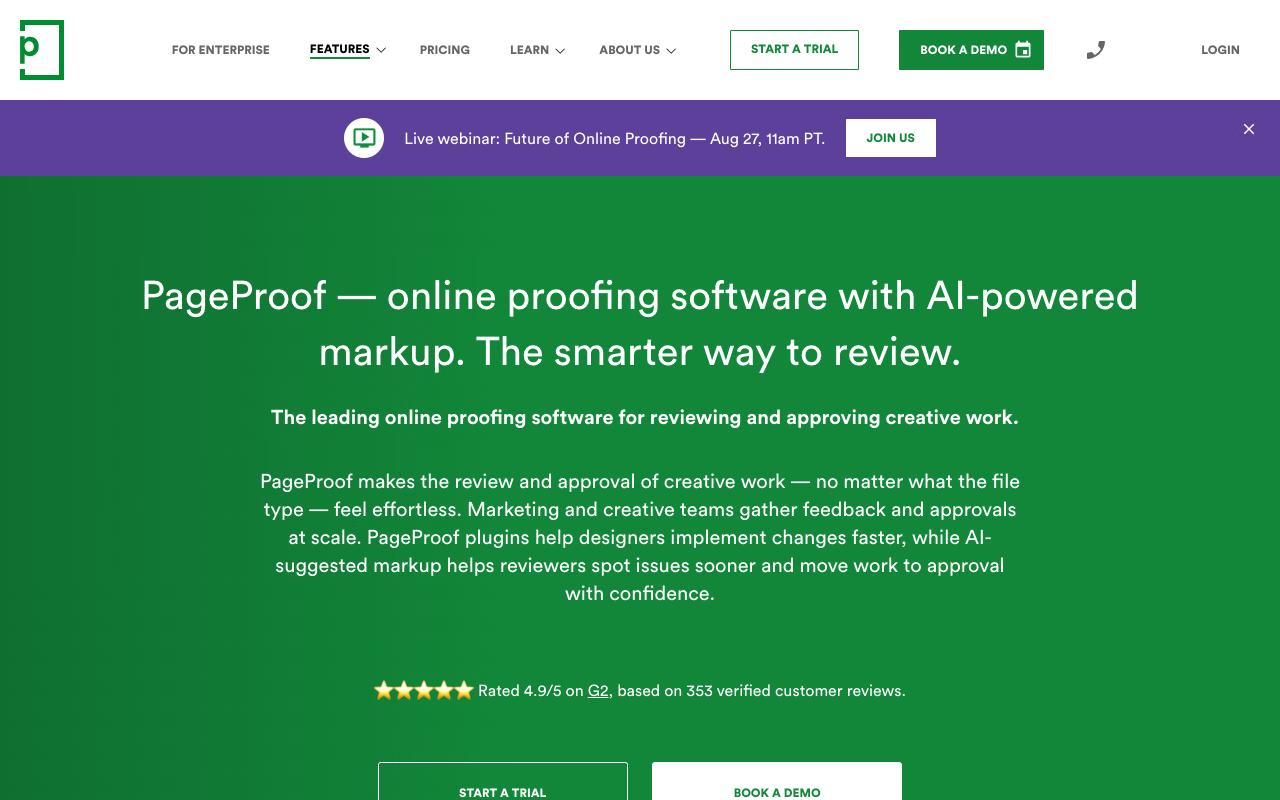
PageProof handles review and approval for any file type: social graphics, video, HTML emails, live websites, Figma prototypes, packaging, audio. Reviewers open a proof straight from an email invitation in the browser with no account or install required, which removes the usual friction of getting a client or exec to weigh in.
The AI markup is what stands out. Per PageProof's site, its Intelligence feature analyzes creative and suggests markup directly on the proof, and teams can build custom AI agents that check work against brand guidelines, packaging specs, or accessibility rules. There's also ColorSep for print color separation, smart compare for spotting version differences, and decision thresholds that specify how many approvals a proof needs before it moves forward.
Pricing: Team is $249/mo ($2,499/year), Team Plus is $499/mo ($4,999/year), and Enterprise is a custom quote. Every plan includes unlimited reviewers, proofs, versions, and storage with no add-on charges, according to PageProof's pricing page.
On G2, PageProof holds 4.8/5 across 388 reviews. Reviewers commonly praise ease of use and streamlined proofing workflows and note integration issues and occasional performance slowness. See the G2 reviews and pros and cons pages.
Verdict: The flat-rate unlimited model is genuinely rare in this category, so PageProof works well if your reviewer list keeps growing.
4. Wrike
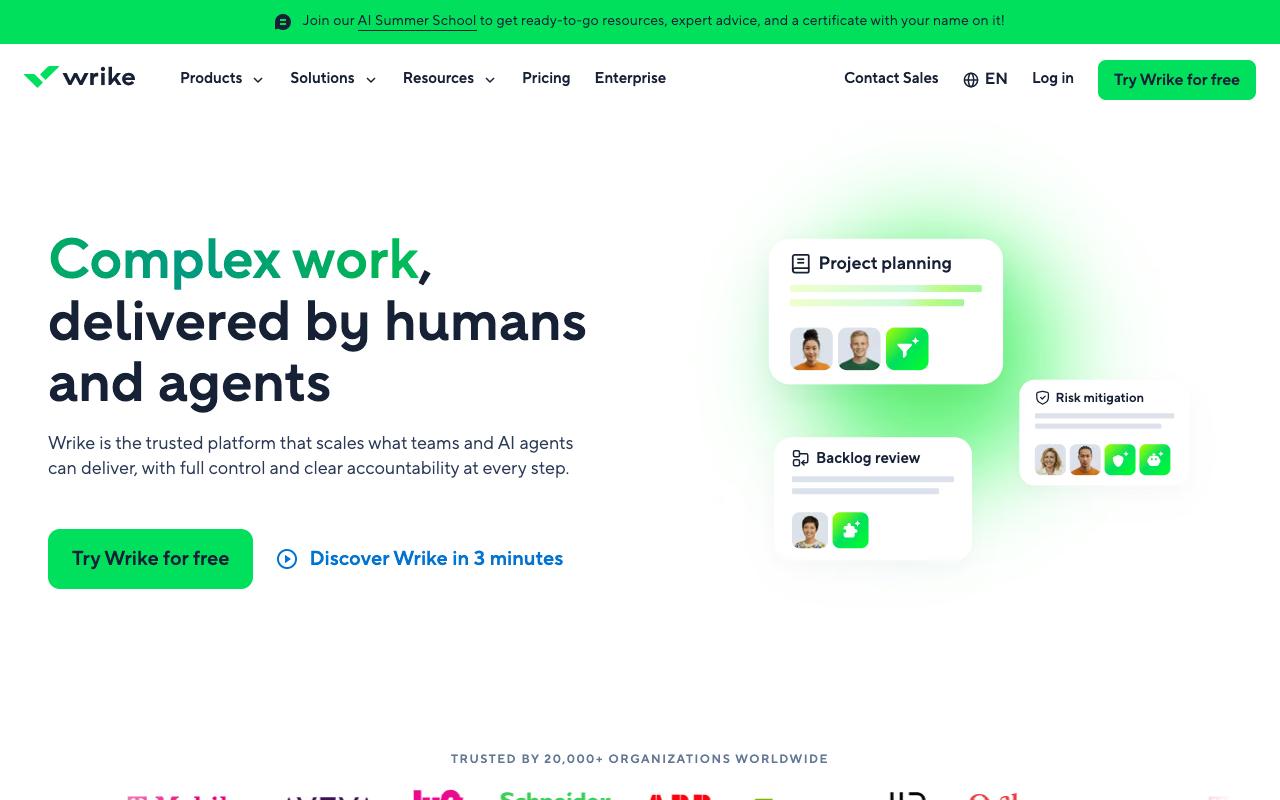
Wrike is enterprise work management with proofing built in, so approvals sit alongside Gantt charts, workload views, budgeting, and resource planning. Creative teams get visual feedback directly on assets and version comparison, while operations gets dynamic request forms that route intake automatically. It's aimed at cross-functional enterprise teams rather than social managers specifically.
Pros:
- Intuitive and versatile project management tool praised by long-time users
- Improves cross-department visibility into who is working on what
- Flexible workflows that can be made as simple or as detailed as needed
- Strong automation capabilities for workflow and workload management
Cons:
- Customer service frequently described as slow and unhelpful, with weeks between replies
- Rigid, transactional renewal/cancellation process with little flexibility for long-time customers
- Paid plans reportedly lose functionality that was available in trial, causing disappointment
- Can feel overly complex for smaller teams or simpler use cases
The ratings split hard depending on where you look. TrustPilot sits at 3.6/5 across 218 reviews with the recent trend skewing negative. Reading through those, the software itself gets praised (one reviewer called it "the most intuitive project management tool I've used in 20+ years of marketing communications," another said it helps teams "work better across departments by keeping everything in one place"). The complaints cluster around the company rather than the product: slow customer service with weeks between replies, rigid renewal and cancellation handling, and reports that paid plans lost functionality that was available during the trial.
Pricing: Free at $0/user/month. Team is $10/user/month for 2 to 15 users. Business is $25/user/month for 5 to 200 users. Pinnacle and Apex are custom, per Wrike's pricing page.
On Capterra, Wrike holds 4.4/5. Reviewers commonly praise project management depth, collaboration tools, customization, and reporting and note steep learning curve, cluttered interface, pricing concerns, and occasional usability issues. See the Capterra reviews page.
On G2, Wrike holds 4.2/5 across 4,539 reviews. Reviewers commonly praise flexible workflows, task management, collaboration, and customizable dashboards and note steep learning curve, complex interface, limited customization, and navigation difficulties. See the G2 reviews and pros and cons pages.
Verdict: Good if social approvals are one workflow inside a much larger project management need, though budget for a support experience that may test your patience.
5. Filestage
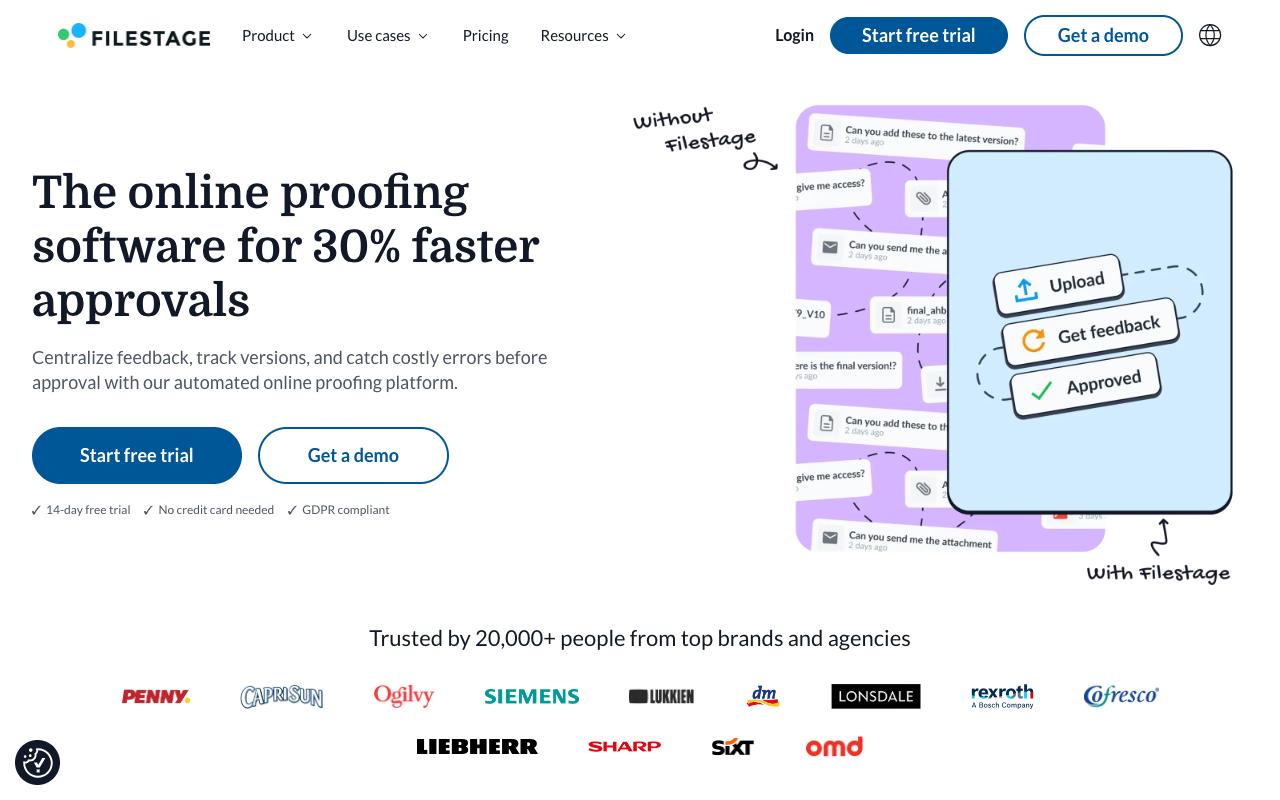
Filestage keeps the workflow simple: upload a file, collect contextual comments and annotations, track approvals in one click. Reviewers can use comment threads as a to-do list while building the next version, and Slack and Teams integrations push notifications into channels where people already work. It serves marketing, creative, production, and compliance teams, including regulated industries.
Pros:
- Simple, speedy and transparent review/approval process from start to finish
- Centralizes feedback, comments, discussions, approvals and file versions in one place, especially useful for agencies with many international clients
- Intuitive for both internal teams and outside clients to use
Cons:
- Some customers report being migrated to a significantly more expensive plan without explicit consent, with refunds refused even after escalation
- Complaints of accounts being blocked/access denied without warning, raising data-access (GDPR) concerns
- No renewal reminder before annual auto-renewal charge, and refusal to refund after immediate cancellation request
Review Agents handle the automated pass, catching typos, broken links, and technical issues before reviewers see them, plus brand guideline checks on fonts, colors, logos, and tone. TrustPilot holds at 3/5 from just 6 reviews. That TrustPilot sample is small but the content is worth reading.
One agency that had used Filestage for nearly ten years praised having feedback, versions, and approvals centralized for international clients. Others reported being migrated to a significantly more expensive plan without explicit consent, with refunds refused. There were also accounts blocked without warning, raising GDPR data-access concerns, and no renewal reminder before annual auto-renewal.
Pricing: Free at $0/mo with 1 active project and 5 new files monthly. Starter is $199/mo for unlimited projects and files. Business is $329/mo and adds review agents, automations, project templates, and API access. Enterprise is custom with SSO, audit logs, and data residency control, according to Filestage's pricing page.
On Capterra, Filestage holds 4.7/5. Reviewers commonly praise ease of use and customer support and note pricing and feature limitations. See the Capterra reviews page.
On G2, Filestage holds 4.6/5 across 244 reviews. Reviewers commonly praise ease of use and intuitive interface and note limited functionality and occasional workflow friction. See the G2 reviews and pros and cons pages.
Verdict: Solid proofing at a fair price, but read the annual renewal terms carefully before you commit.
6. monday.com
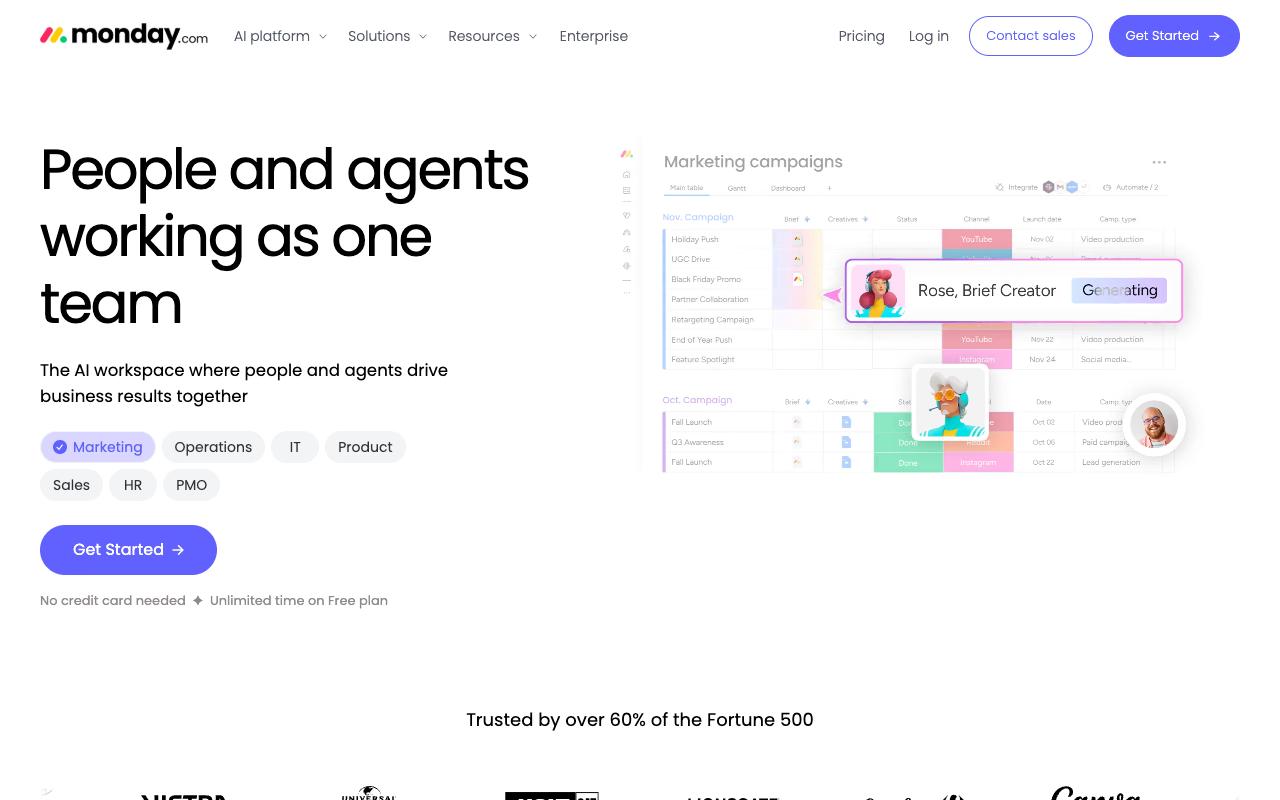
monday.com is a visual work platform where you build the approval process yourself using customizable boards, columns, and automations. Nothing here is social-specific, and that's the tradeoff. You get flexibility to model any workflow across marketing, ops, IT, HR, and sales, but you're constructing the approval flow rather than switching one on. monday.com notes that over 60% of the Fortune 500 use the platform.
Timeline, Kanban, calendar, and file views cover most planning needs, and AI agents can handle research, triage, and follow-ups alongside the human team.
Pricing: Free forever for up to 2 seats. Basic is $9/seat/month billed annually, Standard is $12/seat/month and adds automations, integrations, timeline and Gantt views, and guest access, and Pro is $19/seat/month with 25,000 automation actions per month, per monday.com's pricing page.
On Capterra, Monday.com holds 4.6/5. Reviewers commonly praise task and project tracking, customization, and collaboration and note pricing, notification overload, and setup complexity. See the Capterra reviews page.
On G2, Monday.com holds 4.7/5 across 17,087 reviews. Reviewers commonly praise ease of use, visual workflow management, and automation and note pricing, learning curve, and feature complexity. See the G2 reviews and pros and cons pages.
Verdict: Best if you want one system for everything and don't mind building the social approval flow from scratch.
7. Asana
Asana connects tasks, projects, goals, and dependencies so everyone knows who owns what and by when. Approvals and proofing are available, but only on the Advanced plan and above, which is worth flagging before you evaluate the cheaper tiers. Asana says 85% of Fortune 100 companies use the platform.
Pros:
- Clean, intuitive interface that makes it easy to organize projects, assign tasks, and track progress
- Multiple project views (list, board, timeline) adapt to different workflows
- Automation features reduce repetitive tasks
- Integrates well with many popular business tools
Cons:
- Frustrating, slow, and often automated customer support with little resolution
- Subscription/billing practices seen as dishonest (refund refusals, double charges)
- Free plan restrictions (e.g. 2-user limit) introduced without warning, disrupting existing workflows
- Hidden seat-minimums can make actual cost much higher than advertised price
- Gets cluttered and interface can feel slow for larger teams
Its rating spread is the widest here. TrustPilot sits at 1.5/5 across 305 reviews. Those TrustPilot complaints are almost entirely about billing and support rather than the software: refund refusals when changing plans on the day of payment, difficulty cancelling ("Aucun SAV. Pas d'humain, pas de possibilité de résilier"), and free plan restrictions introduced without warning. On the product side, reviewers consistently praise the clean interface, the range of project views, and the integrations, while noting it gets cluttered and slow with larger teams and that hidden seat minimums push the real cost above the advertised price.
Pricing: Personal is free for 1-2 people. Starter is $10.99/user/month billed annually ($13.49 monthly). Advanced is $24.99/user/month annually and is the first tier with approvals and proofing. Enterprise and Enterprise+ are custom, according to Asana's pricing page.
On Capterra, Asana holds 4.5/5. Reviewers commonly praise task tracking and team collaboration and note pricing and limited customization. See the Capterra reviews page.
On G2, Asana holds 4.4/5 across 13,848 reviews. Reviewers commonly praise ease of use and task organization and note pricing and complexity for advanced workflows. See the G2 reviews and pros and cons pages.
Verdict: Reasonable if your team already runs on Asana, but the approvals feature sitting behind the $24.99 tier makes it an expensive way to solve only this problem.
FAQ
What's The Difference Between Online Proofing Software And Social Media Approval Tools?
Proofing platforms like Ziflow, PageProof, and Filestage review finished files: images, videos, PDFs, live web pages. They're built for any creative asset and handle a wide range of file types. Social-native tools like Ordinal review the post itself, including the caption, the preview, the tagged accounts, and the scheduled time, then publish it directly once approved. If your approvals stop at the asset and someone else handles publishing, proofing works. If the approval and the publish should be the same step, a social platform makes more sense.
Which Approval Tools Let Clients Review Without Creating An Account?
PageProof lets reviewers open a proof straight from an email invitation in their browser with no account or install needed. Ordinal offers public share links so external stakeholders can review without an account. Filestage's Starter plan includes password-protected review links. This matters a lot for agencies, since asking a client to create yet another login is often where approval chains stall.
What Should I Budget For Approval Software In 2026?
Entry pricing splits into two camps. Per-seat tools start cheap: monday.com Basic at $9/seat/month and Asana Starter at $10.99/user/month, though Asana's approvals only arrive at the $24.99/user/month tier. Flat-rate proofing and social tools start higher but don't scale with headcount: Ordinal Starter at $95/mo, Ziflow Standard and Filestage Starter at $199/mo, and PageProof Team at $249/mo. For a team of 15 or more reviewers, flat-rate usually wins on total cost. All prices per each vendor's published pricing page.
Related Posts
Looking to learn more? The below posts may be helpful for you to learn more about social media and content marketing.