
You're evaluating Sprinklr and running into the same wall most enterprise buyers hit: it's built for large brands with big budgets, and the per-seat math gets ugly fast when you want to enable 10 people to post. If you're a marketing leader trying to tie social to pipeline, run an employee advocacy program, or just get a team of 15 posting without an enterprise contract, the tools below are worth a real look.
Here's how ten alternatives compare on coordination, collaboration, and what teams actually say about them.
Best Sprinklr Alternatives
1. Ordinal
Disclosure: Ordinal is our own product (this guide is published by Ordinal). Its entry sticks to what's verifiable on our site, and the competitors below get the same verified treatment.
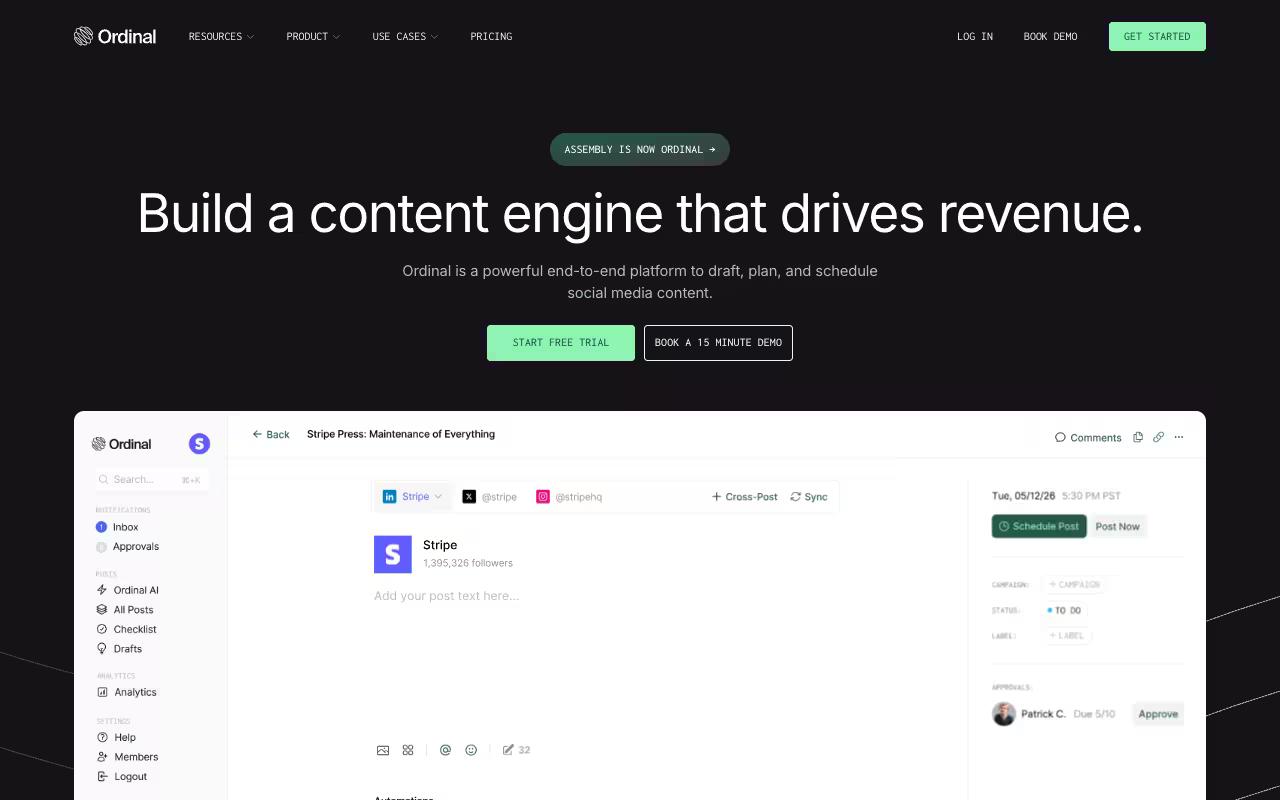
Ordinal is an end-to-end platform for drafting, planning, and scheduling social content, built for marketing teams that treat social as a revenue channel rather than a checkbox. It's aimed at content agencies, founders and execs, social managers, and growth teams, with a Notion-like editor for inline drafting and comments, multi-channel posting across LinkedIn, X, Instagram, Facebook, Threads, TikTok, and YouTube Shorts, plus auto-engagement (likes, comments, reposts) baked into the post flow. What sets it apart for coordination specifically: it's architecturally open, with a REST API, MCP server, and webhooks, so you can wire an AI agent into your posting history or build advocacy infrastructure without buying a separate enterprise product. Our stated commitment is to support every feature a platform's API exposes, which shows up in LinkedIn-specific touches like personal profile tagging, PDF carousels, and realistic previews that show exactly where the hook cuts off before "see more."
On pricing, Ordinal runs three tiers: Starter at $95/mo (or $85/mo billed annually) for up to 3 seats, Pro at $265/mo (or $235/mo billed annually) with unlimited seats and automated engagement, and custom Enterprise pricing that adds employee advocacy, SAML/SSO, and dedicated onboarding, according to Ordinal's pricing page. There's a 14-day free trial on paid plans.
Verdict: The strongest pick if you want unlimited seats at a flat price plus open API/MCP access to build an advocacy or AI-assisted posting program without an enterprise contract.
2. Hootsuite
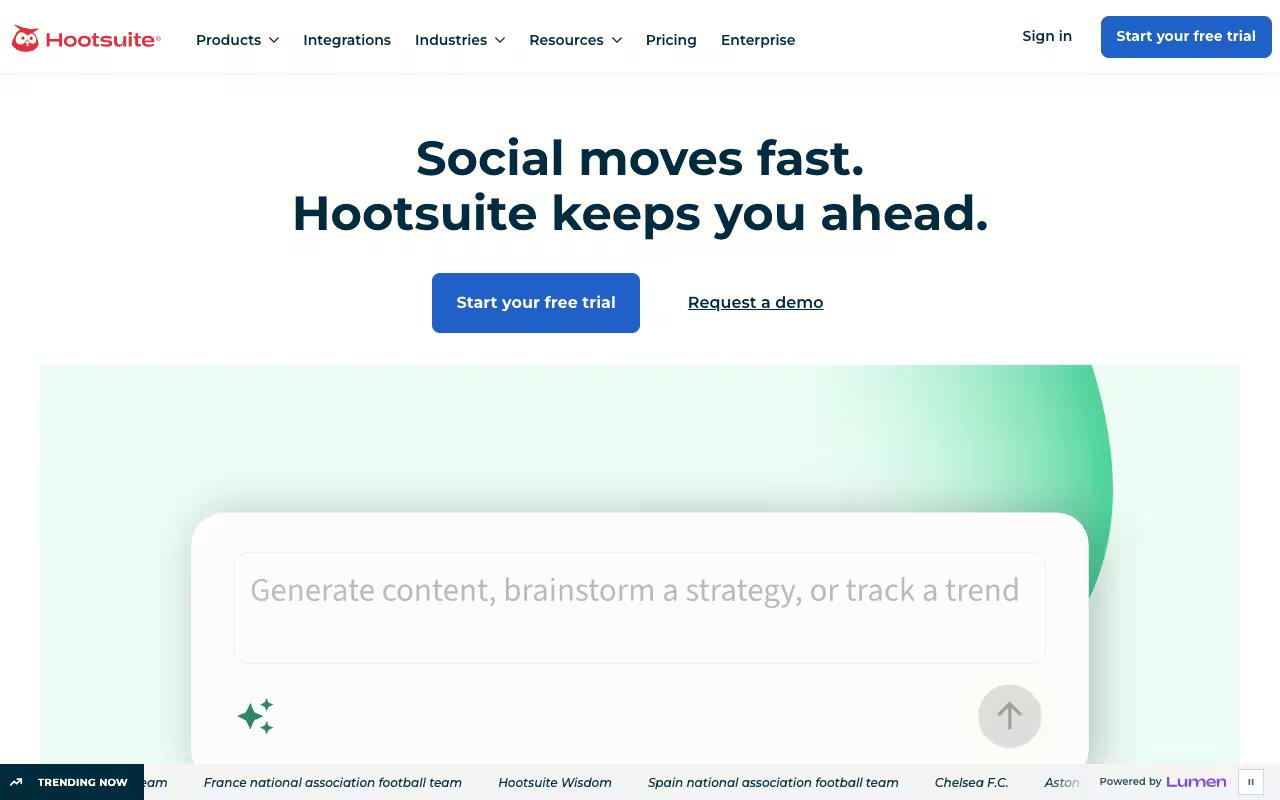
Hootsuite is an all-in-one management and social intelligence platform that folds content creation, scheduling, a unified inbox, analytics, and heavy-duty social listening into one dashboard. It's built for large brands and their social, marketing, and customer-care teams. If your Sprinklr evaluation was partly about listening and competitive intelligence, Hootsuite covers similar ground, monitoring mentions across 30+ networks, 300+ review sites, and millions of websites.
Pros:
- Unified inbox consolidates comments/messages across platforms, saving significant time (LinkedIn reviewer)
- Bulk composer speeds up scheduling a month of content in under an hour (LinkedIn reviewer)
- OwlyWriter AI helps draft usable captions (LinkedIn reviewer)
- Best Time to Publish feature reportedly improves engagement (LinkedIn reviewer)
- Handles multiple accounts well for larger budgets/agencies (Reddit)
Cons:
- Expensive/pricey compared to alternatives, especially for small agencies and startups (Reddit)
- Poor customer support with long response times and reliance on AI chatbot (Trustpilot)
- Billing problems: charges continuing after cancellation, refund/receipt difficulties (Trustpilot)
- Reliability issues and bugs, e.g. video upload and posting errors (Trustpilot)
- UI feels dated in places (LinkedIn)
- Ethical concerns over reported work with U.S. ICE prompted some customers to cancel (Trustpilot)
Pricing starts at $99/user/mo for Standard (billed annually), running through Professional at $199/user/mo and Advanced at $399/user/mo, with custom Enterprise pricing, according to Hootsuite's pricing page. All paid plans include a 14-day free trial.
Reviews split hard by source. It carries a poor TrustPilot 1.3/5 from 554 reviews, where billing complaints, slow support, and reliability bugs dominate the negative themes. That TrustPilot score reads harshest around post-cancellation billing disputes and support wait times, so weigh it against the far higher G2 4.3/5 from 7751 reviews and Capterra 4.4/5 rather than treating any one number as the whole story.
On Capterra, Hootsuite holds 4.4/5.. Reviewers commonly praise centralized scheduling and management of multiple social media accounts and note pricing concerns and limitations in advanced features and integrations. See the Capterra reviews page.
On G2, Hootsuite holds 4.3/5 across 7,348 reviews. Reviewers commonly praise comprehensive social media management capabilities and robust analytics and note learning curve and occasional usability and performance issues. See the G2 reviews and pros and cons pages.
Verdict: A capable Sprinklr substitute if you need serious listening and can absorb per-seat pricing, but read the billing complaints before committing.
3. Agorapulse
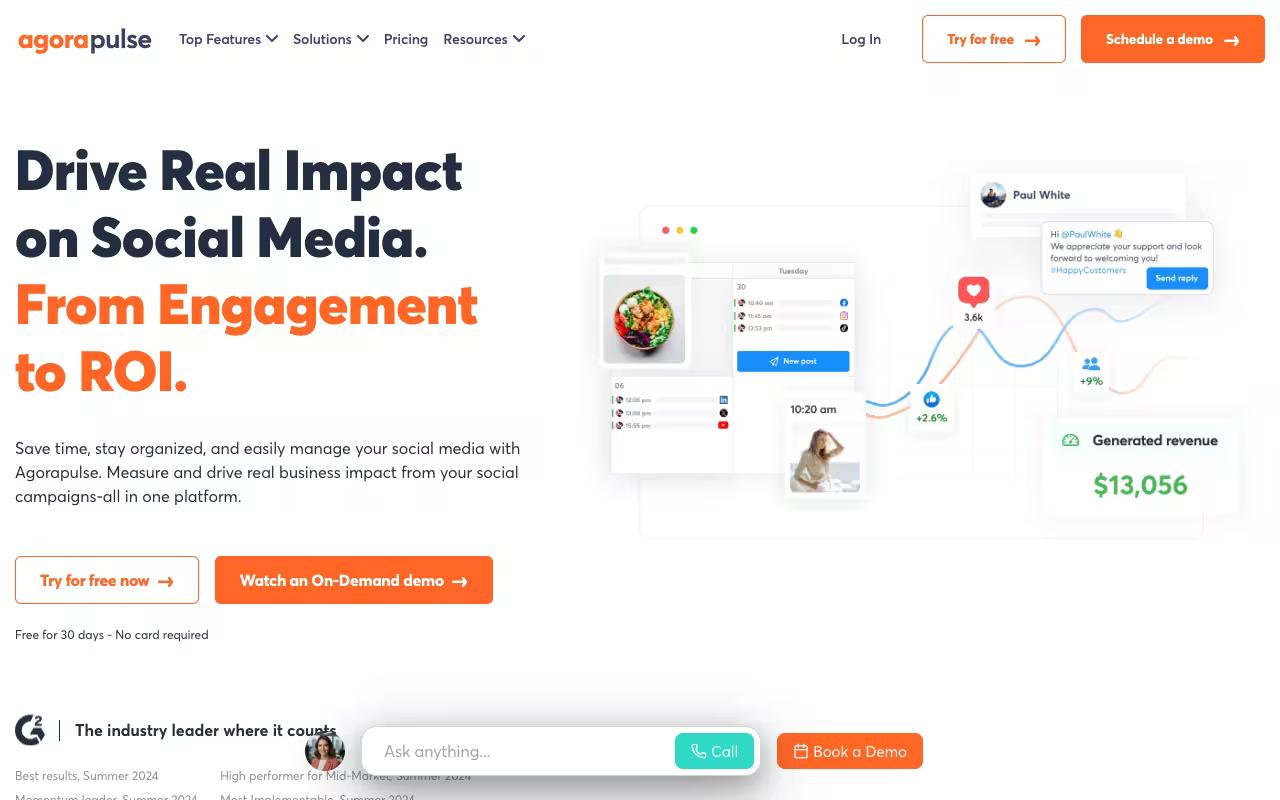
Agorapulse centralizes publishing, engagement, listening, and reporting, with a specific focus on proving social ROI by pulling data from Google Analytics and tying activity to revenue goals. It's built for businesses of all sizes, social managers, and agencies.
The five pillars (inbox, publishing, listening, reporting, ROI) make it a natural fit for teams that need client-ready reports and approval workflows.
Pros:
- Big time-saver for scheduling and staying active across multiple social channels
- Unified inbox makes community management (comments/messages across platforms) easy
- Strong reporting and analytics, including client-ready reports and Google Analytics integration
- Well-suited for agencies managing multiple client accounts, with client approval workflows for content calendars
- Responsive, helpful customer support (per multiple long-time users and a Reddit account of a quickly-fixed bug)
- Reliable cross-platform posting/scheduling without needing to duplicate content per platform
- Good LinkedIn support, including managing personal LinkedIn profiles (a differentiator vs. Sprout Social)
Cons:
- Some users report reliability issues: failing connection "tokens" causing scheduled posts to fail, and uploads getting stuck
- Customer support wait times can be long for some users (one reported a 6-hour wait to reach a person)
- Can be expensive, especially for smaller accounts or businesses with few social profiles to manage
- Limited support for Instagram Stories and multi-image posts, and no native video captions/titles or playlist management
- No management of personal LinkedIn inbox, video scheduling, or analytics on personal LinkedIn profiles
- No automatic image compression, requiring manual resizing of large images
- Billing based in France can trigger foreign-transaction fees for customers in other countries
- One reviewer reported a rocky experience after Agorapulse's acquisition of Mention, with prior features blocked
Pricing starts at $79/mo per user (Standard, billed annually) and climbs through Professional at $119/mo and Advanced at $149/mo billed annually, plus custom pricing for the top tier, according to Agorapulse's pricing page. Plans include a 30-day free trial.
Reviews lean positive. A social media consultant on LinkedIn praised its wide platform integration and per-platform post customization, and a Reddit user said it handles posting and scheduling very well while noting support was prompt about admitting and fixing a bug within a week.
It holds a TrustPilot 4/5 from 57 reviews (majority 5-star, with long-time users praising support and community), alongside G2 4.5/5 from 973 reviews and Capterra 4.5/5. The main knocks: some reliability issues with failing connection tokens and limited support for Instagram Stories and personal LinkedIn analytics.
On Capterra, Agorapulse holds 4.6/5. Reviewers commonly praise user-friendly social media management with helpful scheduling and inbox features and note occasional feature gaps and constraints around analytics or platform integrations. See the Capterra reviews page.
On G2, Agorapulse holds 4.5/5 across 973 reviews. Reviewers commonly praise ease of use, intuitive interface, and strong customer support and note limitations in some advanced features and reporting flexibility. See the G2 reviews and pros and cons pages.
Verdict: A strong agency and mid-market pick if ROI reporting and good LinkedIn support matter more to you than deep enterprise listening.
4. SocialPilot
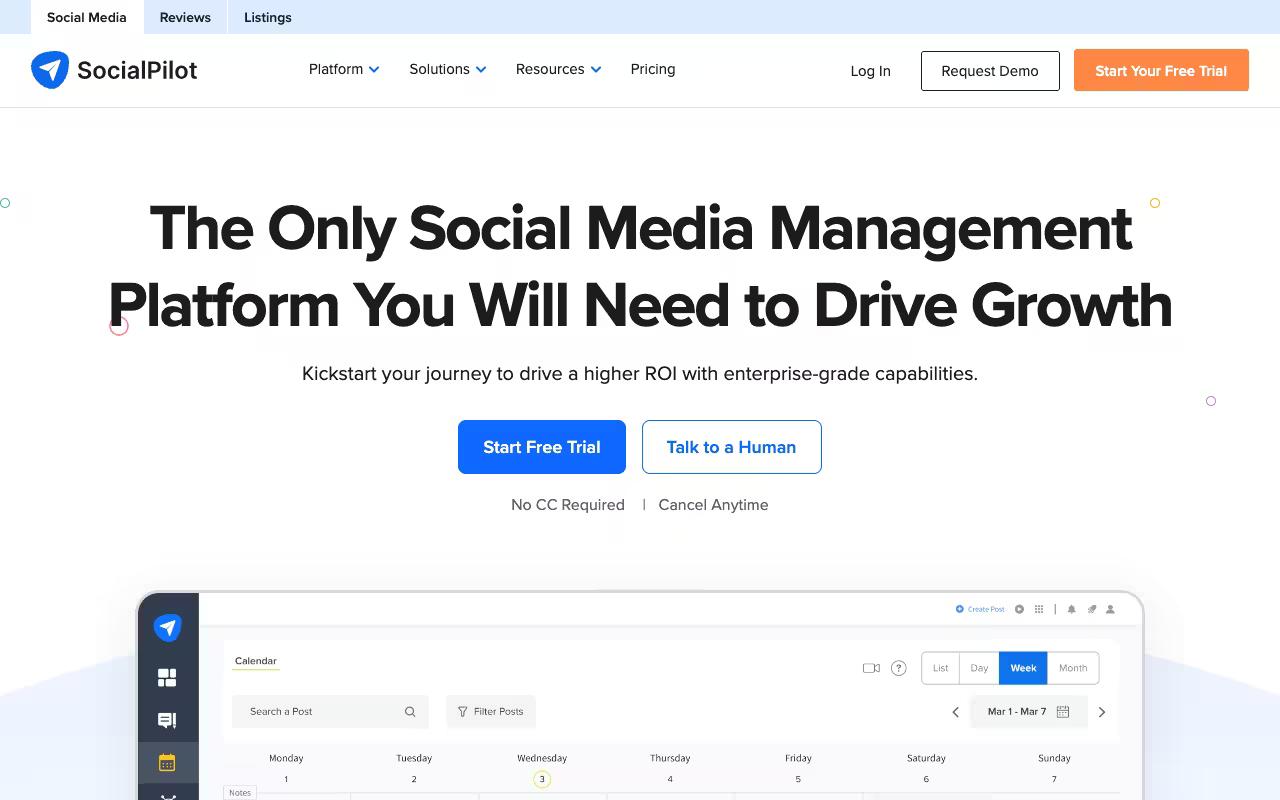
SocialPilot is a budget-conscious all-in-one for planning, scheduling, collaboration, engagement, analytics, and review management. It targets agencies and small-to-midsize marketing teams scaling their social efforts, with a composer, bulk scheduling of up to 500 posts via CSV, a content calendar, and an AI Pilot for captions and brand voice.
Pricing is the pitch here: Essentials at $30/mo, Standard at $50/mo, Premium at $100/mo, and Ultimate at $200/mo, plus custom Enterprise pricing, according to SocialPilot's pricing page. Annual billing knocks off roughly 15%.
On reviews, sentiment is mixed. A TrustPilot reviewer flagged a refund dispute even as a nonprofit user praised responsive support that replied within 24 hours. The TrustPilot 2.6/5 from 38 reviews sits well below its G2 4.5/5 from 840 reviews and Capterra 4.5/5, with the low TrustPilot score driven largely by refund and billing frustrations rather than the product's scheduling core.
On Capterra, SocialPilot holds 4.4/5. Reviewers commonly praise intuitive scheduling workflows and reliable multi-platform social media management and note occasional glitches and constraints in advanced analytics and reporting flexibility. See the Capterra reviews page.
On G2, SocialPilot holds 4.5/5 across 846 reviews. Reviewers commonly praise easy-to-use interface and centralized social media scheduling and management and note limited customization and depth of reporting and analytics compared to more advanced tools. See the G2 reviews and pros and cons pages.
Verdict: The value play for agencies watching costs, as long as you go in aware of the billing complaints.
5. Sendible
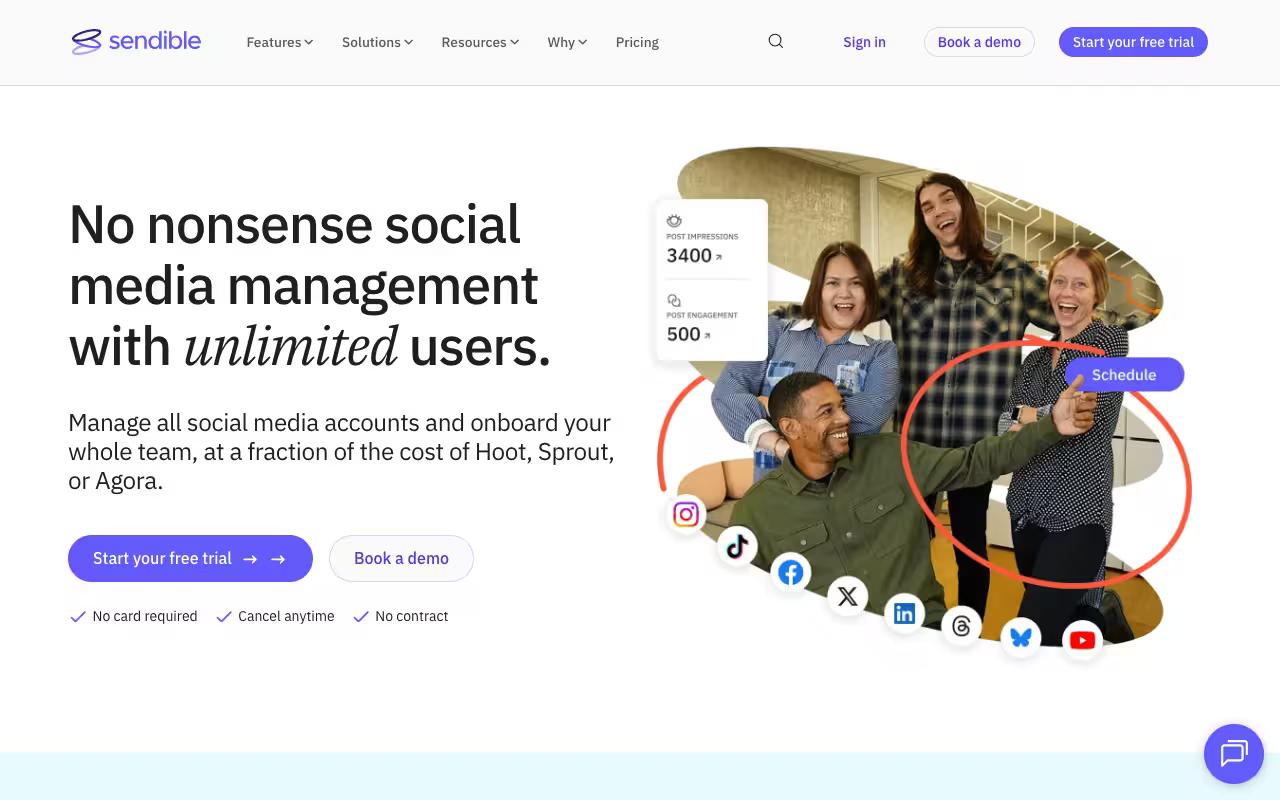
Sendible is an all-in-one platform for managing multiple accounts at scale, covering scheduling, monitoring, engagement, and reporting. It's aimed squarely at agencies, marketers, and brand managers, with workspace-based organization that suits teams juggling many clients or locations.
Pros:
- Easy to use, even for a one-person marketing team or small agency
- Efficiently manages multiple clients, locations, and platforms in one place
- Content calendar and 'best time to post' auto-scheduling are well liked
- Built-in Canva integration for quick graphic edits before posting
- Seen as good value compared to pricier competitors like Hootsuite
- Customer support/Customer Success Managers frequently praised as helpful
Cons:
- Occasional post-publishing reliability issues reported, especially on Instagram
- Billing/refund practices criticized (customers charged automatically with a strict no-refund policy)
- Difficulty downgrading subscriptions, with confusing steps and loss of functionality/users
- Post-sales support described as unhelpful by some despite generally positive support reviews elsewhere
- Advanced agency features like white-label reporting and approval workflows require significantly pricier plans
Plans run from Core at $35/mo through Plus at $99/mo, Premium at $199/mo, Elite at $299/mo, and Enterprise at $750/mo, all with unlimited users, according to Sendible's pricing page. There's a 14-day free trial.
Reviews are largely positive with sharp outliers. TrustPilot reviewers (4.2/5 from 23 reviews) praise how easy it makes one-person and multi-location management, along with the content calendar and best-time-to-post feature. It also holds G2 4.5/5 from 899 reviews and Capterra 4.5/5.
On Capterra, Sendible holds 4.6/5. Reviewers commonly praise user-friendly scheduling and approvals workflows that save time for agencies and small businesses and note mobile app instability, limited functionality versus desktop, and higher pricing for smaller teams. See the Capterra reviews page.
On G2, Sendible holds 4.5/5 across 905 reviews. Reviewers commonly praise ease of use and time-saving post scheduling for managing multiple social media accounts and note glitches and limitations in certain integrations, especially instagram and linkedin, plus occasional publishing and connectivity issues. See the G2 reviews and pros and cons pages.
Verdict: A solid agency choice thanks to unlimited users on every plan, but test Instagram reliability during the trial.
6. Planable
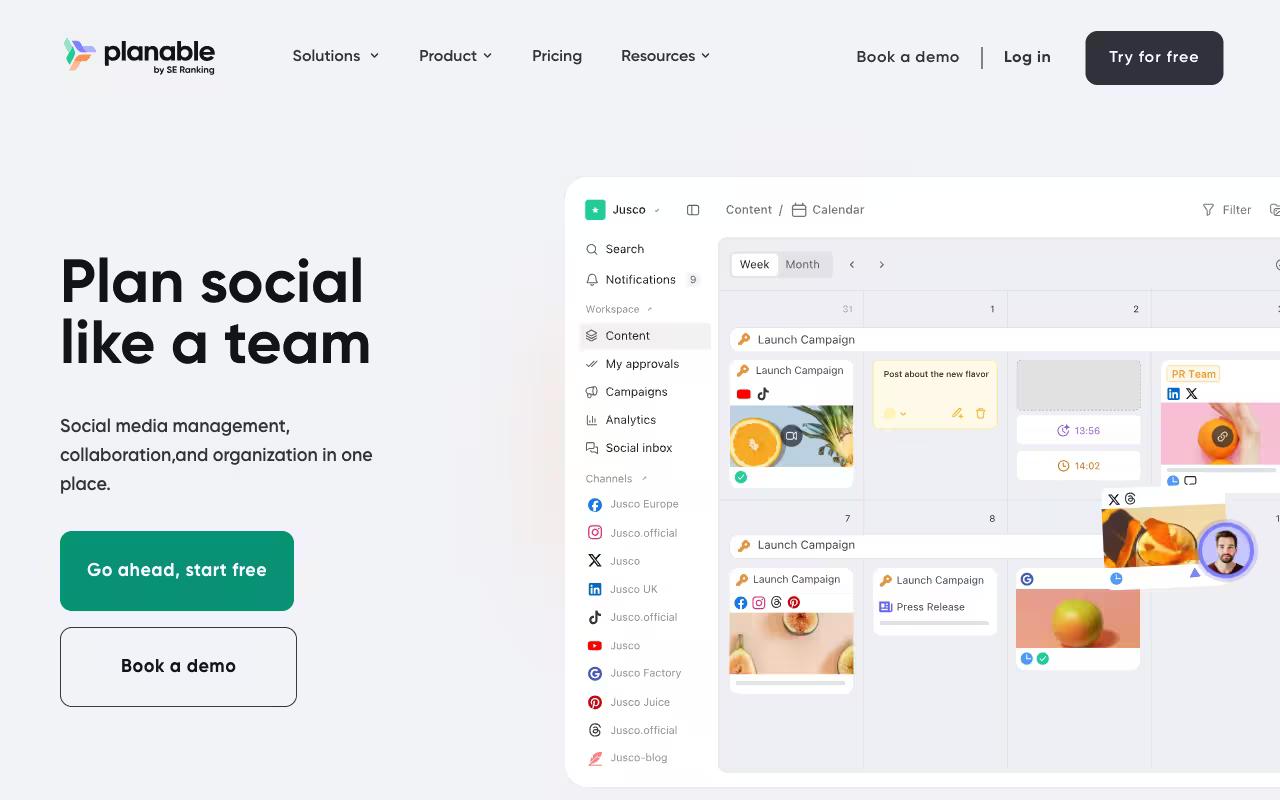
Planable is collaboration-first, built to help teams and clients create, discuss, approve, publish, and analyze content in one place instead of scattering it across spreadsheets and email. It supports nine social networks plus blog, newsletter, and campaign-brief content, with version history, grouped multi-platform posts, and multi-level approval workflows.
It's a natural fit for agencies and multi-brand companies where approvals are the bottleneck.
Pros:
- Intuitive, easy-to-use interface for scheduling and planning posts
- Strong collaboration and client approval workflow that reduces email back-and-forth
- Visual calendar with drag-and-drop makes rescheduling easy
- Lets teams preview exactly how posts will look on each platform before publishing
- Good for straightforward, visual content planning and quick approvals
Cons:
- UI can be clunky and buggy (buttons not responding, issues on both browser and mobile app)
- Platform integrations are spotty, especially for Instagram Stories and Pinterest
- Storage is very limited on the basic plan
- Increasing number of features gated behind paid add-ons
- Some reports of scheduled posts failing to publish with little explanation
- Difficult to tag donors/partners differently across platforms when crossposting
- Feels limited for teams needing deeper cross-channel analytics and reporting
- Slow customer support response in some cases
Pricing is per workspace with unlimited users: Basic at $33/workspace/month, Pro at $49/workspace/month, and custom Enterprise pricing, according to Planable's pricing page. The first 50 posts are free with no time limit or card required.
Reviews center on the collaboration workflow. TrustPilot reviewers (4.3/5 from 71 reviews) call it easy to set up and praise how the approval process kills email back-and-forth, and it holds G2 4.6/5 from 1017 reviews and Capterra 4.6/5.
The consistent complaints: a clunky, occasionally buggy UI, spotty Instagram Stories and Pinterest integrations, and thinner cross-channel analytics than some teams need.
On Capterra, Planable holds 4.5/5. Reviewers commonly praise intuitive interface and streamlined collaboration workflows for social media content planning and approvals and note limited analytics depth and feature set compared with full-scale social media management platforms. See the Capterra reviews page.
On G2, Planable holds 4.6/5 across 1,071 reviews. Reviewers commonly praise ease of use and visual collaboration features for planning, previewing, and approving social media content and note pricing and plan limits, which can feel high or restrictive for smaller agencies and multi-brand workspaces. See the G2 reviews and pros and cons pages.
Verdict: The pick when content approval and client sign-off are your main pain, less so if you need deep analytics.
7. Oktopost
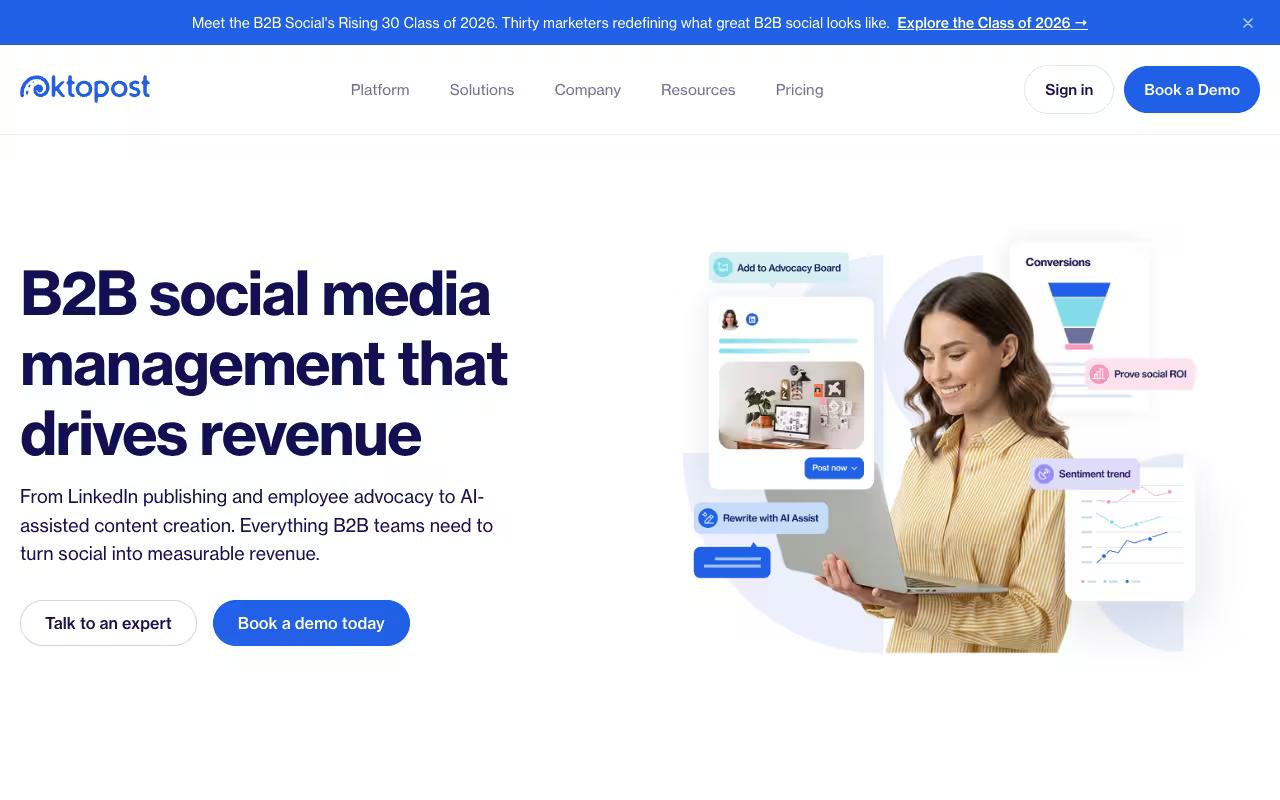
Oktopost is the most B2B-specific tool on this list, built to connect LinkedIn publishing, employee advocacy, funnel analytics, and CRM integration into one platform for teams that measure social by pipeline.
Every post is tied to a campaign for cleaner reporting, and the advocacy features (pre-curated posts, one-click sharing, leaderboards) target exactly the employee advocacy program most marketing leaders struggle to run over ad-hoc Slack pings.
Pricing isn't self-serve. The Professional Package starts at $8,000/year and the Advanced Package starts at $12,000/year, which adds SAML SSO, SCIM provisioning, and the Oktopost API, according to Oktopost's pricing page. Final cost scales with users and modules.
On reviews, a Reddit user in r/marketing described using Oktopost for employee advocacy, praising the app that populates pre-curated posts and the leaderboard visible to everyone involved. Oktopost holds G2 4.5/5 from 200 reviews and Capterra 4.5/5.
On Capterra, Oktopost holds 4.5/5. Reviewers commonly praise comprehensive social media management tailored to b2b marketers with powerful reporting and advocacy tools and note relatively high cost and complexity of setup and configuration. See the Capterra reviews page.
On G2, Oktopost holds 4.5/5 across 203 reviews. Reviewers commonly praise robust b2b-focused social media management with strong analytics and employee advocacy features and note pricing, learning curve, and limitations around certain social network integrations. See the G2 reviews and pros and cons pages.
Verdict: The enterprise-grade advocacy and CRM-attribution option if your budget clears five figures a year and pipeline reporting is non-negotiable.
8. Zoho Social
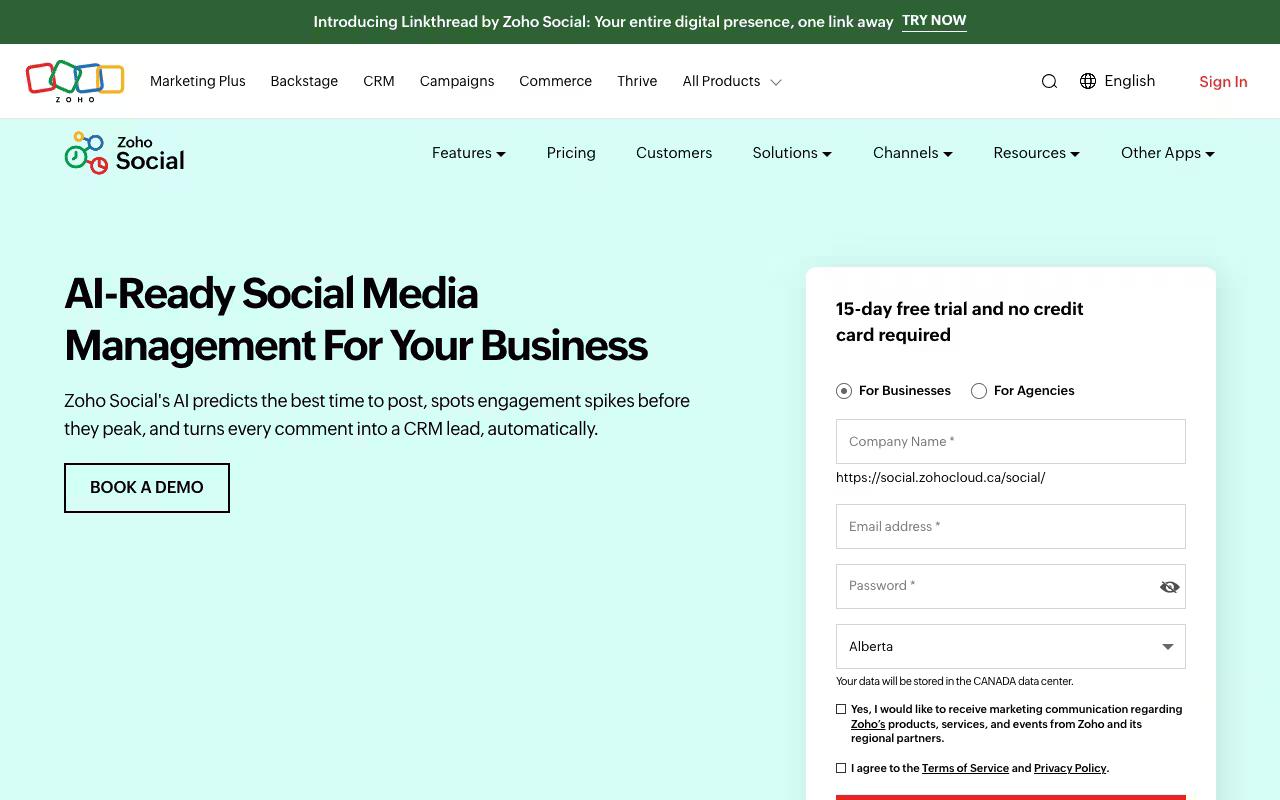
Zoho Social handles scheduling, real-time monitoring, and performance reporting, with a publishing calendar, SmartQ timing predictions, an AI assistant (Zia), and team collaboration through roles and approval workflows.
It fits everyone from individuals to agencies managing multiple brands, and it plugs into the wider Zoho ecosystem including Zoho CRM.
Pros:
- Easy, intuitive scheduling of posts across multiple social platforms from one dashboard (Trustpilot)
- Saves significant time by posting to multiple channels at once instead of individually (Trustpilot)
- Affordable/inexpensive pricing compared to alternatives like Hootsuite and Sprout Social (Reddit, Trustpilot)
- Good post customization options, e.g. reel covers, multiple media formats (Trustpilot)
- Comprehensive feature set for businesses/agencies managing online presence (Trustpilot)
Cons:
- Considered basic/limited for advanced social media marketing compared to Hootsuite or Sprout Social (Reddit)
- File upload quality for videos could be improved (Trustpilot)
- General Zoho account/support issues reported (confusing support pages, hard to cancel subscriptions) - not Social-specific but relevant to the Zoho ecosystem (Trustpilot)
There's a free-forever plan, then Standard at $15/mo (about $10/mo billed annually), Professional at $40/mo, Premium at $65/mo, and Agency tiers from $320/mo, according to Zoho Social's pricing page. Annual billing saves roughly a third.
Reviews are generally warm on ease and price.
On Capterra, Zoho Social holds 4.7/5. Reviewers commonly praise ease of use, scheduling, and affordable social media management and note limited analytics, missing features, and occasional usability constraints. See the Capterra reviews page.
On G2, Zoho Social holds 4.6/5 across 2,942 reviews. Reviewers commonly praise ease of use, scheduling, and centralized multi-platform social media management and note limited advanced analytics, feature gaps, and missing platform integrations. See the G2 reviews and pros and cons pages.
Verdict: The affordable, easy-onboarding choice, especially if you already live in the Zoho ecosystem and don't need enterprise-depth features.
9. CoSchedule
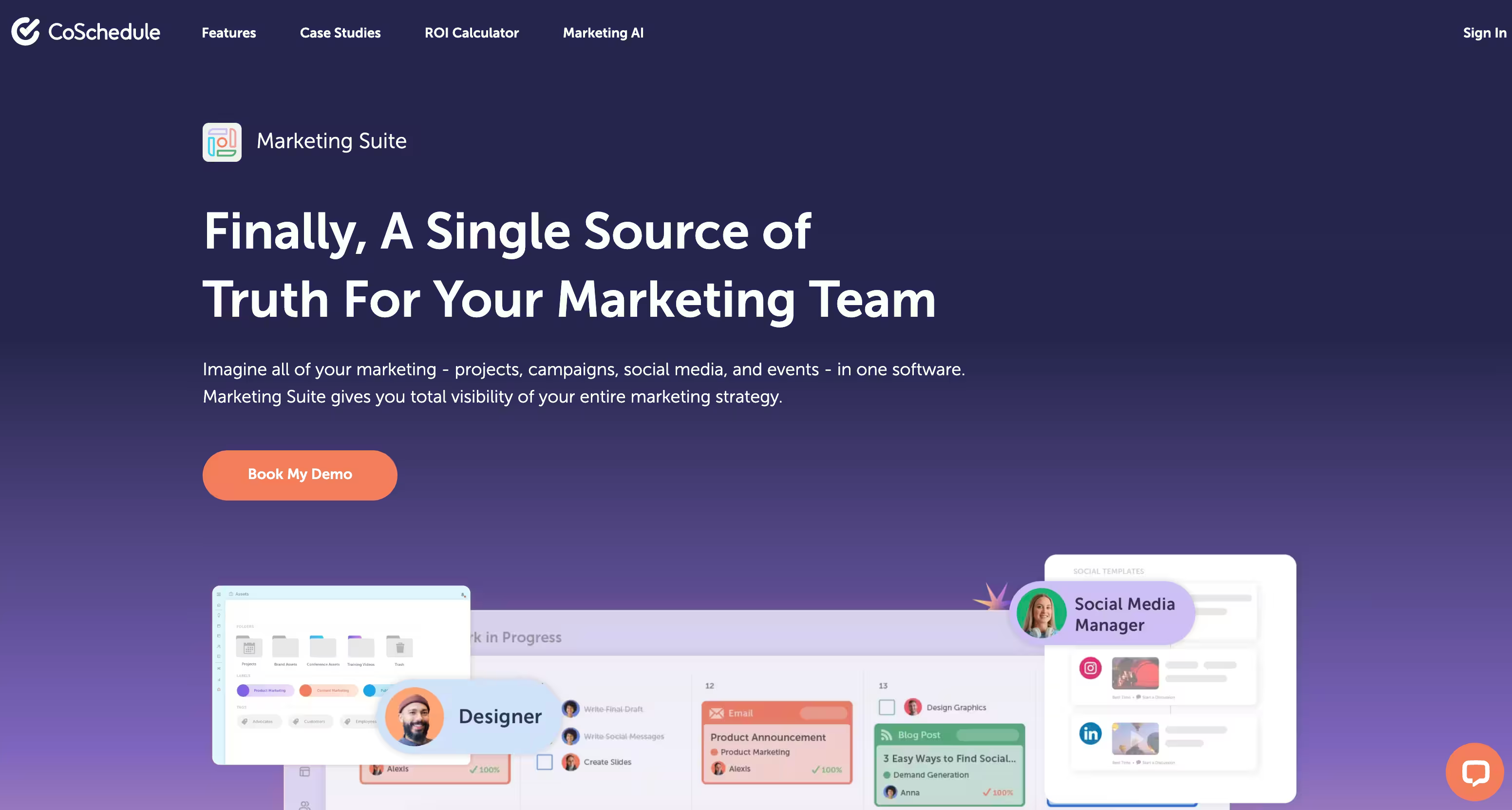
CoSchedule is a marketing calendar and work-management platform that organizes social, content, events, and projects in one place. It's sold as tiered products (Social Calendar, Agency Calendar, Content Calendar, Marketing Suite) and suits marketers from solopreneurs to enterprise teams that want their social calendar living alongside broader project work.
ReQueue for republishing top content and a built-in message optimizer round out the social side.
Pros:
- Handles multiple use cases well (social media management, content management, marketing calendar, project management, reporting)
- Solid for cross-platform scheduling and approval workflows
- Good integrations across social platforms
- Scales from small teams to larger departments (20-100 people)
Cons:
- Can feel heavy/clunky compared to newer, more AI-focused tools, especially for short-form content
- Some reviewers report pricing creeping up while features are reduced over time
- Billing complaints, including difficulty removing a card or canceling
- Complaints about personal data handling and unwanted marketing emails
Pricing starts with a free calendar, then Social Calendar at $19/user/mo (billed annually), Agency Calendar at $59/user/mo, and custom pricing for Content Calendar and Marketing Suite, according to CoSchedule's pricing page.
Reviews are thin and mixed. A Reddit commenter called it "solid for multi-platform, but feels a bit heavy," and TrustPilot 3/5 from 5 reviews includes a 5-star note praising its range across social, content, and project management. It also holds Capterra 4.5/5. That five-review TrustPilot sample is too small to lean on hard, and the negative reviews cluster around pricing creep and billing rather than the calendar itself.
On Capterra, CoSchedule holds 4.4/5. Reviewers commonly praise centralized marketing calendar and streamlined social media scheduling and note pricing structure and learning curve for advanced features. See the Capterra reviews page.
Verdict: Worth a look if you want social scheduling folded into a wider marketing calendar, less so if you want a lightweight, social-only tool.
10. Buffer
Buffer is a social media workspace for publishing, content creation, community engagement, and analytics across a wide set of platforms including Bluesky, Threads, and Mastodon.
It's aimed at creators, small businesses, and agencies who want a clean, simple way to schedule and grow, with review and approval workflows for teams.
Pros:
- Easy to use and intuitive interface
- Saves significant time on scheduling social posts
- Good value/pricing compared to alternatives like Hootsuite
- Responsive customer support noted by some users
- Supports newer platforms like Bluesky and Facebook groups
Cons:
- Account connection issues and frequent need to reconnect/refresh social accounts
- Scheduled posts sometimes fail to publish reliably
- Some features (like image adjustment or comment replies) are limited or clunky
- Can feel expensive at higher tiers/more accounts relative to competitors
- Poor customer service experiences reported by some users
Pricing is per channel: a free plan for up to 3 channels, Essentials from $5/mo per channel (billed yearly), and Team from $10/mo per channel (billed yearly), according to Buffer's pricing page. There's a 14-day free trial on paid plans.
Reviews are positive but mixed. Reddit users say it's easier to use with a better interface and stronger support than Hootsuite, and cheaper too. On TrustPilot (3.4/5 from 112 reviews), fans call it easy and a time-saver while critics cite unreliable account connections and post failures.
On Capterra, Buffer holds 4.5/5. Reviewers commonly praise simple, user-friendly social media scheduling and publishing and note constraints around in-depth reporting features and platform-specific functionality. See the Capterra reviews page.
On G2, Buffer holds 4.3/5 across 1,039 reviews (via Perplexity). Reviewers commonly praise ease of use and intuitive social media scheduling interface and note limited advanced analytics and customization options compared to some competitors. See the G2 reviews and pros and cons pages.
Verdict: A clean, affordable per-channel option for creators and small teams, though the per-channel model gets pricey as you scale accounts.
FAQ
Which Sprinklr Alternative Is Best For A Small Team That Needs Many Seats?
If seat count is the sticking point, the tools that don't charge per user change the math entirely. Ordinal's Pro plan is $265/mo with unlimited seats, so a 10-person team pays the same as a 3-person one (versus per-seat tools like Hootsuite, where 10 users runs $990/mo and up). Sendible also includes unlimited users on plans from $35/mo, and Planable prices per workspace with unlimited users from $33/workspace/month. Ordinal is the strongest fit if you want unlimited seats and deep LinkedIn support and approvals in the same tool, rather than trading one off for the other.
Which Of These Tools Support Employee Advocacy Programs?
Ordinal includes employee advocacy on its Enterprise tier alongside SAML/SSO and leads data, and pairs it with auto-engagement and Slack boost channels so the first-ten-minutes engagement that advocacy depends on is built into the same workflow. Oktopost is the most advocacy-dedicated option, with pre-curated posts, one-click sharing, and leaderboards, though its Professional package starts at $8,000/year. If a formal advocacy program with reporting is a strategic priority, those two are the ones to shortlist — Ordinal if you want it inside a full publishing-and-collaboration tool, Oktopost if you need the standalone advocacy depth and have the enterprise budget.
Which Alternatives Have The Best Verified Ratings?
Among the tools with review data, Planable holds G2 4.6/5 from 1017 reviews and Capterra 4.6/5, Zoho Social holds G2 4.6/5 from 2870 reviews and Capterra 4.6/5, and Agorapulse holds G2 4.5/5 from 973 reviews with TrustPilot 4/5 from 57 reviews. Hootsuite and Later both carry high G2 scores but notably low TrustPilot scores (1.3/5 and 1.4/5 respectively), largely over billing disputes, so it pays to read across platforms rather than trusting a single aggregate.
Related Posts
Looking to learn more? The below posts may be helpful for you to learn more about social media and content marketing.