The phrase "marketing workflow management software" covers two very different purchases, and buying the wrong one is expensive. One is a general work management platform where marketing is a department among many: boards, Gantt charts, request intake forms, resource planning. The other is a marketing-native system, where the workflow ends in a published post instead of a closed ticket.
Plenty of teams buy the first when they needed the second. They end up with a beautiful approval chain in ClickUp or Asana, then copy the approved copy into LinkedIn by hand and hope someone remembers to hit publish. The workflow gets managed; the publishing gets left to chance.
Below are eight tools that fall on different sides of that line, with pricing straight from each vendor's pricing page and review sentiment from verified sources. The at-a-glance table just underneath compares them on best-for, features, price and rating, so start there if you're triaging.
At a glance
Ordinal is our own product. Its row uses the same sourced facts as every other tool, and it carries no rating we issued ourselves.
What Makes a Good Marketing Workflow Management Software
Workflow-to-publish distance
The core split the article draws is between tools that manage the approval and planning process and tools that actually push content live. A general work management platform can produce a beautifully approved draft that still has to be copy-pasted into a native app by hand, while a marketing-native tool carries that same draft through to a published post.
Native social capabilities
Beyond generic scheduling, look at whether the tool offers social-specific mechanics like auto-engagement, platform-specific previews, and multi-account calendars — features a general project board simply has no equivalent for.
Scale-dependent usability
A tool that feels intuitive for a small team can turn cumbersome as bases, sheets, or campaigns grow — reviewers flag performance drag, steeper learning curves, and configuration complexity that only appears at larger scale.
Pricing structure and entry cost
Starting prices, per-seat versus flat plans, and what's gated behind higher tiers vary enough across these tools that the sticker price on the comparison table only tells part of the story.
The Marketing Workflow Management Software Worth Shortlisting
1. Ordinal

Ordinal is an end-to-end platform for drafting, planning, and scheduling social content, built for teams whose marketing workflow ends in a published post. It's used by content agencies, founders and executives, social media managers, and growth teams, with more than 1,000 marketing teams on the platform. The drafting editor, the approvals, the calendar and the publishing all live in the same place, which removes the usual handoff between a project tool and the native app.
Pricing starts at $95/mo for Starter (up to 3 seats, 4 social profiles, 50 scheduled posts and 30 AI content generations per month, approvals, 14-day analytics), with Pro at $265/mo adding unlimited seats, unlimited scheduled posts, all-time analytics, automated engagement, approval workflows and API/MCP/webhook access. Enterprise is custom and adds leads data, employee advocacy, custom permissions and SAML/SSO. Annual billing drops Starter to $85/mo and Pro to $235/mo, and both paid plans include a 14-day free trial, according to Ordinal's pricing page.
Here's why Ordinal fits this particular search. The fragmented workflow most marketing teams live with looks like Google Docs for drafting, Slack for approvals, native apps for publishing, and a spreadsheet for tracking performance. Ordinal collapses that into one system: a Notion-like editor with in-line comments and share links, approval workflows so an exec's post gets signed off before it goes live instead of being negotiated over Slack DMs, a unified content calendar across multiple brand and executive accounts, and one-click cross-posting to LinkedIn, X, Instagram, Facebook, Threads, TikTok and YouTube Shorts.
Auto-engagement is the piece general work management tools can't replicate at all, since likes, comments and reposts can be scheduled from any connected teammate account to give a post early momentum. On LinkedIn specifically you get personal and company tagging, PDF carousels, video, and a realistic preview that shows exactly where the hook cuts off before "see more." If your marketing workflow is mostly social and executive content, this replaces a project tool plus a scheduler plus the manual copy-paste step between them.
Verdict: The right choice when your workflow needs to end in a published post rather than a completed task.
2. Airtable
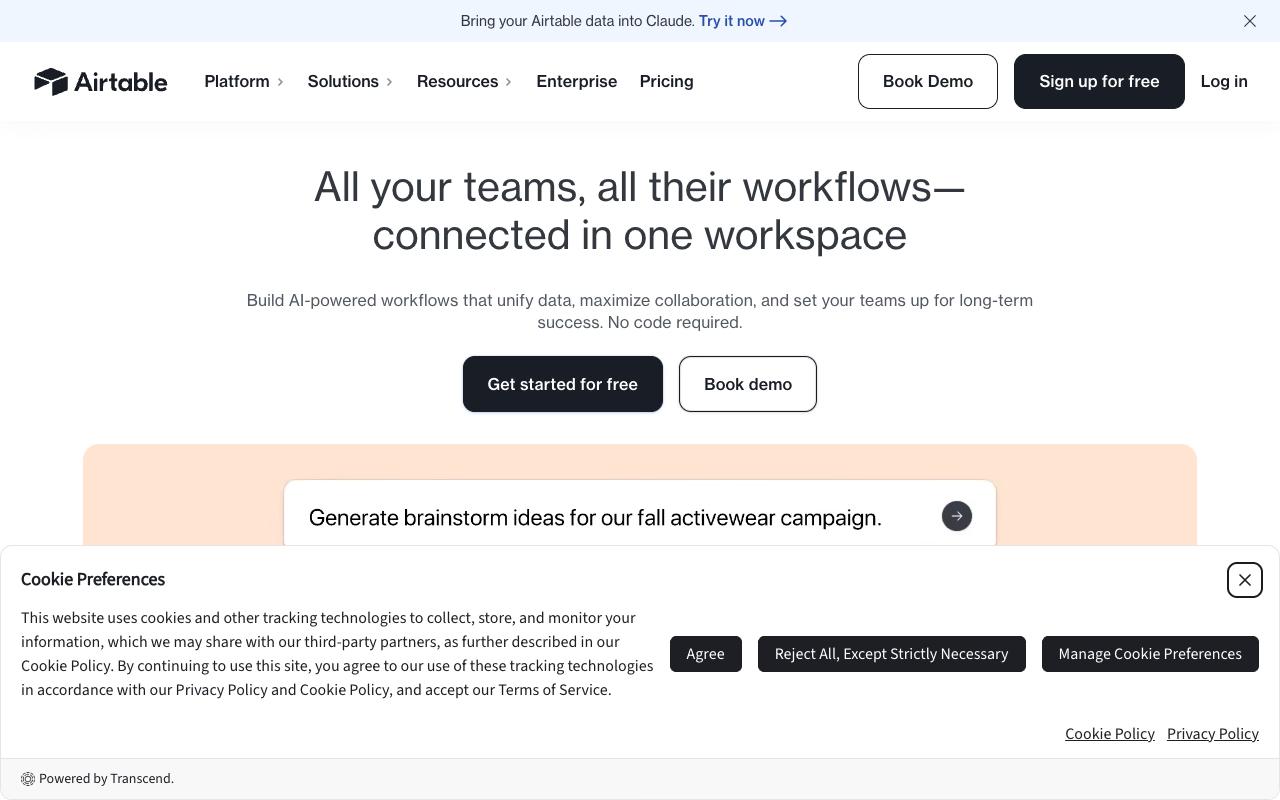
Airtable is a no-code operations platform that unifies data and builds workflows, apps and AI agents in one workspace. Marketing teams typically use it as a flexible content database with Grid, Kanban and Calendar views layered on top, plus automations to move work between stages. The homepage says it's trusted by 500,000 teams.
Pros:
- Strong automation capabilities described by users as a 'power-house for automation'
- Granular access/permissions and filtering conditions for controlling what collaborators can do
- Flexible, easy-to-learn views (Grid, Kanban, Calendar) for turning scattered data into visual workflows
- Some users find pricing (including nonprofit discounts) competitive versus alternatives like Salesforce or Smartsheet
- Praised by some reviewers simply as an 'amazing tool' for productivity
Cons:
- Frequent complaints of unexpected/deceptive billing, including charges after cancellation and surprise fees for extra seats
- Customer support described as inflexible and slow, with refund and cancellation requests often refused
- Performance (loading/refreshing/edit sync) can slow down noticeably as bases grow larger with more simultaneous editors
- Recent AI feature rollout reportedly introduced lag and broke previously reliable functions like filters and attachments
- Not well suited for repeatedly updating items or sharing/annotating information with attachments
- Limited ability to export attachment data out of Airtable in bulk
- No-code setup can be quick to build but harder to maintain or change over time
Pricing runs Free ($0, 1,000 records per base), Team at $20/collaborator/month billed annually ($24 monthly), Business at $45/collaborator/month billed annually ($54 monthly), and custom Enterprise Scale pricing, per Airtable's pricing page.
On LinkedIn, a post by Felipe Saucedo comparing Notion, Airtable, monday.com and ClickUp (he says he tried and got certified in all four) called Airtable "amazing for automations and proper DB development," noting you can "grant really granular access and set up filtering conditions to limit what people can do" and "run custom scrips making this a power-house for automation." His main criticism: it's "no so good when you want to update items and share information multiple times and take notes with attachments," which is a fair description of a content review process. A commenter, Kamilla Gafurzianova, raised cost as a factor.
TrustPilot tells a different story, with Airtable at 2/5 from 157 reviews, driven by billing and support more than the product itself. One reviewer wrote, "After having tried to unsubscribe multiple times, to their spam emails, they keep sending me emails," and several described unexpected charges after cancelling or being billed for seats added during testing. Support gets described as offering "zero flexibility" with customers and "zero interest in" resolving issues.
On Capterra, Airtable holds 4.6/5. Reviewers commonly praise versatile, easy-to-use platform that combines spreadsheet simplicity with structured database features and strong customization and note cost concerns for larger deployments and learning curve or complexity when configuring more advanced setups. See the Capterra reviews page.
On G2, Airtable holds 4.6/5 across 3,288 reviews. Reviewers commonly praise flexible no-code database and spreadsheet-like interface that is easy to customize for many workflows and note pricing that becomes expensive as teams scale and limitations around advanced features and large-scale usage. See the G2 reviews and pros and cons pages.
Verdict: A strong automation and content-database layer if you can live with the billing reputation and the awkwardness around attachments.
3. Smartsheet
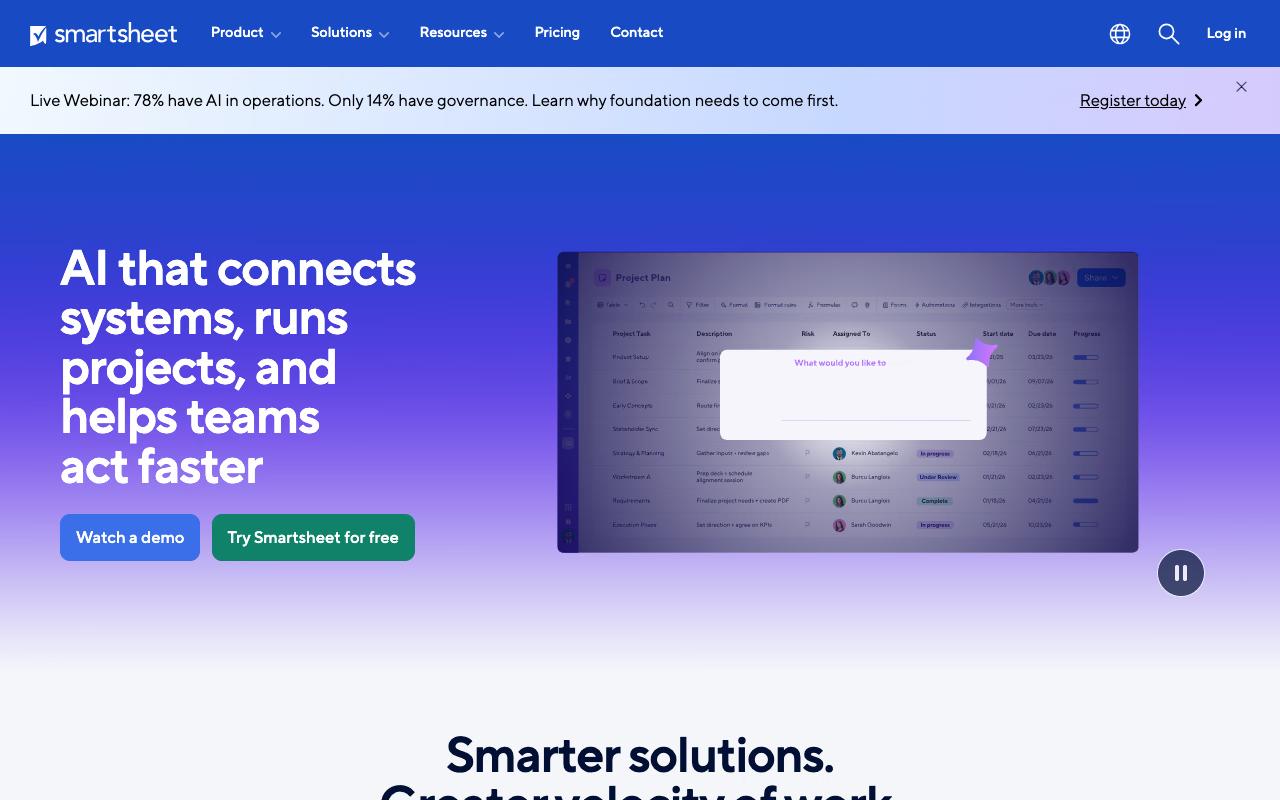
Smartsheet is an AI-powered work management platform built around portfolios, real-time dashboards and connected workflows. For marketing it covers campaign plans, workload tracking, branded intake forms with conditional logic, and scenario planning for what-if timeline changes. Its audience skews enterprise, with the homepage noting that 85%+ of Fortune 500 companies use it.
Pros:
- Core software/functionality is well regarded even by unhappy reviewers ("the software itself is a blessing")
Cons:
- Customer support is slow and unresponsive, with tickets left unassigned for weeks or months
- Heavy reliance on AI/automated support responses that fail to resolve real issues
- Billing and account administration problems (e.g. email/account changes, incorrect charges) are hard to get fixed
- Some reviewers find the UI cumbersome/not user-friendly for cross-functional, multi-campaign project management
Plans start at $9 per member/month billed yearly ($12 monthly) for Pro, $19 per member/month billed yearly ($24 monthly) for Business, with Enterprise and Advanced Work Management both custom priced, according to Smartsheet's pricing page.
Smartsheet holds a TrustPilot rating of 1.3/5 from 123 reviews, and the complaints cluster on support and billing, with the software itself mostly spared. One reviewer wrote, "I've had support requesting sitting unassigned for about two months and going," while a long-time customer said, "I've received repetitive automated and AI-generated responses that haven't addressed the actual problem." Even unhappy reviewers concede the product works, and one called the software "a blessing." Account admin problems like email changes and incorrect charges come up repeatedly as hard to get resolved.
On Capterra, Smartsheet holds 4.5/5. Reviewers commonly praise versatile work management and project tracking with an intuitive spreadsheet-like interface and strong collaboration features and note can be difficult to master for new users, with complex configurations and performance or usability issues at larger scale. See the Capterra reviews page.
On G2, Smartsheet holds 4.4/5 across 22,743 reviews. Reviewers commonly praise flexible project and work management with powerful collaboration, automation, and dashboard capabilities and note steep learning curve, complex advanced features and automation setup, and occasional limitations in formatting and performance on large or complex sheets. See the G2 reviews and pros and cons pages.
Verdict: Capable portfolio and campaign management at a low per-seat entry price, undercut by a support experience reviewers describe as unresponsive.
4. CoSchedule
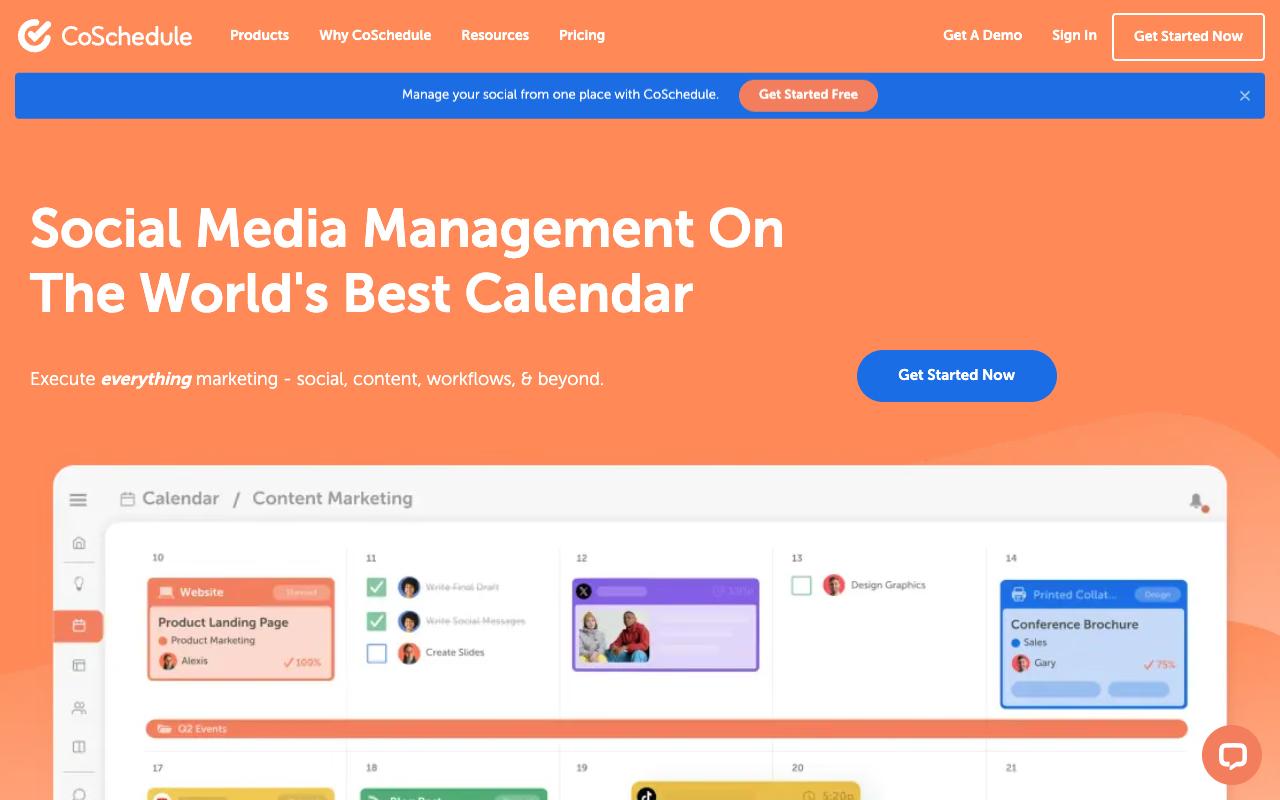
CoSchedule is one of the few tools here built specifically for marketers rather than adapted for them. It combines a marketing calendar of record with social publishing, ReQueue for automatically republishing top performers, a social inbox, approvals, digital asset management and request forms. CoSchedule says it's trusted by more than 100,000 marketers.
Pros:
- Works well as an all-in-one marketing tool covering social media management, content management, marketing calendar, project management and reporting
- Scales from small teams (1-2 people) up to larger organizations (20-100 people)
Cons:
- Poor customer support, especially when third-party platforms like Meta change and break integrations
- Difficult to cancel subscriptions and remove billing/card information
- Features reportedly get reduced over time while pushing customers toward pricier subscription tiers
- Concerns about personal data handling and unwanted marketing emails after account deletion attempts
The Free Calendar is $0 for 1 user and 1 social profile. Social Calendar is $19/user/month billed annually ($29 monthly), Agency Calendar is $59/user/month billed annually ($69 monthly), and Content Calendar and Marketing Suite are both custom priced, per CoSchedule's pricing page.
In an r/socialmedia thread, one commenter described CoSchedule as "solid for multi-platform, but feels a bit heavy."
A MarketersClique post on LinkedIn rounding up user feedback highlighted the "clean calendar & drag-and-drop scheduling that makes content planning visual and fast," said collaboration features like task assignments and approvals "cut down back-and-forth" with workflows feeling tighter, and noted strong integrations with social platforms and WordPress. The same roundup flagged "a learning curve and price that can add up for small teams," though it said many users feel the ROI comes from saved time.
On TrustPilot, CoSchedule sits at 2.7/5 from 6 reviews, a small sample dominated by complaints. One reviewer wrote, "Coschedule support is awful. Anytime META updates the software breaks connection and the company does NOTHING to remedy for their clients using it." Another called the software "cluncky and useless" and said, "Once you do they keep charging you and dont allow you to remove your card."
On Capterra, CoSchedule holds 4.4/5. Reviewers commonly praise intuitive interface for planning and scheduling social media and campaigns, with strong organization across marketing teams and note pricing and value concerns, learning curve for advanced features, and occasional limitations in customization and integrations. See the Capterra reviews page.
On G2, CoSchedule holds 4.3/5 across 152 reviews. Reviewers commonly praise ease of use and time-saving centralized marketing calendar and scheduling and note limited and sometimes outdated integrations, expensive advanced features, and inconsistent customer support responsiveness. See the G2 reviews and pros and cons pages.
Verdict: The closest thing here to a purpose-built marketing calendar, with support and billing as the recurring risk.
5. ClickUp
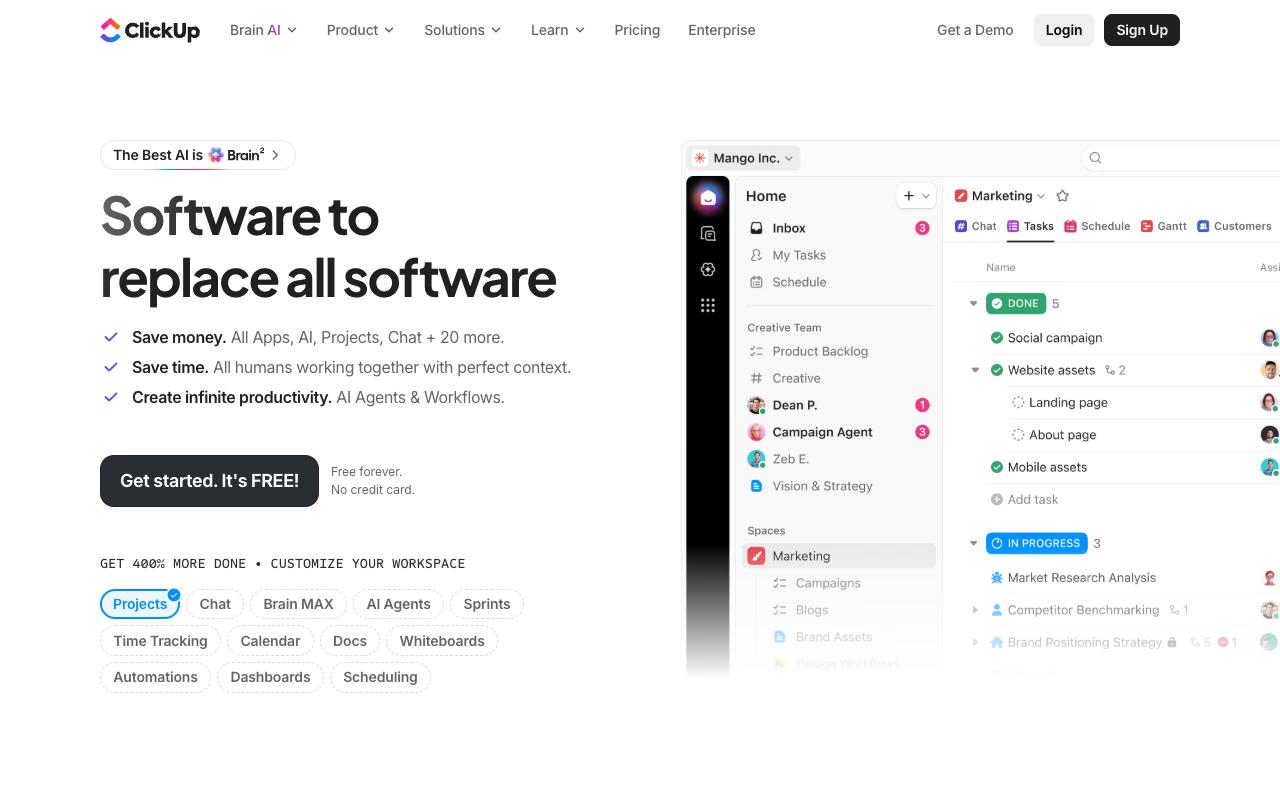
ClickUp targets "work sprawl" by pulling projects, docs, chat, AI, time tracking and dashboards into one workspace. Marketing teams get 15+ views including List, Kanban, Gantt, Calendar and Whiteboards, plus automations, custom task types and ClickUp Brain for summarizing and prioritizing. It's built for whole organizations, not a single department.
Pros:
- All-in-one workspace that consolidates tasks, docs, chat, and dashboards, replacing multiple point tools
- Highly customizable workflows via custom fields, views, and hierarchy (Spaces/Folders/Lists)
- Built-in AI (ClickUp Brain/BrainMAX) praised for summarizing tasks, reports, and prioritizing work
- Strong native automations that reduce manual/repetitive work
- Useful dashboards for live project status and team workload visibility
- Good integrations with other tools
Cons:
- Real learning curve for new users given the depth of features
- Interface can feel heavy and lag with very large lists
- Mobile app lags behind the desktop experience
- Easy to overcomplicate setup because the platform is so powerful/flexible
Free Forever is $0. Unlimited is $7/user/month billed yearly ($10 monthly), Business is $12/user/month billed yearly ($19 monthly), and Enterprise is custom, according to ClickUp's pricing page.
Reddit's r/clickup community swings hard in both directions across threads like "Is ClickUp worth it?" and "ClickUp is an absolute productivity nightmare." Long-term users of four years or more call it the best project management tool they've used after trying Asana, Monday.com and Trello, and praise the development pace, the value for money, and the ability to replace tools like Notion and Basecamp.
Several say it's fast and stable once properly configured, which is doing a lot of work in that sentence.
ClickUp's TrustPilot score is 4.1/5 from 666 reviews, the highest in this list, with recent reviews mostly 5-star. One reviewer described it as the only tool that genuinely replaced multiple apps, running an entire Customer Success operation out of it. ClickUp Brain and BrainMAX come up frequently as good, with reviewers saying the interface stays intuitive without a complicated setup.
On Capterra, ClickUp holds 4.6/5. Reviewers commonly praise powerful all-in-one project management with good value for money and rich features and note complexity and learning curve for new users and some usability friction. See the Capterra reviews page.
On G2, ClickUp holds 4.6/5 across 13,885 reviews. Reviewers commonly praise highly customizable all-in-one work management with strong task organization and multiple views and note steep learning curve, busy interface, and occasional performance issues in large workspaces. See the G2 reviews and pros and cons pages.
Verdict: The best-reviewed all-in-one here, provided you budget real time for configuration.
6. Monday.com
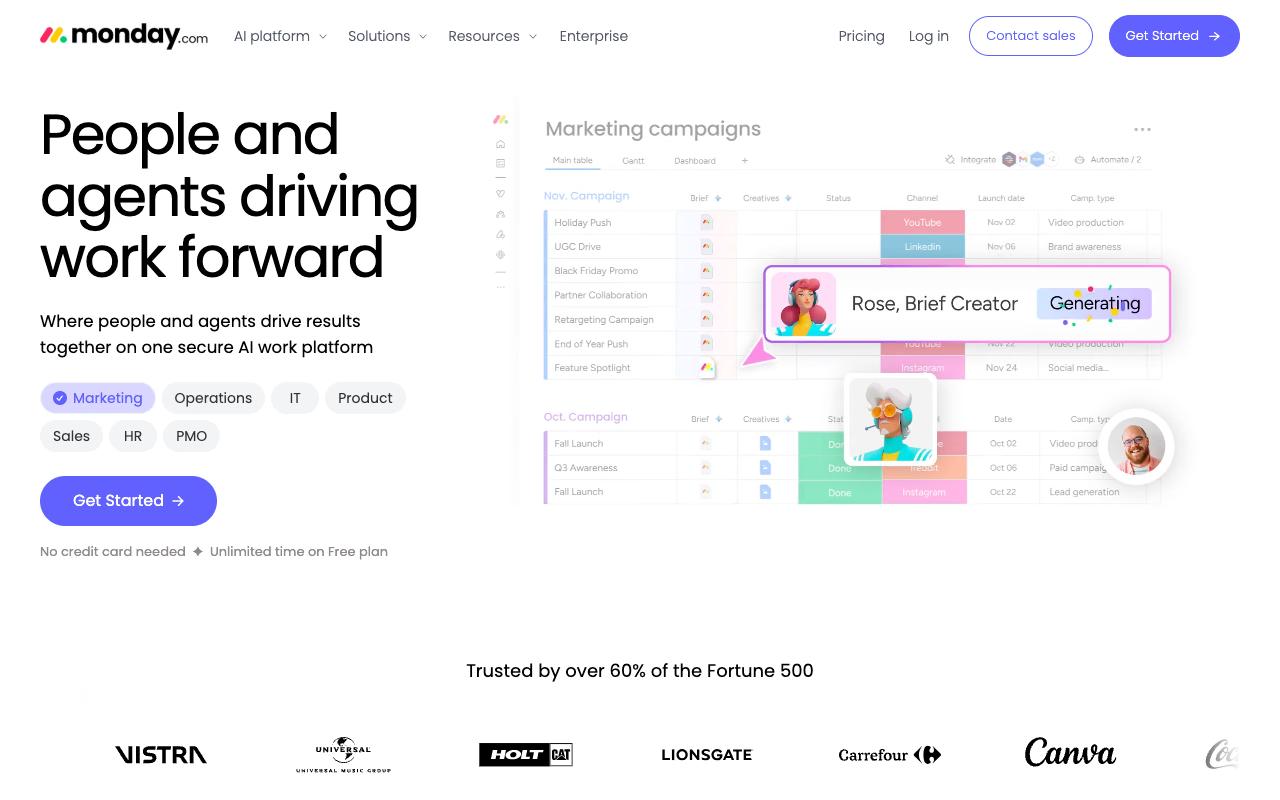
Monday.com is a visual, no-code work platform now positioned around AI agents working alongside people, with an Agent Builder plus prebuilt research, reporting, insights and meeting agents. Marketing teams use customizable boards and columns, timeline and Kanban views, and built-in automations. It's used across SMB and enterprise, including a majority of the Fortune 500.
Pros:
- Highly visual, customizable boards/workflows that fit varied team processes
- Historically well-liked by long-time users before recent AI-focused changes
- Broad feature set (automations, Gantt-style views, work management) suitable for many team sizes
Cons:
- Recent AI feature rollout (unremovable prompts, AI notetaker joining calls) frustrates long-time users and slows workflows
- Customer support described as slow, canned, and unhelpful for real bugs
- Key features gated behind higher-priced plans (e.g. guest teams in Enterprise only, limited automation actions on lower tiers)
- Free/trial signup auto-enrolls in Pro trial with a confusing, hard-to-find downgrade/cancel path
- Limited hierarchy: only one level of sub-task and one-directional dependency linking
- Perceived as inferior to alternatives like Jira for some workflows
Free covers up to 2 seats. Basic is $9/seat/month, Standard $12, and Pro $19, all billed annually, with Enterprise custom priced, per monday.com's pricing page.
Cory Tsang reviewed the Free Plan on LinkedIn and noted that signing up "got me access to a trial of Pro which normally costs $19/seat/month." On structure he wrote, "Once you get to the task level, there is only one level of sub-task," and on dependencies, "Linking appears to be one-directional." His conclusion was blunt: "Monday doesn't feel like the right fit."
Monday.com carries a TrustPilot rating of 2.2/5 from 3,426 reviews, with recent reviews heavily negative and focused on the AI push. One reviewer wrote, "Bloated with AI junk, and the notetaker won't leave our client calls." Another said it "compares very poorly against" Jira, and a third said the app "is getting worse with every update."
On Capterra, Monday.com holds 4.6/5. Reviewers commonly praise intuitive layout and flexibility for organizing tasks and collaborating across teams and note cost relative to alternatives and occasional difficulties with advanced features or integrations. See the Capterra reviews page.
On G2, Monday.com holds 4.7/5 across 17,174 reviews. Reviewers commonly praise highly visual and customizable interface that makes project and workflow management easy to organize and track and note pricing and the learning curve or complexity when setting up more advanced boards and automations. See the G2 reviews and pros and cons pages.
Verdict: Visually the easiest to adopt, but recent reviewer sentiment on the AI rollout is a genuine warning sign.
7. Asana
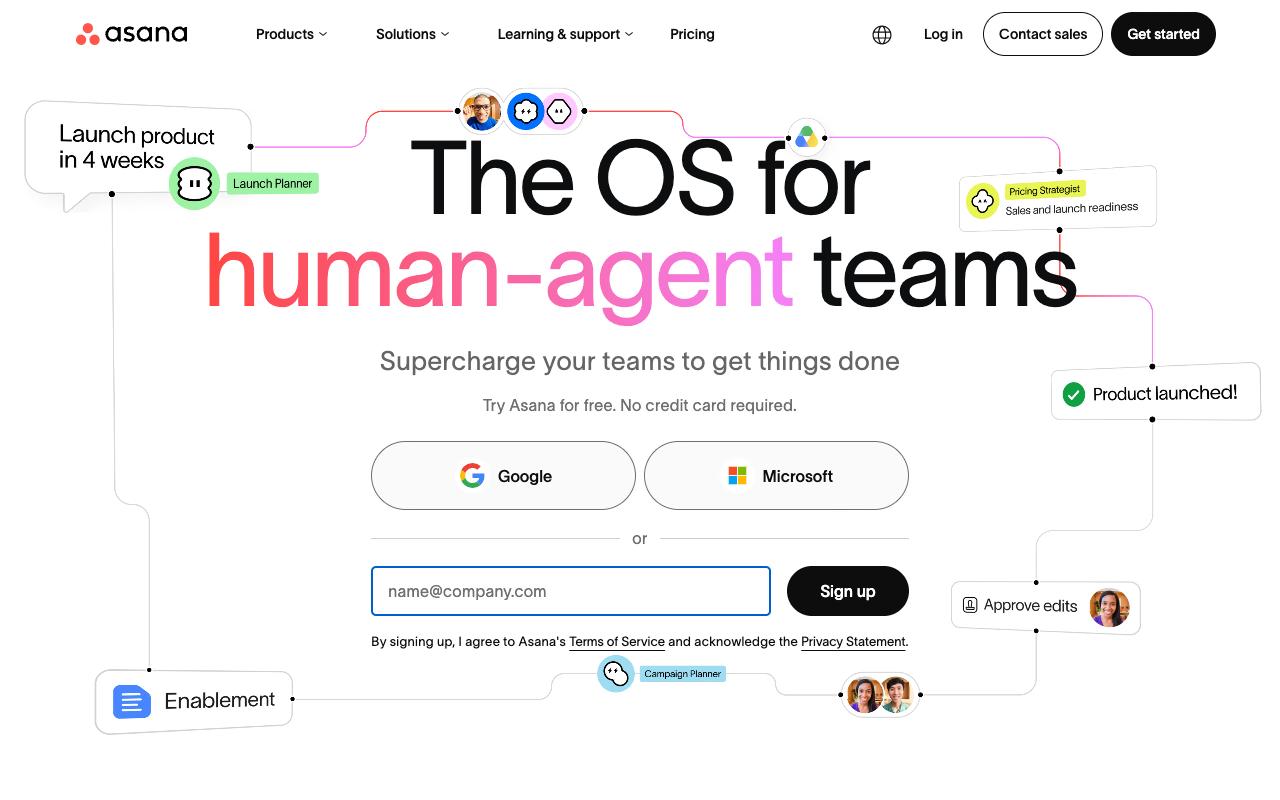
Asana connects tasks, projects, goals and dependencies, and now layers AI Teammates and AI Studio on top so agents can take action inside existing workflows. For marketing that means campaign projects with list, board, timeline and Gantt views, custom fields, approvals and proofing on the Advanced tier, and portfolios tying campaign work to company goals. Asana says 85% of Fortune 100 companies use it.
Pros:
- Clean, intuitive interface that's easy to organize projects and track progress in
- Multiple project views (list, board, calendar, timeline)
- Strong real-time collaboration (comments, notifications, file sharing)
- Useful automation/workflow rules that reduce repetitive tasks
- Deep integration ecosystem with major business tools
- Generous free tier that works well for small teams/solo use
Cons:
- Billing/refund disputes, including being charged for unused seats or double-charged with refunds refused
- Recent restriction of free plan to a 2-user workspace limit angered long-time users
- Slow, generic, or unresponsive customer support, especially for billing and cancellation issues
- Gets cluttered and feature-limited for larger teams (~10+ people)
- Pricing can be steep versus competitors for paid tiers
- Limited native time tracking; each task can only be assigned to one user
- Steep learning curve for new users due to feature breadth
Personal is free for 1-2 people. Starter is $10.99/user/month billed annually ($13.49 monthly), Advanced is $24.99/user/month billed annually, and Enterprise and Enterprise+ are sales-led, according to Asana's pricing page.
TrustPilot puts Asana at 1.5/5 from 307 reviews, and the negativity is almost entirely about billing and support. "Be careful, they make billing mistakes and refuse to provide refunds," one reviewer wrote, with others describing charges for unused seats. A review titled "Dishonest Company" said, "When attempting to cancel my subscription, I was double charged, and now they're refusing to refund the charge." Several 1-star reviews also complain about a new restriction on the free plan.
On Capterra, Asana holds 4.5/5. Reviewers commonly praise ease of use and support for organizing and tracking work across teams and note cost for larger deployments and complexity when managing advanced workflows and notifications. See the Capterra reviews page.
On G2, Asana holds 4.4/5 across 13,916 reviews. Reviewers commonly praise intuitive interface and effective project and task management features and note pricing at scale and limited customization and reporting capabilities. See the G2 reviews and pros and cons pages.
Verdict: Excellent for structured campaign management, with billing and cancellation experiences that reviewers describe harshly.
8. Wrike
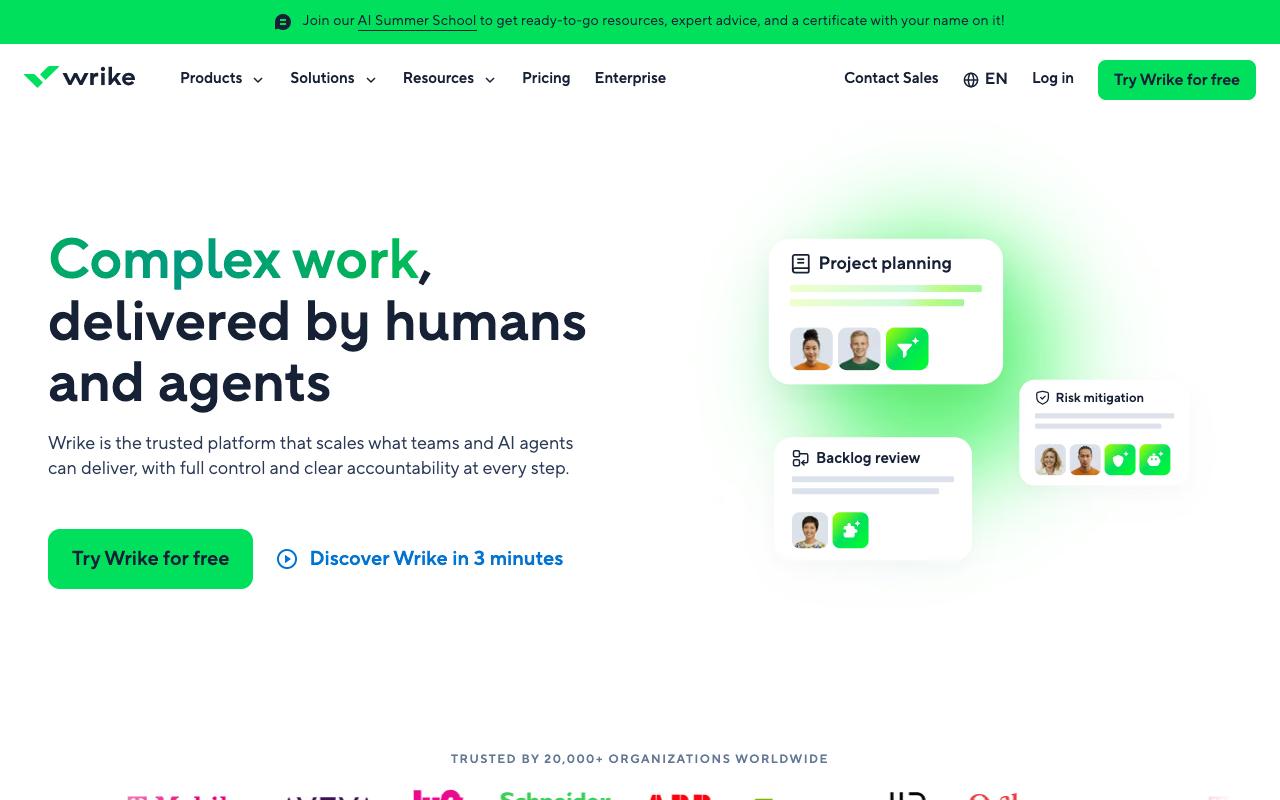
Wrike is enterprise work management with unusually strong creative-team features: proofing with visual feedback directly on assets and file version comparison, dynamic request forms that route intake to one place, Blueprints for reusable project templates, and budgeting that tracks planned versus actual cost. It serves marketing and creative teams alongside operations, professional services, PMOs and engineering.
Pros:
- Intuitive and versatile project management tool praised by long-time users
- Improves cross-department visibility into who is working on what
- Flexible workflows that can be made as simple or as detailed as needed
- Strong automation capabilities for workflow and workload management
Cons:
- Customer service frequently described as slow and unhelpful, with weeks between replies
- Rigid, transactional renewal/cancellation process with little flexibility for long-time customers
- Paid plans reportedly lose functionality that was available in trial, causing disappointment
- Can feel overly complex for smaller teams or simpler use cases
Free is $0. Team is $10/user/month for 2 to 15 users, Business is $25/user/month for 5 to 200 users, and Pinnacle and Apex are contact-us, all billed annually per Wrike's pricing page. The Wrike Whiteboard add-on is $15/user/month.
Wrike's TrustPilot rating is 3.6/5 from 218 reviews, mixed and split along a clear line: positive on the product, negative on service. One 5-star reviewer wrote, "Wrike is the most intuitive project management tool I've used in 20+ years of marketing communications." Another said, "Wrike has made a huge difference for our team," crediting it with helping departments "work better across departments by keeping everything in one place," and a third highlighted that you "can make your processes as simple or as detailed as you wish" plus the workflow automation. The recent 2025-2026 trend skews negative on customer service and renewals.
On Capterra, Wrike holds 4.4/5. Reviewers commonly praise project management depth, collaboration tools, customization, and reporting and note steep learning curve, cluttered interface, pricing concerns, and occasional usability issues. See the Capterra reviews page.
On G2, Wrike holds 4.2/5 across 4,539 reviews. Reviewers commonly praise flexible workflows, task management, collaboration, and customizable dashboards and note steep learning curve, complex interface, limited customization, and navigation difficulties. See the G2 reviews and pros and cons pages.
Verdict: The strongest pick for creative review and proofing workflows, if you go in aware of the renewal process reviewers describe as rigid.
FAQ
What's the Cheapest Marketing Workflow Management Software?
Several tools here offer a genuine free tier, including Airtable, CoSchedule, ClickUp, Monday.com, Asana and Wrike. Among paid entry plans, ClickUp's Unlimited at $7/user/month billed yearly and Smartsheet's Pro at $9 per member/month billed yearly are the lowest, according to their pricing pages. Keep in mind that per-seat tools get expensive fast as headcount grows, while a flat-rate tool like Ordinal's Pro plan at $265/mo includes unlimited seats.
Do I Need a Project Management Tool or a Social Publishing Tool?
It depends on where your workflow ends. If marketing is one department inside a broader operation and the output is campaigns, assets and deliverables, a work management platform like Asana, Wrike, ClickUp or Smartsheet fits. If the output is published posts across LinkedIn and other channels, a platform that handles drafting, approval and publishing in one place (Ordinal, or CoSchedule for a broader marketing calendar) removes the manual copy-paste step that project tools leave behind.
Which of These Tools Has the Best Review Scores?
ClickUp is the clear outlier at TrustPilot 4.1/5 from 666 reviews, with Wrike next at TrustPilot 3.6/5 from 218 reviews. The rest score low on that platform, and it's worth reading why: complaints for Airtable (2/5 from 157 reviews), Smartsheet (1.3/5 from 123 reviews) and Asana (1.5/5 from 307 reviews) are overwhelmingly about billing, refunds and support responsiveness rather than the software itself. Weigh those scores as a signal about the vendor relationship, not the feature set.
Related Posts
Looking to learn more? The below posts may be helpful for you to learn more about social media and content marketing.