You want LinkedIn analytics that connect to pipeline instead of another dashboard that counts likes and stops there. The tools below fall into roughly three camps: schedulers with analytics baked in, engagement boosters, and enterprise listening suites. Here's what each one is, who it fits, and what the verified reviews say, so you can match the tool to the job instead of buying the biggest logo.
Best LinkedIn Analytics Tools
1. Ordinal
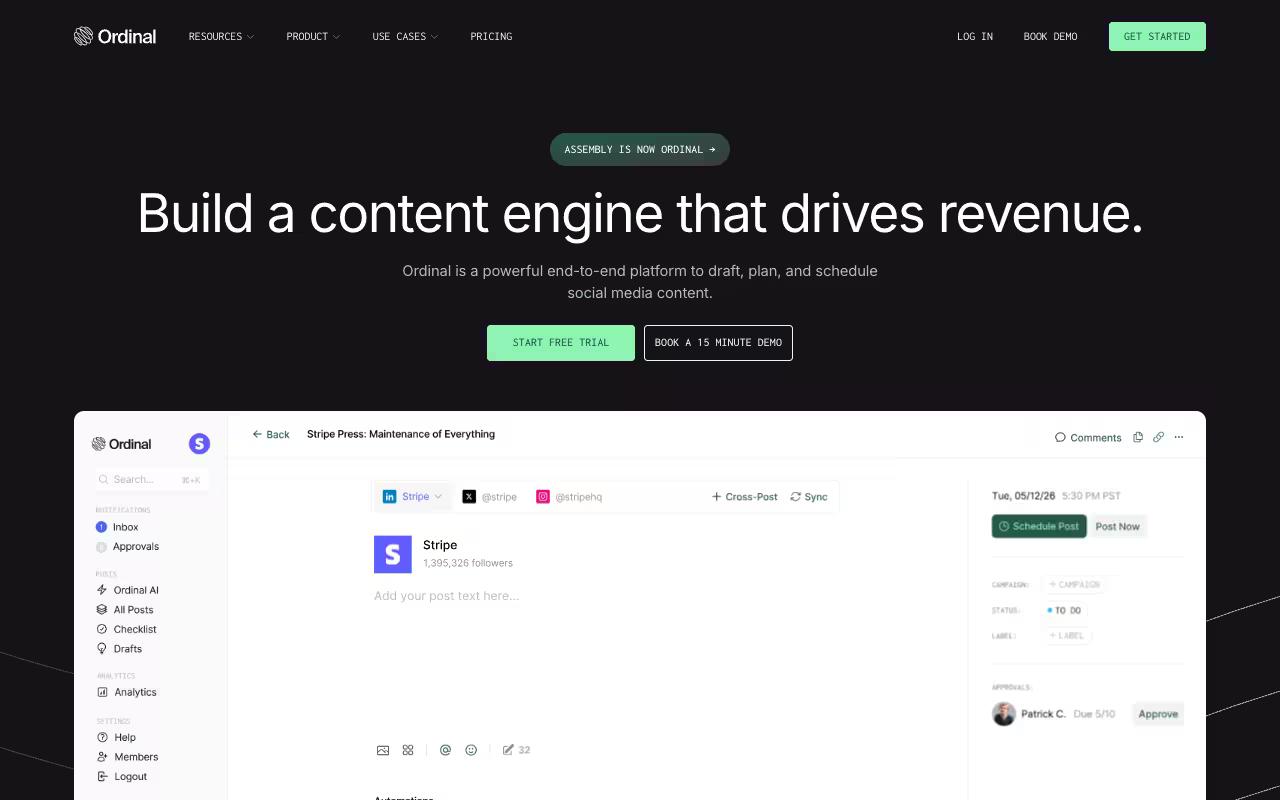
Ordinal is an end-to-end platform to draft, plan, and schedule social content, and it's trusted by 1,000+ modern marketing teams. It's built for content agencies, founders, and social teams who take LinkedIn seriously, with analytics designed to answer the questions B2B teams care about: which content buckets and post formats drive results, when engagement happens, and who's interacting with your posts.
If you're managing a stack of client accounts and you're tired of proving value with vanity metrics, the granular filters for time period, content type, and format are the point.
The analytics go past impressions and follower growth. According to Ordinal's own writeup, its dashboard adds business context on top of standard engagement metrics, so you can filter performance by campaign, content type, or time period across your whole social program. On the LinkedIn side, it covers personal and company tagging, PDF carousels, realistic previews showing where the hook cuts off before "see more," and auto-engagement (likes, comments, reposts) built into the post flow rather than bolted on.
Ordinal also exposes an API, MCP server, and webhooks, so you can pull your data into your own reporting or run the workflow from an AI assistant.
On pricing, Ordinal's Starter plan is $95/mo ($85/mo billed annually) for up to 3 seats and 4 social profiles, and Pro is $265/mo ($235/mo annually) for unlimited seats plus all-time analytics, automated engagement, approval workflows, and API/MCP/webhook access. Enterprise is custom.
Verdict: The strongest fit here for agencies and B2B teams who need approvals, LinkedIn-native formatting, and analytics that tie back to pipeline rather than likes.
2. Podawaa
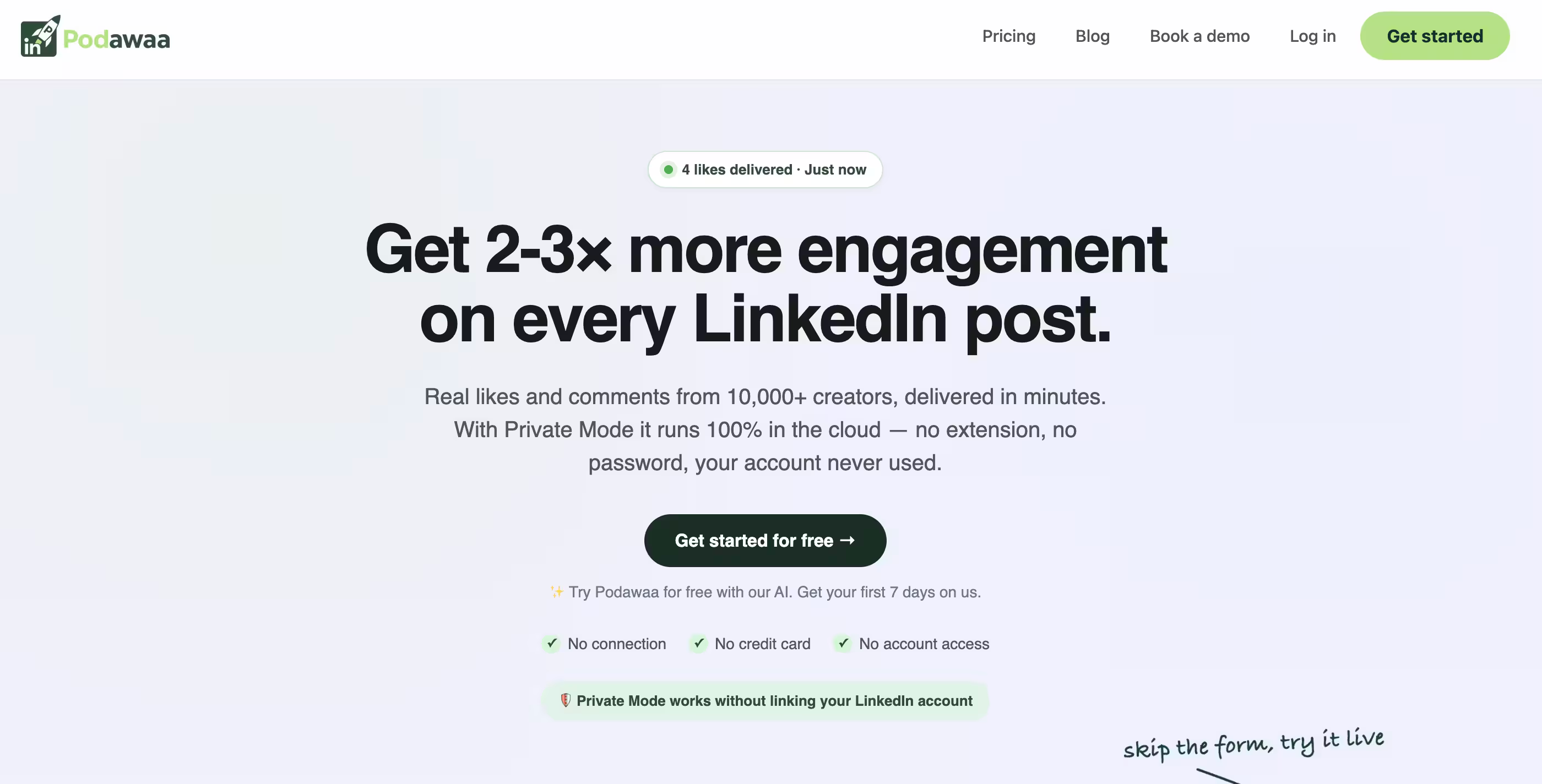
Podawaa is a LinkedIn amplification tool that delivers real likes and comments from a network of 10,000+ creators within minutes, alongside publishing, scheduling, first-comment, inbox, and analytics features. It's aimed at creators, founders, and growth teams who want more reach on LinkedIn, and its Private Mode runs fully in the cloud without a browser extension or your password. The analytics here sit next to an engagement-pod engine, so understand what you're buying.
Pricing is listed in EUR on the site, split into Community Mode (uses your account to engage in exchange, from €29/mo) and Private Mode (cloud-based, from €59/mo), each with three volume tiers up to €159/mo for Private Dominate.
The public sentiment is where I'd pause. Podawaa carries a G2 3.4/5 from 4 reviews, and it's named directly in LinkedIn criticism of engagement pods. LinkedIn Top Voice Izzy Prior called it out alongside Lempod in a widely-commented post arguing this kind of paid engagement fuels a "culture of comparison." If your goal is pipeline you can defend to a client, engagement-pod reach is a hard thing to stand behind.
On G2, Podawaa holds 4/5 across a single review. See the G2 reviews and pros and cons pages.
Verdict: Effective at manufacturing engagement fast, but the pod model draws real criticism and sits in a gray zone for teams that need defensible results.
3. Metricool
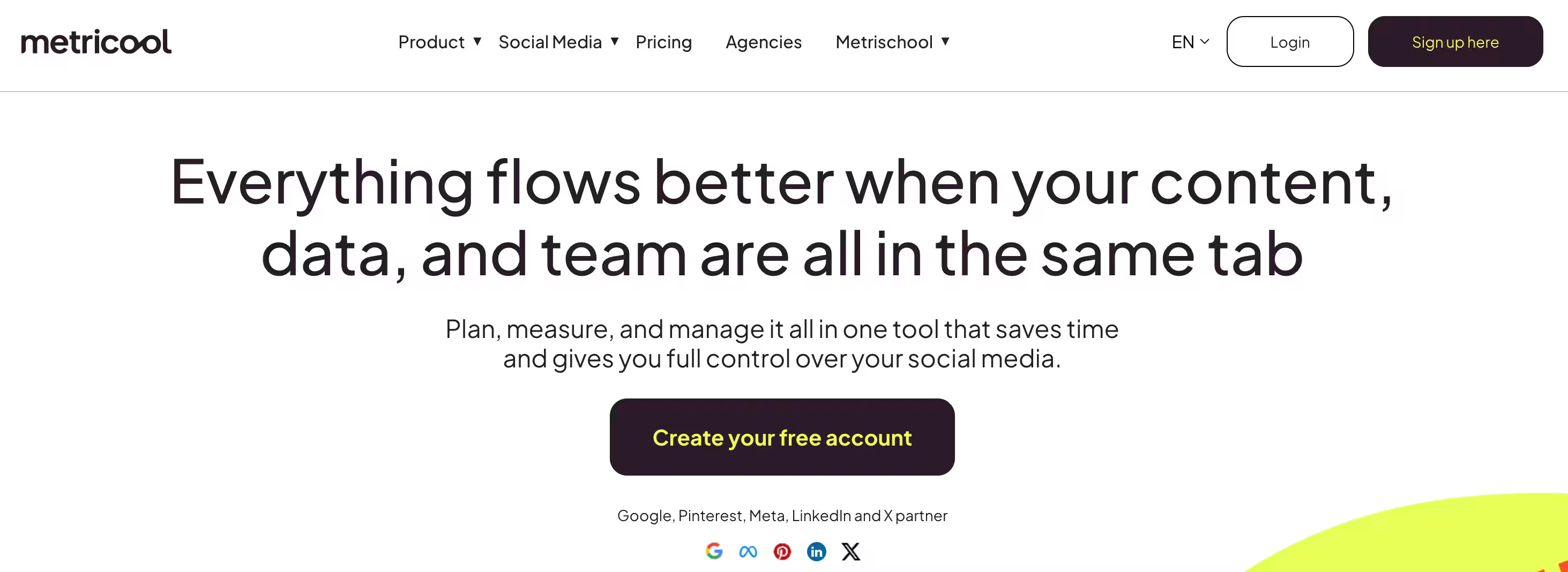
Metricool is an all-in-one planning, publishing, and analytics platform covering LinkedIn plus a long list of other channels, along with website and ad-platform tracking. It's built for social media managers and agencies who want one tool for the content calendar, competitor tracking, and branded PDF/PowerPoint report exports. According to Metricool's homepage, it's used by over 3.5 million professionals.
Pros:
- Responsive, competent live-chat customer support (multiple named agents praised for fast resolutions)
- Easy-to-use interface for scheduling and analytics
- Canva integration and easy PDF report exports
Cons:
- Reliability issues: posting errors and accounts randomly disconnecting after scheduling weeks in advance
- Site can be slow to load or temporarily unreachable
- Intrusive WordPress plugin update added an unwanted upgrade banner and branding to the dashboard
- Pricing/plan limits (e.g. report access) frustrate some users
Pricing starts with a Free plan (1 brand, 20 posts/month), then Starter from $20/mo billed annually (up to 5 brands, scaling to 10) and Advanced from $53/mo annually with team/client management, the Looker Studio connector, and API access.
Reviews land mixed but generally positive. Metricool holds a TrustPilot 3.9/5 across 623 reviews, G2 4.5/5 from 98 reviews, and Capterra 4.4/5. On Trustpilot, customer support gets named repeatedly as a strength, with reviewers crediting specific agents for fast live-chat fixes, and people like the Canva integration and easy PDF exports. On Reddit, the recurring complaint is analytics inconsistency, with one data-literate user calling the numbers unreliable, plus posting errors and accounts disconnecting after scheduling weeks ahead. A LinkedIn post from creator Megan Lieu praised its depth over LinkedIn's native analytics for follower trends and video metrics.
On Capterra, Metricool holds 4.4/5. Reviewers commonly praise easy-to-use social media scheduling and analytics with clear reporting and multi-account support and note customer support responsiveness and advanced feature depth, including limitations for agencies or complex workflows. See the Capterra reviews page.
On G2, Metricool holds 4.5/5 across 98 reviews. Reviewers commonly praise intuitive interface and centralized multi-platform social media management with strong analytics and scheduling capabilities and note billing and auto-renewal practices, limited or slow customer support, and feature gaps or limitations in certain networks and lower-tier plans. See the G2 reviews and pros and cons pages.
Verdict: A strong, affordable all-rounder for multi-brand scheduling and reporting, as long as you spot-check the analytics against native numbers.
4. Keyhole
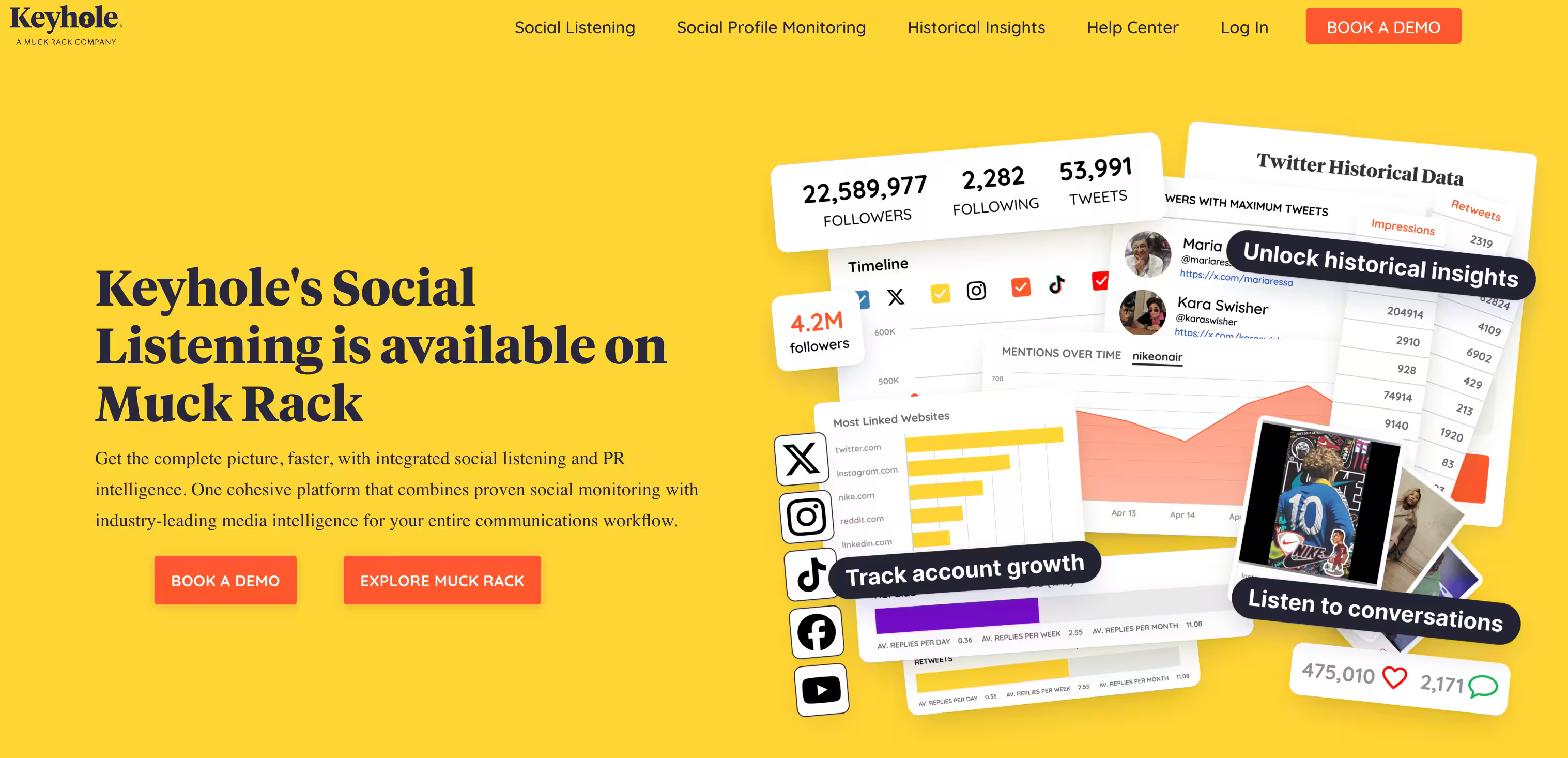
Keyhole pairs social media analytics with social listening and media intelligence in one dashboard across Instagram, Facebook, X, TikTok, LinkedIn, and YouTube. It's aimed at agencies, global brands, and nonprofit PR and communications teams, with benchmarking against competitors, audience demographics, and branded reporting. For LinkedIn specifically, it surfaces engagement drivers and ideal posting times.
There's no public pricing. Keyhole (now available via Muck Rack) points you to a demo, and its plan page lists two named tiers, Team and Enterprise, with feature comparisons but no dollar figures.
On Capterra, Keyhole holds 5/5. Reviewers commonly praise clean, intuitive dashboard and useful analytics for monitoring hashtags and campaigns and note limited historical data and concerns about pricing value for smaller teams. See the Capterra reviews page.
On G2, Keyhole holds 4.3/5 across 70 reviews. Reviewers commonly praise easy-to-use interface and strong social media tracking and reporting features and note scheduling reliability issues, need for manual posting, and inconsistent customer support responsiveness. See the G2 reviews and pros and cons pages.
Verdict: A solid pick for comms teams that need listening and benchmarking together, if you're comfortable going through sales to get a price.
5. Taplio
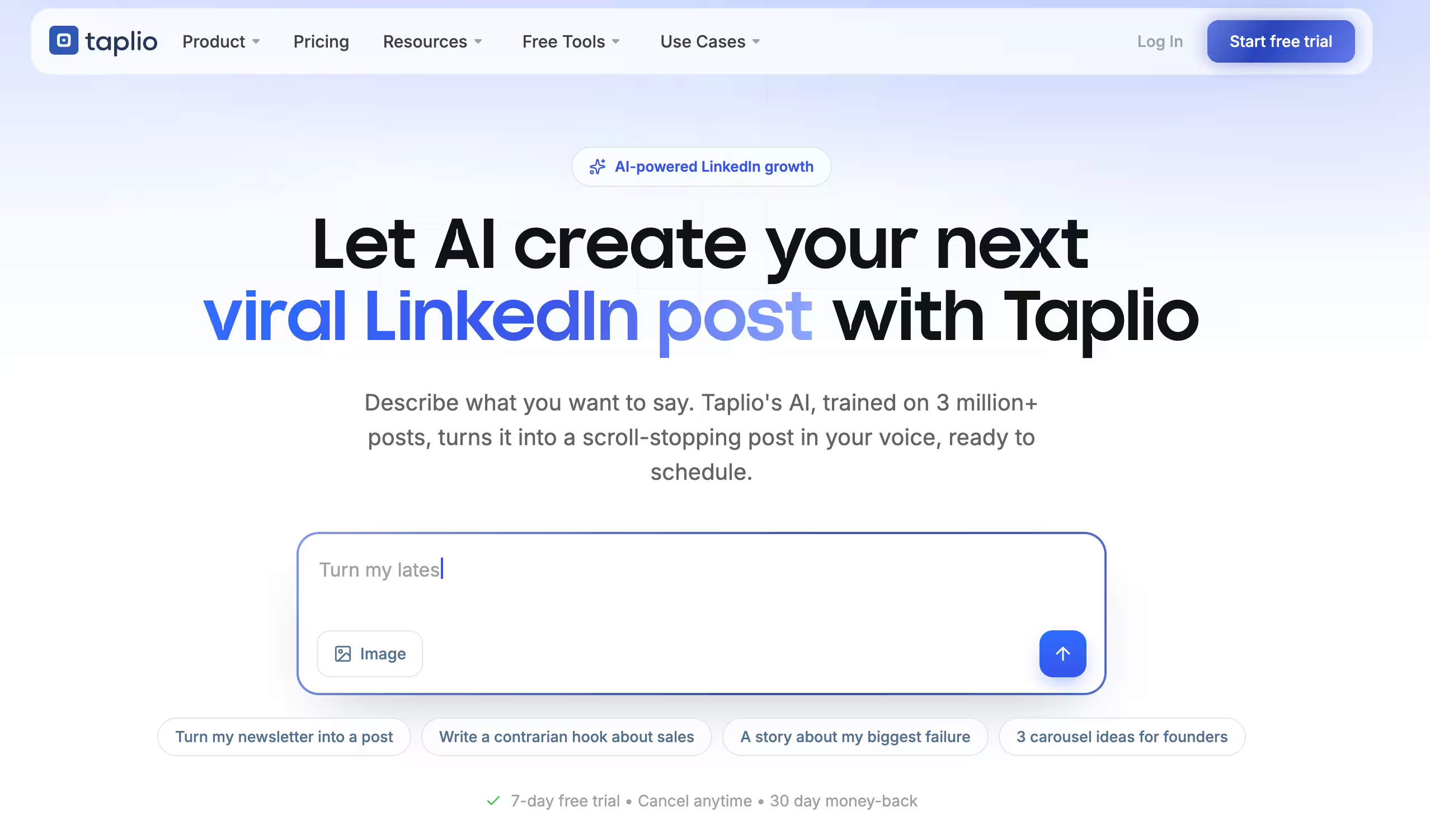
Taplio is an AI tool built around a LinkedIn growth loop: find post ideas, draft them in your voice, schedule at the best times, and turn engagement into warm leads. It's aimed at creators, founders, and GTM leaders who want a personal brand without spending hours on it, and it includes advanced analytics, voice learning from your past posts, a free Chrome extension, and an MCP integration to run the workflow from an AI assistant.
Paid plans start at Starter $39/mo, Growth $69/mo, and Pro $199/mo (monthly billing), with a 7-day free trial and up to 25% off on annual billing.
The ratings need context. Taplio carries a TrustPilot 2.3/5 from 14 reviews, G2 3.9/5 from 7 reviews, and Capterra 3/5. The Trustpilot score is driven mostly by billing complaints: reviewers describe surprise charges after the trial (one cited over 60€/month) and trouble cancelling or getting refunds, with a few positive mentions of the AI content features. On Reddit, one user said it makes finding content inspiration and people to engage with a lot easier.
On Capterra, Taplio holds 4/5. Reviewers commonly praise useful linkedin posting and branding support for individual professionals and note mixed satisfaction with features and overall value given the subscription price. See the Capterra reviews page.
On G2, Taplio holds 3.9/5 across 8 reviews. Reviewers commonly praise linkedin-focused ai content creation and scheduling with helpful analytics and viral post inspiration and note limited depth on lower-tier plans and concerns about automation reliability and value for money. See the G2 reviews and pros and cons pages.
Verdict: Good AI-assisted content and lead features for solo creators, but read the cancellation terms carefully before you enter a card.
6. PostBeyond
PostBeyond is an employee advocacy and social selling platform that turns employees into active sharers of pre-approved company content to extend brand reach without ad spend. It's built for marketing, sales, HR, and channel partner teams, with a centralized content library, approval workflows, brand compliance guardrails, and real-time reporting that attributes which employees and content drive results. If your LinkedIn pipeline strategy runs through your workforce, this is the category it lives in.
Pricing runs a 30-day Free Trial for up to 30 employees, a Growth plan at $1,125/month for a 100-employee minimum, and custom Enterprise pricing for 250+ employees.
On Capterra, PostBeyond holds 4.8/5. Reviewers commonly praise intuitive interface and simple content sharing workflow that makes it easy for employees to promote the brand and note occasional feature gaps and desire for more advanced analytics and integration options. See the Capterra reviews page.
On G2, PostBeyond holds 4.6/5 across 401 reviews. Reviewers commonly praise ease of use and streamlined social sharing that drives strong employee advocacy and engagement and note limited customization and reporting depth compared to some alternatives. See the G2 reviews and pros and cons pages.
Verdict: A strong, well-rated advocacy platform for larger orgs ready to commit to a 100-seat minimum.
7. Oktopost
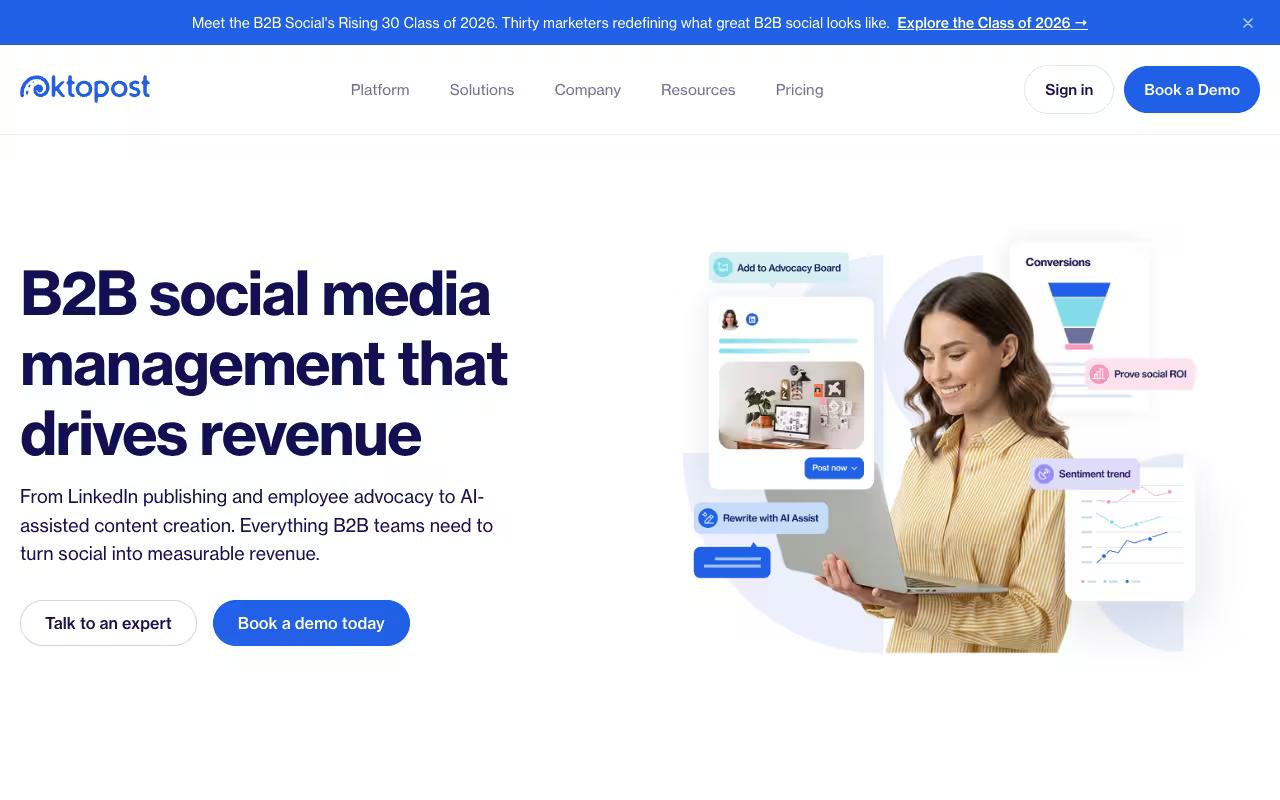
Oktopost is a B2B social media management platform built exclusively for B2B marketing teams, connecting publishing, analytics, listening, and employee advocacy to CRM and pipeline. It's LinkedIn-first and aimed at B2B marketing leaders (and sales teams doing social selling) who need campaign-based publishing with UTM tracking so every post ties to leads and opportunities. The analytics are designed to go past vanity metrics toward business impact.
Oktopost doesn't publish self-serve pricing, but its pricing FAQ discloses a Professional Package starting at $8,000/year and an Advanced Package starting at $12,000/year, the latter adding SAML SSO, SCIM, compliance, the Oktopost API, and more.
Oktopost holds a G2 4.5/5 from 194 reviews and Capterra 4.5/5. On Reddit, a user in r/marketing described using it for employee advocacy, praising the app that serves employees a list of pre-curated, marketing-created posts they can share in a click, along with a leaderboard to drive participation.
On Capterra, Oktopost holds 4.5/5. Reviewers commonly praise comprehensive social media management tailored to b2b needs with reliable scheduling, advocacy tools, and customer support and note user interface usability issues and limited advanced customization or feature depth for some workflows. See the Capterra reviews page.
On G2, Oktopost holds 4.5/5 across 203 reviews. Reviewers commonly praise robust b2b-focused social media management and employee advocacy features with strong integrations and analytics and note learning curve and interface complexity along with occasional limitations in customization and reporting flexibility. See the G2 reviews and pros and cons pages.
Verdict: Purpose-built for B2B teams that want social tied to CRM and pipeline, if the annual contract fits your budget.
8. Planable
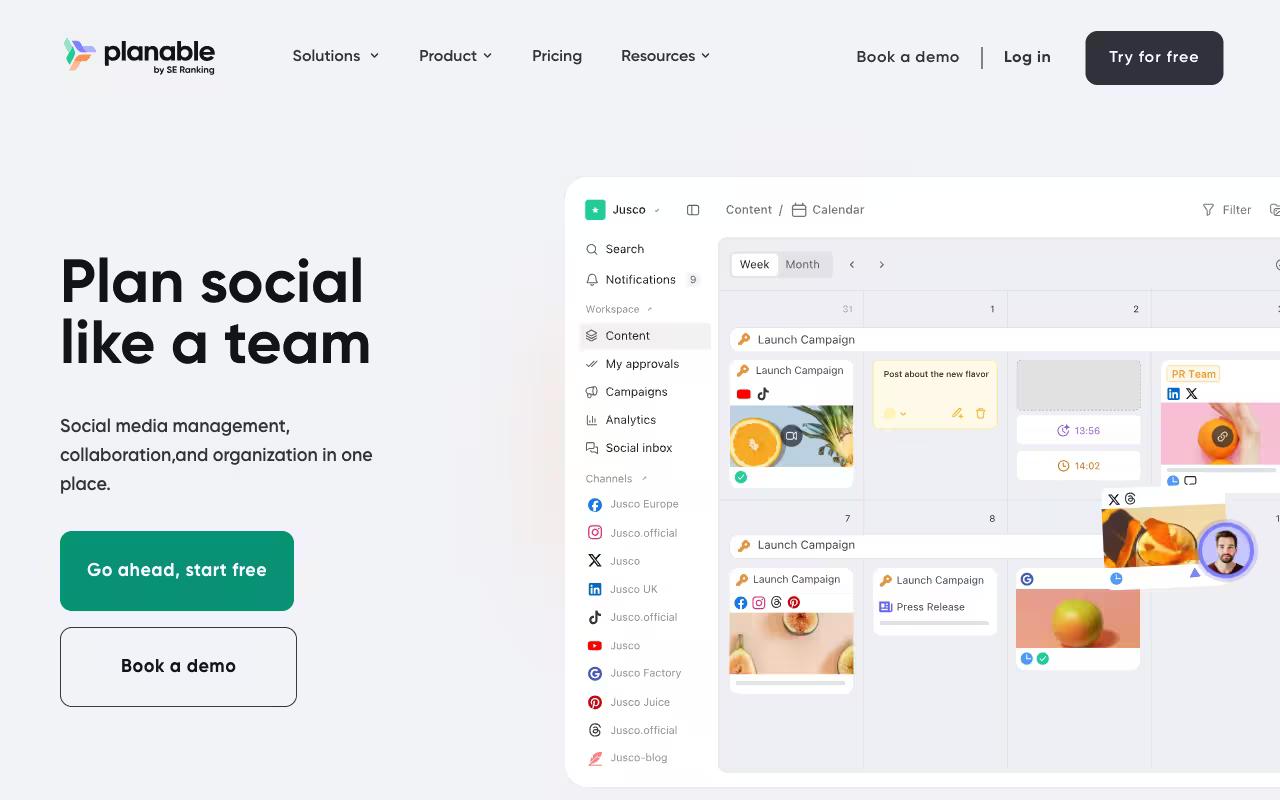
Planable is a collaboration-first content planning and management tool that brings creation, feedback, and approvals into one place across nine social networks plus blogs and newsletters. It's built for social teams and their collaborators, especially agencies managing clients and multi-brand companies, with a visual calendar, version history, multi-level approval workflows, and per-brand workspaces. The pitch is replacing spreadsheets and email chains for content review.
Pros:
- Intuitive, easy-to-use interface for scheduling and planning posts
- Strong collaboration and client approval workflow that reduces email back-and-forth
- Visual calendar with drag-and-drop makes rescheduling easy
- Lets teams preview exactly how posts will look on each platform before publishing
- Good for straightforward, visual content planning and quick approvals
Cons:
- UI can be clunky and buggy (buttons not responding, issues on both browser and mobile app)
- Platform integrations are spotty, especially for Instagram Stories and Pinterest
- Storage is very limited on the basic plan
- Increasing number of features gated behind paid add-ons
- Some reports of scheduled posts failing to publish with little explanation
- Difficult to tag donors/partners differently across platforms when crossposting
- Feels limited for teams needing deeper cross-channel analytics and reporting
- Slow customer support response in some cases
Pricing is per workspace: Basic at $33/mo, Pro at $49/mo, and custom Enterprise, with your first 50 posts free and no credit card required.
Planable holds a TrustPilot 4.4/5 from 71 reviews, and reviewers praise the easy setup, the approval process that kills email trails, and previewing posts per platform before publishing, while negative reviews flag a clunky, buggy UI. On Reddit, users echoed both the visual-planning praise and frustration with cross-platform tagging limits and slow support. The LinkedIn product page positions it around per-brand workspaces, annotation-based feedback, and client reporting.
On Capterra, Planable holds 4.5/5. Reviewers commonly praise intuitive interface and streamlined collaboration workflows for social media content planning and approvals and note limited analytics depth and feature set compared with full-scale social media management platforms. See the Capterra reviews page.
On G2, Planable holds 4.6/5 across 1,078 reviews. Reviewers commonly praise ease of use and visual collaboration features for planning, previewing, and approving social media content and note pricing and plan limits, which can feel high or restrictive for smaller agencies and multi-brand workspaces. See the G2 reviews and pros and cons pages.
Verdict: Best-in-class for collaboration and client approvals, though teams wanting deep cross-channel analytics may find the reporting thin.
9. Sprinklr
Sprinklr is a Unified Customer Experience Management platform spanning 33 products across four suites, using AI to operate across 30+ digital and social channels. It's built for enterprise marketing, service, and CX teams at large brands who need to manage customer experience across social, digital, and contact center touchpoints. This is the heavyweight end of the list, far beyond a LinkedIn analytics tool.
Pros:
- Very in-depth/powerful platform, especially for large content volumes across many channels and accounts (Reddit)
- Highly customizable and built for enterprise scale (Reddit, LinkedIn)
- Strong global/non-English channel coverage (e.g. Xing, Weibo/Xiaohongshu) that few competitors match (LinkedIn)
- Good fit for large organizations needing centralized governance/compliance across dozens of handles (Reddit, LinkedIn)
Cons:
- Steep learning curve and not very intuitive out of the box (Reddit)
- Clunky, complex UX/UI requiring extensive training to use well (Reddit, LinkedIn)
- Very expensive, with costs scaling quickly as more modules are added (six to seven figure enterprise contracts reported (Reddit, LinkedIn))
- Slow to implement, sometimes with junior/uncoordinated implementation teams post-sale (Reddit)
- Poor post-sale support in some cases, with generic/overseas support and little real human contact (Trustpilot)
- Disputed sentiment-scoring accuracy raised as a serious concern by at least one user (Trustpilot)
There's no public pricing. Sprinklr's demo page lists no plans or figures and routes you to a personalized sales conversation.
Sprinklr holds a TrustPilot 2.8/5 from 3 reviews. The low Trustpilot score comes from just three negative reviews, including disputed sentiment-scoring accuracy and poor post-sale support. On Reddit, long-time users call it the most in-depth solution on the market and "amazing" for high content volumes, while consistently flagging a steep learning curve and a "clunky AF" UX.
A widely-shared LinkedIn Pulse piece titled "Sprinklr is the worst social media tool ever and I hate it" criticized the pricing as "prohibitively expensive," citing a base around $200 per user that scales into six- and seven-figure contracts as modules stack up, while acknowledging strong global channel coverage.
On Capterra, Sprinklr holds 4.3/5. Reviewers commonly praise omnichannel management, customization, and collaboration and note complex setup, pricing opacity, and difficult onboarding. See the Capterra reviews page.
On G2, Sprinklr holds 4.1/5 across 1217 reviews. Reviewers commonly praise centralized social media management, analytics, and reporting and note steep learning curve and interface complexity. See the G2 reviews and pros and cons pages.
Verdict: Genuine enterprise power and global reach, but overkill and overpriced for teams that just want LinkedIn analytics tied to pipeline.
FAQ
Which of These Tools Ties LinkedIn Analytics to Pipeline and Revenue?
Ordinal and Oktopost are the two most focused on connecting social to pipeline. Ordinal's analytics add business context on top of engagement metrics with filters by campaign, content type, and format, and it exposes an API/MCP for pulling data into your own reporting. Oktopost is built exclusively for B2B teams and uses campaign-based publishing with UTM tracking so posts tie to leads and opportunities in your CRM.
What's the Cheapest Way to Get Started?
Metricool has a Free plan ($0) covering one brand and 20 posts per month, and Planable lets you publish your first 50 posts free with no credit card. Among paid entry points, Metricool's Starter is $20/mo billed annually, Planable's Basic is $33/mo per workspace, and Taplio's Starter is $39/mo. Ordinal's Starter runs $95/mo ($85/mo annually) for up to 3 seats.
Are Engagement-Pod Tools Like Podawaa Safe to Use for LinkedIn Growth?
They carry real risk to reputation. Podawaa is named directly in LinkedIn criticism of engagement pods, including a widely-commented post from Top Voice Izzy Prior. And in a separate r/SocialMediaManagers thread, a user argued that connecting extra LinkedIn accounts purely to auto-engage could run against LinkedIn's policies on inauthentic engagement. If you need results you can defend to a client, weigh that carefully before relying on pod-driven reach.
Related Posts
Looking to learn more? The below posts may be helpful for you to learn more about social media and content marketing.