
Content marketing tooling splits into four jobs: creating the content, researching what to write, optimizing it for search, and distributing it. Almost no tool does all four well, and the pricing gap is enormous. A writing assistant runs $12/month; a full marketing platform starts at $3,600/month. Below is what each of these eight tools does, what it costs, and what reviewers say when they aren't being polite.
Best Content Marketing Tools
1. Ordinal

Disclosure: Ordinal is our own product (this guide is published by Ordinal). Its entry sticks to what's verifiable on our site, and the competitors below get the same verified treatment.
Ordinal handles the distribution half of content marketing: drafting, planning, and scheduling social content across LinkedIn, Twitter/X, Instagram, Facebook, Threads, TikTok, and YouTube Shorts from one place. Per Ordinal's own feature documentation, it's built for content agencies, founders and execs, social media managers, and growth teams, and the company says it's trusted by 1,000+ marketing teams.
The LinkedIn depth is where it separates from general schedulers: personal and company tagging, PDF/carousel uploads, realistic previews that show exactly where the hook cuts off before "see more," and automated engagement (likes, comments, reposts) from connected accounts.
Two things matter if you're a Head of Marketing weighing this against a broader stack. Ordinal's Pro tier includes API, MCP, and webhook access, so your posting history and performance data are available programmatically instead of locked in a dashboard. And unlimited seats come with Pro, so enabling ten execs doesn't ten-x your bill the way per-seat pricing does elsewhere on this list.
Pricing: Starter is $95/mo ($85/mo annual) for up to 3 seats and 4 social profiles. Pro is $265/mo ($235/mo annual) and adds unlimited seats, unlimited scheduled posts, all-time analytics, automated engagement, approval workflows, and API/MCP/webhooks. Enterprise is custom and adds leads data, employee advocacy, SAML/SSO, and dedicated onboarding. All per Ordinal's pricing page, with a 14-day free trial.
Verdict: The strongest pick if LinkedIn is your primary channel and you need to run multiple exec accounts without paying per seat.
2. Grammarly
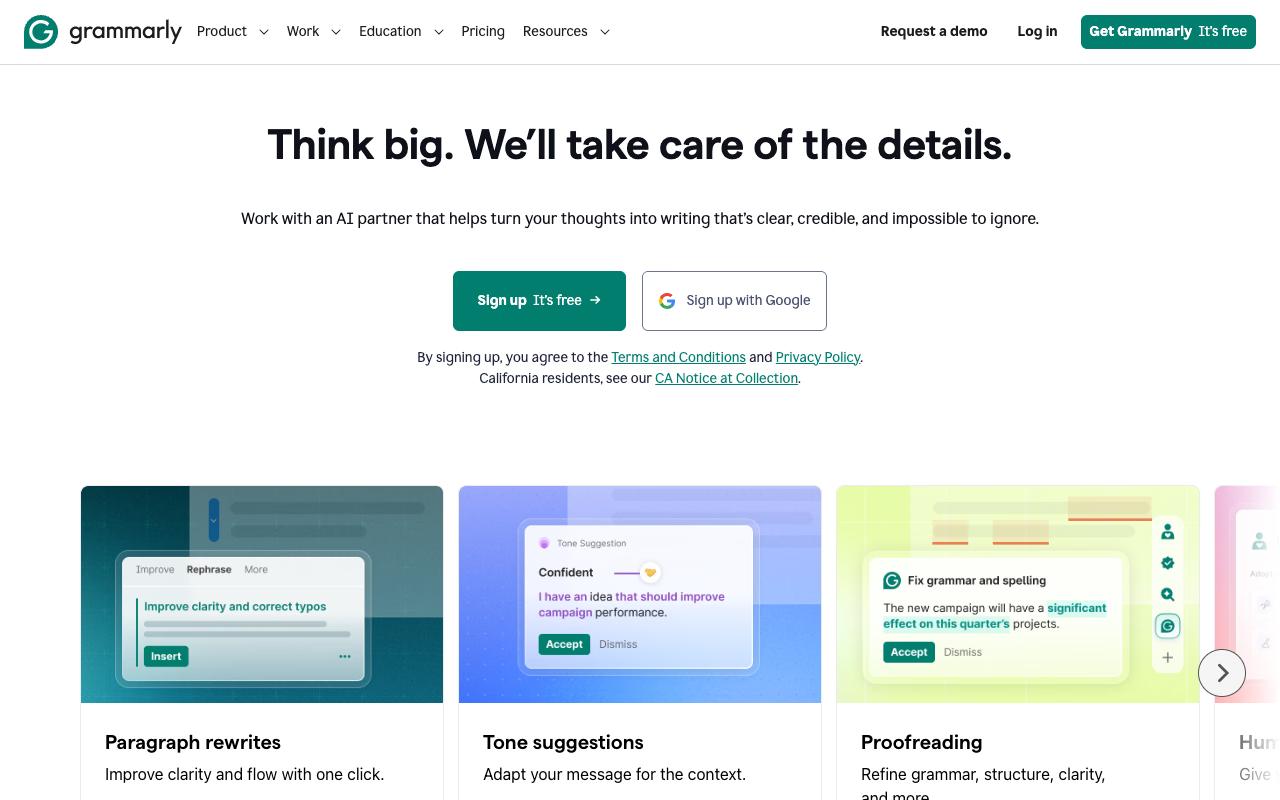
Grammarly is the writing-layer tool: real-time grammar, spelling, and punctuation checks plus clarity rewrites, tone adjustment, and full-paragraph rewrites. Per its homepage it's used by 40 million people and 50,000 organizations. For content teams, the more relevant pieces are the custom style guide suggestions and brand tone customization, which let you enforce house style across writers instead of hoping everyone remembers the doc.
Pros:
- Catches spelling, grammar, and punctuation errors reliably in everyday writing
- Free tier is useful on its own without paying
- Improves clarity and helps writing sound more professional in emails/documents
- Responsive, helpful human customer support in billing disputes
Cons:
- Billing complaints: unexpected annual charges and confusion between monthly vs annual plans
- Refunds and cancellations are reported as difficult to obtain
- Reliability issues, e.g. extension freezing on long documents
- Tone/style suggestions can flag intentional stylistic choices as errors and push writing toward something more generic
- Frequent upsell prompts pushing users toward paid tiers
Pricing: Free tier at $0/month with basic checks and 100 AI prompts. Pro is $12/month billed annually ($30/month monthly) and adds full-sentence rewrites, tone adjustment, plagiarism and AI-text detection, and 2,000 AI prompts per member. Enterprise is contact-sales, per Grammarly's plans page.
The review picture splits sharply by platform: TrustPilot 3.2/5 across 10,444 reviews and G2 4.7/5 across 13,817 reviews. The gap comes down to what each audience is complaining about. TrustPilot reviewers overwhelmingly write about billing, with one describing a $144 charge all at once instead of $12 a month and another saying they were "Billed me out of the blue" after four years of not using the product.
On r/writing, the top comment said Grammarly "drove me away with its ever-more-desperate attempts to get money out of me and its love of being wrong in new ways." A LinkedIn reviewer who's used it since high school praised the core catching but flagged that "Short, punchy sentences flagged as fragments. Intentional lowercase flagged as errors."
On Capterra, Grammarly holds 4.7/5 (via Perplexity). Reviewers commonly praise user-friendly interface, helpful writing suggestions for teams, and strong support for business communication and note cost for smaller organizations, occasional overcorrection of writing style, and limited customization of rules. See the Capterra reviews page.
On G2, Grammarly holds 4.7/5 across 13,817 reviews (via Perplexity). Reviewers commonly praise real-time grammar and style suggestions, ease of use, and cross-platform integration and note occasional incorrect or rigid suggestions, limited control over tone nuances, and pricing concerns for premium plans. See the G2 reviews and pros and cons pages.
Verdict: Great as an error net, less great as a style authority. Watch the annual billing carefully.
3. Jasper
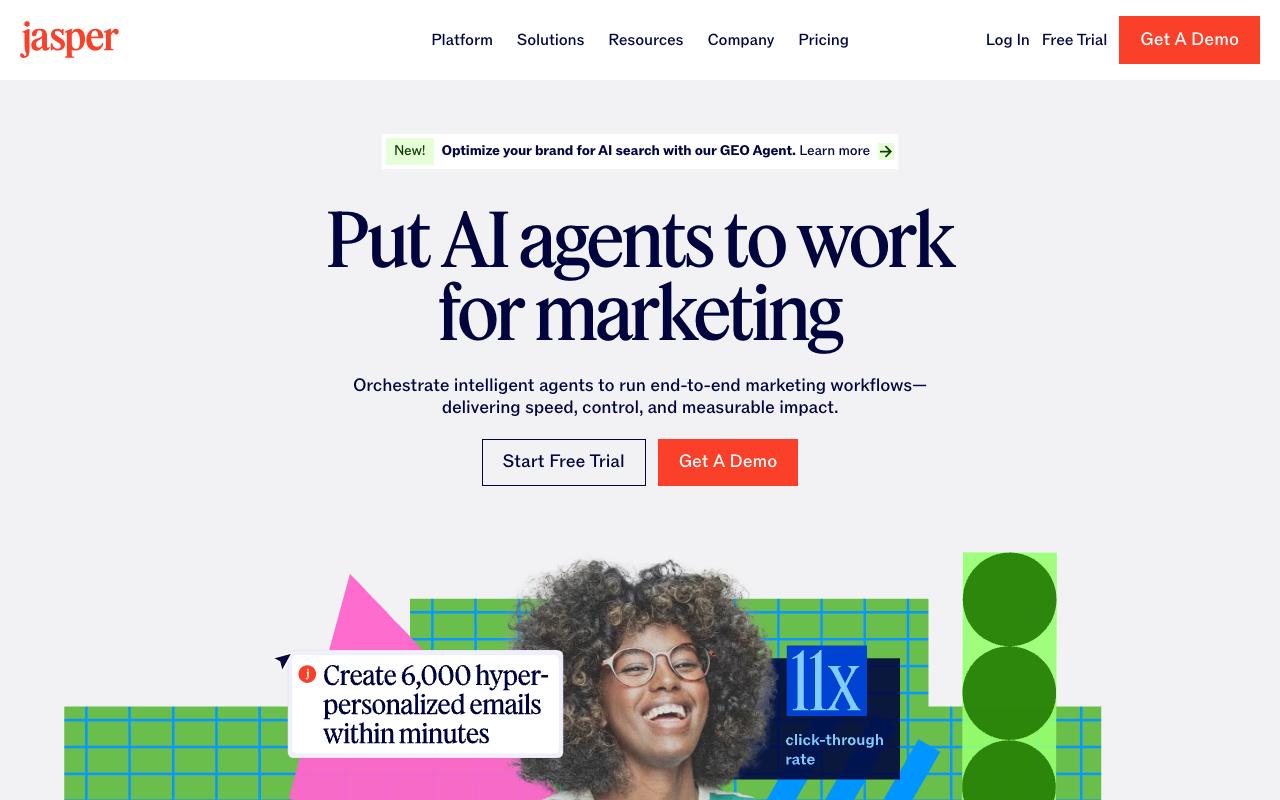
Jasper positions itself as an AI agent platform for marketing workflows rather than a straight writing tool, with brand voices, knowledge assets, and audience profiles feeding into agents that run campaign work end to end. It targets marketing teams at larger organizations across financial services, healthcare, tech, retail, and media.
Pros:
- Easy, user-friendly interface even for non-technical users
- Speeds up first-draft content creation for blogs, ads, and social posts
- Useful marketing-focused templates that streamline workflows for specific industries
- Helpful for quick drafts and marketing automation tasks
Cons:
- Output often feels generic and requires heavy editing
- Struggles with creativity/originality for nuanced or niche topics
- Perceived quality decline over time per long-time users
- Subscription pricing seen as expensive versus competitors like ChatGPT and Copy.ai
- Numerous complaints about difficult cancellation and surprise auto-renewal charges
- Customer support described as slow or unresponsive to billing disputes
Pricing: Pro is $59/month per seat billed yearly ($69 monthly), which covers one seat, the Canvas platform, core agents, 2 Brand Voices, 5 Knowledge assets, and 3 Audiences. Business is custom-priced and adds advanced agents, a no-code custom agent builder, unlimited brand voices, API access, and governance. Both per Jasper's pricing page, with a 7-day trial on Pro.
Ratings are as divided as Grammarly's: TrustPilot 3.2/5 across 4,144 reviews · G2 4.7/5 across 1,270 reviews. TrustPilot is dominated by billing and cancellation complaints, with one reviewer writing "Not worth the money" and another simply "SCAMMERS."
A more useful signal comes from r/SaaS, where an original poster said Jasper's website content "often lacked structure, readability, and keyword focus," and the top comment argued "Jasper used to be good like two years ago but it feels like it's been going downhill." Commenters described moving to custom workflows with ChatGPT or Claude plus SurferSEO instead. A LinkedIn reviewer was warmer on the interface and templates but agreed the output "may feel overly generic or lack" originality on niche topics.
On Capterra, Jasper holds 4.8/5 (via Perplexity). Reviewers commonly praise fast content creation, user-friendly interface, and helpful templates for marketing copy and note cost relative to alternatives, need for close editing of outputs, and inconsistent performance on complex long-form content. See the Capterra reviews page.
On G2, Jasper holds 4.7/5 across 1,270 reviews (via Perplexity). Reviewers commonly praise high-quality ai-generated content, ease of use, and strong brand voice support and note pricing concerns, occasional inaccurate outputs, and limited value for advanced or bulk content needs. See the G2 reviews and pros and cons pages.
Verdict: Useful for volume first drafts with brand guardrails, but budget real editing time and check the cancellation terms before you commit.
4. BuzzSumo
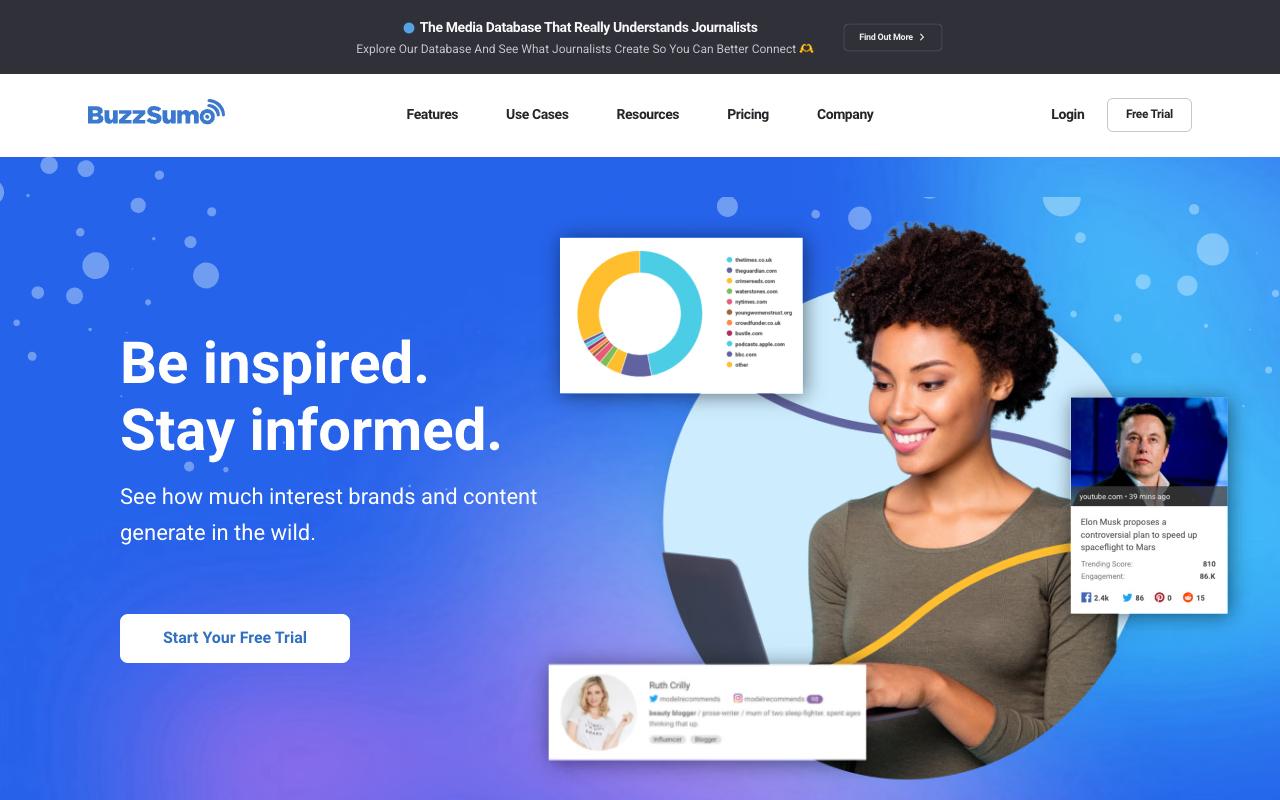
BuzzSumo is a research and PR tool. Its Content Analyzer searches a large index of articles by social engagement to show what's performing on any topic or domain, and the Question Analyzer pulls real customer questions from Reddit, Quora, Amazon, and Q&A sites to find content gaps. The media database and outreach tools make it a real PR product on the higher tiers rather than a content-ideas generator.
Pros:
- Effective for content research and discovering trending/engaging content
- Good for finding relevant blogs, forums, and articles on any topic
- Useful for identifying journalists/influencers for PR outreach
- Well suited to agencies or companies producing large volumes of content
- Long-term users report loving the service when they first started
Cons:
- Expensive/pricey, especially for a single website or small budget
- Pricing has escalated sharply over time for long-term subscribers (one user cited increases from $1805 to $3500)
- Customer service reportedly unwilling to negotiate pricing
- Limited functionality without a Premium subscription
- Limited ROI reported by some users relative to cost (e.g. only finding one useful journalist contact)
Pricing: Content Creation is $199/mo billed yearly (1 user, 2 alerts). PR & Comms is $299/mo (5 users, media database and outreach). Suite is $499/mo (10 users, YouTube Analyzer). Enterprise is $999/mo, annual billing only (30 users, 50 alerts). All per BuzzSumo's pricing page, with a free trial on every plan.
TrustPilot 2.8/5 across just 6 reviews · G2 4.5/5 across 107 reviews. The TrustPilot sample is too small to mean much, but one detailed 3-star review is worth reading: a customer since 2020 who "loved their service" said pricing went from $1,805 to $2,868 for three years, then "just bumped up to $3500 so that kinda pushed me over the edge to not using it," and support wouldn't negotiate.
On r/SEO, one commenter called it valuable for agencies producing lots of content but not worth the price for a single site on a budget. Another said they tried it for six months and found exactly one good journalist through it.
On Capterra, BuzzSumo holds 4.7/5 (via Perplexity). Reviewers commonly praise content discovery and competitive research and note pricing and occasional usability limitations. See the Capterra reviews page.
On G2, BuzzSumo holds 4.5/5 across 107 reviews (via Perplexity). Reviewers commonly praise content discovery and curation and note limited functionality for deeper analytics. See the G2 reviews and pros and cons pages.
Verdict: Buy it for PR outreach at agency scale. Skip it if you're one site trying to find blog topics.
5. Ahrefs
Ahrefs runs on its own web index (170T pages, 41.9B keywords tracked per its product page) and covers competitive intelligence, keyword research, site audits, rank tracking, and now Brand Radar for tracking mentions and citations inside AI chatbots. Content-specific tools include AI Content Helper, AI Content Grader, and Content Explorer for finding gaps.
Pricing: Free tier at $0 with limited Site Explorer and Site Audit for verified site owners. Starter is $29/mo. Lite is $129/mo (5 projects, 750 tracked keywords, 1 user). Standard is $249/mo (20 projects, 2,000 keywords). Advanced is $449/mo (50 projects, 5,000 keywords). Enterprise is $1,499/mo with an annual commitment. Extra seats cost $40 to $80/mo depending on tier, per Ahrefs' pricing page.
TrustPilot 2.1/5 across 319 reviews · G2 4.5/5 across 707 reviews. That's the widest split on this list.
TrustPilot's negatives cluster on price, while its positives are unusually strong from long-time users who say Ahrefs "remains one of the most powerful tools in my SEO stack" and "is still the gold standard." One reviewer noted the team refunded them when the tool wasn't the right fit. Over on r/SEO, a long thread challenged the accuracy of Ahrefs' keyword and traffic data, with one commenter arguing "neither of them can produce anything much better than GSC" and another saying they dropped Semrush because "their metrics were so far off."
On Capterra, Ahrefs holds 4.7/5 (via Perplexity). Reviewers commonly praise robust features for backlink analysis and rank tracking with accurate data and strong overall seo capabilities and note expensive plans and usage-based limits that can feel restrictive for smaller teams. See the Capterra reviews page.
On G2, Ahrefs holds 4.5/5 across 707 reviews (via Perplexity). Reviewers commonly praise powerful backlink and keyword data with comprehensive seo tools and reliable competitor insights and note high pricing and credit limits combined with a learning curve for new users. See the G2 reviews and pros and cons pages.
Verdict: The data depth is real and the per-seat costs add up fast. Treat the traffic estimates as directional, not gospel.
6. HubSpot Marketing Hub
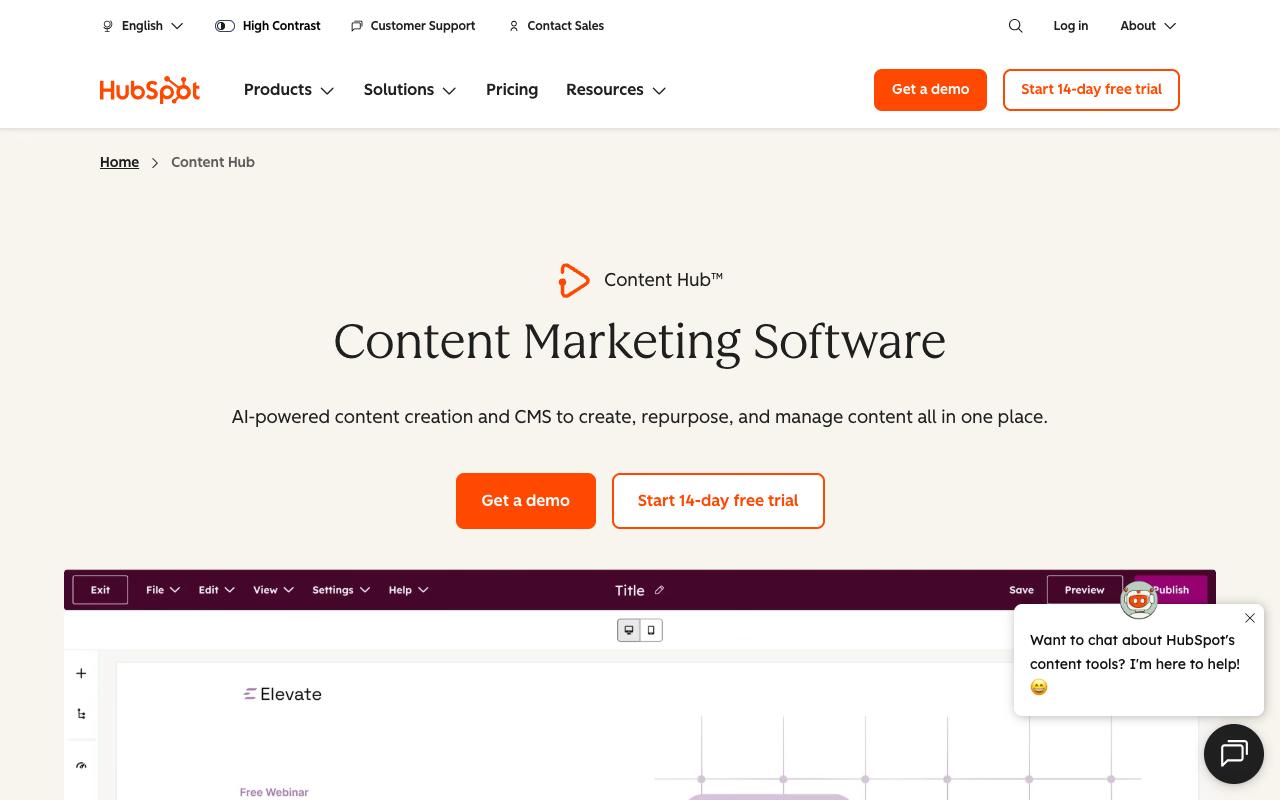
HubSpot's Content Hub and Marketing Hub bundle content creation, CMS, forms, email, ads across Meta/Google/LinkedIn/TikTok, social management, and reporting on top of the CRM. The pitch is one customer record across marketing, sales, and service instead of stitching six tools together, which helps a lot if attribution is your problem.
Pros:
- Free tier/CRM is a real usable product, not just a demo, letting teams run marketing for months before paying (LinkedIn/G2 summary)
- Marketing automation and campaign setup considered far superior to Salesforce (LinkedIn - Justin Humphreys)
- Integrated platform gives one unified customer record across Sales/Marketing/Service, reducing tool-stitching (LinkedIn)
- Intuitive, easy-to-navigate UI compared to alternatives like Salesforce (LinkedIn)
- HubSpot Academy/onboarding resources are valued by long-time users (LinkedIn/G2 summary)
Cons:
- Steep pricing jumps between tiers ('pricing cliff'), with renewals often described as costly negotiations
- Seat-based pricing model is confusing and complicates team management/partner relationships
- Previously included features get moved behind higher-priced tiers over time, frustrating long-time users
- Reporting struggles with large data volumes and lacks summary calculations compared to Salesforce
- Poor/slow customer support reported by multiple reviewers, including unresponsive success support
- Billing and contract issues: auto-renewal surprises, rigid contracts that don't allow reducing seats/services
- Onboarding and implementation can be more complicated and costly than represented during sales process
Pricing: Free for up to 2 users. Starter is $20/mo/seat list (promotional new-customer pricing as low as $7/mo/seat). Professional is $890/mo list ($800/mo annual) with 3 core seats, plus a one-time $3,000 onboarding fee. Enterprise starts at $3,600/mo with 5 core seats and a one-time $7,000 onboarding fee. All per HubSpot's marketing pricing page.
TrustPilot 1.6/5 across 1,147 reviews · G2 4.4/5 across 14,847 reviews. TrustPilot reviewers write almost exclusively about contracts and support: "Changed terms of contract after signing, reduced number of seats without informing in advance," "they do not notify you of auto billing," and "absolutely ZERO support whatsoever." One said implementation "was considerably more complicated than we had been led to expect" after signing.
On r/hubspot, long-time users focused on the seat model and feature migration, with comments like "seats are complicating everything" and "features that were once included in our plan are now locked behind higher paywalls." The counterweight is a LinkedIn review from Justin Humphreys, who migrated from Salesforce and said "Marketing automation & campaign set up is FAR superior" while spending "more than 50% less," though he flagged reporting limits around calculated fields and bulk editing.
On Capterra, HubSpot Marketing Hub holds 4.5/5 (via Perplexity). Reviewers commonly praise user-friendly interface, comprehensive feature set, and effective marketing automation with good integrations and note high pricing for growing teams, limitations in advanced customization, and a learning curve for complex workflows. See the Capterra reviews page.
On G2, HubSpot Marketing Hub holds 4.4/5 across 14,847 reviews (via Perplexity). Reviewers commonly praise ease of use and all-in-one marketing automation with strong crm integration and note pricing at higher tiers, cost scaling with contact list size, and complexity of advanced features and reporting. See the G2 reviews and pros and cons pages.
Verdict: Worth it if you need marketing and CRM in one system and can absorb the onboarding fee. Negotiate the renewal before you sign the first contract.
7. Semrush
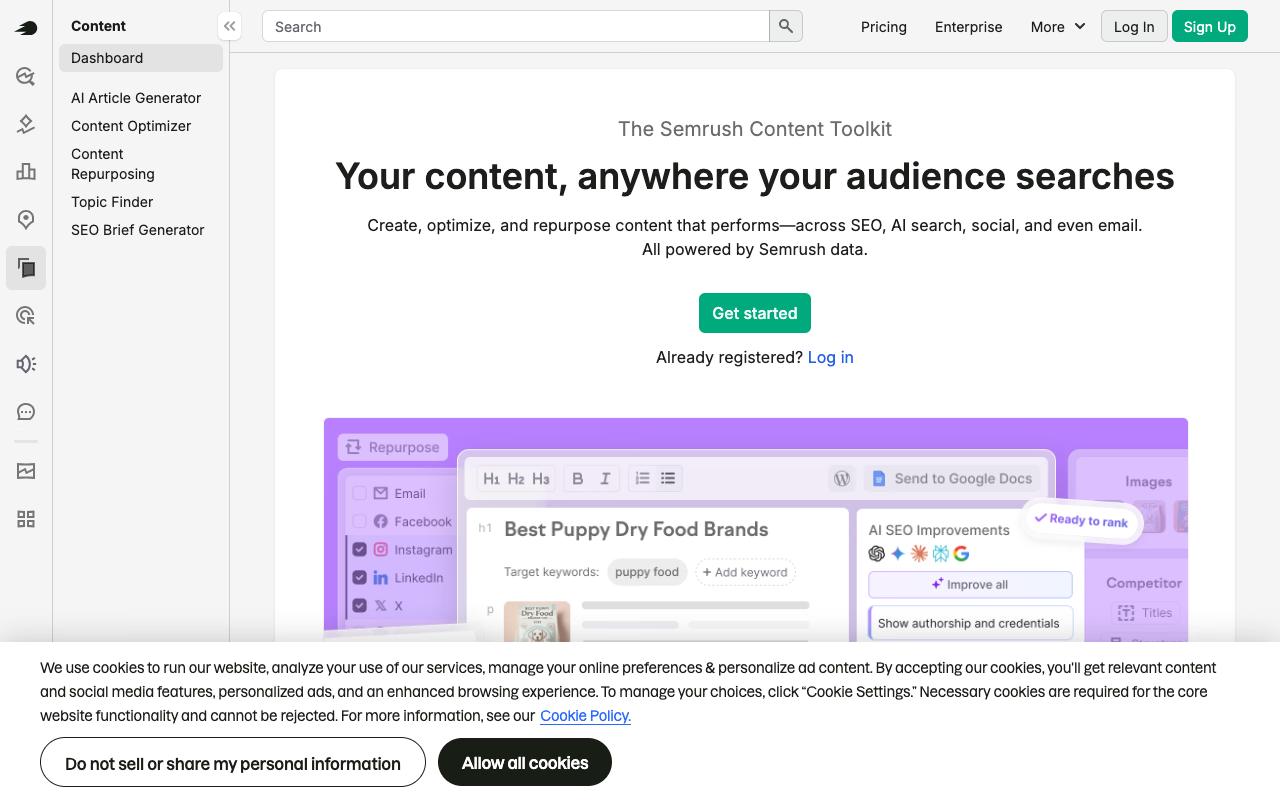
Semrush's Content Toolkit generates full SEO article drafts, flags what's blocking content from ranking in both Google and LLM results, and repurposes published pages into emails and social posts with WordPress and Mailchimp publishing built in. Semrush aims it squarely at small teams, beginners, and non-writers who need SEO-optimized output without SEO expertise.
Pros:
- Reviewers acknowledge the core product/data (competitor keyword research, SEO tooling) has real value even amid billing complaints
- Long-time users find it a comprehensive, capable SEO toolset worth the investment for agencies
Cons:
- Deliberately difficult, convoluted free-trial cancellation process
- Frequent unexpected charges after trials, with refunds routinely denied even when support admits errors
- Considered expensive, especially as add-ons (extra seats, AI insights, PDF exports) increase costs
- Gated/limited features (e.g. PDF export limits, AI insights) push customers toward additional paid add-ons
Pricing: SEO is $139/mo ($117.33 annual). Starter with AI Search is $199/mo. Pro+ is $299/mo (15 websites, 1,500 keywords/day). Advanced is $549/mo (40 websites, API access). Enterprise is custom. All per Semrush's SEO & AI Search pricing page.
TrustPilot 1.7/5 across 1,356 reviews · G2 4.4/5 across 3,991 reviews. TrustPilot is dominated by trial-cancellation complaints. One review titled "Good product, terrible CS, opaque cancellation process ending in charges" describes being charged after a broken cancellation link and refused a refund even after support acknowledged its own guidance was misleading. Others report $199 and $240+ charges shortly after signing up.
Over on r/localseo, an eight-year customer paying nearly $400/month hit a PDF export limit and was told to pay more to export monthly reports, which was enough to trigger a "I'M OFFICIALLY DONE WITH SEMRUSH" thread. Commenters agreed on the cost, with one saying "Semrush is so dang expensive."
On Capterra, Semrush holds 4.6/5 (via Perplexity). Reviewers commonly praise robust seo features and analytics, especially keyword research and site audits, that help improve online visibility and marketing performance and note high cost relative to smaller budgets and occasional difficulty navigating or mastering the full feature set. See the Capterra reviews page.
On G2, Semrush holds 4.4/5 across 3,991 reviews (via Perplexity). Reviewers commonly praise comprehensive all-in-one seo and digital marketing toolkit with strong keyword data, competitive analysis, and reporting capabilities and note premium pricing, steep learning curve, and complexity of the interface for new or non-technical users. See the G2 reviews and pros and cons pages.
Verdict: Strong toolset with a documented pattern of billing friction. Set a calendar reminder before the trial ends and take screenshots of the cancellation flow.
8. Clearscope
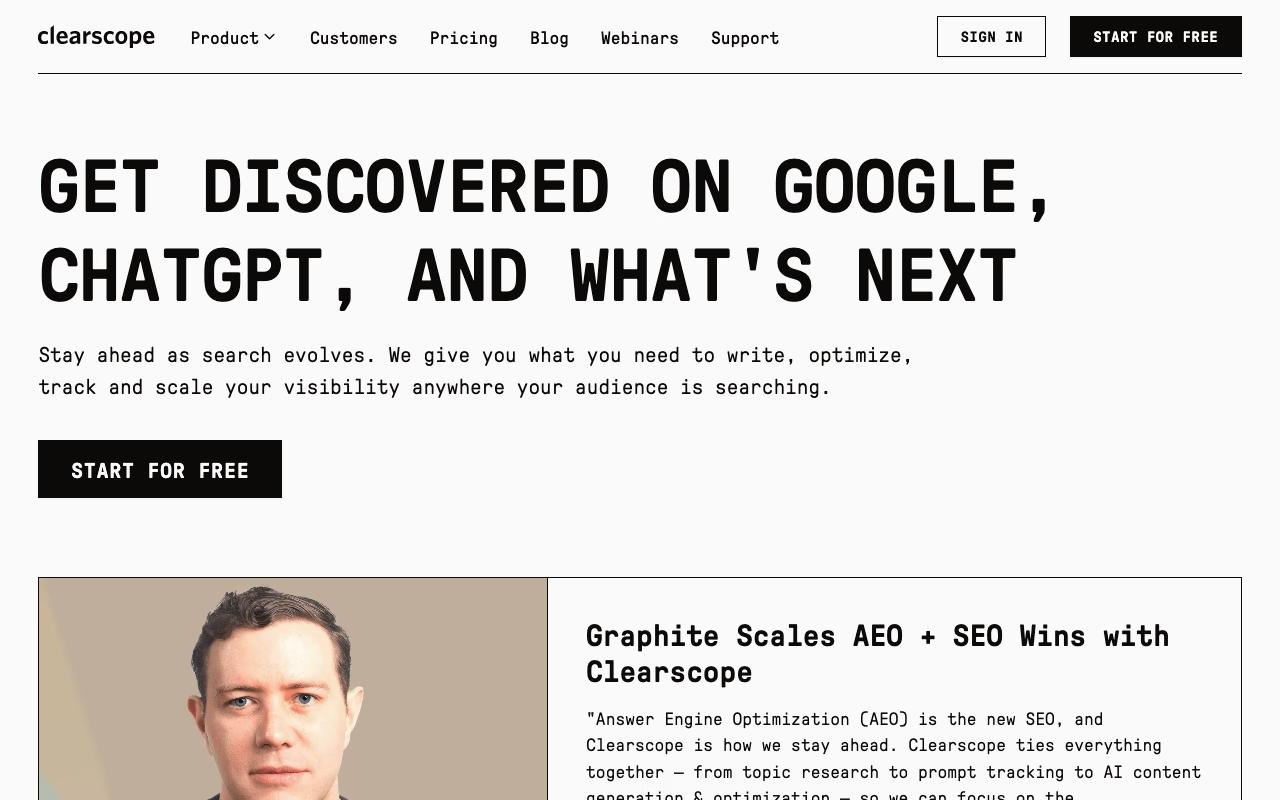
Clearscope does one thing: content optimization for Google and AI search. You get real-time grading as you draft, term and topic coverage recommendations, citations and popular questions for E-E-A-T, and AI-driven internal linking. It plugs into Google Docs, Word, and WordPress so writers stay where they already work.
Pricing: Essentials is $129/month (50 tracked prompts, 50 pages, 20 topic explorations, 20 drafts). Business is $399/month (300 prompts, 300 pages, dedicated account manager). Enterprise is custom with SSO and crawler whitelisting. Unlimited users and projects on every plan, no contracts, 14-day free trial, per Clearscope's pricing page.
Independent reviews weren't available from verified sources at the time of research. G2 4.9/5 across 92 reviews and Capterra 4.9/5 are the highest aggregates on this list, though the G2 sample is small compared to Semrush or HubSpot.
On Capterra, Clearscope holds 4.9/5 (via Perplexity). Reviewers commonly praise easy-to-use content optimization with helpful recommendations that improve rankings and streamline workflow and note premium cost, lack of free plan or trial, and basic keyword research features versus more comprehensive alternatives. See the Capterra reviews page.
On G2, Clearscope holds 4.9/5 across 92 reviews (via Perplexity). Reviewers commonly praise intuitive, writer-friendly interface and clear content grading that simplifies seo optimization and saves time and note relatively high pricing for small teams and freelancers and limited keyword research depth compared to full seo suites. See the G2 reviews and pros and cons pages.
Verdict: The unlimited-users pricing makes it unusually cheap for a team of writers. Narrow scope, done well.
9. MarketMuse
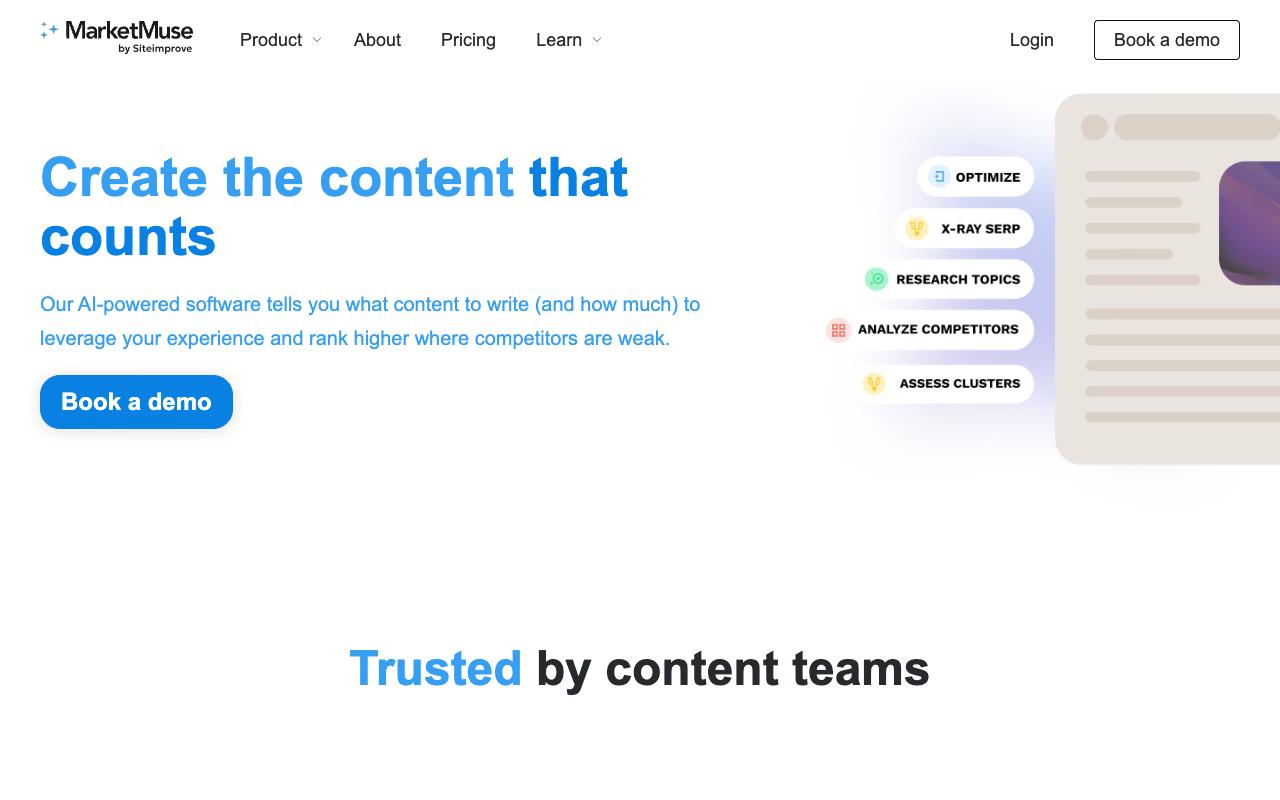
MarketMuse takes on a question keyword tools can't answer: how much content you need to own a topic, and where you're already strong enough to win. It analyzes your entire content inventory, scores topic difficulty against your own authority instead of a generic benchmark, finds gaps competitors have missed, and produces a content plan and optimization briefs. Built for brands, publishers, and agencies where SEOs, strategists, and editors share the workflow.
Pricing: The public pricing page no longer lists dollar amounts for paid tiers. Free covers 1 user and 10 queries/month. Optimize (100 tracked topics, 5 briefs/month), Research (1,000 topics, 10 briefs), and Strategy (10K topics, 20 briefs) all require booking a demo for pricing.
G2 4.6/5 across 216 reviews and Capterra 4.6/5. Beyond the aggregates, the only other signal is an informal LinkedIn post from SEO specialist and freelance writer Janine Heinrichs, who wrote that "It doesn't just suggest keywords; it helps you build entire content strategies, uncover gaps, and connect your articles into clusters that actually drive authority." That's one practitioner's take, not a review floor.
On Capterra, MarketMuse holds 4.6/5 (via Perplexity). Reviewers commonly praise data-driven insights and detailed content recommendations that help plan and optimize articles and note cost and limited affordability for users who do not have large-scale content operations. See the Capterra reviews page.
On G2, MarketMuse holds 4.6/5 across 216 reviews (via Perplexity). Reviewers commonly praise strong content optimization and topic research capabilities that improve seo performance and note high pricing and perceived value for money relative to smaller teams and budgets. See the G2 reviews and pros and cons pages.
Verdict: The topical authority modeling is genuinely differentiated. Hidden pricing means you'll spend a sales call before you know whether you can afford it.
FAQ
What's The Cheapest Content Marketing Tool On This List?
Grammarly Pro at $12/month billed annually, though it only covers the writing layer. Ahrefs Starter at $29/month is the cheapest research tool. Several tools have usable free tiers: Grammarly Free, Ahrefs Free (limited Site Explorer and Site Audit for verified site owners), HubSpot Free for up to 2 users, and MarketMuse Free with 10 queries per month.
Why Do These Tools Have Such Different Ratings On TrustPilot Versus G2?
Look at what each set of reviewers is writing about. TrustPilot reviews for Semrush (1.7/5), HubSpot (1.6/5), and Ahrefs (2.1/5) are dominated by billing, cancellation, and contract complaints. The G2 aggregates for the same tools (4.4/5, 4.4/5, and 4.5/5) reflect product experience from users who are already committed. Both are real. One tells you about the product, the other tells you about the commercial relationship.
Which Tools Have Documented Billing Complaints I Should Watch For?
Semrush reviewers describe a convoluted trial cancellation process ending in charges and denied refunds. HubSpot reviewers report contract terms changing after signing and undisclosed auto-billing. Grammarly reviewers report unexpected annual charges, including one charged $144 at once instead of $12 monthly. Jasper's TrustPilot reviews are dominated by cancellation and auto-renewal complaints. In every case, read the cancellation terms before the trial ends.
Related Posts
Looking to learn more? The below posts may be helpful for you to learn more about social media and content marketing.