Free LinkedIn Post Generator
This free LinkedIn post generator turns a topic, a goal, and one specific proof point into ready-to-publish post options in under a minute. Most LinkedIn posts fail before anyone reads them, because they open with a generic line and never give the reader a reason to expand. This tool builds posts around a real story, result, or point of view, in the tone you choose.
Output
Generated posts
The best results include a clear topic, a goal, and one specific story, metric, or point of view to build around.
How it Works
Step 1: Add your topic.
Write what the post is about in a sentence, not a keyword. "Why most B2B teams get founder-led content wrong" gives the generator a point of view to build around. "Content marketing" does not. The sharper the topic, the sharper the post.
Step 2: Pick your goal.
Choose what you want the post to do: start a conversation, share a lesson, build authority, announce something, or drive signups. This is the input that changes the shape of the post most. A post written to start a conversation ends differently from one written to drive signups, and the hook is built differently too.
Step 3: Choose a tone.
Pick professional, conversational, bold, storytelling, or witty. This sets the voice, the rhythm, and how direct the opening line is. If you post regularly, pick the tone that matches how you already sound, so the output needs less editing.
Step 4: Add your proof or context.
This is optional, but it is the difference between a post that sounds like anyone and one that could only come from you. Add a story, a result, a metric, or a specific point of view for the post to be built around. Better inputs, better posts.
Step 5: Click "Generate posts."
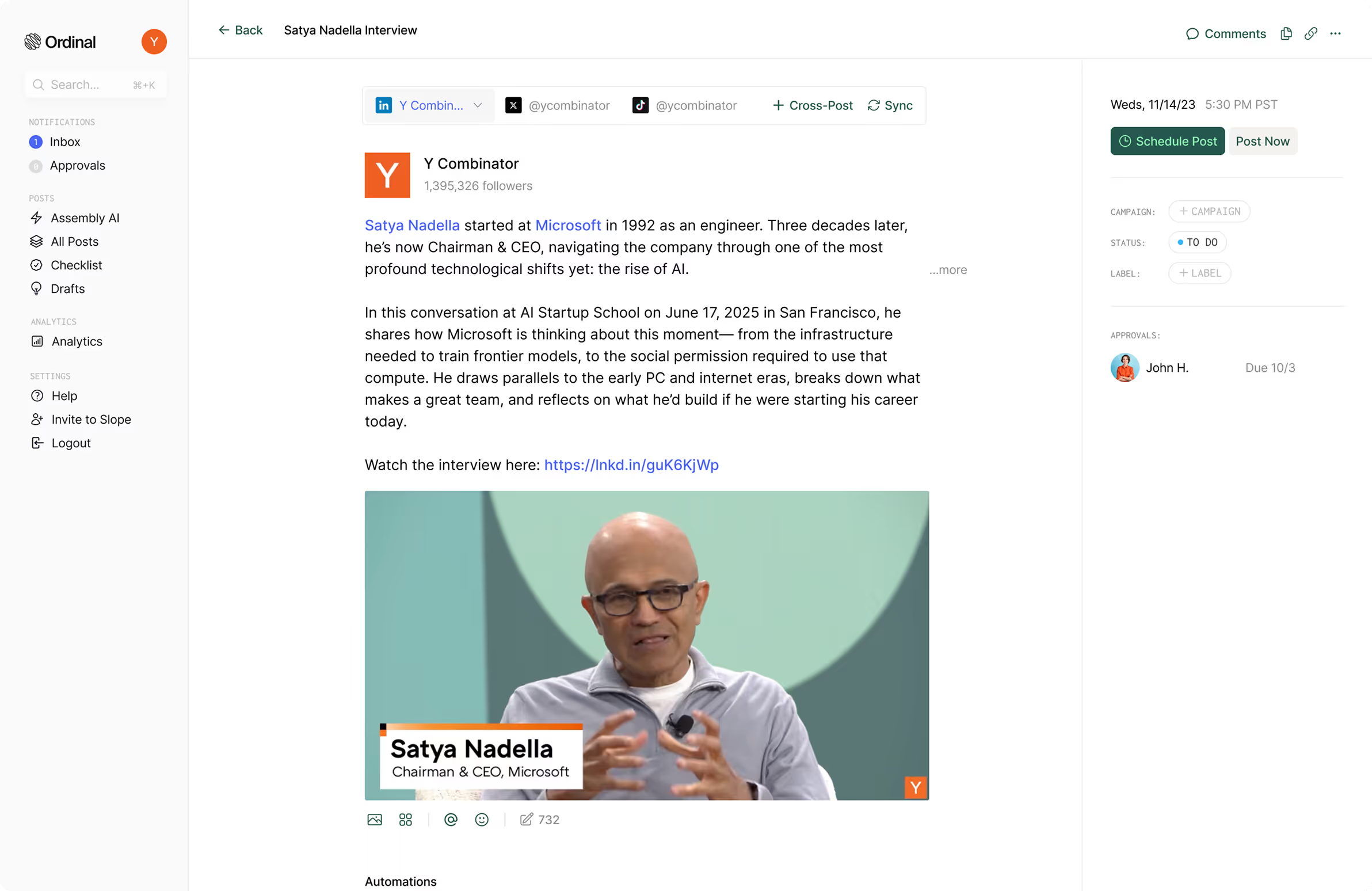
You will get a set of post options built from your inputs, each formatted for the LinkedIn feed with a hook that works in the first two lines.
Step 6: Edit and publish.
Read the opening line first. That is what decides whether anyone clicks "see more." Adjust the wording so it sounds like you, check that any claim or number is accurate, and paste it into LinkedIn.
Treat the results as strong first drafts, not finished copy. The generator handles structure, hooks, and formatting. You bring the specifics and the voice that make a post worth reading.
Frequently Asked Questions
What is a LinkedIn post generator?
A LinkedIn post generator is a free tool that turns a few details about what you want to say, including your topic, goal, tone, and one proof point, into ready-to-use post options. It helps you get past the blank page and start from a structured draft rather than a first guess.
How long should a LinkedIn post be?
LinkedIn allows up to 3,000 characters, but only the first two or three lines, roughly 140 to 210 characters, show before the "see more" cut. Front-load the hook, then use the remaining space if the story needs it. Short posts and long posts both perform well on LinkedIn. What matters is that the opening earns the expand.
What makes a good LinkedIn post?
Open with a specific line that creates a reason to keep reading, build the post around one real story, result, or point of view, and use short paragraphs with white space so it is easy to scan on mobile. Close with something the reader can respond to. Avoid vague advice that could have been written by anyone about anything.
What does the goal setting change?
The goal shapes the structure and the ending. A post built to start a conversation opens differently and closes with an invitation to respond. One built to drive signups moves toward a clear next step. Choosing the right goal is what keeps the post from reading like general commentary.
Which tone should I choose?
Pick the tone closest to how you already write, so the output needs the least editing. Professional suits company updates and executive posts, conversational works for most founder content, bold suits strong opinions, storytelling suits case studies and lessons, and witty works when your audience already expects that from you.
Do I need to add a proof point?
No, it is optional, but it is the highest-leverage input on the page. A specific metric, story, or point of view is what makes a post credible and memorable. Without one, the output will be structurally sound but more generic.
Is the LinkedIn Post Generator free?
Yes. You get five free generations every eight hours.
Do I have to use the generated post exactly as written?
No. Treat the output as a first draft. The generator handles the hook, the structure, and the formatting. Review the opening line closely, confirm any numbers or claims are accurate, and adjust the wording so it sounds like you before publishing.
Will AI-generated posts hurt my reach on LinkedIn?
LinkedIn does not penalize posts for being drafted with AI. What affects reach is whether people stop, read, and engage. Posts that are edited to sound like a real person, built on a specific story or result, and written for a clear audience perform better than generic output published as-is.