


Back to Changelog
June 4, 2026
Video Cover Photos
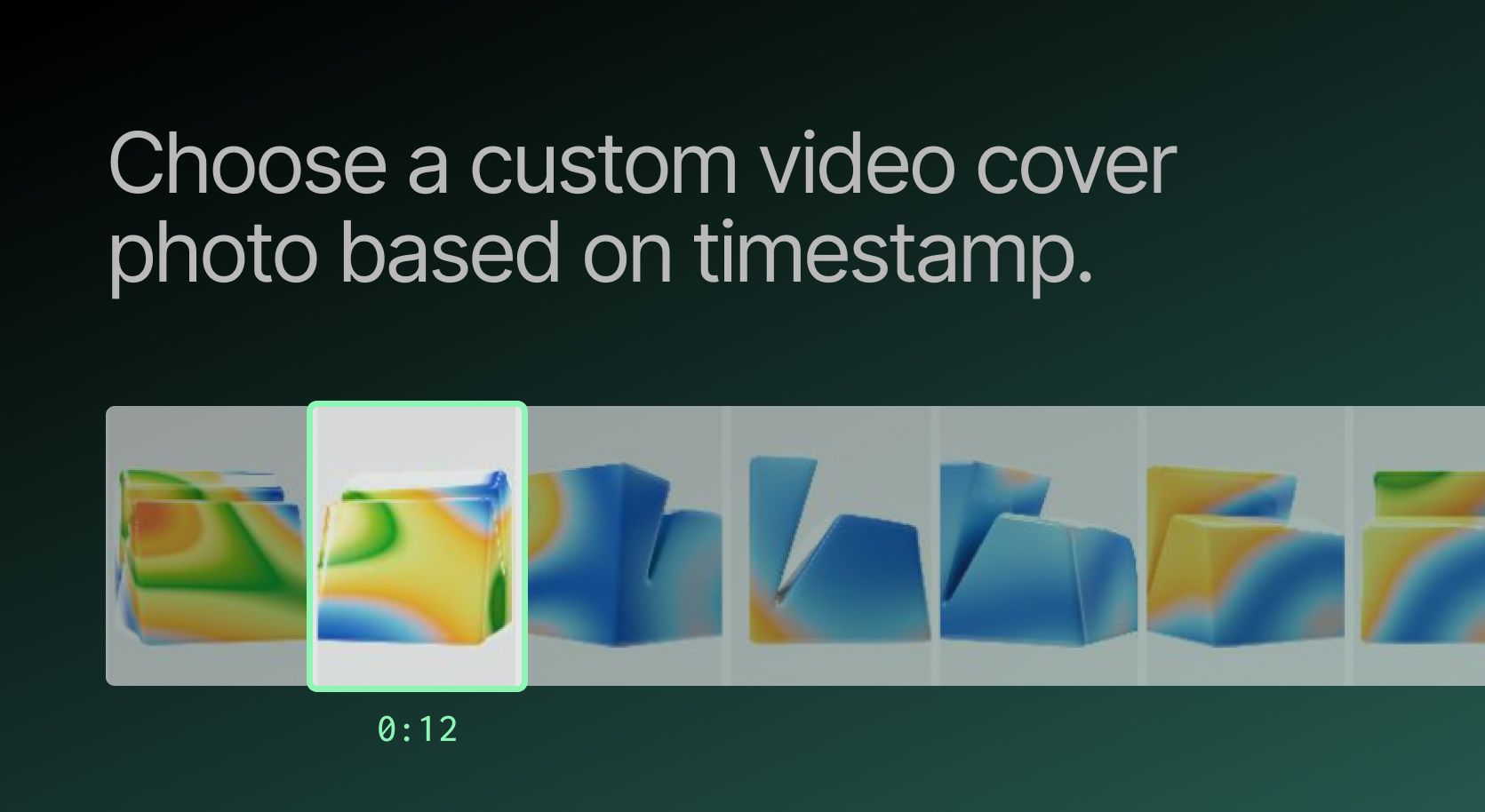
You can now pick any frame from your video as the cover photo, right inside the Ordinal post composer. No more leaving Ordinal to screenshot or export a frame and re-upload it - just select the perfect moment from your video and save.
How it works
On any video post, click Cover Photo to open the cover photo modal. From there, choose how you want to set your cover:
- Select cover photo from uploaded video - Drag along the filmstrip to land on the exact moment you want.
- Upload cover photo - Prefer a fully custom image? Drop or browse for a JPG or PNG, just like before.
Click Save Cover Photo to apply it.
Questions? Email support@tryordinal.com.
Start succeeding on socials with Ordinal.
Content Agencies
Founders & Execs
Social Media Managers
Content Marketers
Growth Teams
Content Agencies
Founders & Execs
Social Media Managers
Content Marketers
Growth Teams
Content Agencies
Founders & Execs
Social Media Managers
Content Marketers
Growth Teams